logo
RunComfy
  • ComfyUI
  • TrainerNew
  • Models
  • API
  • Pricing
discord logo
MODELS
Explore
All Models
LIBRARY
Generations
MODEL APIS
API Docs
API Keys
ACCOUNT
Usage

Flux 2 Klein 4B: 4-Step Sub-Second Text-to-Image Generation | RunComfy

blackforestlabs/flux-2-klein/4b/text-to-image

Generate and edit high-quality images from text with sub-second speed, accurate multi-reference compositing, and up to 1024x1024 resolution for e-commerce, design, and product marketing.

Idle
[Super Limited Time Offer] The rate is $0.003 per image.

Introduction To Flux 2 Klein 4B

Black Forest Labs' Flux 2 Klein 4B Text to Image generates images from text and performs multi-reference editing at $0.003 per image with sub-second latency and up to 1024x1024 output, delivering ultra-fast, unified text-to-image and image editing. Trading manual masking, slow upscales, and GPU wrangling for 4-step, prompt-faithful, multi-reference compositing, Flux 2 Klein 4B streamlines creative iteration and brand-safe edits for e-commerce teams, designers, and product marketers on RunComfy. For developers, Flux 2 Klein 4B on RunComfy can be used both in the browser and via an HTTP API, so you don’t need to host or scale the model yourself.
Ideal for: Rapid Creative Prototyping | On-Brand Campaign Visuals | Multi-Reference Product Mockups

Black Forest Labs / Flux 2 Klein 4B Text to Image


Flux 2 Klein 4B is a compact, open-weight text-to-image and image-editing model built by Black Forest Labs, optimized for speed and responsive creative iteration. It accepts a text prompt (and optionally one or more reference images for editing) and returns a single image suitable for concepting, mockups, and fast visual experiments.


Output format: up to ~1024×1024 resolution (commonly used), fps: n/a, duration: n/a, aspect ratio: flexible, audio: none


Highlights


  • Distilled, fast sampling: Flux 2 Klein 4B commonly reaches interactive latency with very few steps, enabling quick prompt iteration.
  • Unified generate + edit: One model for text-to-image and image-to-image, with optional multi-reference guidance for consistent edits.
  • Open and integration-friendly: Apache 2.0 open weights and support across popular tooling make deployment flexible.
  • Efficient by design: Flux 2 Klein 4B typically runs on consumer-grade GPUs or cloud instances without heavy VRAM needs.
  • Strong prompt adherence: Good control via descriptive prompts, camera terms, and style cues, with reliable reproducibility via seeds (when exposed by the platform).


Parameters


ParameterRequiredTypeDefaultRange / OptionsDescription
multipart*Yes (*)objectNonen/aContainer for form-data fields; typically includes prompt text and generation options.
bodyNoobjectNonen/aThe multipart body payload; commonly includes fields such as prompt, steps, width, height, and optional references (varies by provider).
contentTypeNostringNonen/aContent type for multipart submissions; set by the client or SDK.


Pricing


UnitPrice
Per image$0.003


How to Use


1) Choose the model in RunComfy: select Flux 2 Klein 4B Text to Image for generation or editing workflows.

2) Prepare your input:

- Text-to-image: write a concise prompt with subject, style, lighting, and camera terms.

- Image editing: upload one or more reference images (if your workflow supports multi-reference editing) to guide style or identity.

3) Set image size and aspect ratio:

- Start with 1024×1024 for quality and speed; adjust aspect ratio to fit your composition.

4) Configure steps and quality:

- Fewer steps are faster; more steps can refine detail. Typical ranges vary by provider.

5) Use a seed if available:

- Fix a seed to reproduce results; change it to explore new variations around the same prompt.

6) Run the job and review outputs:

- Iterate by adjusting style tokens, composition terms, or references; save preferred seeds and prompts.

7) API usage (no self-hosting required):

- Submit a multipart POST with fields like prompt, steps, width, and height to the platform endpoint; Flux 2 Klein 4B is also compatible with common AI-inference APIs that accept multipart form data.


Prompt & Reference Tips


  • Use structured prompts: subject + style + medium + lighting + lens/camera + mood; Flux 2 Klein 4B responds well to concrete, visual language.
  • Keep references consistent: if editing, align angle, lighting, and scale between reference(s) and the target description.
  • “Follow the reference but change X”: be explicit (e.g., “same outfit and pose, new background: rainy neon city”).
  • Iterate thoughtfully: lock a good seed, then vary one factor at a time (lighting, aspect ratio, or adjective set).
  • Mind resolution trade-offs: very high resolutions can be slower or less stable; upscale externally if needed after Flux 2 Klein 4B generation.
  • Avoid conflicting terms: remove redundant style tags that point in different directions (e.g., “soft cinematic” vs “harsh studio flash”).
  • Fix common errors: if uploads fail, ensure multipart content type; if compositions clip, choose a matching aspect ratio or reduce subject count.


How Flux 2 Klein 4B Text to Image compares to other models


  • Compared to Nano Banana Pro, Flux 2 Klein 4B delivers much faster generation and open-weight flexibility, while high-end 4K detail and advanced multilingual text rendering are stronger on the competitor (based on publicly available information).
  • Key improvements versus larger, slower setups: Flux 2 Klein 4B emphasizes low-latency 4-step inference, prompt adherence, and unified generate/edit workflows on modest hardware.
  • Ideal use case: choose Flux 2 Klein 4B when rapid creative iteration, multi-reference editing, and open licensing matter more than extreme photorealism or native 4K output.

In short, Flux 2 Klein 4B offers one of the best speed-to-quality trade-offs in its family for agile image creation.


More Models to Try


  • Flux 2 Klein 9B Text to Image — higher fidelity and texture richness; use when you outgrow Flux 2 Klein 4B for fine detail.
  • Flux 2 Flex Text to Image — a higher-quality sibling oriented toward premium outputs on stronger hardware.
  • Flux 2 Dev Text to Image — developer-focused variant for advanced control and research-style workflows.
  • Seedream 4.5 — photorealism-focused alternative for complex scenes and high-resolution demands.
  • Z-Image-Turbo — a low-latency alternative with competitive detail at moderate resolutions.


Related Models

seedream-4-0/edit

Edit and fuse images into high quality results with Seedream 4.0.

nano-banana/pro/text-to-image

Generate detailed multilingual visuals with 4K clarity and creative control.

seedream-5/lite/text-to-image

Prompt-to-visual engine with precise layout and typography control

nano-banana/text-to-image

Seamlessly craft, edit, and fuse images for storytelling, branding, and beyond

wan-2-5/text-to-image

Generate images from text prompts with Wan 2.5 Preview.

gemini-3-pro-image-preview/text-to-image

Create precise, consistent visuals with 4K detail and adaptive text-to-image rendering for design and production needs.

Frequently Asked Questions

What are the main capabilities of Flux 2 Klein 4B in text-to-image applications?

Flux 2 Klein 4B excels in text-to-image generation, image-to-image editing, and multi-reference input blending — all inside one unified model. It provides clean text rendering, photorealistic imagery, and fast output suitable for UI mockups and brand consistency with low latency, often below one second on consumer GPUs.

How does Flux 2 Klein 4B text-to-image compare to models like Seedream 4.5 or Nano Banana Pro?

Flux 2 Klein 4B text-to-image emphasizes speed, local execution, and open-source availability, while Seedream 4.5 and Nano Banana Pro aim for extreme detail and fidelity at higher computational costs. Flux 2 Klein 4B remains a top choice when you need rapid iteration and strong prompt adherence on limited resources.

What is the maximum output resolution supported by Flux 2 Klein 4B text-to-image in RunComfy?

Flux 2 Klein 4B text-to-image currently supports image resolutions up to approximately 2048×2048 pixels (around 4 megapixels), depending on aspect ratio settings. This limit ensures fast generation without exceeding VRAM requirements on GPUs with around 13 GB memory.

Are there aspect ratio or prompt token limits in Flux 2 Klein 4B text-to-image generation?

Flux 2 Klein 4B text-to-image supports flexible aspect ratios between 128×128 and 2048×2048 in steps, and typically allows prompts of up to 512 tokens for highest clarity. Longer prompts will be truncated automatically to maintain consistent performance during inference.

How can I transition from testing Flux 2 Klein 4B text-to-image in RunComfy Playground to production API use?

You can move from the RunComfy Playground (Web UI) to production by using the RunComfy API. The API mirrors the playground model settings for Flux 2 Klein 4B text-to-image, allowing you to automate generation or integrate it into backend workflows. Ensure you secure an API key, review usage pricing, and configure your generation settings as per API documentation.

How many reference images can Flux 2 Klein 4B text-to-image handle for style or character consistency?

Flux 2 Klein 4B text-to-image supports multiple reference inputs through its multi-reference mode. While designed for efficiency, most deployments allow 2–3 references concurrently, balancing fidelity and speed on consumer hardware configurations.

What improvements does Flux 2 Klein 4B text-to-image bring over Flux 1 or larger Flux 2 variants?

Compared to FLUX.1 and larger Flux 2 models, Flux 2 Klein 4B text-to-image uses a rectified flow transformer distilled to just 4 inference steps, achieving sub-second image creation while preserving fidelity. It trades some micro-detail for speed and accessibility on smaller GPUs.

How does Flux 2 Klein 4B text-to-image perform with text rendering and multilingual prompts?

Flux 2 Klein 4B text-to-image is optimized for accurate English text rendering and structured compositions like UI or branding mockups. While multilingual input is possible, best results are achieved in English. For bilingual tasks, additional fine-tuning may be beneficial.

Follow us
  • LinkedIn
  • Facebook
  • Instagram
  • Twitter
Support
  • Discord
  • Email
  • System Status
  • Affiliate
Video Models
  • Seedance 1.0 Pro Fast
  • Seedance 1.0
  • Wan 2.2
  • Hailuo 02
  • Pika 2.2
  • Hailuo 2.3 Fast Standard
  • View All Models →
Image Models
  • seedream 4.0
  • Nano Banana 2 Edit
  • Nano Banana Pro
  • Seedream 5.0 Lite
  • Nano Banana 2
  • nano banana
  • View All Models →
Legal
  • Terms of Service
  • Privacy Policy
  • Cookie Policy
RunComfy
Copyright 2026 RunComfy. All Rights Reserved.

RunComfy is the premier ComfyUI platform, offering ComfyUI online environment and services, along with ComfyUI workflows featuring stunning visuals. RunComfy also provides AI Models, enabling artists to harness the latest AI tools to create incredible art.


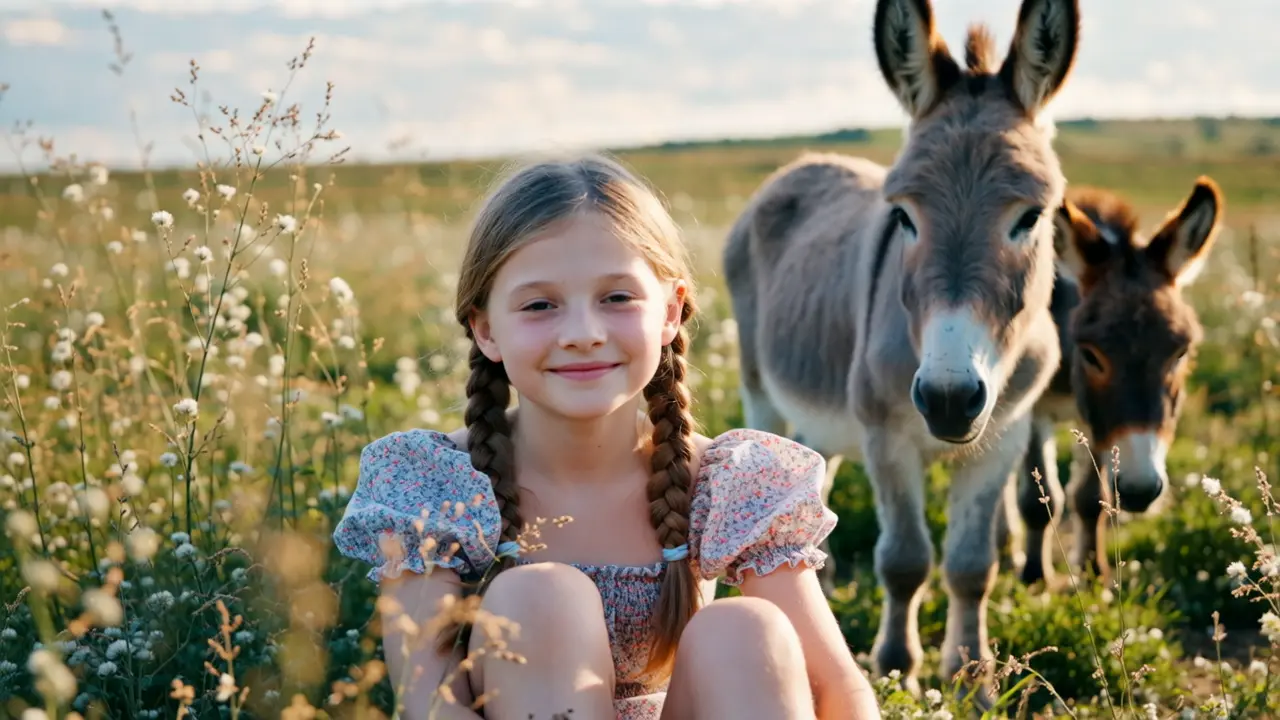
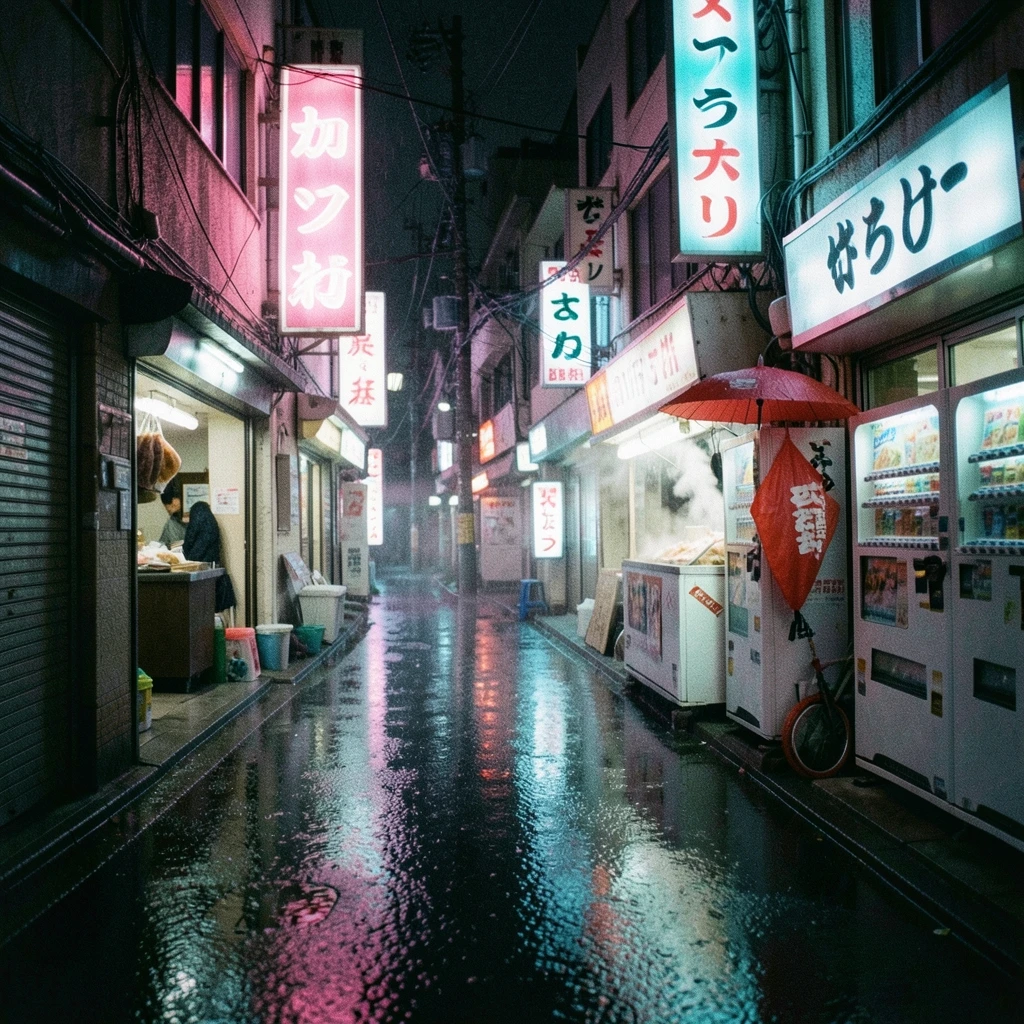
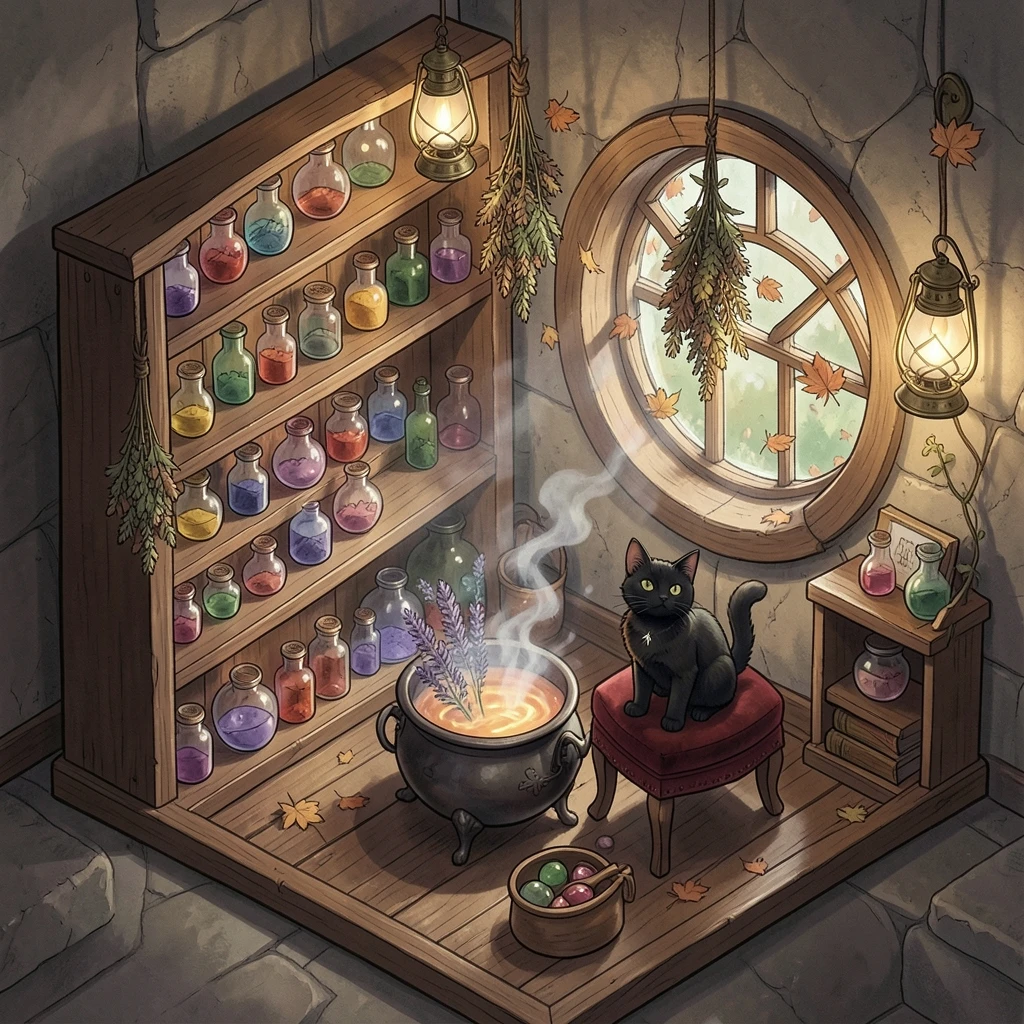
Flux 2 Klein 4B Image Examples