seedream-4-5/edit
image-to-image
Transform visuals with Seedream 4.5 for coherent, photoreal image creation and precise brand consistency.
Transform visuals with Seedream 4.5 for coherent, photoreal image creation and precise brand consistency.
Generate clips with fluid motion and audios for creatives

Generate posters, logos, and typography-rich images from text prompts.

Turn sketches into precise 2K-4K visuals with smart correction and seamless creative control.
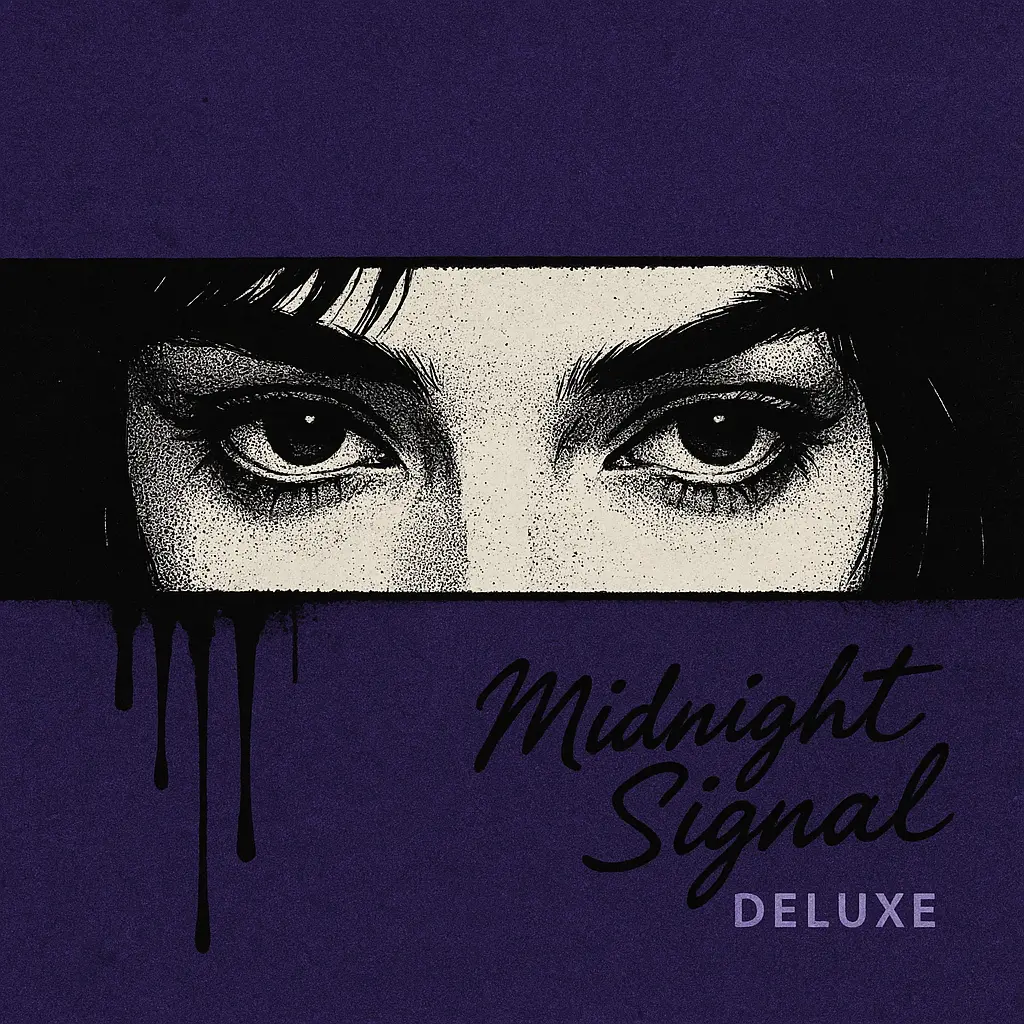
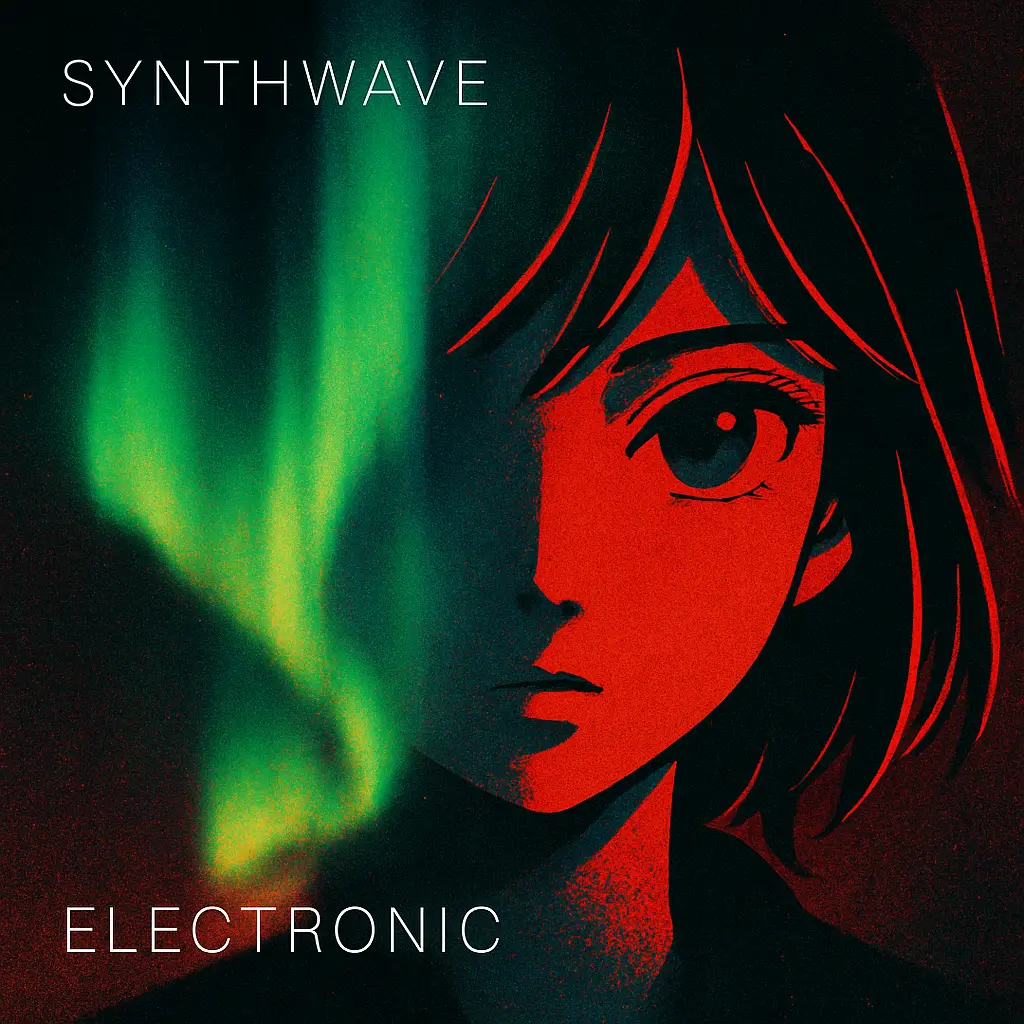
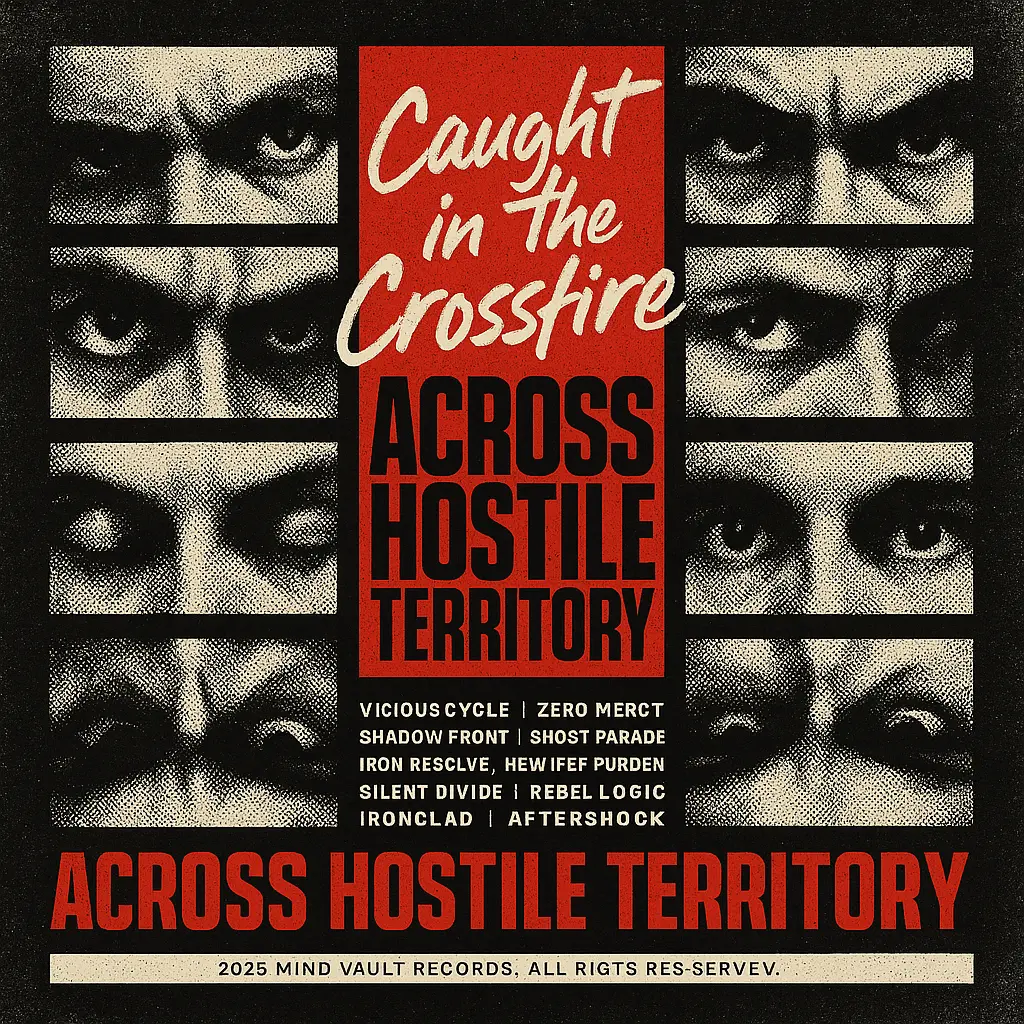
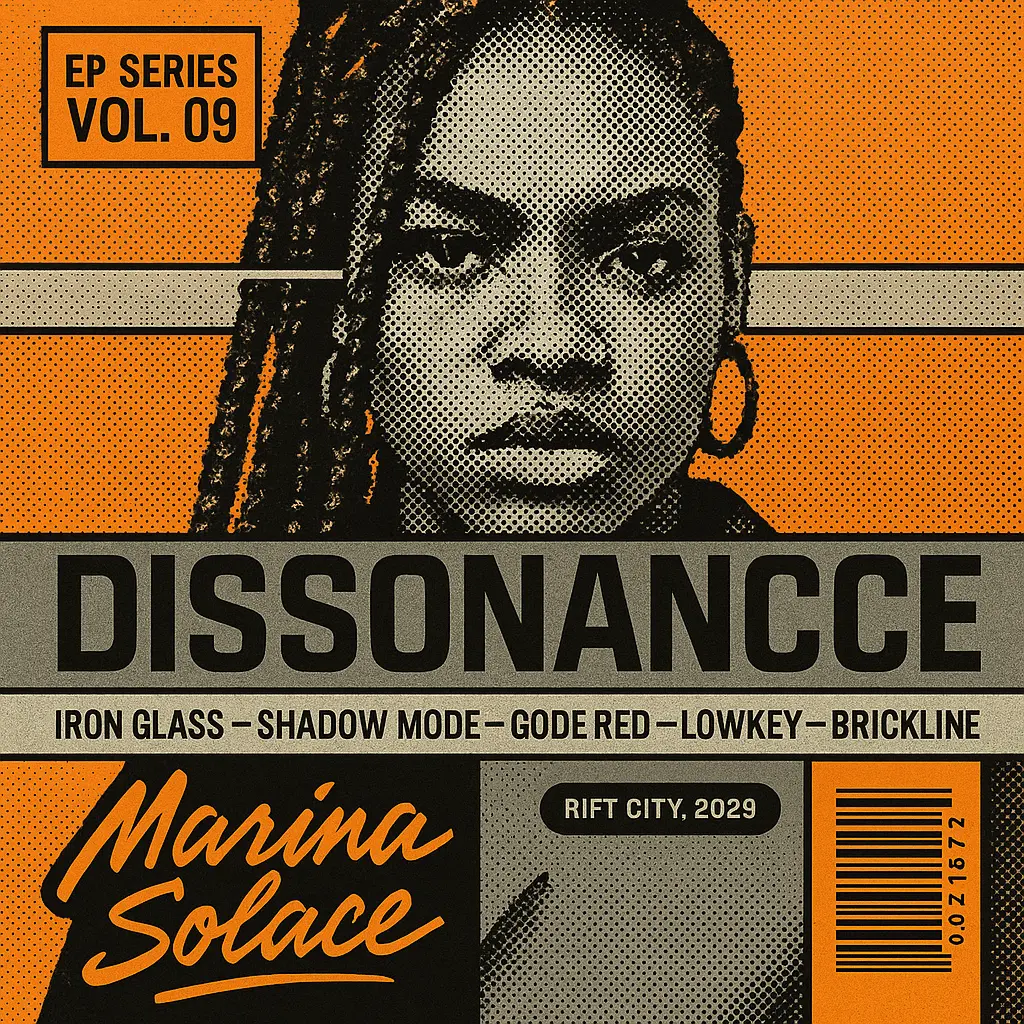
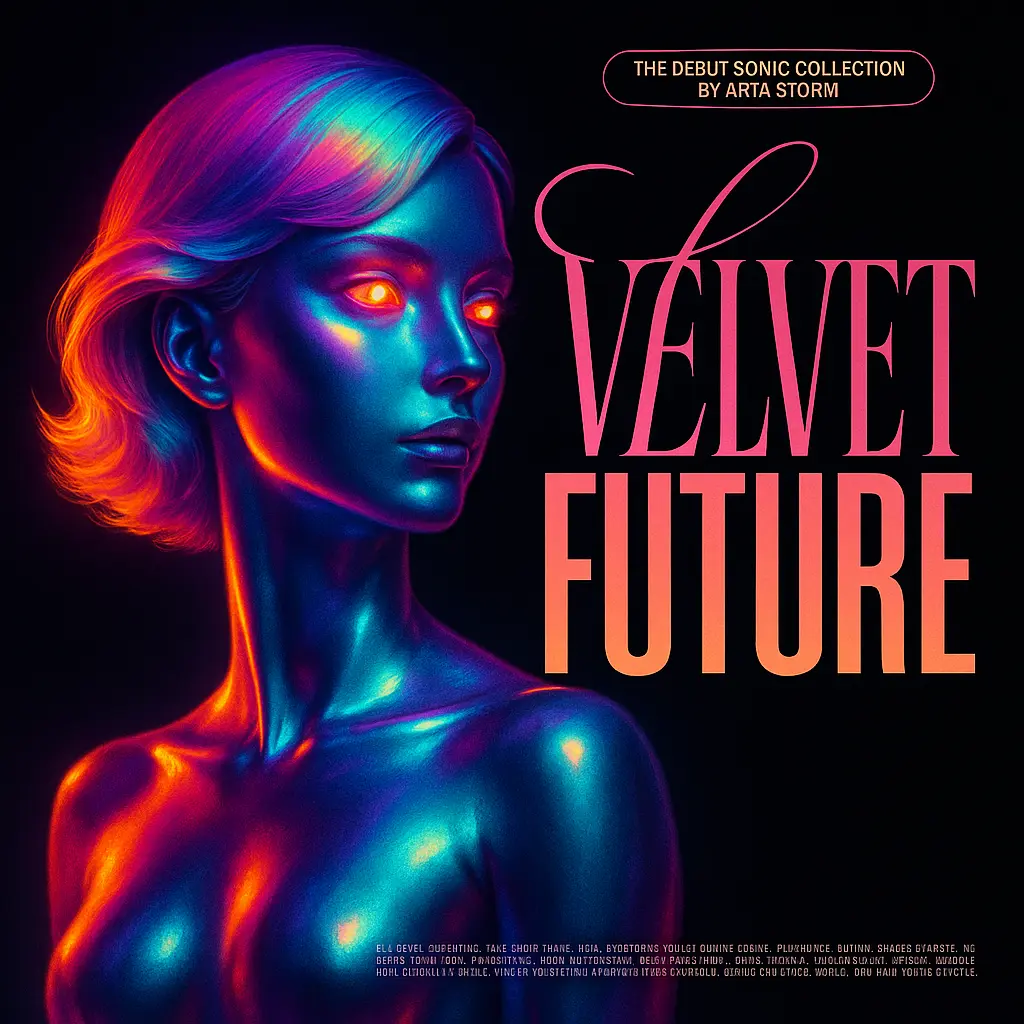
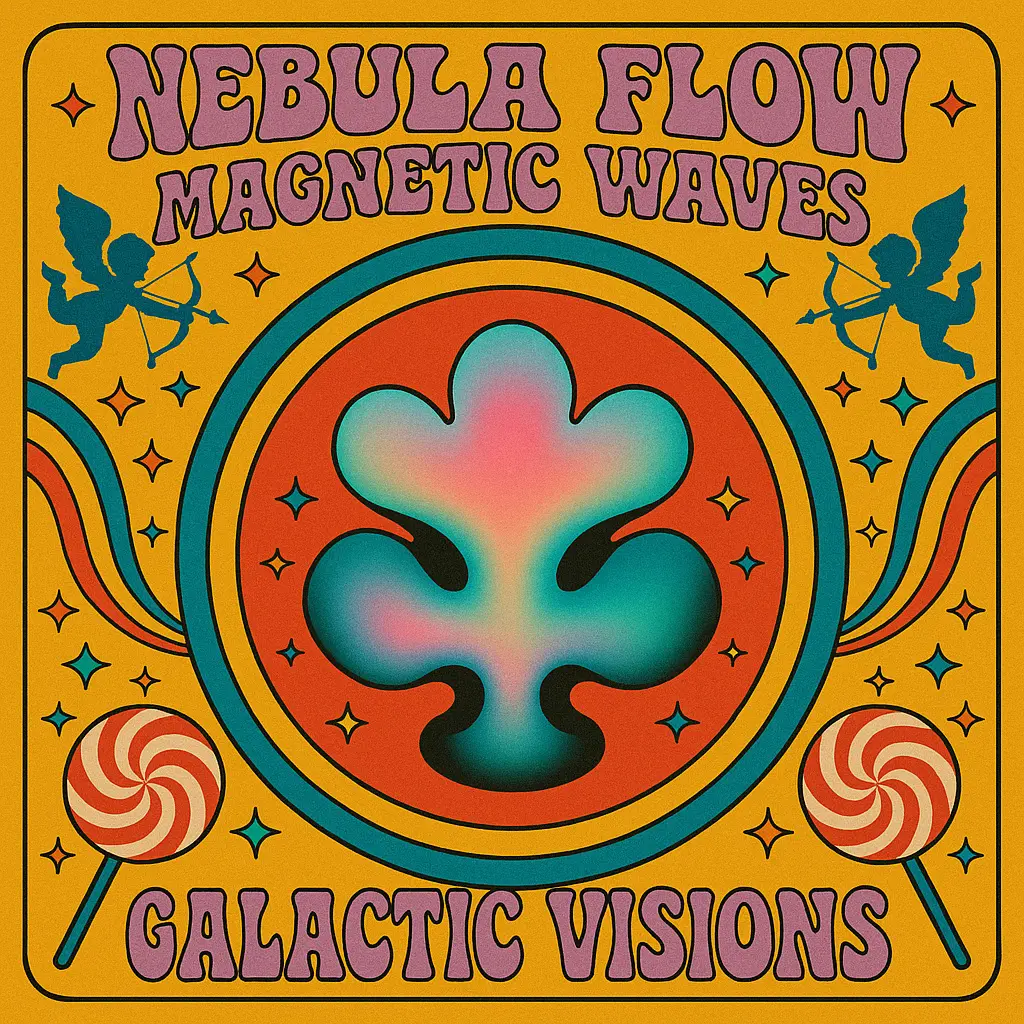
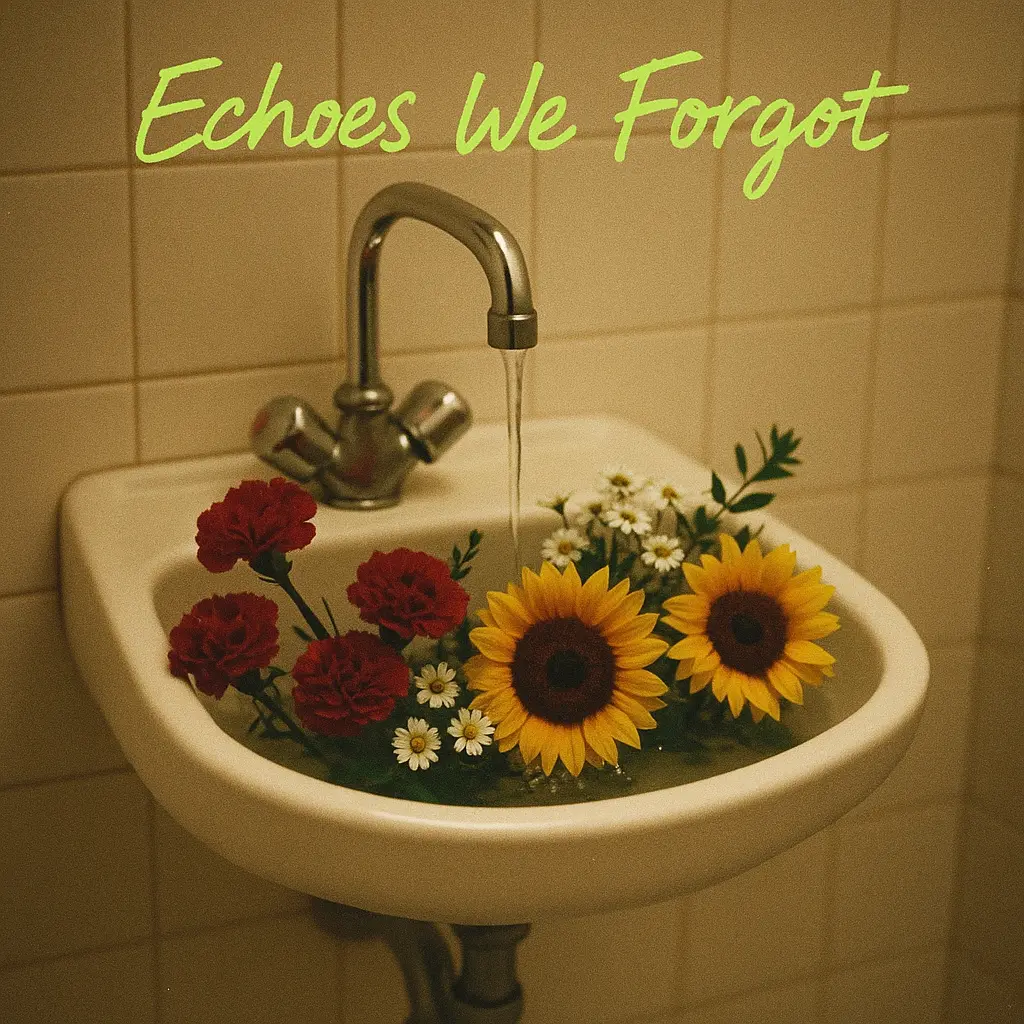
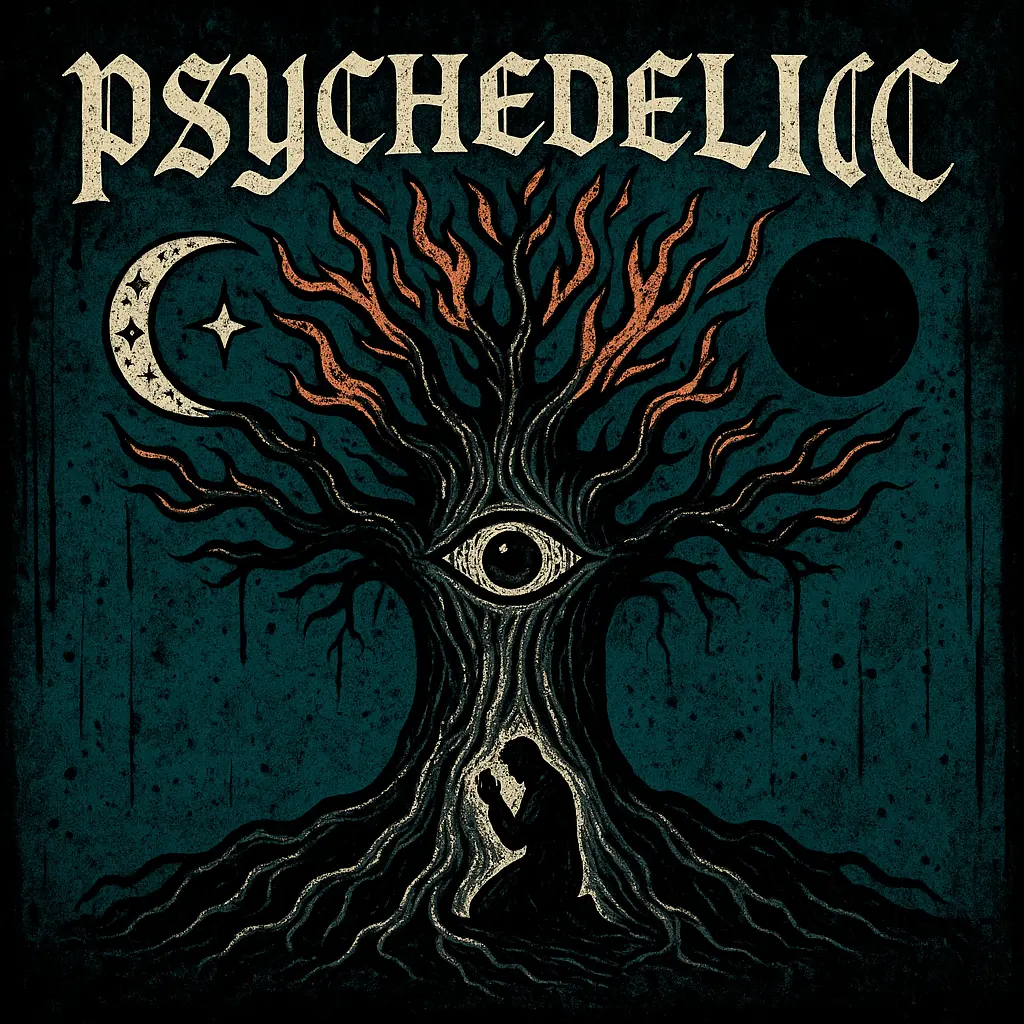
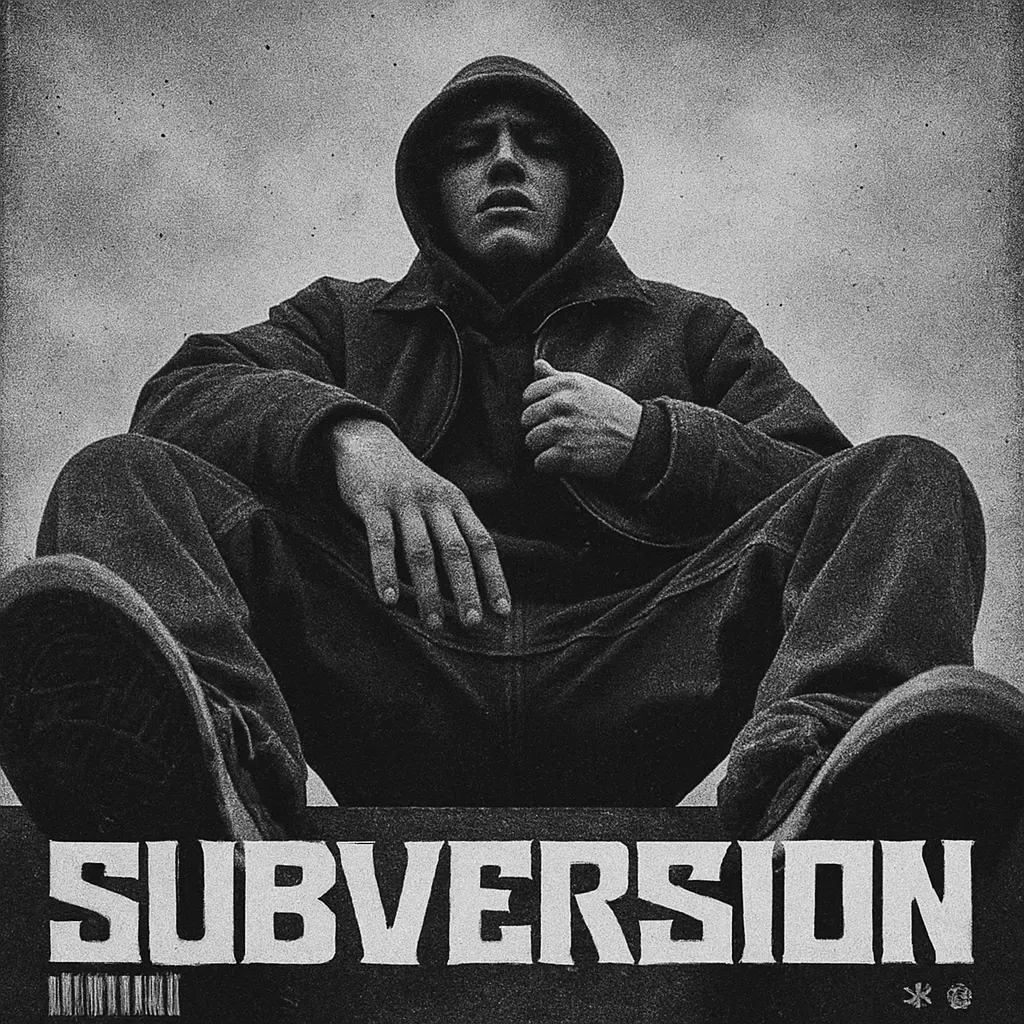
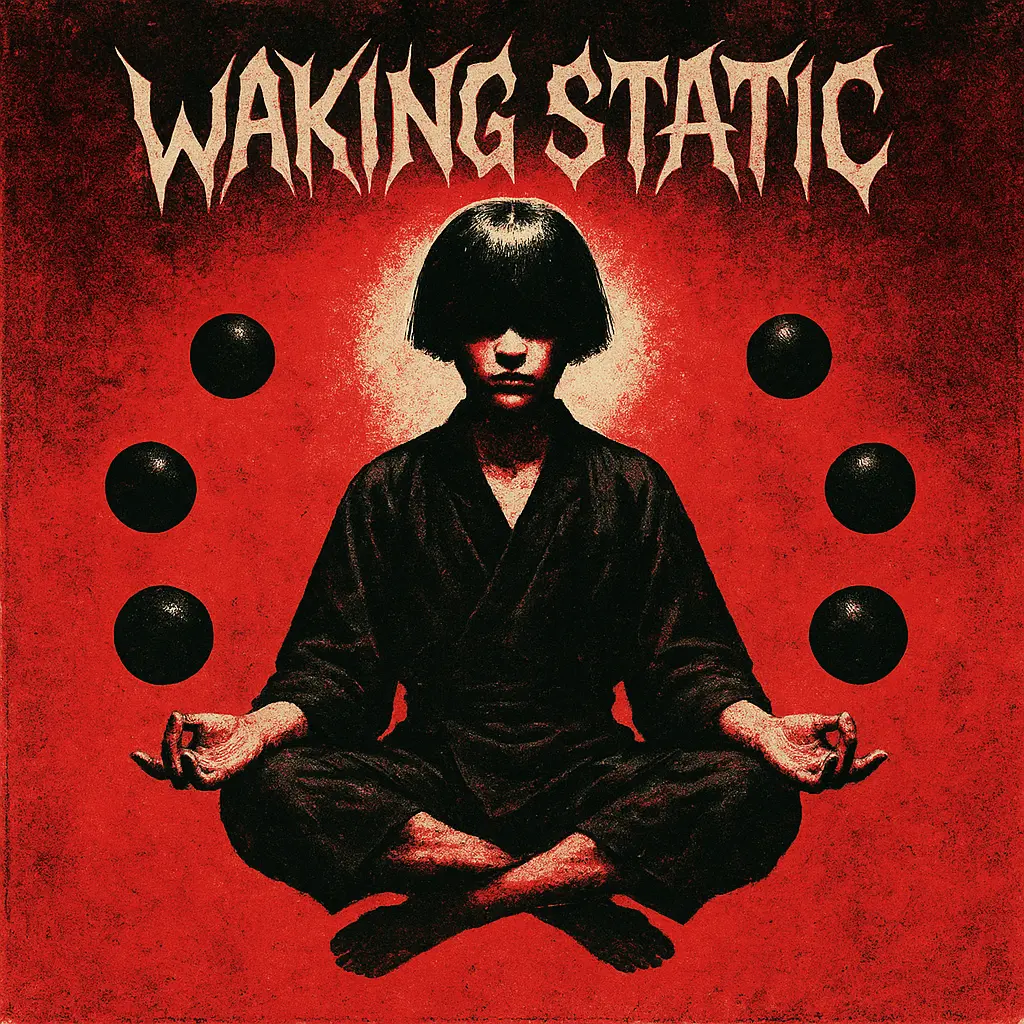
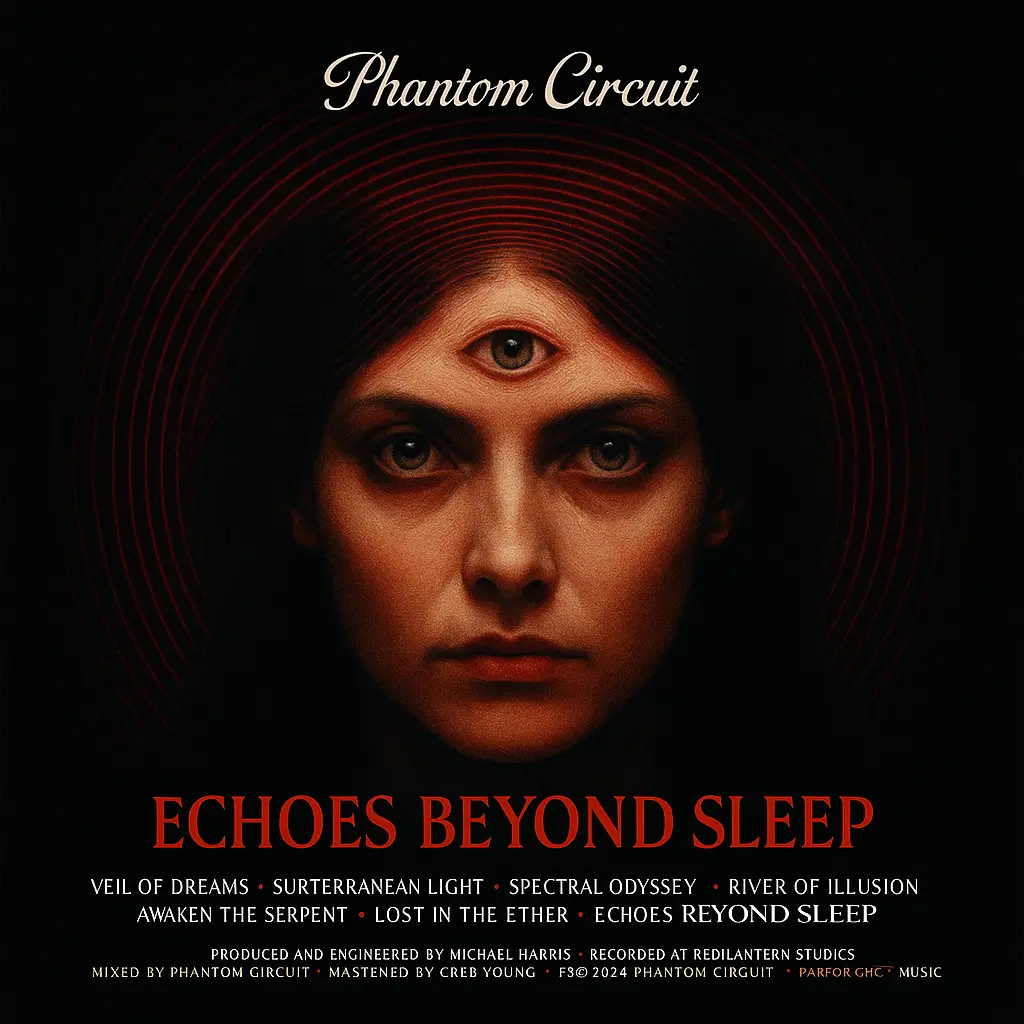
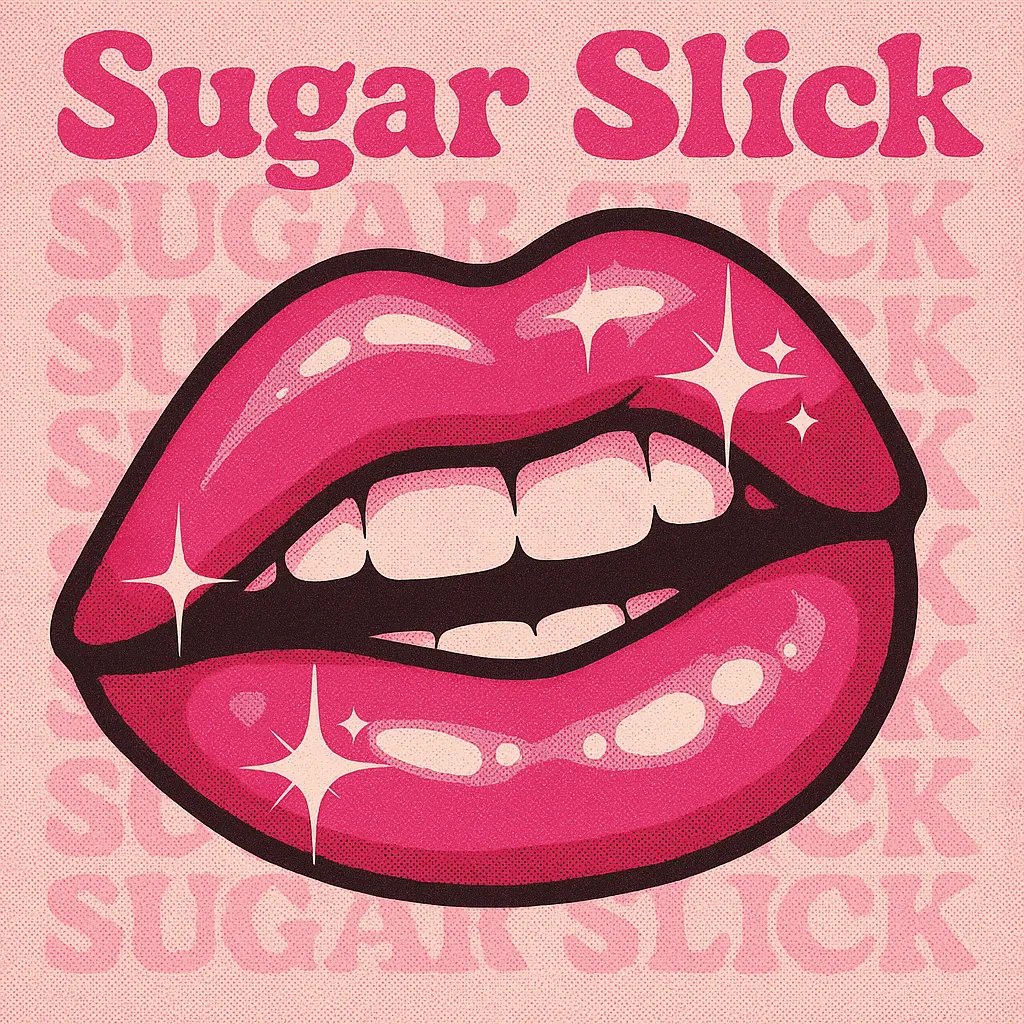
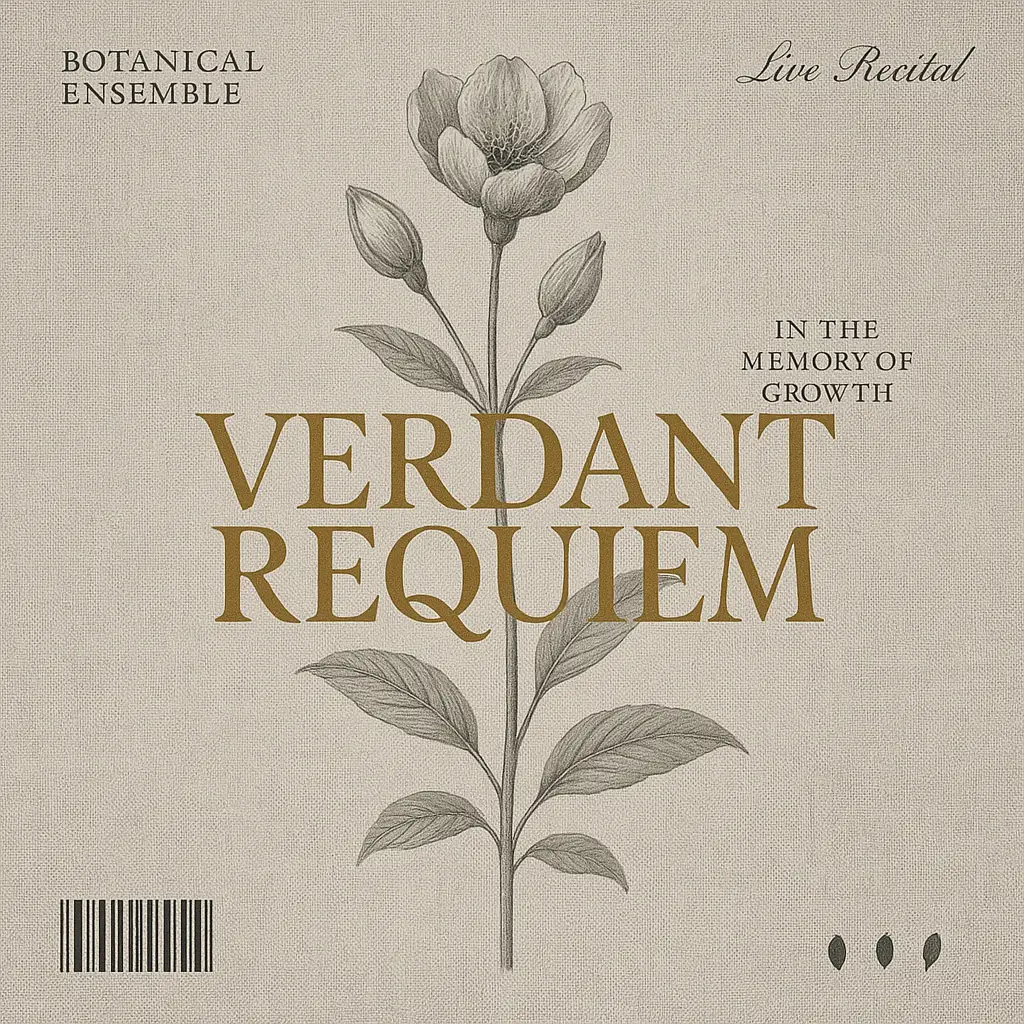
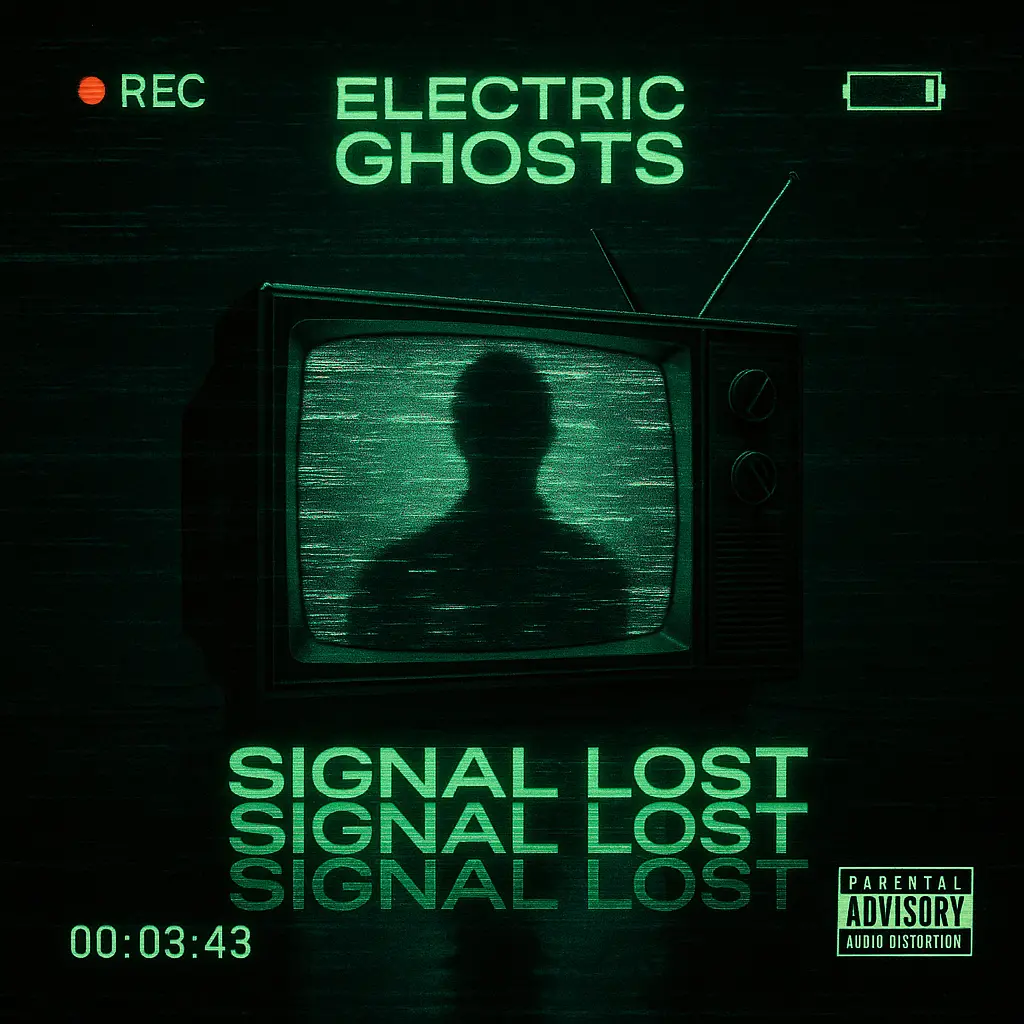
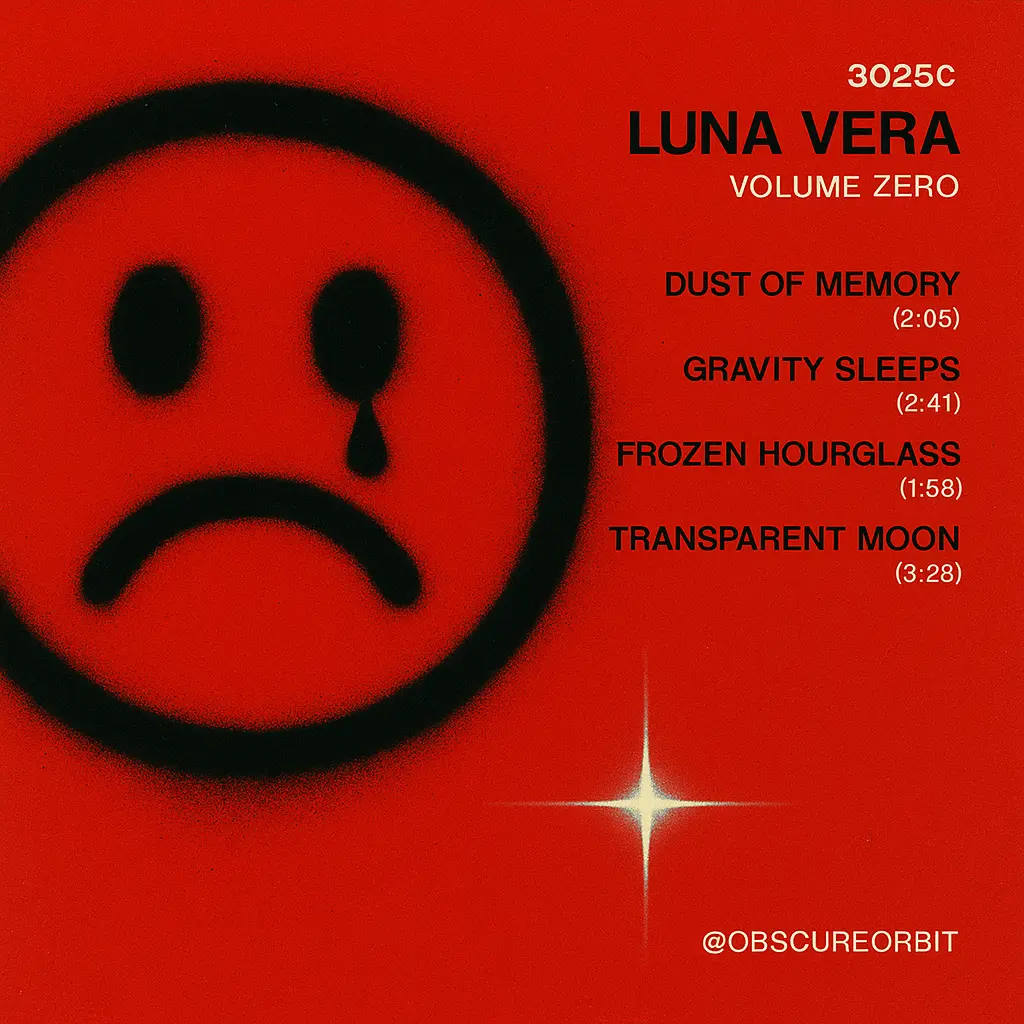
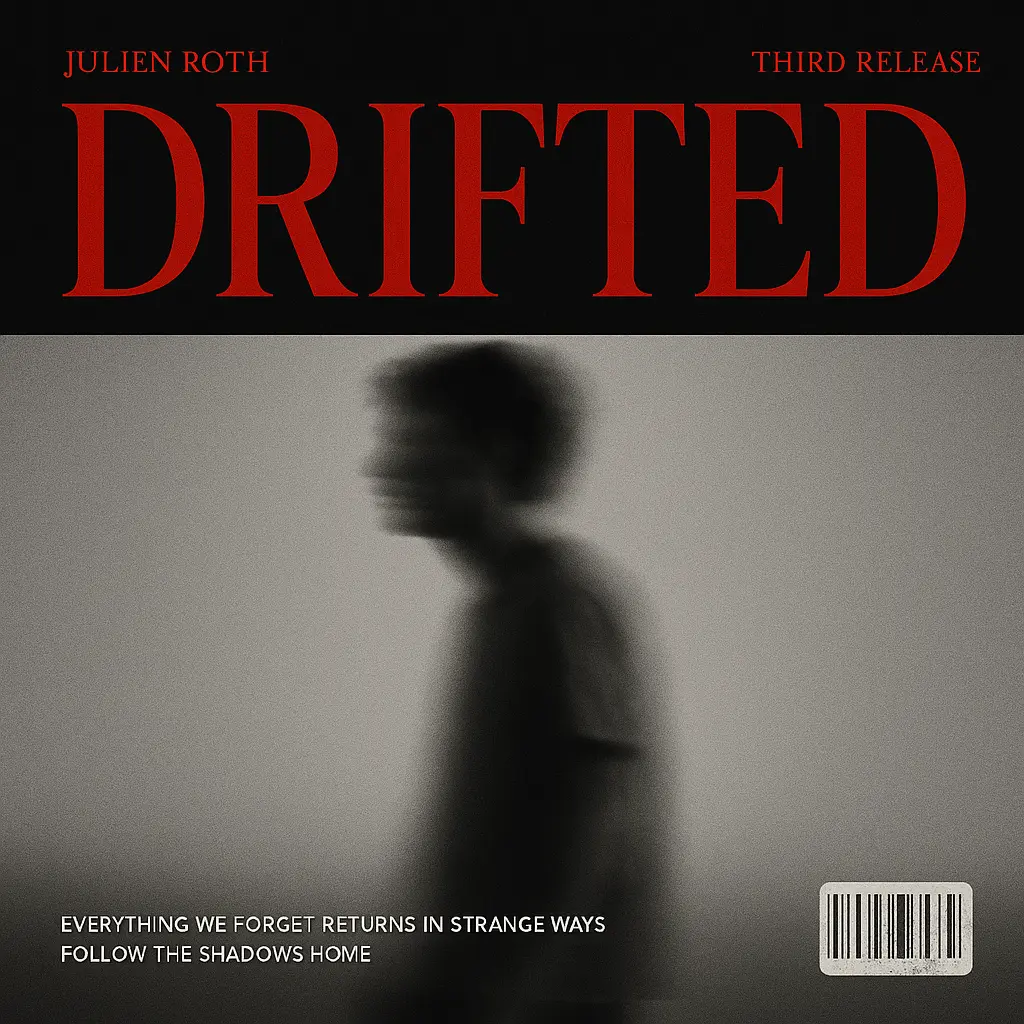
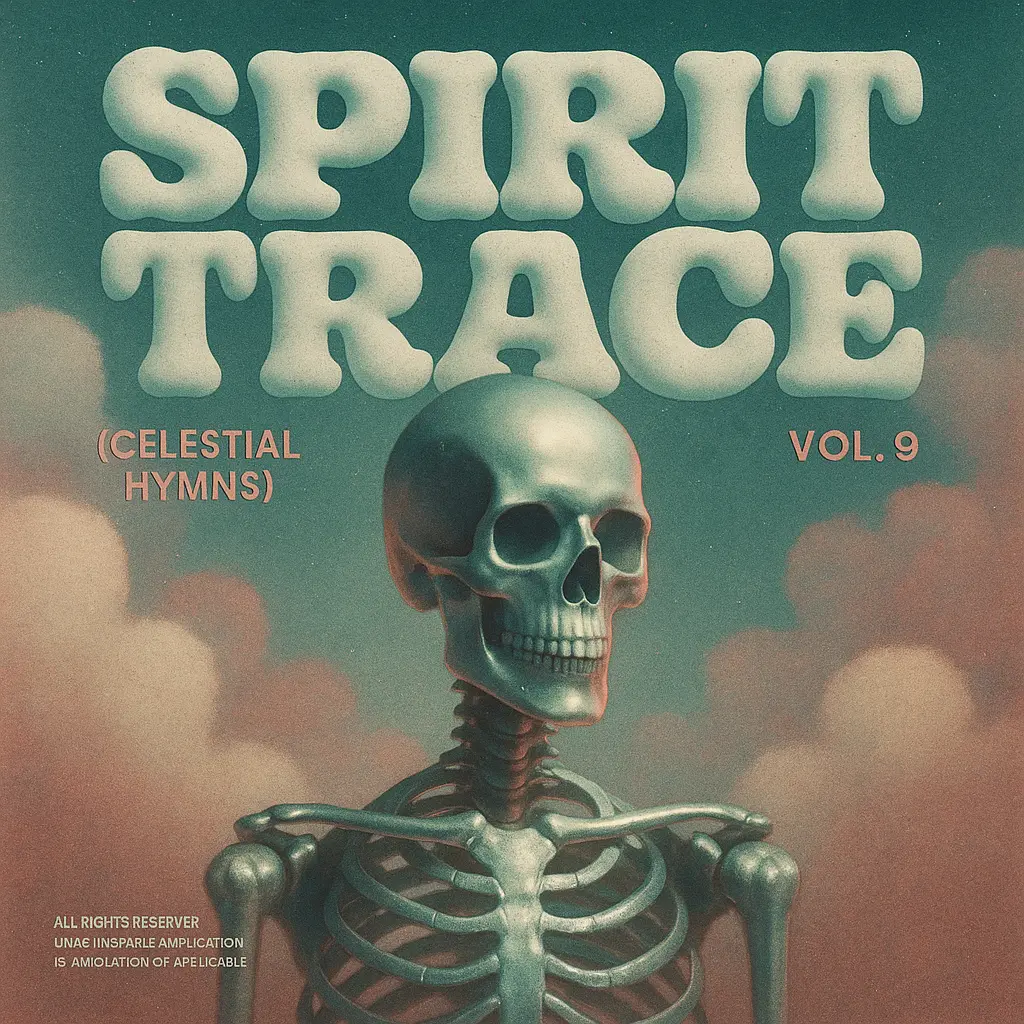
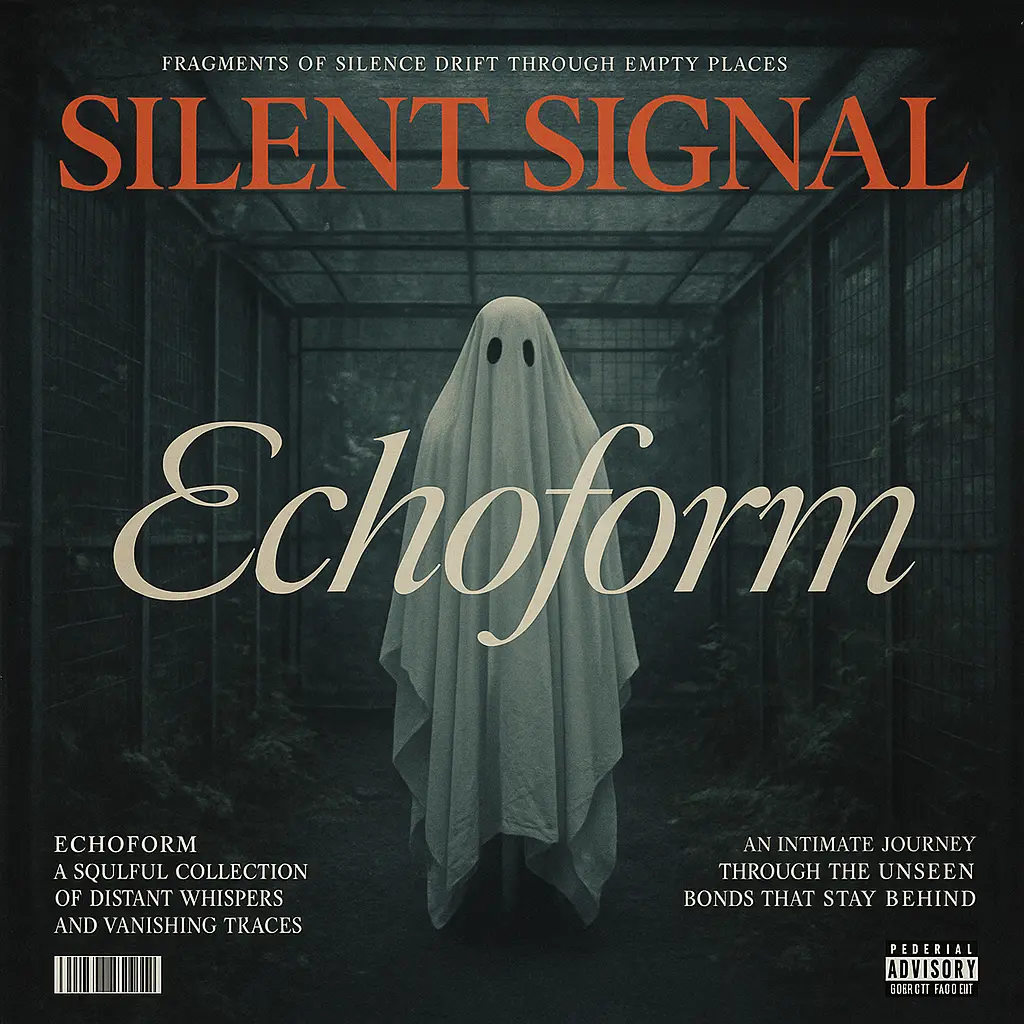
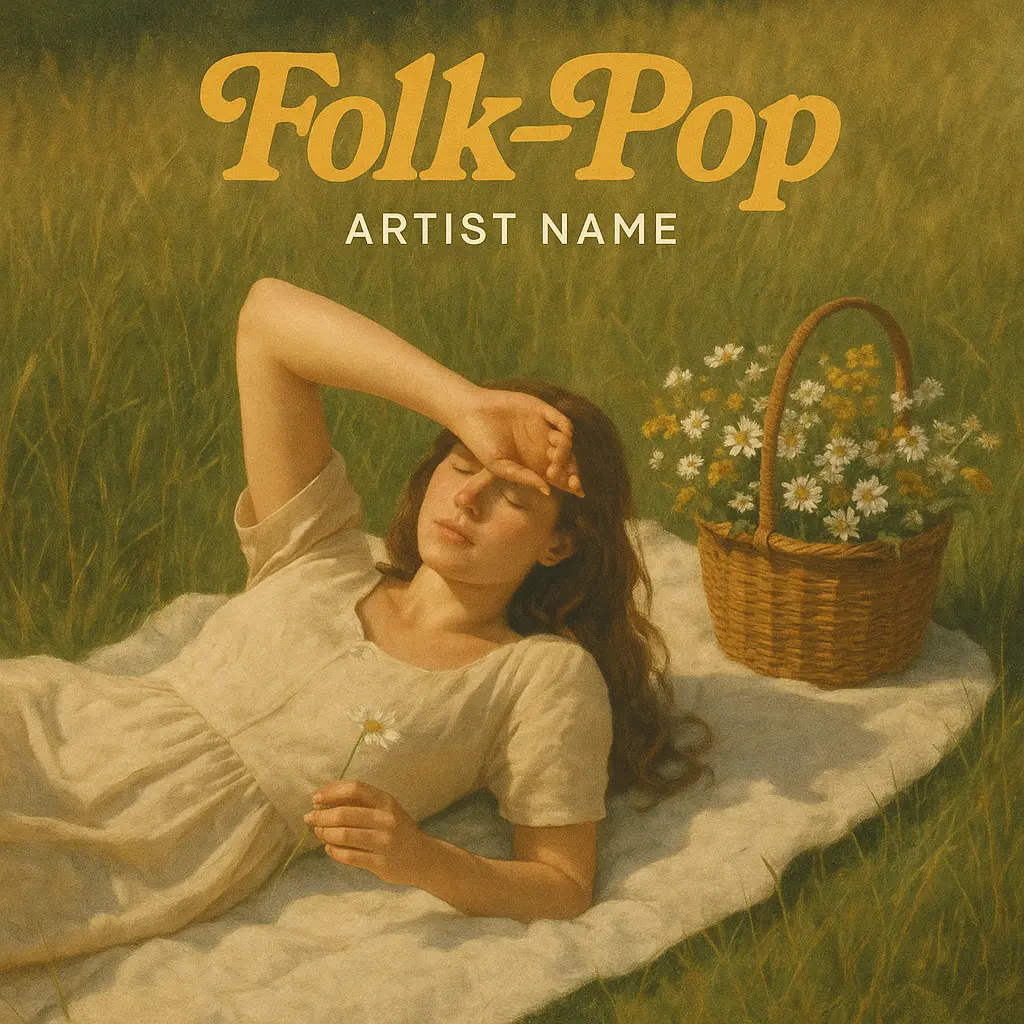
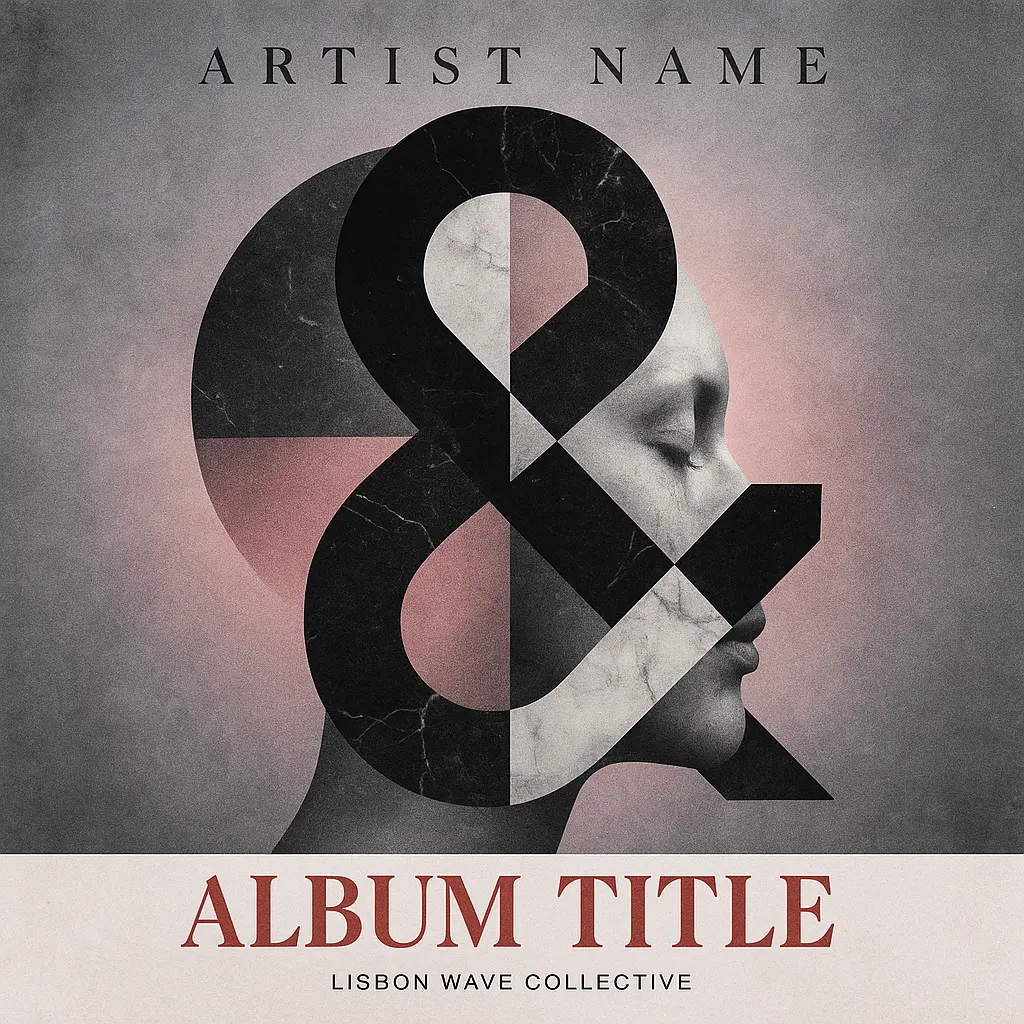
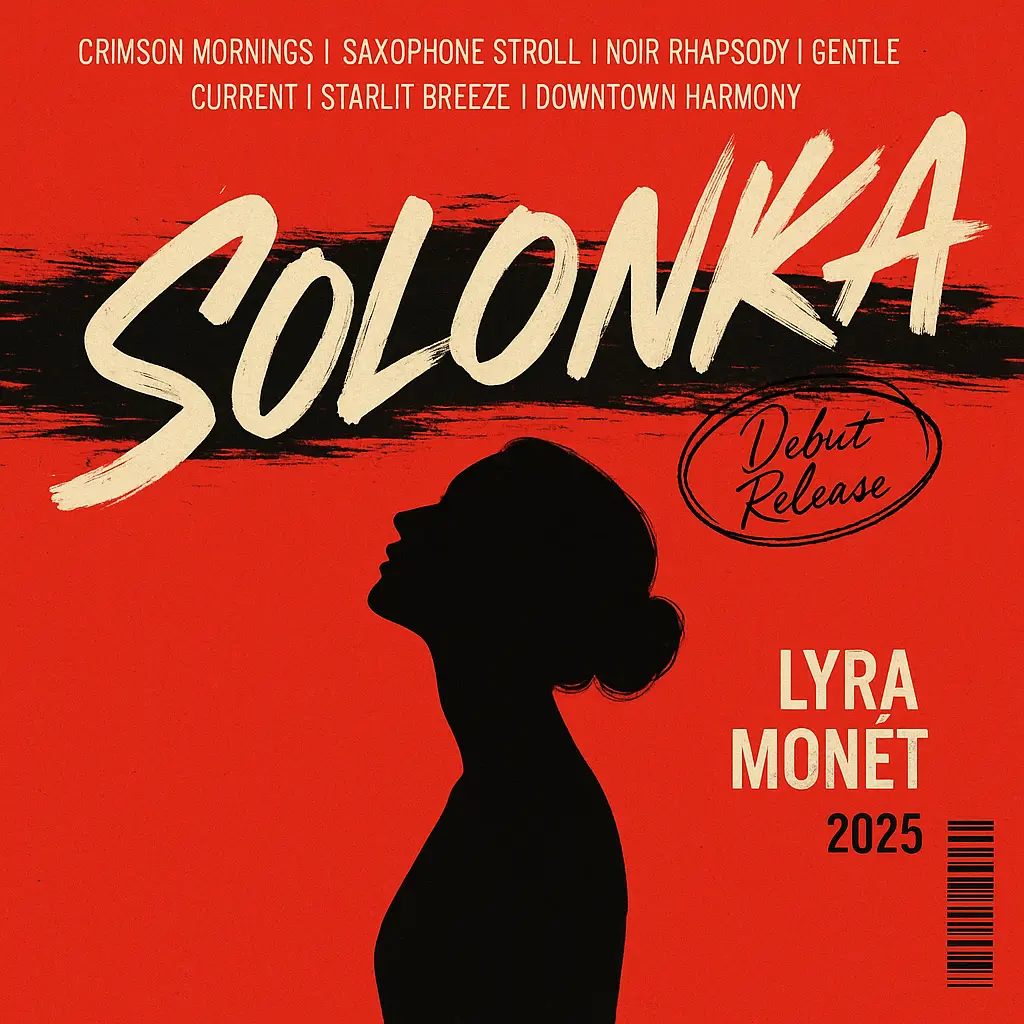
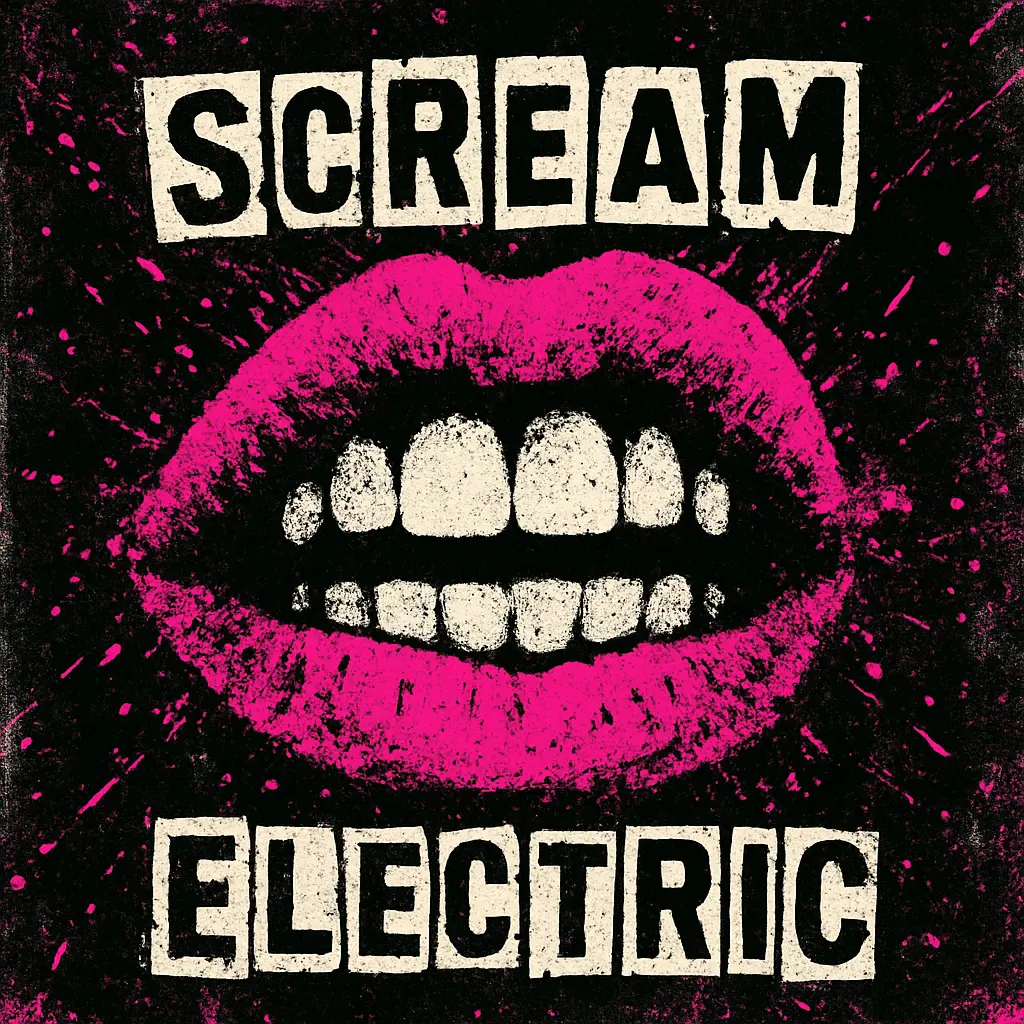
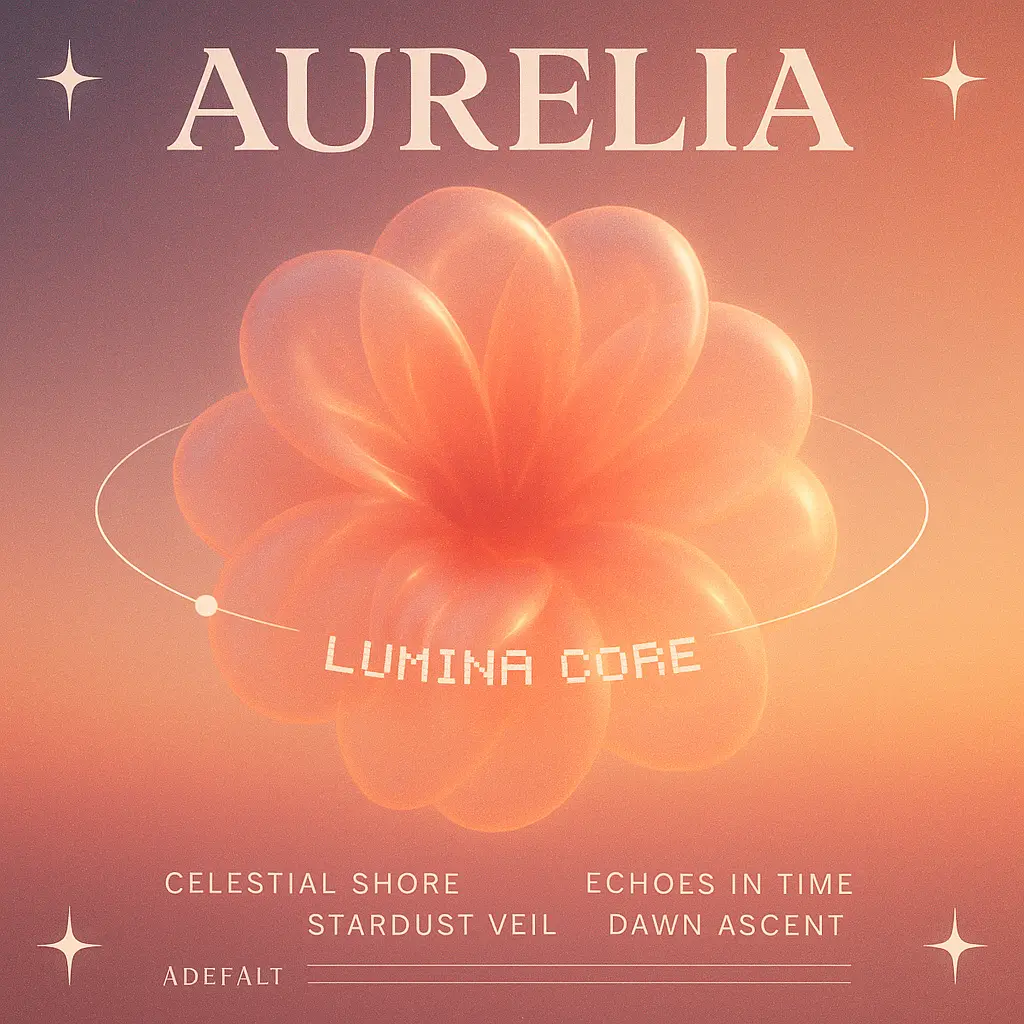
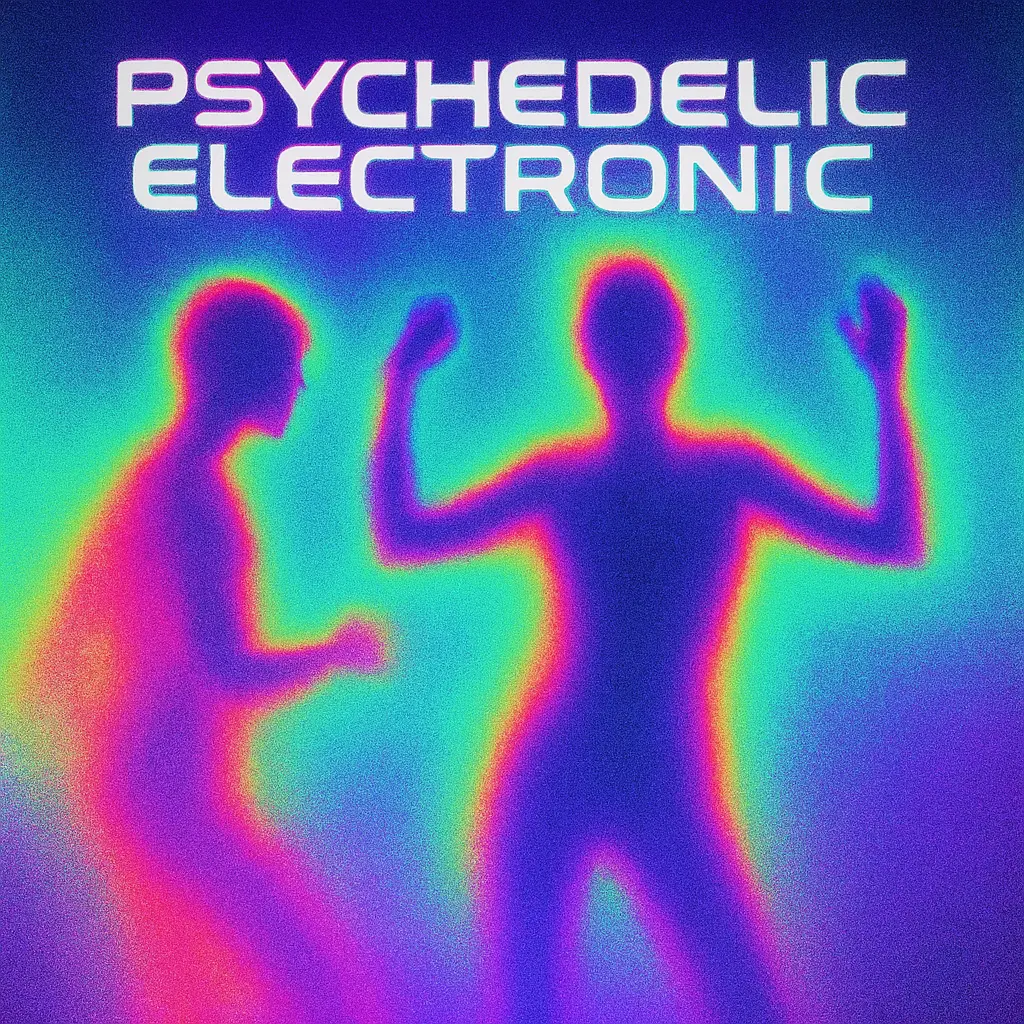
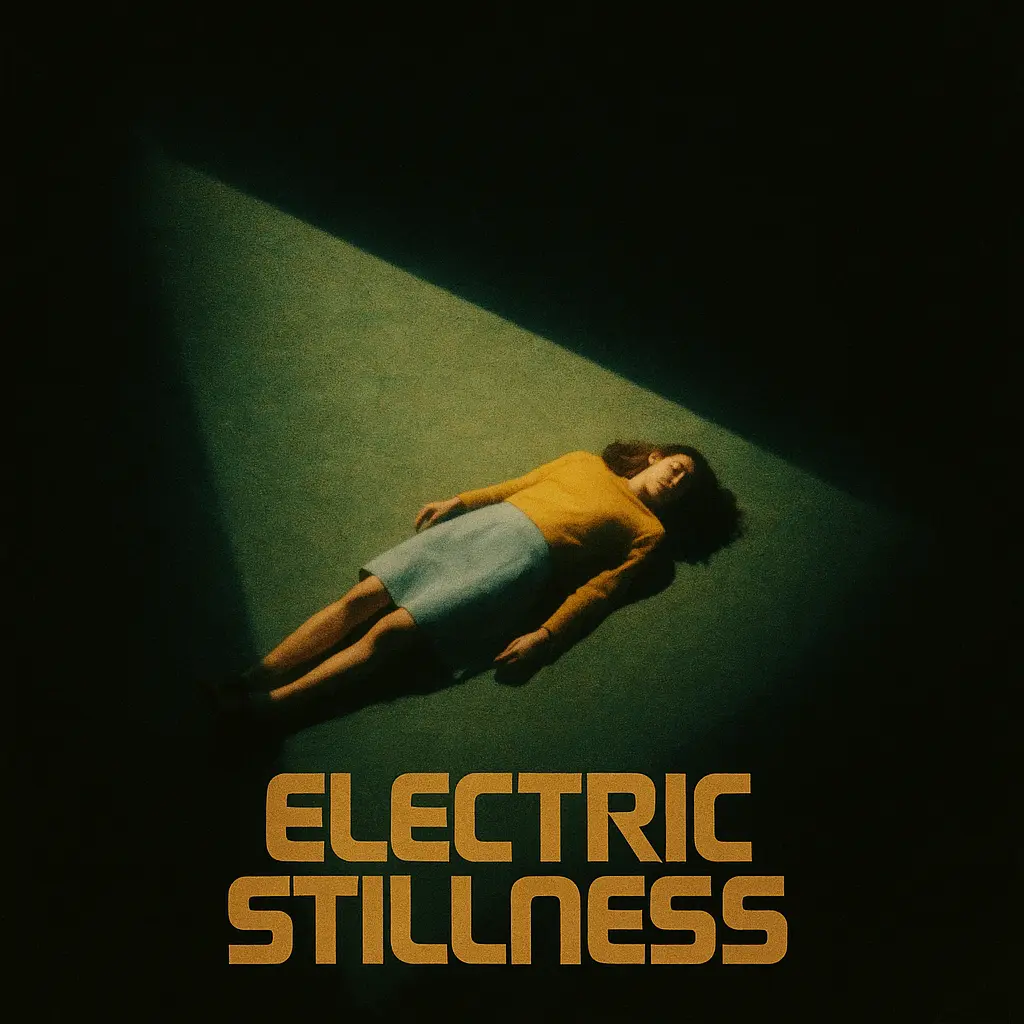
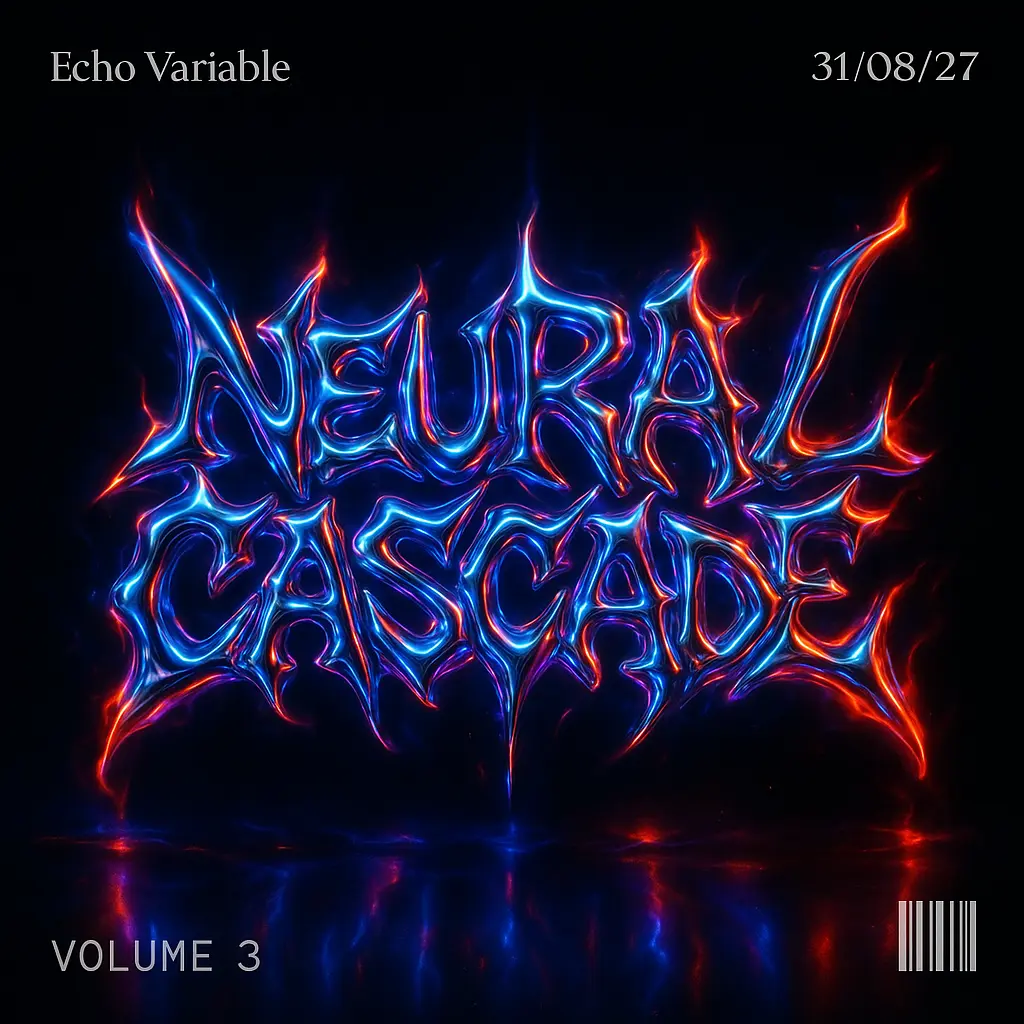
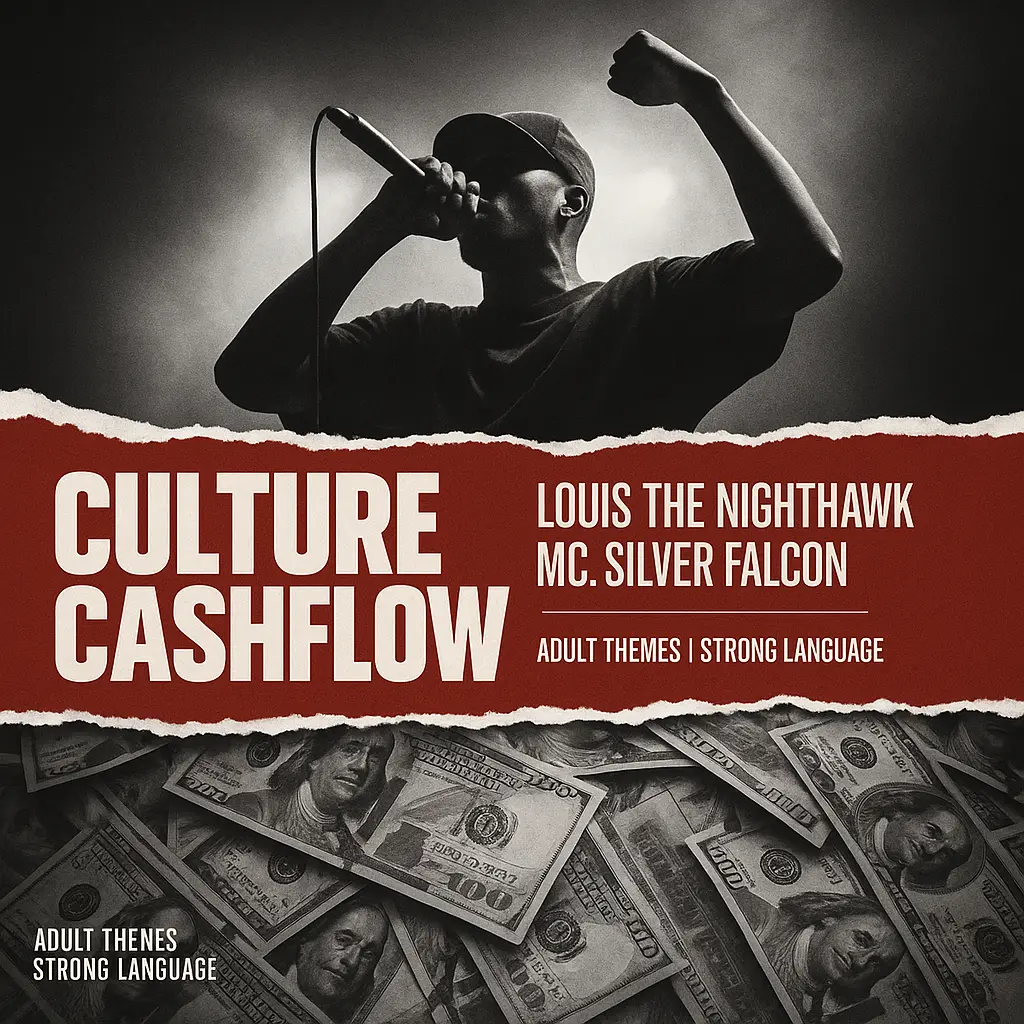
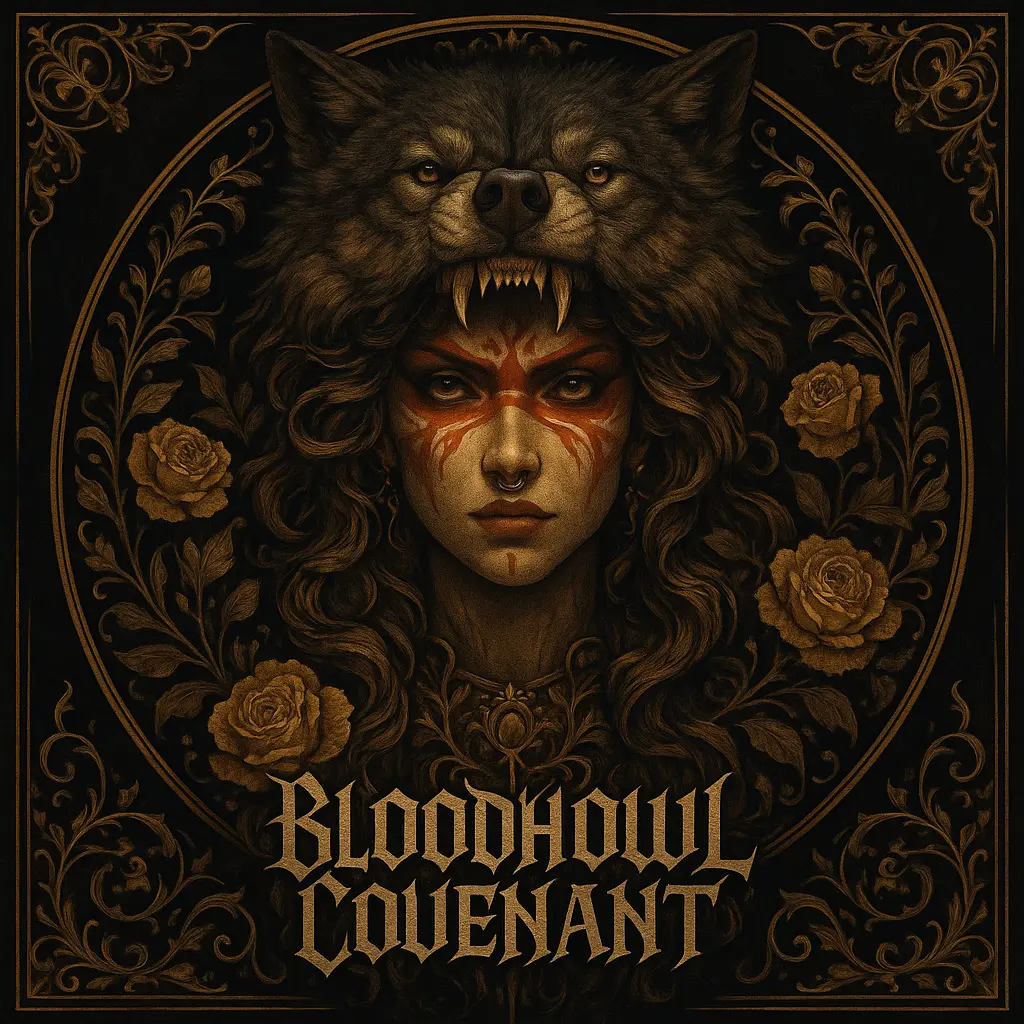
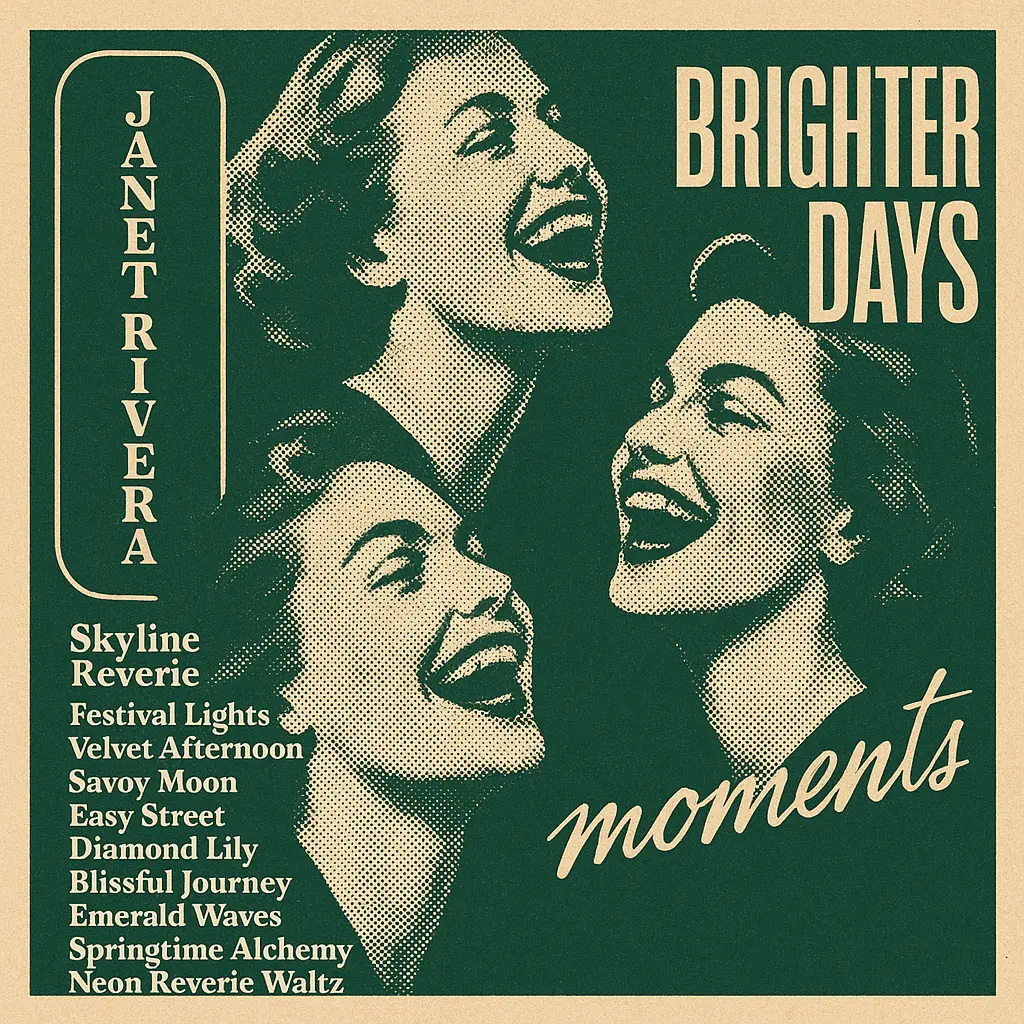
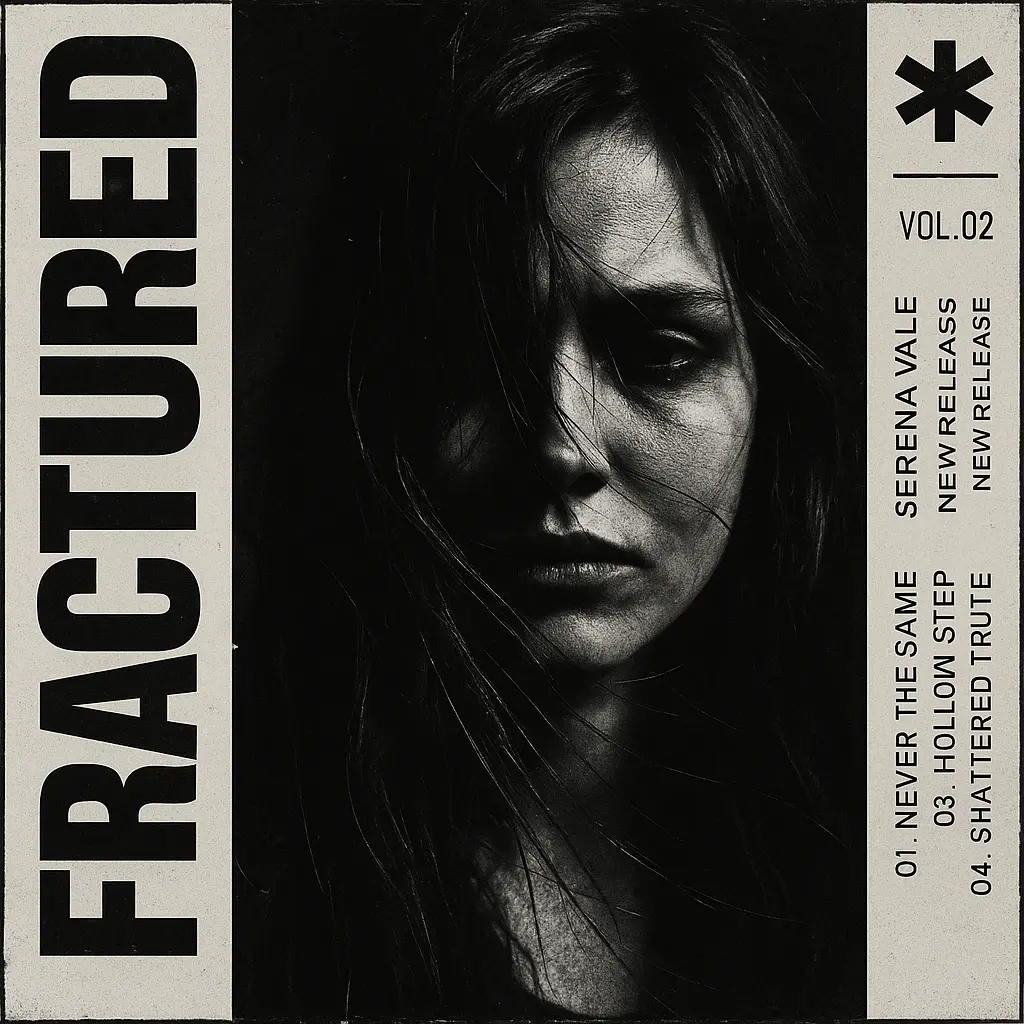
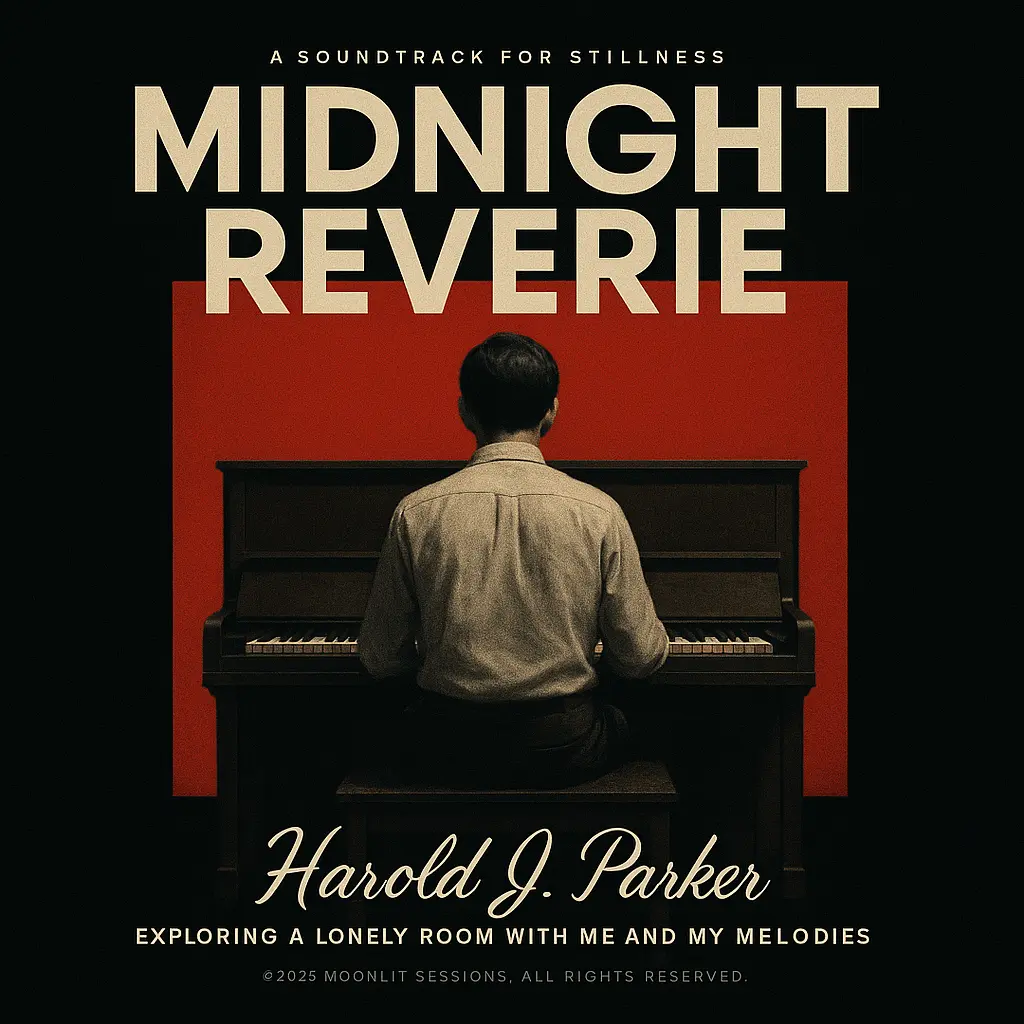
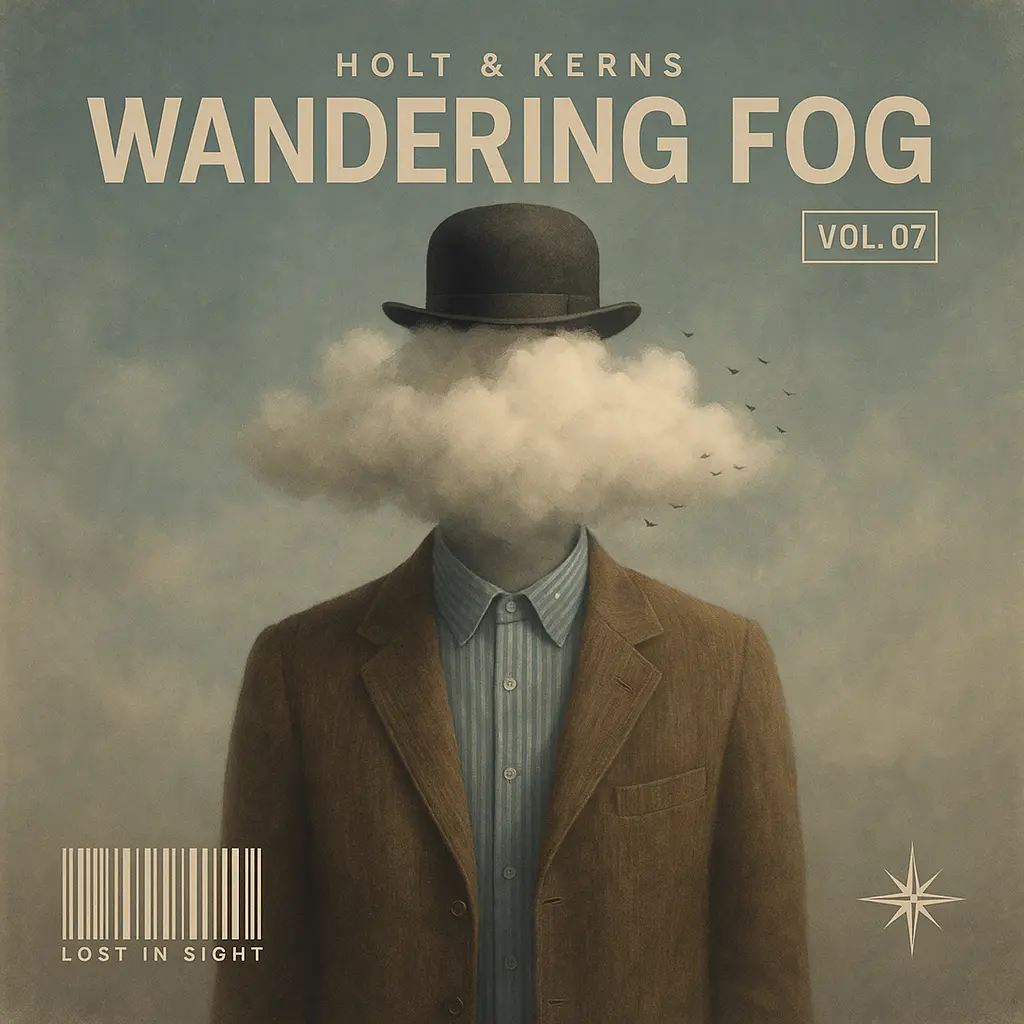
Whether you're nostalgic, heartbroken, or vibing in silence, this tool lets you craft visuals that reflect your feelings with striking design choices.
Skip the studio—just bring your vibe. Turn inner drama or playlist energy into visual covers, even without audio tracks or production skills.
Experiment with filters, typefaces, and retro textures to find your perfect aesthetic—build covers that could belong on vinyl, posters, or merch.

Unlock powerful art tools at zero cost, making it easy for anyone to create and innovate without barriers.

Your creations and data stay confidential, guaranteeing your artistic work remains safe and secure.

Built for ease of use, so you can jump in and thrive—no matter your skill level or experience.
Click our AI Album Cover Maker tool. You don't need to download or install anything on your device.
Upload the image your want to turn into album cover maker artwork from your device or your Gallery.
The "Image to album cover maker" process will start automatically. Simply wait a moment for your image to be restyled.
Album Cover Maker is an online creative tool that lets anyone design custom album covers—real or imaginary—without needing design skills or special software. Whether you're making a fake indie EP, mood playlist art, or just exploring aesthetics, Album Cover Maker helps you turn emotions into visuals in minutes.
Yes, Album Cover Maker offers a free version that lets you create and download custom album covers without needing to pay or install anything. Some advanced features or premium assets may require a subscription, but you can start designing right away at no cost.
No, you can start using Album Cover Maker immediately without creating an account. However, signing up allows you to save your designs, access them across devices, and unlock additional features.
Album Cover Maker supports various sizes, but for best results, aim for a square image—ideally 3000x3000 pixels at 300 dpi. This ensures your cover looks sharp on streaming platforms and in print.
Yes, you can use your Album Cover Maker designs for personal projects like merchandise or social media. If you're using stock images or templates, ensure you have the appropriate rights for commercial use.
Start by choosing a template that matches your music's mood. Customize it with your own images, fonts, and colors. Keep it simple and ensure text is readable even at smaller sizes. Album Cover Maker's intuitive tools make it easy to create a standout cover.
Album Cover Maker simplifies the design process with ready-made templates and easy-to-use tools, saving you time and effort. It's perfect for musicians and creators who want professional-looking covers without the steep learning curve of complex design software.
Absolutely! Album Cover Maker is great for creating custom artwork for your playlists. Just input your playlist's theme or mood, and use the tool to design a cover that captures its essence.
That's the magic of Album Cover Maker—it helps you visually express feelings that words can't capture. Whether it's joy, heartbreak, or nostalgia, your cover can tell your story in a single image.
Yes, Album Cover Maker offers a variety of filters and templates that can give your design a retro or vintage feel. Explore different styles to match the aesthetic you're aiming for.
RunComfy is the premier ComfyUI platform, offering ComfyUI online environment and services, along with ComfyUI workflows featuring stunning visuals. RunComfy also provides AI Models, enabling artists to harness the latest AI tools to create incredible art.