seedream-4-5/edit
image-to-image
Transform visuals with Seedream 4.5 for coherent, photoreal image creation and precise brand consistency.
Transform visuals with Seedream 4.5 for coherent, photoreal image creation and precise brand consistency.

OpenAI's GPT Image 2 Image Edit: Image-to-image edits with precise text control and in-out painting

Fast, low-cost prompt-based image editing at a fixed 1K resolution.

Text-to-image and image editing with layout and layer control
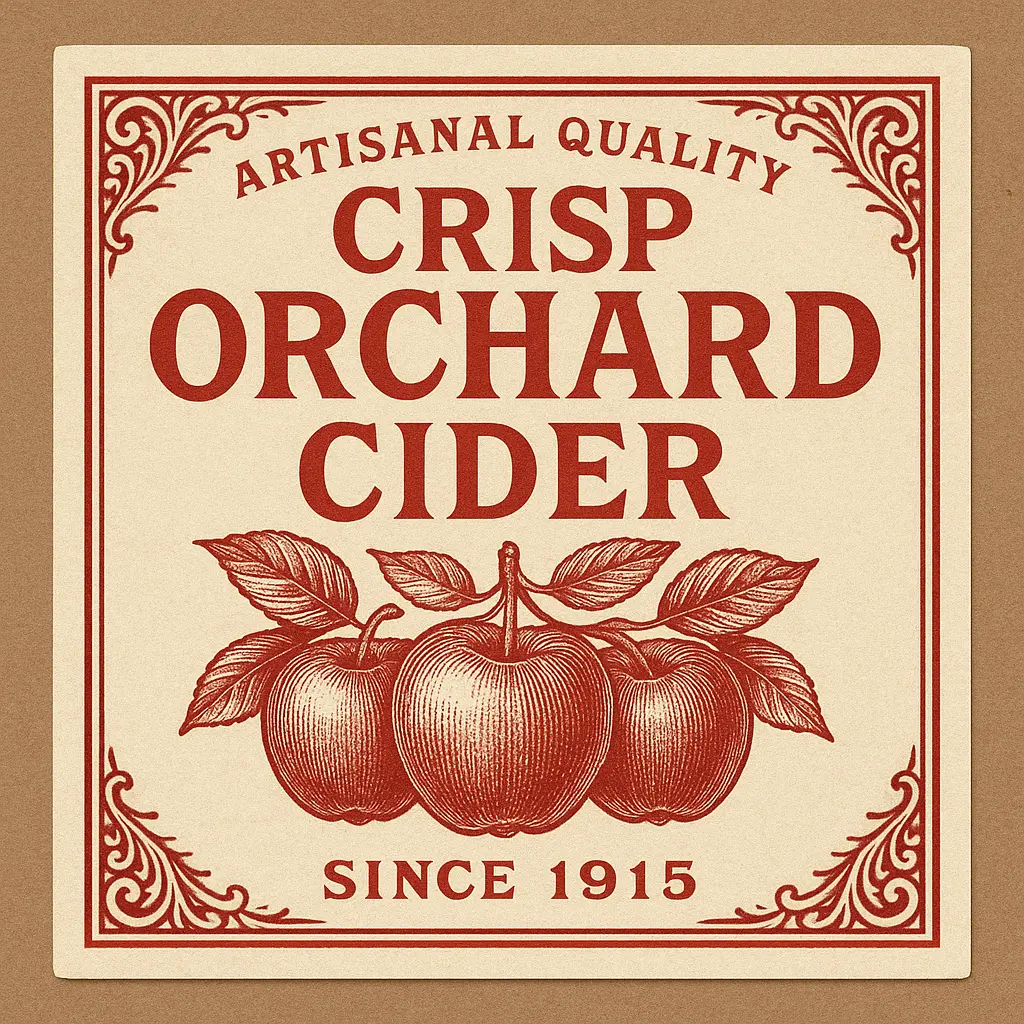
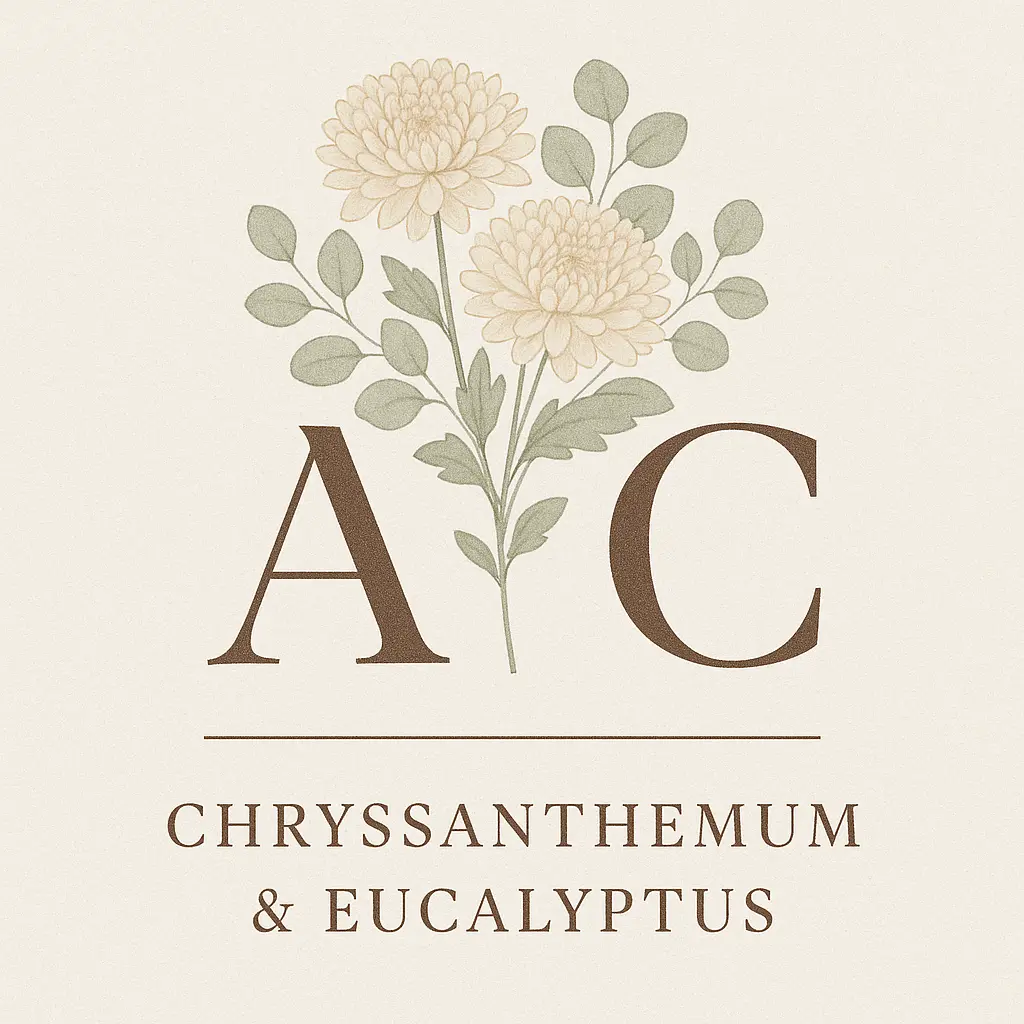
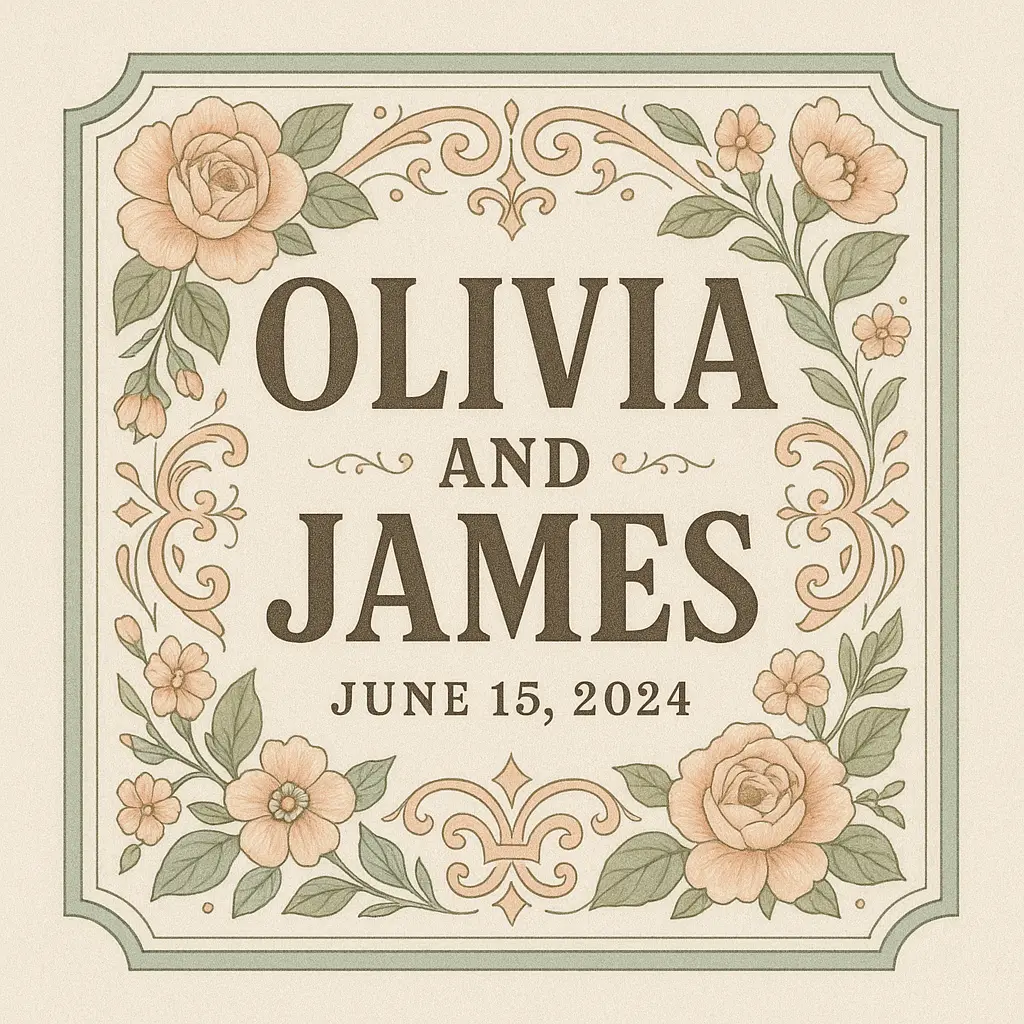
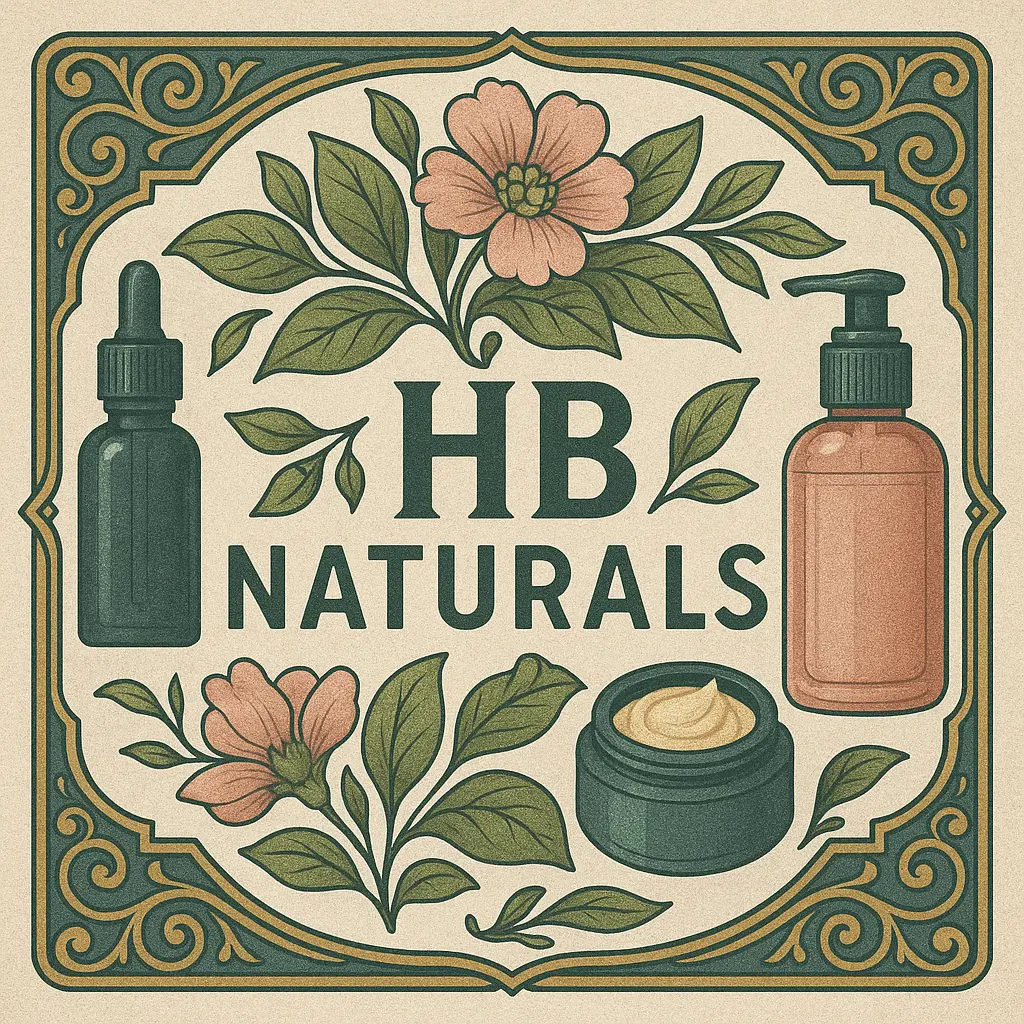
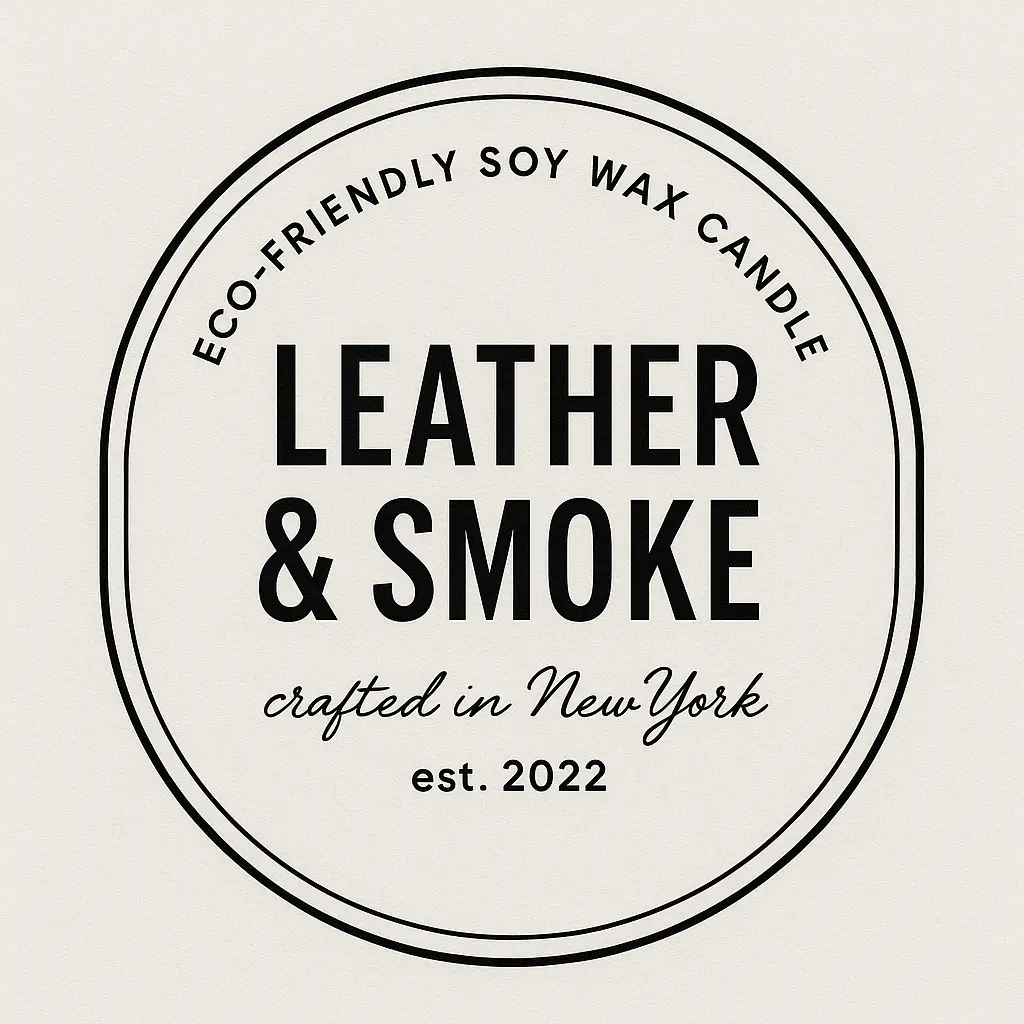
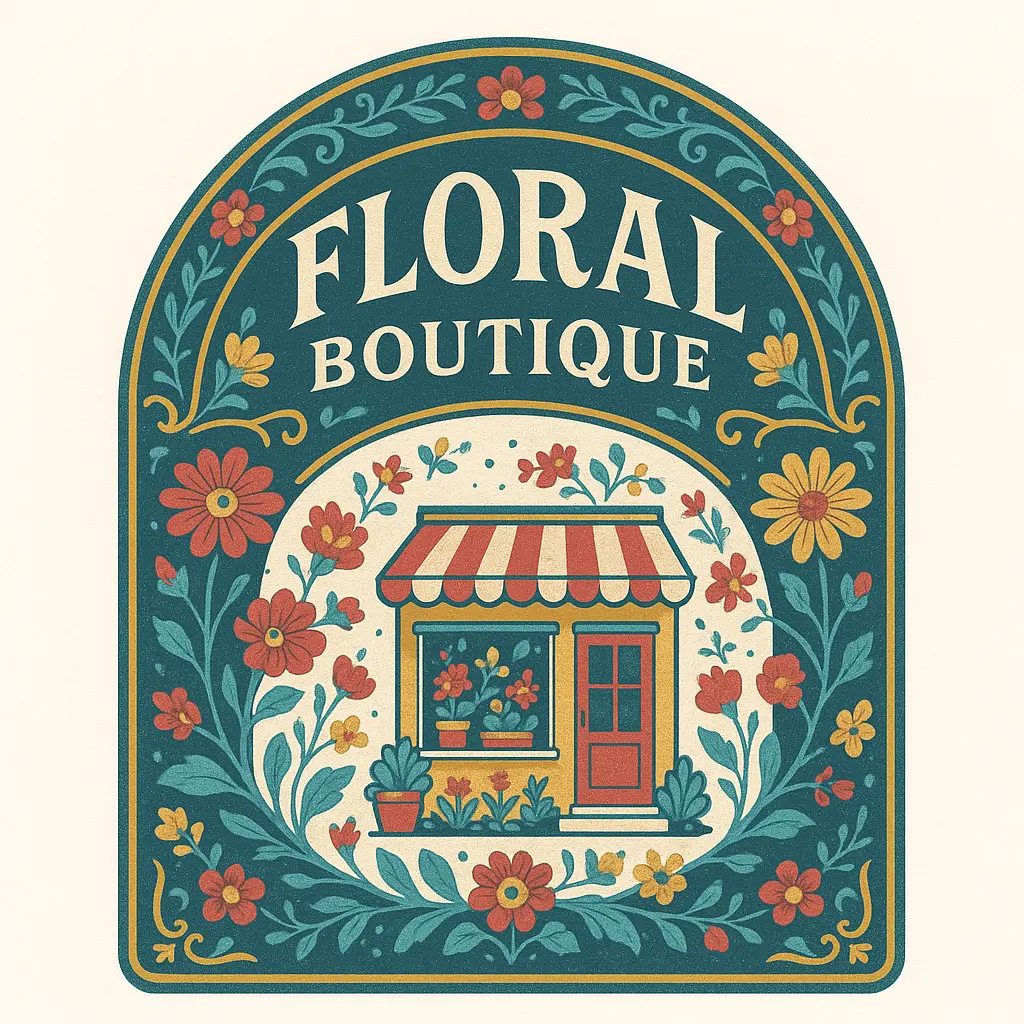
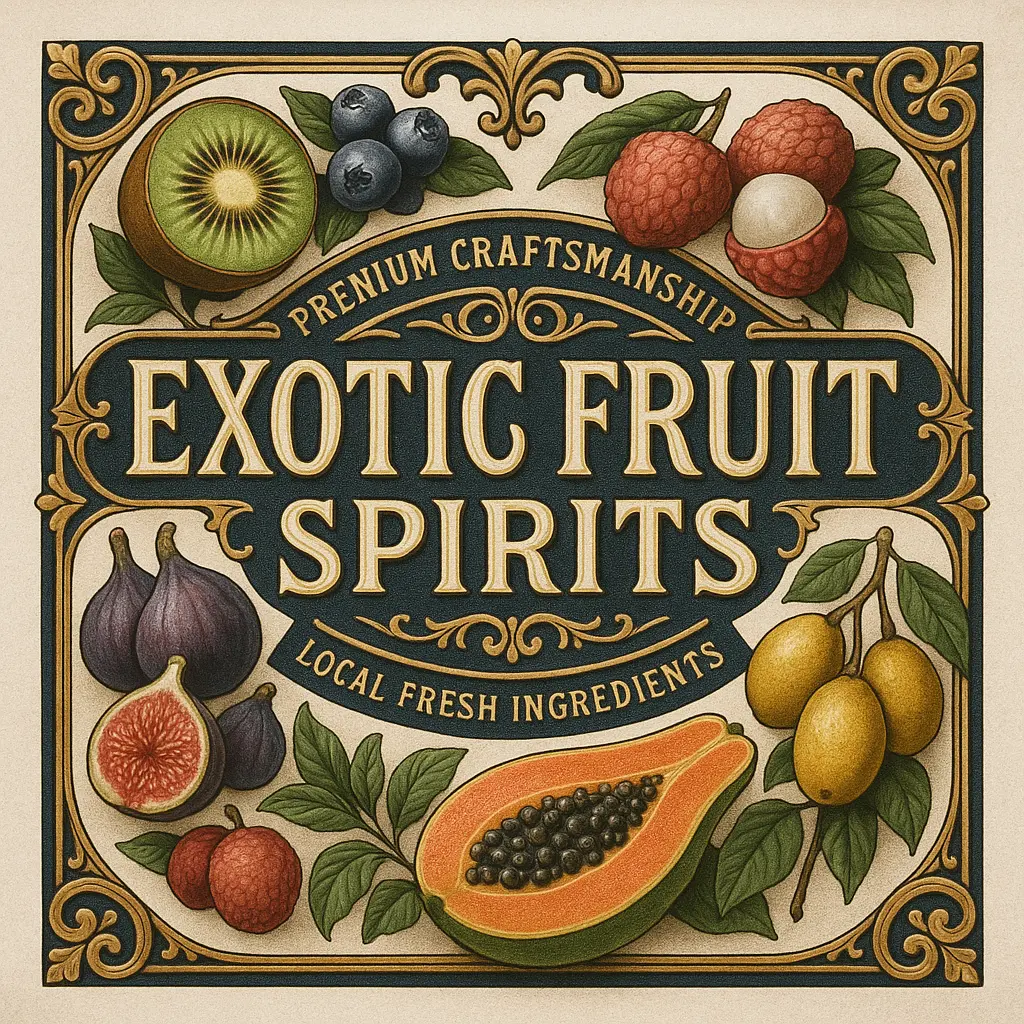
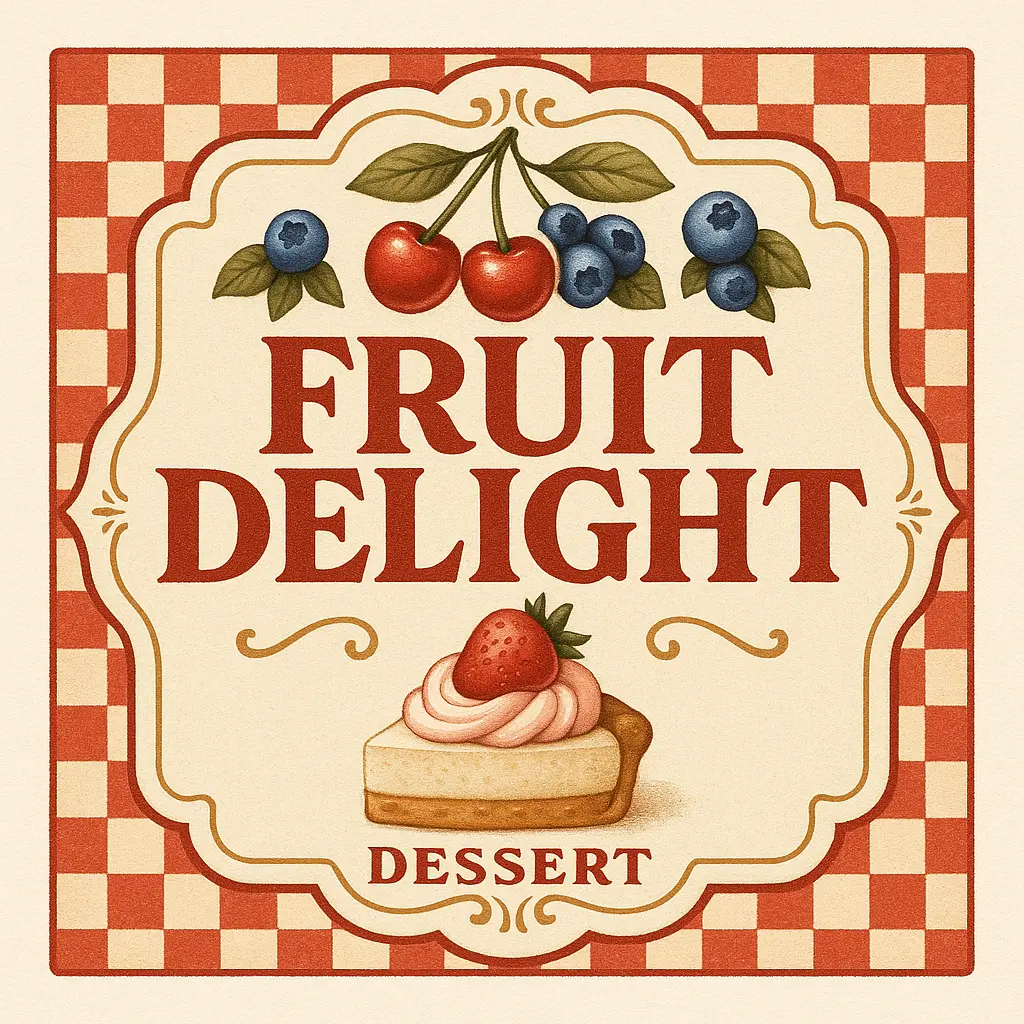
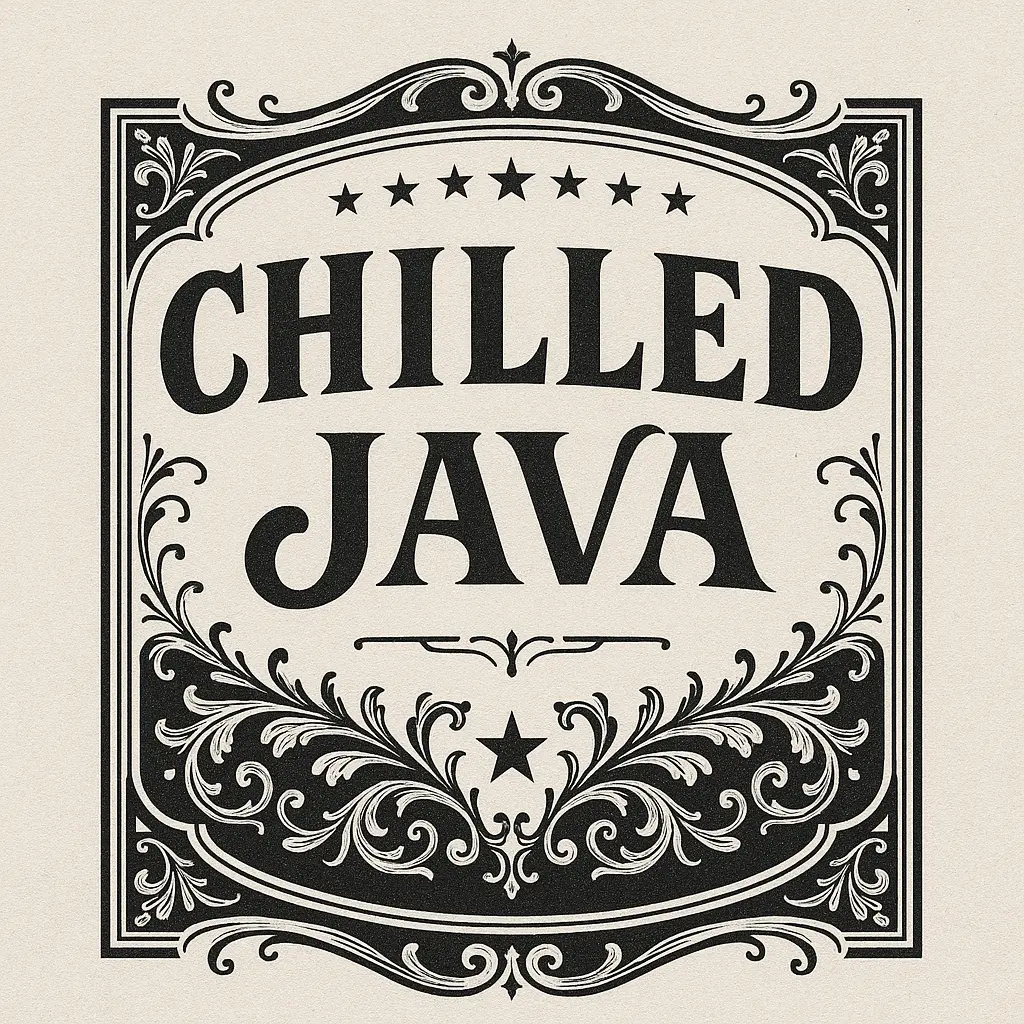
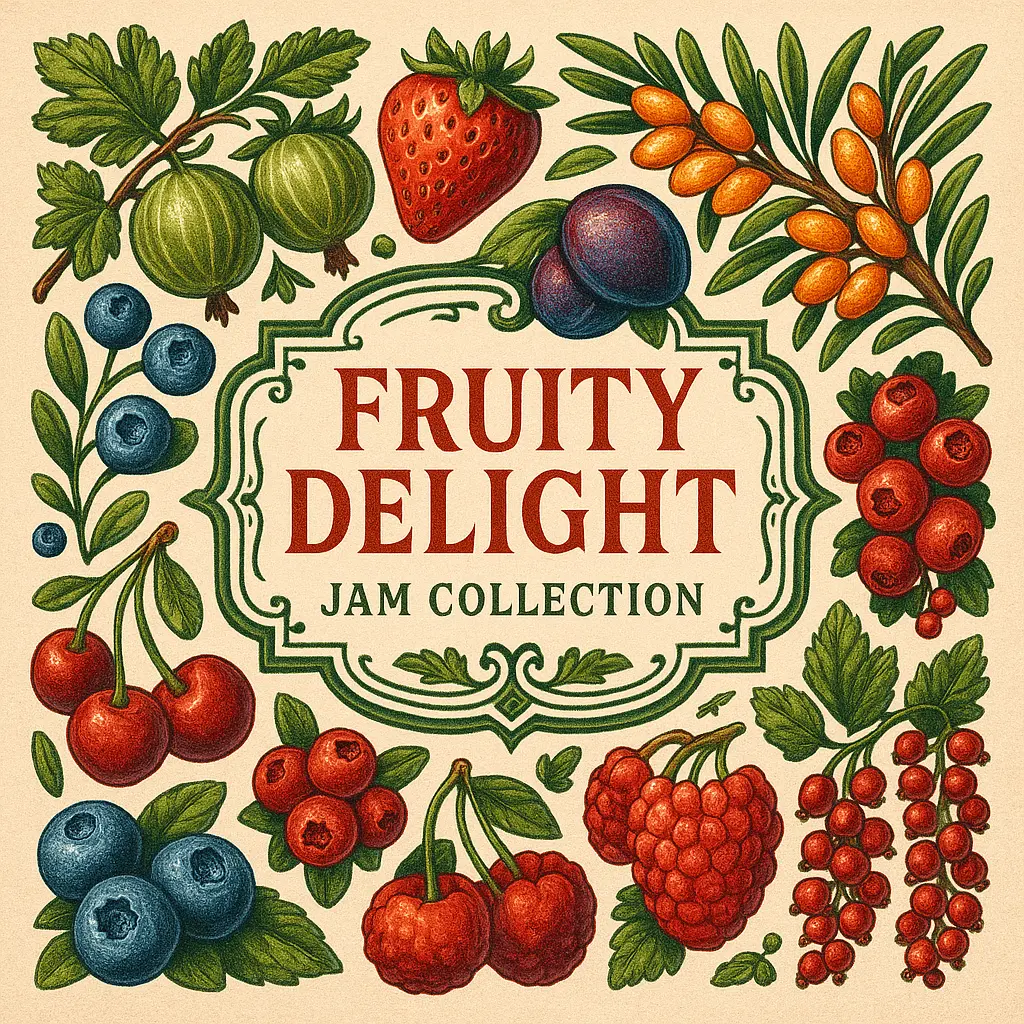
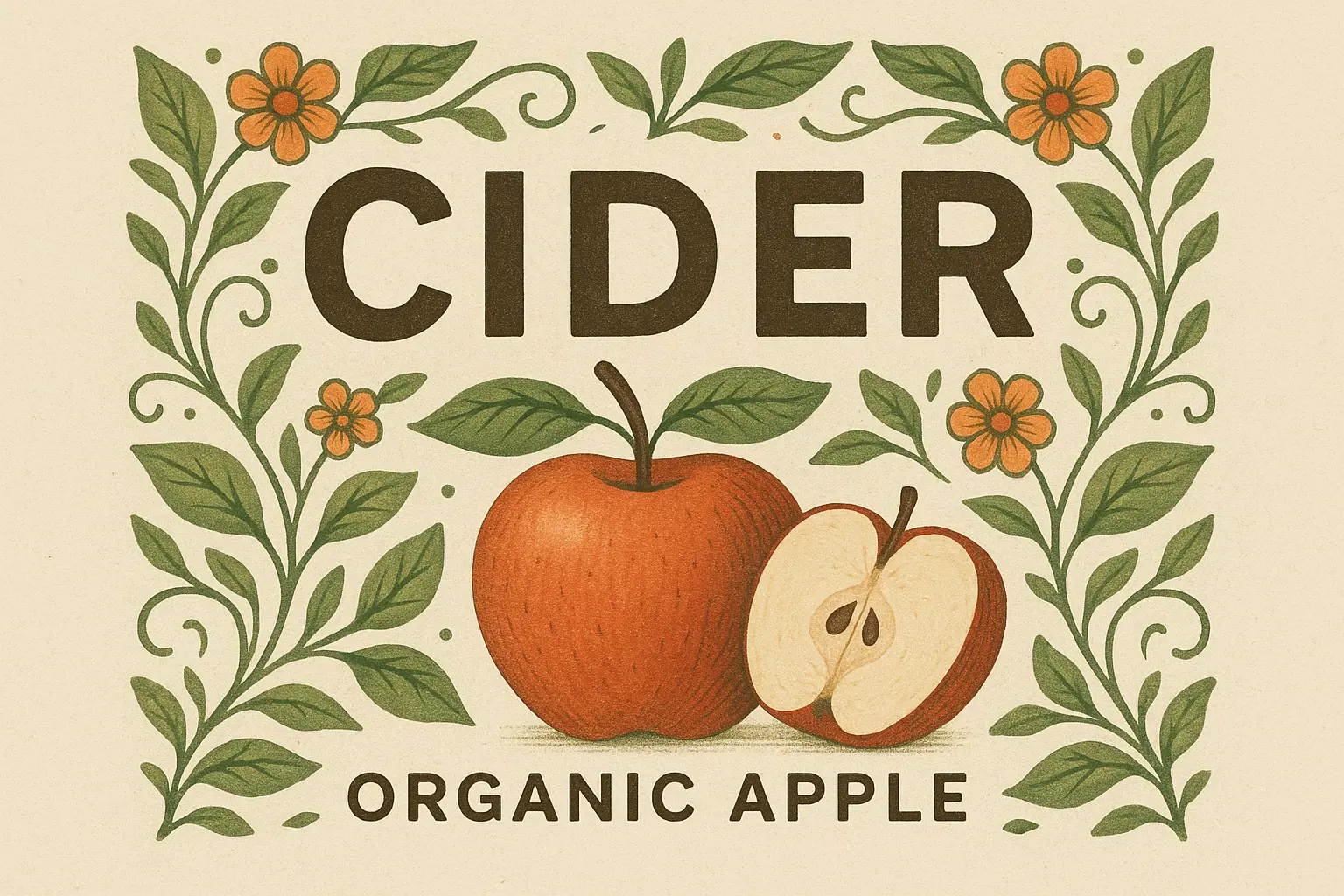
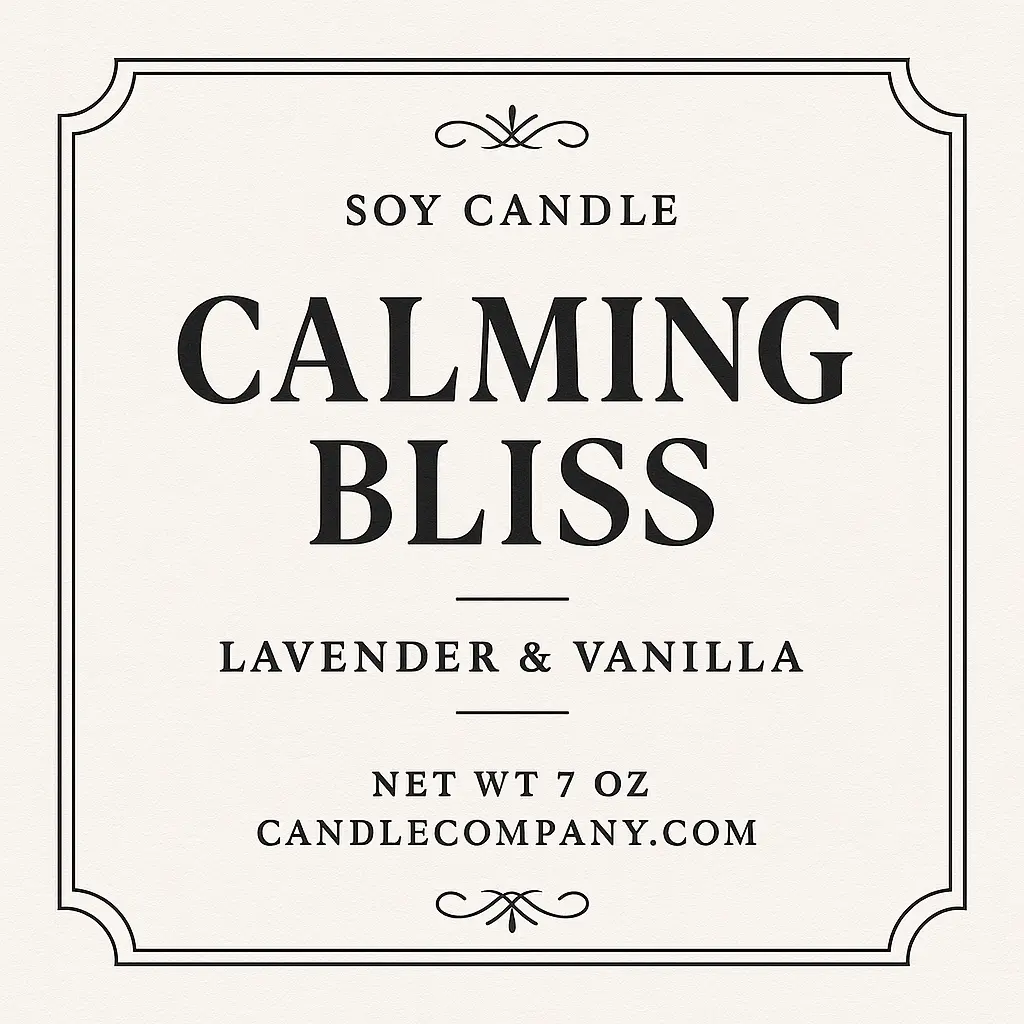
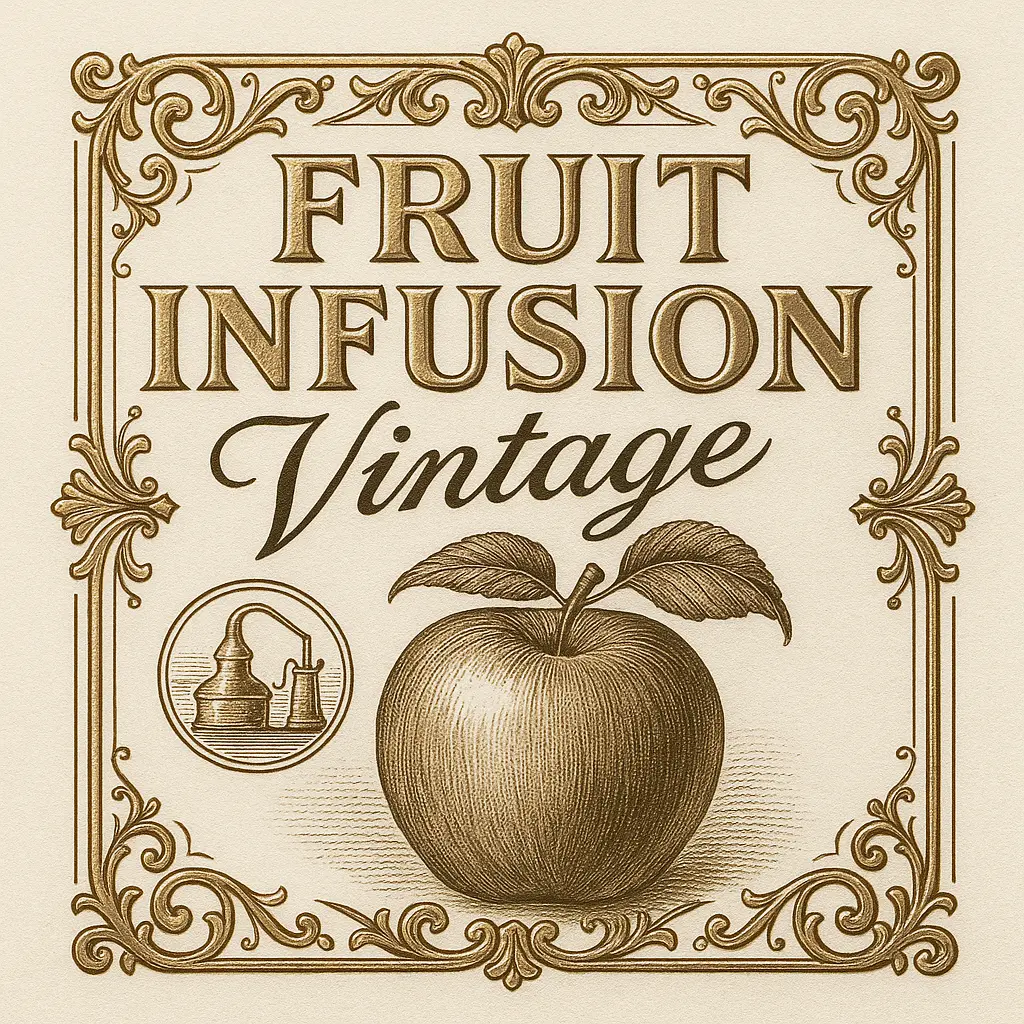
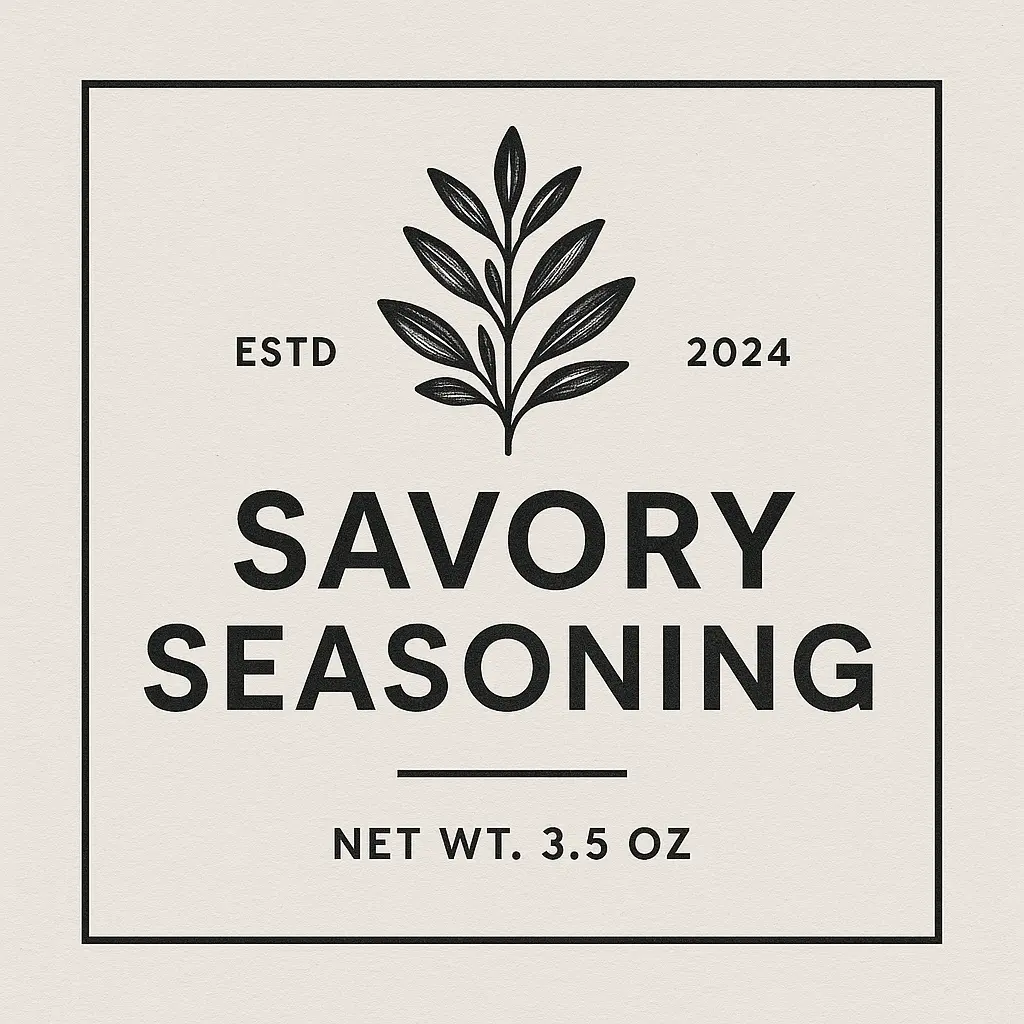
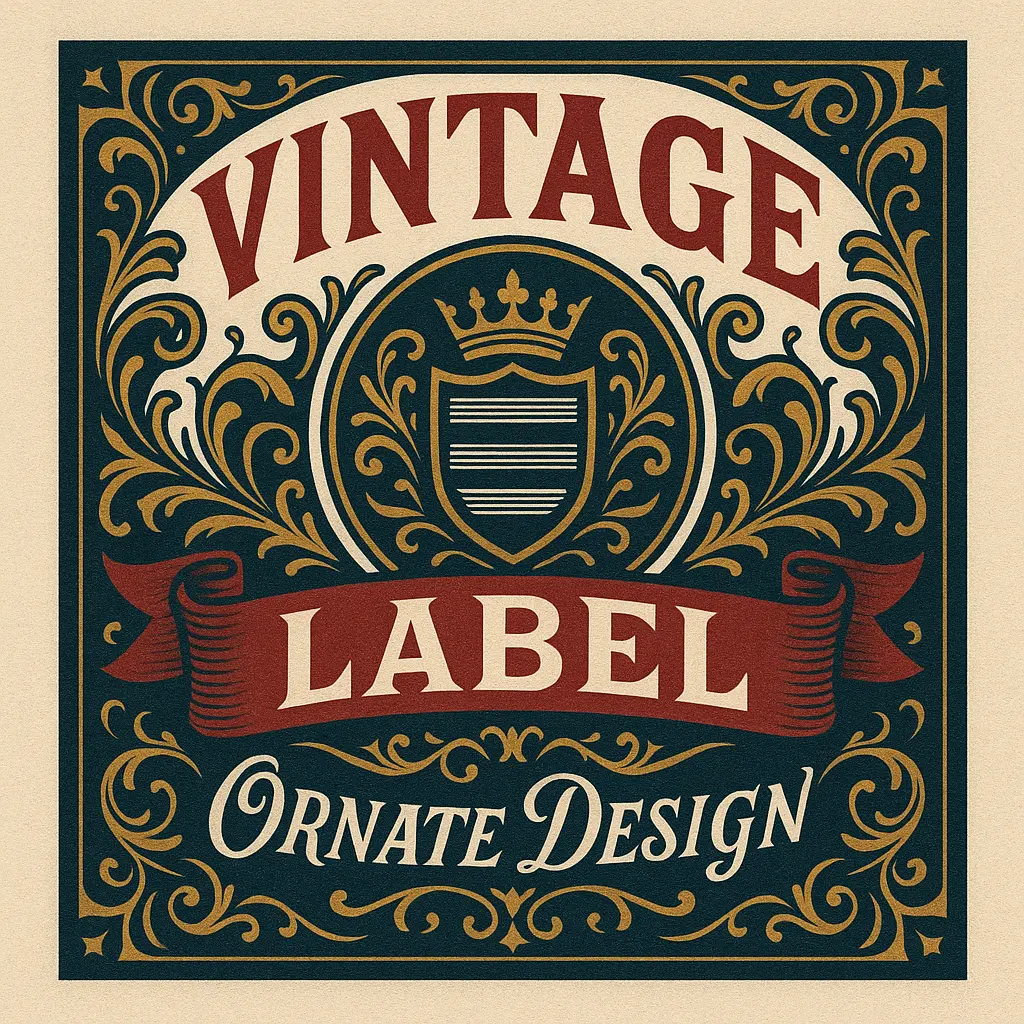
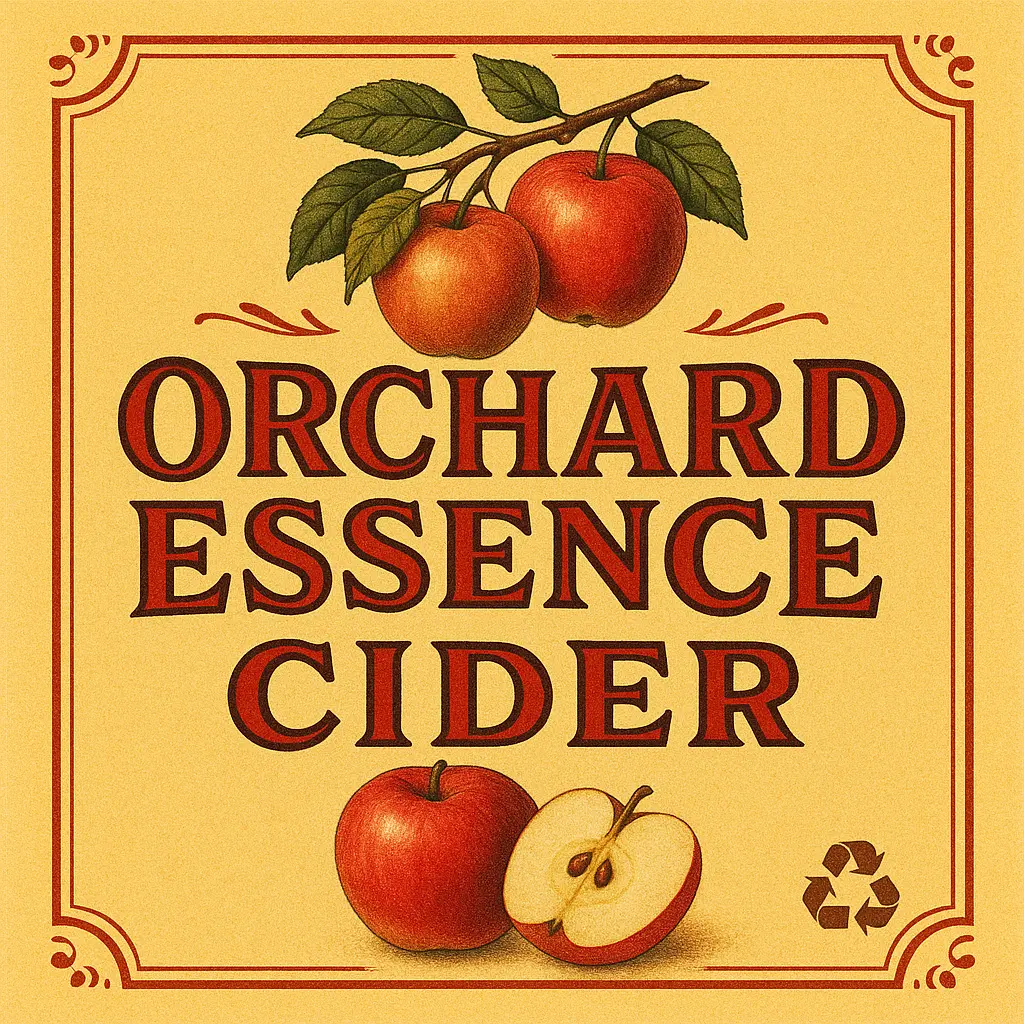
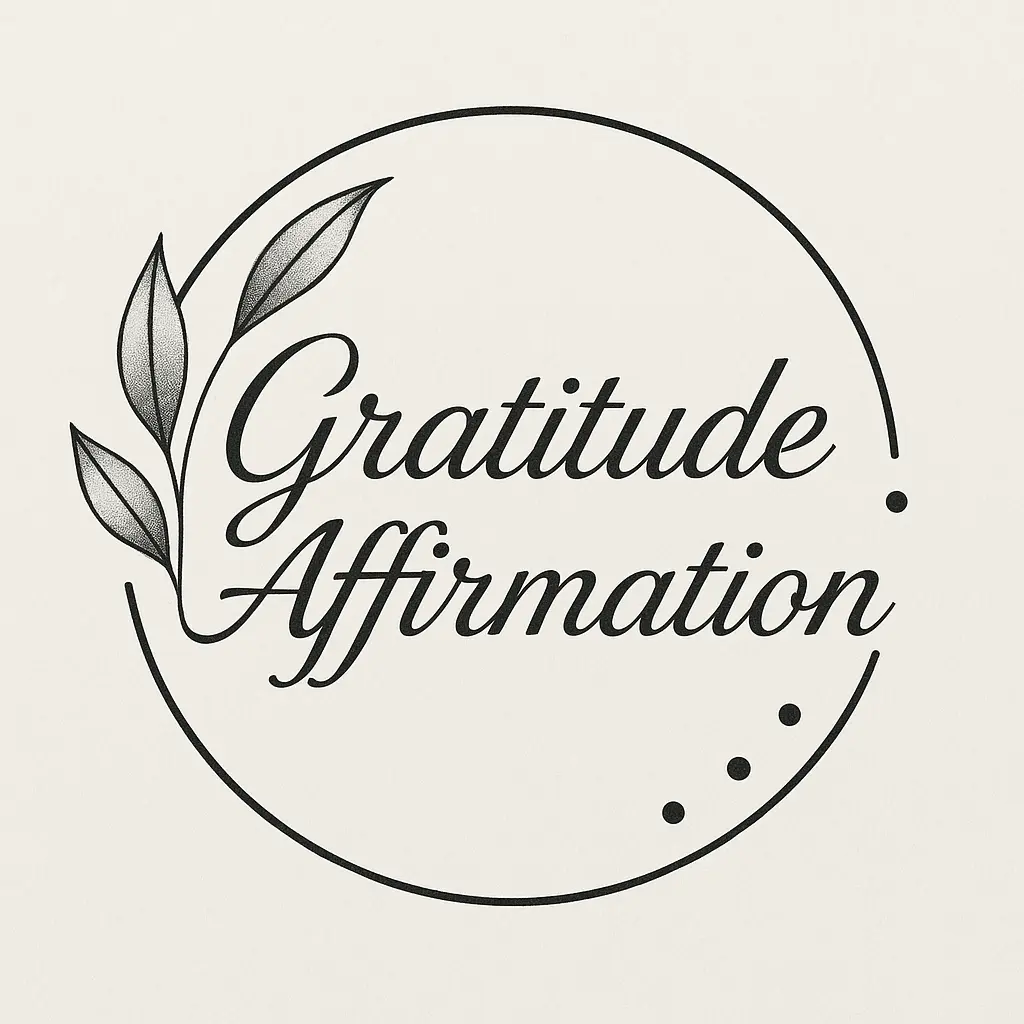
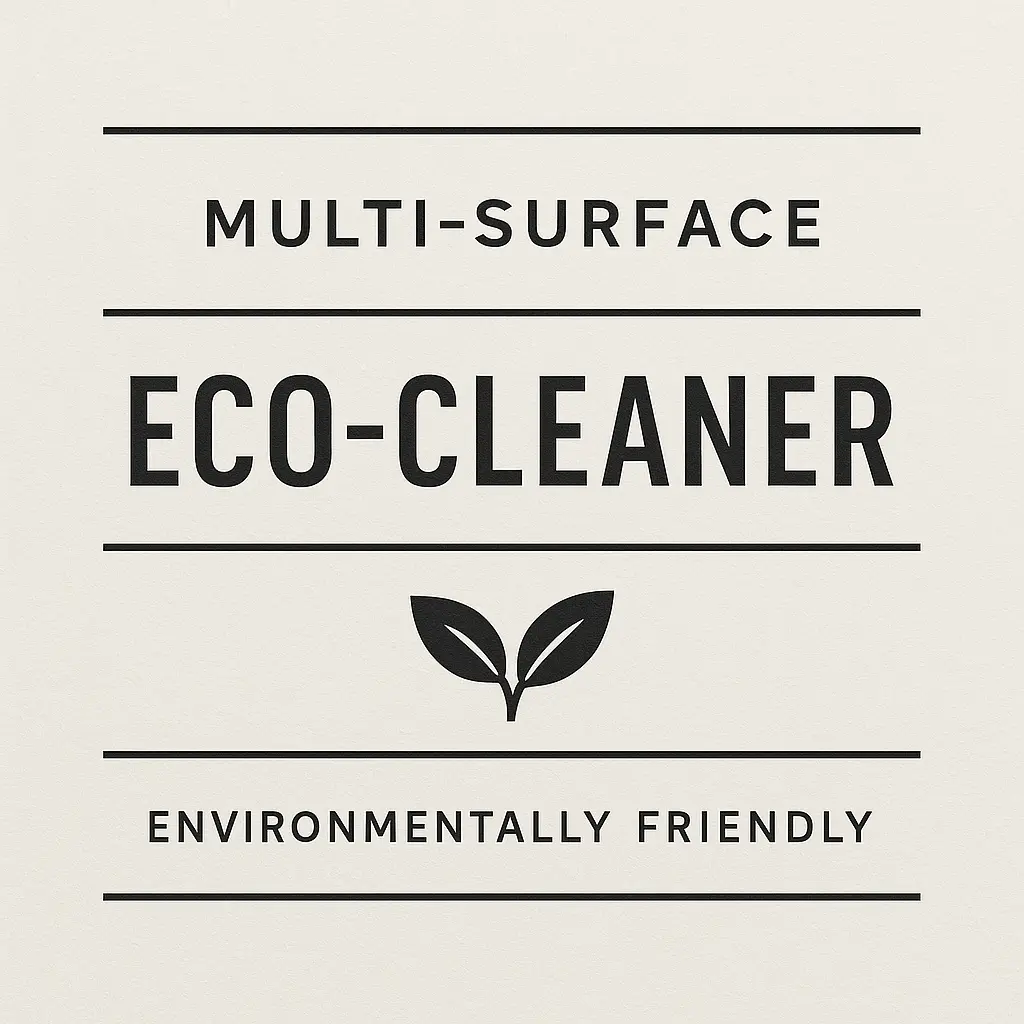
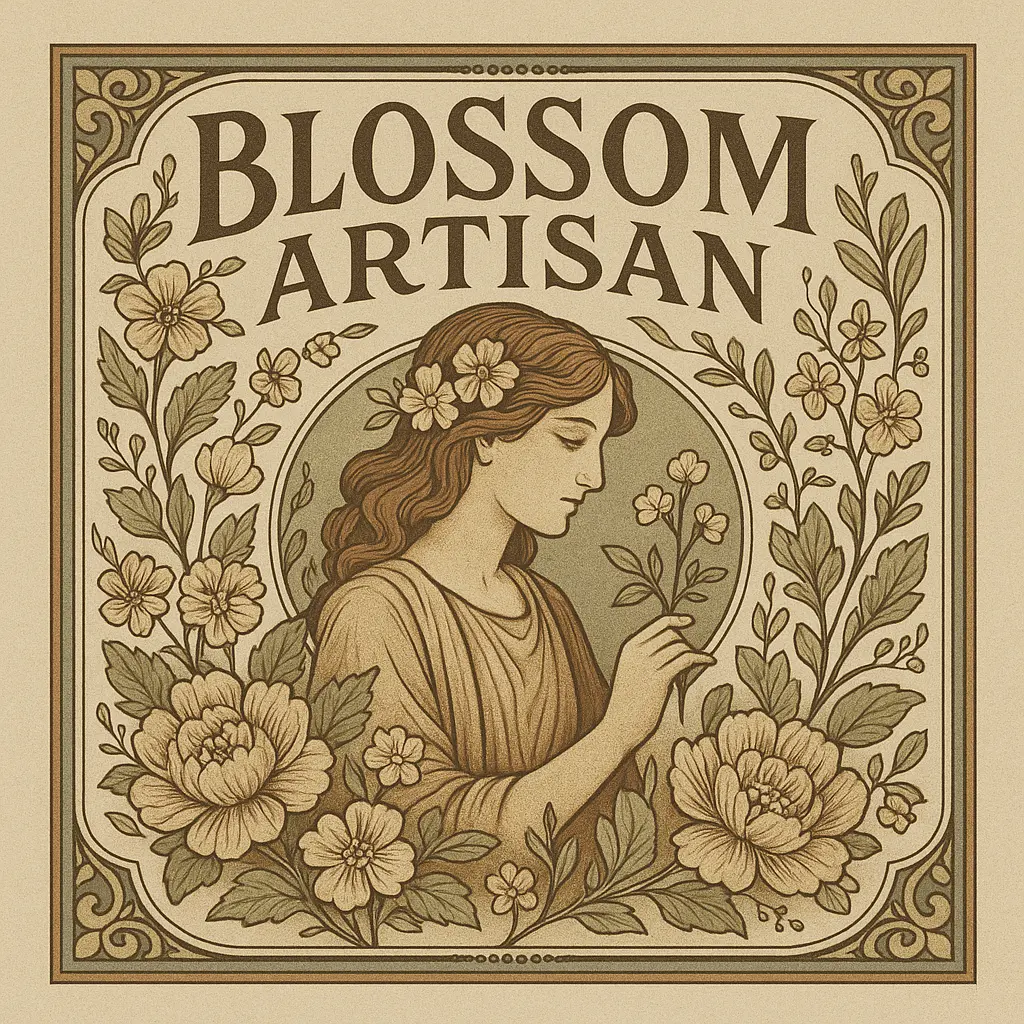
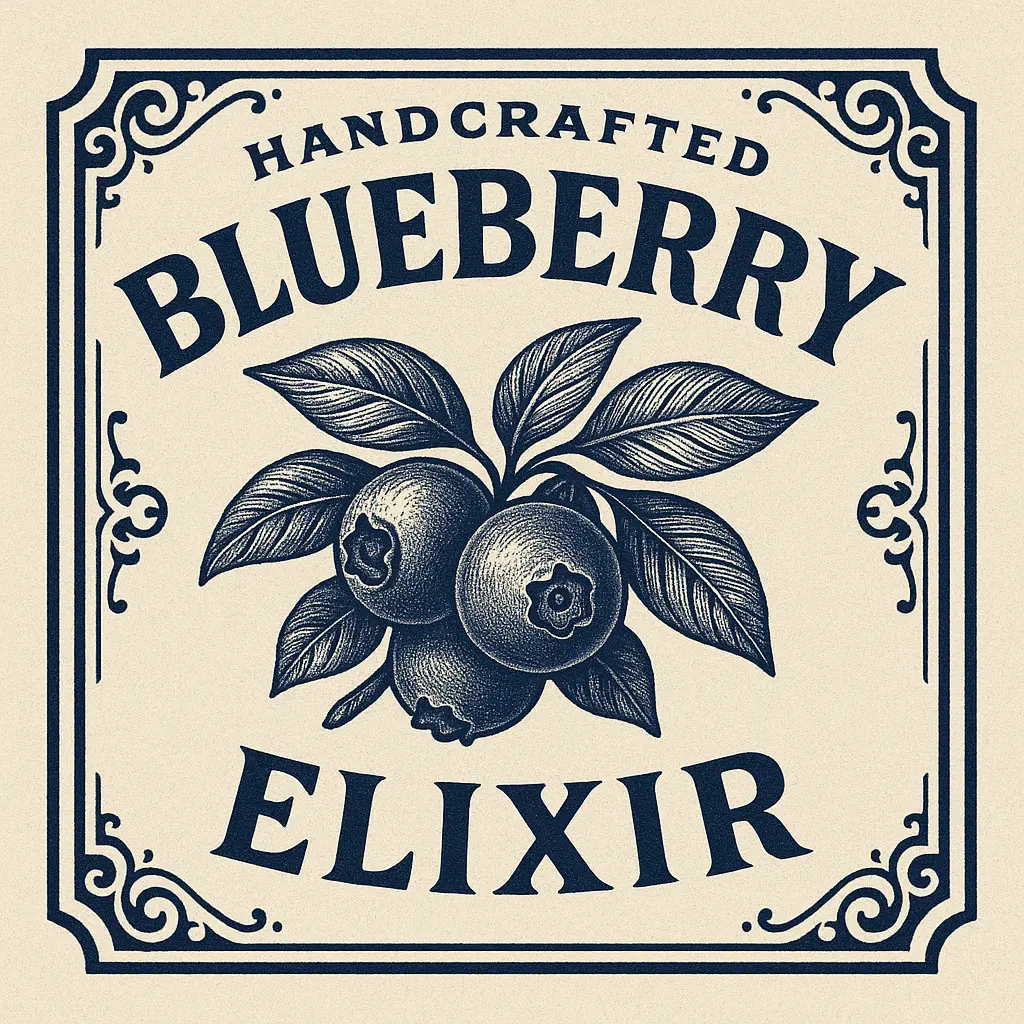
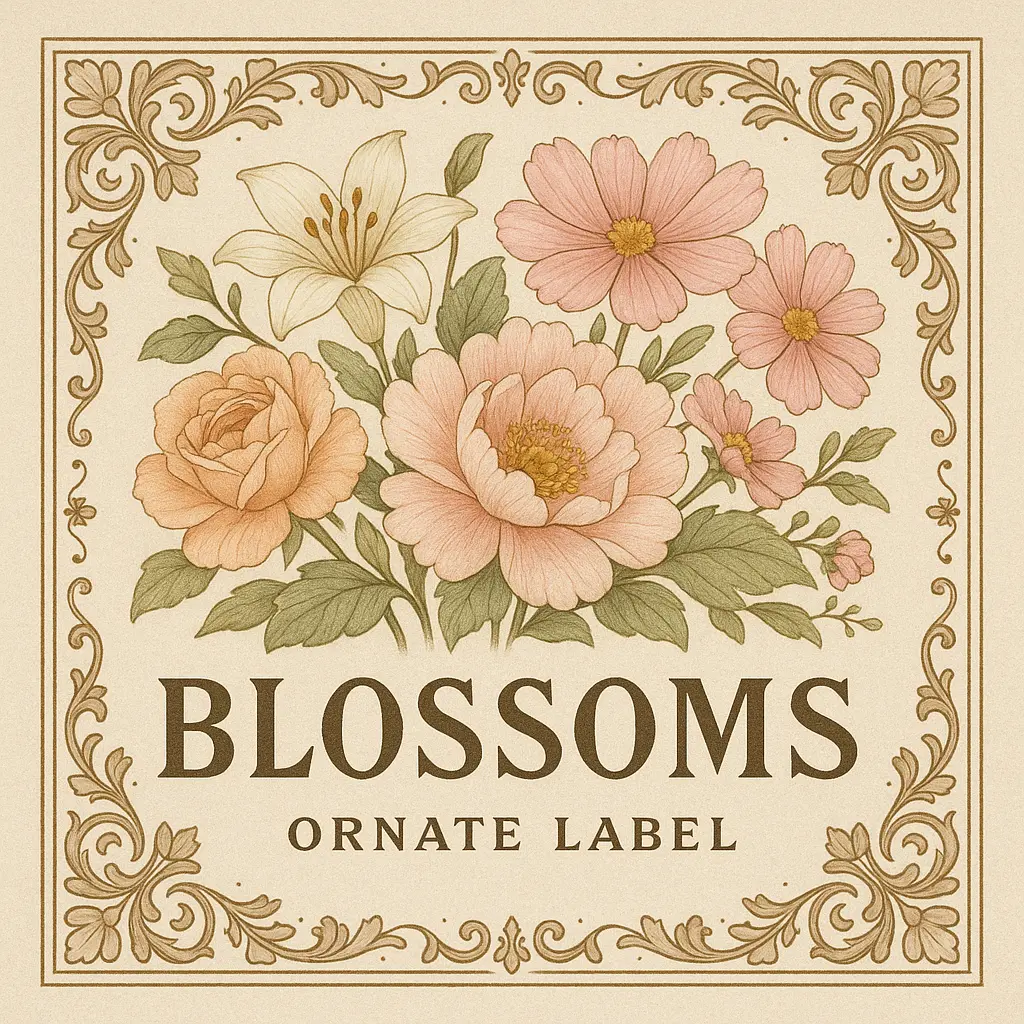
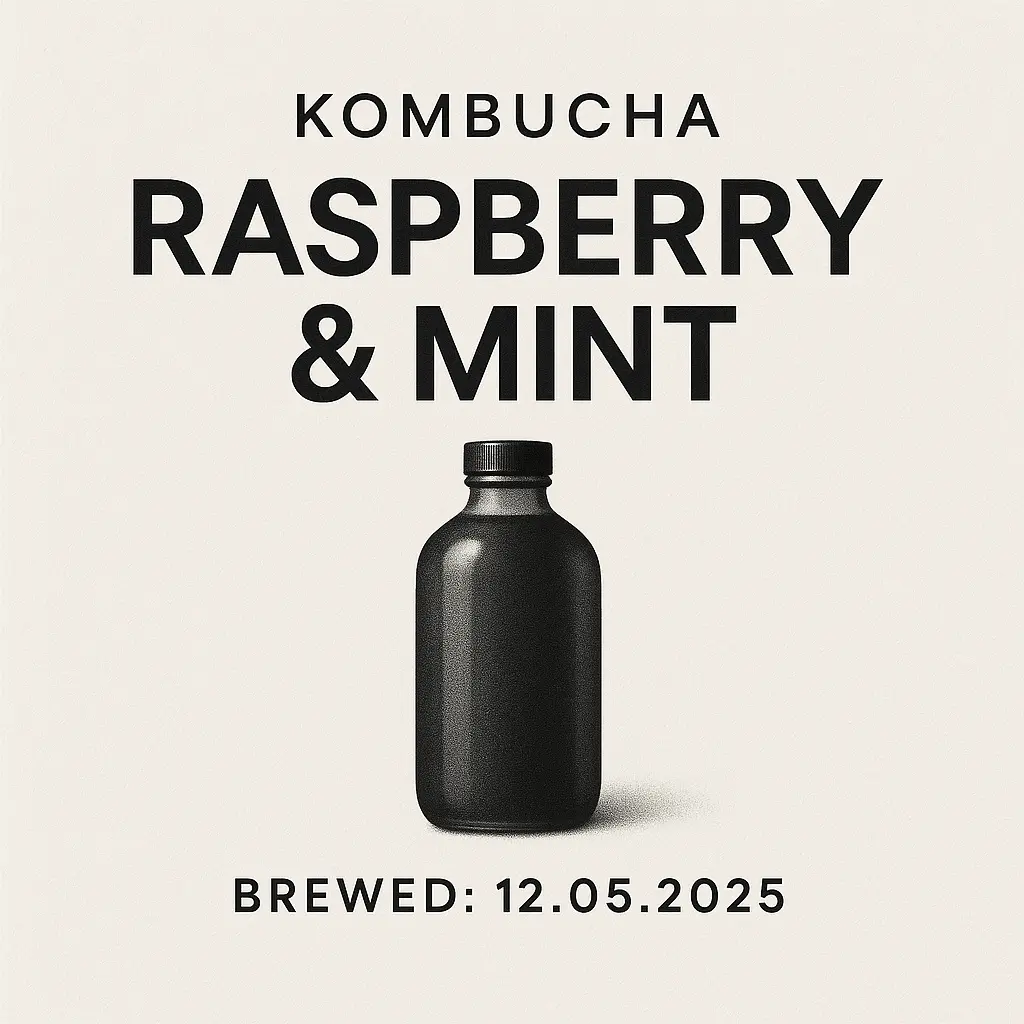
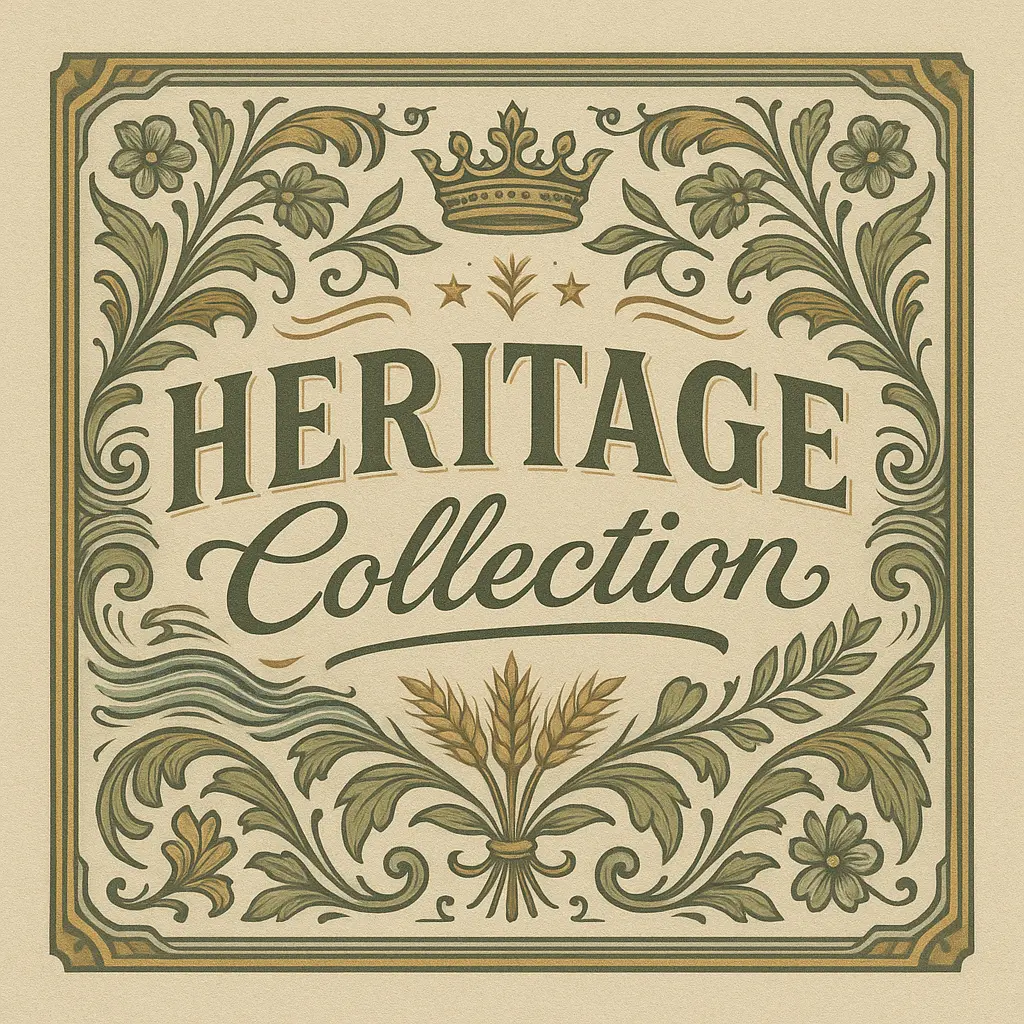
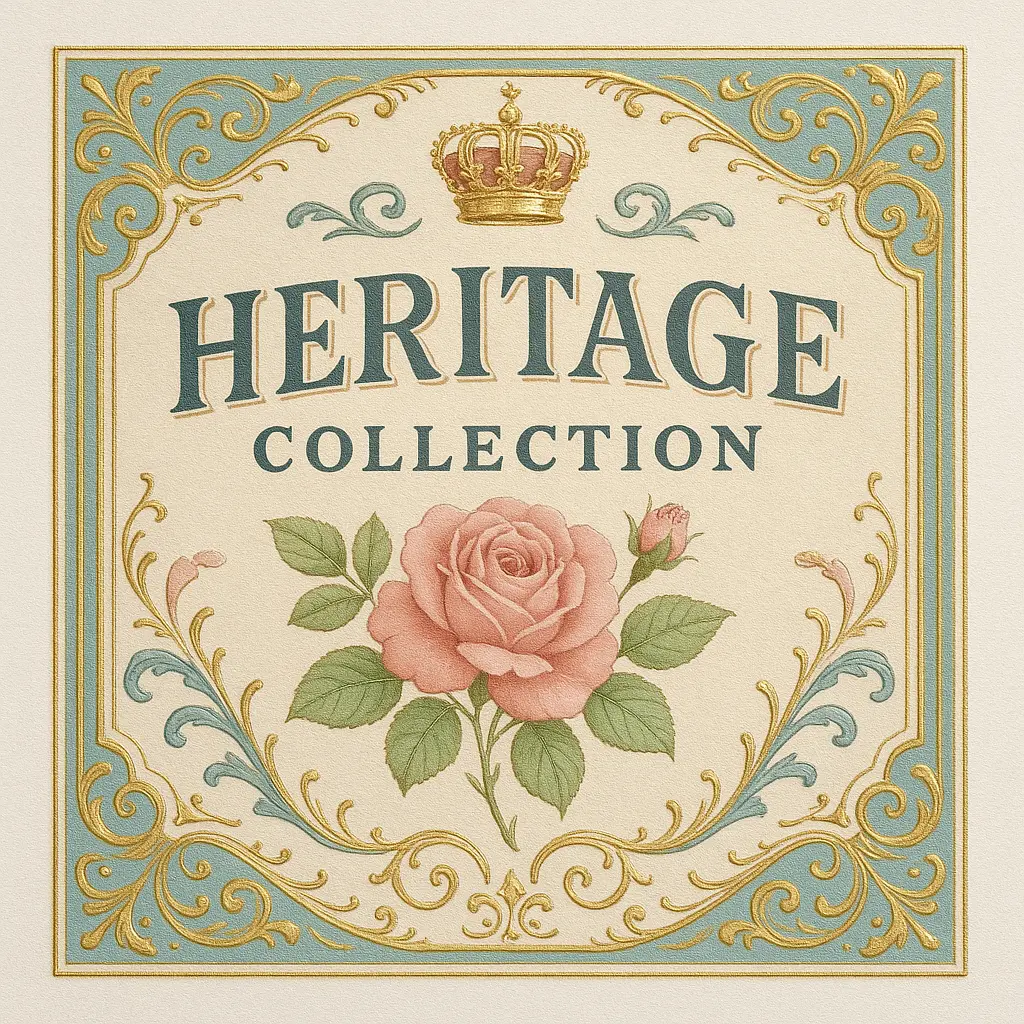
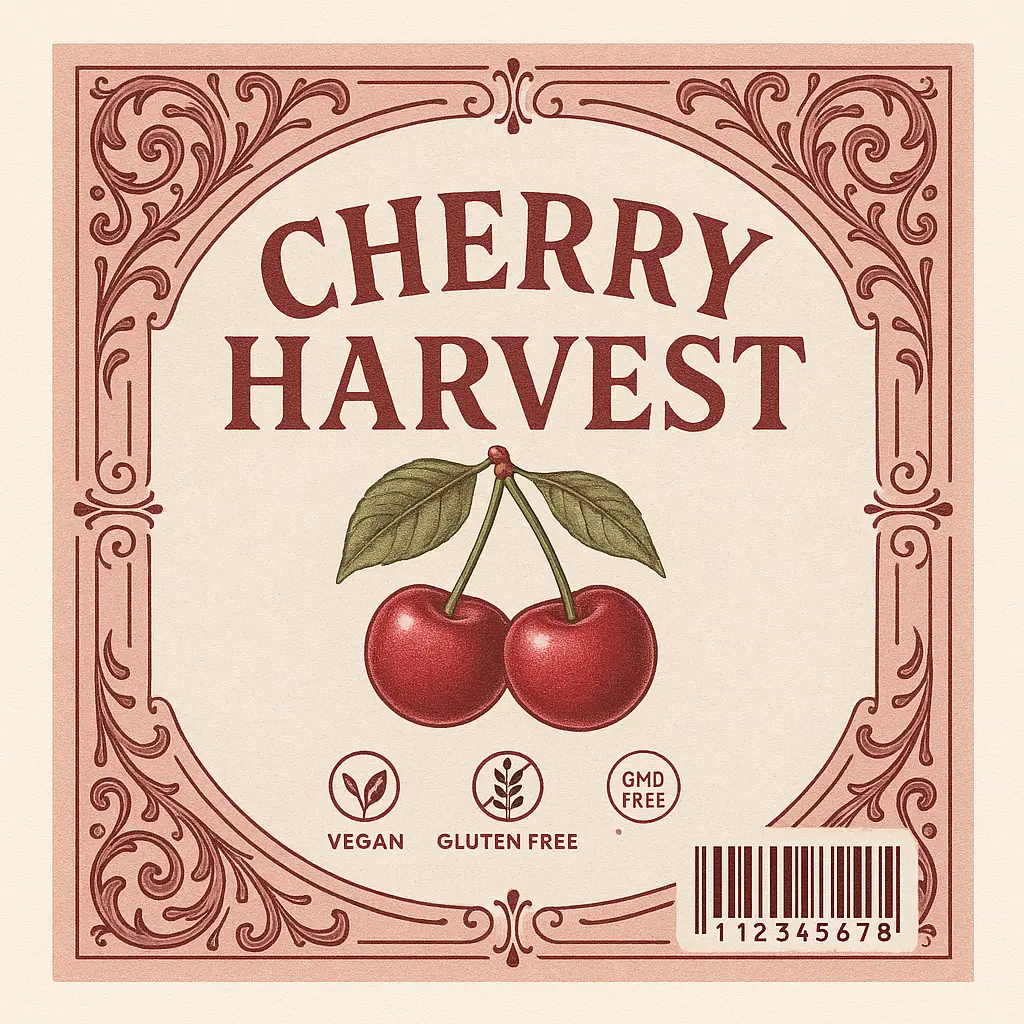
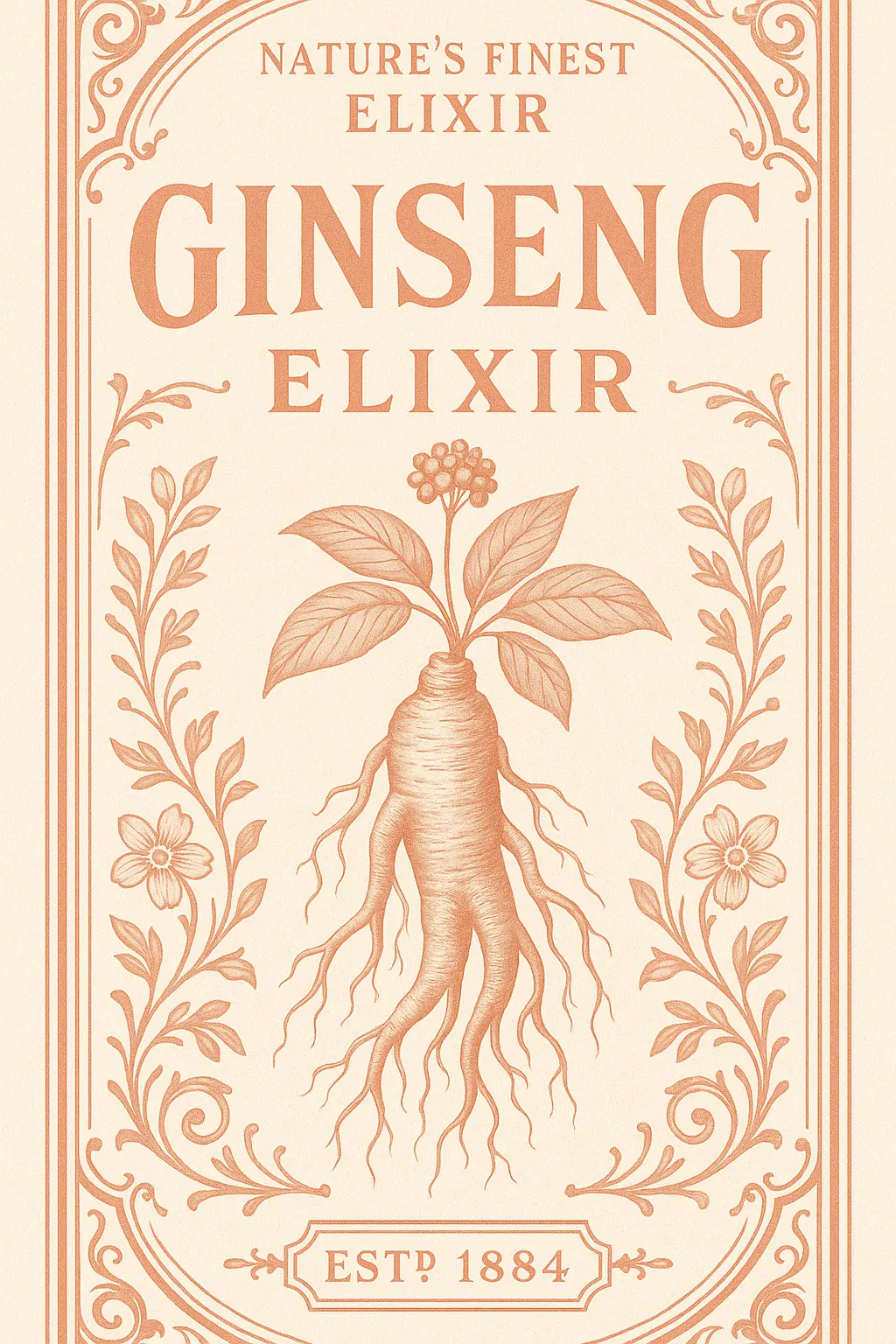
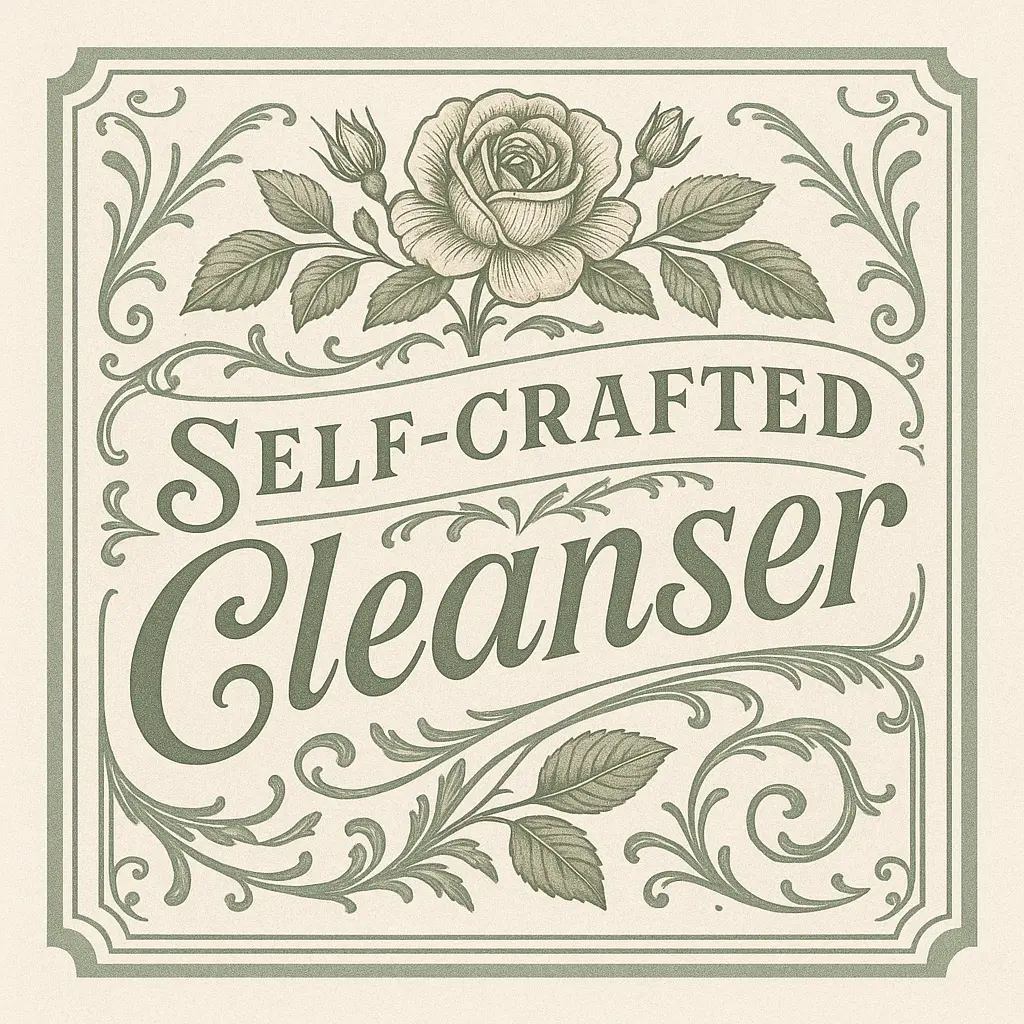
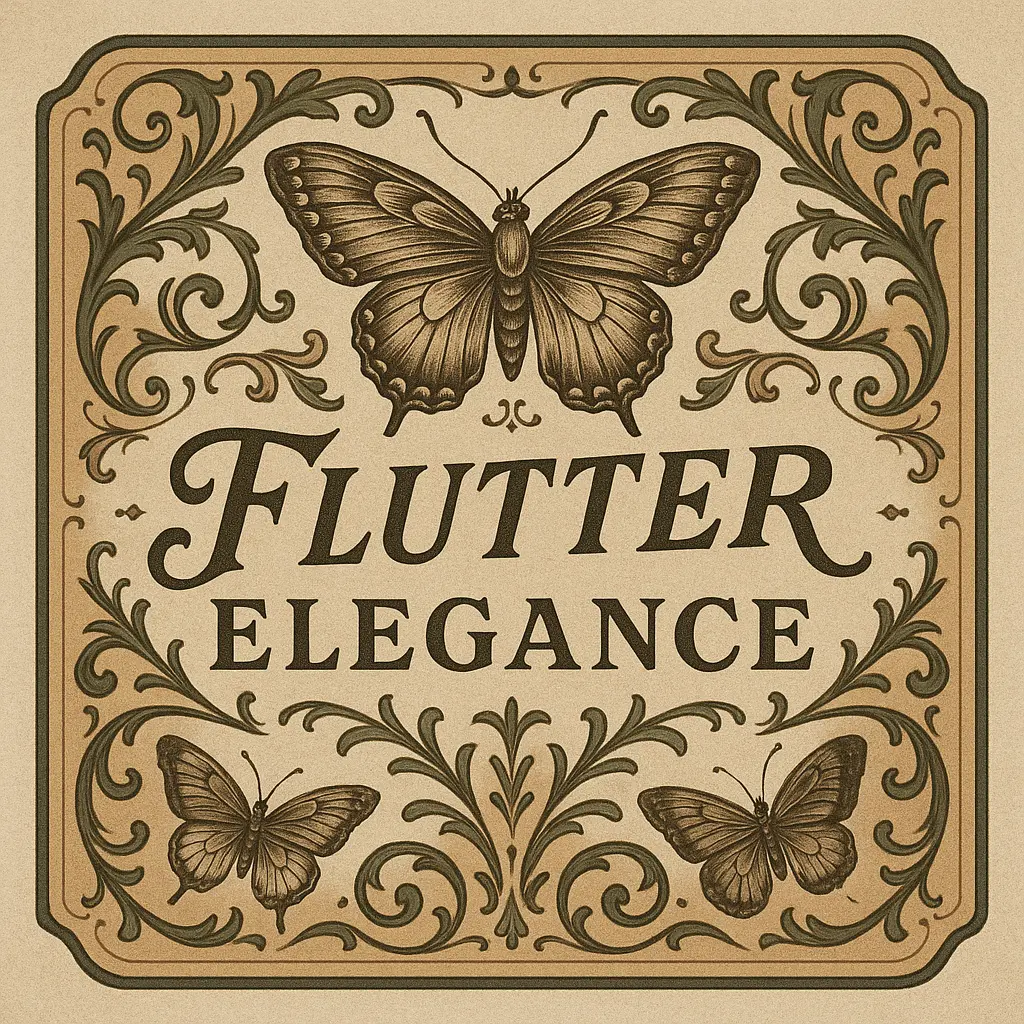
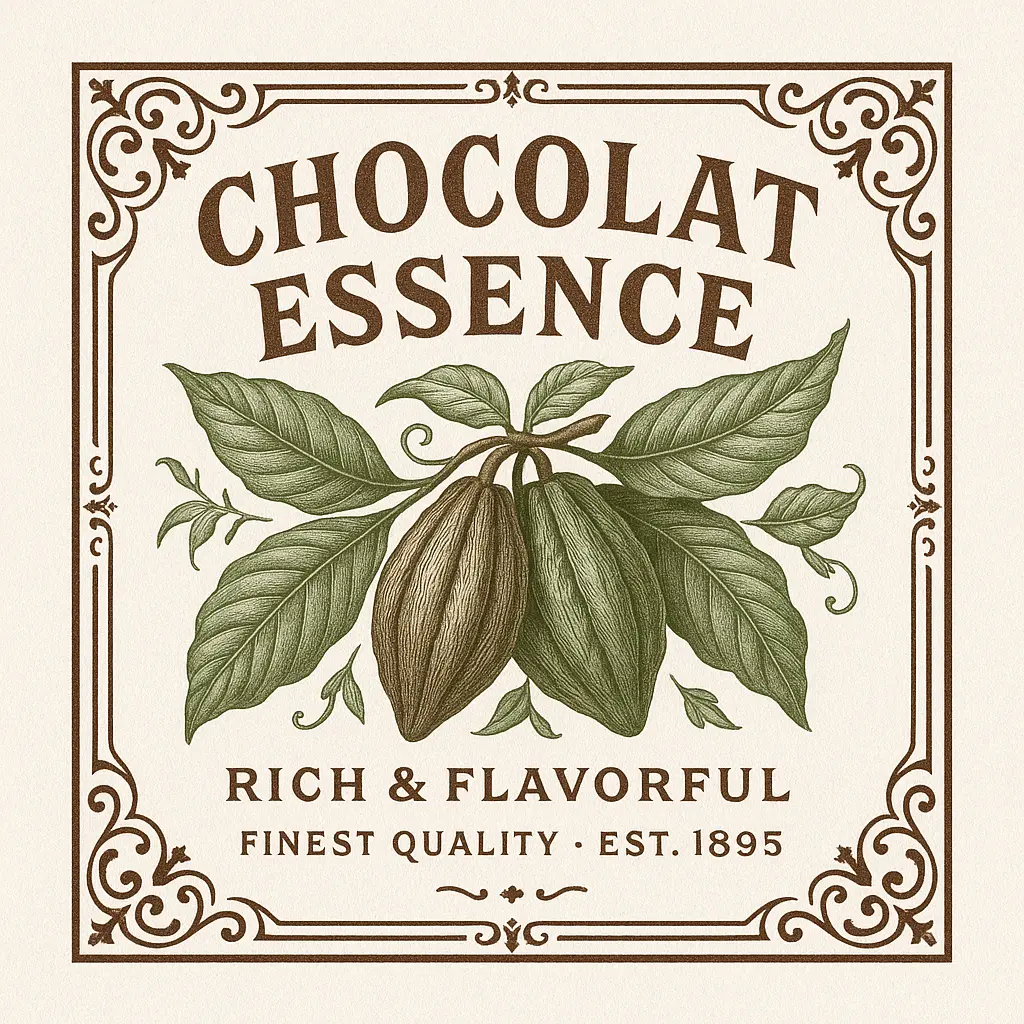
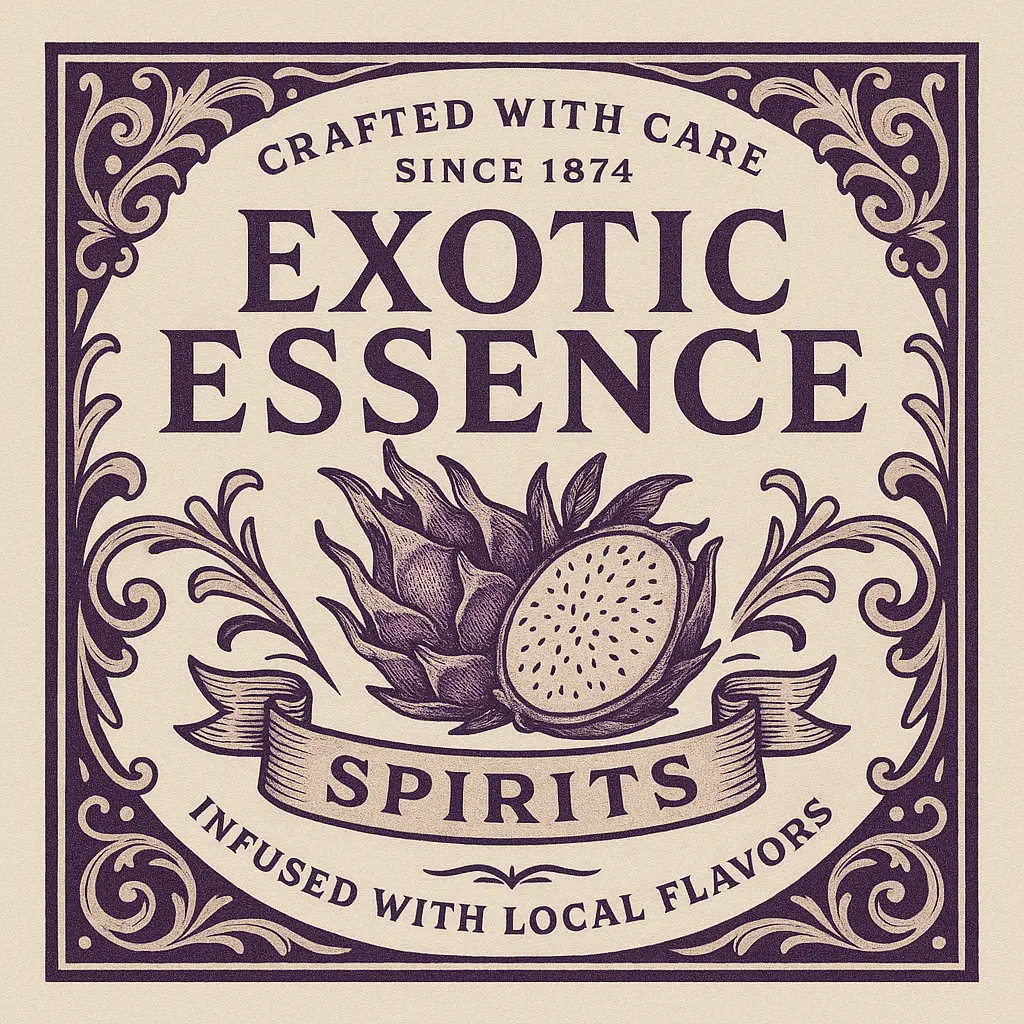
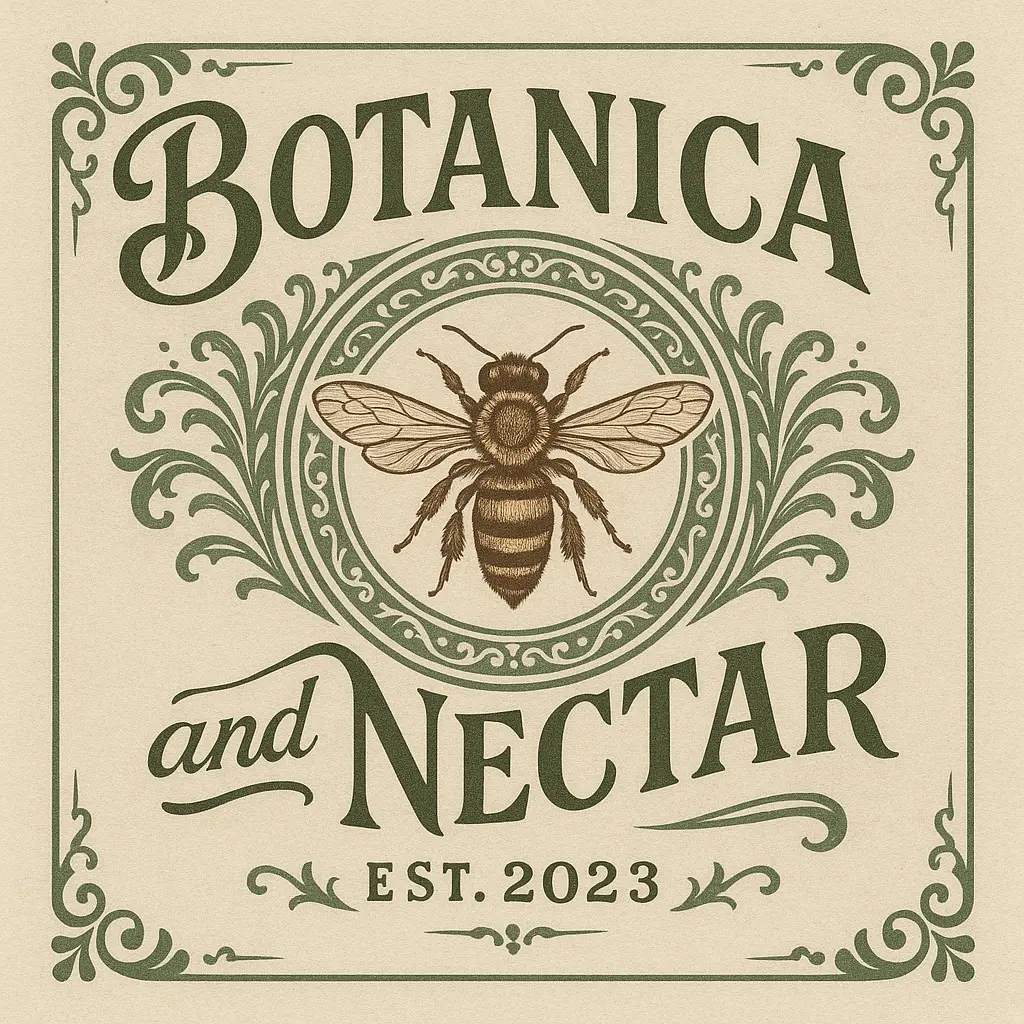
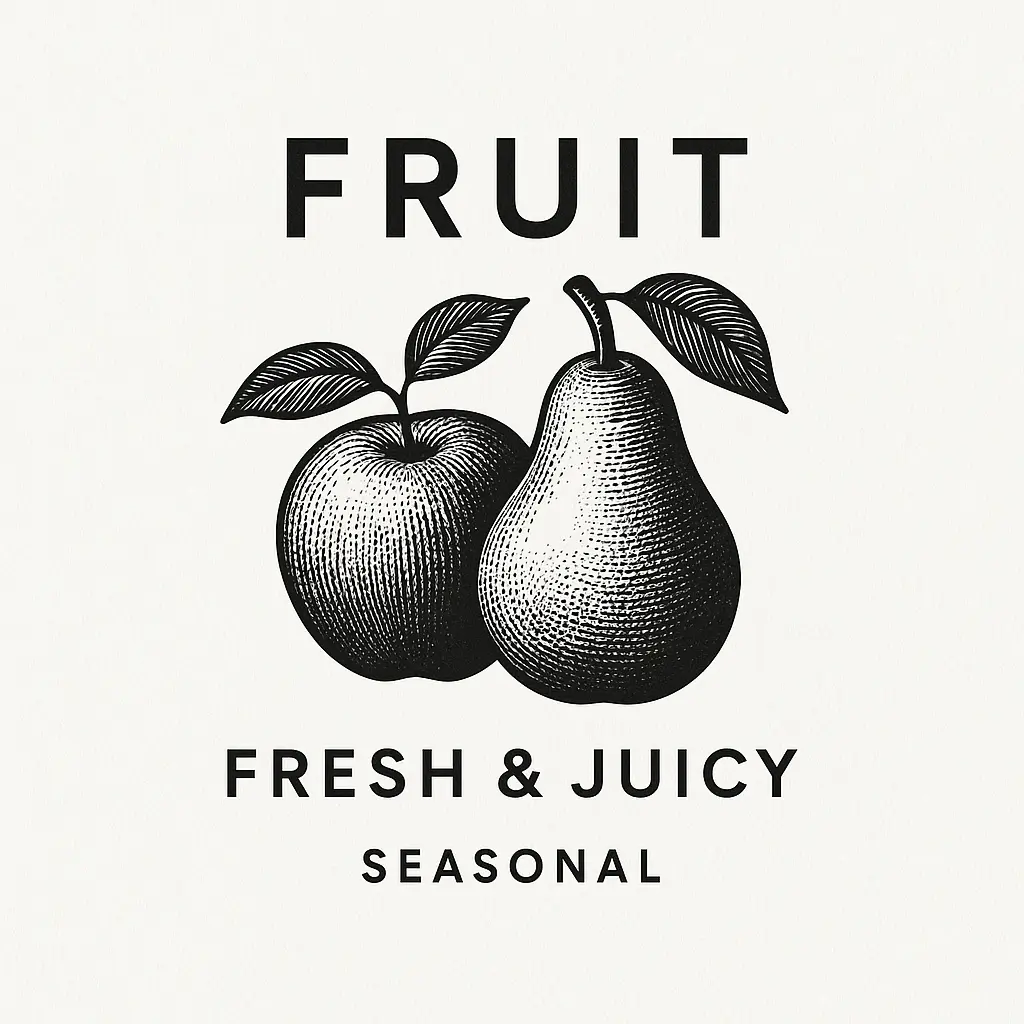
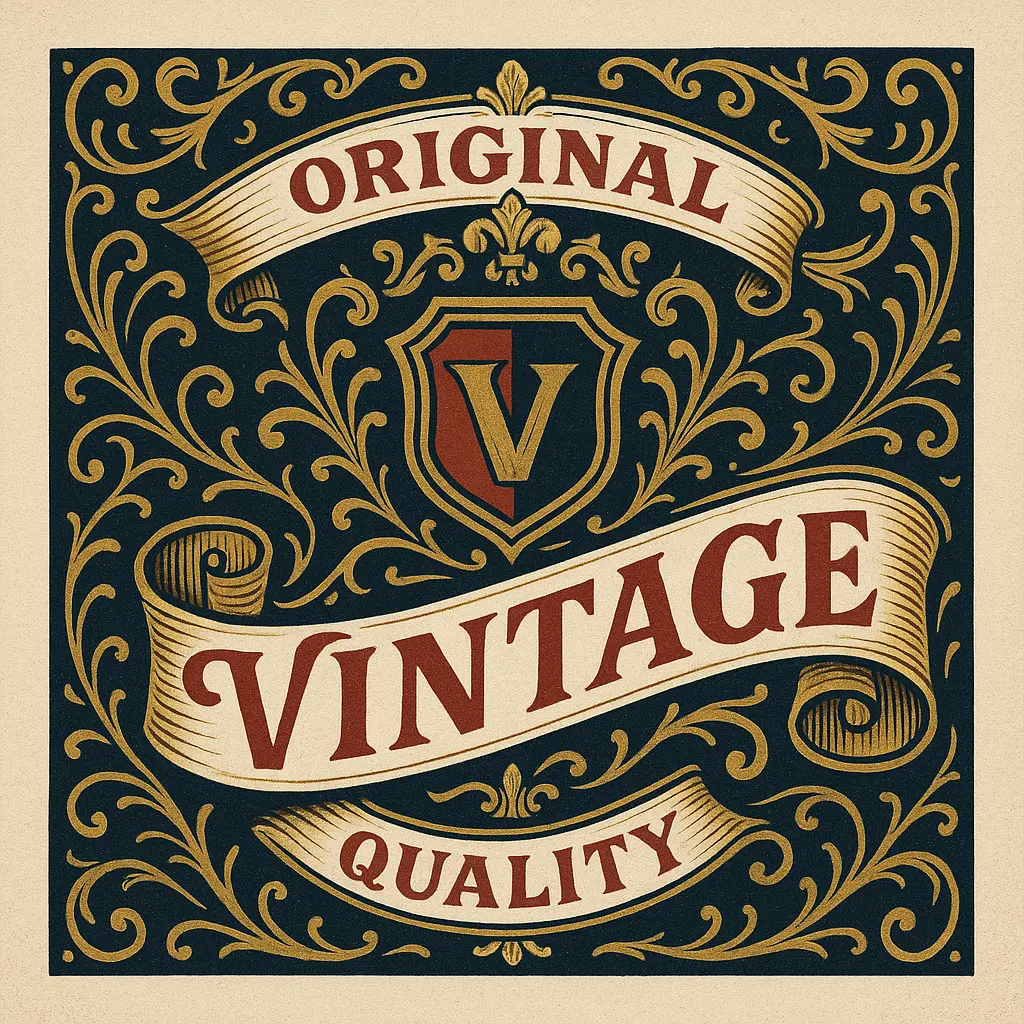
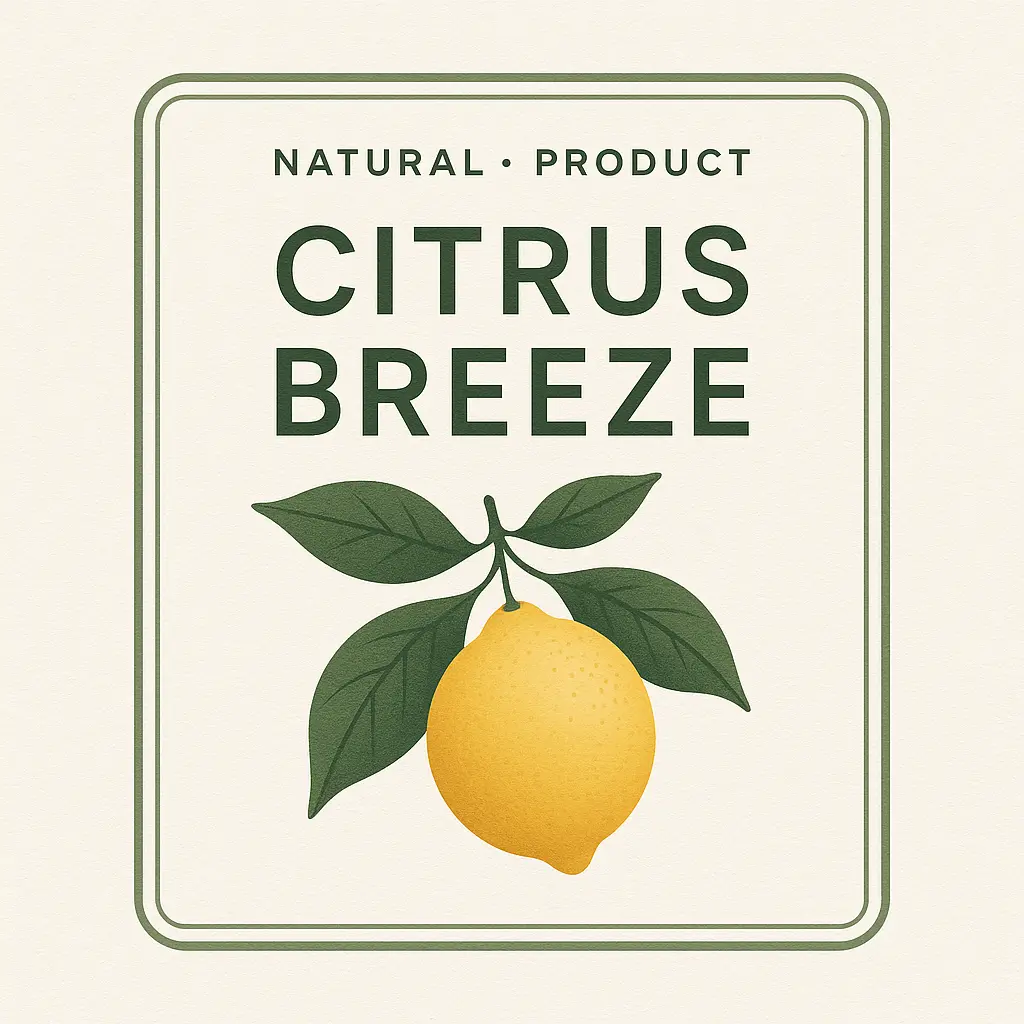
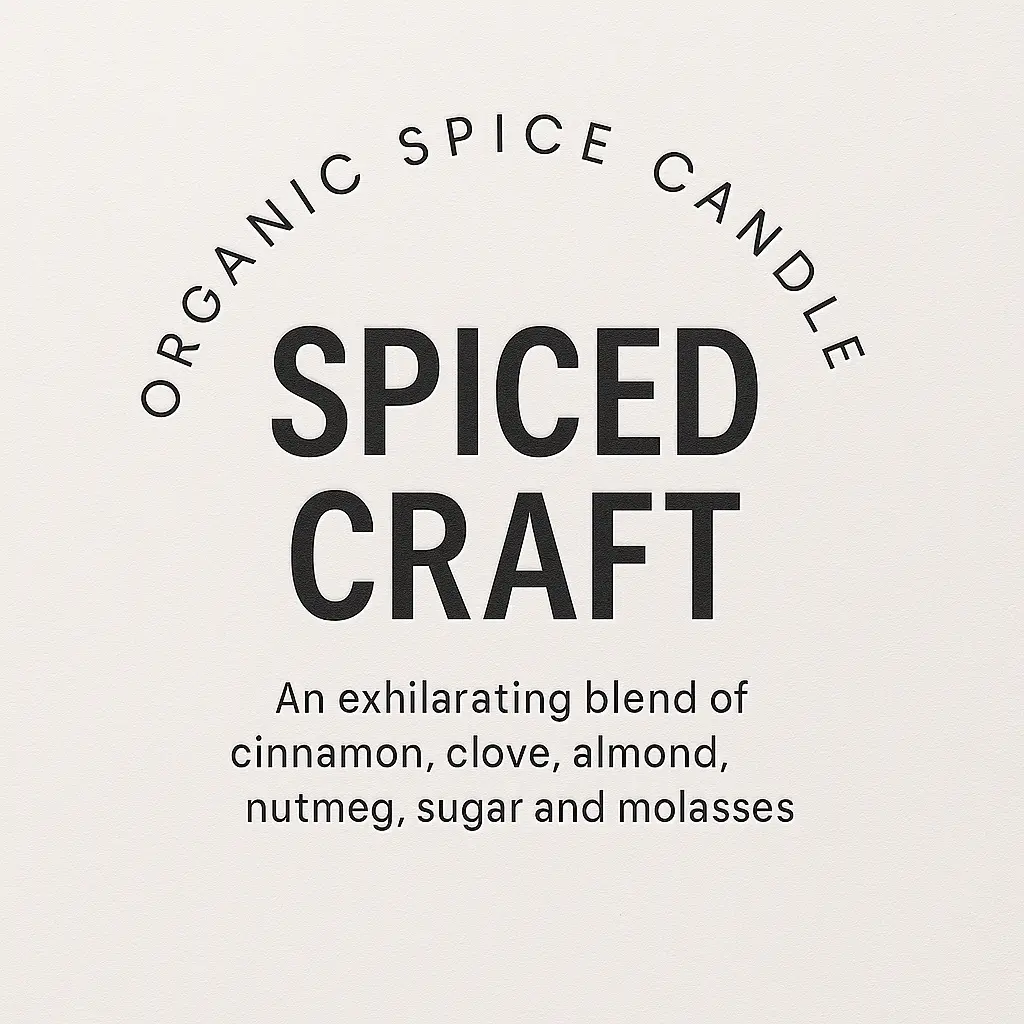
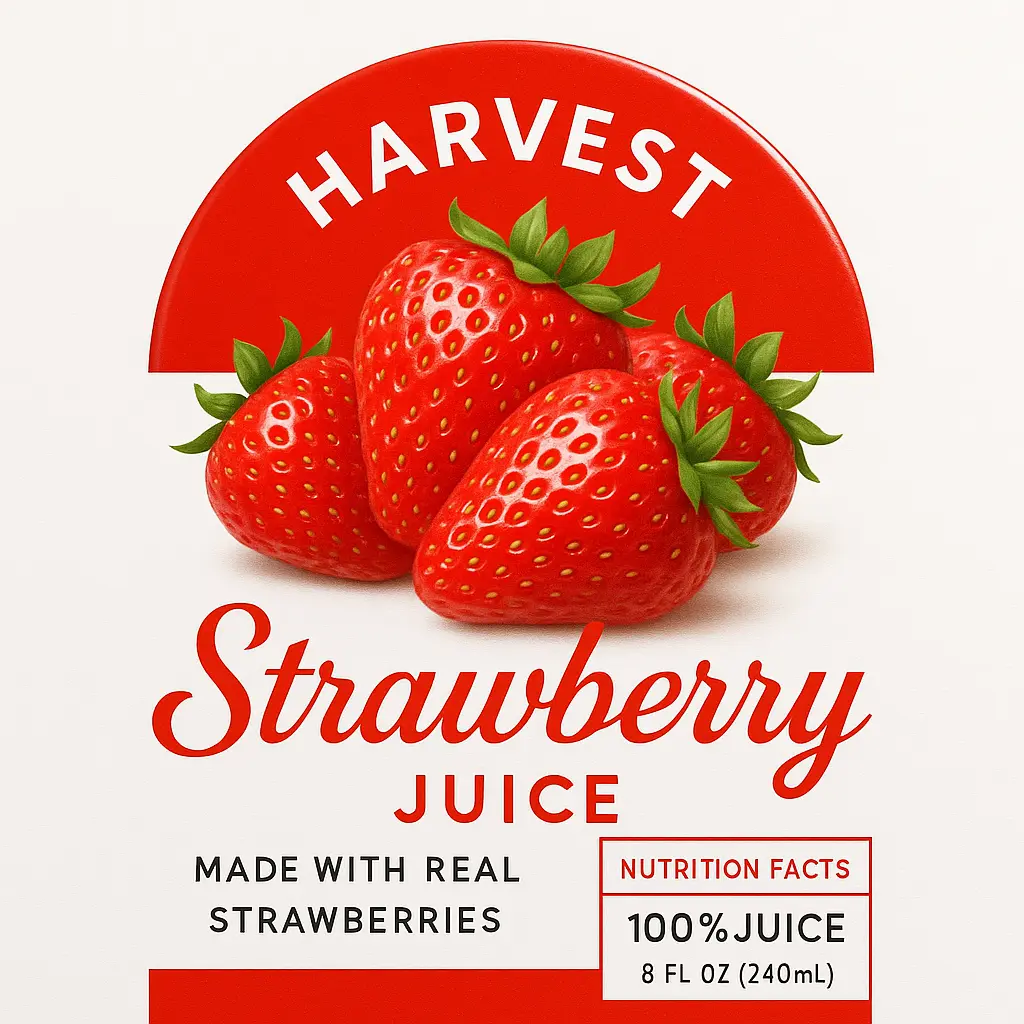
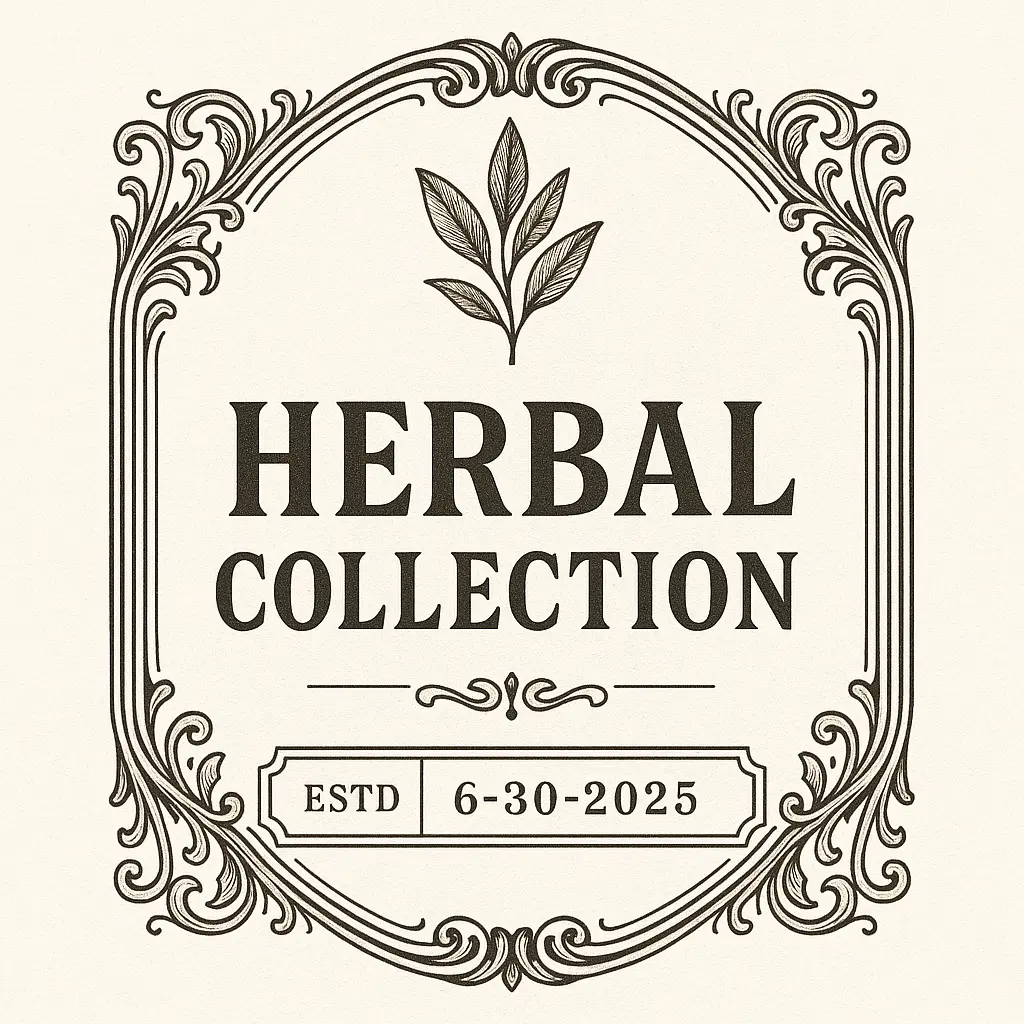
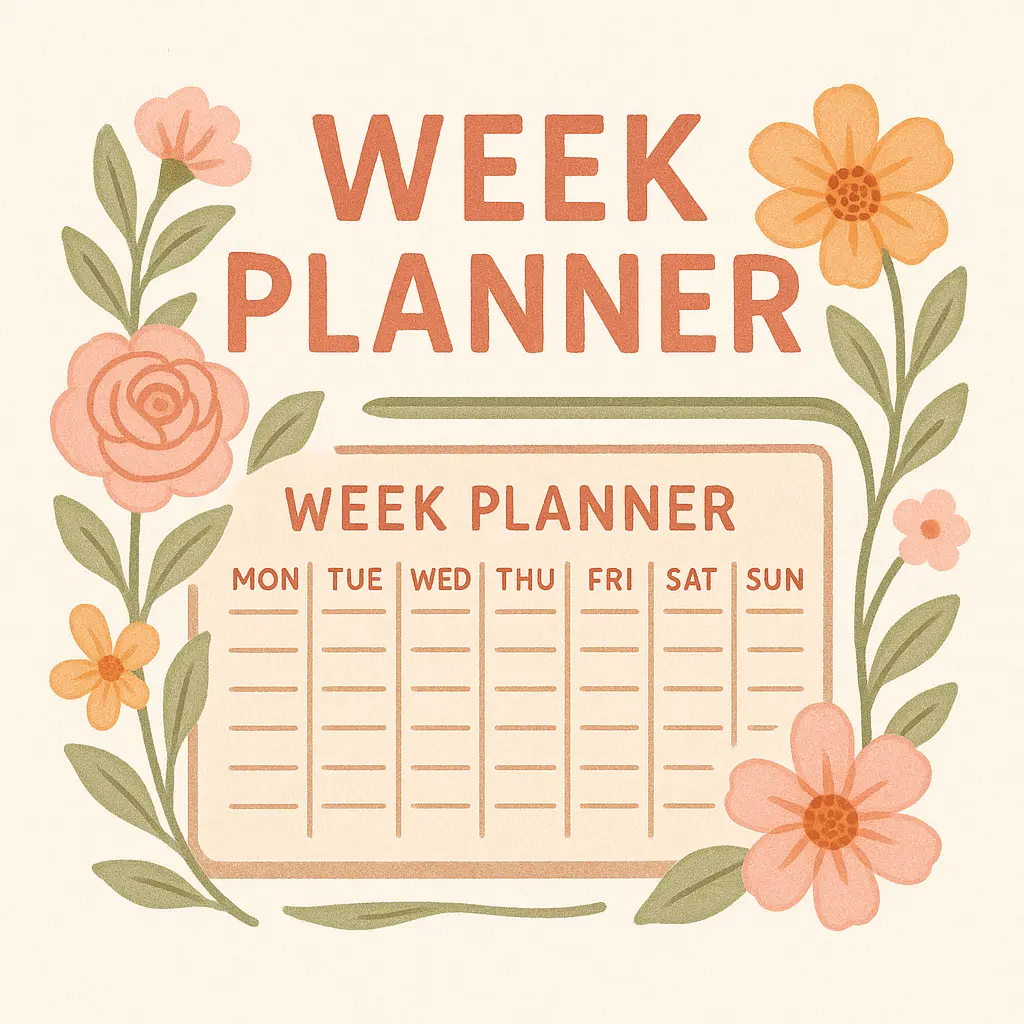
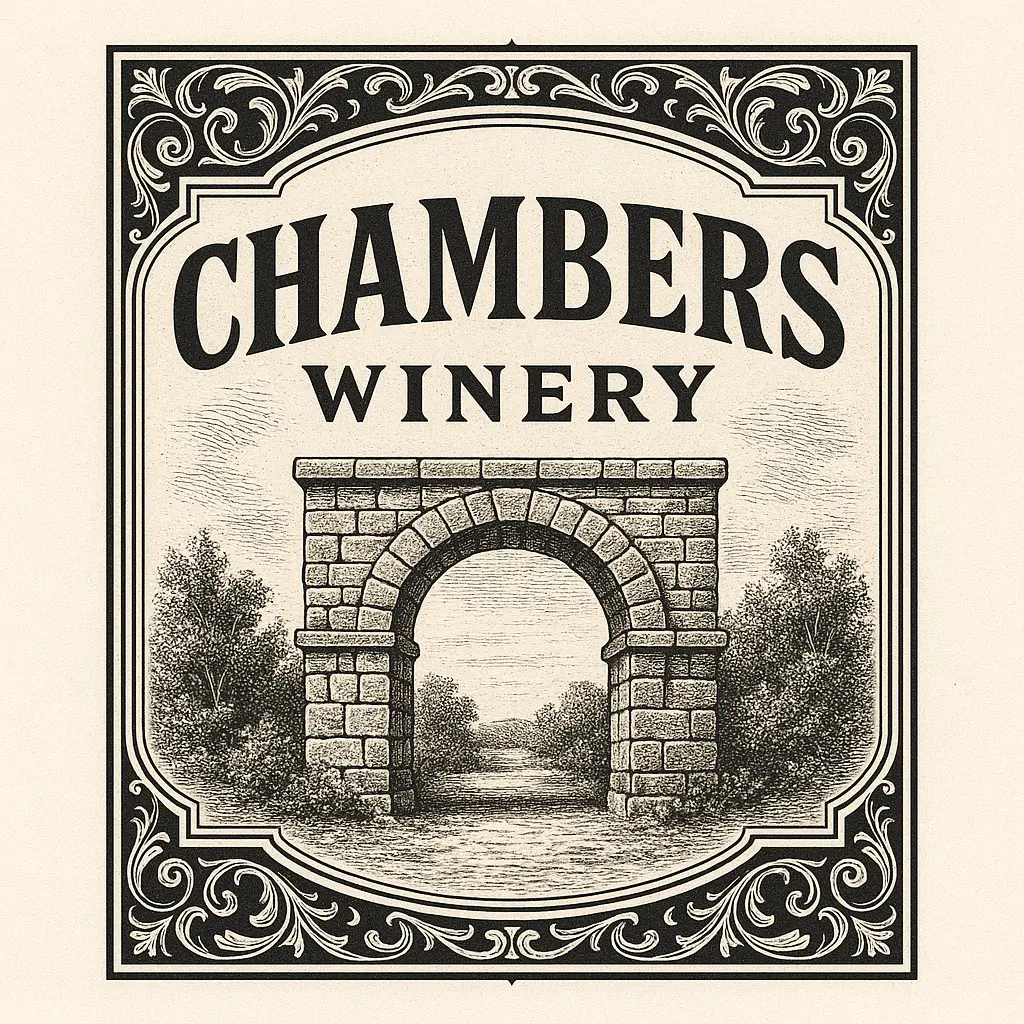
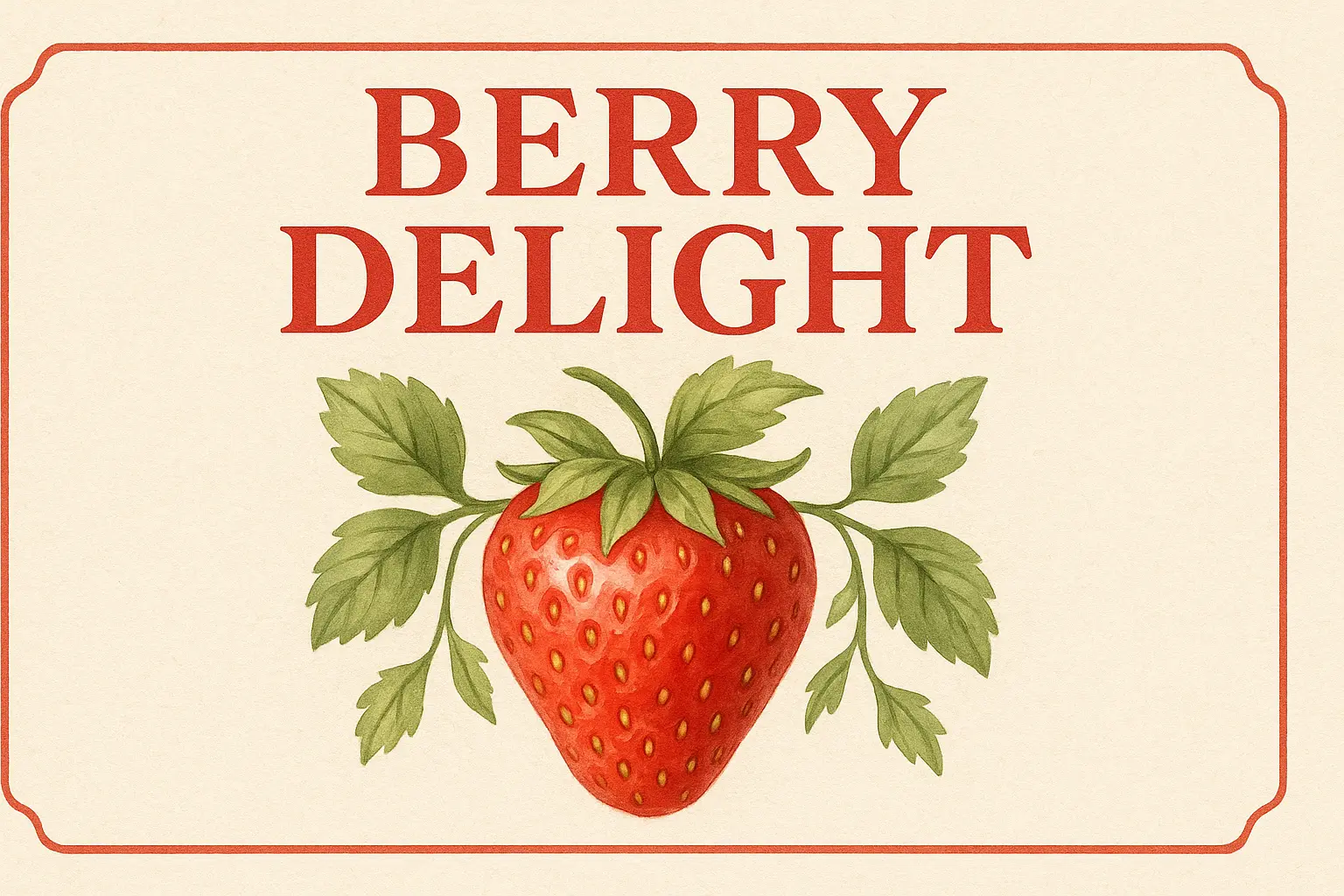
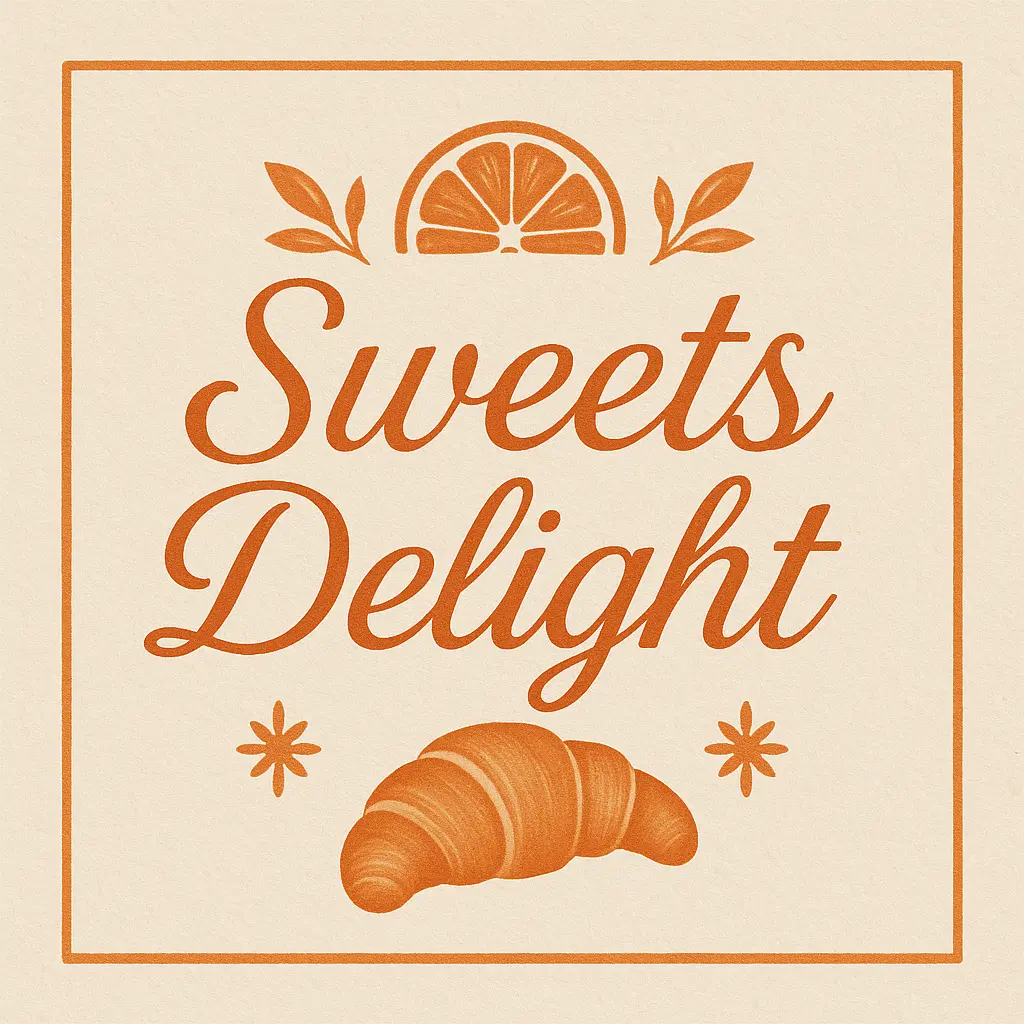
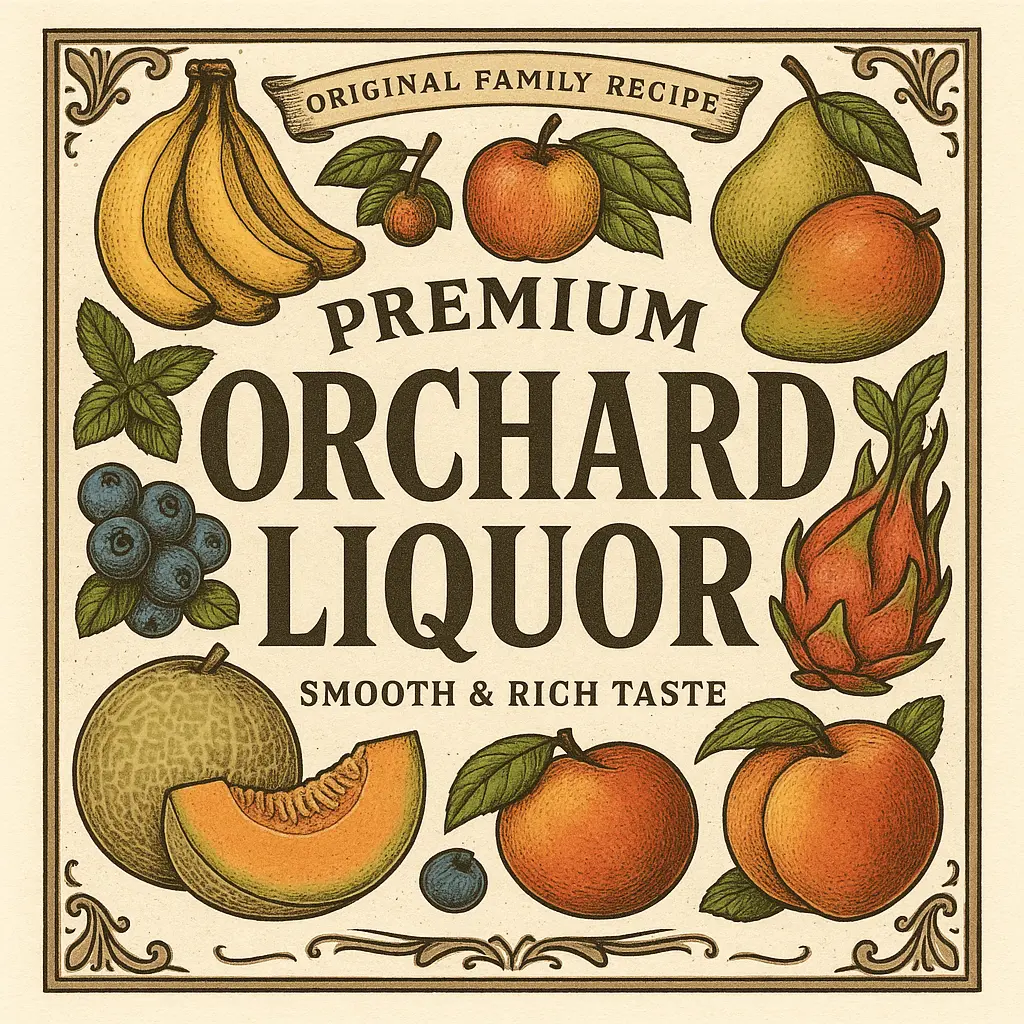
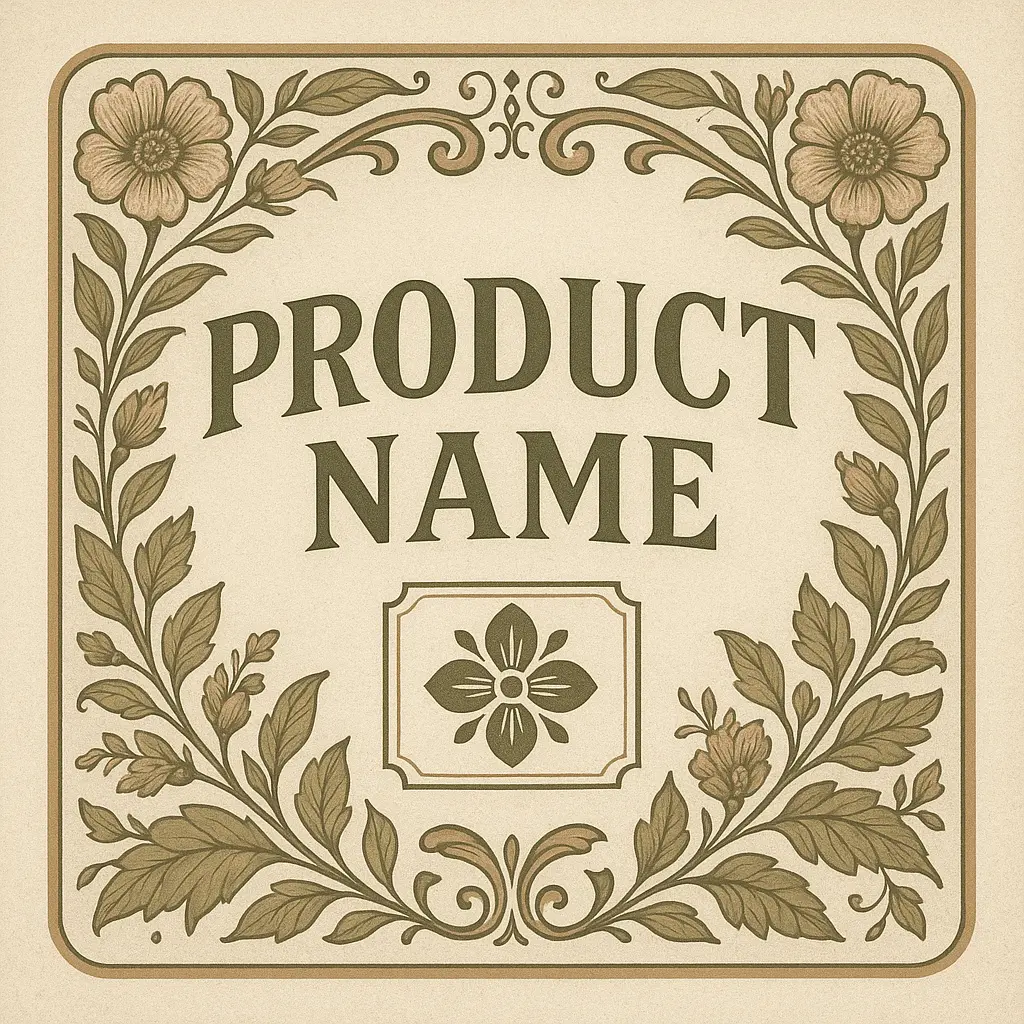
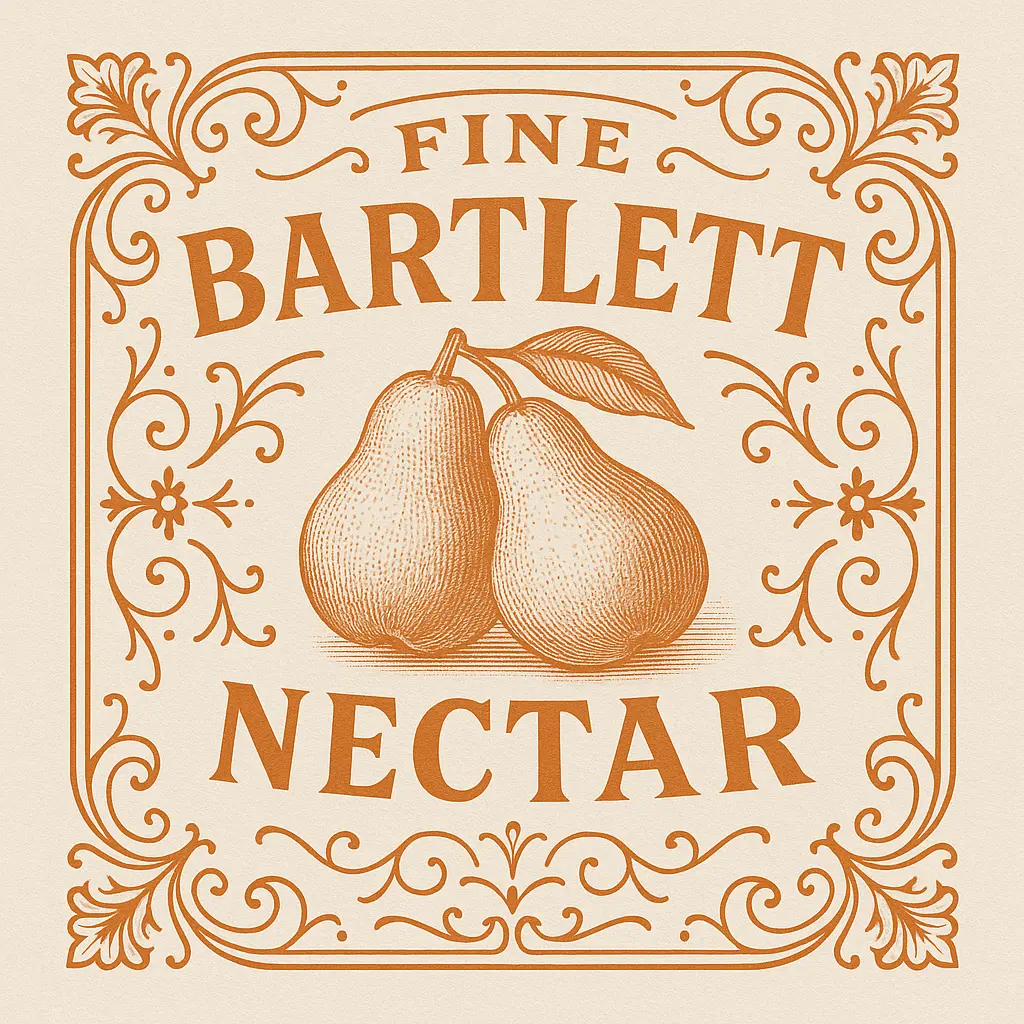
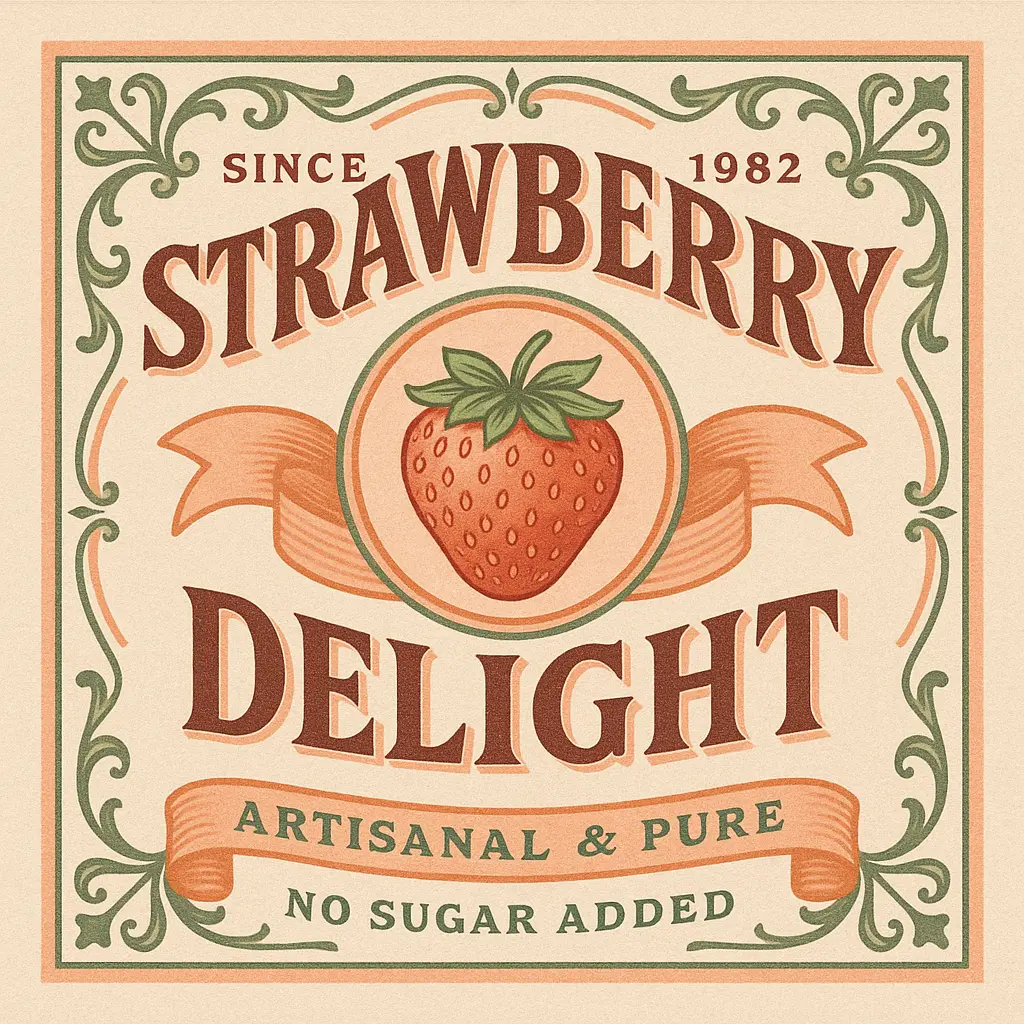
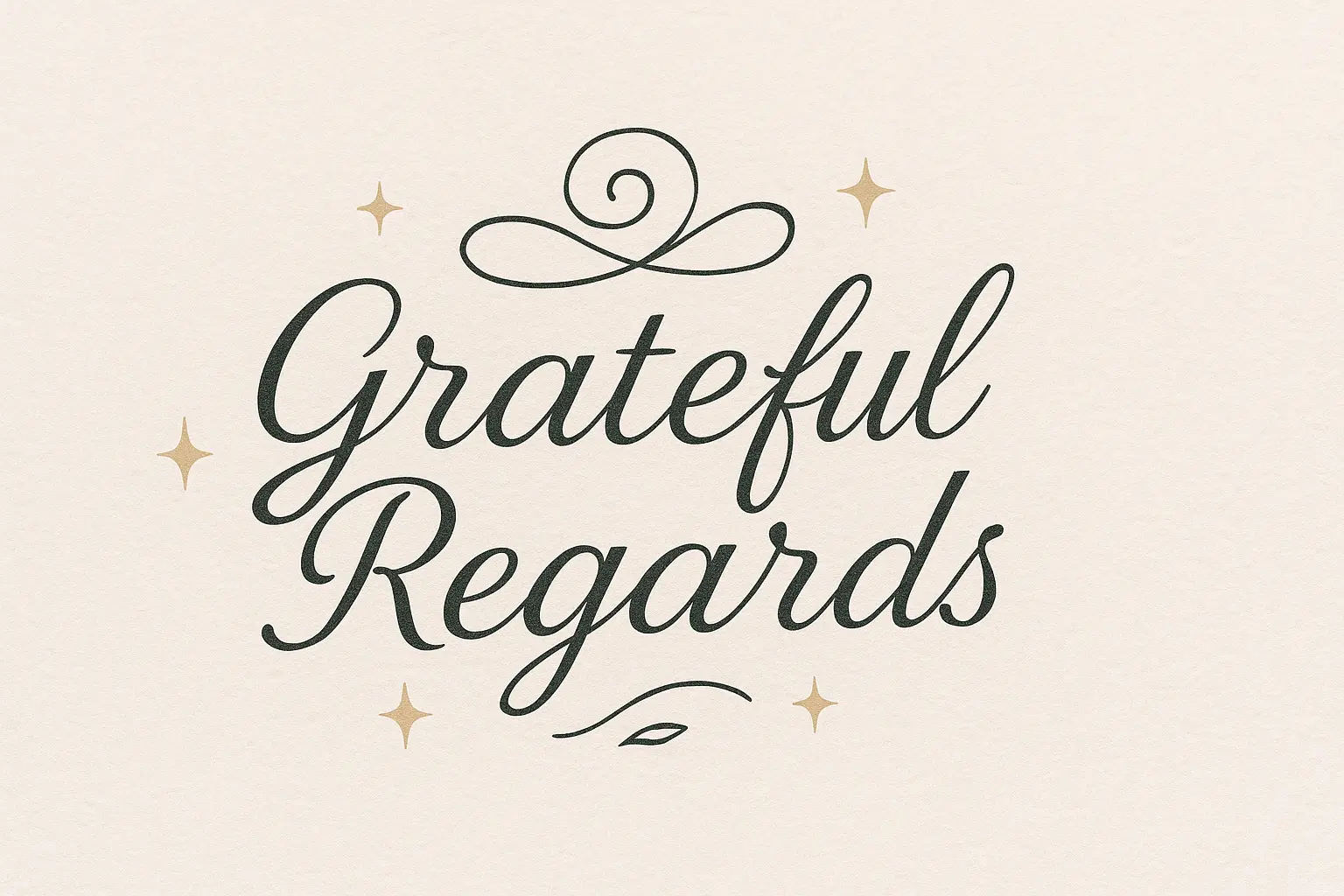
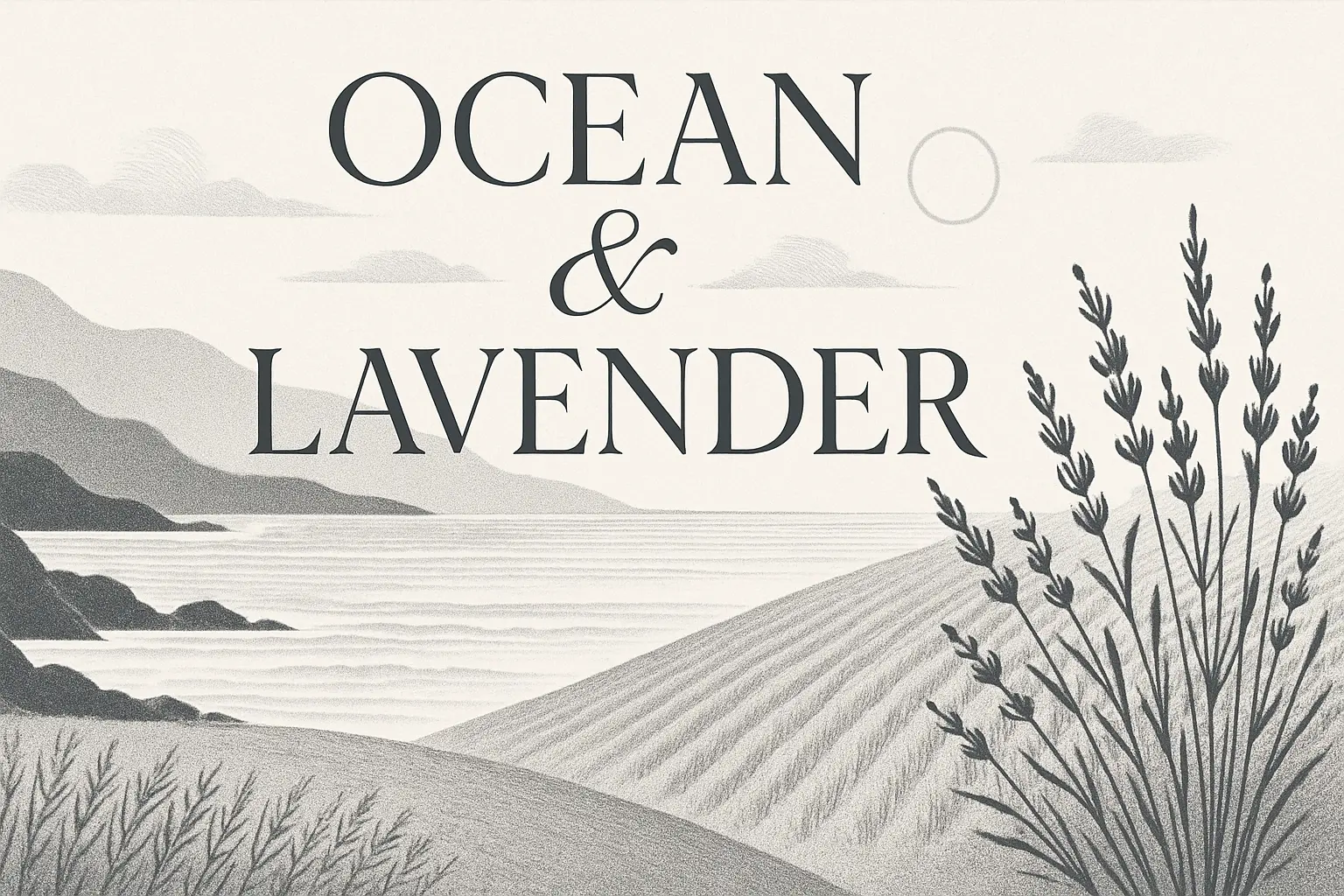
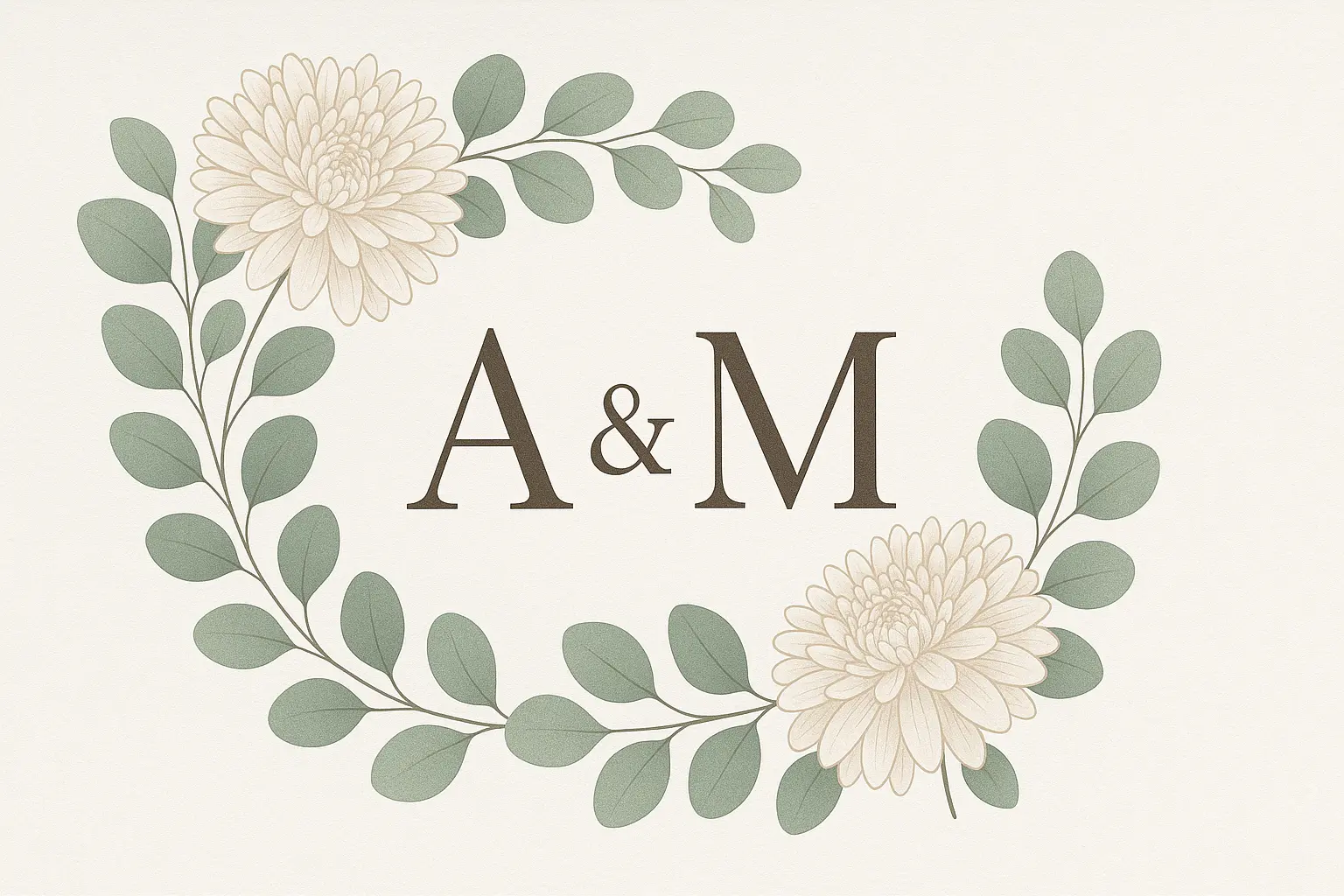
When you generate a label, you're not just naming a thing — you're crafting a reflection of your personality, values, or brand. It's a quick way to make your mark, whether you're organizing your space or launching a passion project.
Using a generator to create a label jumpstarts your imagination, freeing you from hesitation and blank-page pressure. It helps you explore fresh naming ideas that spark inspiration and bring your creative vision to life.
Personalizing a label through generation allows you to shape something that feels uniquely tailored to your needs, whether it's for a homemade product, a digital file, or a new venture. It's your voice, clearly printed.

Unlock powerful art tools at zero cost, making it easy for anyone to create and innovate without barriers.

Your creations and data stay confidential, guaranteeing your artistic work remains safe and secure.

Built for ease of use, so you can jump in and thrive—no matter your skill level or experience.
Click our label tool. You don't need to download or install anything on your device.
Describe or upload the image your want to turn into label artwork from your device or your Gallery.
The Image Generation process will start automatically. Simply wait a moment for your image to be generated or restyled.
The ai label generator is an online visual creation tool that transforms written prompts—or prompts combined with a reference image—into original AI-generated visuals. You don’t need to download anything. Just open the generator, type in your idea or upload up to 3 images, then wait a moment as your customized label is brought to life.
Yes, the ai label generator gives every user 5 free image generations per day—no account or login required. If you want to create more images in a day, you can sign in and add credits for extra generations. It's a great way to try things out before upgrading.
No, you don't need an account to start using the ai label generator. Everyone gets 5 free generations a day without logging in. If you'd like to use more credits or save your creations, signing in will give you those options.
Yes, the ai label generator lets you input either a text prompt alone or combine it with up to 3 image uploads for more customized results. This helps guide the generator with visual context alongside your creative direction.
The ai label generator lets you skip the hours designing from scratch. You just describe your idea or show a reference image, and it creates a visual instantly—no design software needed. It's a smart shortcut that’s especially helpful when inspiration or time is limited.
Unlike many generators, the ai label generator lets you mix both words and up to 3 images for input, giving you more control over your creative outcome. It also offers daily free uses with no login, and makes it easy to begin without any setup.
Start by writing clear, descriptive prompts for the ai label generator. Don’t worry if you're stuck—scroll through example generations on the site, and click 'Make it yours' to instantly try out an idea. It’s a quick way to spark your creativity and learn what works well.
Yes, the ai label generator works smoothly on phones and tablets through their standard browsers. Just visit the site, describe or upload what you want, and generate labels without needing any downloads or installations.
If you run into issues or have suggestions, reach out anytime at hi@runcomfy.com. The team behind the ai label generator values your input—it helps shape improvements and keeps the generator useful for everyone.
That happens sometimes—AI can be surprising. With the ai label generator, you can tweak your prompt, adjust your image inputs, and try again. Each attempt brings you closer to the result you’re imagining, and exploration is part of the fun.
RunComfy is the premier ComfyUI platform, offering ComfyUI online environment and services, along with ComfyUI workflows featuring stunning visuals. RunComfy also provides AI Models, enabling artists to harness the latest AI tools to create incredible art.