ideogram-v2/generate
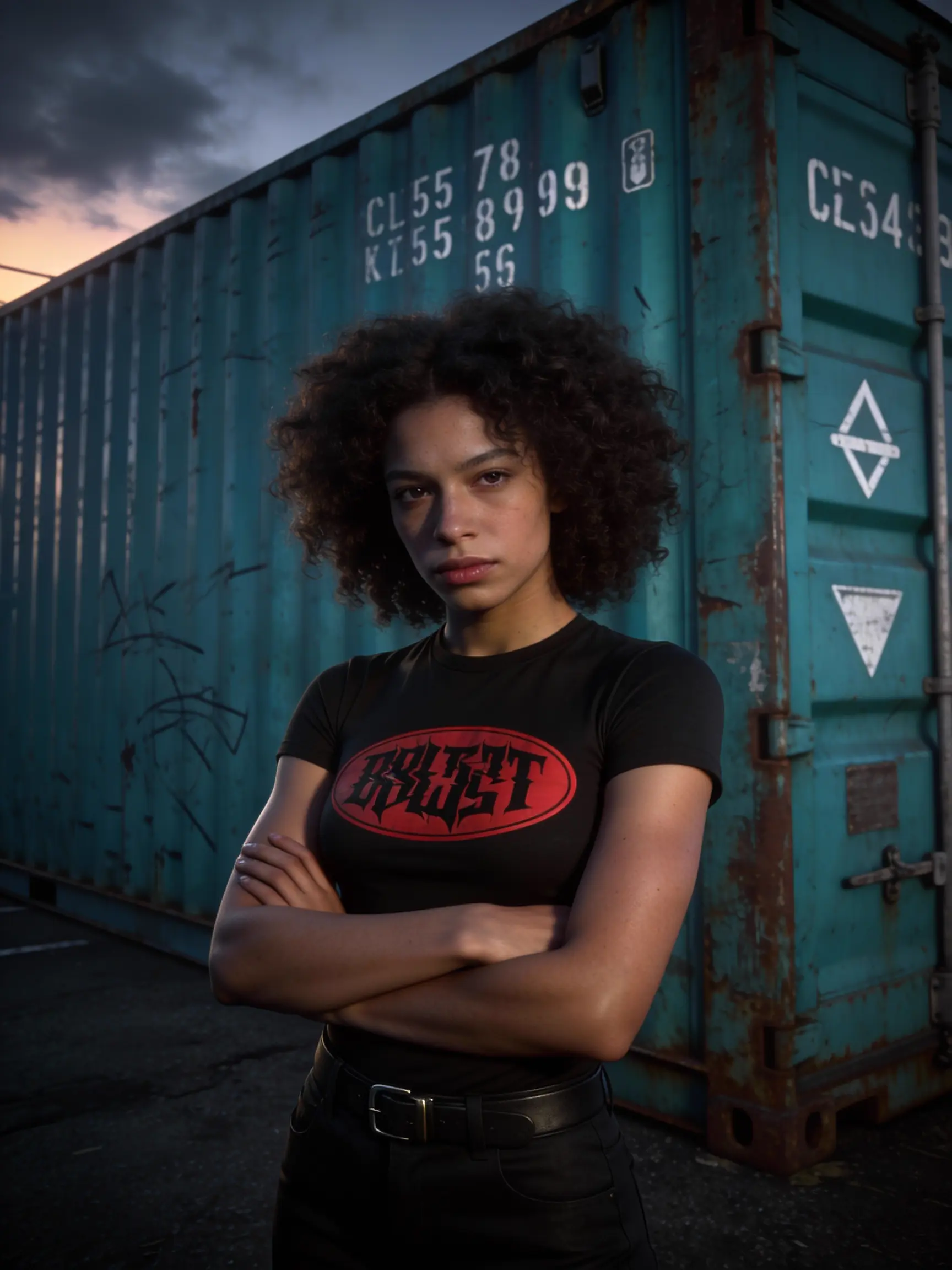
Redefine design with striking visuals and bold typography.
Redefine design with striking visuals and bold typography.

Fast, high-quality text-to-image generation with Nano Banana 2, with aspect ratio and resolution controls.

8-step Turbo model enabling rapid, high-quality visual edits for creators

FLUX 3 Image is a multimodal image model with reference guidance and readable text

High-accuracy image transformation model with color control and creative precision for visual professionals.

Qwen Image 3.0 Pro Edit: pro instruction-based image editing
Seedream 4.5 Edit sequential is an advanced AI model designed for high-quality image editing and generation. It specializes in image-to-image tasks where users can modify or enhance existing visuals based on text prompts while maintaining visual coherence across a sequence of outputs.
The image-to-image capability in Seedream 4.5 Edit sequential allows users to upload one or more reference images, then guide edits using natural language prompts. The AI interprets your instructions to adjust style, lighting, layout, or content while keeping the original image structure consistent.
Seedream 4.5 Edit sequential is ideal for professional creatives such as designers, art directors, marketing teams, and illustrators who rely on image-to-image consistency across projects—like campaigns, storyboards, or visual sequences.
Access to Seedream 4.5 Edit sequential requires credits through Runcomfy’s AI playground. New users receive free trial credits upon registration, allowing them to test its image-to-image editing features before purchasing additional credits.
Compared with Seedream 4.0, the Seedream 4.5 Edit sequential model features improved visual reasoning, better adherence to prompts, enhanced image-to-image quality, and a sequential mode for generating coherent series of images automatically.
Seedream 4.5 Edit sequential can output visuals up to 4K resolution, delivering production-grade quality. Its refined image-to-image pipeline ensures consistency in texture, lighting, and composition across sequential renderings.
Yes, Seedream 4.5 Edit sequential supports multiple image-to-image references—typically 5 to 10 depending on the platform—allowing it to preserve specific identities, color palettes, or styles across batches or sequences.
You can access Seedream 4.5 Edit sequential via the Runcomfy AI playground website. It works smoothly on both desktop and mobile browsers and provides integrated tools for image-to-image and sequential editing workflows.
While Seedream 4.5 Edit sequential delivers advanced control and image-to-image accuracy, performance may vary based on resolution and prompt complexity. Some users may also require higher credit tiers for extended or high-resolution projects.
Absolutely. The sequential mode in Seedream 4.5 Edit sequential enables crafting of multiple related images in one session. When paired with its image-to-image editing tools, it helps maintain storyline or style flow across frames for animations, ads, or lookbooks.
RunComfy is the premier ComfyUI platform, offering ComfyUI online environment and services, along with ComfyUI workflows featuring stunning visuals. RunComfy also provides AI Models, enabling artists to harness the latest AI tools to create incredible art.