logo
RunComfy
  • Models
  • ComfyUI
  • TrainerNew
  • API
  • Pricing
discord logo
MODELS
Explore
All Models
LIBRARY
Generations
MODEL APIS
API Docs
API Keys
ACCOUNT
Usage

Seedream 4.5 Edit sequential: Cohesive Images-to-Images Editor on playground and API | RunComfy

bytedance/seedream-4-5/edit-sequential

Upload reference images and generate up to 15 distinct editing variations simultaneously. Ideal for rapid style exploration, background replacement testing, and batch visual refinement.

Image 1
Image 2
Image 3
Upload 1~14 images, must be jpeg or png
The prompt should be less than 600 characters. Your prompt needs to contain the number of images you want to generate. Example: 'Generate 3 images of a beautiful sunset over a calm ocean.'
For 2K and 4K options, it will let the model determine the width and height. you should describe its aspect ratio, shape, or purpose in the prompt using natural language. For other options, you can choose the width and height you want.
Sets the maximum number of images to generate. The actual number of images that can be generated also depends on the number of reference images provided.
Idle
The rate is $0.032 per image.

Introduction To Seedream 4.5 Edit Sequential

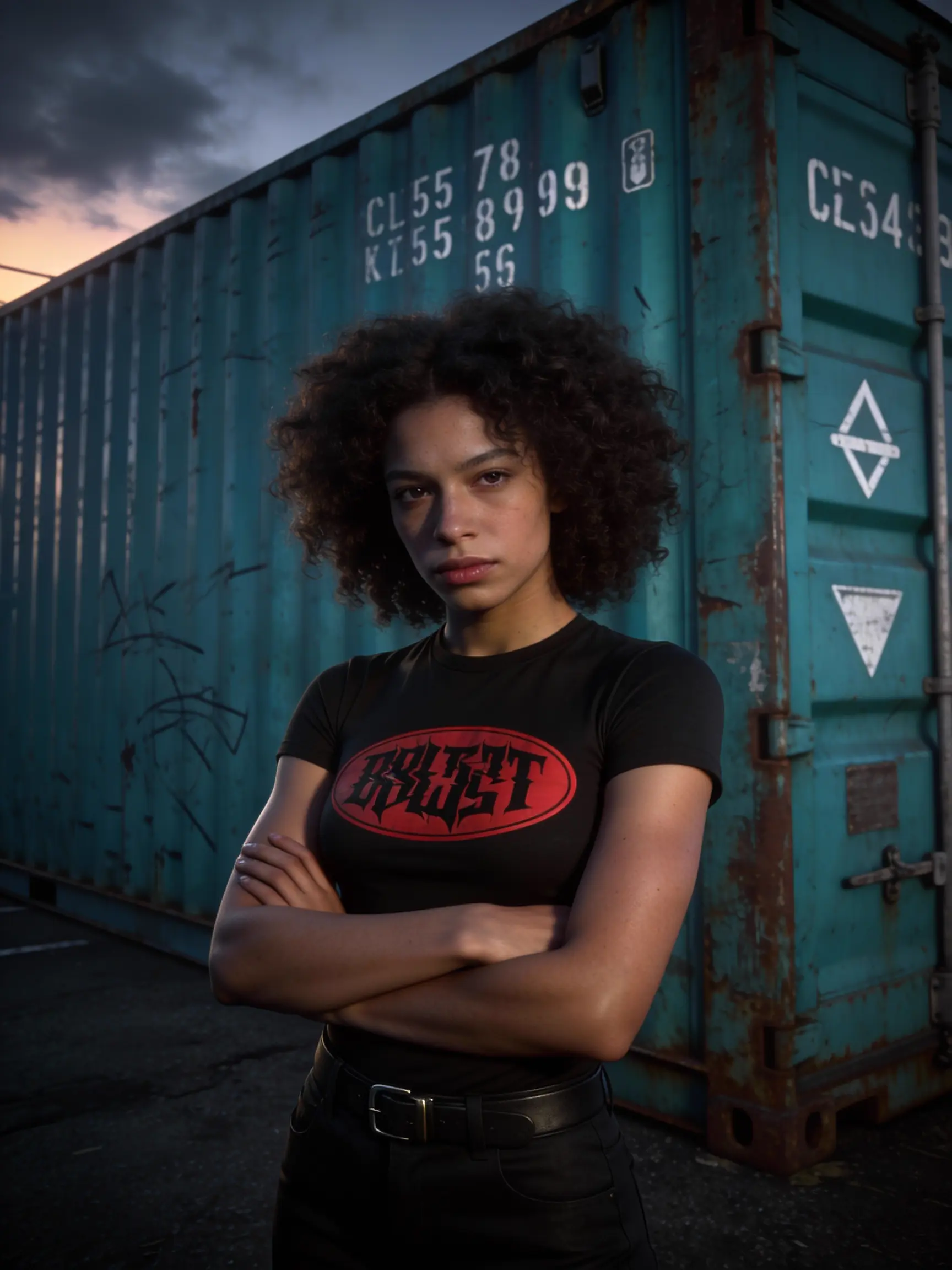
Seedream 4.5 Edit Sequential is designed for rapid visual iteration. Unlike creating images from scratch, it allows you to instantly generate up to 15 different variations of edits in parallel. It is the ultimate tool for exploring possibilities, whether you need to see how a product looks in 10 different environments or try 5 different lighting setups on the same portrait, all in a single batch operation.

Examples Of Seedream 4.5 Edit Sequential

Seedream 4.5 Edit Sequential On X Platform

Key Capabilities

  • Parallel Visual Iteration: Don't settle for one edit. Generate 1 to 15 variations at once to explore different outcomes for the same instruction.
  • Reference-Guided Batching: Uses your uploaded images (1-14 files) as the structural anchor, applying changes across the entire output batch while preserving the original subject's integrity.
  • Quantity Control via Prompt: Directly controls the scale of your exploration by stating the desired image count (e.g., "Generate 5 variations") in the text prompt.

Pro Tips

  • Exploration Mode: Use this tool when you aren't sure exactly which edit will look best. Asking for "Generate 5 images" gives you options to choose from.
  • Strict Alignment: As with other sequential tools, the number in the prompt must match the parameter setting exactly.
  • Reference Quality: Since this is Image-to-Image, high-quality uploaded references yield better batch results. Supported formats include JPEG/PNG under 10MB.

Related Tools

  • To create consistent storyboards from scratch (no reference images), use Seedream 4.5 Sequential.
  • For precise, single-output adjustments, use the standard Seedream 4.5 Edit.

Related Playgrounds

seedream-4-5/text-to-image

Generate refined visuals with accurate lighting and text control for design work.

wan-2-6/text-to-image

Transform written ideas into brand-consistent visuals with precise style control.

qwen-edit-2509/lora/edit-skin

Redefine creative edits with dual-input precision and adaptive control for design professionals

seedream-4-0/text-to-image

Generate sharp 4K visuals with flexible multi-input and fusion tools

q2/reference-to-image

High-speed model for consistent visual creation and precise design control

recraft-v3/text-to-image

Nail the art of text and vector imagery.

Frequently Asked Questions

What exactly is Seedream 4.5 Edit sequential?

Seedream 4.5 Edit sequential is an advanced AI model designed for high-quality image editing and generation. It specializes in image-to-image tasks where users can modify or enhance existing visuals based on text prompts while maintaining visual coherence across a sequence of outputs.

How does the image-to-image feature work in Seedream 4.5 Edit sequential?

The image-to-image capability in Seedream 4.5 Edit sequential allows users to upload one or more reference images, then guide edits using natural language prompts. The AI interprets your instructions to adjust style, lighting, layout, or content while keeping the original image structure consistent.

Who can benefit most from using Seedream 4.5 Edit sequential?

Seedream 4.5 Edit sequential is ideal for professional creatives such as designers, art directors, marketing teams, and illustrators who rely on image-to-image consistency across projects—like campaigns, storyboards, or visual sequences.

Is Seedream 4.5 Edit sequential free to use or do I need credits?

Access to Seedream 4.5 Edit sequential requires credits through Runcomfy’s AI playground. New users receive free trial credits upon registration, allowing them to test its image-to-image editing features before purchasing additional credits.

What makes Seedream 4.5 Edit sequential different from Seedream 4.0?

Compared with Seedream 4.0, the Seedream 4.5 Edit sequential model features improved visual reasoning, better adherence to prompts, enhanced image-to-image quality, and a sequential mode for generating coherent series of images automatically.

What kinds of output quality can I expect from Seedream 4.5 Edit sequential?

Seedream 4.5 Edit sequential can output visuals up to 4K resolution, delivering production-grade quality. Its refined image-to-image pipeline ensures consistency in texture, lighting, and composition across sequential renderings.

Does Seedream 4.5 Edit sequential support multi-reference image inputs?

Yes, Seedream 4.5 Edit sequential supports multiple image-to-image references—typically 5 to 10 depending on the platform—allowing it to preserve specific identities, color palettes, or styles across batches or sequences.

Where can I access Seedream 4.5 Edit sequential?

You can access Seedream 4.5 Edit sequential via the Runcomfy AI playground website. It works smoothly on both desktop and mobile browsers and provides integrated tools for image-to-image and sequential editing workflows.

Are there any limitations I should know about with Seedream 4.5 Edit sequential?

While Seedream 4.5 Edit sequential delivers advanced control and image-to-image accuracy, performance may vary based on resolution and prompt complexity. Some users may also require higher credit tiers for extended or high-resolution projects.

Can I use Seedream 4.5 Edit sequential to make coherent multi-frame visuals?

Absolutely. The sequential mode in Seedream 4.5 Edit sequential enables crafting of multiple related images in one session. When paired with its image-to-image editing tools, it helps maintain storyline or style flow across frames for animations, ads, or lookbooks.

Follow us
  • LinkedIn
  • Facebook
  • Instagram
  • Twitter
Support
  • Discord
  • Email
  • System Status
  • Affiliate
Video Models/Tools
  • Wan 2.6
  • Wan 2.6 Text to Video
  • Veo 3.1 Fast Video Extend
  • Seedance Lite
  • Wan 2.2
  • Seedance 1.0 Pro Fast
  • View All Models →
Image Models
  • GPT Image 1.5 Image to Image
  • Flux 2 Max Edit
  • GPT Image 1.5 Text To Image
  • Gemini 3 Pro
  • seedream 4.0
  • Nano Banana Pro
  • View All Models →
Legal
  • Terms of Service
  • Privacy Policy
  • Cookie Policy
RunComfy
Copyright 2025 RunComfy. All Rights Reserved.

RunComfy is the premier ComfyUI platform, offering ComfyUI online environment and services, along with ComfyUI workflows featuring stunning visuals. RunComfy also provides AI Models, enabling artists to harness the latest AI tools to create incredible art.