Generate cinematic 4K clips from prompts with audio sync and pro control
Lucy Restyle: Identity-Safe Video-to-Video Restyling on playground and API | RunComfy
Lucy Restyle transforms existing videos through text-guided restyling that preserves faces, motion, and composition, delivering fast, identity-safe 720p edits for studios, marketing, and e-commerce production.
Introduction to Lucy Restyle Video Editor
Decart AI's Decart Lucy Long-Form Restyle (Lucy Restyle) turns existing videos into text-guided, identity-safe edits at up to 720p in Pro and sub-100 ms responses in Live, preserving motion, lighting, and scene structure. Trading manual frame-by-frame masking and reshoots for context-aware, prompt-driven restyling that keeps faces, motion, and composition intact, Lucy Restyle streamlines production by eliminating complex timelines and 3D match moves, built for studios, marketers, and e-commerce video teams. For developers, Lucy Restyle on RunComfy can be used both in the browser and via an HTTP API, so you don’t need to host or scale the model yourself.
Ideal for: Wardrobe and Prop Replacement in Post | Brand-Consistent Campaign Localization | Real-Time Broadcast Restyling
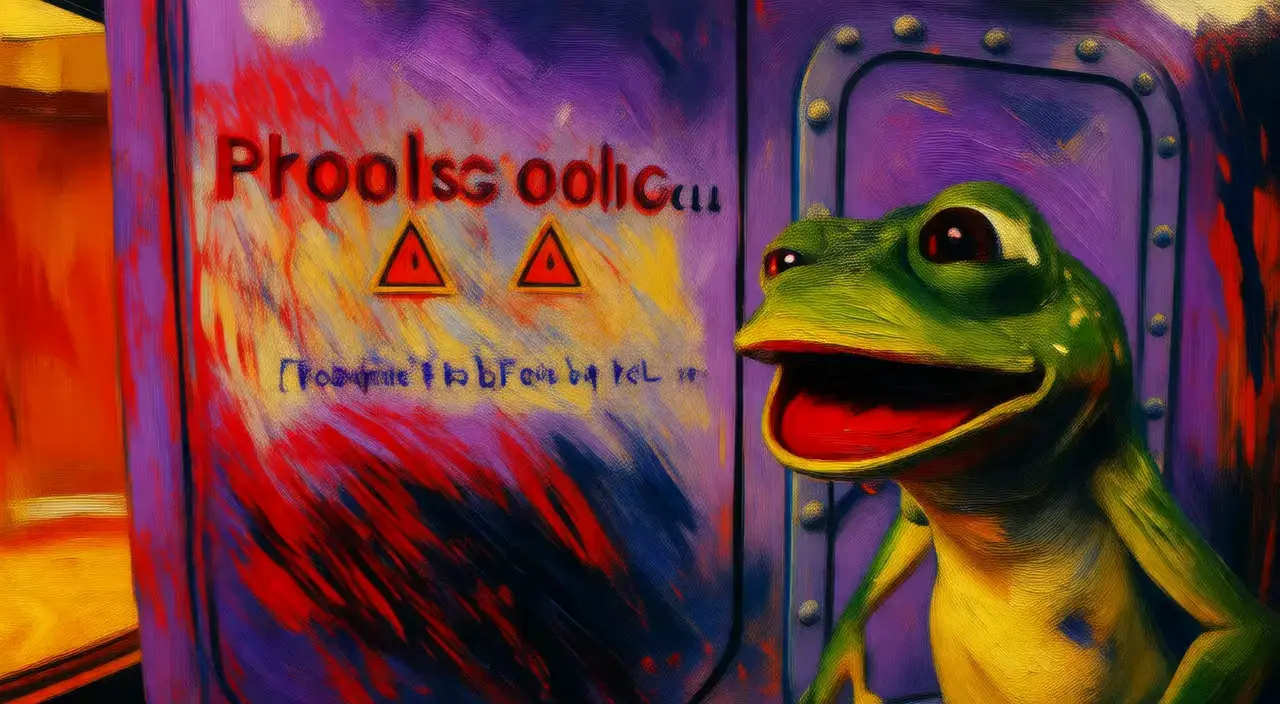
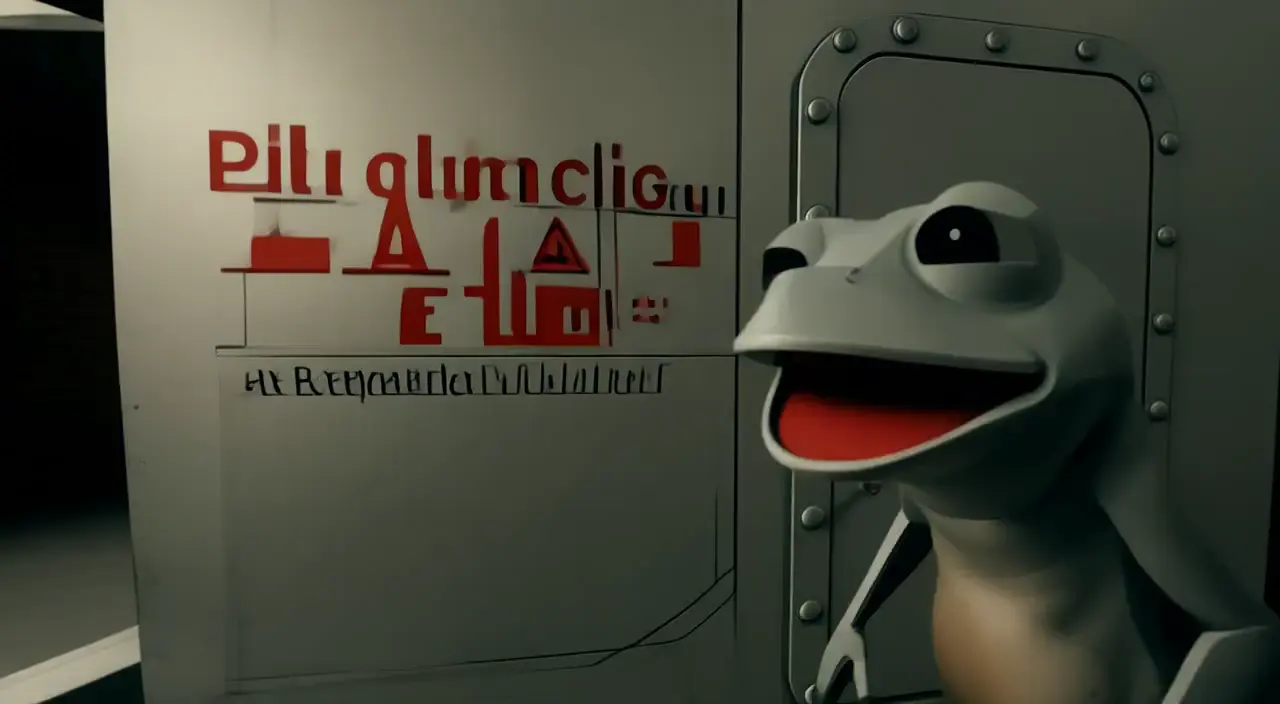
Examples of Lucy Restyle in Action


Model Overview
- Provider: Decart AI
- Task: video-to-video
- Max Resolution/Duration: Up to 720p
- Summary: Lucy Restyle is a text-guided video-to-video editor that transforms existing footage while preserving faces, motion, and composition. It delivers fast, identity-safe 720p restyles for production workflows in studios, marketing, and e-commerce. Lucy Restyle is available in Dev, Fast, and Pro variants via API and playground for experimentation through production deployment.
Key Capabilities
Text-guided restyling without manual masking
- Lucy Restyle applies localized edits from natural language prompts (e.g., change outfits, replace backgrounds, add accessories) without manual rotoscoping or fine-tuning.
- Output adheres closely to instructions while maintaining scene context, enabling efficient iteration for editors and technical artists.
Identity, motion, and composition preservation
- Lucy Restyle preserves facial identity, temporal motion, lighting, and scene structure during edits.
- Results remain stable across frames, supporting continuity-critical tasks such as character restyling and background replacement.
Production-ready variants and low-latency options
- Lucy Restyle offers Dev (open-weight), Fast (distilled), and Pro (commercial) tiers to balance speed and fidelity.
- Pro maintains higher detail retention at 720p, while Fast and Live modes enable quick turnarounds and near-real-time editing.
Input Parameters
Core Prompts
| Parameter | Type | Default/Range | Description |
|---|---|---|---|
| prompt | string | "" | Natural-language instruction describing the edit to apply to the input video. |
| video_url | string (video_uri) | "" | URL to the source video to be restyled. Supported formats typically include MP4/MOV/WEBM/GIF. |
Dimensions & Settings
| Parameter | Type | Default/Range | Description |
|---|---|---|---|
| resolution | string (enum) | 720p | Output resolution selector. Lucy Restyle currently supports 720p. |
How Lucy Restyle compares to other models
- Vs Lucy Edit Dev: Compared to Dev, Lucy Restyle (Pro-tier behavior) delivers sharper textures, stronger identity preservation, and more stable prompt adherence at 720p. Ideal when you need production-quality outputs rather than experimental runs.
- Vs Lucy Edit Fast (distilled): Compared to Fast, Lucy Restyle offers higher detail retention and more reliable edits in complex scenes. Choose it when fidelity matters more than the lowest latency or cost.
- Vs generic text-to-video generators (e.g., Wan 2.5): Compared to text-to-video models, Lucy Restyle specializes in editing existing footage, preserving motion and character identity more reliably. Use it when continuity and precise restyling of filmed content are required.
- Ideal Use Case: Choose Lucy Restyle when you have a source video and need precise, identity-safe edits with consistent motion and 720p fidelity.
API Integration
Developers can seamlessly integrate Lucy Restyle using the RunComfy API with standard HTTP requests. The minimal parameter set (prompt, video_url) and predictable 720p output streamline automation in CI/CD pipelines and cloud render farms.
Note: API Endpoint for Lucy Restyle
Official resources and licensing
- Official Website: https://decart.ai/lucy-edit-live
- License: Dev variant is open-weight and generally non-commercial; Pro variant supports commercial use under Decart AI’s terms. Review Decart’s licensing for your deployment and obtain a commercial agreement if required.
Explore Related Capabilities
- If you require near-real-time edits while video plays, use Lucy Edit Live which is optimized for low-latency interactive restyling: https://decart.ai/lucy-edit-live
- If you need to generate new scenes from video instead of restyle, use Decart’s video-to-video generators Lucy Edit
Related Playgrounds
Turn stills into cinematic motion with Dreamina 3.0's fast, precise 2K creation.
Create photo-based, speech-aligned videos with natural motion
Turns static visuals into cinematic motion with synced audio and natural camera flow
Create lifelike video motion fast with Seedance Pro for design pros
Animate images into lifelike videos with smooth motion and visual precision for creators.
Frequently Asked Questions
What core capabilities does Lucy Restyle video-to-video offer for content creation?
Lucy Restyle video-to-video enables users to transform existing footage using text prompts — changing outfits, backgrounds, lighting, or character styles — while retaining motion consistency and identity integrity. It specializes in restyling, making it ideal for rapid creative iteration or commercial video enhancements.
How does Lucy Restyle video-to-video differ from the previous Lucy Edit versions or competitors like Wan 2.5?
Lucy Restyle video-to-video focuses explicitly on editing existing videos with high motion stability, while Wan 2.5 or similar models often mix text-to-video generation. Though Lucy Restyle outputs at lower resolution (up to 720p Pro), it excels at preserving realism, facial identity, and coherence during transformations.
What are the technical limitations of Lucy Restyle video-to-video in terms of resolution and aspect ratio?
Lucy Restyle video-to-video currently outputs up to 720p resolution in the Pro variant and up to 480p in Fast or Dev modes. Supported aspect ratios are generally fixed to match input footage, most commonly 16:9 or 9:16. Custom aspect ratios may yield cropped or letterboxed results.
How many ControlNet or reference inputs can Lucy Restyle video-to-video handle in one request?
Lucy Restyle video-to-video typically supports one primary video input plus a text prompt. Advanced modes may allow one additional reference input (e.g., via IP-Adapter or ControlNet). However, multiple layered references can reduce temporal stability, so one-to-one prompt pairing is recommended.
How can developers transition from testing Lucy Restyle video-to-video in RunComfy Playground to full API production?
After validating results in RunComfy’s web Playground, developers can use the Lucy Restyle video-to-video endpoint via the RunComfy API by matching model IDs and prompt parameters. You’ll authenticate with API keys, manage USD credit usage, and automate batch editing while keeping outputs consistent with playground behavior.
What distinguishes the Pro variant of Lucy Restyle video-to-video in terms of quality and use rights?
Lucy Restyle video-to-video Pro provides higher-fidelity edits with excellent identity retention and stability, plus licensing for commercial use. It's more suitable for production pipelines or client projects than Dev or Fast, but users should still review Decart’s original license for specific commercial conditions.
Can Lucy Restyle video-to-video perform real-time or low-latency editing for live content creators?
Yes. The Lucy Restyle video-to-video Live configuration supports near-realtime operations, with sub-100ms editing latency in some modes. This makes it ideal for streamers or XR publishers seeking instant restyling effects directly within live broadcasts.
How does Lucy Restyle video-to-video ensure motion and identity preservation across frames?
Lucy Restyle video-to-video employs temporal consistency tracking, ensuring visual coherence from frame to frame. It preserves posture, lighting, and facial landmarks, critical for scenes where subjects move dynamically or where continuity between frames must remain intact.
Can Lucy Restyle video-to-video handle dramatic scene changes or full character replacements?
Lucy Restyle video-to-video performs best for localized style modifications—like costume swaps or background restyling—rather than total scene regeneration. Large-scale replacements may cause minor artifacts or drift, particularly in the Dev variant. Use precise prompts for clean transitions.
What are the token or prompt length limits when working with Lucy Restyle video-to-video API?
Lucy Restyle video-to-video supports up to around 512–768 tokens per text prompt depending on the variant. While longer prompts are truncated, concise, directive phrasing (e.g., 'turn actor into astronaut in desert at sunset') tends to deliver more consistent results.
RunComfy is the premier ComfyUI platform, offering ComfyUI online environment and services, along with ComfyUI workflows featuring stunning visuals. RunComfy also provides AI Models, enabling artists to harness the latest AI tools to create incredible art.