seedance-v1.5-pro/image-to-video
Transform still visuals into cinematic motion clips with smooth, realistic transitions and creative flexibility.
| Parameter | Required | Type | Default | Range / Options | Description |
|---|---|---|---|---|---|
| prompt * | Yes (*) | string | Sample brief | Text | Scene, motion, camera, and audio. Cite Image 1 / Video 1 / Audio 1 and say what each reference supplies. |
| reference_images * | Yes (*) | array (image URL) | Sample still | Up to 12 combined refs | Subject or style images cited as Image 1, Image 2, … |
| reference_videos | No | array (video URL) | None | Up to 12 combined refs; ~2-15s each, ≤15s combined | Motion clips cited as Video 1, Video 2, … |
| reference_audios | No | array (audio URL) | None | Up to 12 combined refs; ~2-15s each, ≤15s combined | Voice or ambience; cannot be the only reference. |
| aspect_ratio | No | string | adaptive | adaptive, 21:9, 16:9, 4:3, 1:1, 3:4, 9:16 | Output framing. |
| resolution | No | string | 768p | 480p, 768p | Native generation resolution. |
| duration | No | integer | 5 | 5-15 | Clip length in whole seconds. |
| prompt_expansion_mode * | Yes (*) | string | balanced | balanced, quality | Prompt rewrite effort before generation. |
| seed | No | integer | -1 (random) | Integer | Fixed seed for reproducibility. |
| enable_safety_checker | No | boolean | true | true, false | Enables the safety checker when true. |
| Item | Price |
|---|---|
| Output video | $0.09 per second |
| Reference video | $0.20 per second (rounded up to the next whole second) |
| Reference image | $0.03 per image |
| Reference audio | Free |
Resolution does not change the per-second rate. Example: a 5s clip with a 5s reference video and 2 reference images costs $1.51. Check the Generation section on this page for the live credit estimate.
Transform still visuals into cinematic motion clips with smooth, realistic transitions and creative flexibility.
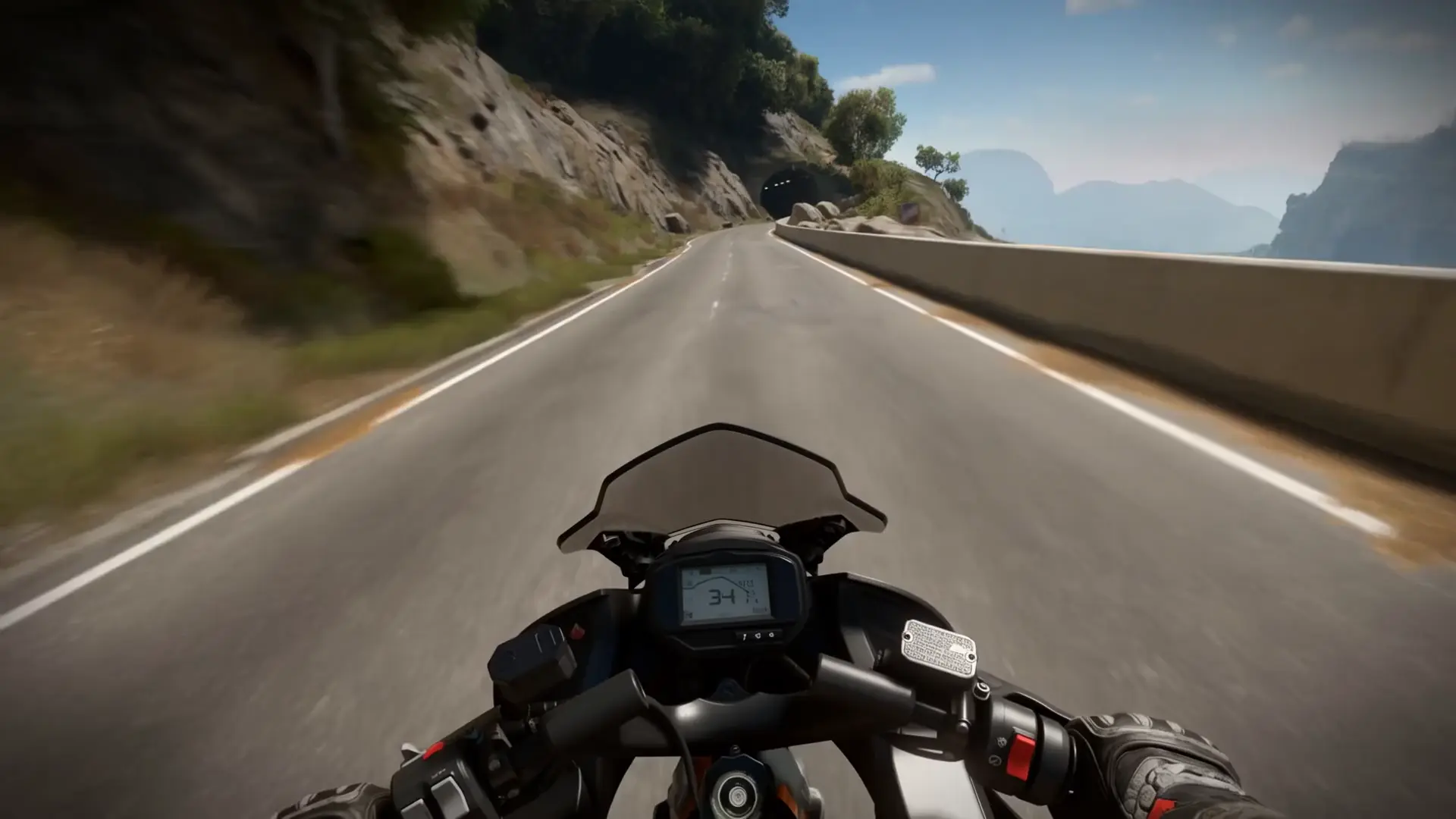
Turn static images into fluid, realistic 1080p motion with smart style control.

Generates natural speech and audio from text, reference audio, or an image

Pro-tier reference-driven 3-15s video generation from $0.19 per second.
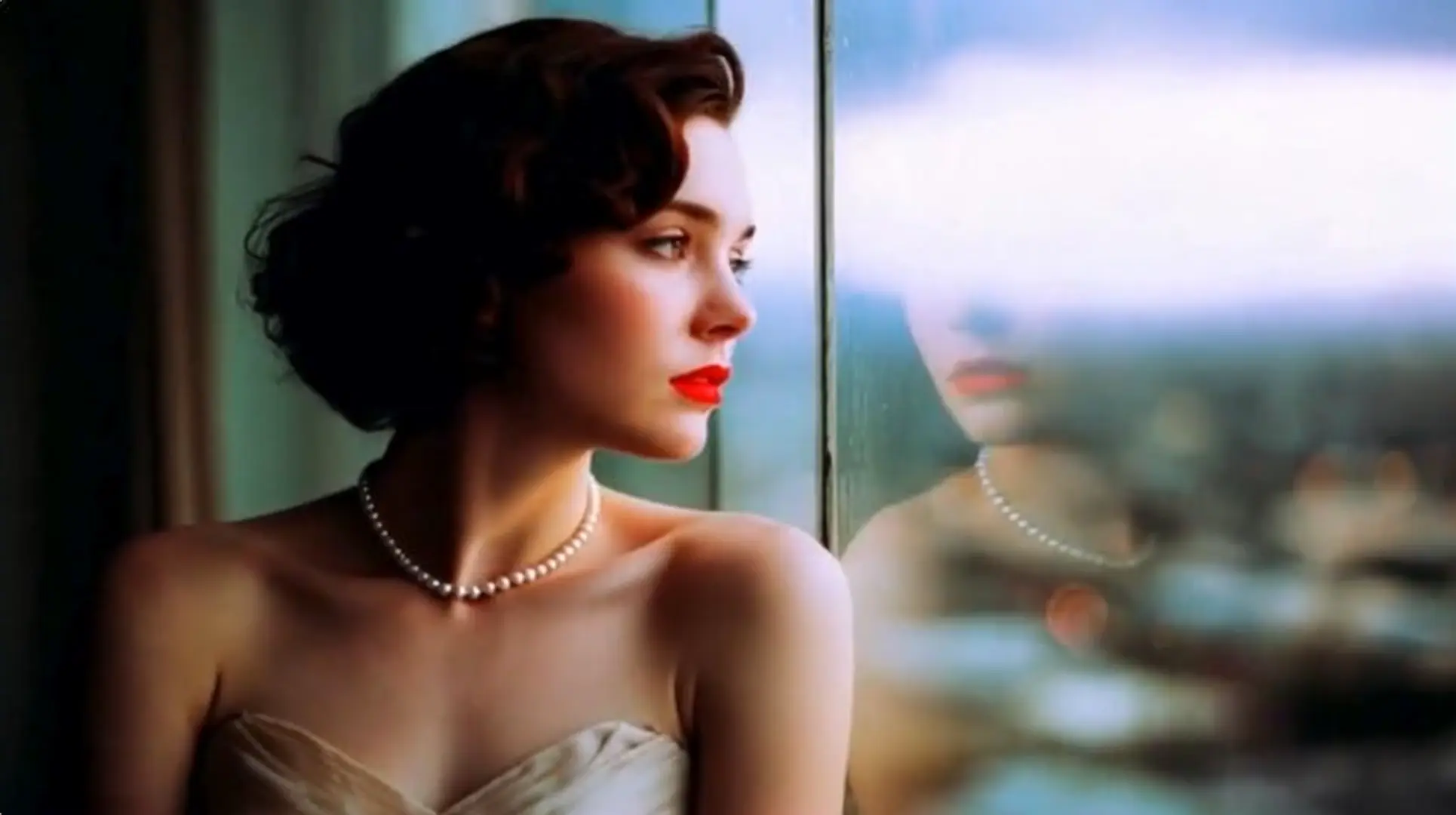
Transform images into motion-rich clips with Hailuo 2.3's precise control and realistic visuals.

Create lifelike videos from voices with accurate sync and adaptive dubbing.
MiniMax H3 Max Reference to video generates short clips from a prompt plus image, video, and/or audio references. It is a strong fit when you need character, product, or style consistency across shots while picture and native audio are produced together.
Image-to-video usually animates one opening frame. MiniMax H3 Max Reference to video conditions on multiple multimodal references—images for identity or look, optional videos for motion, optional audio for voice or ambience—so you can steer several cues in one brief.
Clips are 5–15 seconds at 480p or 768p. Reference images, videos, and audios together may total at most 12 files; video and audio refs are typically about 2–15 seconds each with combined duration up to 15 seconds. Audio cannot be the only reference—include at least one image or video. Check the parameter panel for live limits.
Name each asset in order (Image 1, Video 1, Audio 1) and say what it supplies—identity, wardrobe, motion, or voice. Add clear camera and audio lines so MiniMax H3 Max Reference to video keeps lip-sync, ambience, and framing aligned with the references.
Yes. MiniMax H3 Max Reference to video renders native audio in the same pass as the video. You can also attach reference audio when you need a specific voice or ambience, as long as an image or video reference is present too.
MiniMax H3 Max Reference to video supports 480p and 768p, with aspect ratios including adaptive, 21:9, 16:9, 4:3, 1:1, 3:4, and 9:16. Adaptive follows the reference framing when possible.
Yes. Prototype MiniMax H3 Max Reference to video in the RunComfy Web UI, then call the same model and parameters over the RunComfy HTTP API for automation. New accounts typically receive a free trial USD balance to start testing.
On RunComfy, MiniMax H3 Max Reference to video is billed at $0.09 per second of output video, plus $0.20 per second of reference video (rounded up to the next whole second), plus $0.03 per reference image. Reference audio is free. For example, a 5-second clip with a 5-second reference video and 2 reference images costs $1.51. Generations consume USD/credits; check the Generation section on the model page for the live estimate.
RunComfy is the premier ComfyUI platform, offering ComfyUI online environment and services, along with ComfyUI workflows featuring stunning visuals. RunComfy also provides AI Models, enabling artists to harness the latest AI tools to create incredible art.