logo
RunComfy
  • Playground
  • ComfyUI
  • TrainerNew
  • API
  • Pricing
discord logo
PLAYGROUND
Explore
All Models
Lipsync Studio
Character Swap
Upscale Video
LIBRARY
Generations
MODEL APIS
API Docs
API Keys
ACCOUNT
Usage

GPT Image 1.5 Text To Image: High-Fidelity Text-to-Image Generation on playground and API | RunComfy

openai/gpt-image-1-5/text-to-image

Generate fast, photorealistic images from text with precise detail, editable outputs, and API access for seamless creative, marketing, and product visualization workflows.

Aspect ratio for the generated image.
Specifies the background type for the generated image.
Controls the quality setting for image generation.
Output format for the images.
Idle
The rate is $0.009 per image for low quality, $0.034 per image for medium quality, and $0.133 per image for high quality.

Introduction To GPT Image 1.5 Text To Image

Developed by OpenAI, GPT Image 1.5 Text To Image transforms natural language prompts into high-fidelity, photorealistic visuals with unmatched speed and precision.

Ideal for: Product Visualization | Marketing and Branding Assets | Automated Image Editing

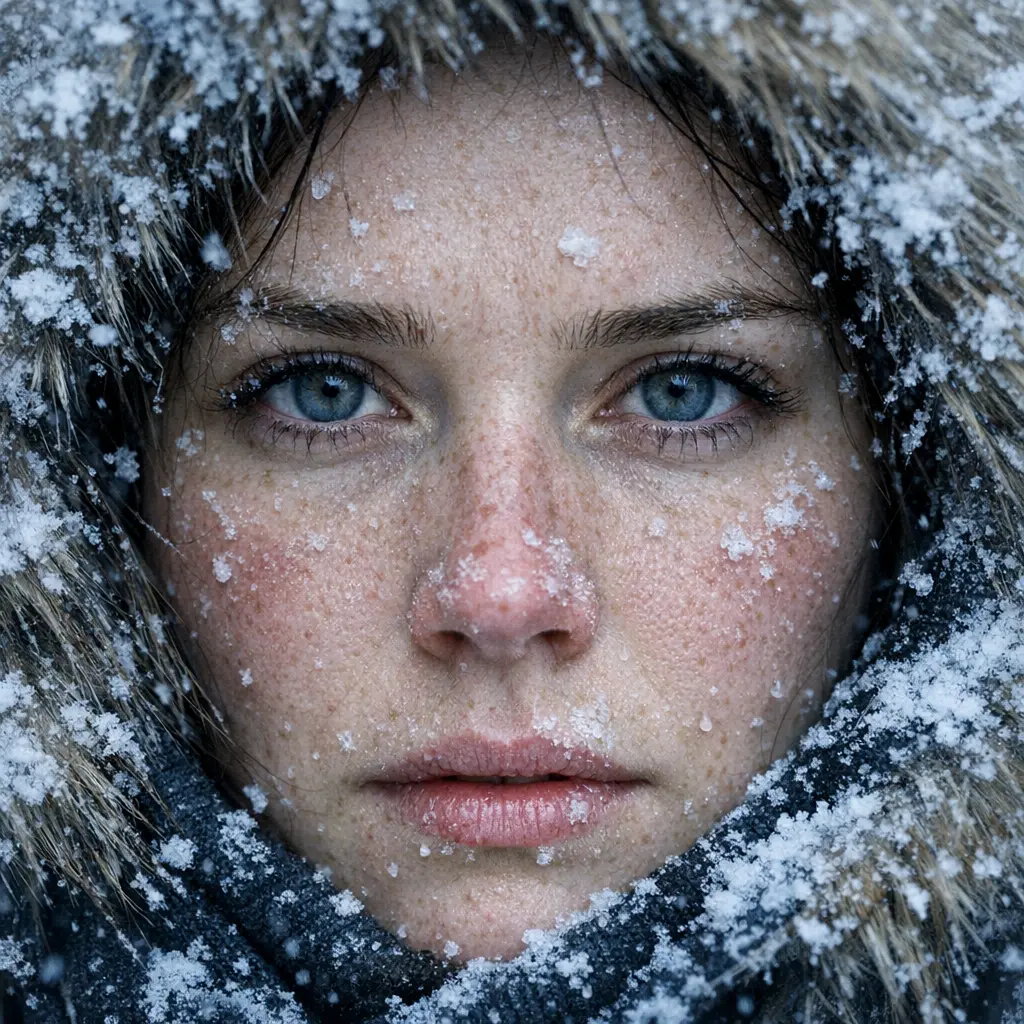
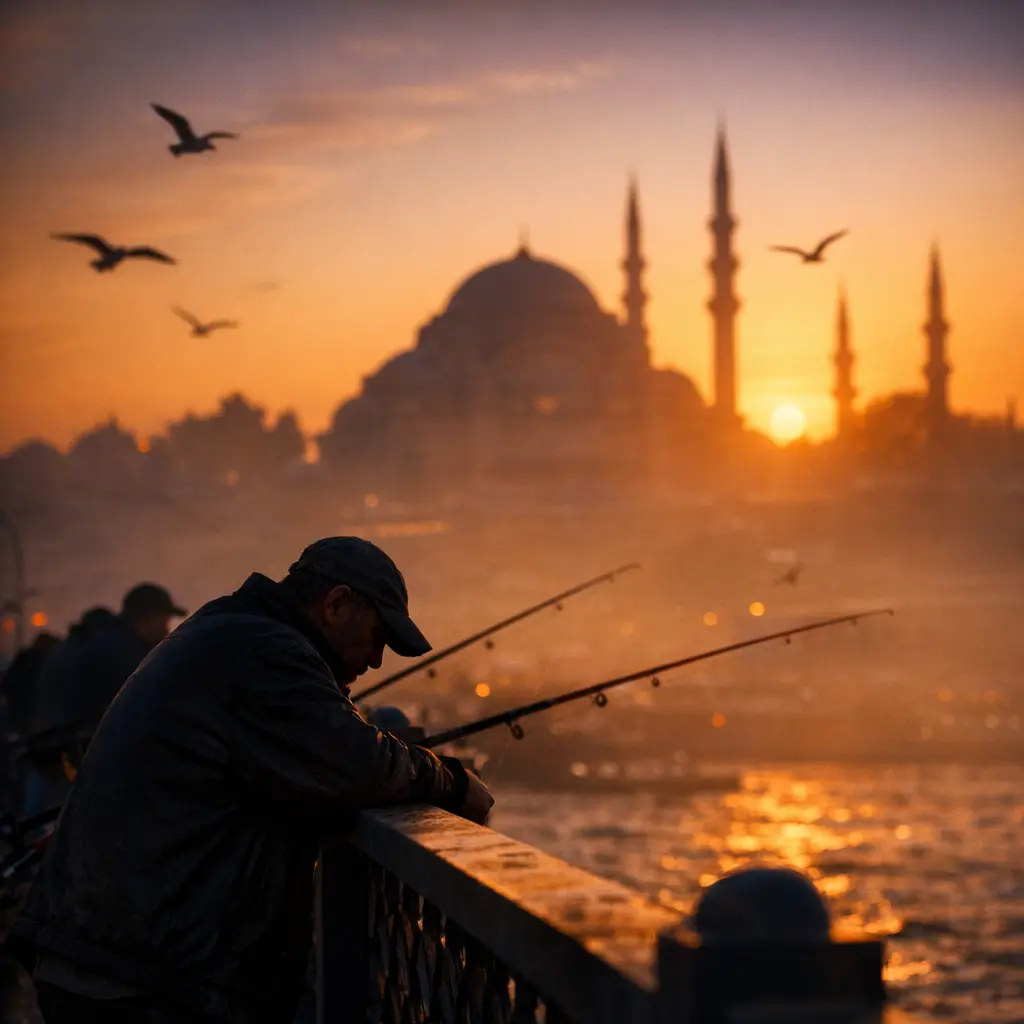
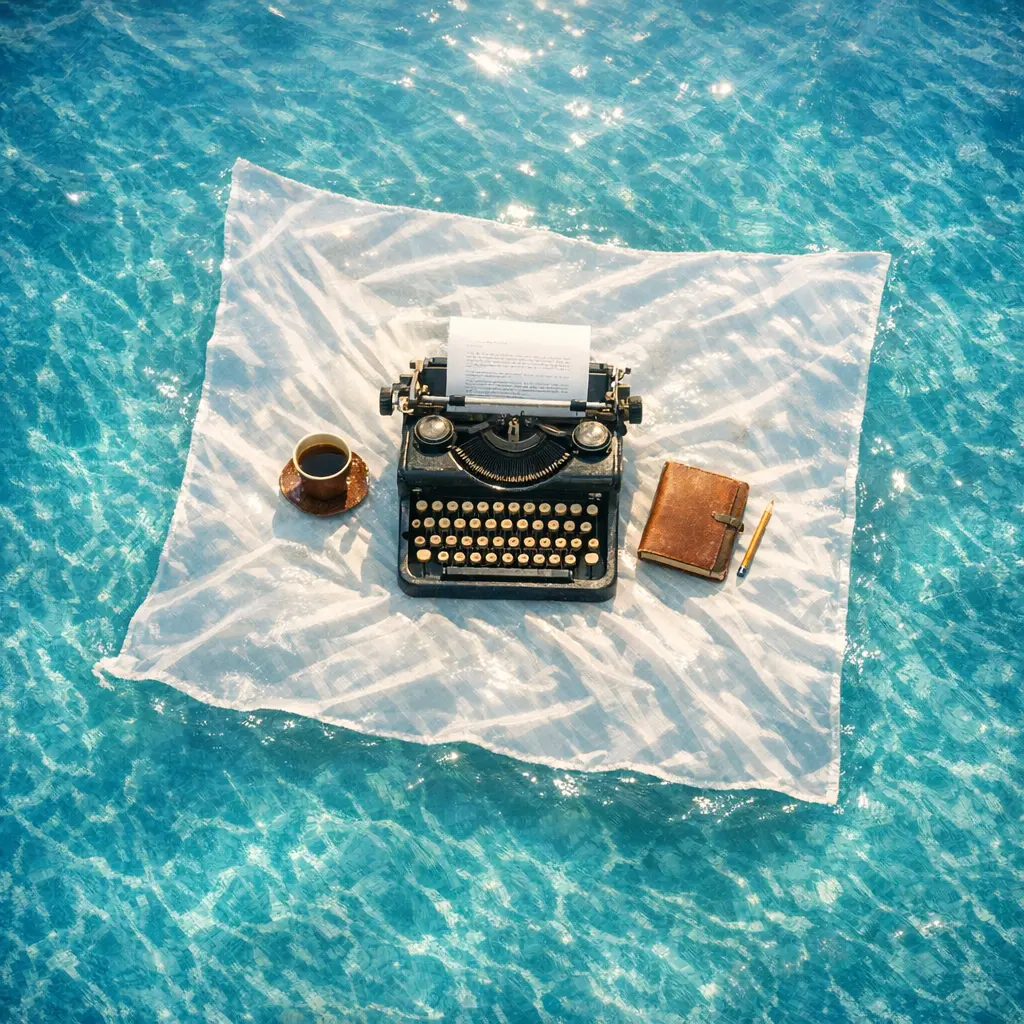
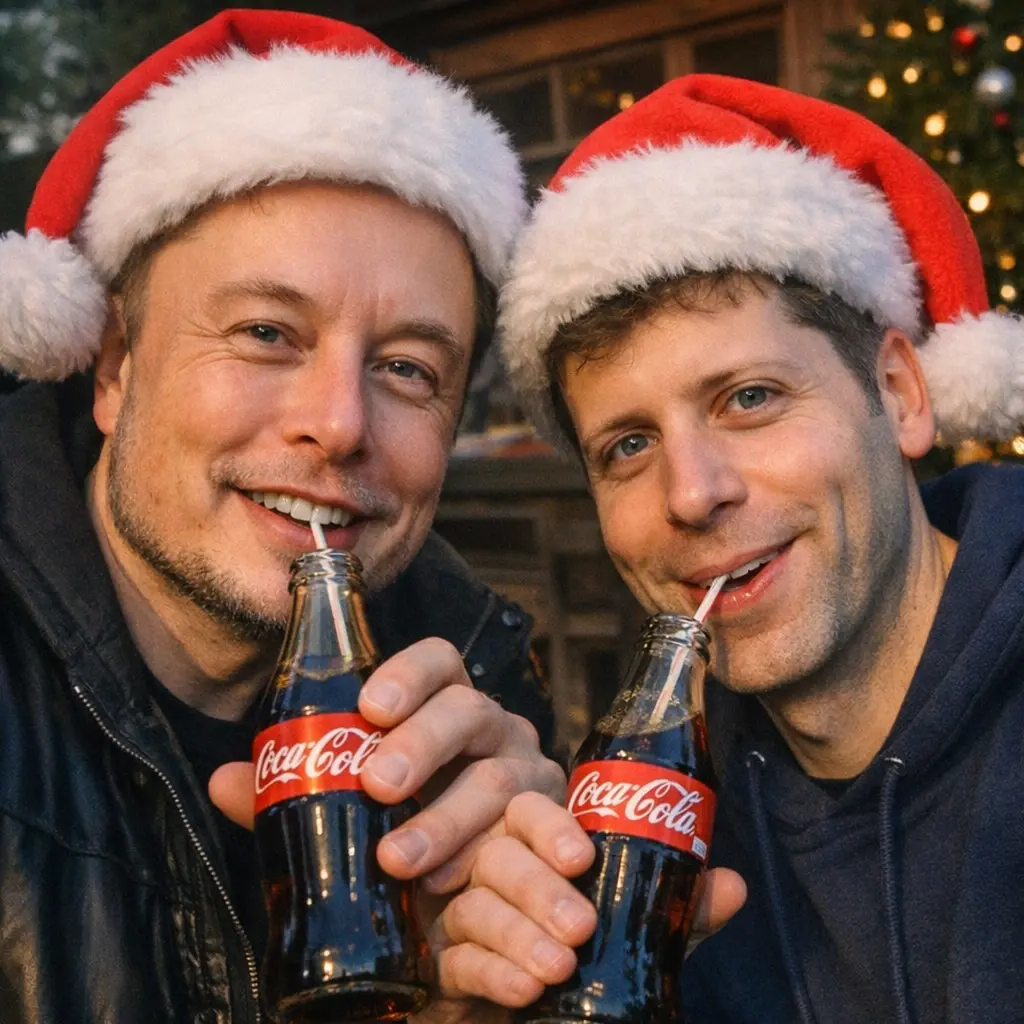
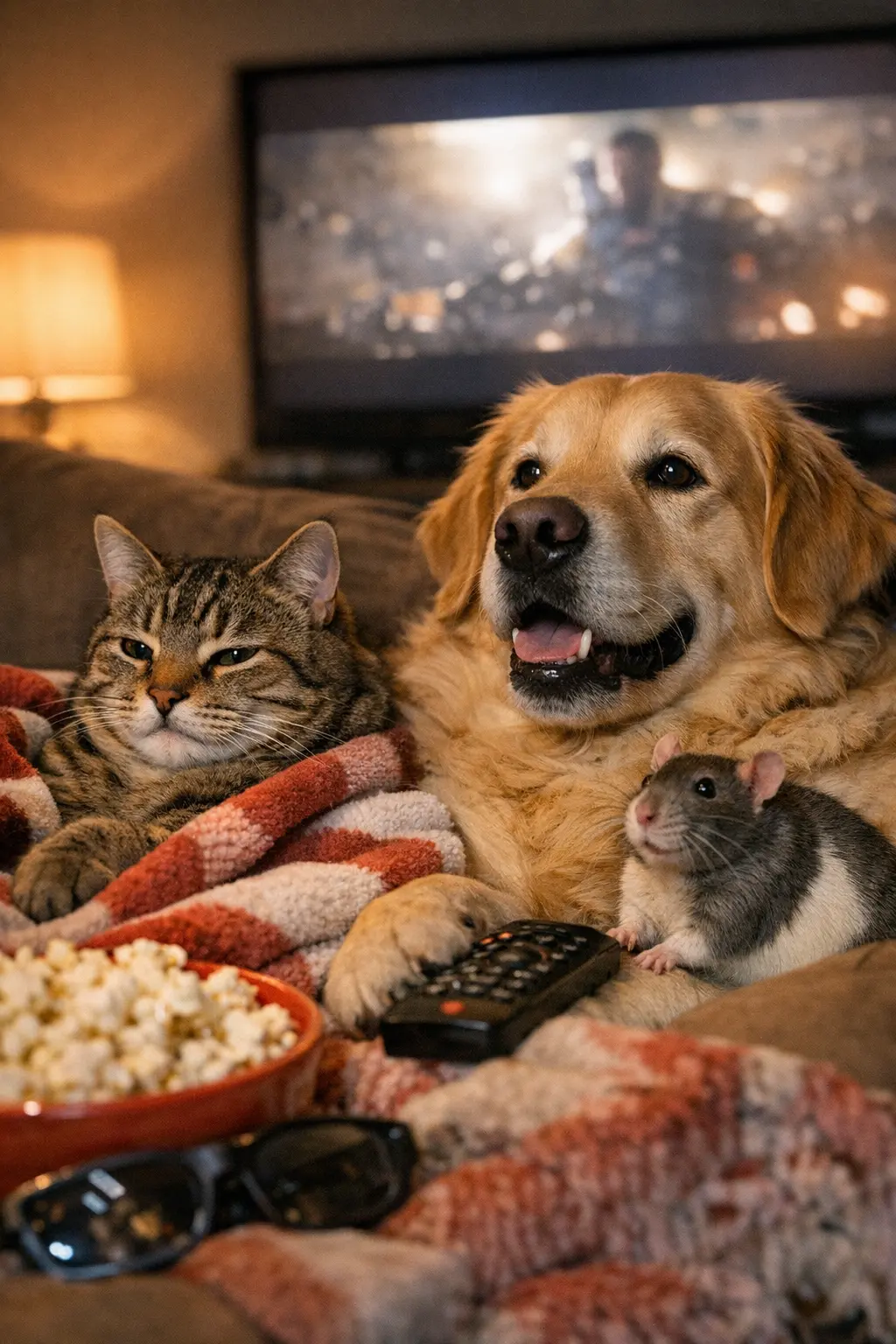
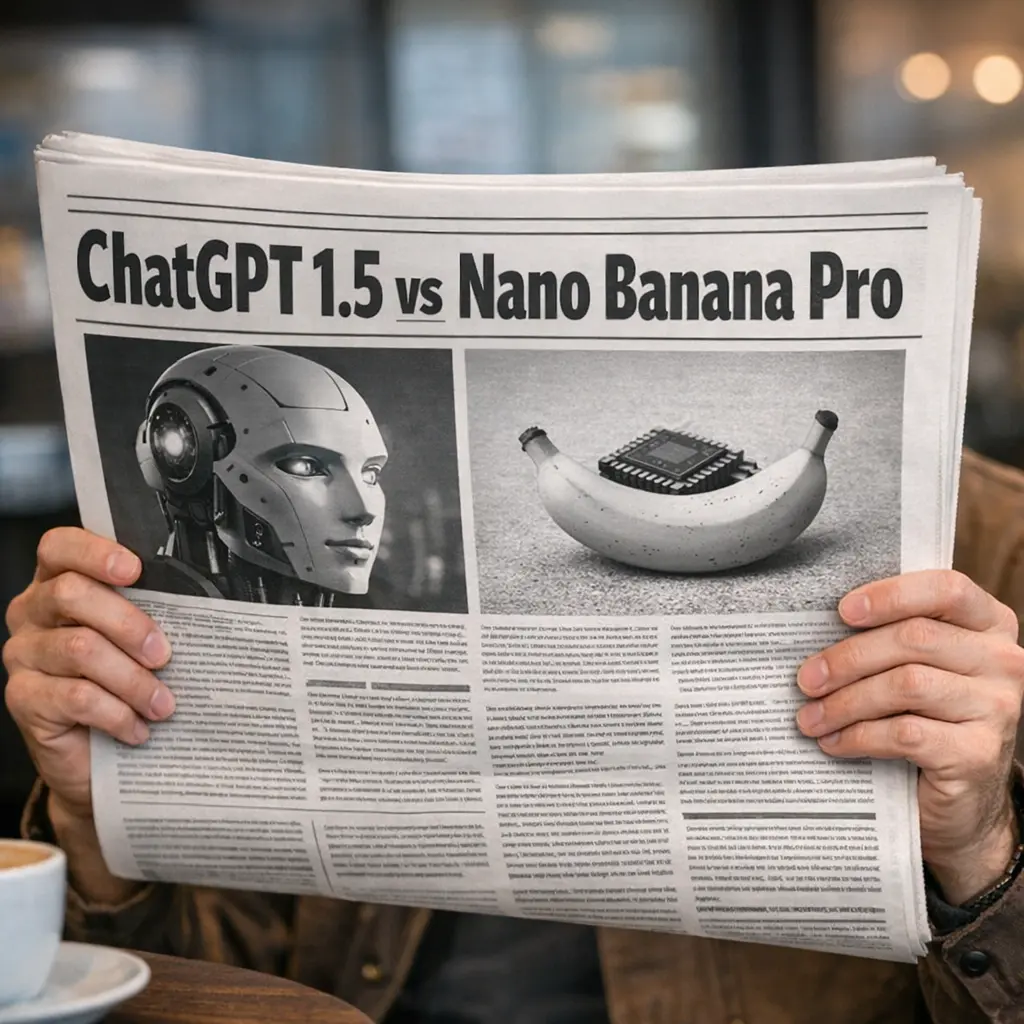
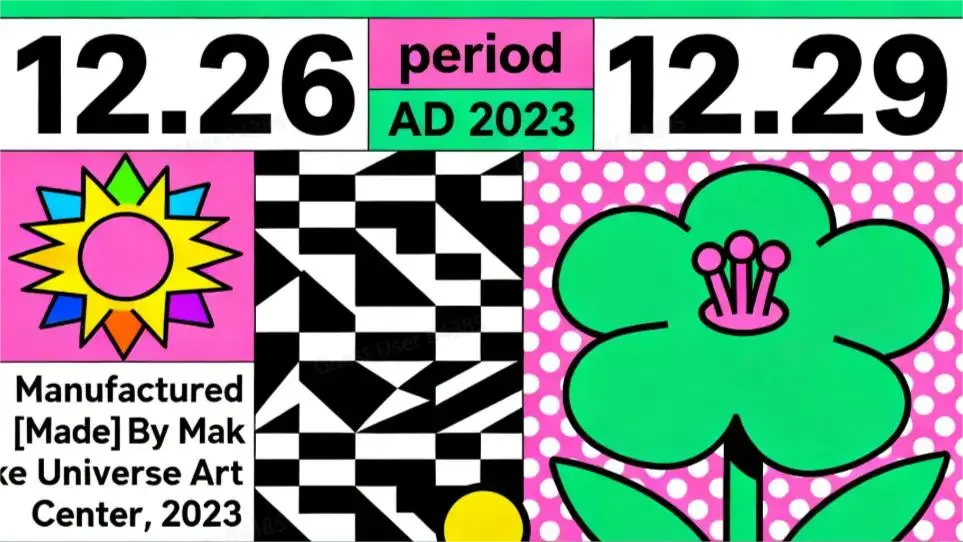
Examples Of GPT Image 1.5 Text To Image

GPT Image 1.5 Text To Image On X

What makes GPT Image 1.5 Text To Image stand out

GPT Image 1.5 Text To Image is a premier generative engine designed to construct high-fidelity visuals entirely from natural language. Unlike image editing tools that modify existing pixels, this model excels at "creation from scratch," translating complex semantic instructions into coherent, photorealistic, or stylized images. It leverages advanced language understanding to accurately render specific layouts, typography, and object relationships defined purely by your text.


Prompting guide for GPT Image 1.5 Text To Image

Since there is no reference image, your prompt is the only blueprint. Start by defining the Subject, Medium (e.g., photo, 3D render, oil painting), and Environment. In GPT Image 1.5 Text To Image, be specific about the composition and lighting, as the model will build the scene exactly according to your adjectives. Set image_size to match your intended composition (e.g., wide for landscapes). Use quality='hd' when fine details like text or textures are critical.


Examples:

  • Photorealism: "A futuristic eco-city, biophilic skyscrapers with vertical gardens, golden hour lighting, shot on 35mm lens, high detail." (Set quality=hd)
  • Marketing Asset: "A minimalist 3D icon of a rocket ship launching, isometric view, gradient blue background, high gloss finish." (Set background=transparent)
  • Typography/Logo: "A neon sign on a brick wall that says 'OPEN LATE' in pink script font, cinematic lighting, dark atmosphere."
  • Layout Control: "Split screen composition: left side shows a chaotic city, right side shows a peaceful forest, high contrast style."

Pro tips:

  • Be the Director: Since you are generating from scratch, explicitly describe camera angles (e.g., "drone view", "macro shot", "eye level").
  • Describe the "Vibe": Use mood keywords like "melancholic", "vibrant", "sterile", or "cozy" to guide the color palette.
  • No "Preservation" Needed: Do not use terms like "keep the face" or "change the background"; simply describe the entire scene you want to see.
  • Iterate with Variations: If the composition isn't right, change the prompt (e.g., move "cat" from "left" to "center") rather than trying to edit the previous seed.

Note: If you need to modify an existing image (e.g., changing the background of a photo you already have), do not use this model. Instead, switch to the GPT 1.5 Image Edit model which is specialized for instruction-based manipulation.

Related Playgrounds

imagen-4/text-to-image

Sharp visual clarity and fast output for layout-rich image design

longcat-image/text-to-image

Create multilingual, high-fidelity visuals with precise text-driven generation and seamless edit control.

flux-2/turbo/text-to-image

Create detailed visual assets from prompts with scalable, high-speed precision

flux-1-kontext/max/edit

Edit images with strong prompt control and consistent style using FLUX Kontext Max.

flux-2/flex/text-to-image

Generate accurate brand visuals with high-fidelity text-to-image control.

chrono-edit/lora/paintbrush

Advanced temporal reasoning edits for image transformation with natural motion and structure consistency.

Frequently Asked Questions

What is GPT Image 1.5 Text To Image used for?

GPT Image 1.5 Text To Image is OpenAI’s latest text-to-image generation model designed to produce and edit high-quality visuals from written prompts. It powers creative workflows like concept art, ad design, and product visualization.

How does GPT Image 1.5 Text To Image improve over previous versions?

GPT Image 1.5 Text To Image offers faster generation times, better adherence to instructions, and finer text rendering within images. This text-to-image model also preserves facial details and lighting consistency, making it more reliable for professional use.

Is GPT Image 1.5 Text To Image free to use?

Access to GPT Image 1.5 Text To Image typically requires credits, though new users may receive free trial credits via platforms like Runcomfy’s AI playground. The text-to-image generation features are pay-per-use based on image size and detail.

What kinds of images can I create with GPT Image 1.5 Text To Image?

With GPT Image 1.5 Text To Image, users can create photo-realistic, stylized, or conceptual scenes from detailed prompts. Its text-to-image engine supports elements like characters, products, environments, and even legible embedded text.

Who should use GPT Image 1.5 Text To Image?

GPT Image 1.5 Text To Image is ideal for designers, marketers, developers, and educators who need high-quality visual assets created via text-to-image prompts. It’s also valuable for e-commerce, branding, and creative agencies.

Can GPT Image 1.5 Text To Image edit existing images?

Yes, GPT Image 1.5 Text To Image can perform realistic edits such as adding or removing objects and adjusting colors or backgrounds. This makes it a powerful text-to-image model for iterative visual refinement.

On which platforms is GPT Image 1.5 Text To Image available?

GPT Image 1.5 Text To Image is accessible through the OpenAI API, ChatGPT’s Images tab, and third-party tools like Runcomfy’s AI playground. The text-to-image functionality works well on both desktop and mobile browsers.

What are the limitations of GPT Image 1.5 Text To Image?

While GPT Image 1.5 Text To Image produces detailed visuals, it may struggle with very dense text compositions or ambiguous prompts. For optimal text-to-image results, users should provide clear, descriptive input and iterate as needed.

Can GPT Image 1.5 Text To Image render text inside images?

Yes, GPT Image 1.5 Text To Image includes improved capabilities for rendering legible text within visuals. However, as with most text-to-image systems, ultra-fine or dense typography may still require manual post-editing.

Follow us
  • LinkedIn
  • Facebook
  • Instagram
  • Twitter
Support
  • Discord
  • Email
  • System Status
  • Affiliate
Video Models/Tools
  • Wan 2.6
  • Wan 2.6 Text to Video
  • Veo 3.1 Fast Video Extend
  • Seedance Lite
  • Wan 2.2
  • Seedance 1.0 Pro Fast
  • View All Models →
Image Models
  • GPT Image 1.5 Image to Image
  • Flux 2 Max Edit
  • GPT Image 1.5 Text To Image
  • Gemini 3 Pro
  • seedream 4.0
  • Nano Banana Pro
  • View All Models →
Legal
  • Terms of Service
  • Privacy Policy
  • Cookie Policy
RunComfy
Copyright 2025 RunComfy. All Rights Reserved.

RunComfy is the premier ComfyUI platform, offering ComfyUI online environment and services, along with ComfyUI workflows featuring stunning visuals. RunComfy also provides AI Playground, enabling artists to harness the latest AI tools to create incredible art.