seedream-4-5/edit
image-to-image
Transform visuals with Seedream 4.5 for coherent, photoreal image creation and precise brand consistency.
Transform visuals with Seedream 4.5 for coherent, photoreal image creation and precise brand consistency.

Generate clips with fluid motion and audios for creatives

Premium image-to-video with the highest visual fidelity and motion realism in the Kling V3.0 family.

Animate stills into native 4K cinematic clips with start-end frame guidance and synchronized sound.
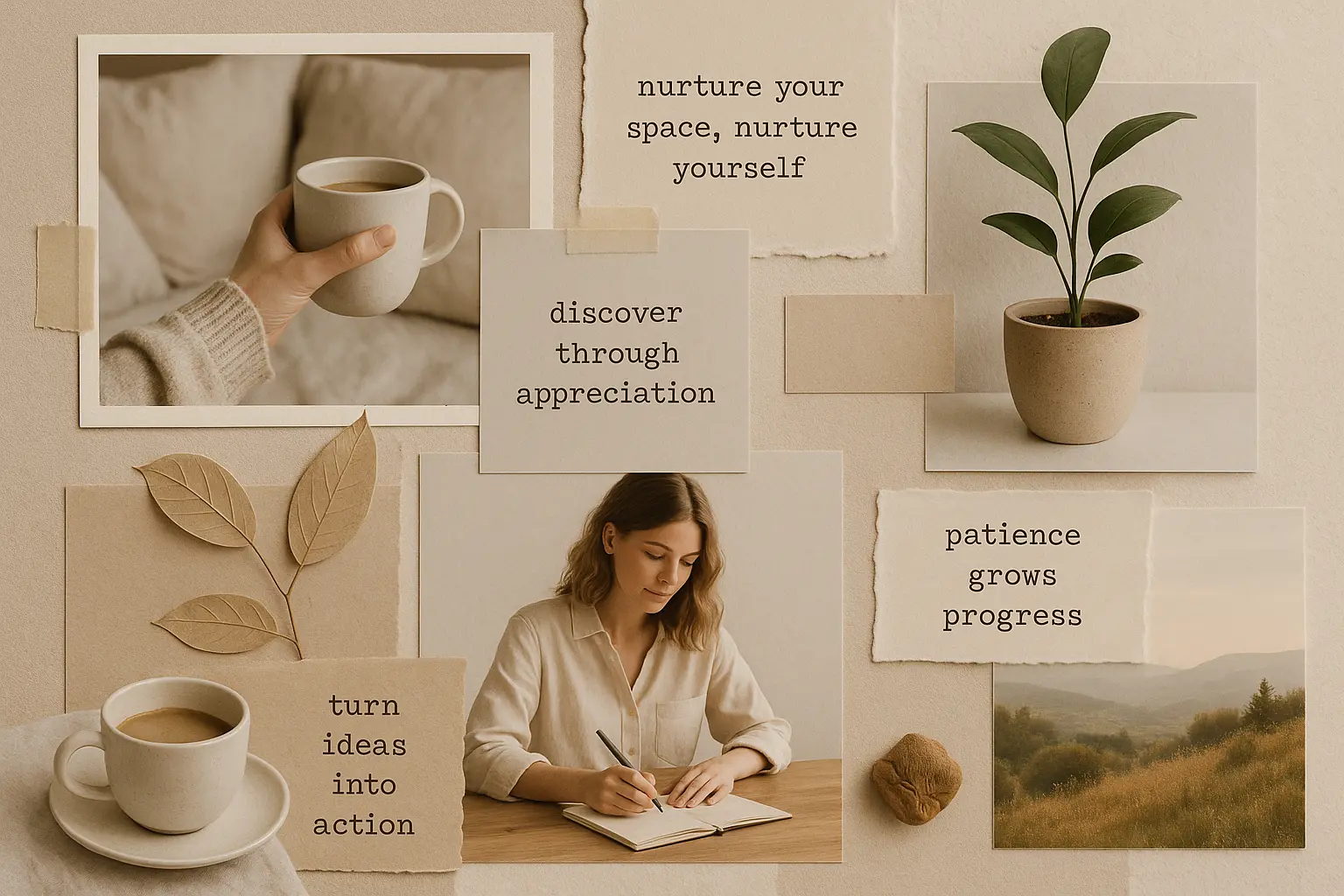
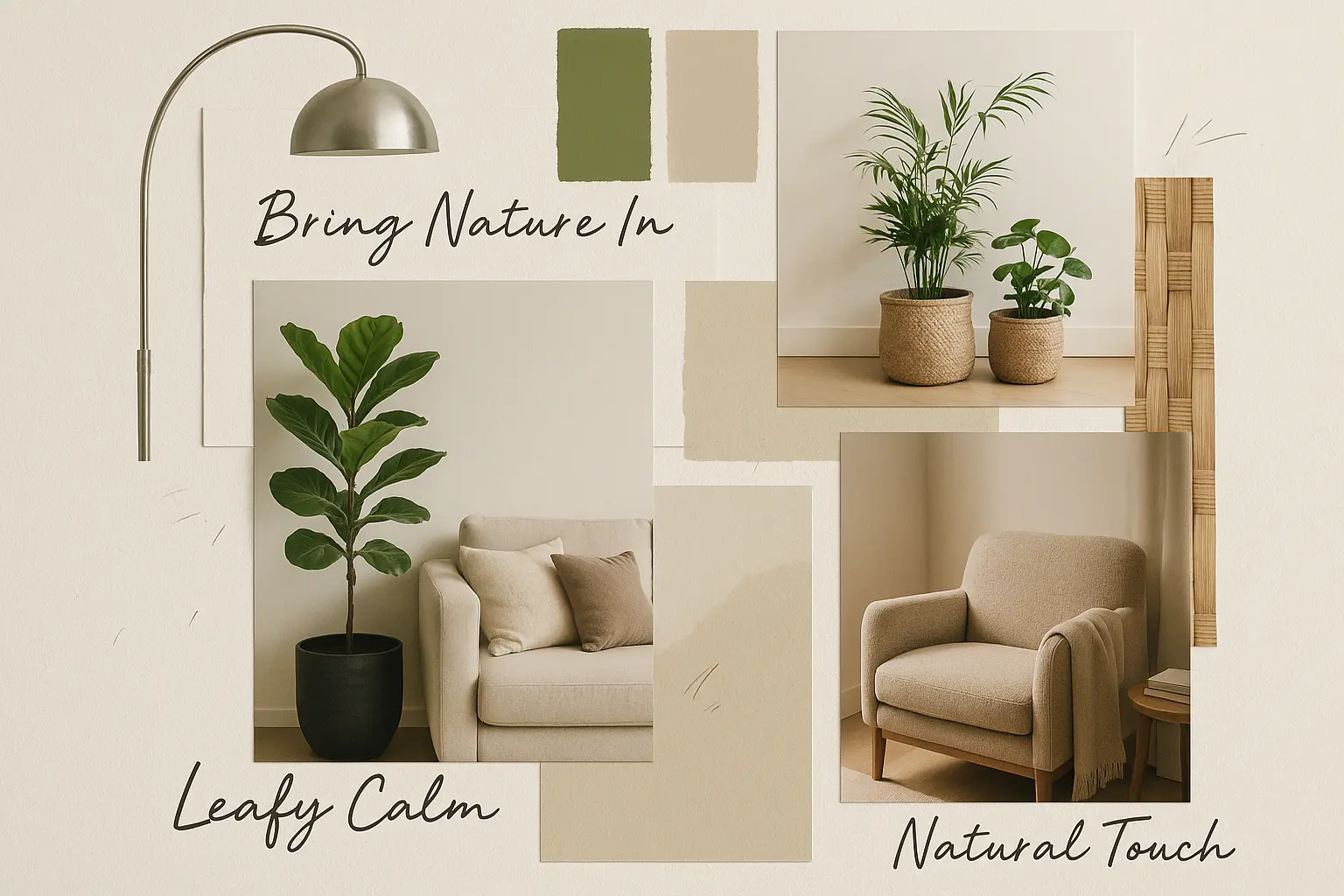
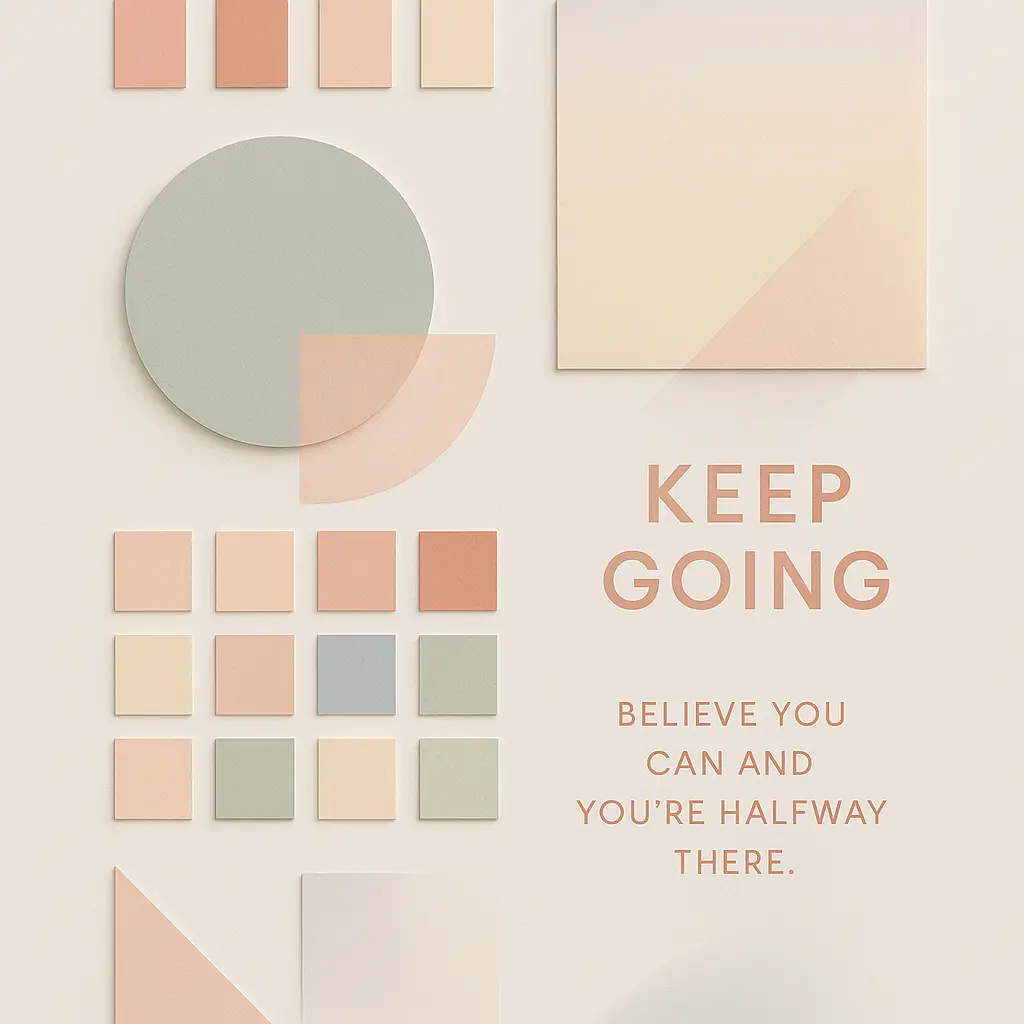
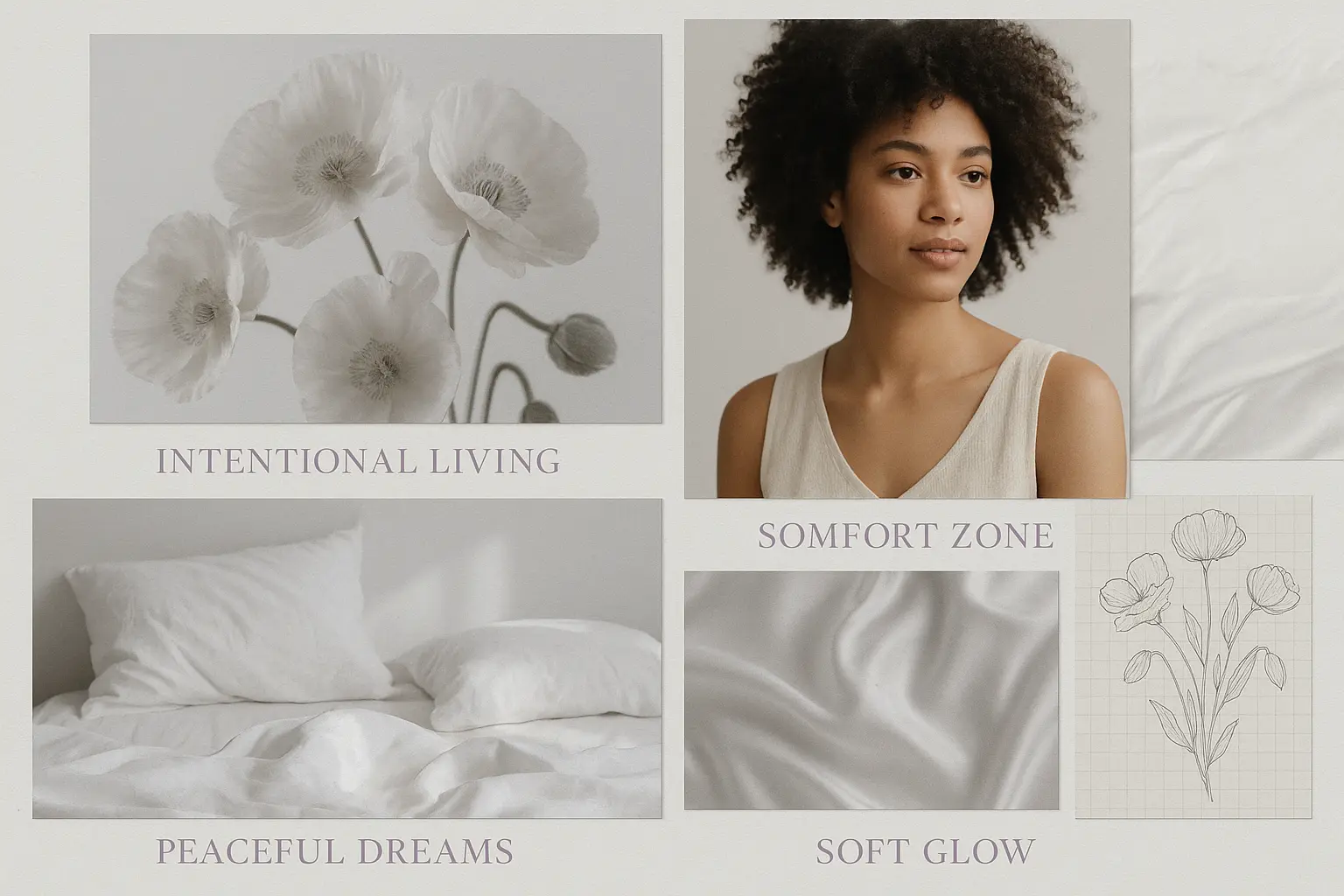
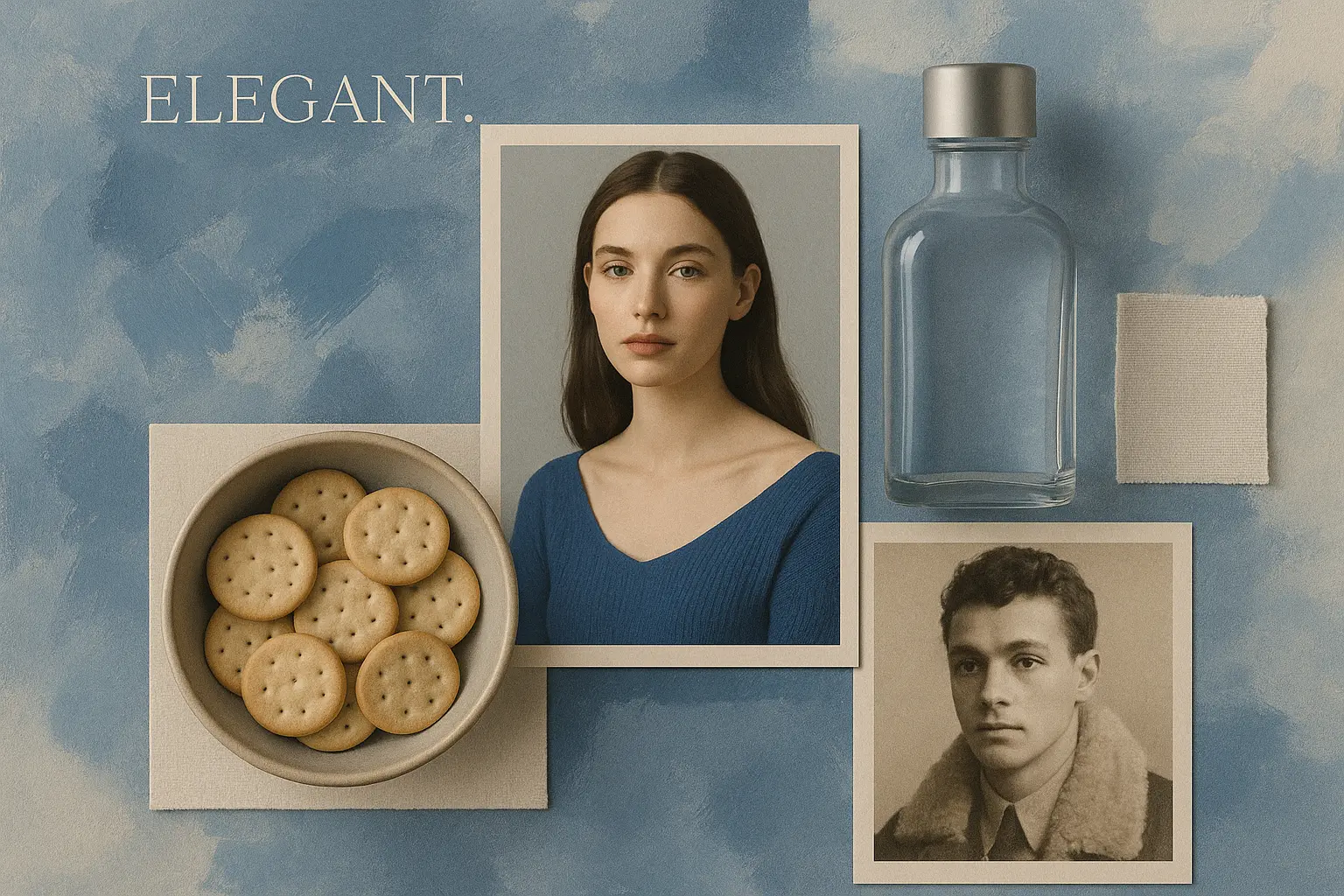
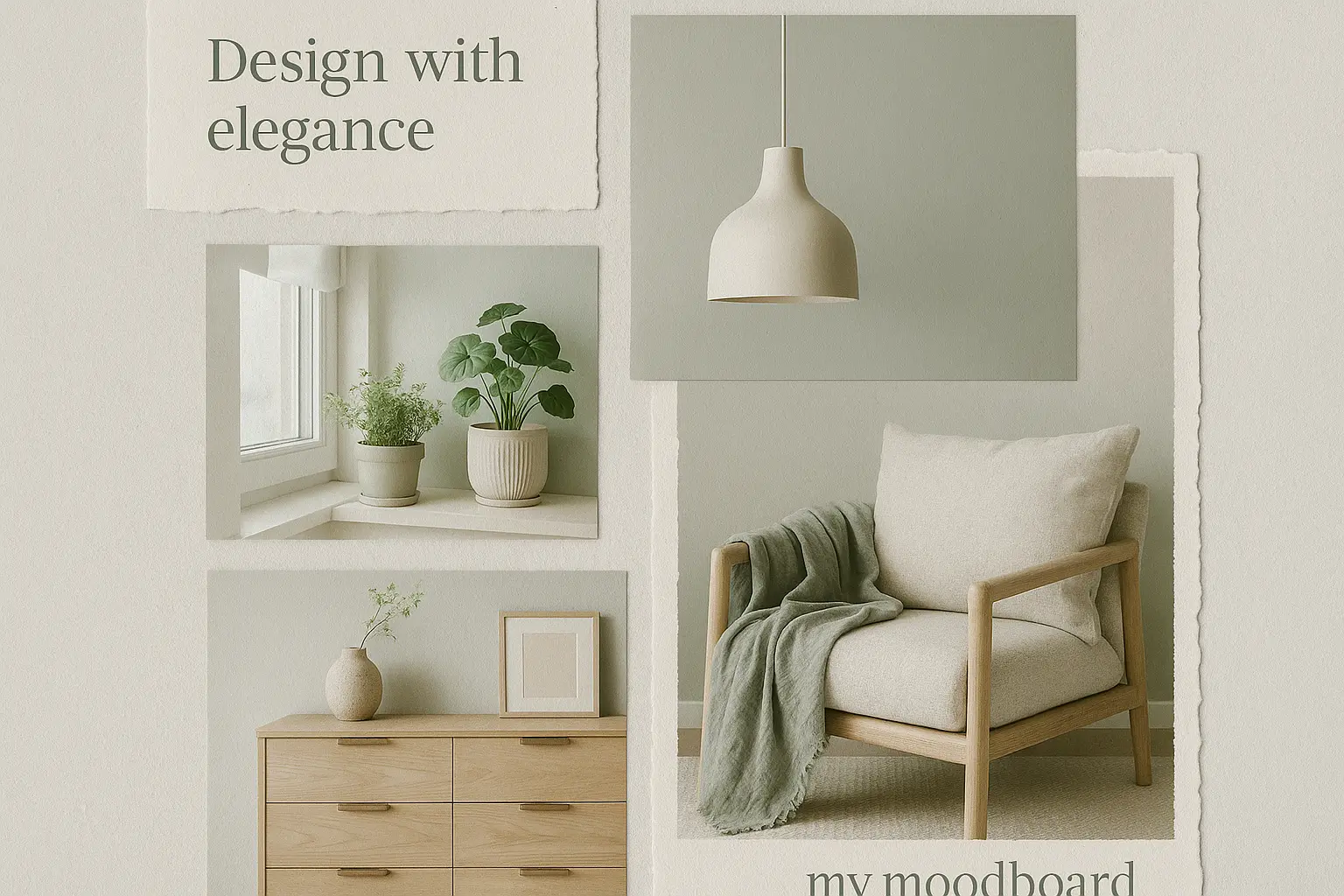
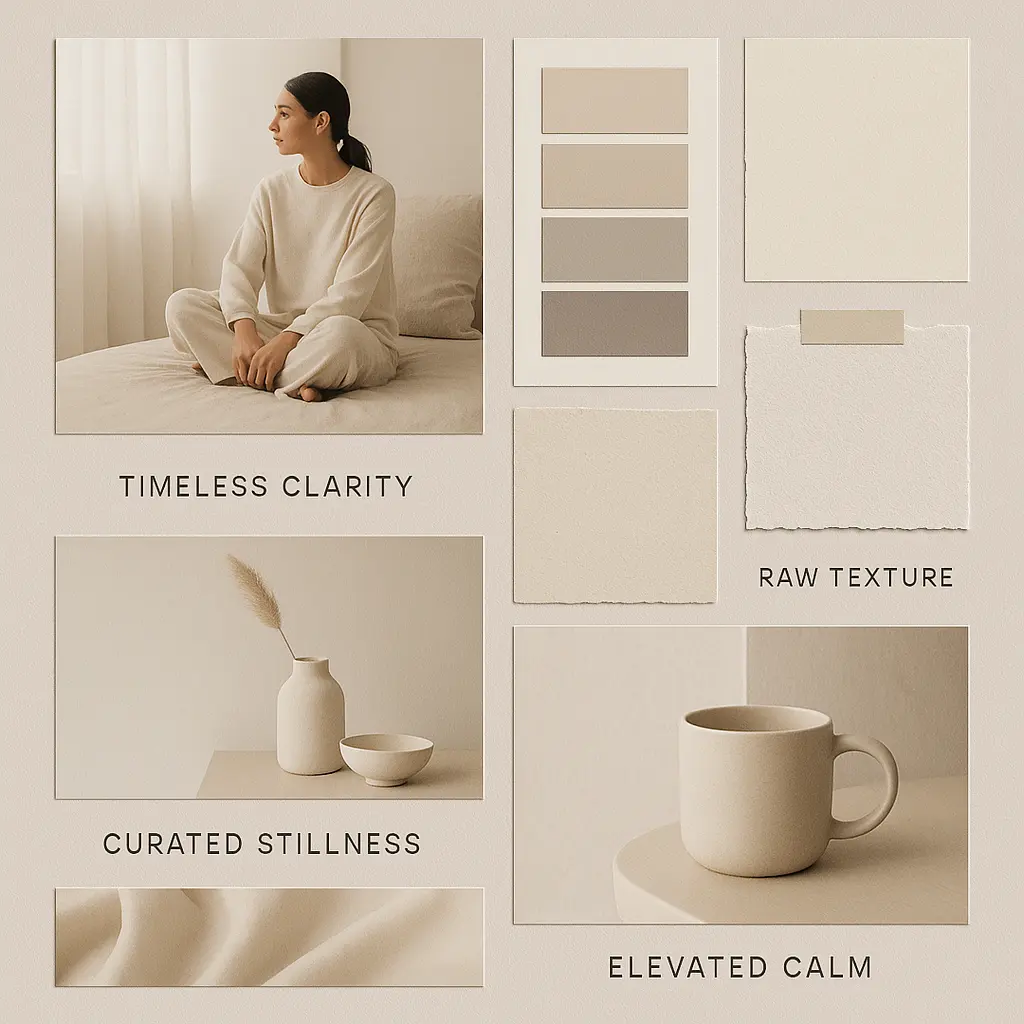
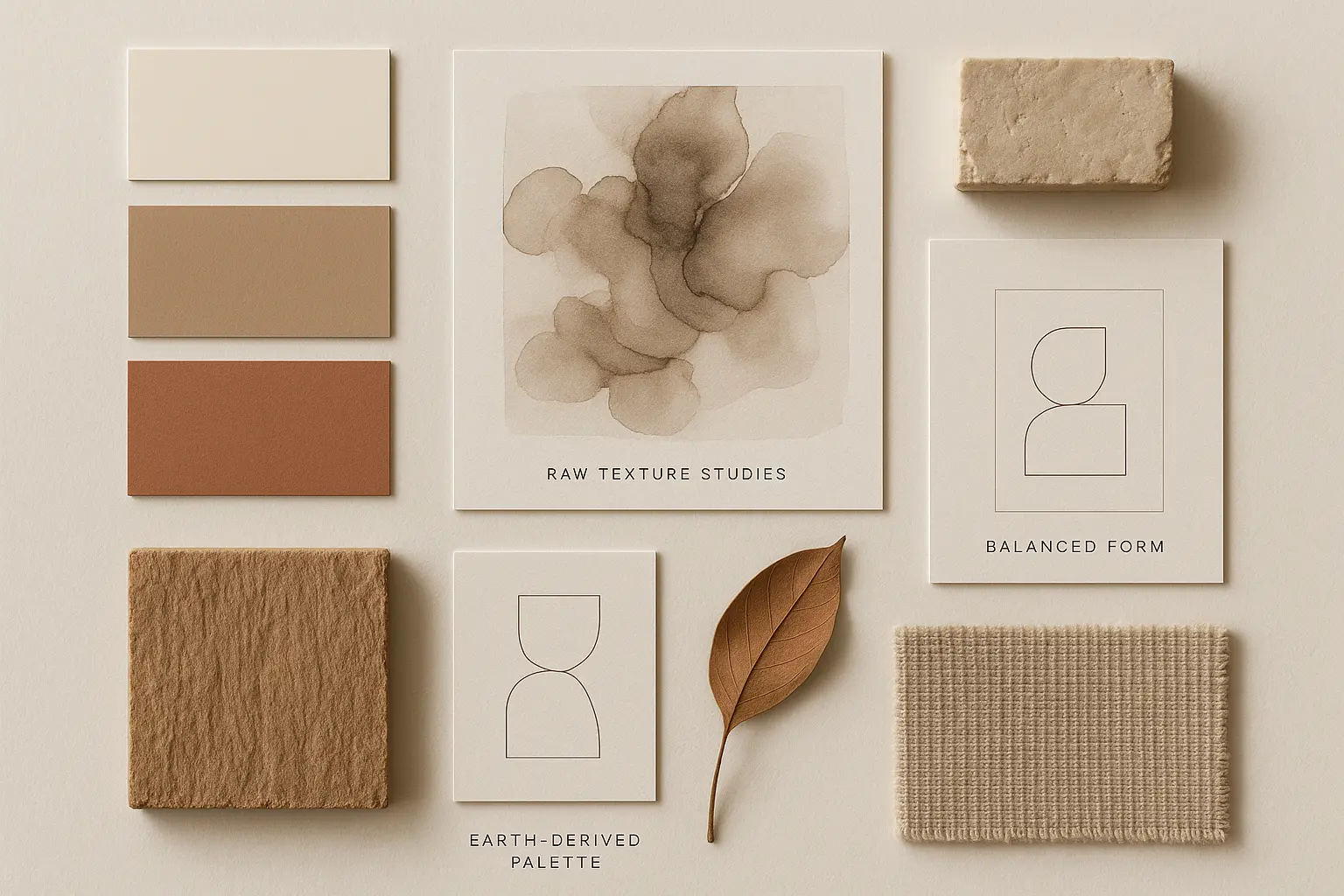
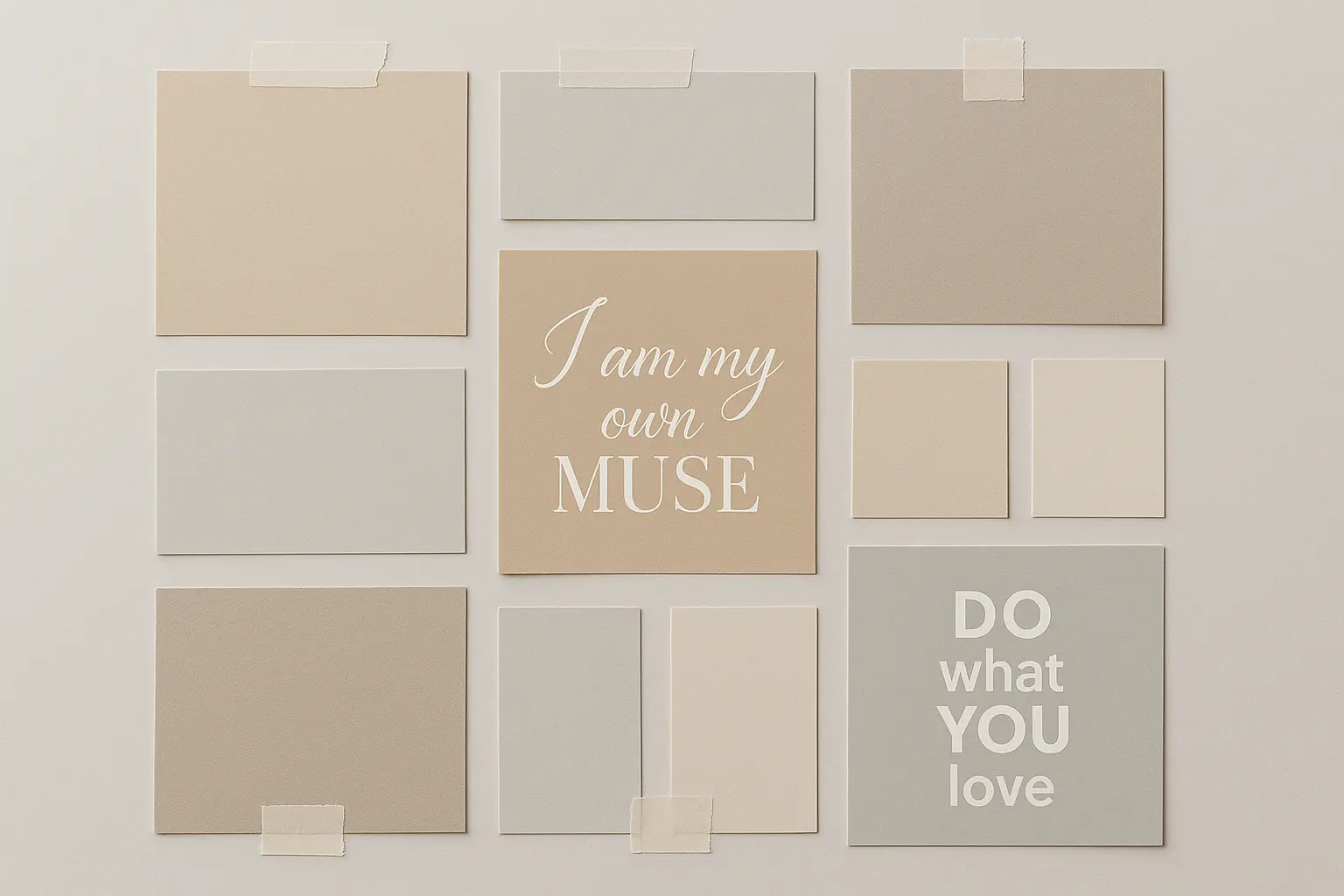
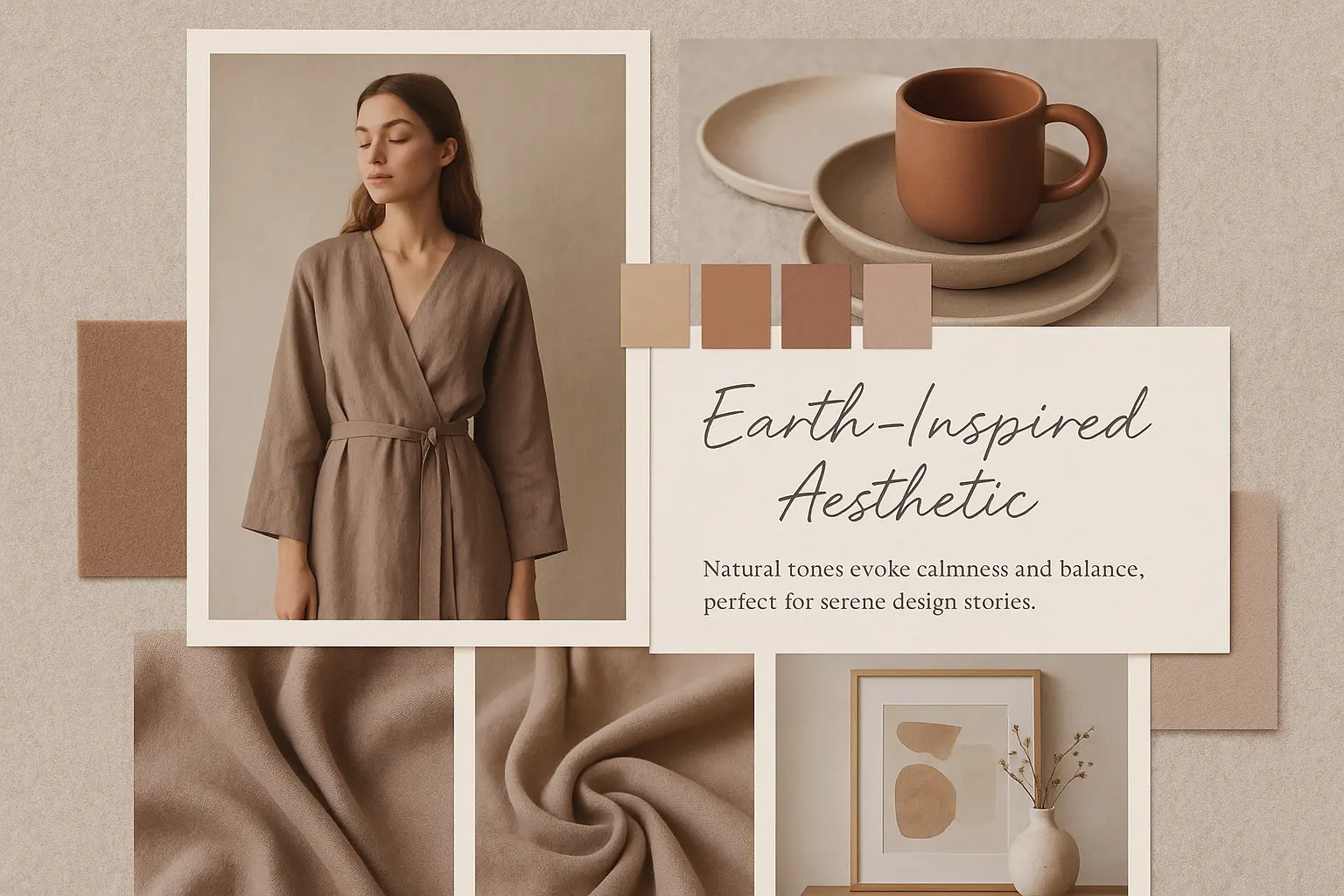
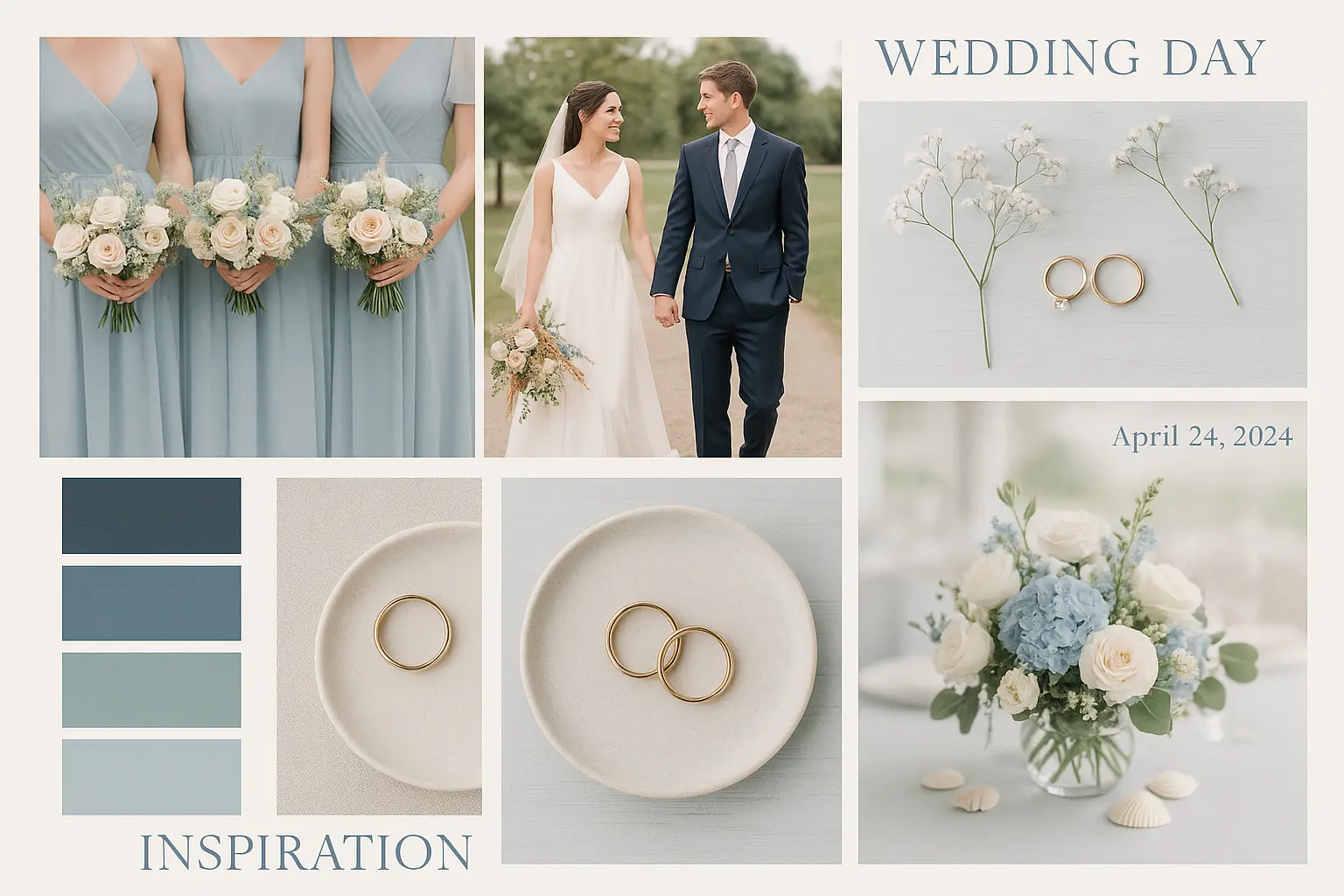
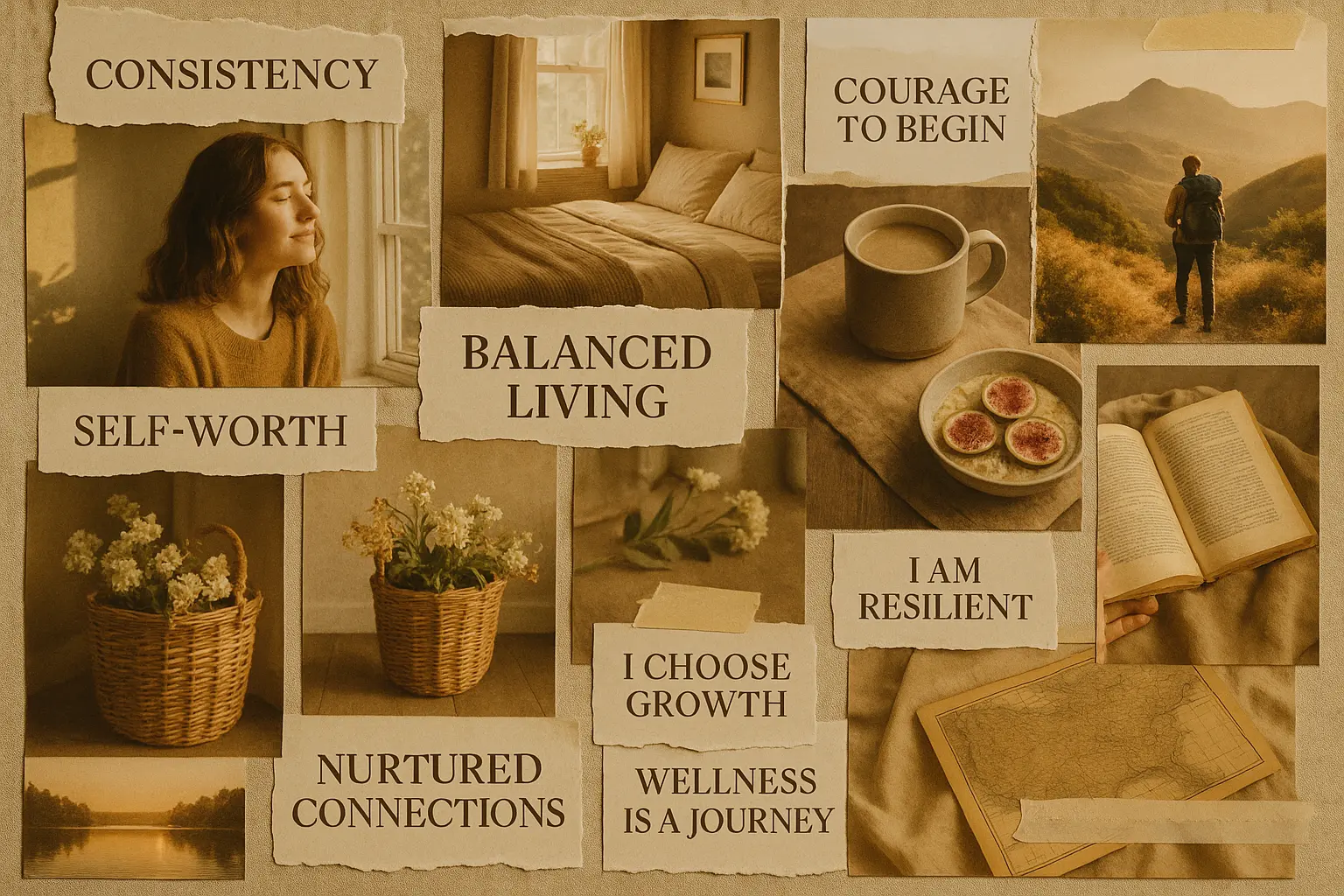
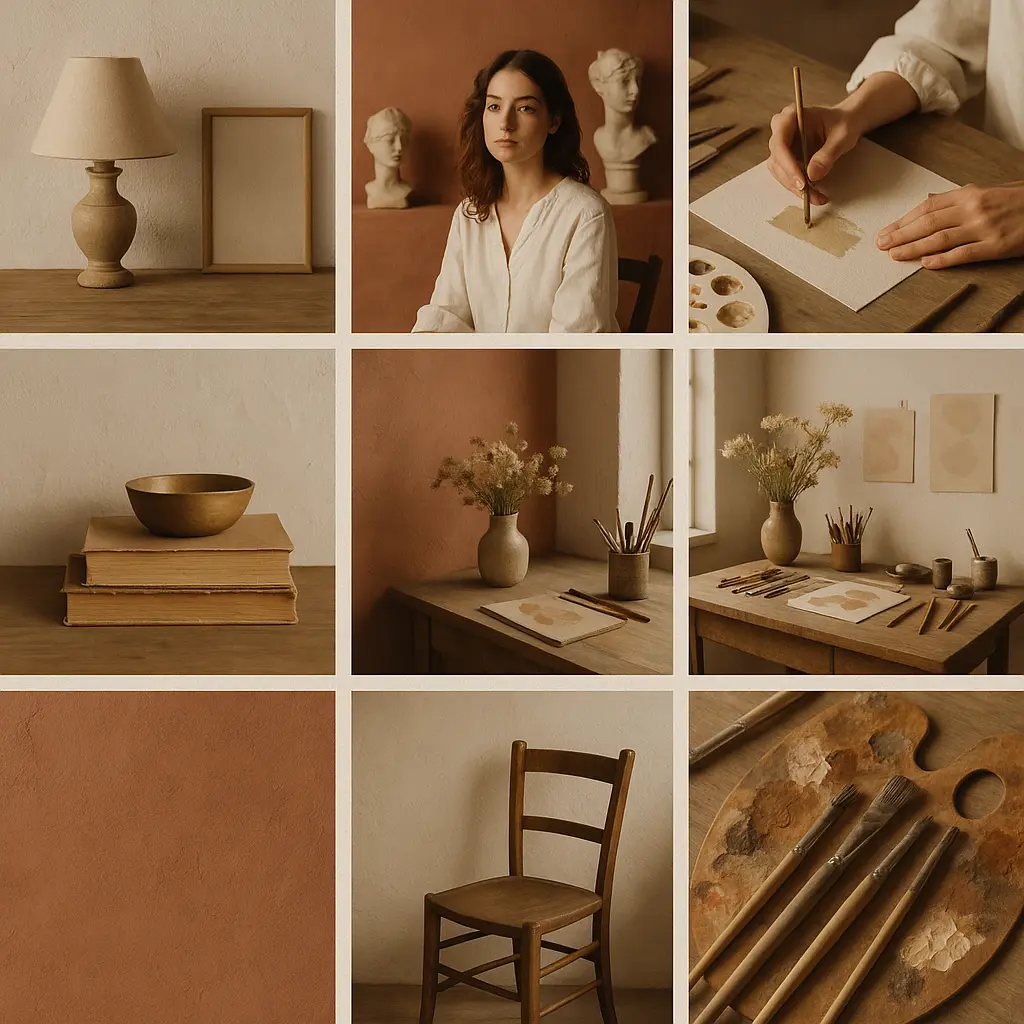
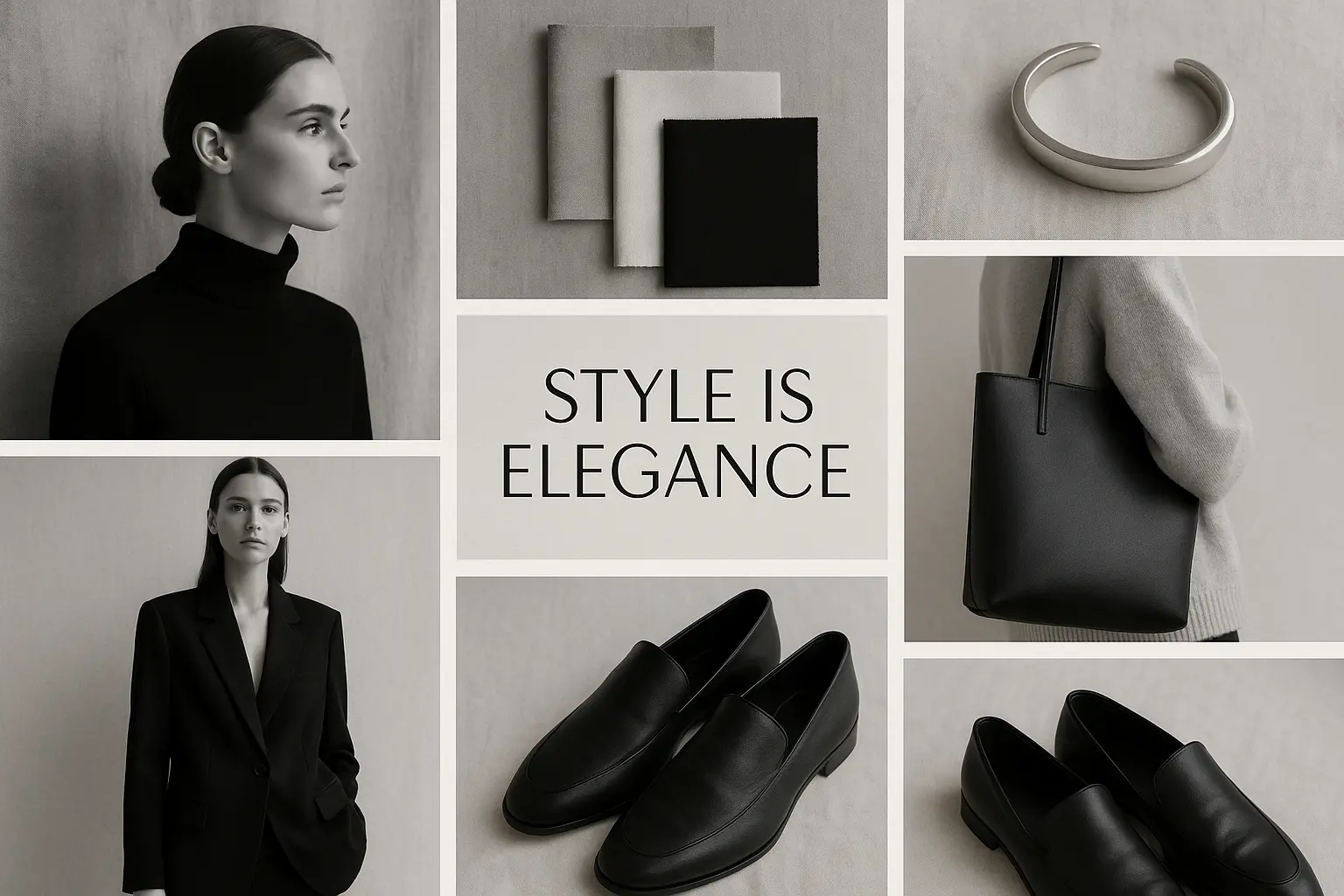
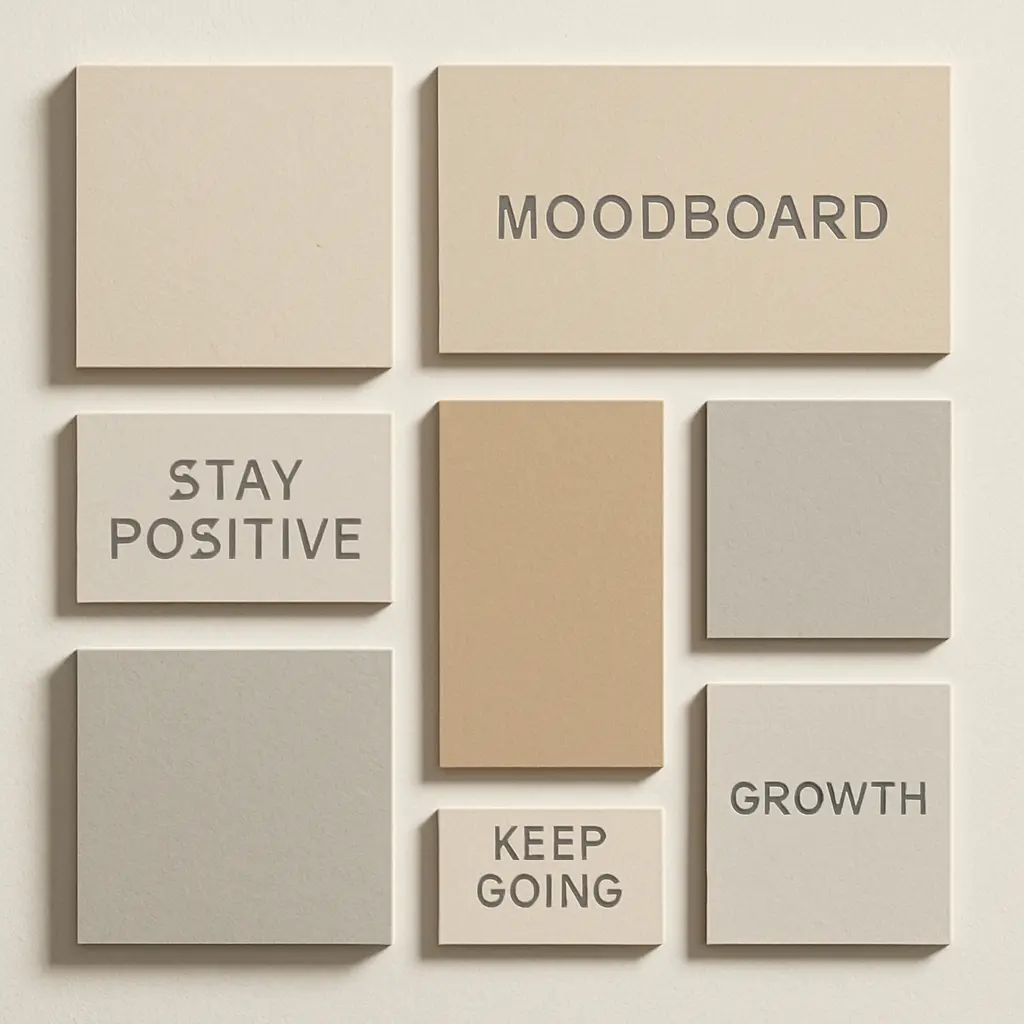
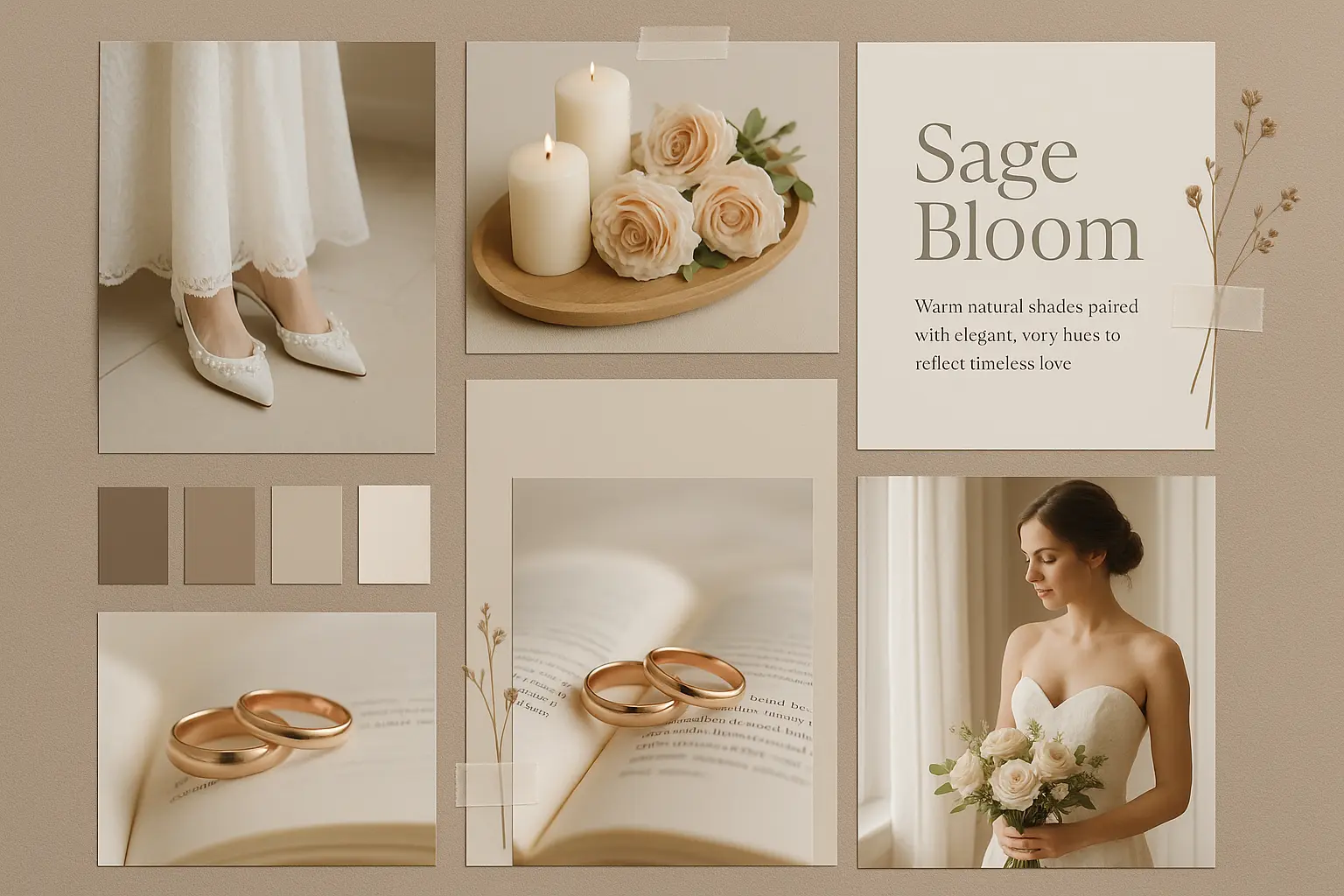
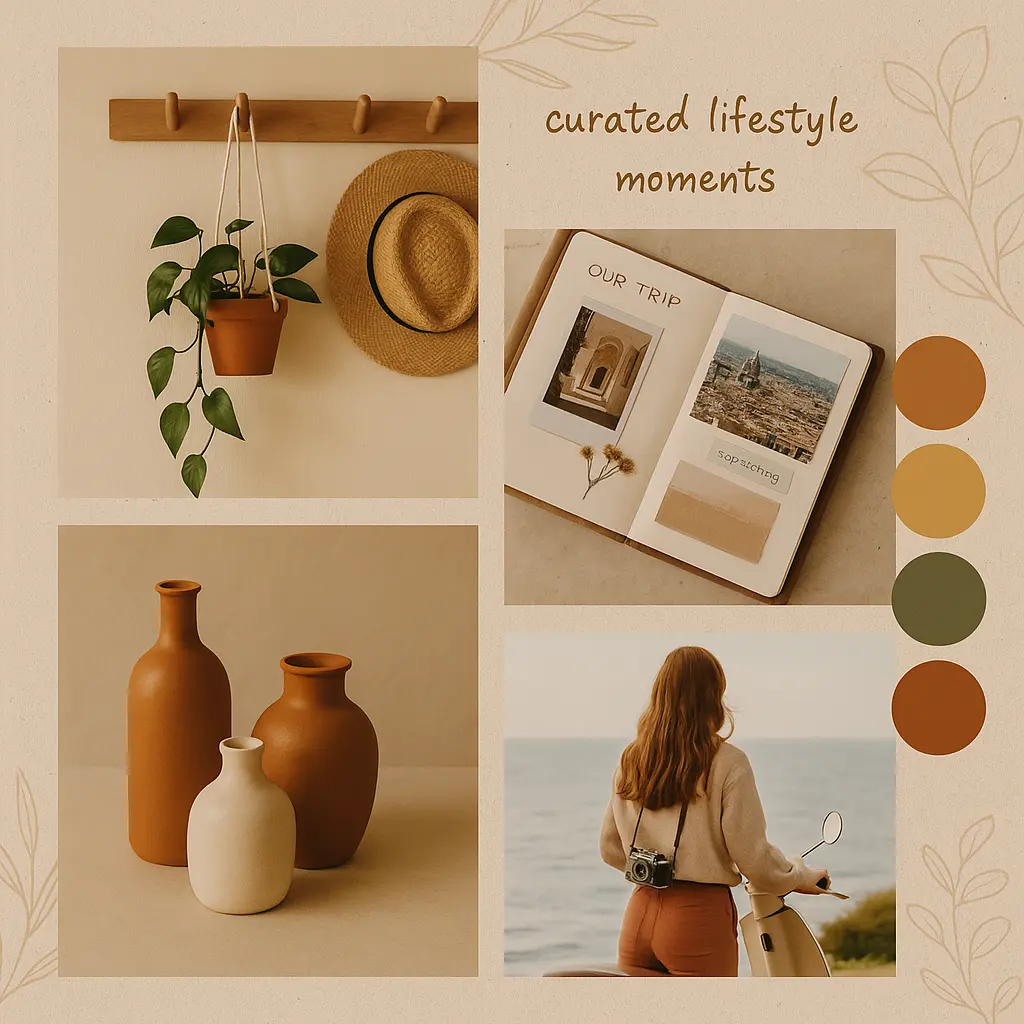
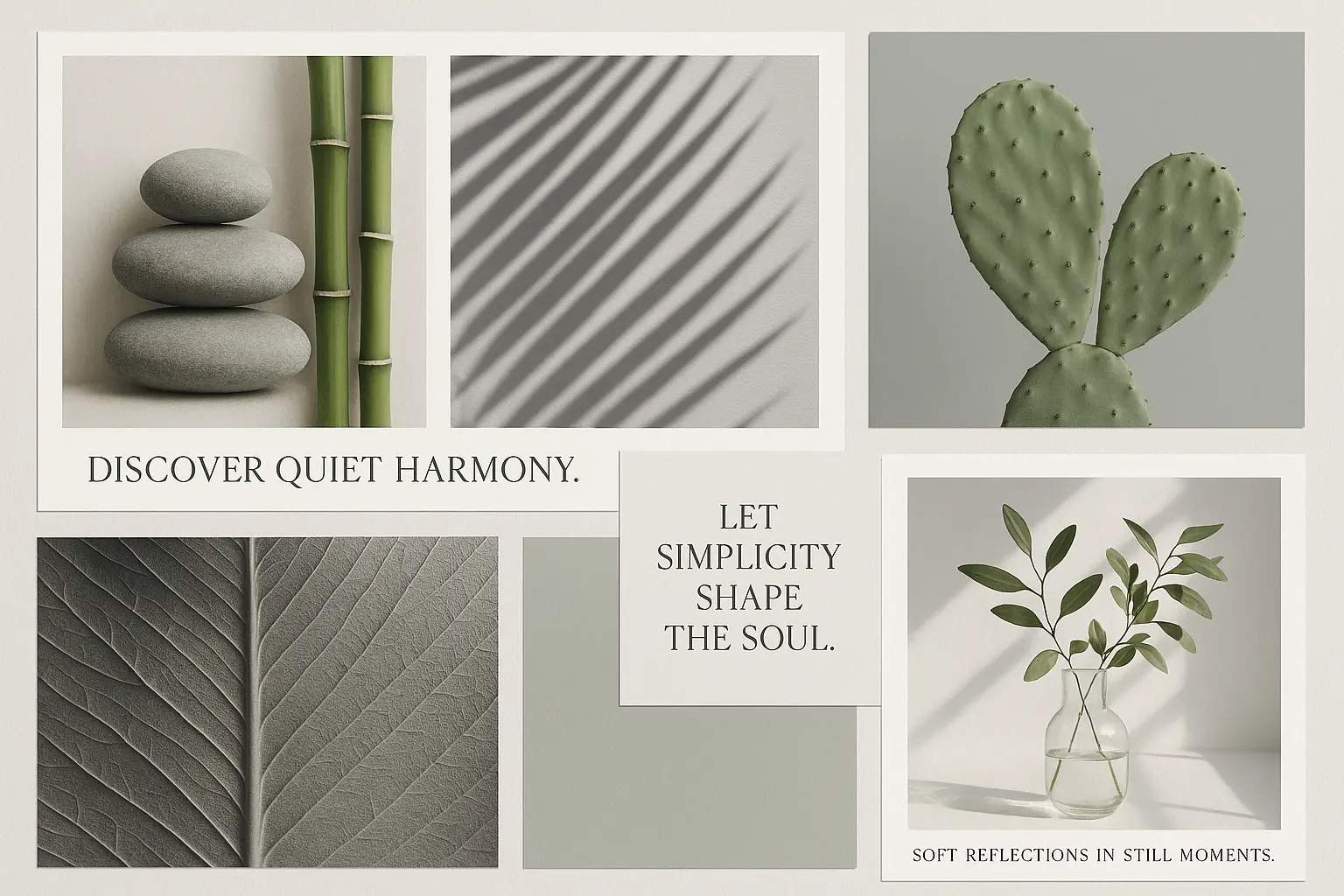
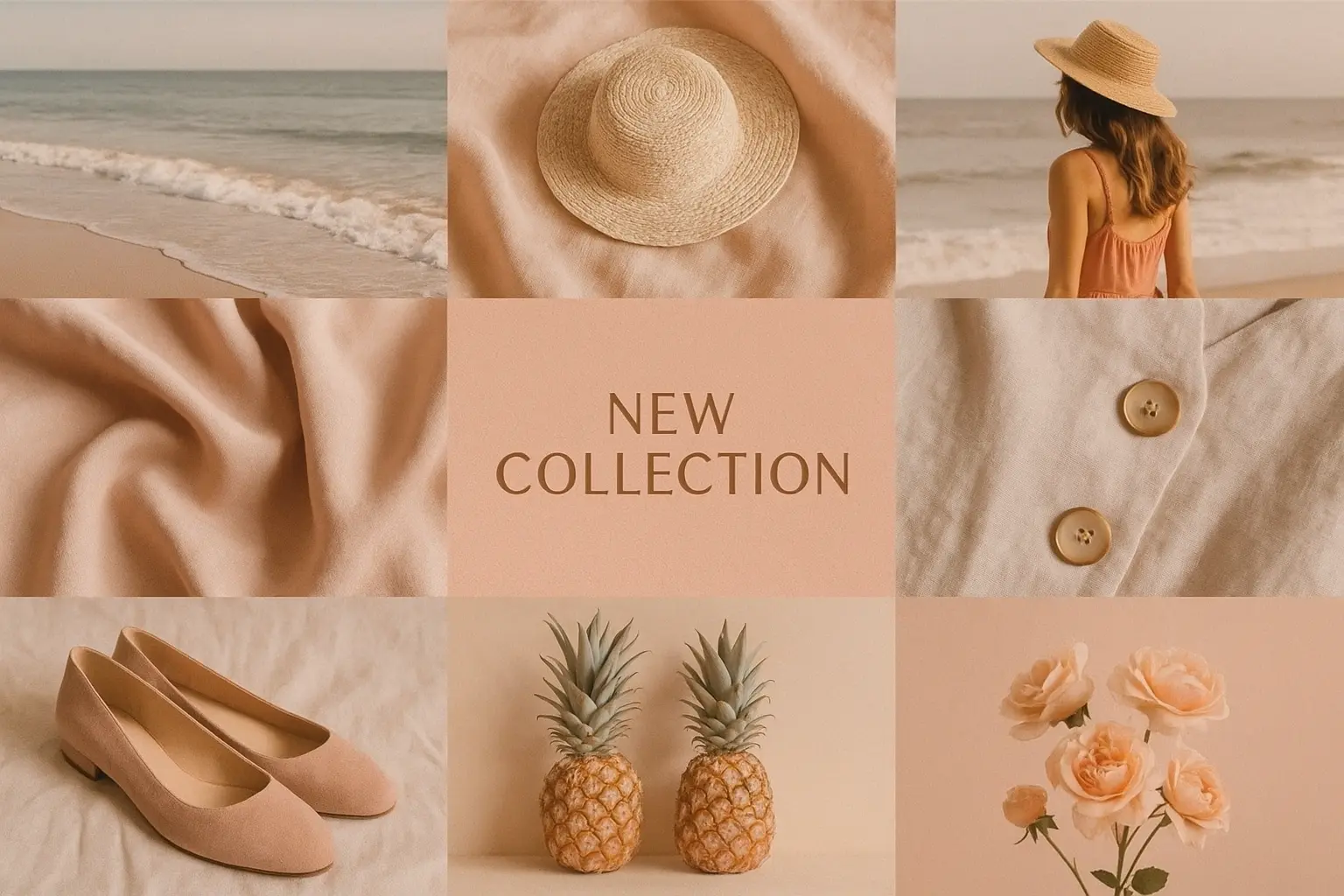
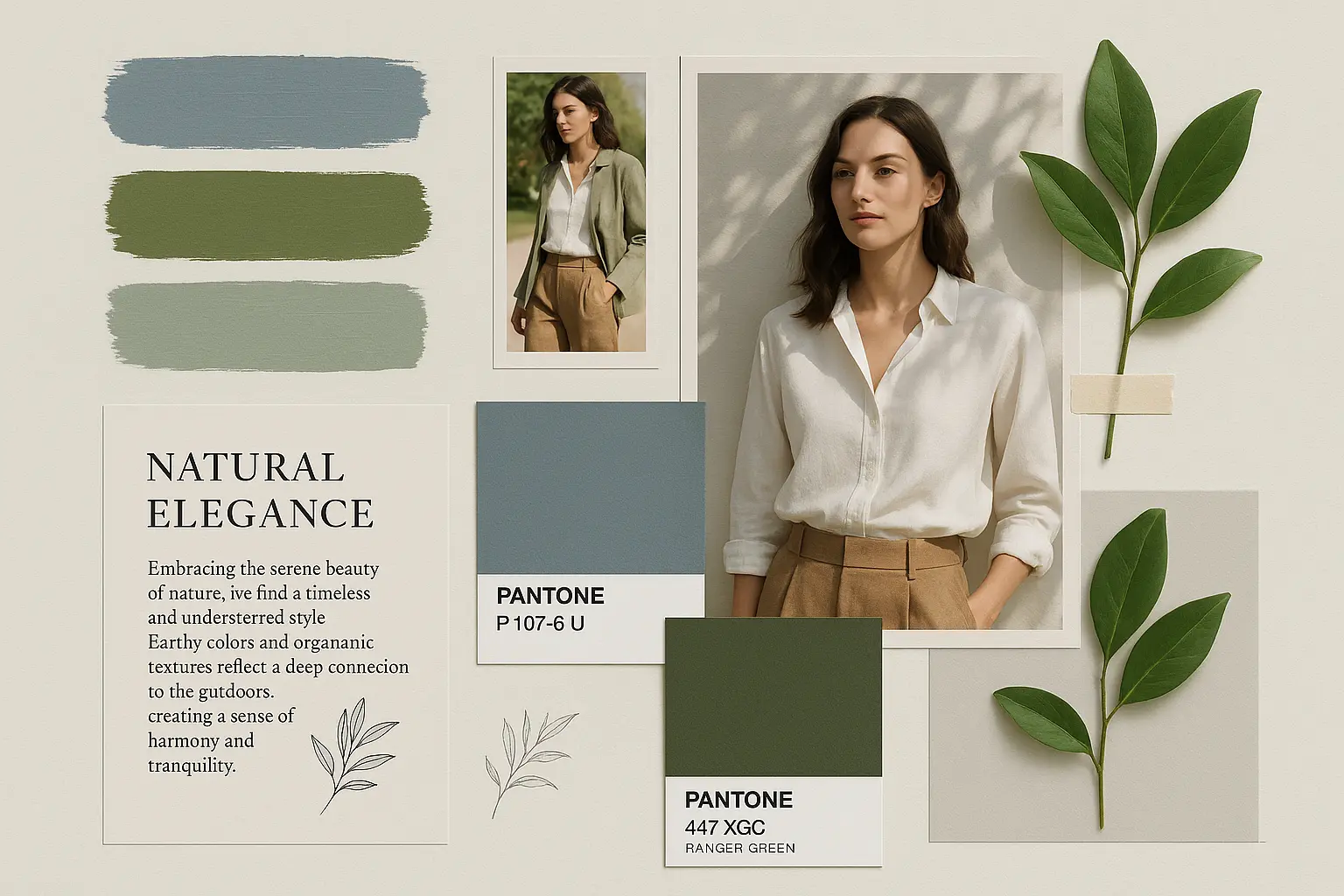
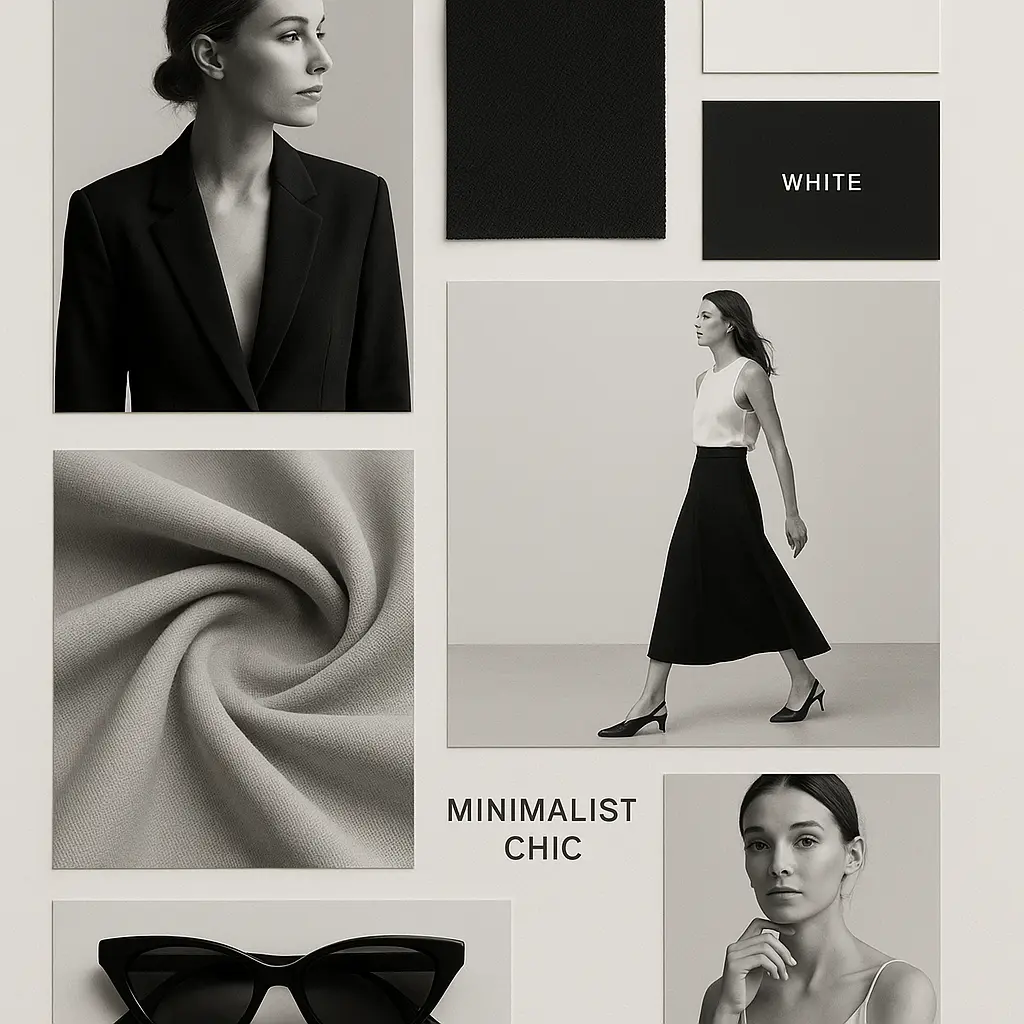
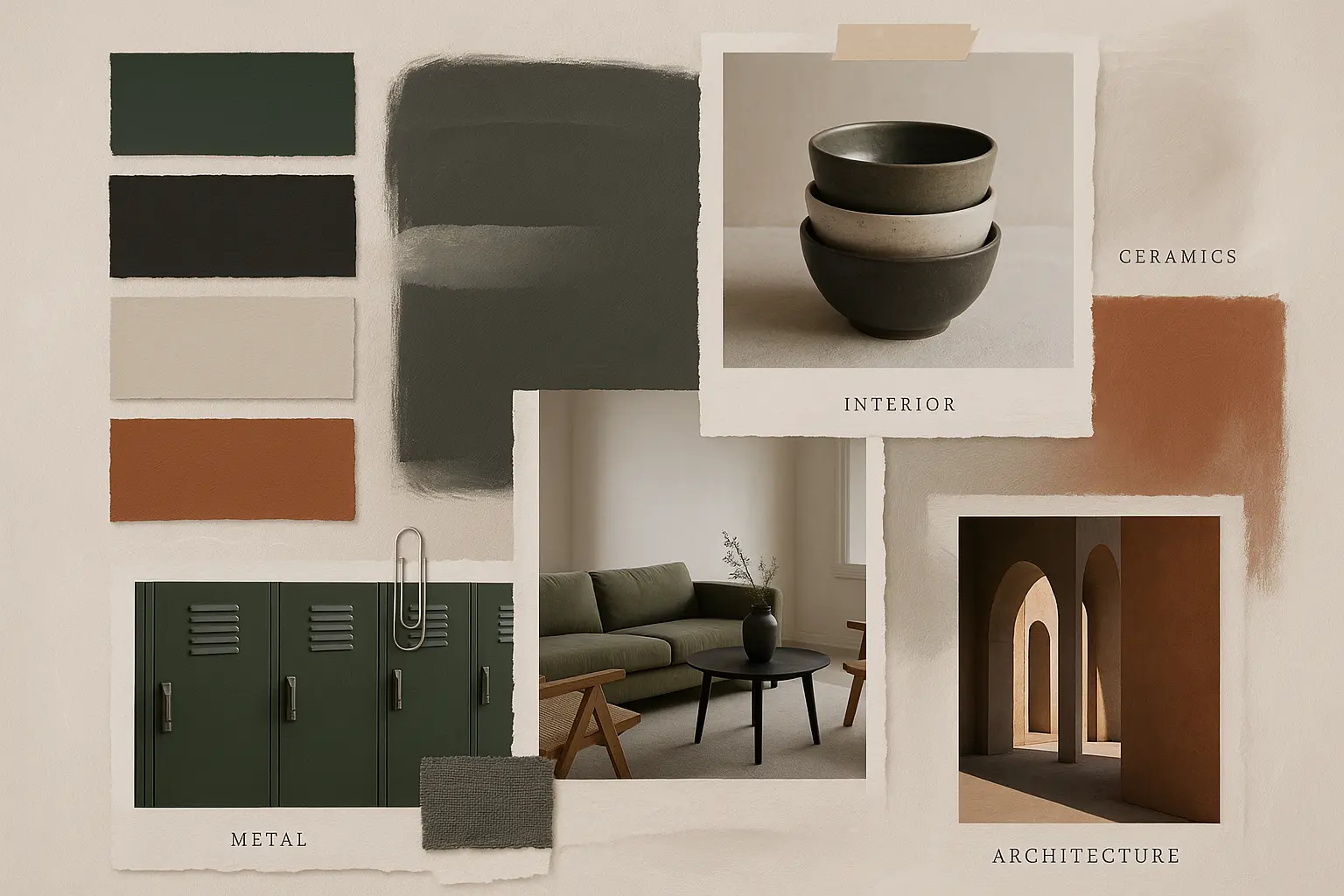
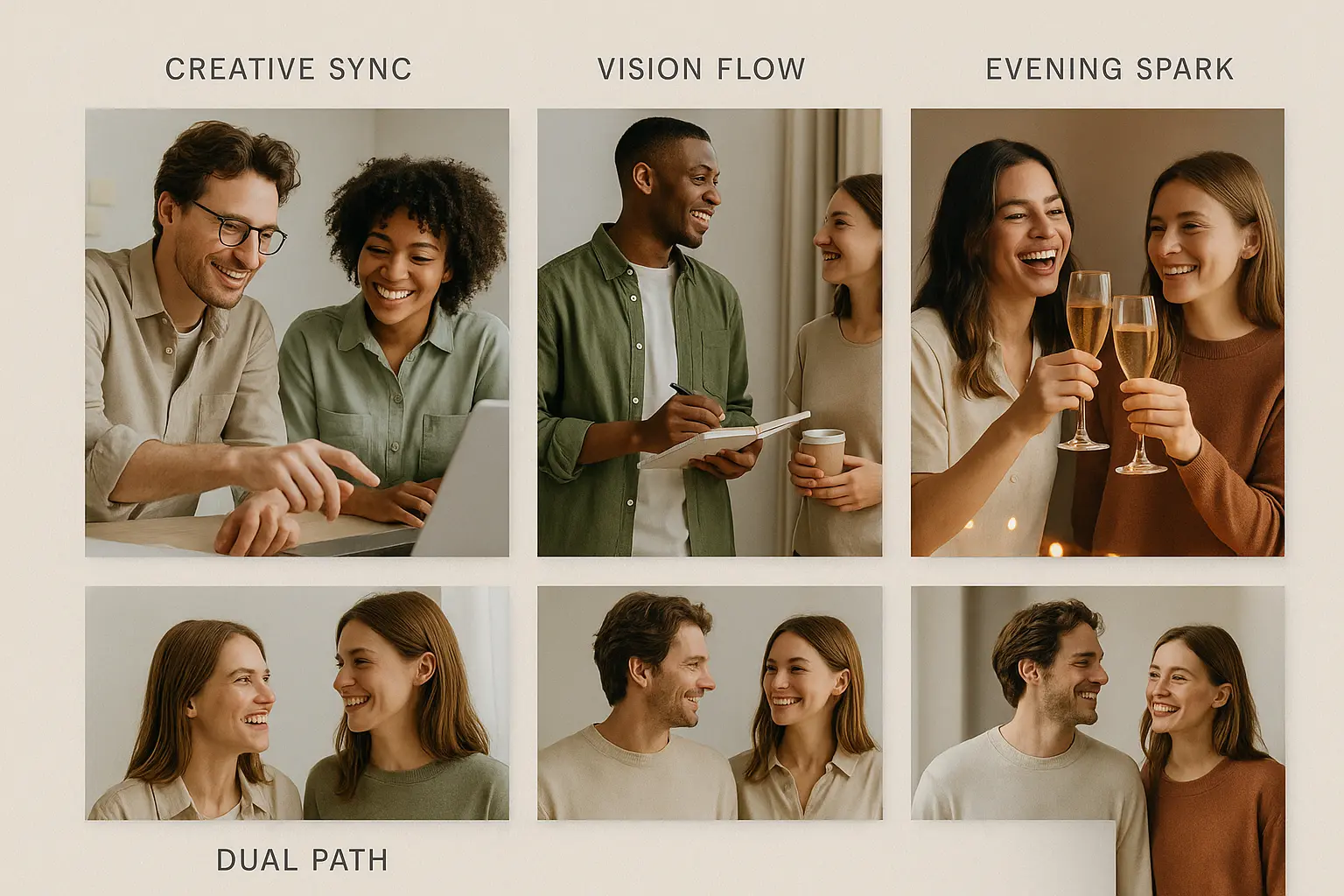
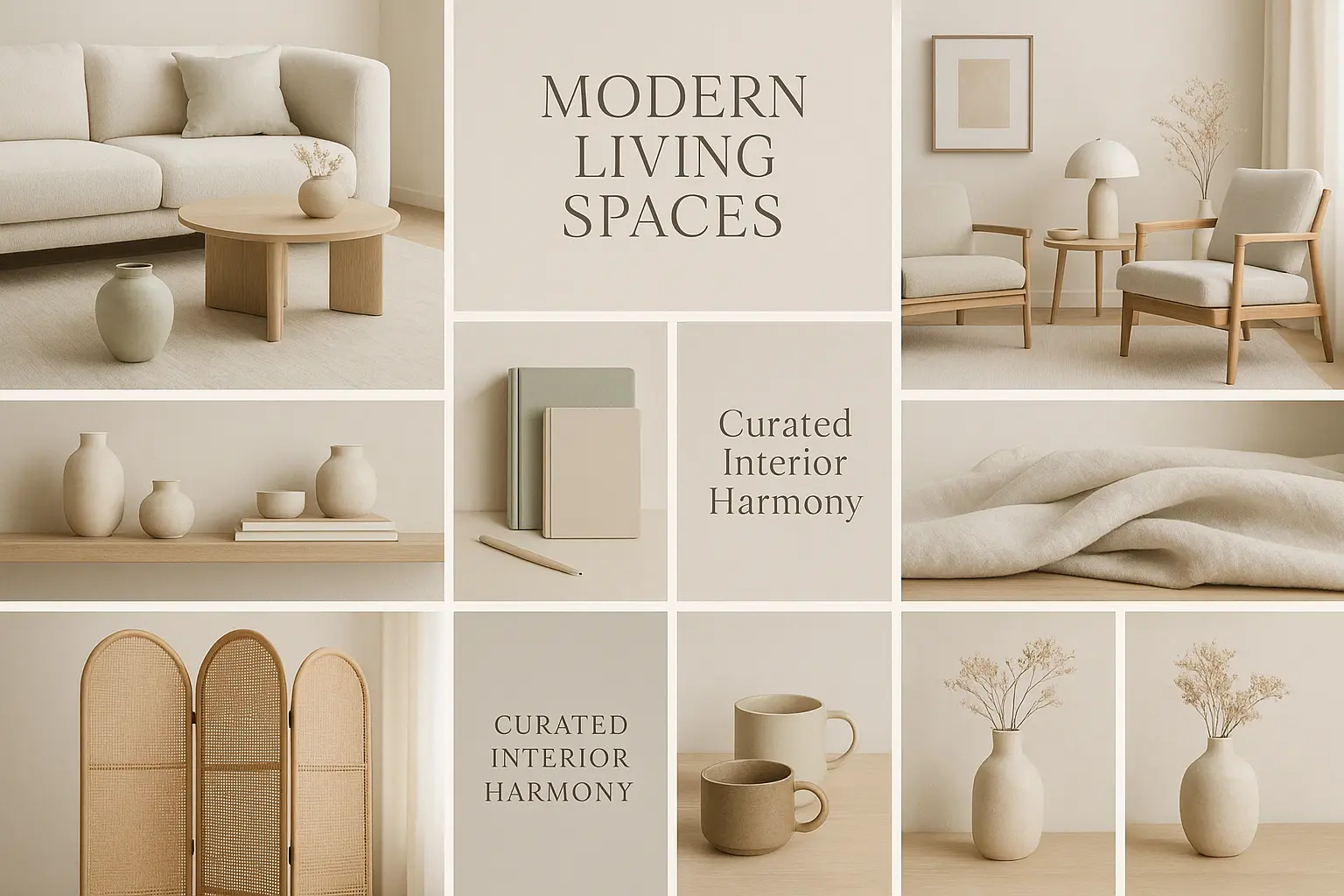
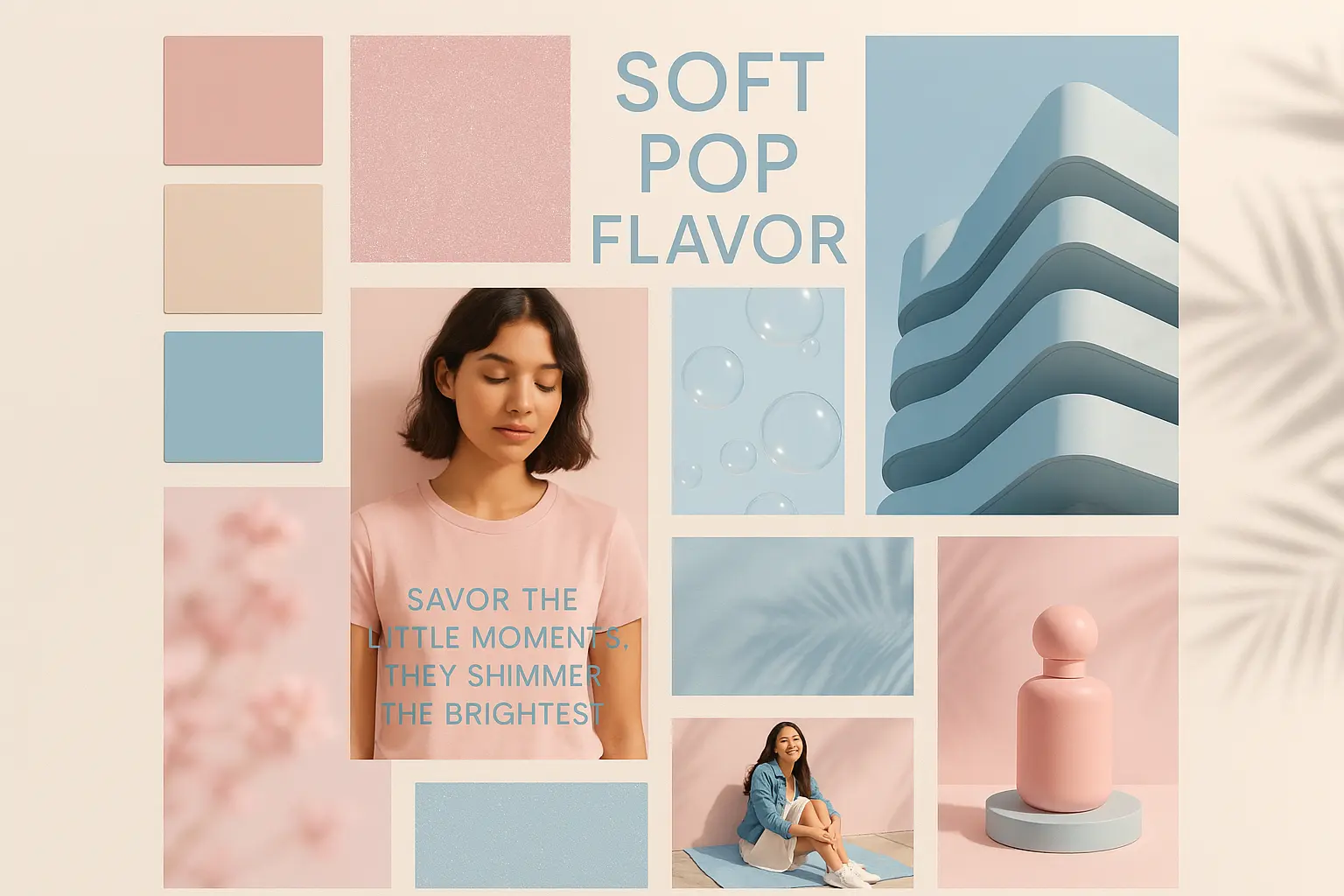
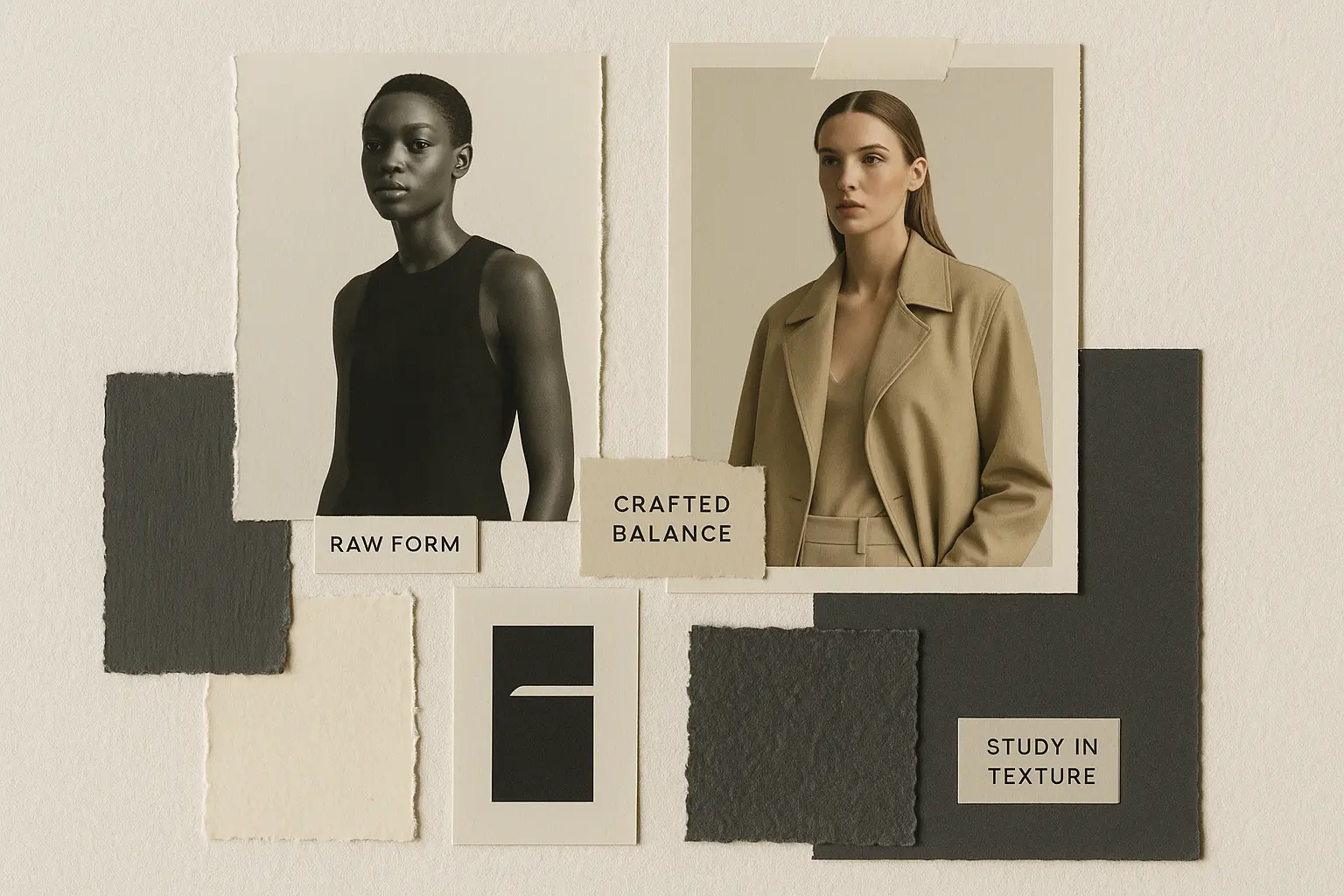
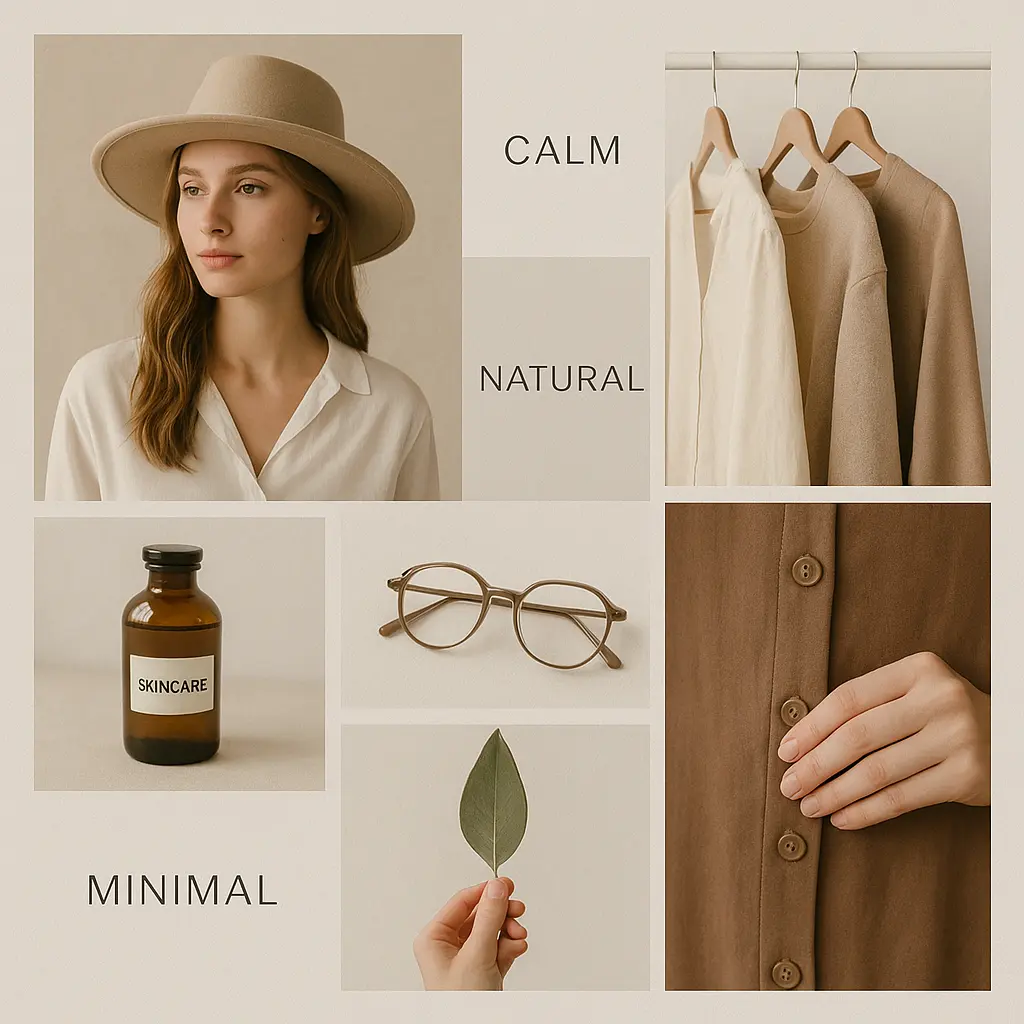
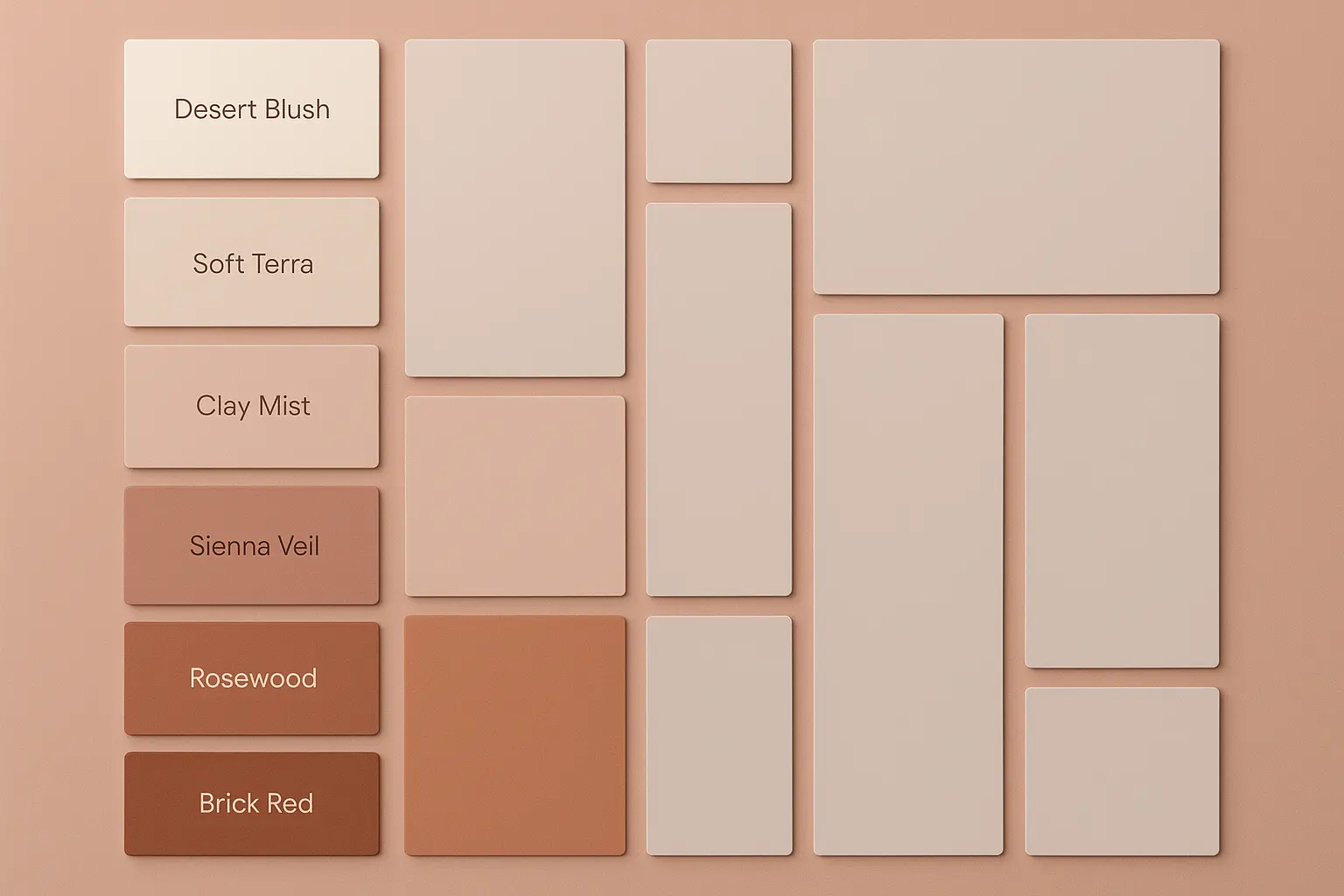
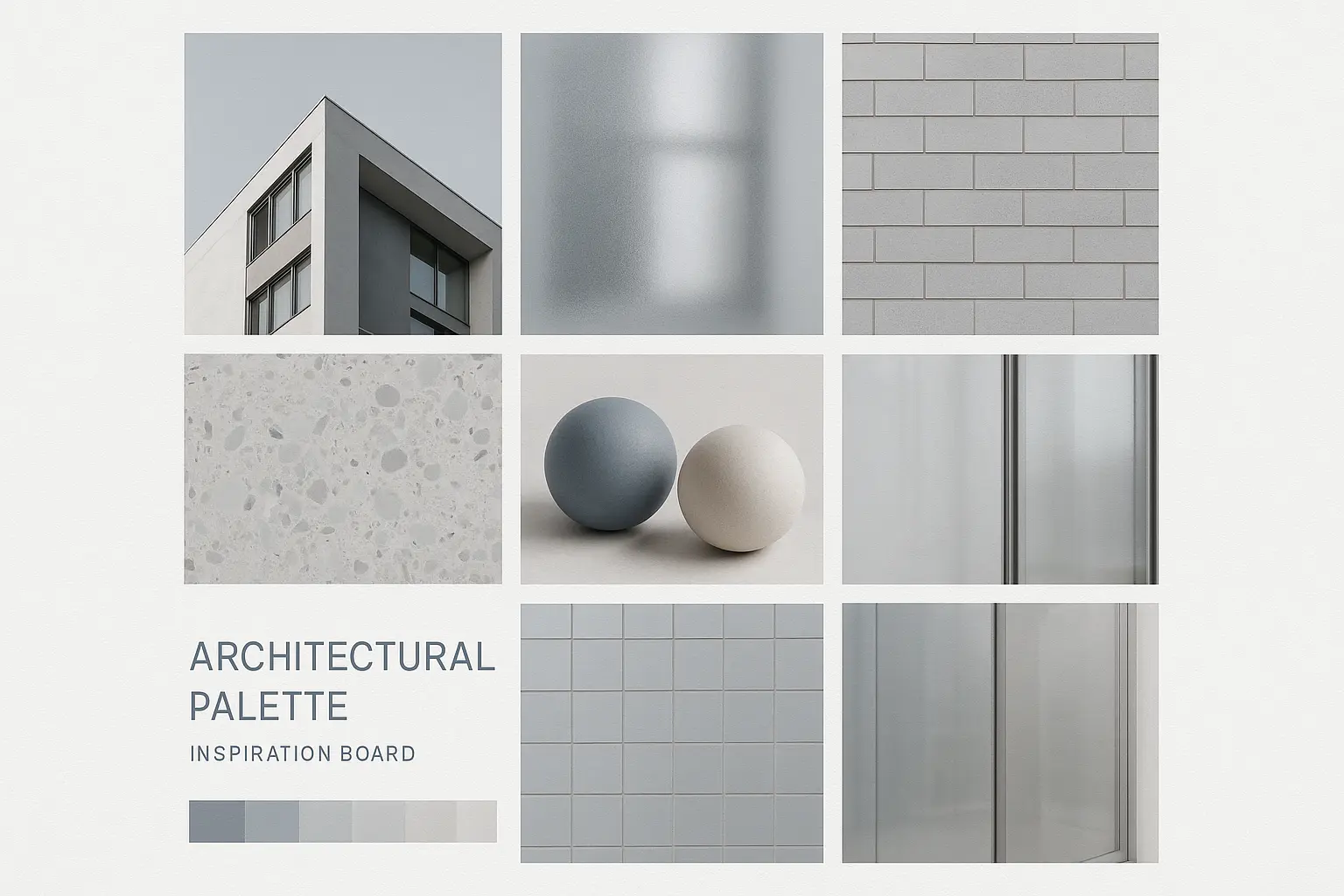
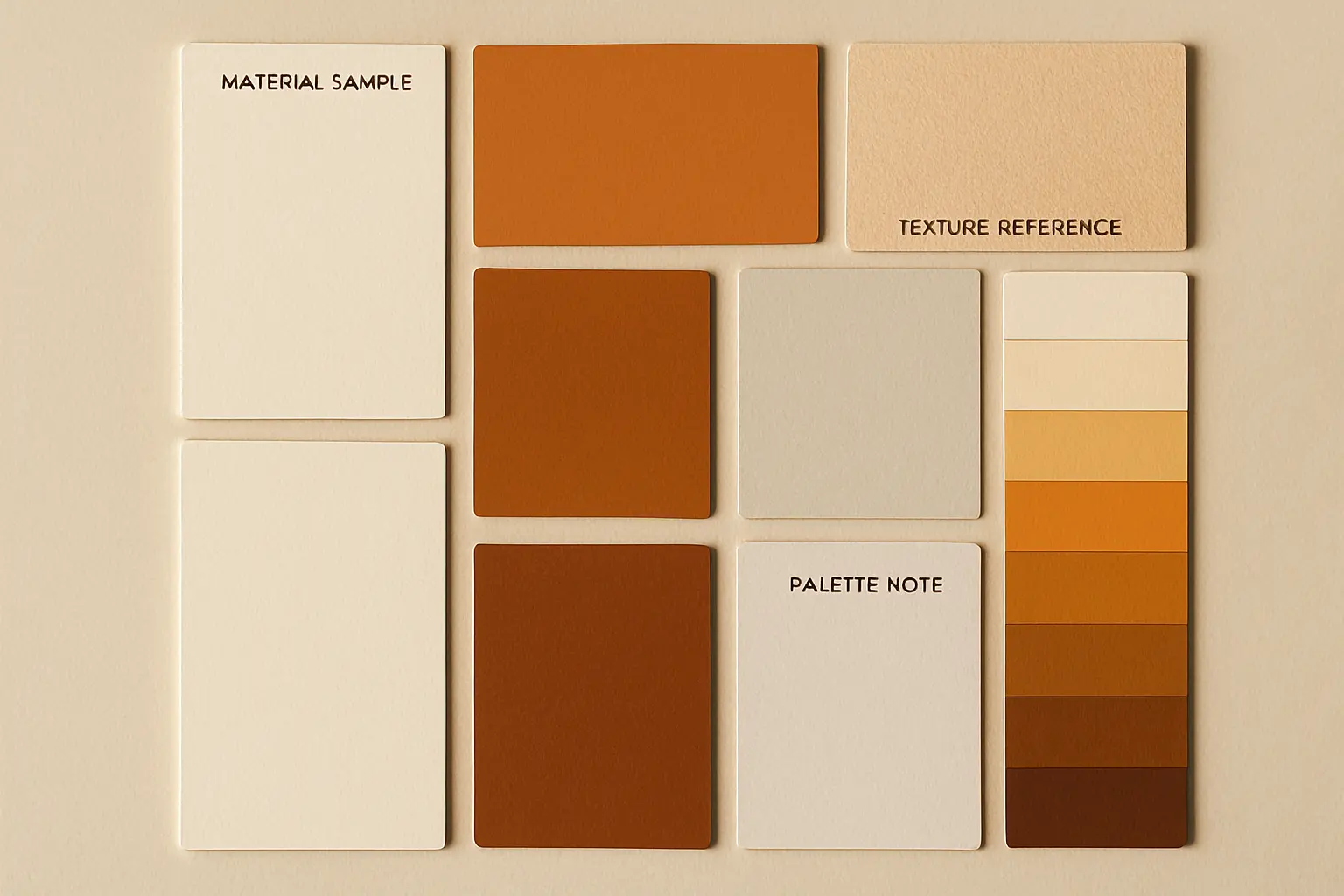
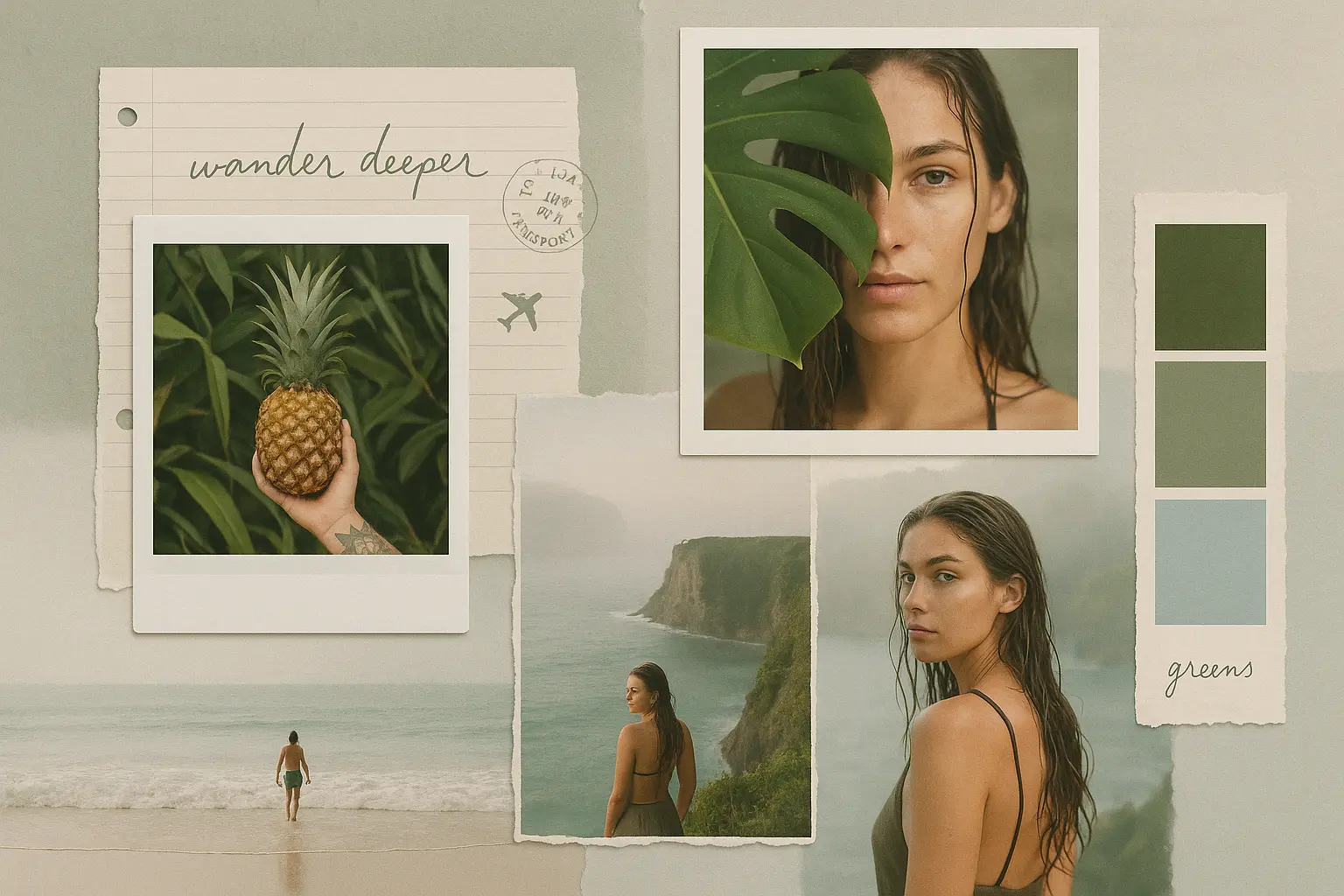
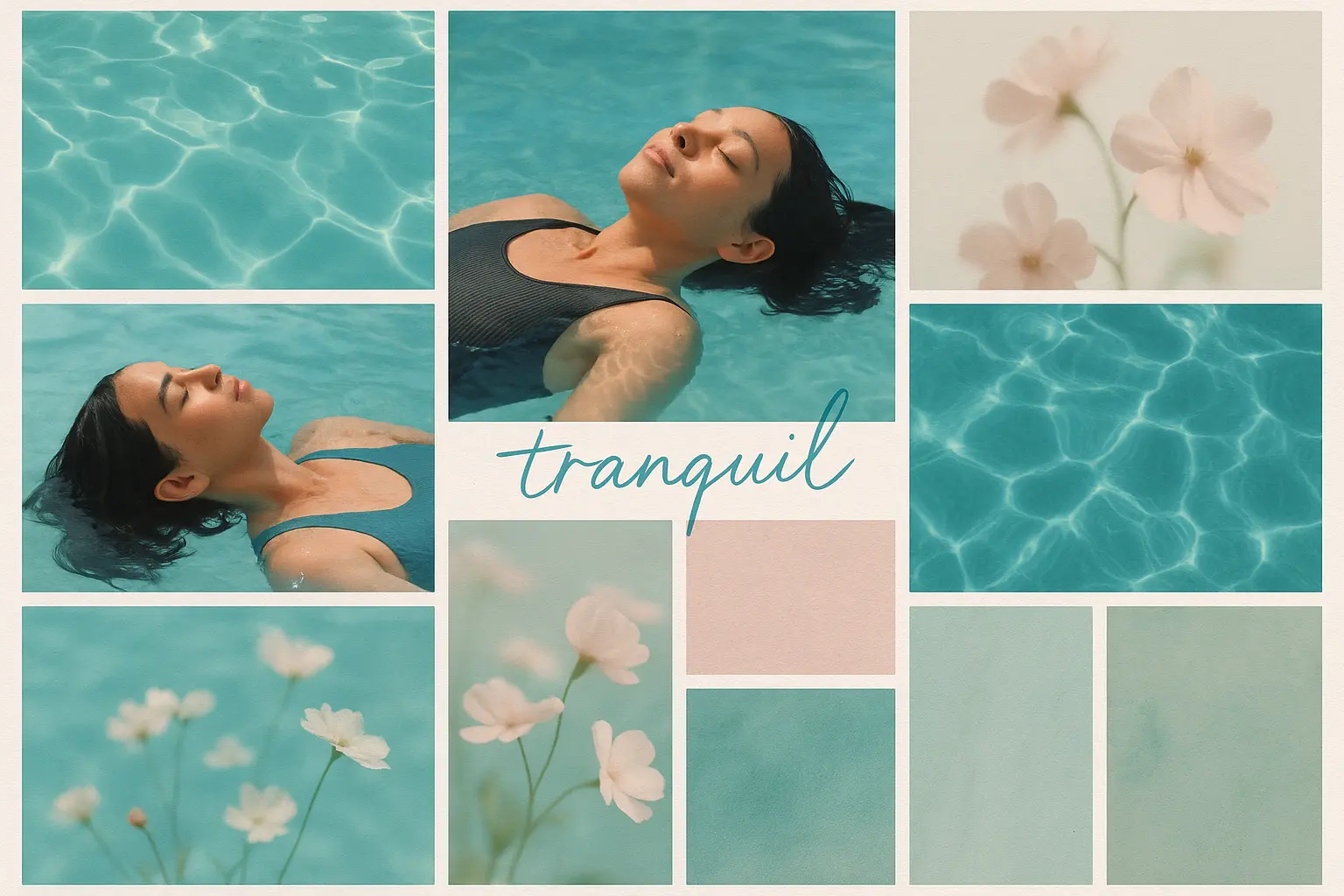
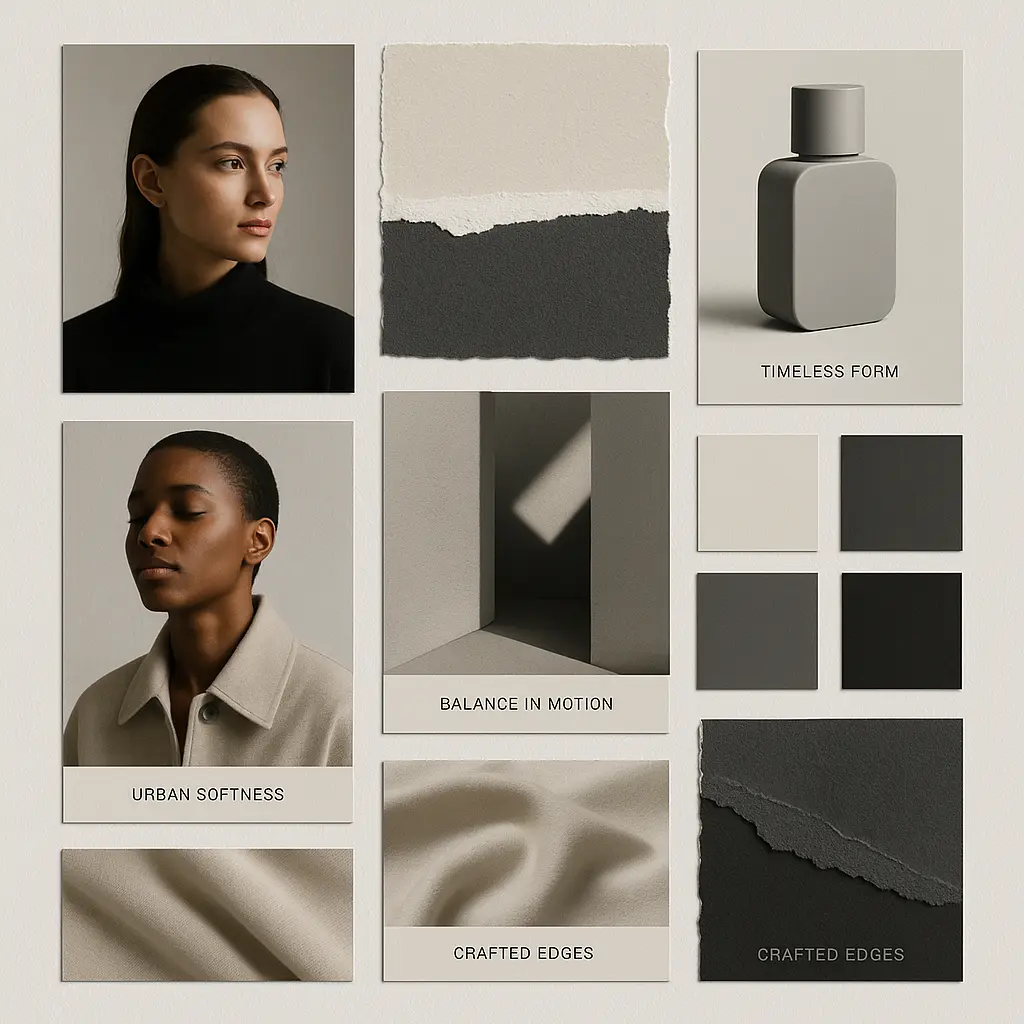
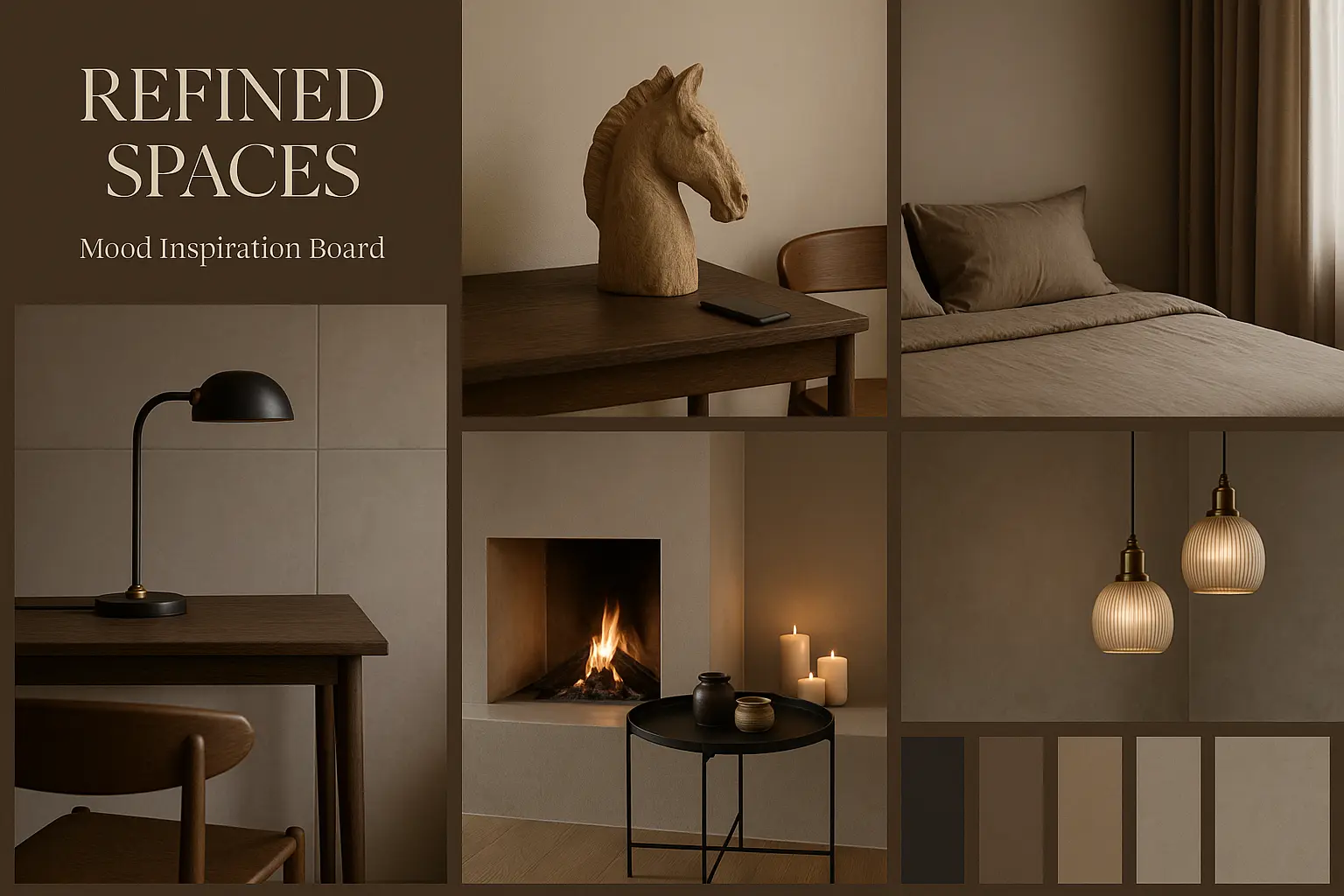
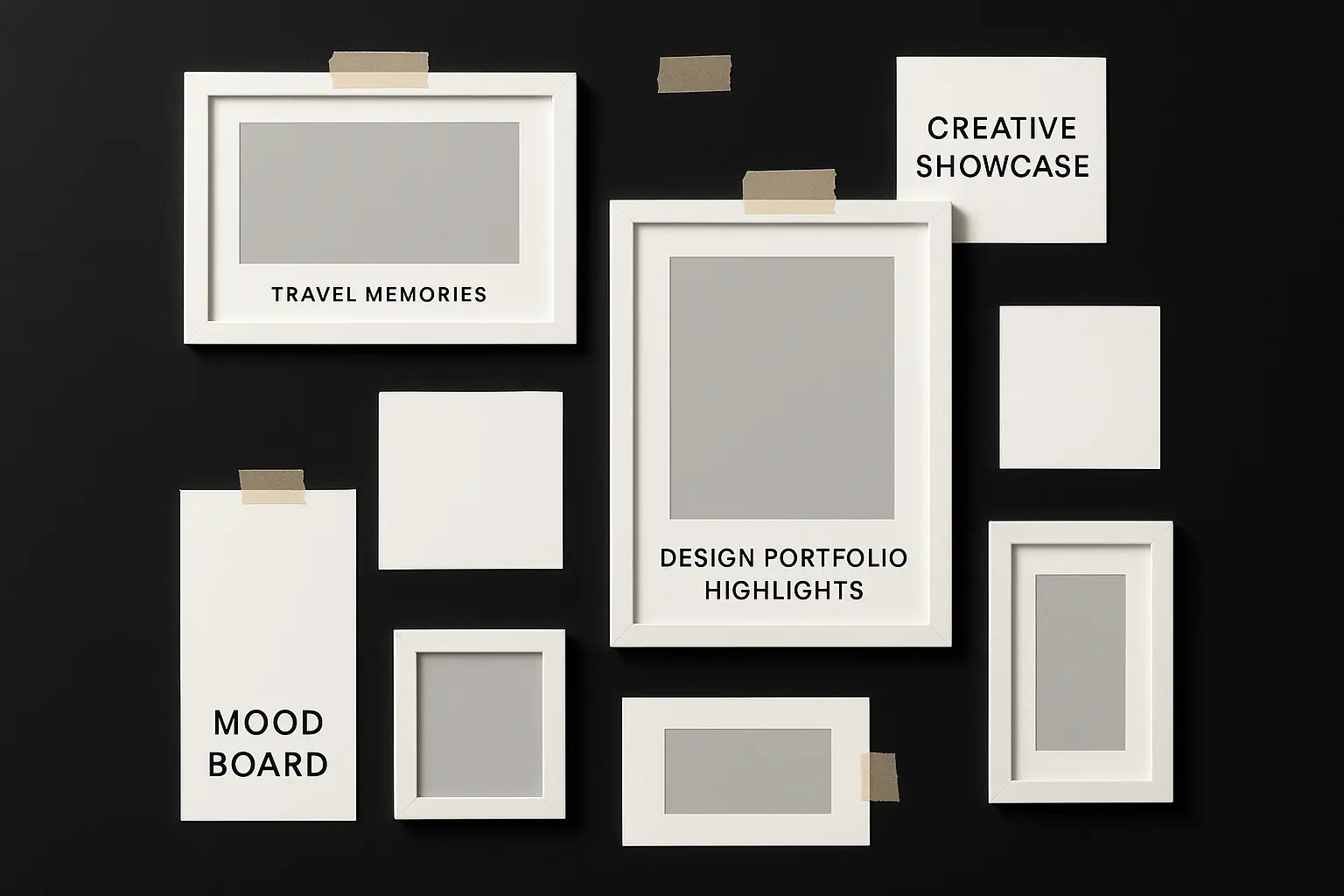
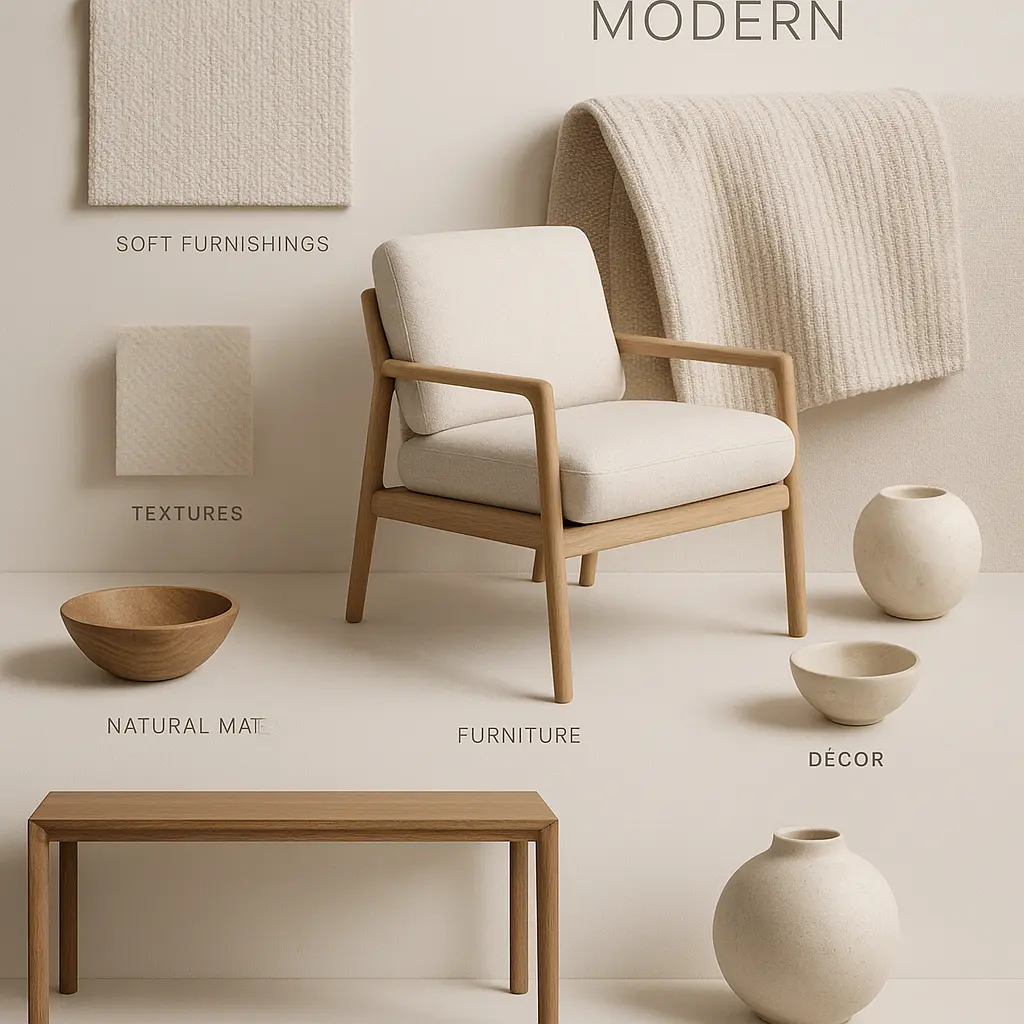
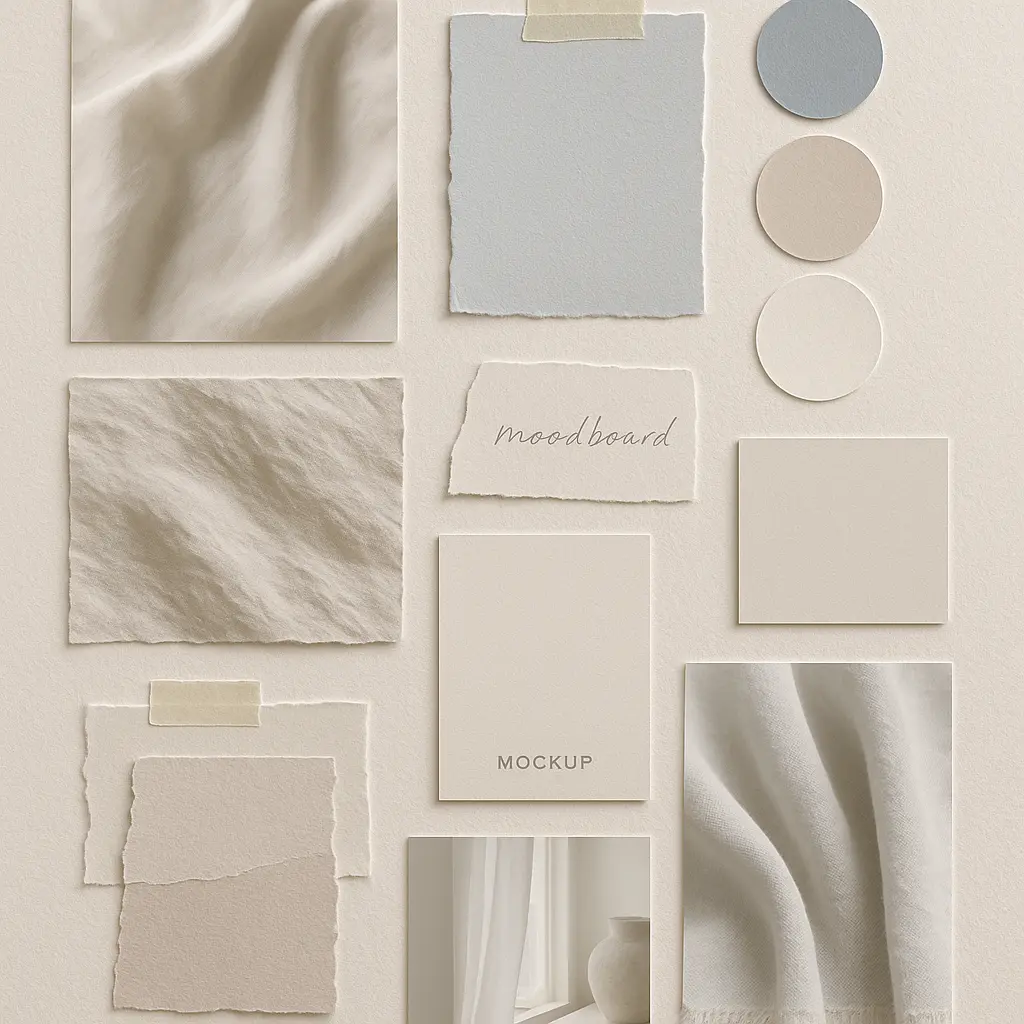
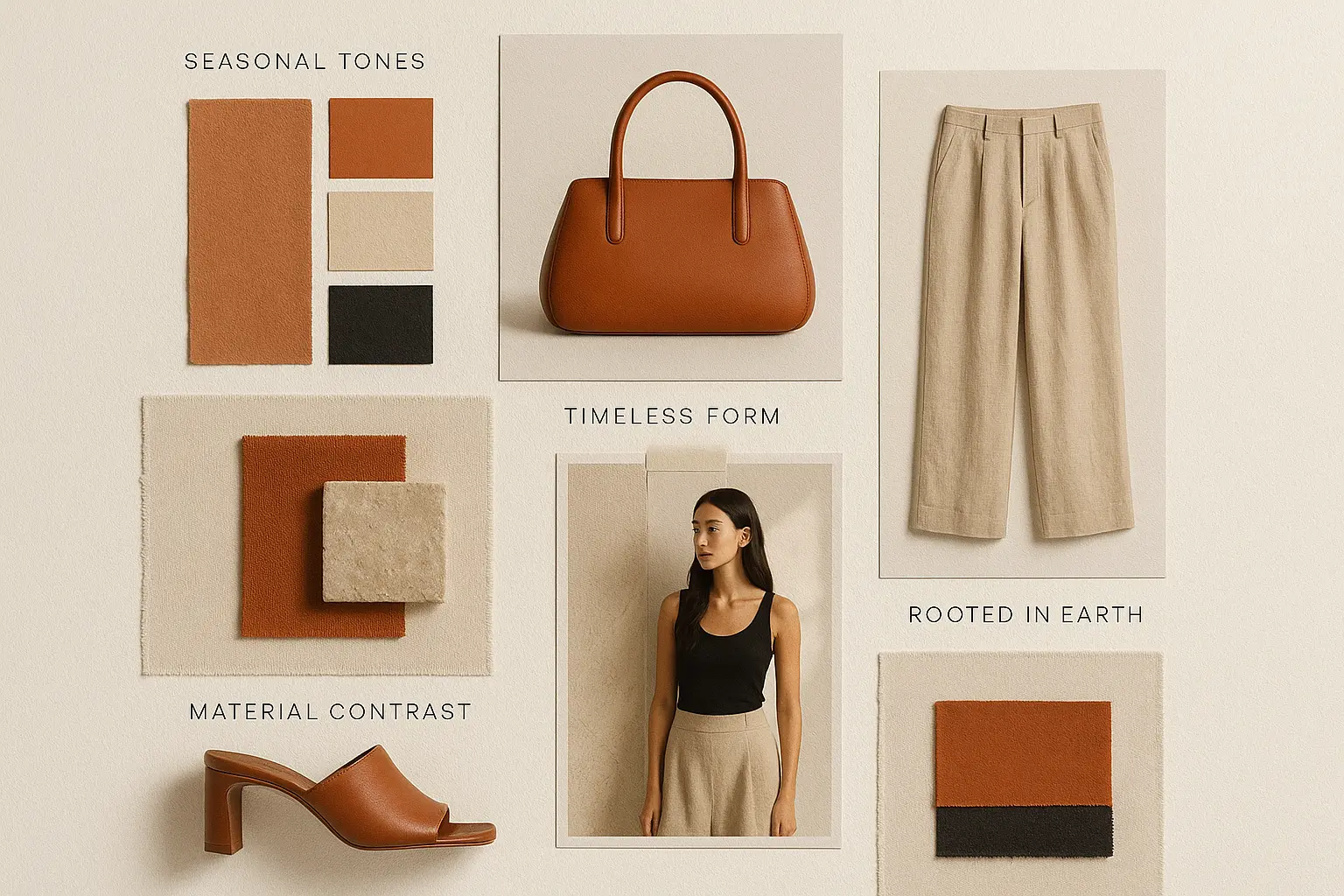
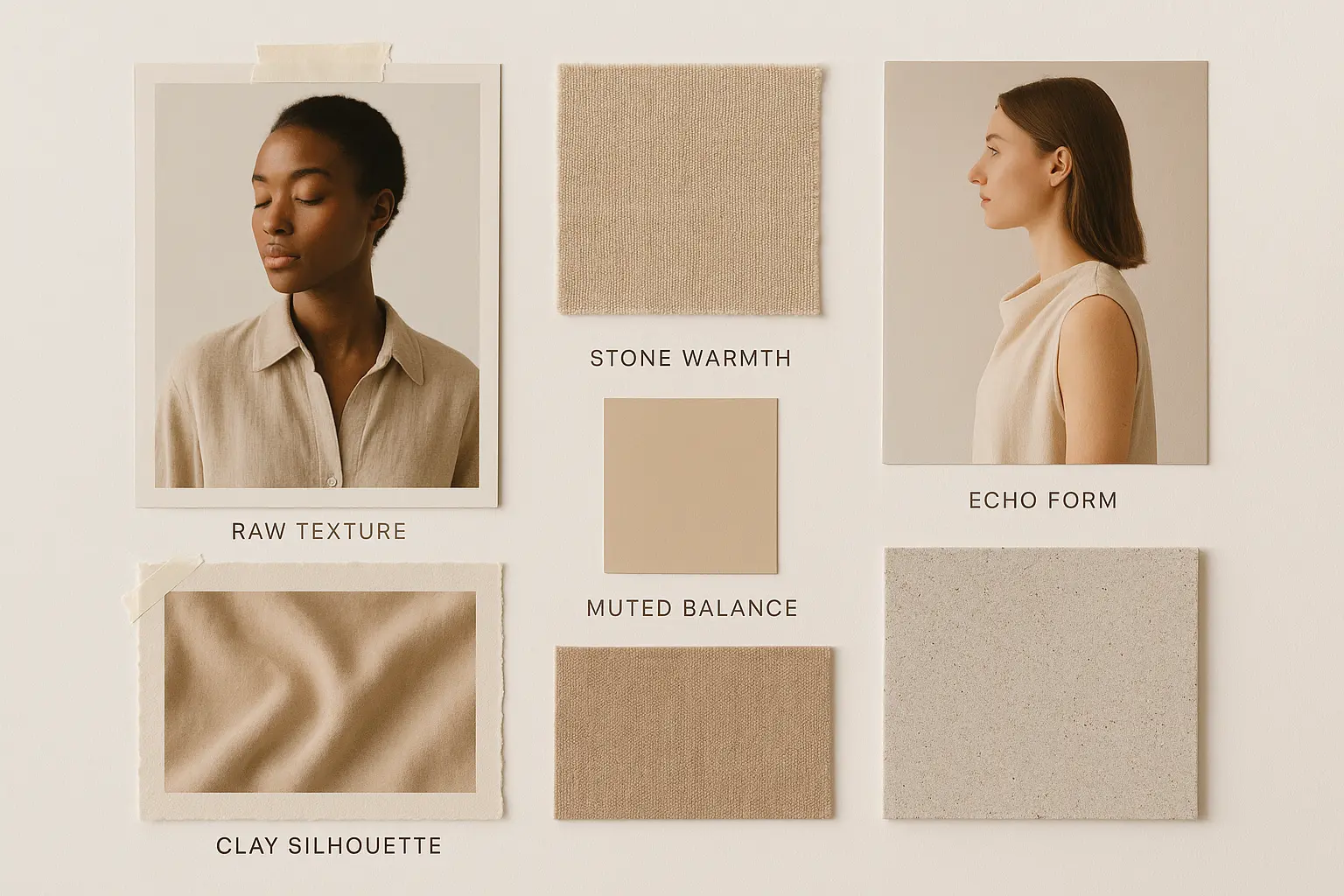
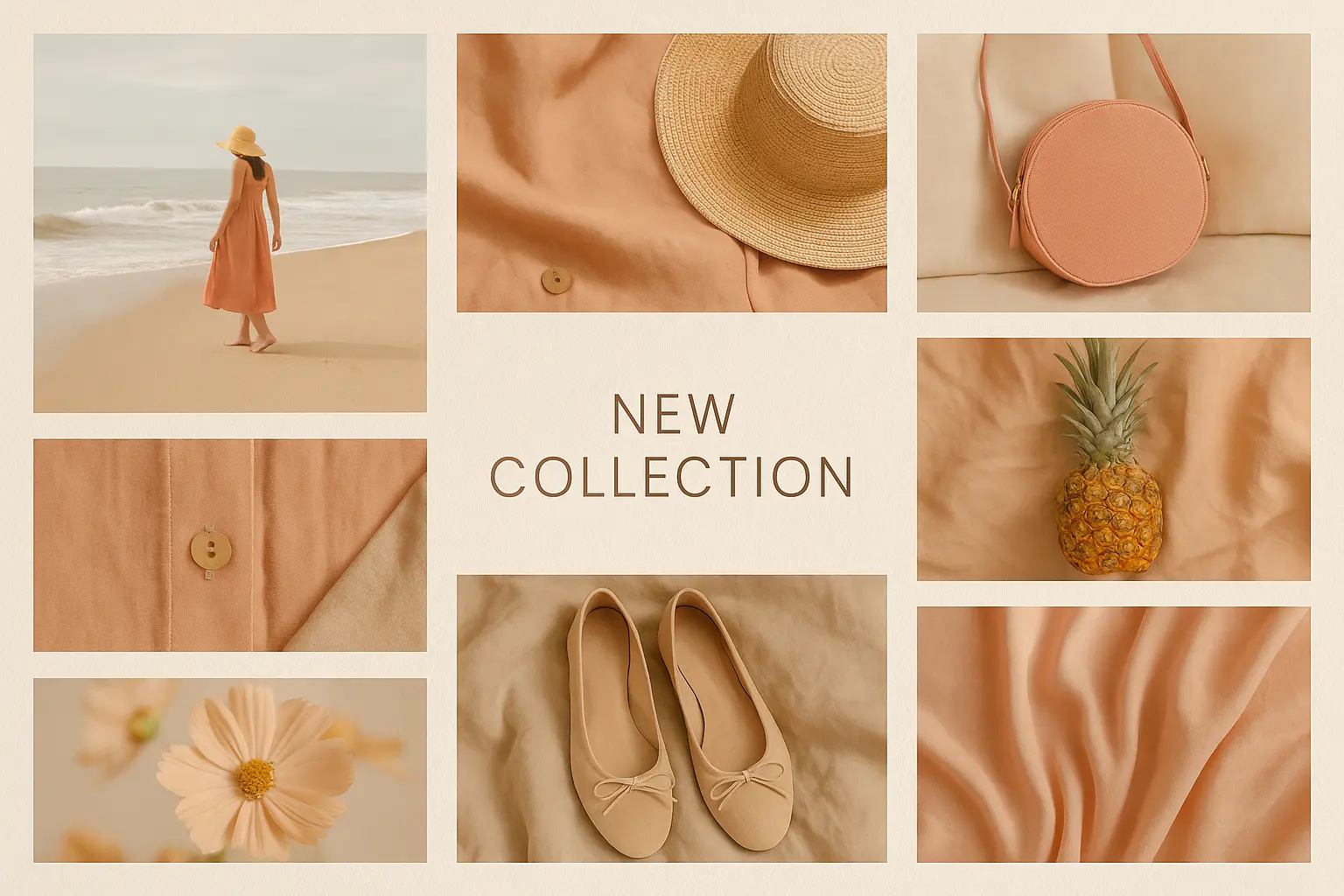
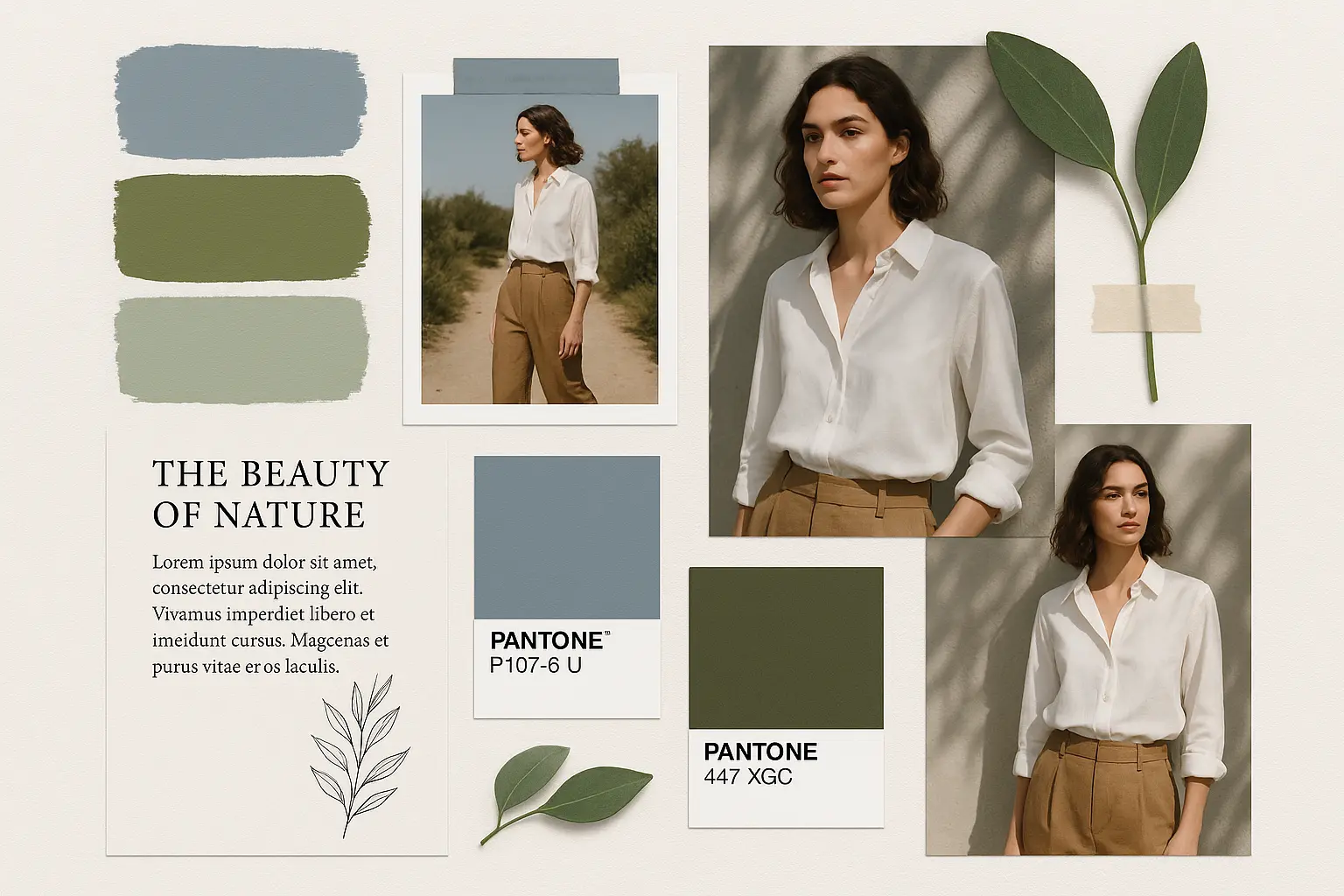
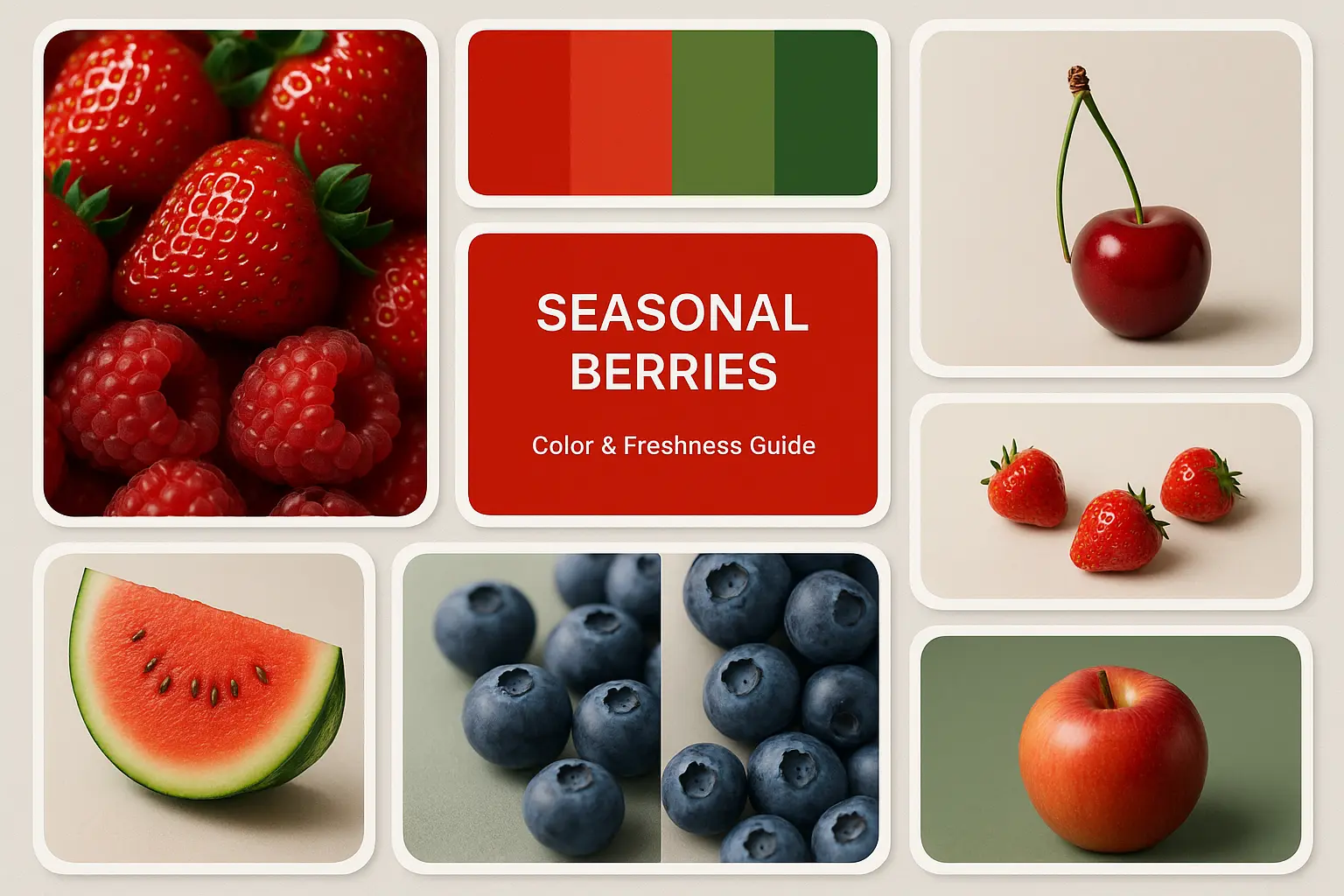
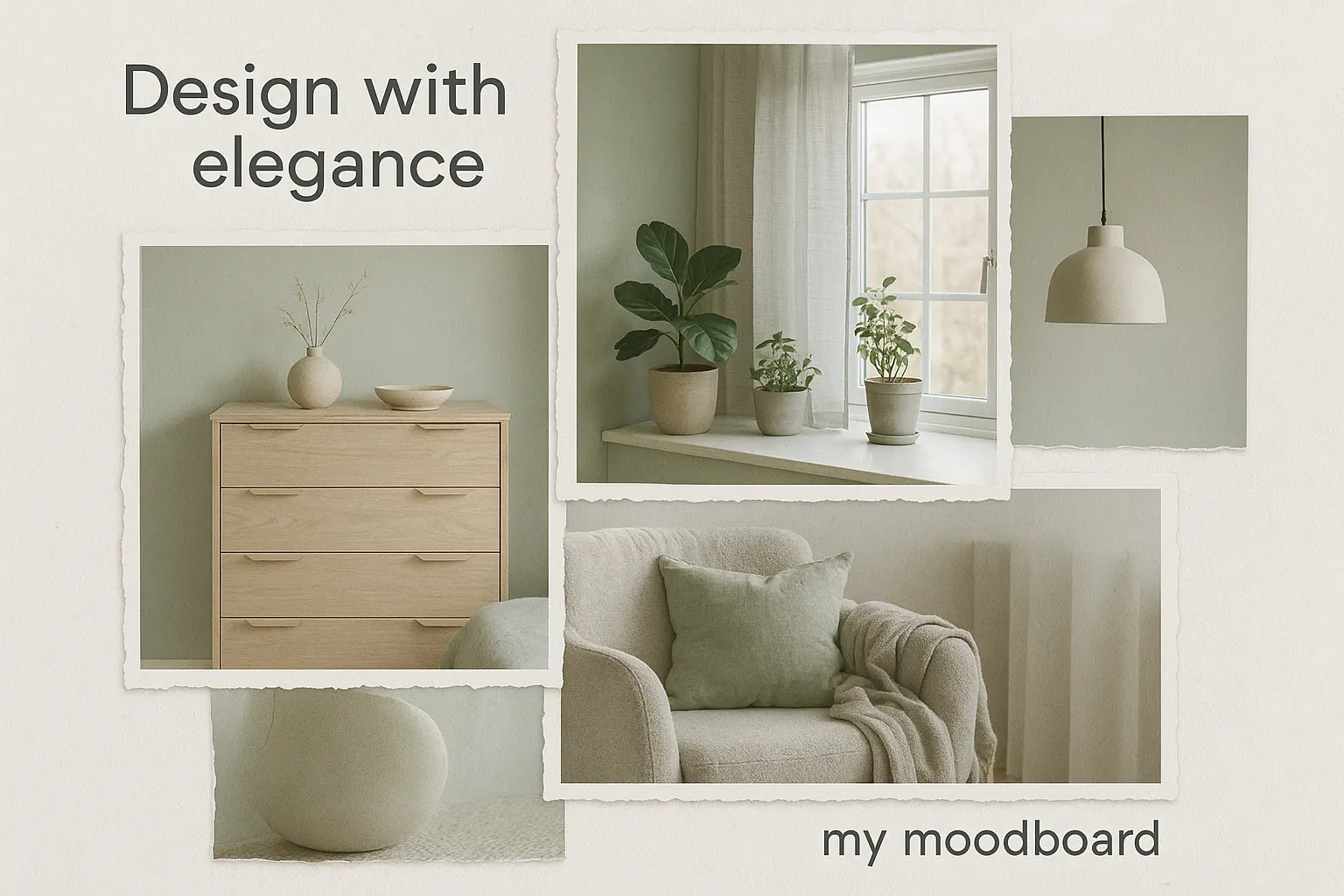
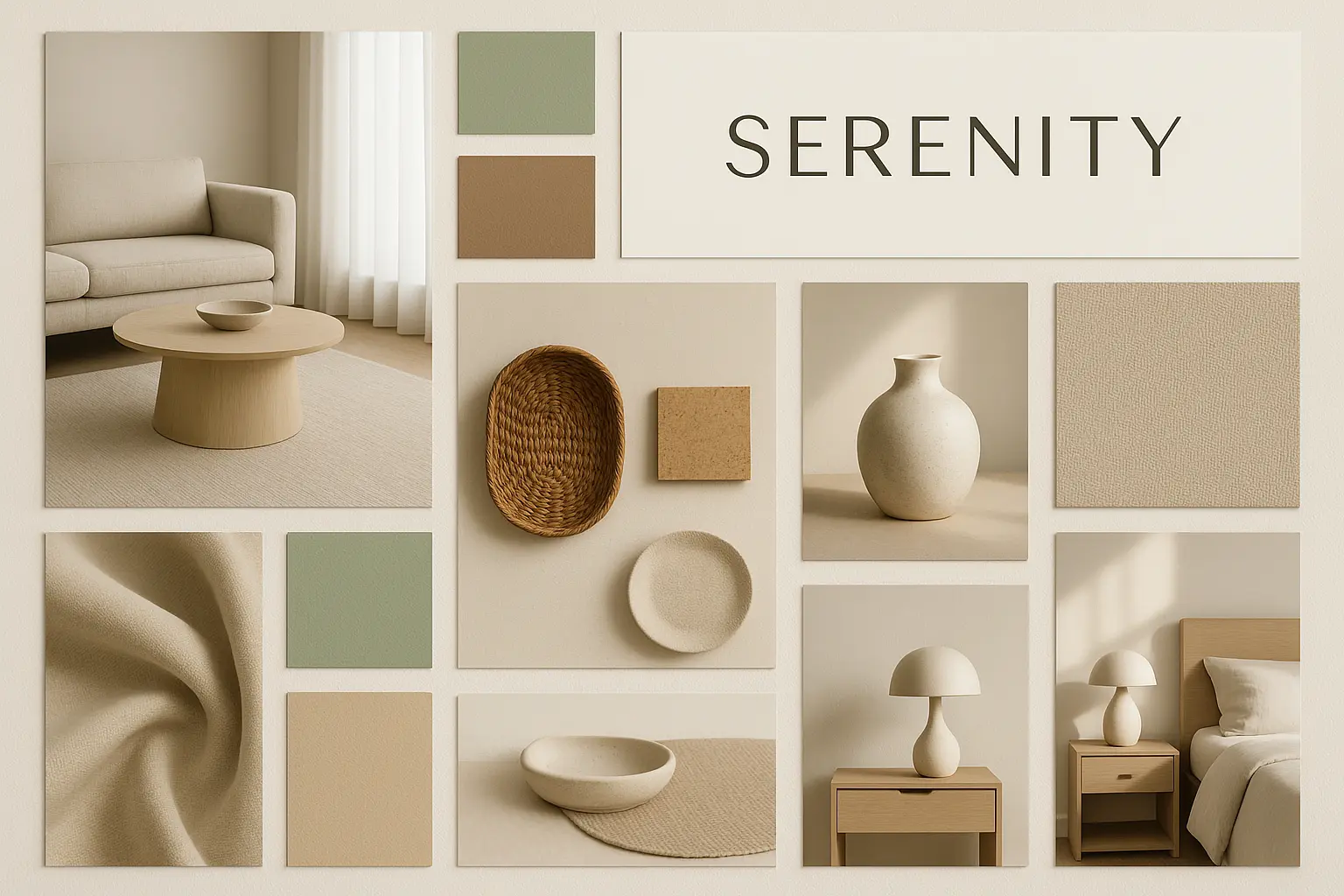
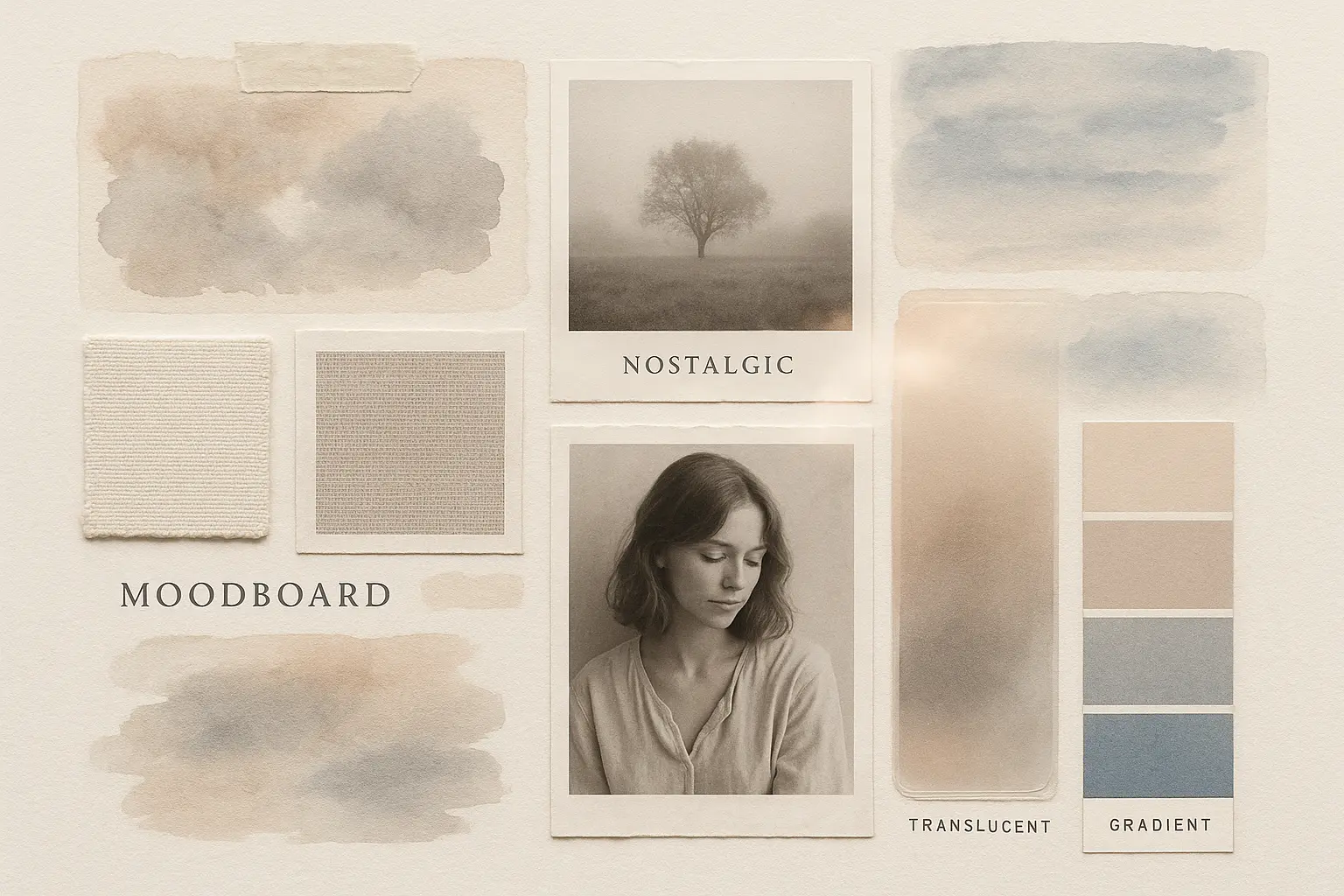
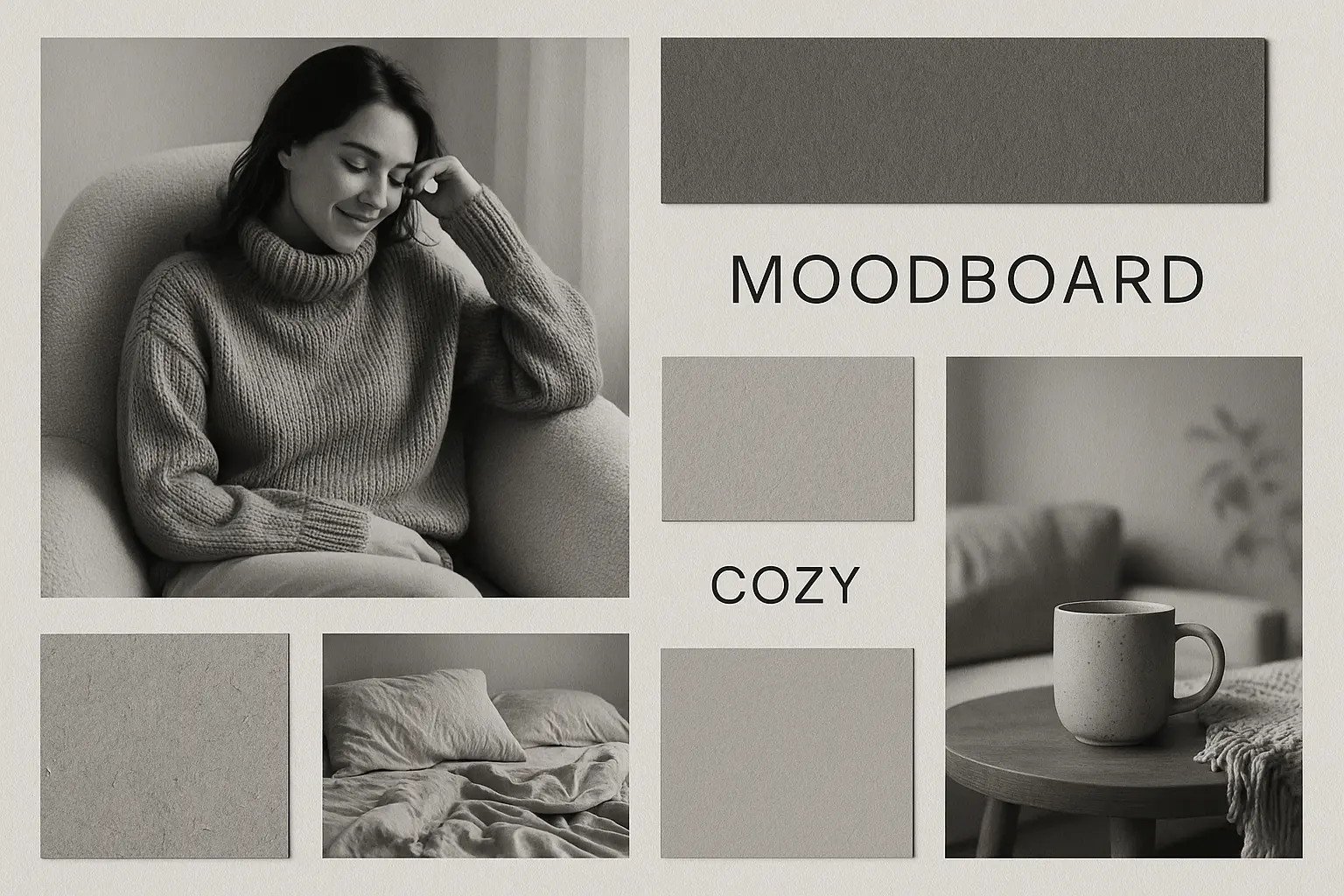
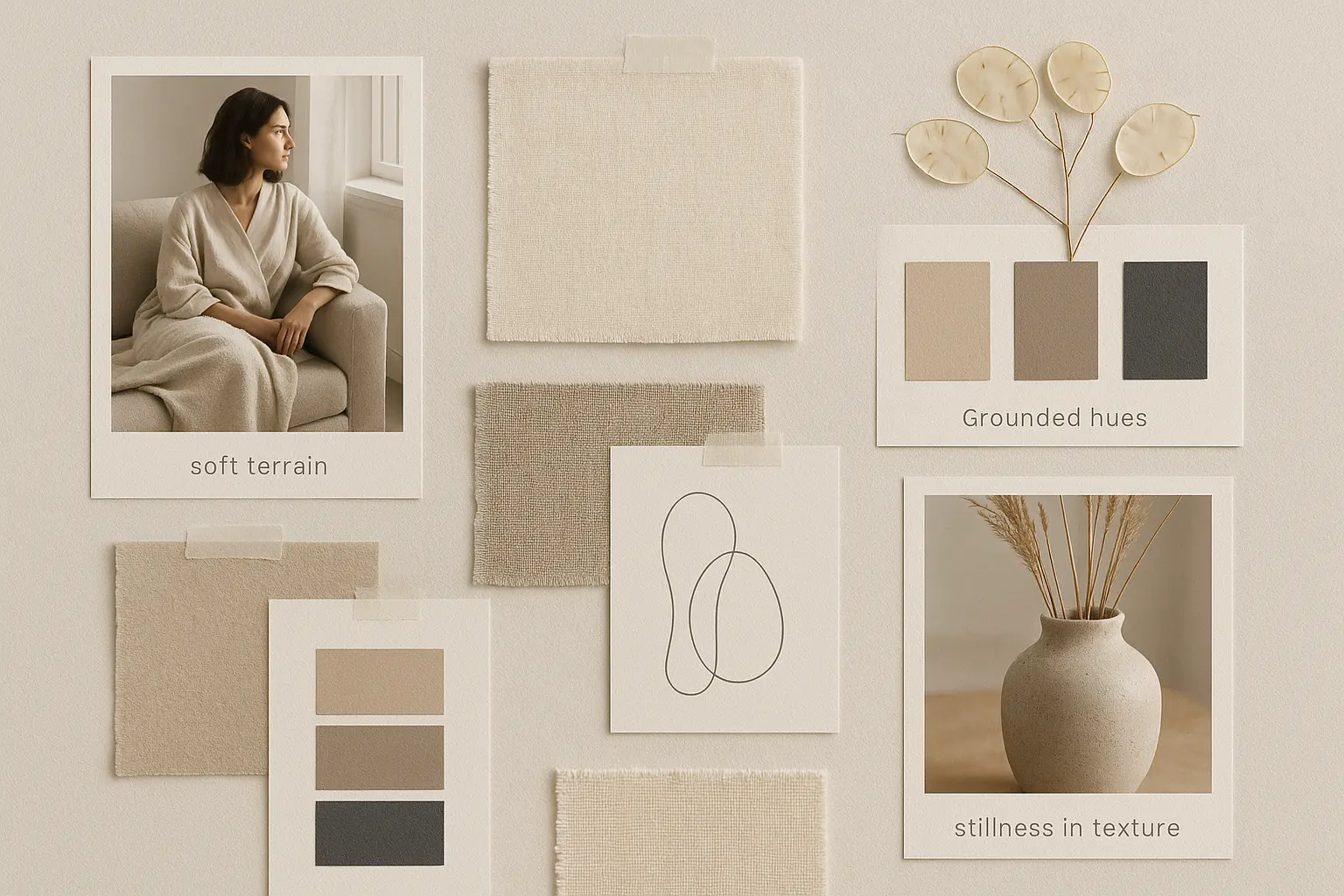
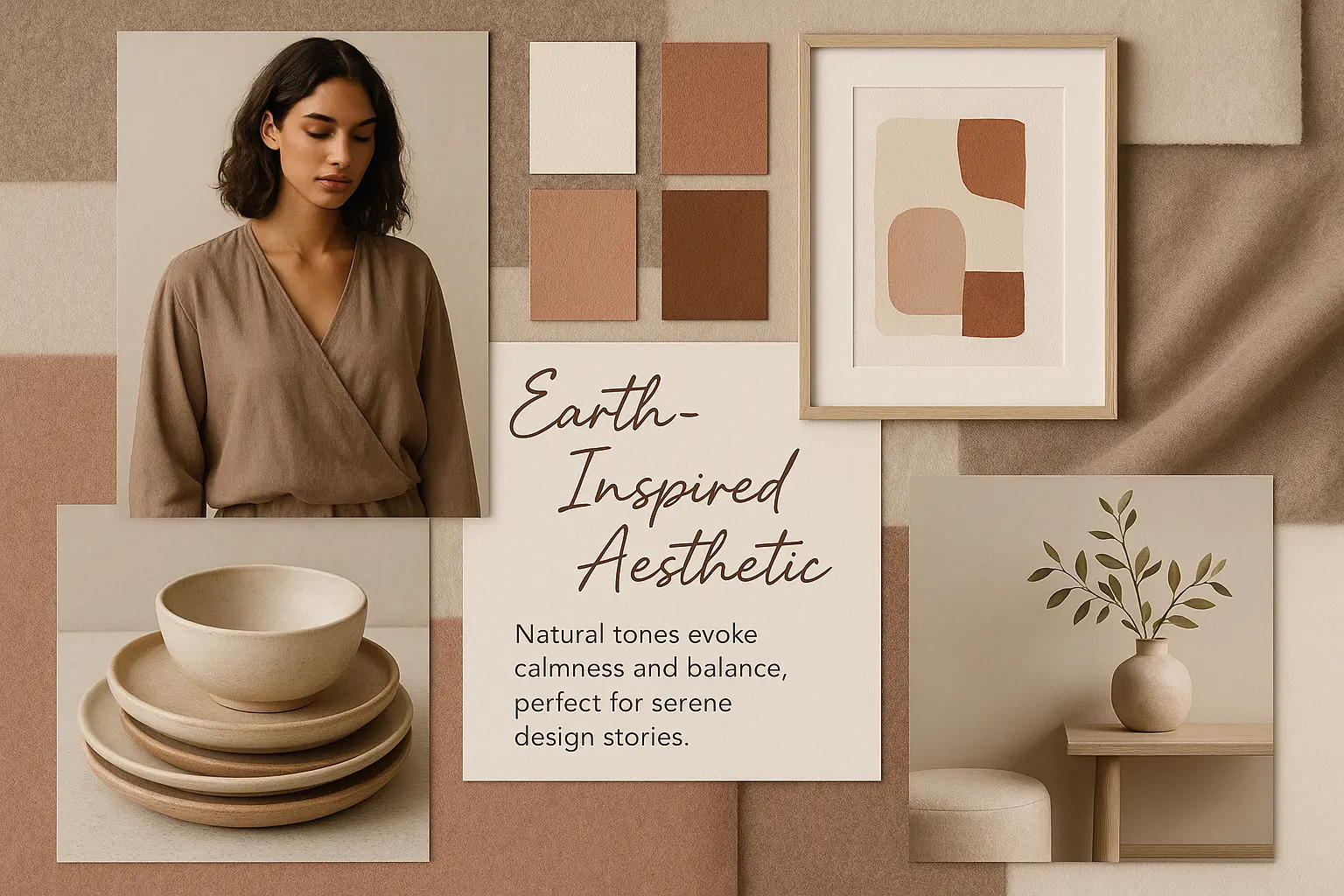
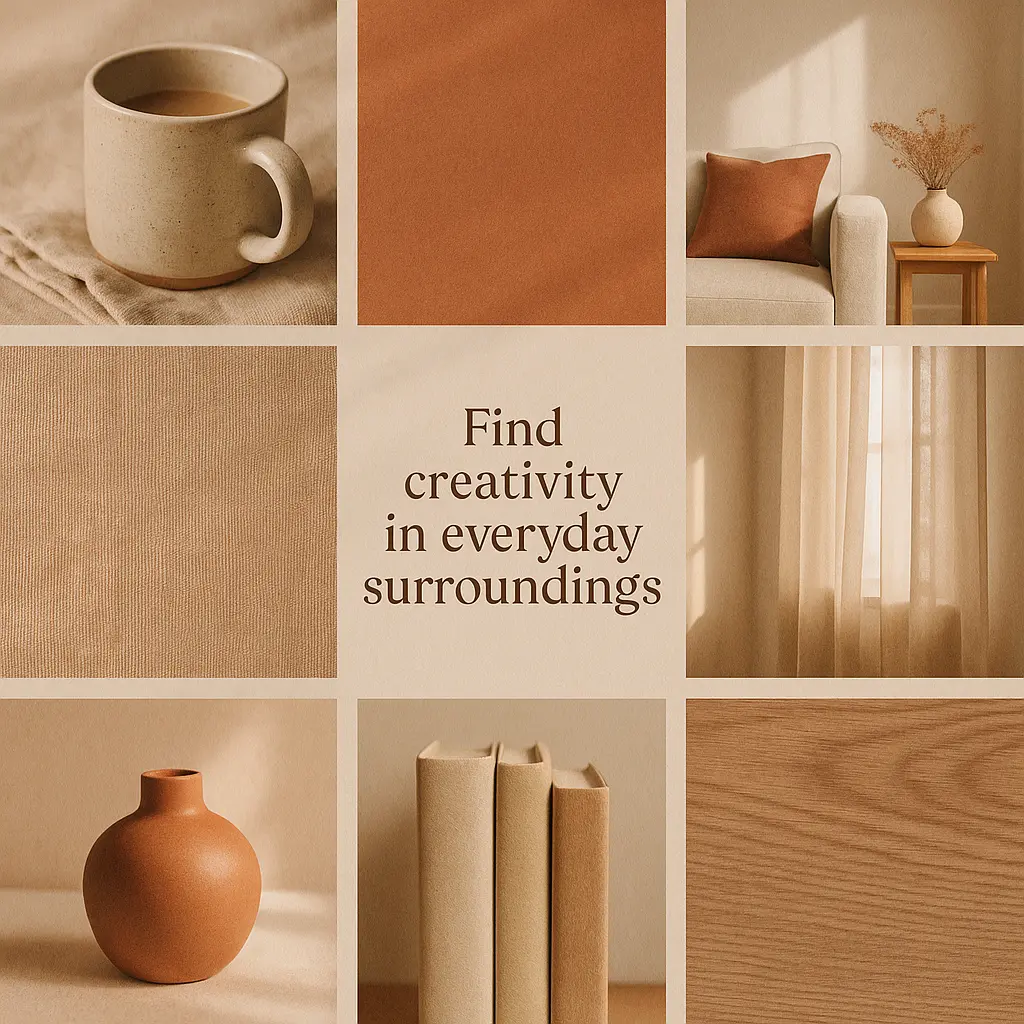
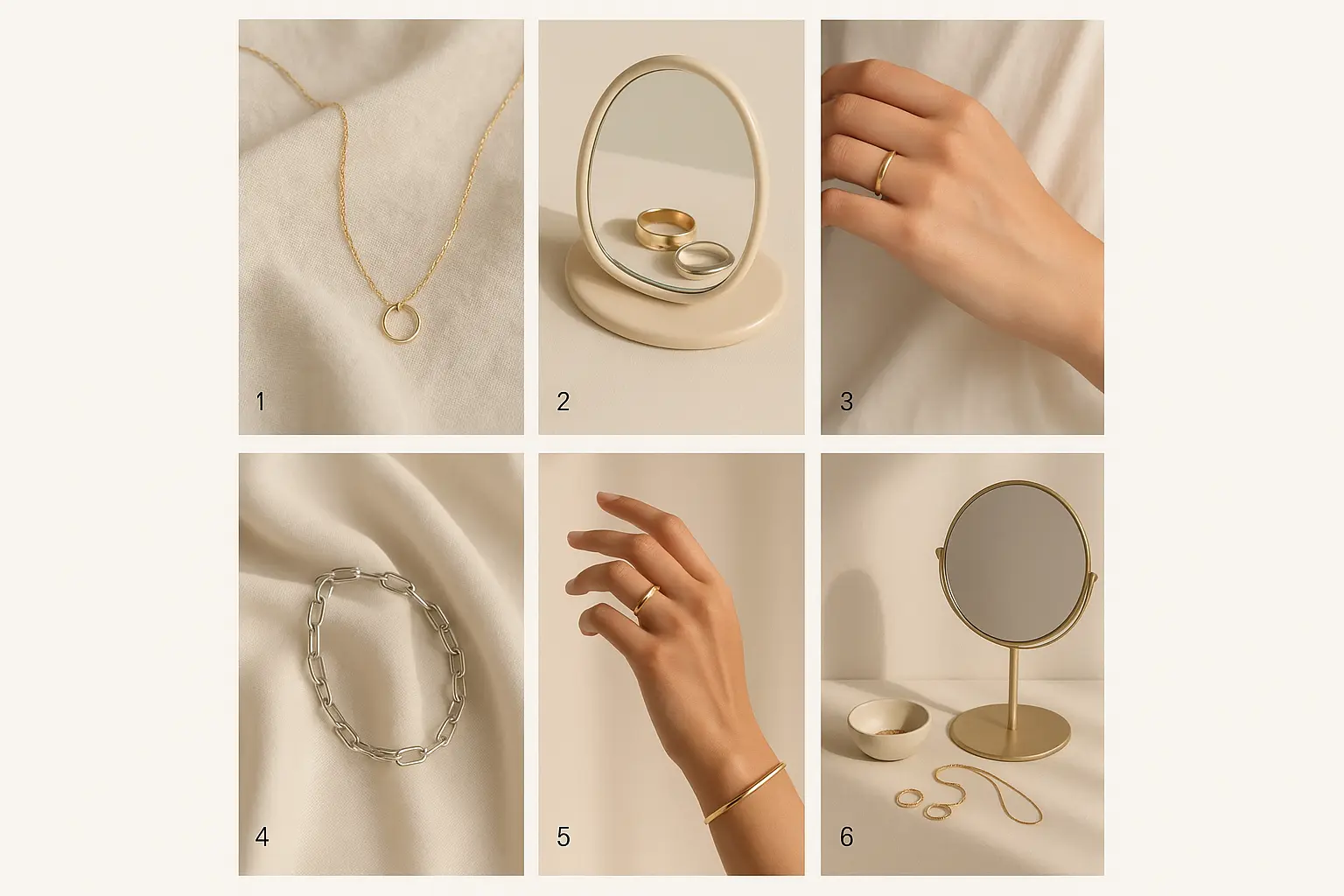
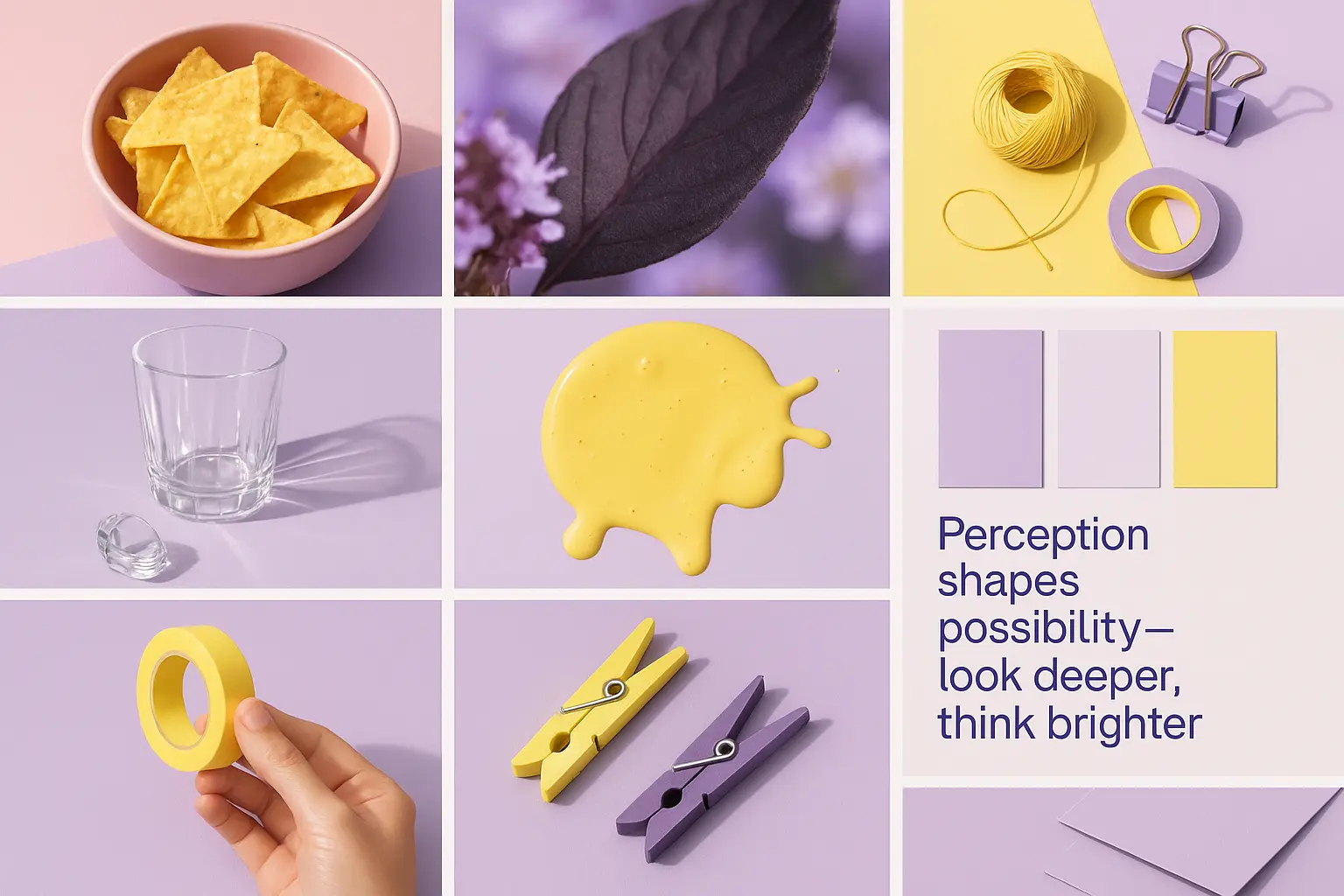
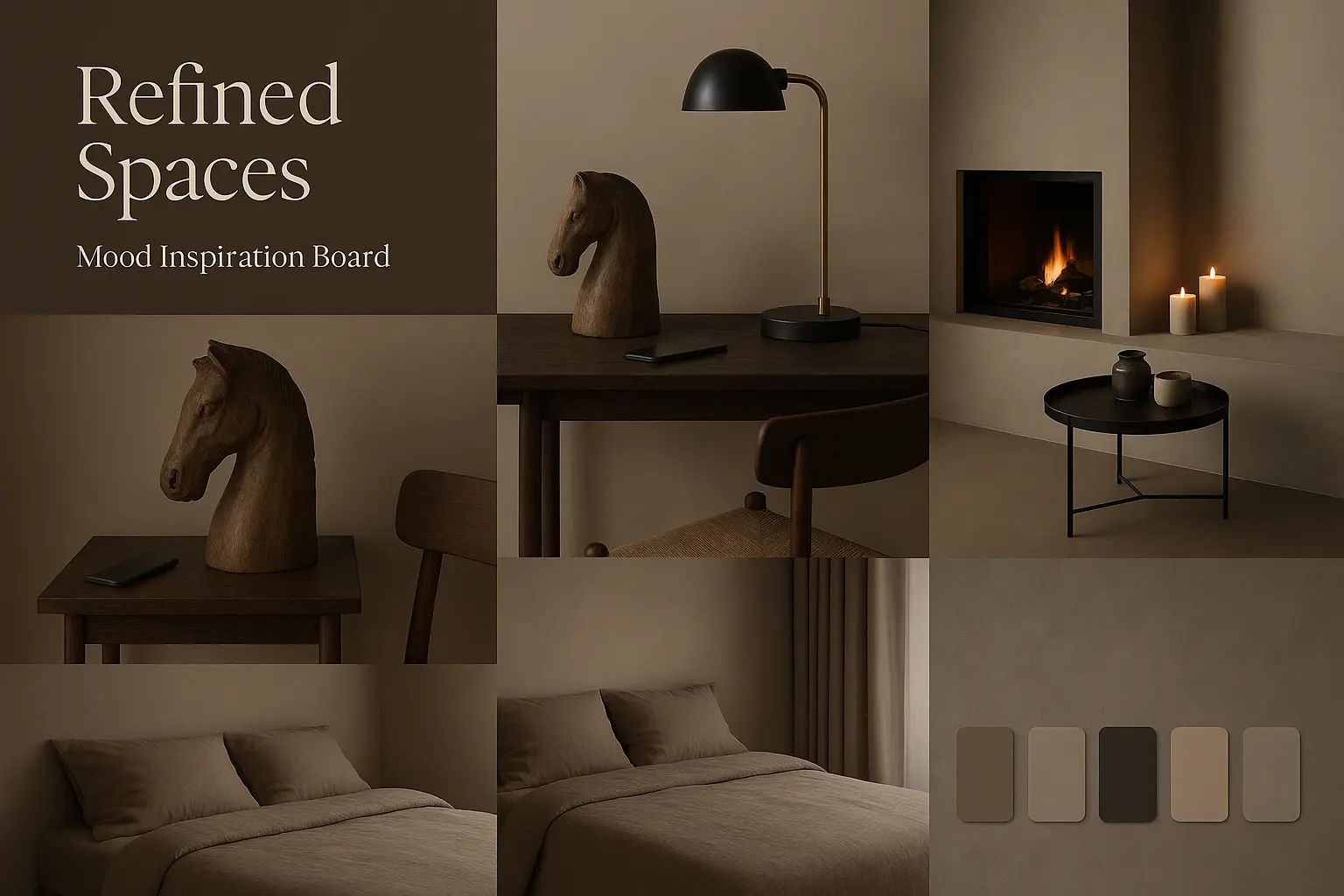
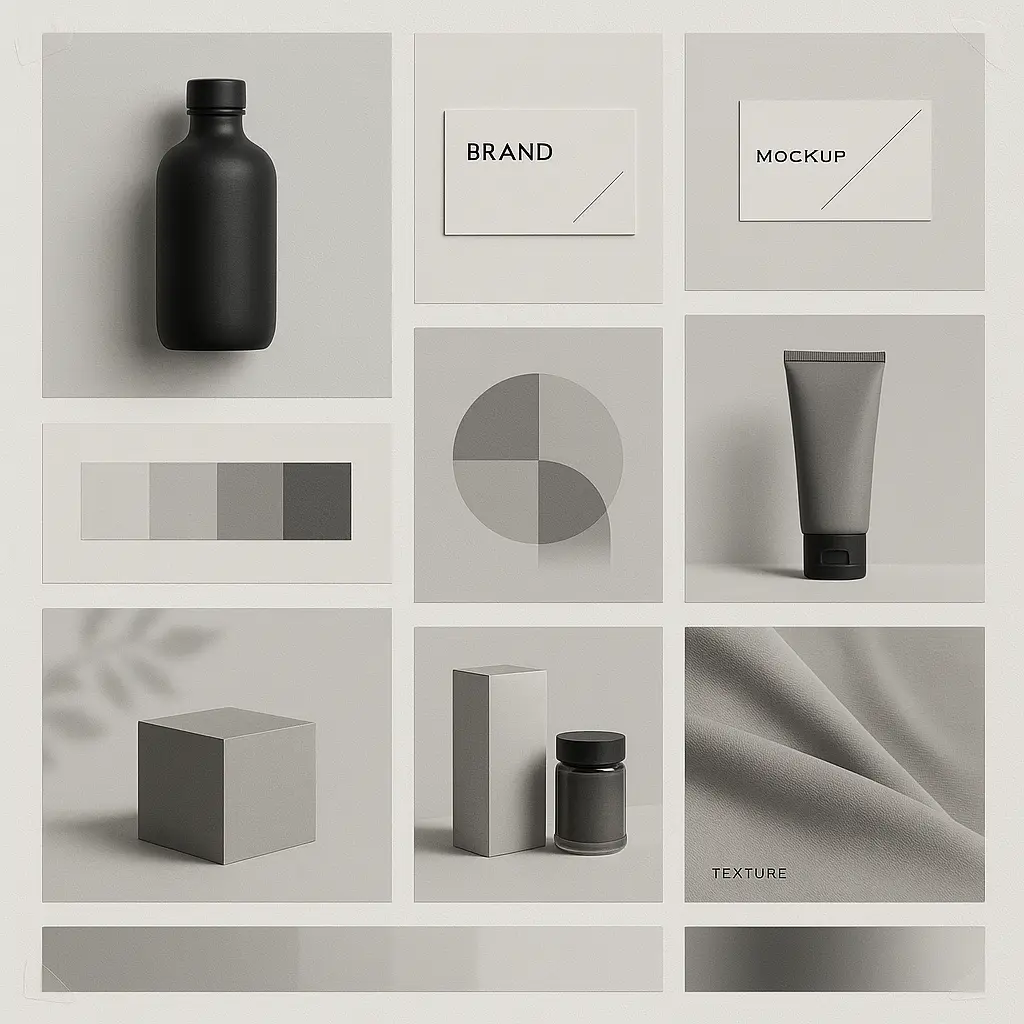
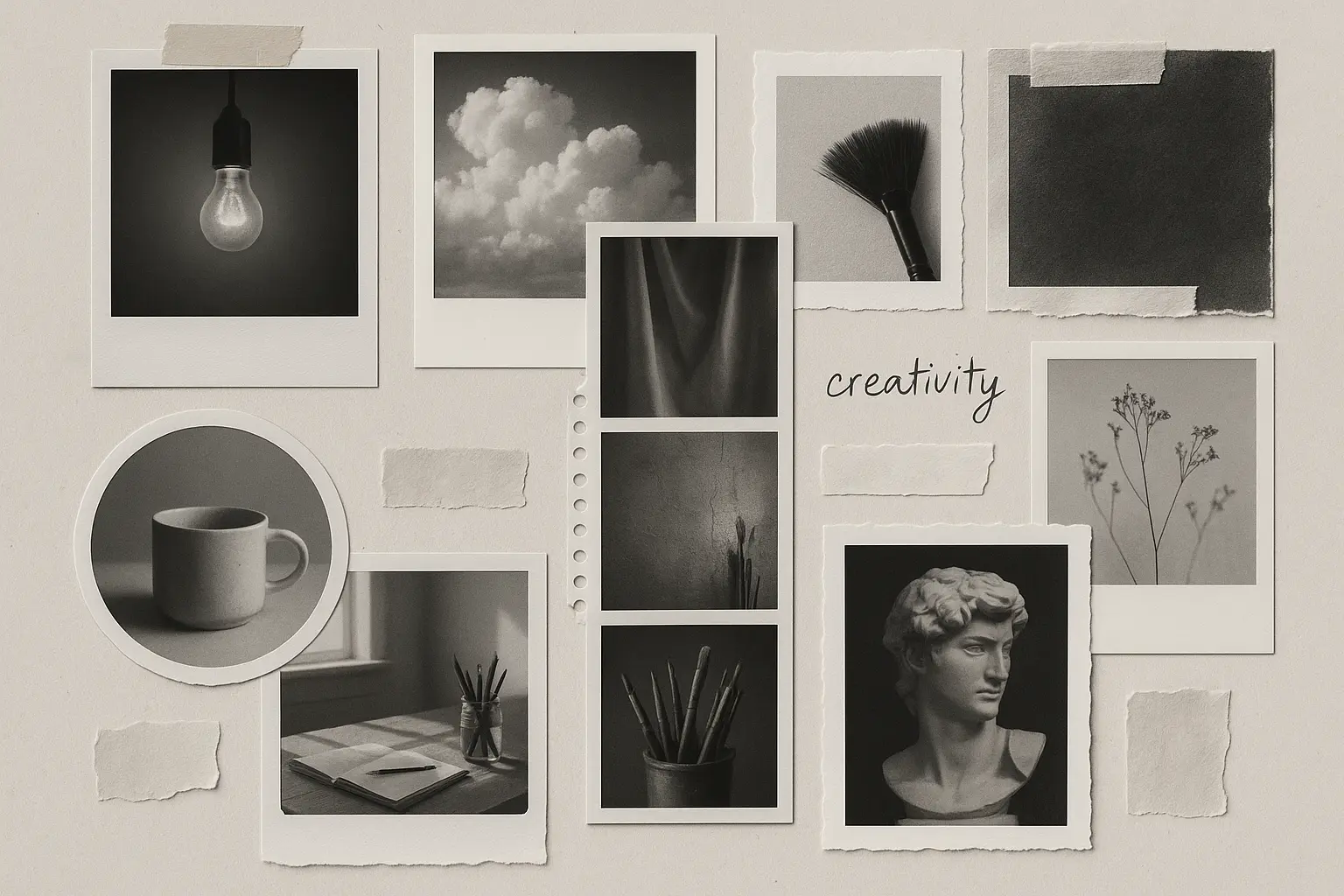
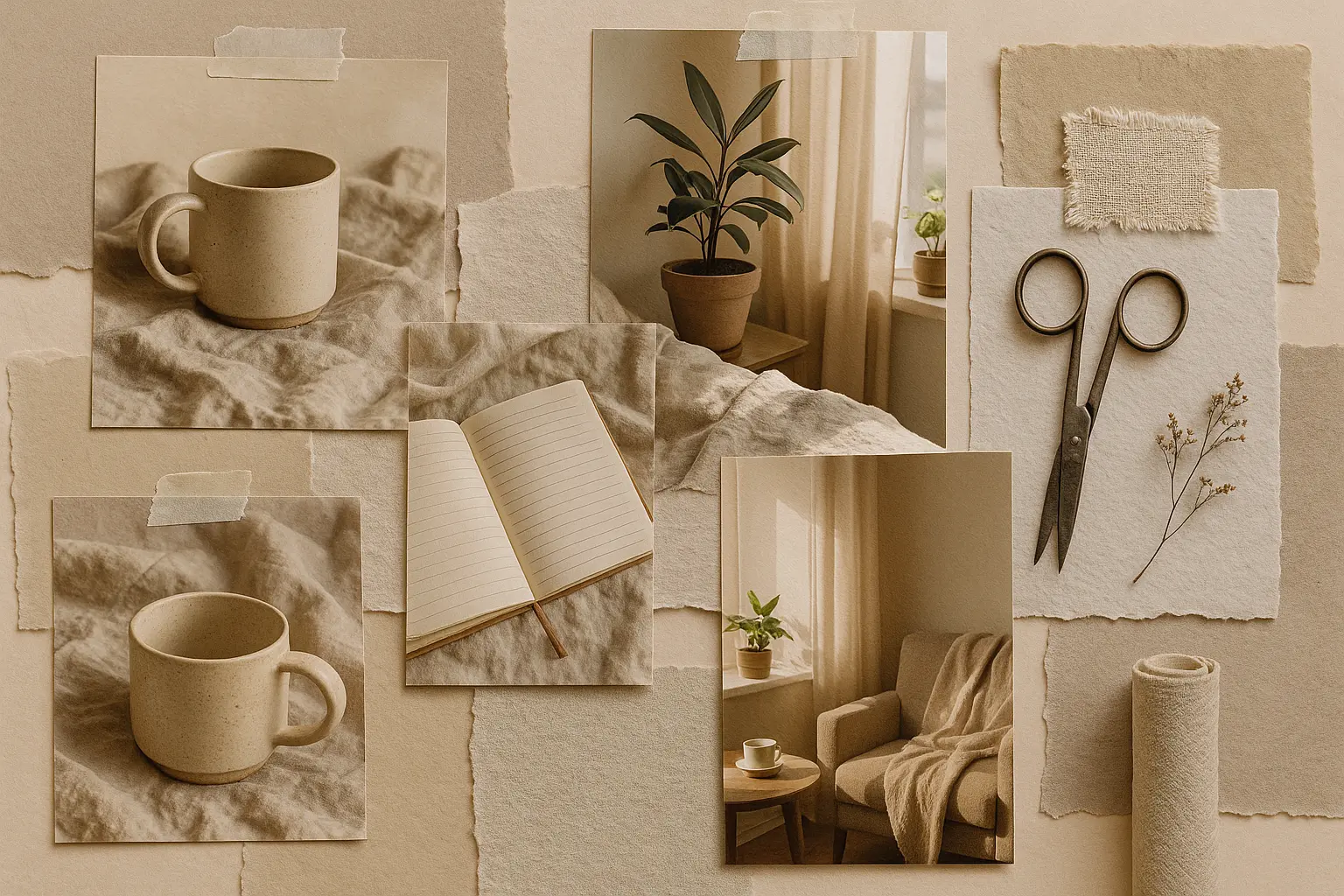
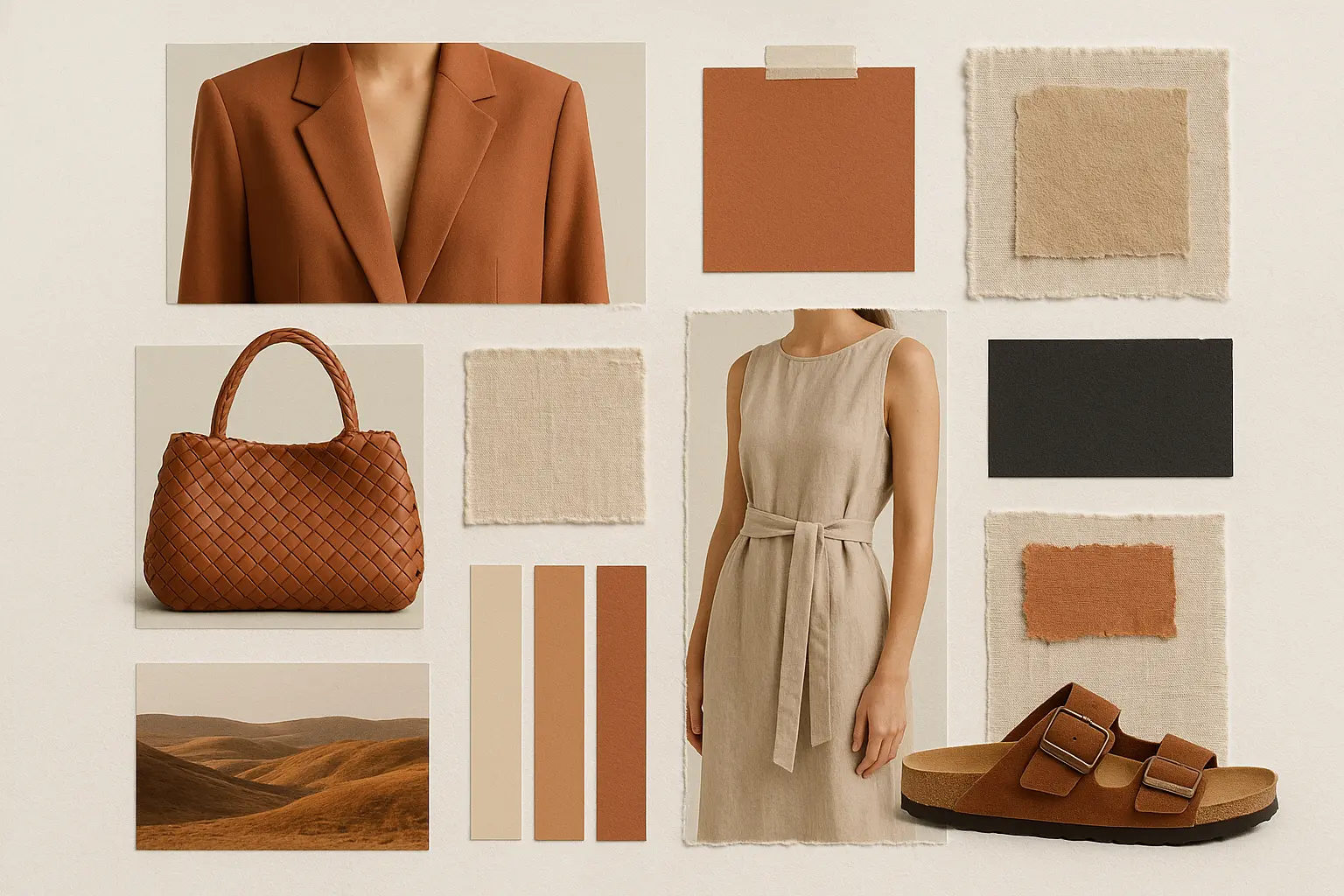
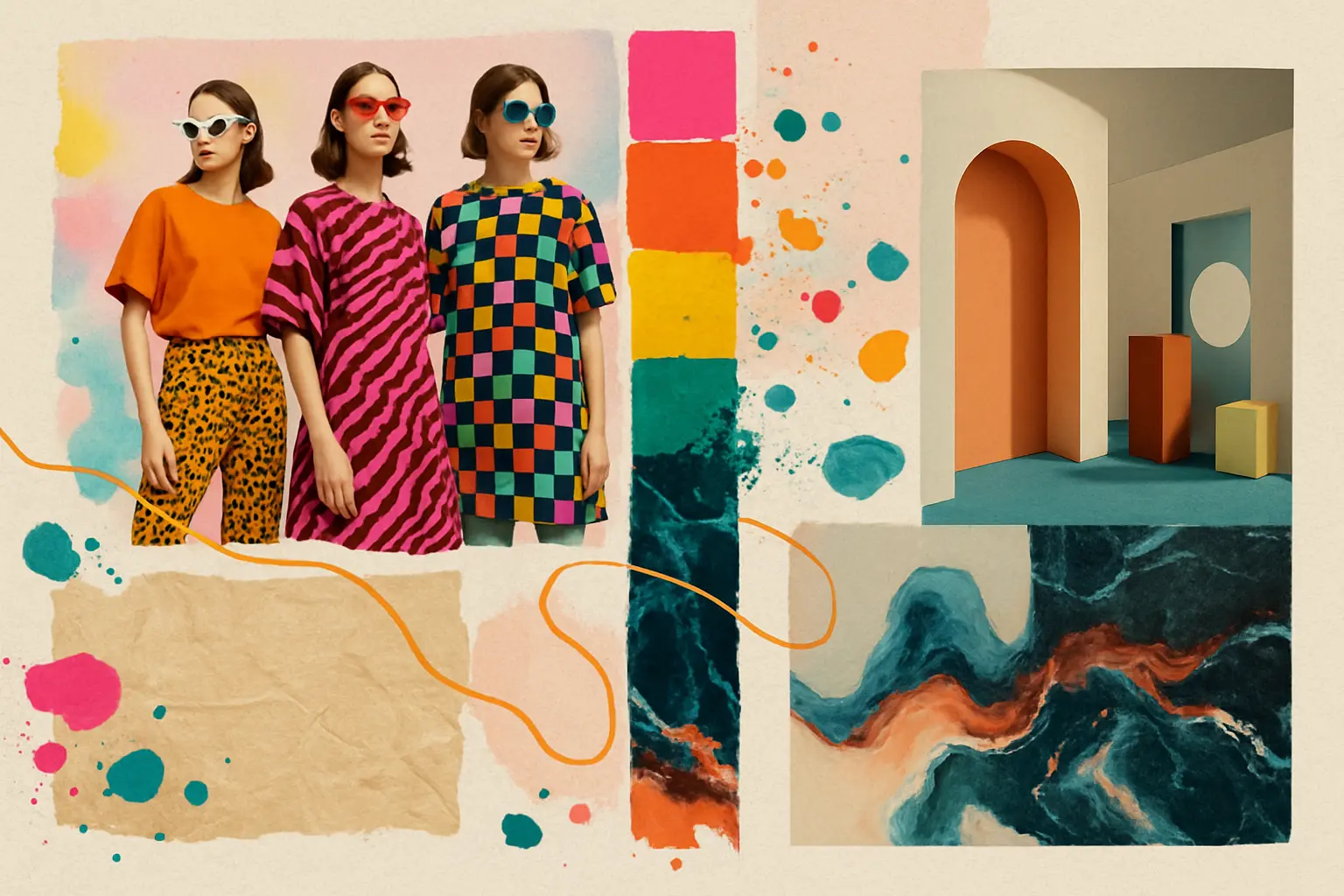
When your ideas feel scattered, a moodboard helps bring them into focus. By curating visuals that speak to your concept, you turn abstract thoughts into something you can see, feel, and build around with intention.
Whether you're developing a brand, planning a space, or diving into a new project, a moodboard lets you explore your visual identity in real time—no second-guessing, just discovery and refinement at your pace.
Kickstart your process with a moodboard that gathers your inspirations in one place. Watching your ideas come to life visually can energize your creativity and help you move forward with clarity and confidence.

Unlock powerful art tools at zero cost, making it easy for anyone to create and innovate without barriers.

Your creations and data stay confidential, guaranteeing your artistic work remains safe and secure.

Built for ease of use, so you can jump in and thrive—no matter your skill level or experience.
Click our moodboard tool. You don't need to download or install anything on your device.
Describe or upload the image your want to turn into moodboard artwork from your device or your Gallery.
The Image Generation process will start automatically. Simply wait a moment for your image to be generated or restyled.
An AI moodboard generator is an online tool that creates visual inspiration boards based on your input. You can enter a text prompt or combine it with up to 3 images to guide the design. Once submitted, the generator automatically produces a set of visuals tailored to your idea—no setup or design experience needed.
Yes, the AI moodboard generator offers 5 free generations per day without requiring you to log in. If you’d like more, you can sign in and add credits to unlock additional generations. It’s a flexible way to explore visuals without upfront commitment.
To use the AI moodboard generator, simply open the generator online—no installation needed. Add a text prompt or a mix of prompt plus up to 3 reference images. After submitting, the generator automatically begins creating visuals for you. Wait a moment, and your moodboard will appear, ready to inspire.
Yes, the AI moodboard generator is fully accessible online and works smoothly on mobile browsers. Whether you’re on a phone, tablet, or desktop, you can generate visuals without downloading or setting anything up—just open the tool and start creating.
This AI moodboard generator stands out by combining fast, high-quality image generation with no login required for basic use. It supports mixed inputs like text and up to 3 reference images, offers curated examples for inspiration, and requires no downloads or installations—making it one of the simplest and most flexible tools out there.
Using an AI moodboard generator saves you time and unlocks fresh creative directions instantly. Instead of searching for assets or arranging visuals by hand, you just input an idea and let the generator handle the visuals—perfect for jumpstarting projects or exploring moods fast.
For stronger results with the AI moodboard generator, try writing clear prompts with specific themes, styles, or emotions. You can also upload up to 3 reference images to guide the aesthetic. Need a boost? Check the example generations and use the 'Make it yours' option to kickstart your idea.
Yes, you can use the AI moodboard generator without signing up. Each user gets 5 free generations per day with no login required. If you need more, you can create an account and add credits for additional access.
The AI moodboard generator interprets prompts creatively, so results might surprise you. Sometimes it highlights unexpected style elements or themes based on your input. If the outcome isn't what you envisioned, try adjusting your prompt wording or upload images to steer the mood more closely.
If you have feedback or run into any issues while using the AI moodboard generator, you can always contact the support team at hi@runcomfy.com. Your input helps improve the experience and keep it fun, responsive, and one of the best free AI tools around.
RunComfy is the premier ComfyUI platform, offering ComfyUI online environment and services, along with ComfyUI workflows featuring stunning visuals. RunComfy also provides AI Models, enabling artists to harness the latest AI tools to create incredible art.