logo
RunComfy
  • ComfyUI
  • TrainerNew
  • Models
  • API
  • Pricing
discord logo
MODELS
Explore
All Models
LIBRARY
Generations
MODEL APIS
API Docs
API Keys
ACCOUNT
Usage

Kling 3.0: Text-to-Video Multi-Shot Generation on playground and API | RunComfy

kling/kling-3.0/standard/text-to-video

Generate native 4K videos with synchronized dialogue from text or images, offering multi-shot cinematic storytelling, character consistency, and developer-friendly API integration for professional creators.

Text description of the scene, motion, camera style, and atmosphere.
Elements to exclude from the video.
Video length in seconds.
Output ratio of the generated video.
Prompt guidance strength.
Generate synchronized sound alongside the video.
Editing mode: intelligent (default, auto-determines scope) or customize.
Additional prompt segments to guide scene transitions and progressions. The sum of durations in multi_prompt must equal to total video duration
Idle
The rate is $0.084 per second without audio, and $0.126 per second with audio.

Introduction To Kling 3.0 Video Creation

Kuaishou Technology's Kling 3.0 turns text prompts, reference images, and video edits into multi-shot cinematic video at $0.084 per second without audio or $0.126 per second with audio, delivering native 4K up to 60fps with synchronized dialogue. Trading manual shot planning, frame-by-frame edits, and separate dubbing passes for unified multi-shot generation with character and voice binding, Kling 3.0 eliminates complex masking and reshoots and is built for professional creators, filmmakers, brands, marketers, and agencies. For developers, Kling 3.0 on RunComfy can be used both in the browser and via an HTTP API, so you don’t need to host or scale the model yourself.
Ideal for: High-Conversion 4K Video Ads | Character-Consistent Narrative Sequences | Multilingual Lip-Synced Explainers

Kuaishou Technology / Kling 3.0#


Kling 3.0 is a multimodal AI video generation model that turns text prompts into cinematic clips on RunComfy. It supports multi-shot sequencing, synchronized audio, and professional camera control for short-form storytelling and branded content.


Output format: up to 4K / up to 60 fps (varies by mode) / 3–15 s / 16:9, 9:16, 1:1 / optional synchronized audio


Highlights#

  • Multi-shot cinematic sequencing: Kling 3.0 can plan or follow up to six connected shots, improving narrative flow and temporal coherence.
  • Native audio in one pass: Generate sound alongside video for tighter lip-sync and scene-aware ambience without separate pipelines.
  • Higher visual fidelity: Compared to earlier releases, Kling 3.0 commonly reaches higher resolutions (up to 4K) and steadier motion across cuts.
  • Strong character consistency: Reference elements help maintain subjects, costumes, and branding from scene to scene for longer clips.
  • Flexible creative control: Choose intelligent auto-editing or customize shot structure; use negative prompts and CFG scale for refinement.
  • Broad aspect ratio support: Target horizontal, vertical, or square outputs for ads, social posts, and multi-platform delivery.

Parameters#


ParameterRequiredTypeDefaultRange / OptionsDescription
prompt*Yes (*)string——Text description of the scene, motion, camera style, and atmosphere.
negative_promptNostring——Elements to exclude from the video.
durationNonumber (seconds)53–15Video length in seconds.
aspect_ratioNoenum16:916:9, 9:16, 1:1Output ratio for the final video.
cfg_scaleNonumber0.5—Prompt guidance strength controlling adherence vs. creativity.
soundNobooleandisabledenabled/disabledGenerate synchronized sound alongside the video when enabled.
shot_typeNoenumintelligentintelligent, customizeEditing mode: auto-determines shot scope or allows manual control.
multi_promptNoarray/string——Additional prompt segments to guide scene transitions and progressions.

Pricing#


Billing UnitAudioRate
Per generated secondDisabled$0.084 per second
Per generated secondEnabled$0.126 per second

How to Use#

  1. Describe your scene: Write a clear prompt for Kling 3.0 covering subject, actions, lighting, framing, and overall mood.
  2. Choose duration and ratio: Set duration between 3–15 seconds and pick 16:9, 9:16, or 1:1 based on target platform.
  3. Select shot mode: Use intelligent mode for auto storyboarding or choose customize to define specific shots via multi_prompt.
  4. Refine guidance: Use negative_prompt to remove unwanted elements and adjust cfg_scale to balance adherence vs. variation.
  5. Enable audio if needed: Turn on sound to generate synchronized ambience, effects, or lip-synced dialogue with Kling 3.0.
  6. Review and iterate: Generate, inspect motion and continuity, then tweak prompts or shot_type to improve pacing and consistency.
  7. Export and deliver: Download the result from RunComfy; aspect ratio and duration are already aligned for your channel.

Prompt Tips#

  • Start specific, then iterate: Give clear camera verbs (tracking, dolly-in), time of day, and motion beats before adding style flourishes.
  • Use multi_prompt for beats: Break complex scenes into per-shot lines so Kling 3.0 can stage entries, actions, and exits coherently.
  • Guide audio with context: If sound is enabled, mention ambience (busy market, light rain), pacing cues, or on-screen dialogue intent.
  • Control omissions: In negative_prompt, list distracting motifs (logos, extra people, text artifacts) rather than broad style bans.
  • Match ratio to composition: Wide landscapes favor 16:9; portraits and product close-ups benefit from 9:16 or 1:1 for platform fit.
  • Avoid conflict signals: Keep duration, aspect_ratio, and shot_type consistent with your storyboard; mismatches can reduce cohesion.

How Kling 3.0 compares to other models#

  • Compared to Kling 2.6, Kling 3.0 delivers multi-shot generation (up to six cuts), higher typical resolution, stronger identity consistency, and tighter audio sync based on publicly available information.
  • Compared to Wan 2.5, Kling 3.0 delivers more granular shot control and commonly higher resolution/fps options for cinematic pacing, while performance still depends on prompt and mode.
  • Compared to Seedance 1.0 Pro, Kling 3.0 delivers improved motion realism and multi-shot narrative flow, with solid prompt adherence for live-action styles.
  • Key improvements: Better temporal consistency, native audio generation, expanded language/dialect coverage, and refined camera/lighting controls.
  • Ideal use case: Choose Kling 3.0 when you need short, multi-shot videos with brand/character continuity and synchronized audio for ads, trailers, or narrative beats.

More Models to Try#

  • Wan 2.5 — Good for general text-to-video with solid sync; consider when you need straightforward 1080p previews.
  • Seedance 1.0 Pro — Strong stylization and dialogue handling; useful for anime or stylized storytelling.
  • Runway Gen-3 — Versatile for fast iterations and social-ready outputs with broad creative presets.
  • Luma Dream Machine — Strong motion and cinematography cues; good for dynamic product shots.
  • Stable Video Diffusion — Image-to-video baselines and research workflows when you need open diffusion tooling.

Related Models

happyhorse-1.0/video-edit

HappyHorse 1.0 Video Edit on Alibaba edits an input video with text instructions and reference images for style transfer, local replacement, and outfit swaps.

one-to-all-animation/1.3b

Create identity-stable motions from photos using fast, alignment-free motion retargeting for designers and animators.

hunyuan-video-v1.5/image-to-video

Animate images into lifelike videos with smooth motion and visual precision for creators.
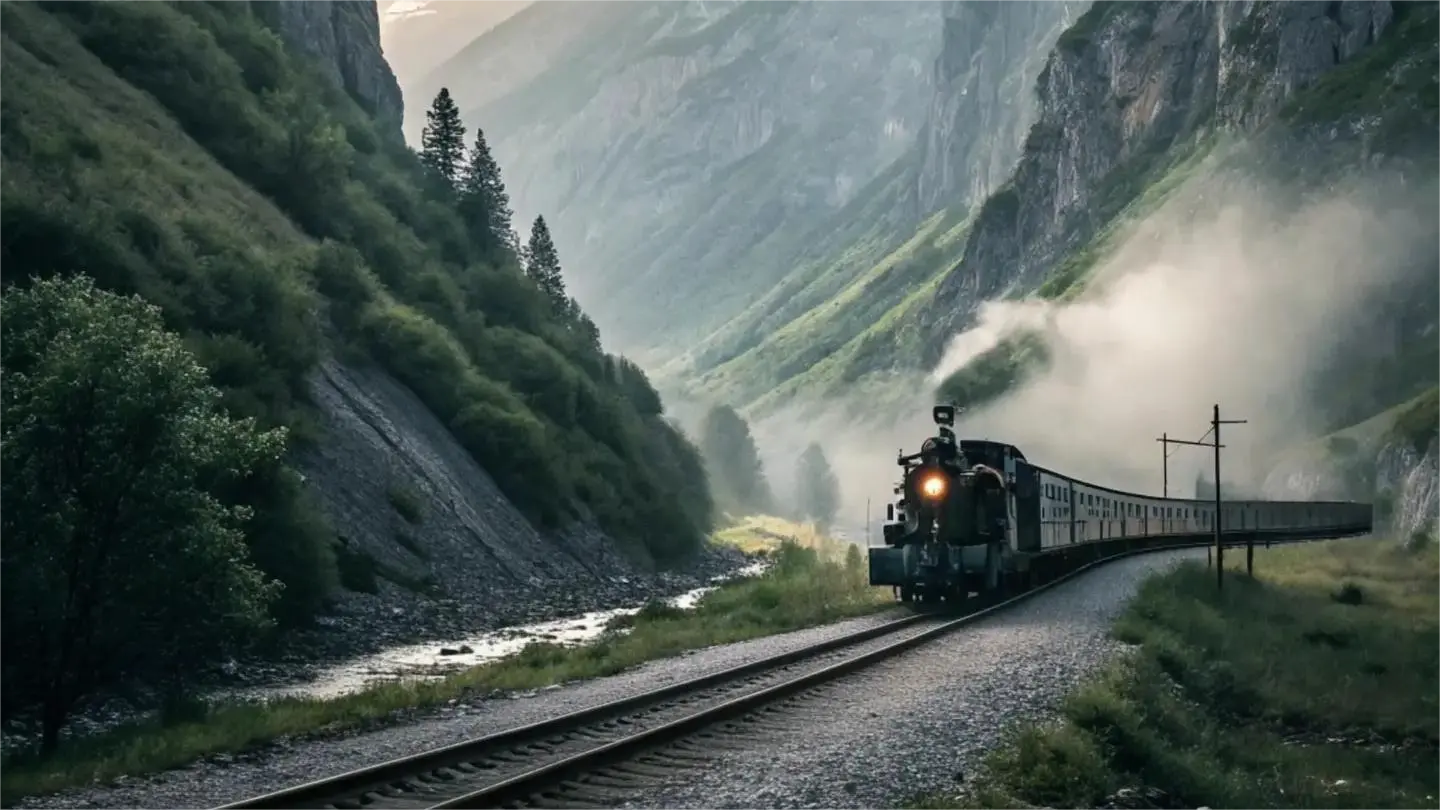
kling-2-1/master/text-to-video

Generate high quality videos from text with Kling 2.1 Master.
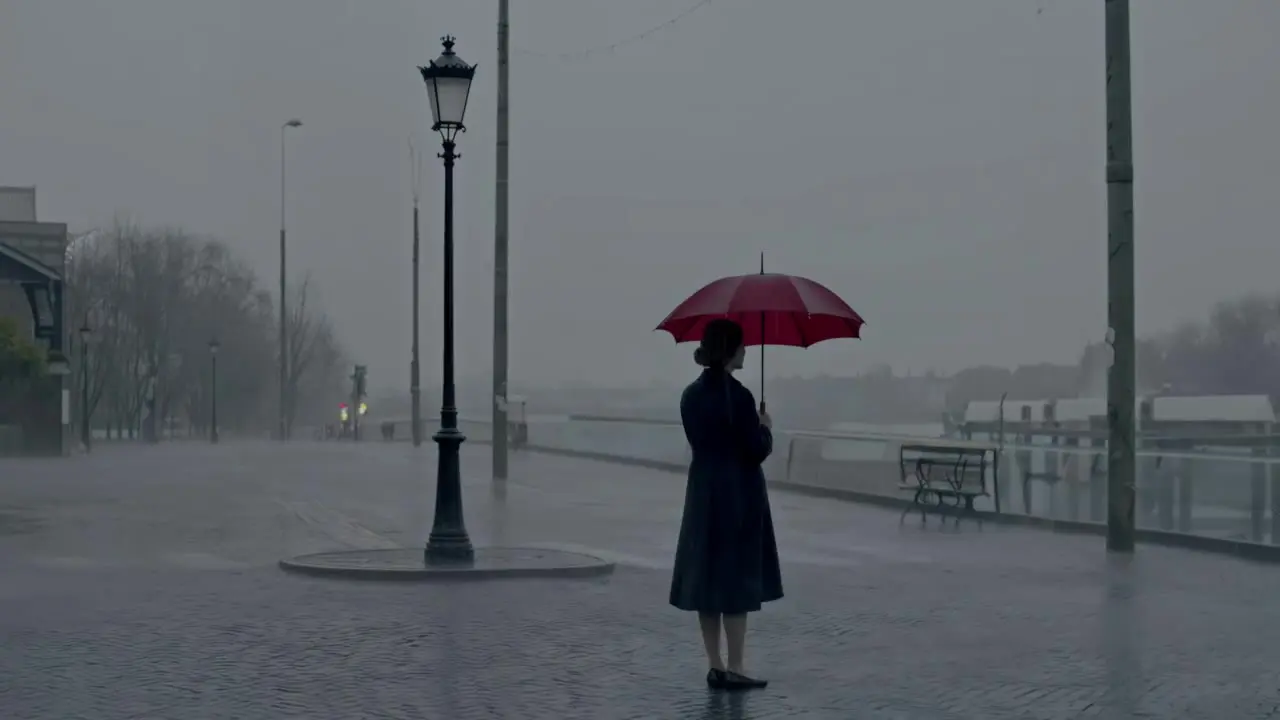
hunyuan/text-to-video

Turn text prompts into high quality videos with Tencent Hunyuan Video.

sync/lipsync/v2

Create lifelike synced videos from voices or images with precise motion and creative control.

Frequently Asked Questions

What are the main capabilities of Kling 3.0 in text-to-video generation compared to previous versions?

Kling 3.0 represents a major leap in AI text-to-video modeling. It supports multi-shot cinematic sequences (up to six shots per clip), synchronized multilingual audio, and stronger character consistency. Its unified multimodal architecture merges text, image, and video input processing in one model, delivering smoother transitions and robust audio-video synchronization.

How does Kling 3.0 differ from competitors like Seedance or Wan in text-to-video quality?

Kling 3.0 surpasses models like Seedance 1.0 Pro and Wan 2.5 primarily in duration (up to 15 seconds) and temporal coherence during multi-shot text-to-video sequences. The model prioritizes realistic motion, speeches that match voices, and consistent actor faces across scenes, while competitors often excel more in stylized renderings but struggle with realistic human dynamics.

What technical limitations should I consider when using Kling 3.0 for text-to-video generation?

For Kling 3.0, text-to-video outputs are limited to around 15 seconds per generation, with up to six continuous shots. Aspect ratios typically include 16:9, 9:16, and 1:1. Prompts usually support up to 1,200 tokens, and reference inputs (e.g., character images via Elements, ControlNet/IP-Adapter) are limited to around 3–5 per generation, depending on the node configuration.

Can Kling 3.0 handle storyboards or multiple connected scenes in one text-to-video generation?

Yes. Kling 3.0 allows chaining up to six shots into one coherent text-to-video clip using its advanced multi-shot feature. Developers can define shot types, camera angles, and transitions directly in prompts or the storyboard interface of the RunComfy Playground. The system maintains consistent lighting and character continuity across shots, which earlier releases could not reliably achieve.

How can I transition from testing Kling 3.0 in RunComfy Playground to production API usage?

Once you’ve validated your Kling 3.0 text-to-video workflows in the RunComfy Playground, you can move to production via the RunComfy API. The API mirrors all playground settings — including shot definitions, element references, and configuration options — but operates via authenticated REST endpoints. You’ll need to generate an API key, allocate production usd credits, and handle asynchronous video retrieval through RunComfy’s job queue structure.

Does Kling 3.0 provide any advantages for multilingual voice or lip-synced dialogue text-to-video generation?

Yes. Kling 3.0 includes integrated audio synthesis and dynamic lip-sync capabilities for English, Chinese, Japanese, Korean, and Spanish. When generating text-to-video clips with dialogue descriptions, it automatically synchronizes the generated speech and mouth motions, delivering natural character performances within the same generation pass — no separate dubbing step is needed.

What level of camera and motion control does Kling 3.0 offer in text-to-video mode?

Kling 3.0 lets users specify professional camera semantics (panning, dolly, tilt, POV) and motion brush overlays directly in text prompts or via the motion control panel. This gives Technical Artists more cinematic control than earlier Kling models or comparable text-to-video systems, producing realistic parallax depth, lens effects, and compositional balance.

Are there any quality or performance differences between Kling 3.0’s Pro and Standard variants for text-to-video?

Yes. The Kling 3.0 V3 Pro variant delivers higher motion-coherence and enhanced noise stability when generating text-to-video clips. The Standard model runs faster and consumes fewer usd credits but may produce slightly less refined temporal detail. Both share the same multimodal architecture and parameter control set.

Can I use Kling 3.0 text-to-video outputs for commercial purposes?

Commercial usage of Kling 3.0 text-to-video outputs depends on Kuaishou Technology’s published license terms and RunComfy’s service agreement. Generally, the generated videos are usable for marketing or creative projects, but you should verify any commercial-use clauses or attribution requirements from the official license pages before deployment.

Does Kling 3.0 require any special compute considerations for text-to-video rendering?

For standard users through RunComfy Playground, all rendering happens cloud-side, so no local GPU is needed. However, if integrating Kling 3.0 text-to-video generation via API, expect longer latency for multi-shot outputs due to additional model and audio sync processing. Efficient prompt design and moderate settings may reduce both generation time and cost.

Follow us
  • LinkedIn
  • Facebook
  • Instagram
  • Twitter
Support
  • Discord
  • Email
  • System Status
  • Affiliate
Video Models
  • HappyHorse 1.0 I2V
  • HappyHorse 1.0 Reference to Video
  • HappyHorse 1.0 Video Edit
  • Wan 2.6 Flash
  • Seedance 1.0 Pro Fast
  • Wan 2.6
  • View All Models →
Image Models
  • Wan 2.6 Image to Image
  • Flux 2 Dev
  • Nano Banana 2 Edit
  • Nano Banana Pro
  • Qwen Image Edit 2511 LoRA
  • GPT Image 2 Image Edit
  • View All Models →
Legal
  • Terms of Service
  • Privacy Policy
  • Cookie Policy
RunComfy
Copyright 2026 RunComfy. All Rights Reserved.

RunComfy is the premier ComfyUI platform, offering ComfyUI online environment and services, along with ComfyUI workflows featuring stunning visuals. RunComfy also provides AI Models, enabling artists to harness the latest AI tools to create incredible art.


Kling 3.0 Video Examples And Showcases

Video thumbnail
Loading...
Video thumbnail
Loading...
Video thumbnail
Loading...
Video thumbnail
Loading...
Video thumbnail
Loading...
Video thumbnail
Loading...