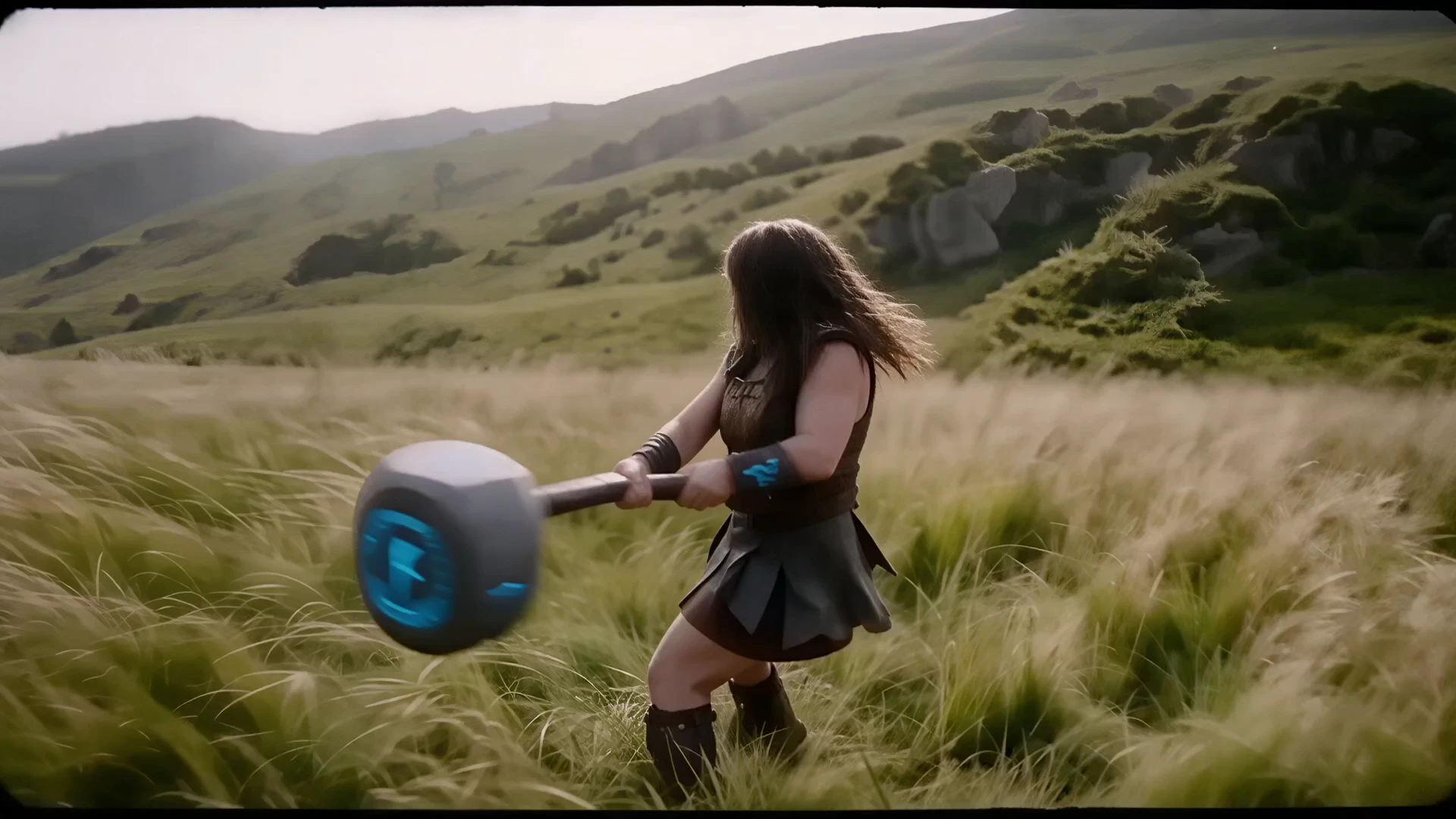
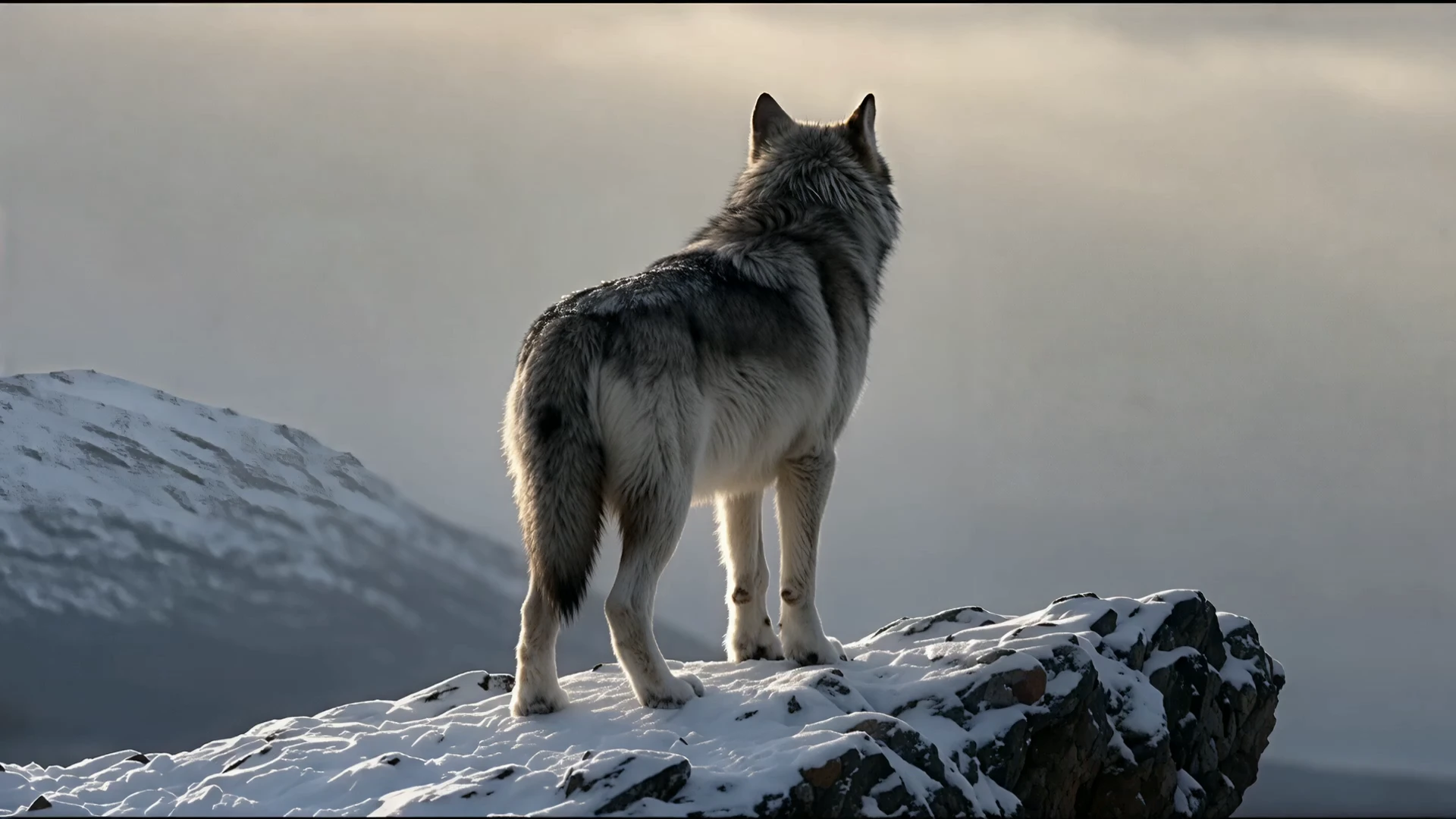
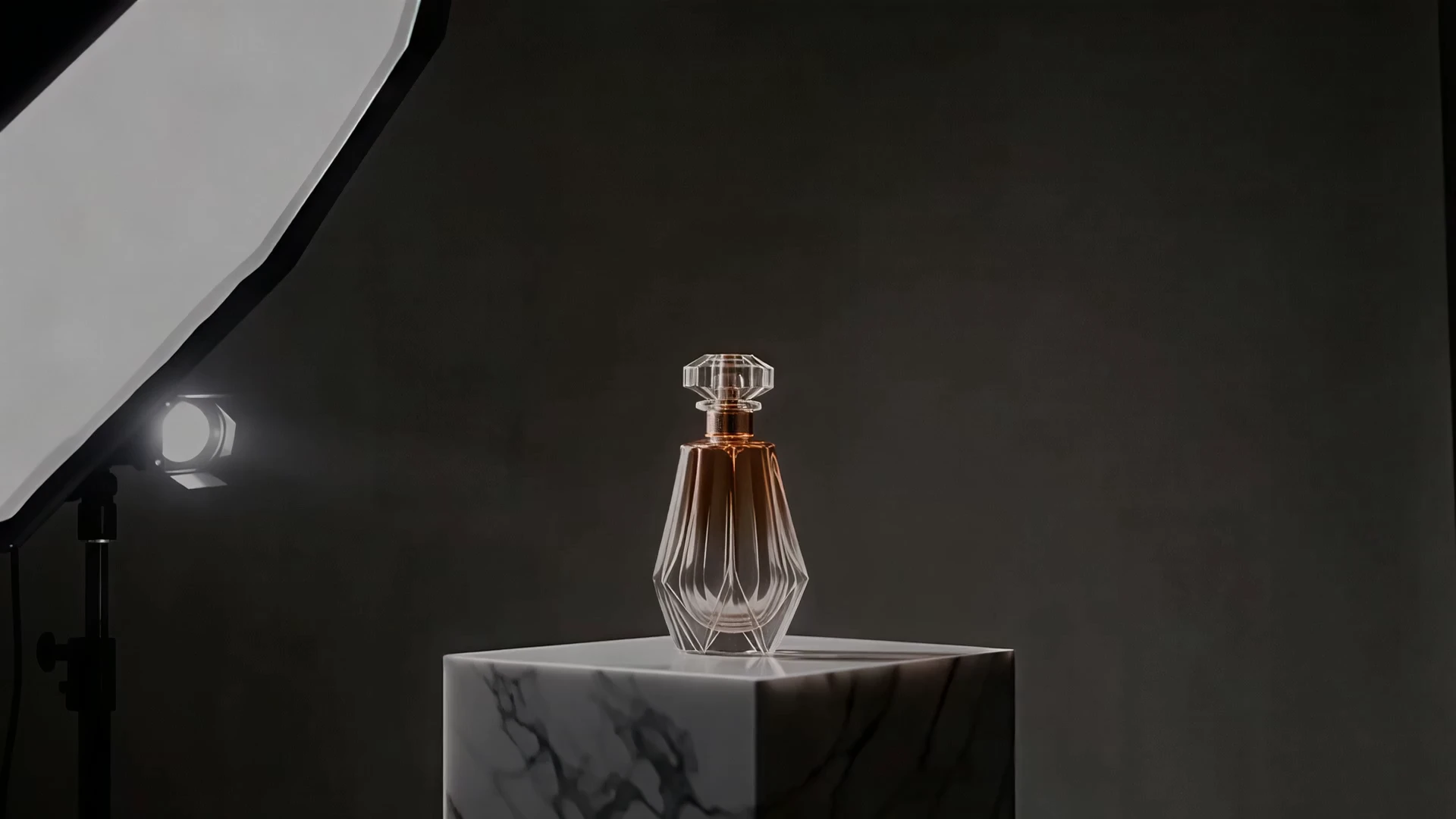
react-1
Reanimate expressive faces from sound cues with precise 4K video edits


HappyHorse 1.0 I2V on RunComfy uses Alibaba's async video-synthesis API with the happyhorse-1.0-i2v model. You upload a source image, write a motion-focused prompt, and the model renders a coherent short clip while preserving subject identity, color, and composition from the original frame.
Why it matters: HappyHorse 1.0 I2V tops the Artificial Analysis Image-to-Video Arena with an Elo of 1392, ahead of Seedance 2.0 and other commercial systems in blind human-preference voting. Powered by a 15B-parameter unified Transformer with DMD-2 distillation, the model delivers 1080p output at competitive speed without sacrificing facial fidelity, product geometry, or scene continuity.
Output format: video / resolution tier: 720P or 1080P / duration: 3–15 seconds / source: a single still image / aspect ratio: follows the first-frame image (no separate ratio parameter; unlike text-to-video)
| Parameter | Required | Type | Default | Range / Options | Description |
|---|---|---|---|---|---|
| image_url* | Yes | string | — | JPEG, JPG, PNG, WEBP; min 300px sides; 1:2.5–2.5:1; max 10MB | First-frame image the model animates. |
| prompt* | Yes | string | — | max 5000 non-CJK or 2500 CJK | Motion, camera, lighting, and mood (aligns with provider truncation rules). |
| resolution | No | string | 1080P | 720P, 1080P | Output video resolution tier. |
| duration | No | integer | 5 | 3–15 | Output video duration in seconds. |
| seed | No | integer | 0 | 0 to 2147483647 | Optional random seed. Use 0 to let the provider choose one automatically. |
| watermark | No | boolean | true | true, false | “Happy Horse” mark at bottom-right when true (provider default). |
Reanimate expressive faces from sound cues with precise 4K video edits

Open-weights reference-to-video from image, video, and audio cues.

FLUX 3 Draft FLF: Fast start-end frame video previews at 720p

Create 1080p clips with multi-reference and frame control.

LTX 2.5 Pro audio-to-video for track-timed 1080p finals

Premium image-to-video with the highest visual fidelity and motion realism in the Kling V3.0 family.
HappyHorse 1.0 I2V is the image-to-video version of HappyHorse 1.0 — the #1 model on the Artificial Analysis Image-to-Video Arena with an Elo of 1392. HappyHorse 1.0 I2V animates a single source image into native 1080p video using a 15B-parameter unified Transformer, preserving subject identity, color, lighting, and composition while adding physics-accurate motion.
On the Artificial Analysis Video Arena (a blind A/B human-preference Elo system), HappyHorse 1.0 I2V holds the #1 position in the no-audio image-to-video category at Elo 1392 — roughly 30–50 Elo points ahead of Seedance 2.0 and well ahead of Kling 3.0 Pro, Veo 3.1, and Runway Gen-4.5 as of early 2026.
HappyHorse 1.0 I2V outputs native 720P or 1080P HD clips with selectable durations from 3 to 15 seconds. Output aspect ratio follows the source image proportions, and detail levels are suitable for ad delivery and social publishing without re-grading.
Yes. HappyHorse 1.0 I2V is designed to preserve facial features, product geometry, packaging details, and overall composition from the input frame. It applies motion, camera moves, and lighting evolution while keeping identity and layout stable across the clip.
Prompts should describe motion and camera language, not restate what the image shows. Use verbs like drift, dolly in, orbit, tilt, reveal, blink, and breathe; specify what must stay fixed (identity, packaging, background); add lighting evolution and atmosphere for cinematic results.
HappyHorse 1.0 I2V is powered by a 15-billion-parameter single-stream self-attention Transformer with 40 layers (a sandwich design — modality-specific embedding/decoding at the ends, 32 shared parameter layers in the middle). DMD-2 distillation reduces inference to 8 denoising steps without classifier-free guidance, enabling 1080p clips in roughly 38 seconds on an H100.
HappyHorse 1.0 I2V is ideal for product reveal clips, portrait animation, character motion shots, cinematic ad teasers, packaging-to-presentation transitions, and short-form social content where you already have a strong still image and need it to move with stable identity.
RunComfy is the premier ComfyUI platform, offering ComfyUI online environment and services, along with ComfyUI workflows featuring stunning visuals. RunComfy also provides AI Models, enabling artists to harness the latest AI tools to create incredible art.