


wan-2.7/edit-video
Transformation de séquences par IA avec mouvements stables et contrôle créatif.
Vous pouvez utiliser InfiniteTalk pour transformer une simple photo portrait et un clip audio en une vidéo parlante naturelle et synchronisée sur les mouvements des lèvres. Propulsé par le modèle MultiTalk et basé sur l’architecture WanVideo 2.1 I2V GGUF, il offre des mouvements du visage expressifs tout en préservant l’identité et le style du sujet — idéal pour créer des clips sociaux, des doublages ou des avatars mis à jour.
InfiniteTalk vous permet de donner vie à des photos statiques en vidéos de portrait animées par la parole. Il a été conçu pour les créateurs, les stratèges de contenu et les développeurs souhaitant obtenir des avatars parlants fluides, avec une synchronisation labiale fidèle à l’audio. Les résultats conservent la ressemblance du personnage tout en ajoutant des gestes naturels et une synchronisation vocale réaliste.
La variante MultiTalk d’InfiniteTalk génère des mouvements de lèvres et de mâchoire sensibles aux phonèmes à partir de l’audio vocal, garantissant une animation de tête parlante hautement synchronisée. Elle suit le rythme naturel de la parole et prend en charge une expressivité riche, tout en maintenant la stabilité du visage. Pour en savoir plus sur ses origines, consultez MeiGen-AI/MultiTalk.
WanVideo 2.1 I2V 14B est le générateur d’images vers vidéo principal qui anime les portraits tout en conservant la ressemblance, la pose et l’éclairage. Il est optimisé au format GGUF pour garantir compatibilité et qualité. Les poids recommandés sont disponibles sur city96/Wan2.1-I2V-14B-480P-gguf.
Ce modèle audio extrait des représentations vocales robustes à partir d’enregistrements bruts. Il améliore la synchronisation et la prosodie naturelles lorsqu’il est transmis à MultiTalk pour guider l’animation. Il est disponible publiquement sur TencentGameMate/chinese-wav2vec2-base.
Vous devez fournir trois entrées principales : une Image via le champ Image, un fichier Audio, et un Prompt à l’aide du contrôle de texte. Ces éléments permettent à InfiniteTalk de verrouiller l’identité visuelle, de capturer la dynamique vocale et d’appliquer des indications stylistiques pour la vidéo parlante produite.
Vous pouvez ajuster les entrées Width et Height pour définir les dimensions de la vidéo selon vos préférences, assurant un bon équilibre entre performance et niveau de détail. Les paramètres tels que Seed, Steps et Shift offrent un contrôle supplémentaire sur la manière dont l’animation est générée, tandis que Frames Per Second (FPS) garantit une lecture fluide.
InfiniteTalk génère des vidéos associant votre portrait et votre audio. La sortie Video est régie par le paramètre Frames Per Second, produisant une expérience cohérente — par exemple, 25 fps par défaut. Le résultat est un portrait parlant fluide, fidèle à la fois à la voix et à l’image d’origine.
Pour des résultats optimaux, utilisez un portrait net avec un éclairage uniforme dans le champ Image, et un enregistrement vocal clair dans le champ Audio. Gardez le Prompt concis afin de décrire le ton ou le style des mouvements. Commencez avec des valeurs standard pour la largeur, la hauteur et un nombre de pas modéré pour des aperçus rapides, puis ajustez ces paramètres pour une qualité supérieure une fois satisfait du rendu.
Transformation de séquences par IA avec mouvements stables et contrôle créatif.
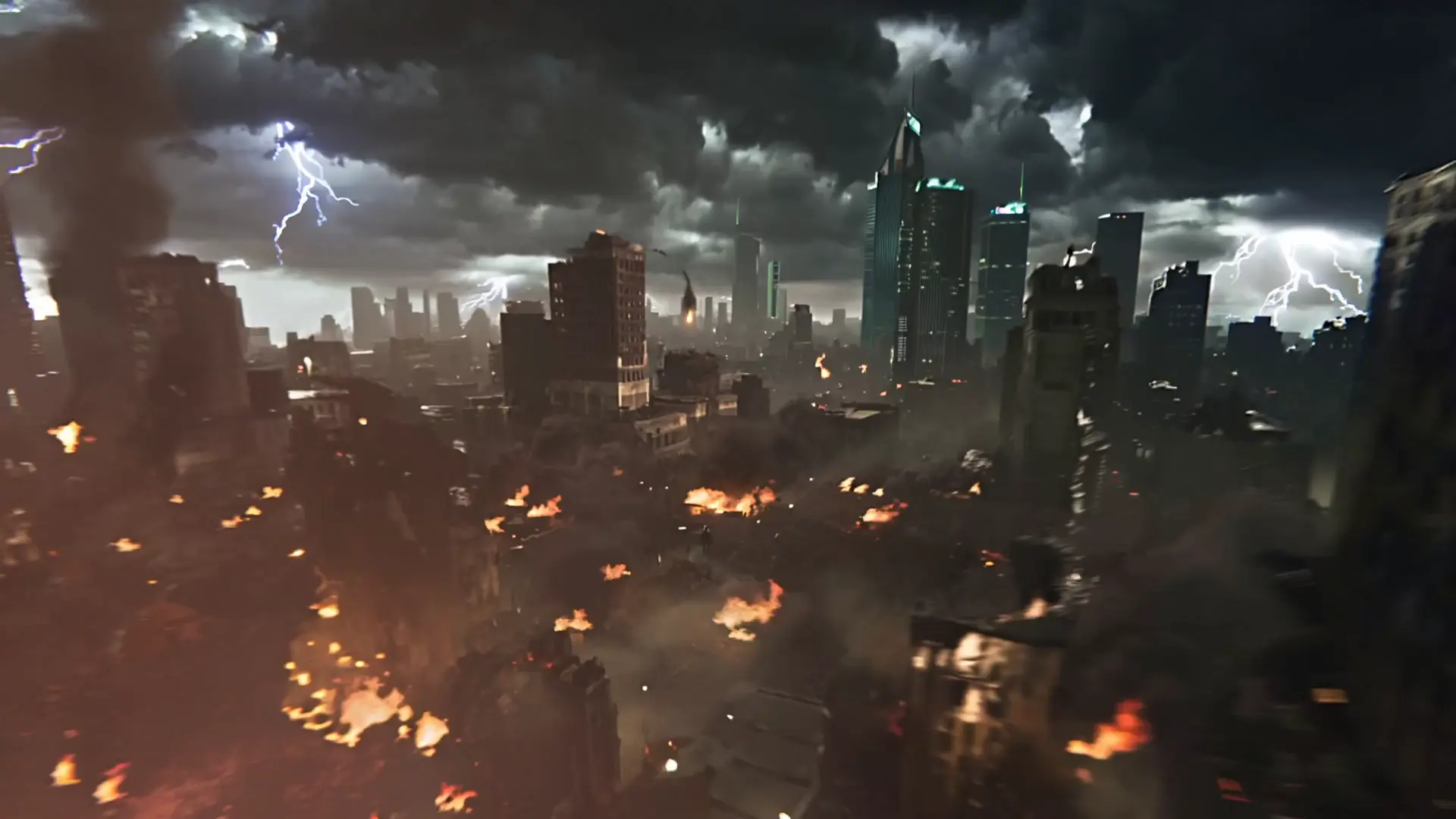
Créez une vidéo avec Kling 2.5 Turbo à partir d’un prompt et choisissez la durée, le rapport largeur/hauteur et le prompt négatif.

Seedance 2.5 480p : brouillons texte-vidéo rapides et peu coûteux à partir d'invites

Modifiez une vidéo existante à partir d’une consigne textuelle et de son URL.
Animez avec Pikaframes la transition entre une image de début et une image de fin.

Transformez vos visuels statiques en contenu vidéo synchronisé avec le mouvement et haute définition grâce à Wan 2.6 et son contrôle flexible.
InfiniteTalk est un outil qui transforme une simple image de portrait et un extrait audio en une vidéo parlante naturelle, synchronisée sur les lèvres. Conçu pour les créateurs et les développeurs, InfiniteTalk s’appuie sur des modèles d’IA tels que MultiTalk et WanVideo 2.1 pour produire des avatars animés réalistes, tout en préservant l’identité faciale et le style du sujet.
InfiniteTalk est parfaitement adapté aux créateurs de contenu, stratèges des réseaux sociaux, spécialistes du marketing digital, enseignants et développeurs. Il permet de créer facilement des vidéos portrait expressives basées sur la voix, idéales pour le doublage vocal, les mises à jour d’avatars ou du contenu engageant pour les réseaux sociaux.
À l'inscription, InfiniteTalk offre des crédits d'essai gratuits aux nouveaux utilisateurs, mais son fonctionnement repose principalement sur un système de crédits. La création de vidéos parlantes via InfiniteTalk nécessite donc des crédits, qui peuvent être achetés ou obtenus grâce à l’utilisation de la plateforme et à ses promotions.
InfiniteTalk se distingue par sa synchronisation labiale précise basée sur les phonèmes, une forte fidélité d'identité, un contrôle du style via des prompts textuels, et une sortie directe en format MP4. Grâce à des modèles avancés comme MultiTalk et WanVideo 2.1, InfiniteTalk garantit une animation fluide et synchronisée entre l’image de portrait et la voix.
Pour générer une vidéo parlante avec InfiniteTalk, il suffit de télécharger une image de portrait, un extrait audio de voix, puis, en option, de saisir un prompt textuel pour ajuster l’expression ou le ton. InfiniteTalk produit ensuite une vidéo MP4 de haute qualité, à la fois synchronisée et stylisée.
InfiniteTalk génère des vidéos MP4 synchronisées sur les lèvres et fidèles à l’image et la voix fournies. Vous pouvez vous attendre à des animations faciales expressives avec un mouvement précis des lèvres et une continuité d'identité image par image tout au long de la vidéo.
Vous pouvez accéder à InfiniteTalk via son interface web disponible sur l’AI playground de Runcomfy. Elle est compatible à la fois avec les navigateurs sur ordinateur et sur mobile, ce qui permet de créer des vidéos facilement, sans avoir besoin d’installer un logiciel.
Bien qu’InfiniteTalk produise des vidéos de haute qualité, le rendu dépend fortement de la qualité des entrées. Une image floue ou un audio bruité peuvent nuire au résultat final. De plus, étant un service basé sur des crédits, une utilisation intensive peut nécessiter l’achat de crédits supplémentaires.
Oui, InfiniteTalk propose une fonction de personnalisation du style et du ton expressif au moyen de prompts textuels. En saisissant des indications positives ou négatives, vous pouvez influencer la qualité du mouvement et l'expressivité, afin d’adapter l’émotion et l’énergie de la vidéo finale à vos besoins.
InfiniteTalk se démarque par la qualité de son animation image-vidéo et sa synchronisation audio précise obtenue grâce à des modèles avancés comme MultiTalk et WanVideo. Sa capacité de synchronisation labiale, ses mouvements fluides et le contrôle stylistique via prompts font d’InfiniteTalk une solution plus performante que la plupart des outils similaires disponibles actuellement.
RunComfy est la première ComfyUI plateforme, offrant des ComfyUI en ligne environnement et services, ainsi que des workflows ComfyUI proposant des visuels époustouflants. RunComfy propose également AI Models, permettant aux artistes d'utiliser les derniers outils d'IA pour créer des œuvres d'art incroyables.