logo
RunComfy
  • ComfyUI
  • TrainerNew
  • Models
  • API
  • Pricing
discord logo
MODELS
Explore
All Models
LIBRARY
Generations
MODEL APIS
API Docs
API Keys
ACCOUNT
Usage

seedream-4-5/edit

image-to-image

Transform visuals with Seedream 4.5 for coherent, photoreal image creation and precise brand consistency.

wan-2-5/image-to-video

image-to-video

Generate clips with fluid motion and audios for creatives

kling-3.0/pro/image-to-video

image-to-video

Premium image-to-video with the highest visual fidelity and motion realism in the Kling V3.0 family.

kling-3.0/4k/image-to-video

image-to-video

Animate stills into native 4K cinematic clips with start-end frame guidance and synchronized sound.

flux-2/dev/text-to-image

text-to-image

[100% FREE NOW] Generate it free in both Playground + API access. Limited time only! Flux 2 dev is an open-weight model for precise visual creation, color control, and consistent style rendering.

wan-2-6/flash/image-to-video

image-to-video

Craft lifelike video scenes from stills with motion, dialogue sync, and flexible creative control.

seedream-4-0/text-to-image

text-to-image

Generate sharp 4K visuals with flexible multi-input and fusion tools

wan-2-6/image-to-video

image-to-video

Turn still visuals into motion-synced, high-detail video content with flexible control.

nano-banana/edit

image-to-image

Edit and blend images with prompts using Google Nano Banana.

qwen-image-edit-2511/lora

image-to-image

LoRA-based visual editing model offering structure-aware asset transformation for creative pros

gpt-image-2/edit

image-to-image

OpenAI's GPT Image 2 Image Edit: Image-to-image edits with precise text control and in-out painting

seedance-1.0/pro-fast/image-to-video

image-to-video

Create lifelike video motion fast with Seedance Pro for design pros

seedream-4-0/sequential

text-to-image

Create cohesive story visuals with sequenced, style-stable image generation.

wan-2.7/edit

image-to-image

WAN 2.7 image edit: text-guided edits with 1–4 reference images, optional prompt expansion, bilingual instructions, and preset output sizes.

nano-banana-2/text-to-image

text-to-image

Fast, high-quality text-to-image generation with Nano Banana 2, with aspect ratio, safety tolerance, and output format controls.

flux-2/pro/text-to-image

text-to-image

Create reliable, studio-grade visuals with precise color and layout control.

flux-2/flash/edit

image-to-image

Accelerate visual editing with dynamic precision and open-weight adaptability for brand-consistent designs.

hailuo-2-3/fast/standard/image-to-video

image-to-video

Turn static visuals into smooth motion with Hailuo 2.3 for rapid, realistic video creation.

nano-banana/pro/text-to-image

text-to-image

Generate detailed multilingual visuals with 4K clarity and creative control.

seedream-5/lite/edit

image-to-image

Transforms reference visuals into layout-accurate, style-consistent designs for creative workflows.

AI Invitation Card Maker

Design stylish, editable invites with AI—fast, flexible, and free

100% FreeFully PrivacyNo Login RequiredEasy To Start
Image Prompts 0/3
🎉5 FREE IMAGES LEFT TODAY
Sample PromptsPrompt Template
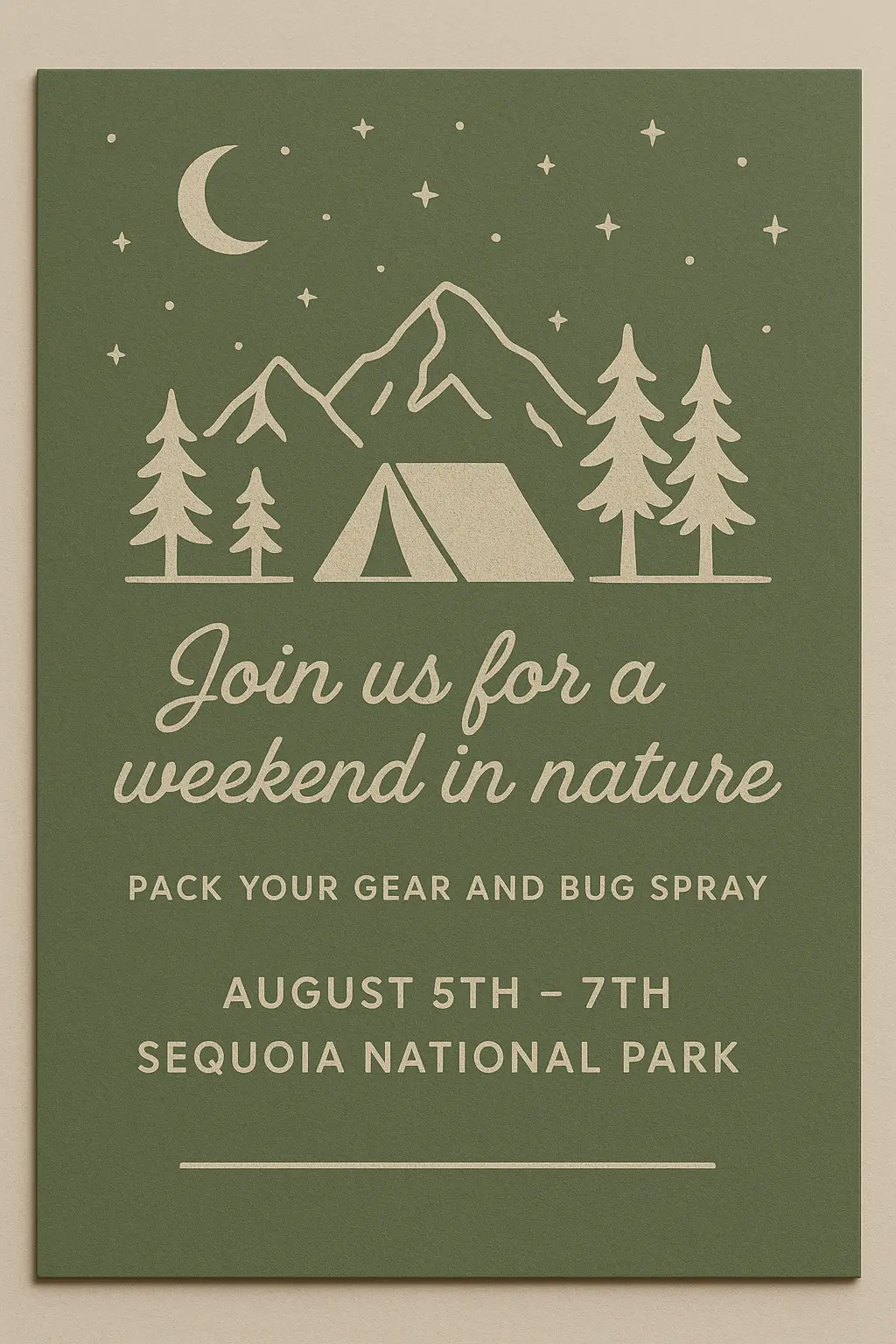
Create a high-quality image of a camping weekend invitation card design in a minimalist and rustic style, with a 2:3 aspect ratio (width:height). The design should feature centered text with a graphic of mountains, trees, and a tent in the foreground, set against a solid green background. The top of the card should include a starry sky with a crescent moon, and the bottom of the card should have a spacious layout for event details. Use earthy green tones for the background, with light beige or white for the illustrations and text. The key motifs include a tent, mountains, trees, a moon, and stars, fitting the outdoor camping theme. Text should use clean, simple fonts, such as a cursive font for the title and a sans-serif font for the details, with content like 'Join us for a weekend in nature' as the event title and smaller details such as 'Pack your gear and bug spray' and 'August 5th - 7th, Sequoia National Park' arranged in a visually balanced way. The card should appear on smooth cardstock, and lighting should be soft and even to enhance the natural, calm feel. The overall invitation should feel rustic and welcoming, with subtle shadow effects to create depth and provide a realistic sense of the card, with no transparent background needed.
Create a high-quality image of a holiday invitation card design in a whimsical cartoon style, with a 2:3 aspect ratio (width:height). The design should feature centered text reading 'VERY MERRY GRINCHMAS!' in bold, green, friendly letters. The background should be a light blue with white snowflakes scattered across, creating a playful and festive atmosphere. A large, circular cut-out in the center of the card should showcase the Grinch character, standing in a playful pose with a mischievous smile. The Grinch should be bright green with large, expressive yellow eyes, and should be surrounded by colorful gift boxes, each wrapped in bright blue, green, and red with ribbon details. The character's body should be slightly angled, with a fun and lighthearted vibe. The design should have a smooth, clean finish resembling high-quality cardstock, and the overall tone should be cheerful and festive. Subtle lighting and shadows should enhance the character and gifts, giving a realistic sense of depth. The card should feel fun, festive, and lighthearted, perfect for a holiday celebration. No transparent background is needed.
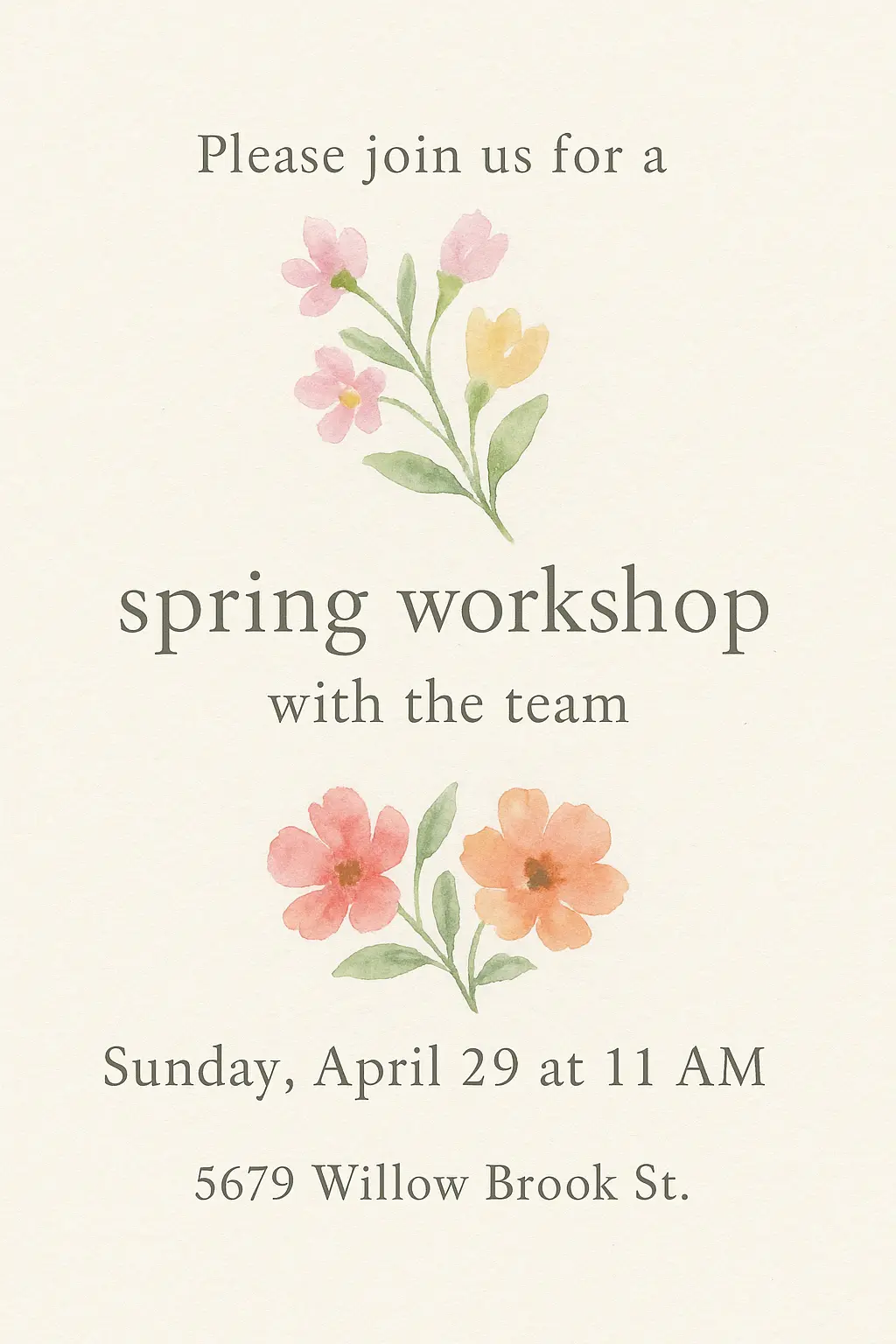
Create a high-quality image of a spring workshop invitation card design in a watercolor illustration style, with a 2:3 aspect ratio (width:height). The design should feature the text placed in three distinct sections, arranged in a vertical layout, with appropriate spacing for event details. The top section will have a few lines of text in a delicate, serif font that reads 'Please join us for a'. The middle section will display a sprig of colorful spring flowers, with soft pink, yellow, and green hues, artistically arranged. The lower section will have more text in a similar font that reads 'spring workshop with the team'. Below that, another cluster of spring flowers in vibrant pinks and oranges, arranged in a similar style, sits next to the text 'Sunday, April 29 at 11 AM'. At the very bottom of the design, the address '5679 Willow Brook St.' appears in a smaller serif font beneath the final flower illustration. The background will be a pale cream, smooth texture, resembling parchment or matte cardstock. The overall invitation should feel soft and elegant, with gentle watercolor gradients and subtle lighting effects that provide a calming and artistic vibe, with no transparent background needed.
Generation History
Idle

Introduction to AI Invitation Card Maker

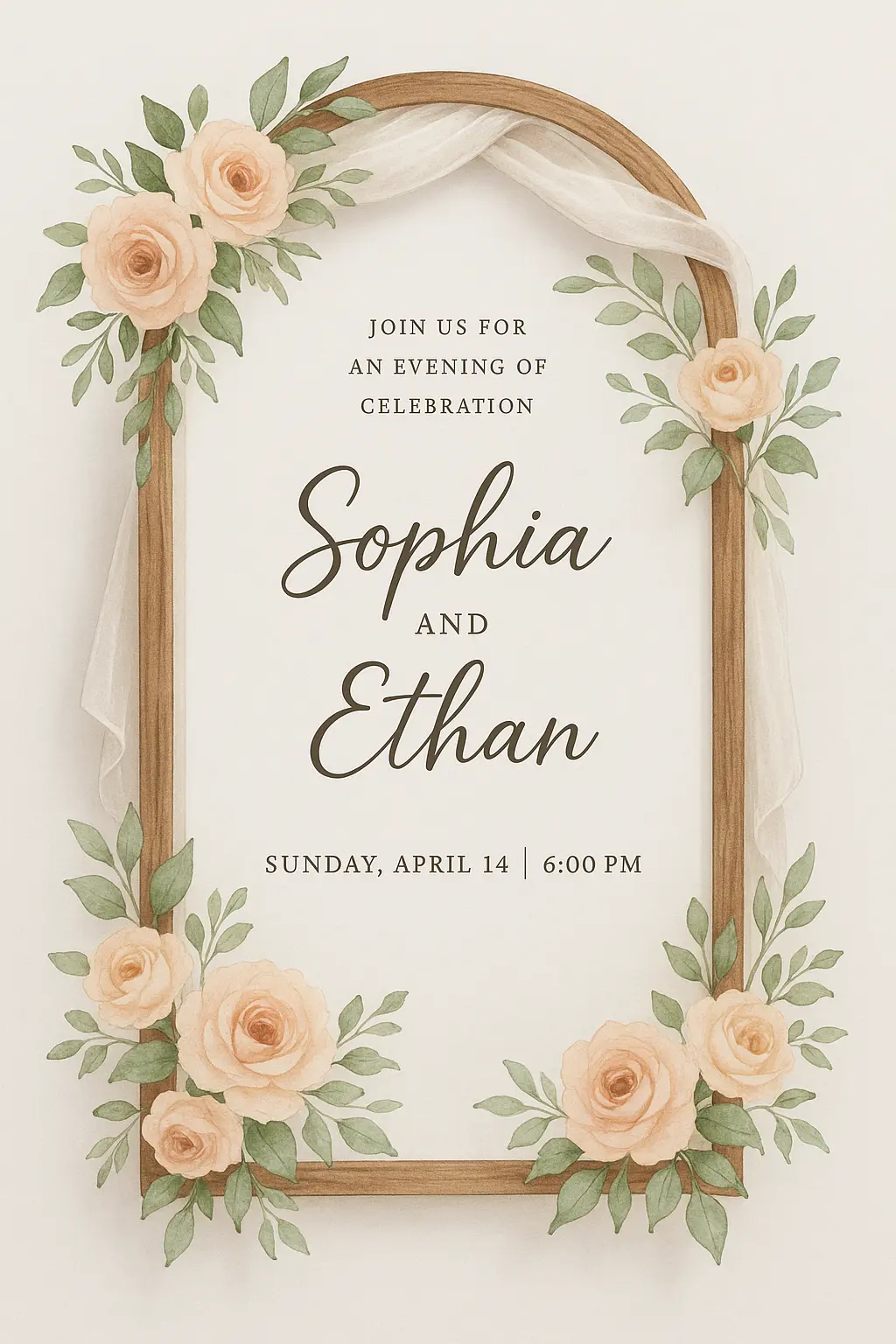
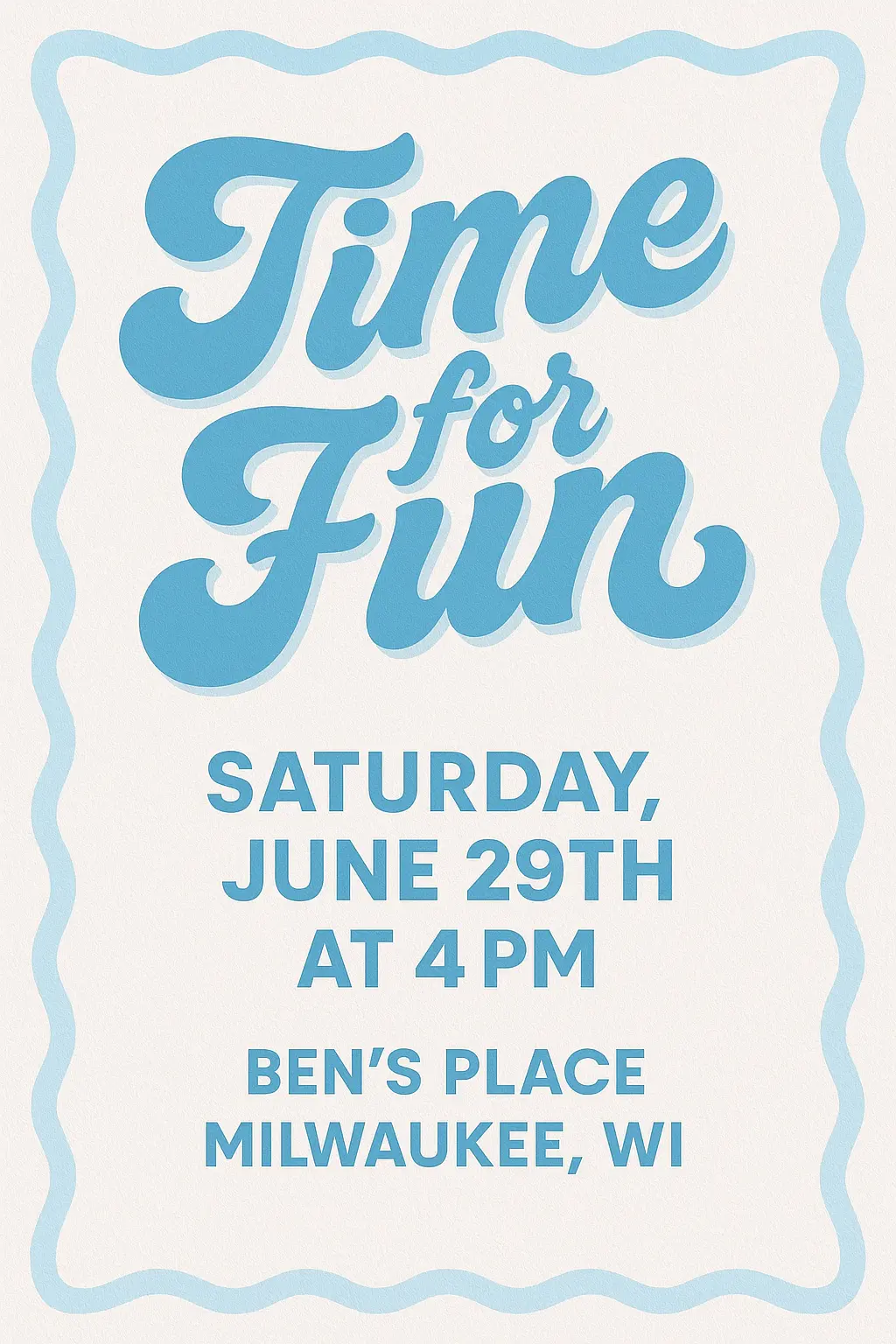
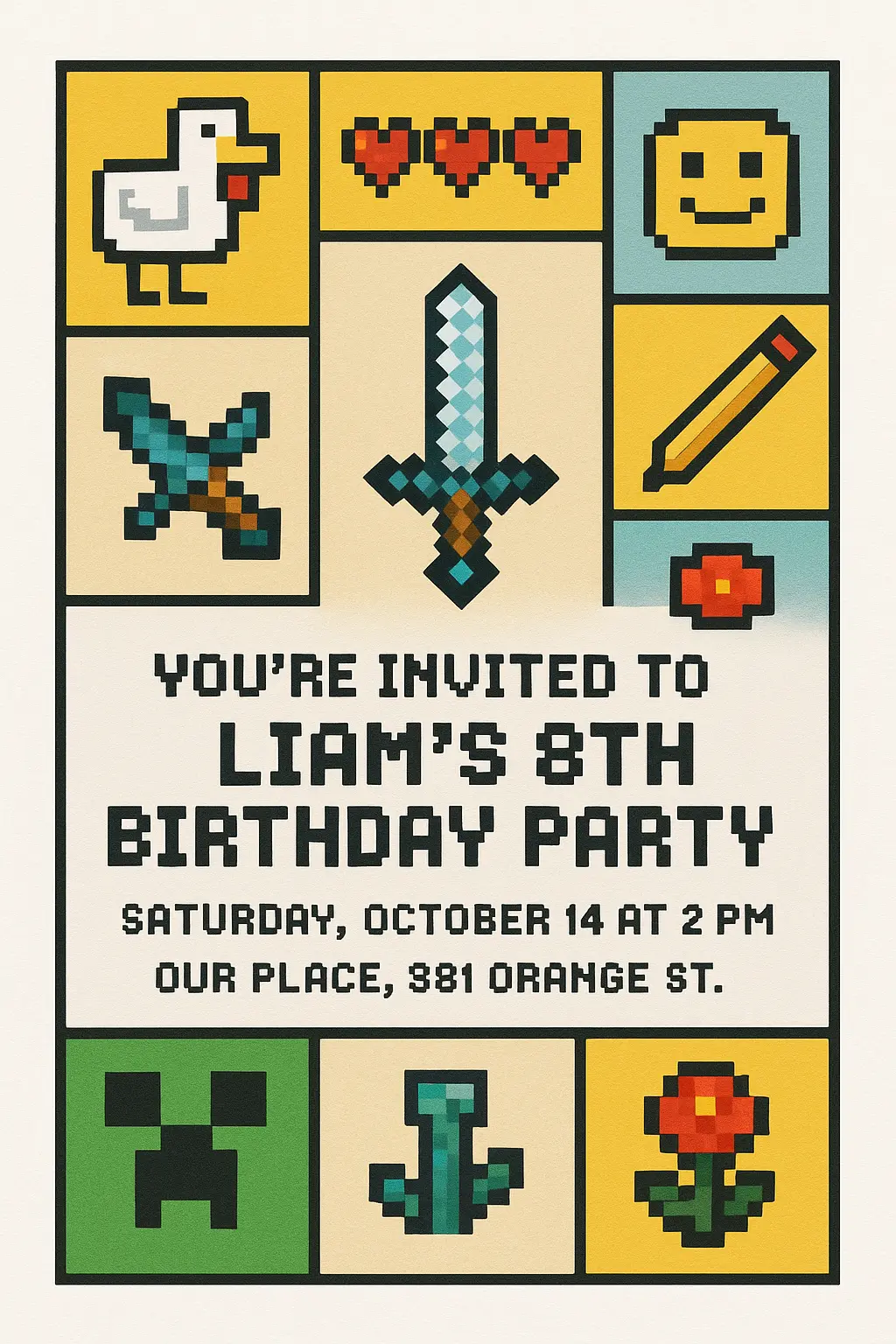
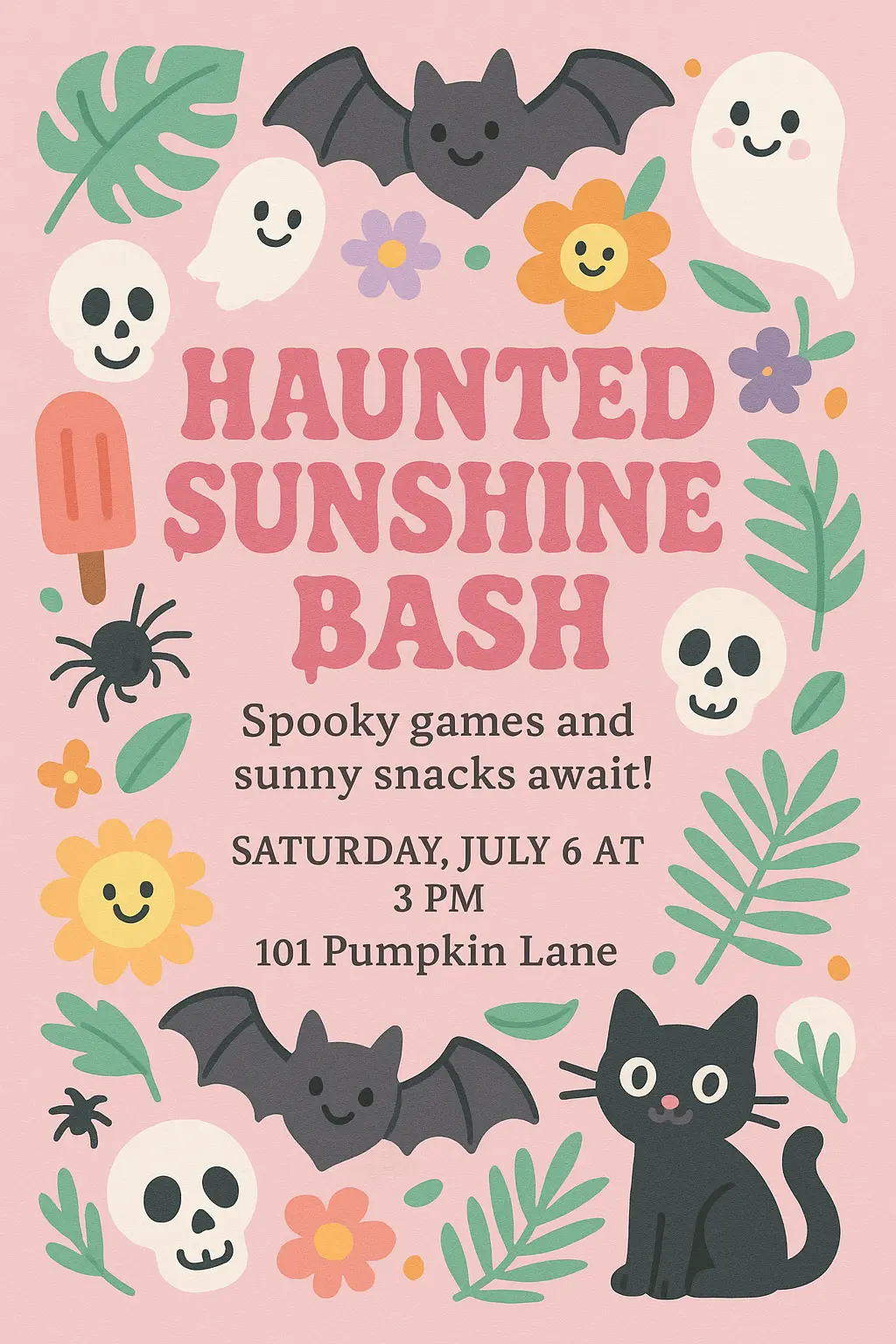
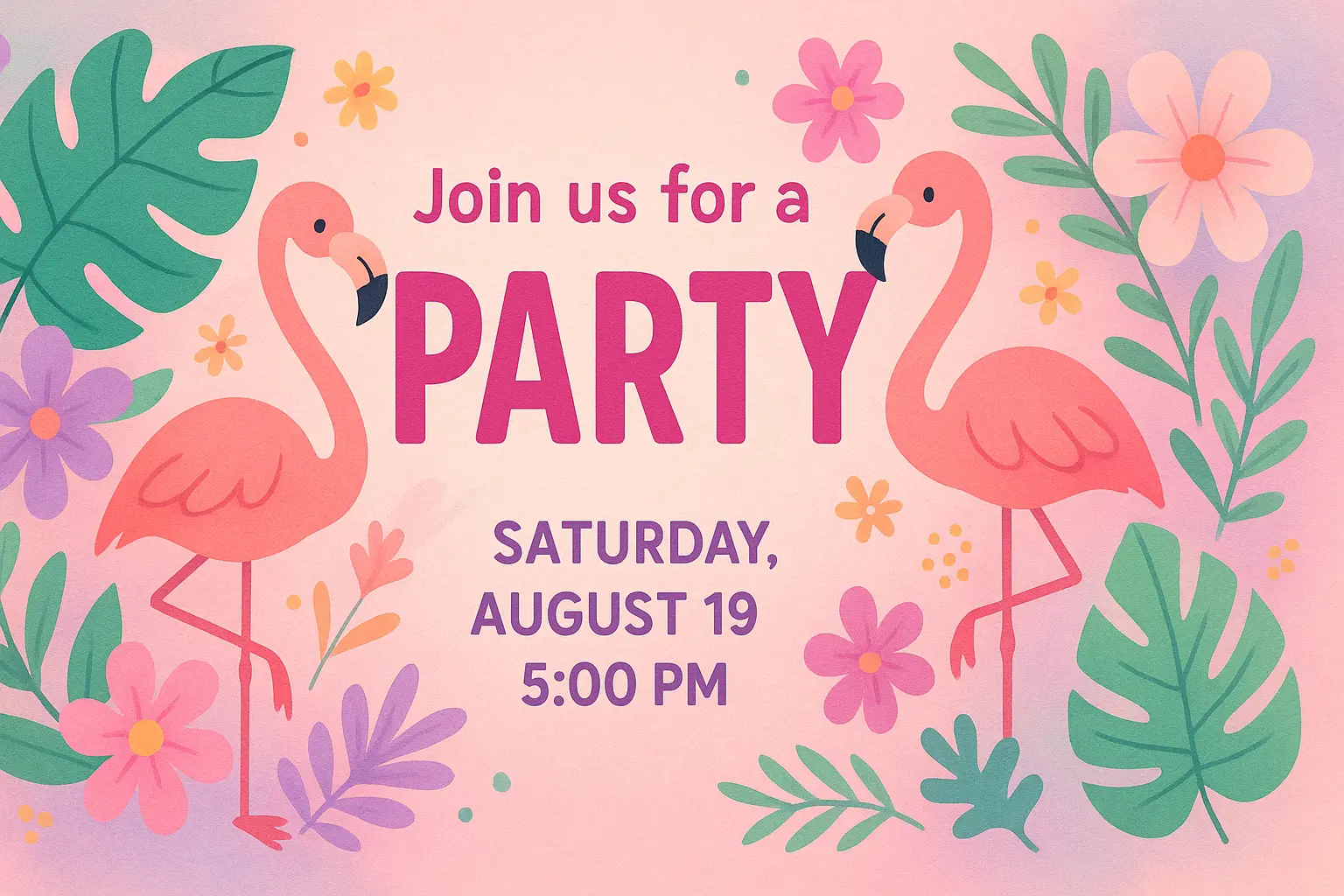
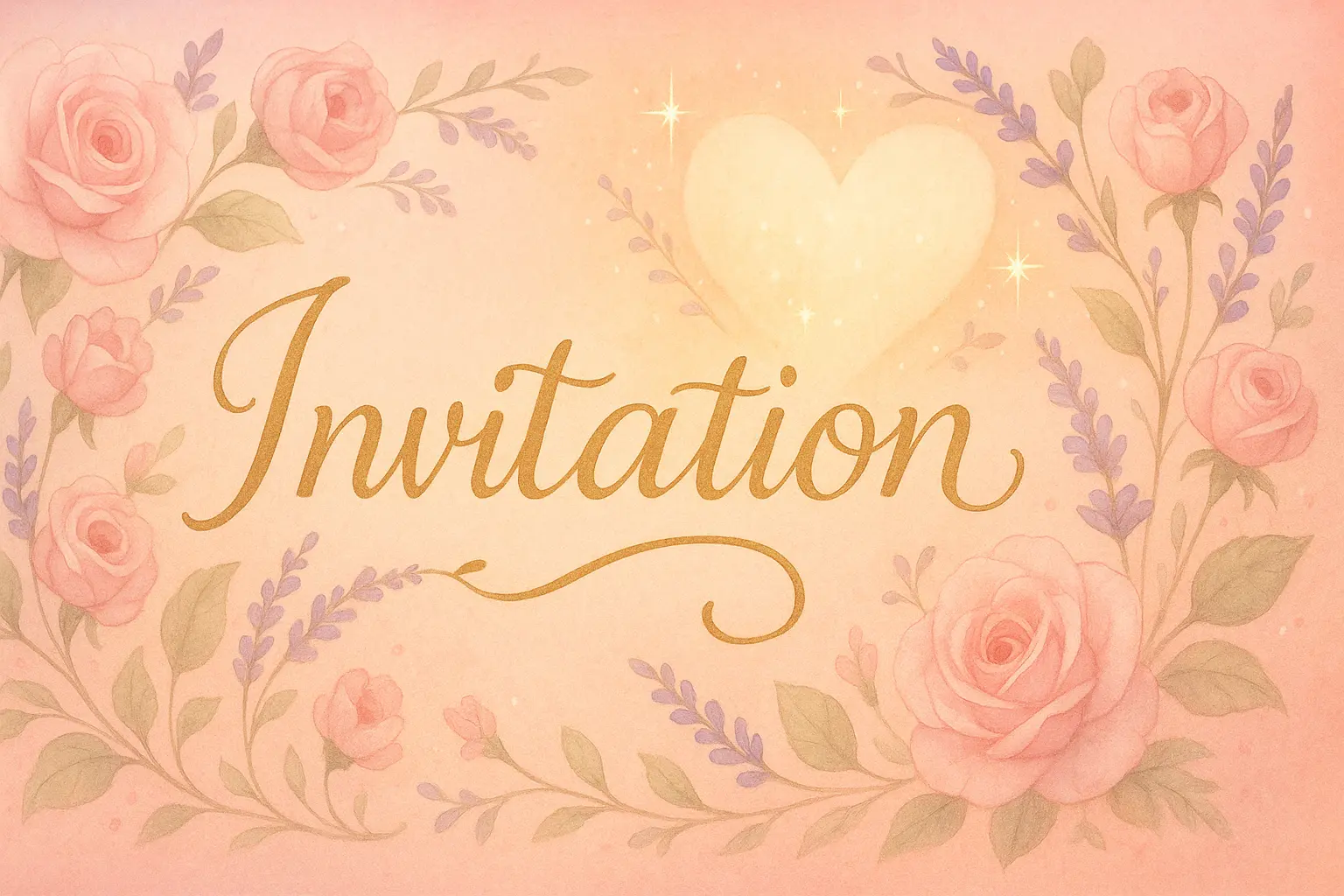
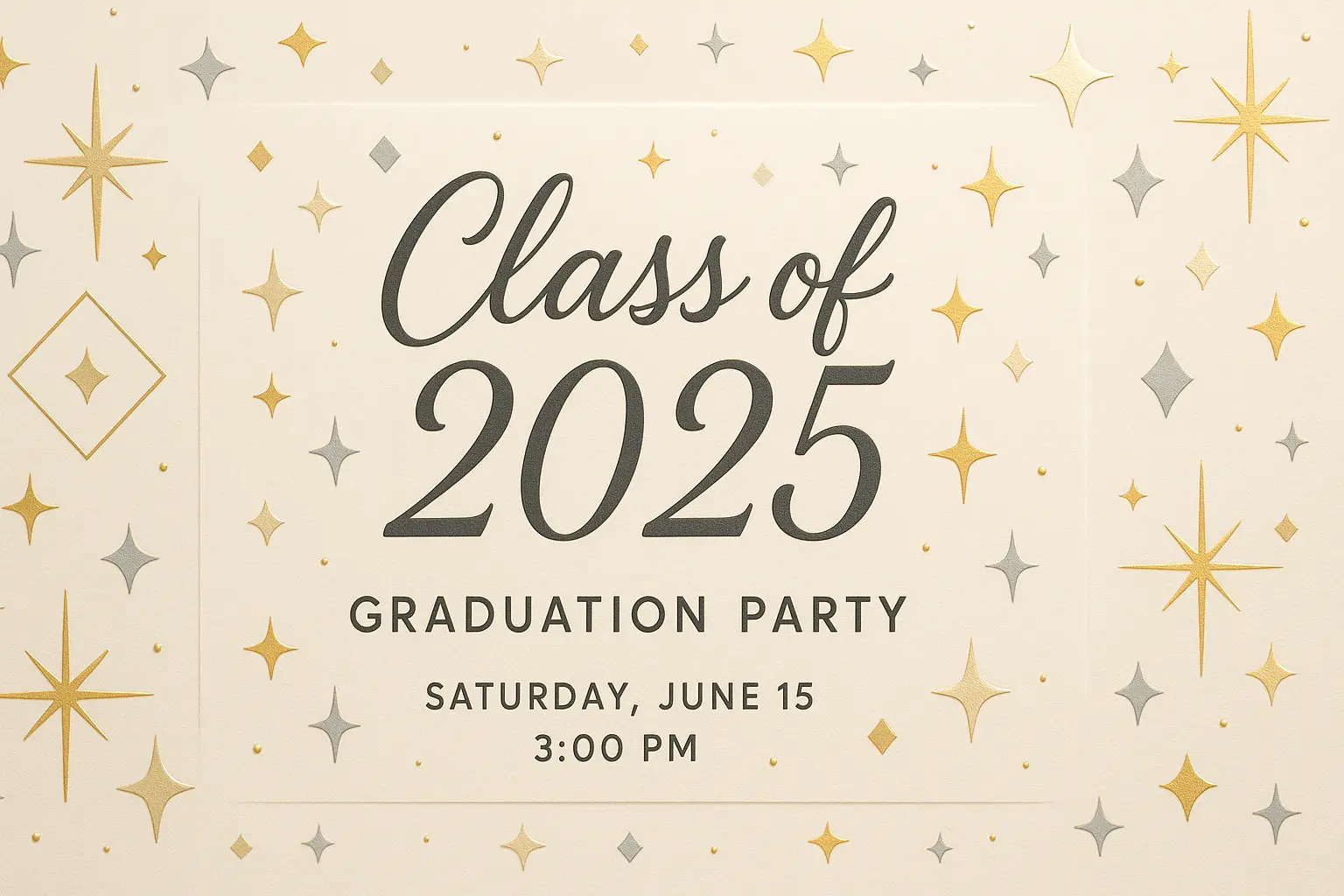
The invitation card maker is an AI-powered design tool that helps you generate elegant, ready-to-use visuals for any celebration. Whether you're crafting invites for a wedding, milestone birthday, or baby shower, this smart invitation card maker brings your ideas to life with speed, style, and personalized flair.
When your vision is vivid but your design skills stall, this invitation card maker opens a world of inspired possibilities. No need for fancy software or hours of tweaking—just words, and the magic begins. Your aesthetic meets AI intuition, and suddenly, you're not just planning a party... you're setting the tone for a memory.

Features of the Invitation Card Maker

Jumpstart Your Vision with AI Inspiration

You know the mood you want—romantic, whimsical, maybe even a bit cheeky—but getting started feels like staring at a blank page. The invitation card maker turns your ideas into AI-generated visuals in seconds, offering elegant styles and fresh layouts. This invitation card maker helps you go from concept to creation without the creative block.

Design Without Design Skills

Polished appearance matters, but not everyone has the time—or tools—to learn professional design software. The invitation card maker makes that irrelevant by bringing beautiful, camera-ready invitation cards to life through simple text or image prompts. This intuitive invitation card maker empowers anyone to be their own visual designer, no software, no stress.

Let Emotion Lead the Design

You want your invitation to speak from the heart—not feel like a copy-paste job. With the invitation card maker, you can create visuals that echo your tone, your vibe, your story. Whether it's playful or poetic, the invitation card maker channels your intent into visuals that feel personal, not pre-fab. Let the feelings drive the format.

Why Use an Invitation Card Maker

Express Your Vision

Bring your unique celebration to life with an invitation card maker that lets your personality shine through every font, color, and image—turning your ideas into a design that truly reflects who you are.

Save Time Creatively

Skip the stress of design logistics and focus on the fun—an invitation card maker gives you fast, imaginative options to craft something personal, even when time is short and memories are waiting.

Celebrate Every Detail

From whimsical birthdays to elegant weddings, an invitation card maker helps you highlight the heart of your event by customizing even the smallest elements, ensuring your invites feel meaningful and memorable.

Best Invitation Card Maker You Can Try

Free to use

Free to use

Unlock powerful art tools at zero cost, making it easy for anyone to create and innovate without barriers.

Fully Private

Fully Private

Your creations and data stay confidential, guaranteeing your artistic work remains safe and secure.

Easy to Start

Easy to Start

Built for ease of use, so you can jump in and thrive—no matter your skill level or experience.

How to Use the Invitation Card Maker

Step1

Open the generator

Click our invitation card tool. You don't need to download or install anything on your device.

Step2

Add prompt or image

Describe or upload the image your want to turn into invitation card artwork from your device or your Gallery.

Step3

Wait

The Image Generation process will start automatically. Simply wait a moment for your image to be generated or restyled.

Frequently Asked Questions

What is an AI invitation card maker and how does it work?

An AI invitation card maker is a tool that creates unique invitation visuals using text prompts or both text and image prompts. You simply describe the style or look you want, optionally upload up to three reference images, and the generator creates a design for you. No downloads, no design skills, and no setup needed—just fast, personalized results.

Is the invitation card maker free to use?

Yes, the invitation card maker offers 5 free generations per day with no login required. If you want to create more within the same day, you can upgrade your usage by adding credits. This way, everyone can try it out while keeping things simple and flexible.

Do I need to create an account to use the invitation card maker?

No, you don’t need an account to use the invitation card maker. It gives you 5 free generations daily without requiring a login. If you want more features or more generations, you can add credits without going through complicated setup steps.

Can I use the invitation card maker on my phone?

Yes, the invitation card maker works smoothly on mobile browsers, so you can create invitations directly from your phone or tablet. It's designed to be accessible online with no setup needed.

How can I get better results from the invitation card maker?

To get great results with the invitation card maker, focus on writing clear, specific prompts. You can also upload up to three reference images to guide the style. If you’re unsure what to write, check out the example generations and click 'Make it yours' to get started quickly with a successful prompt.

How is this invitation card maker different from other design tools?

Unlike traditional design tools where you start from scratch, this invitation card maker uses AI to generate custom visuals from your ideas. It's faster and easier—there are no design skills needed, just your words and optional images. It helps you go from inspiration to final card in a few simple steps.

Why should I use an AI invitation card maker instead of designing manually?

Using an AI invitation card maker saves time and simplifies the creative process. Instead of fiddling with layers or layouts, the generator turns your ideas into visuals instantly. Whether you're planning a birthday or wedding, it helps you produce artistic, personal cards without spending hours designing them yourself.

Can I give feedback on the invitation card maker or report a problem?

Yes, you're encouraged to share feedback or report any issues with the invitation card maker. Just send a message to hi@runcomfy.com. Your input helps improve the experience and maintain a high-quality AI design service for everyone.

What can I prompt the invitation card maker with?

The invitation card maker works with text prompts that describe your desired style, mood, or event type—like 'romantic garden wedding invite' or 'modern birthday party card in pastel.' You can also upload up to three images to help guide the output. The system handles the rest and brings your concept to life.

What if I’m not an artist—can I still use the invitation card maker?

Absolutely! The invitation card maker is built for everyone, not just designers. All you need is an idea, and the generator handles the visual creation. Even if your prompt is simple or quirky, the AI works with it and gives you something beautiful and fun to share.

Follow us
  • LinkedIn
  • Facebook
  • Instagram
  • Twitter
Support
  • Discord
  • Email
  • System Status
  • Affiliate
Video Models
  • Elevenlabs Music
  • Wan 2.6 Flash
  • Seedance 1.0 Pro Fast
  • Hailuo 2.3 Fast Standard
  • Wan 2.6
  • Seedance 2.0 Pro
  • View All Models →
Image Models
  • Seedream 4.5
  • Nano Banana Pro
  • Nano Banana 2 Edit
  • Flux 2 Dev
  • Flux 2 Flash Edit
  • GPT Image 2 Image Edit
  • View All Models →
Legal
  • Terms of Service
  • Privacy Policy
  • Cookie Policy
RunComfy
Copyright 2026 RunComfy. All Rights Reserved.

RunComfy is the premier ComfyUI platform, offering ComfyUI online environment and services, along with ComfyUI workflows featuring stunning visuals. RunComfy also provides AI Models, enabling artists to harness the latest AI tools to create incredible art.
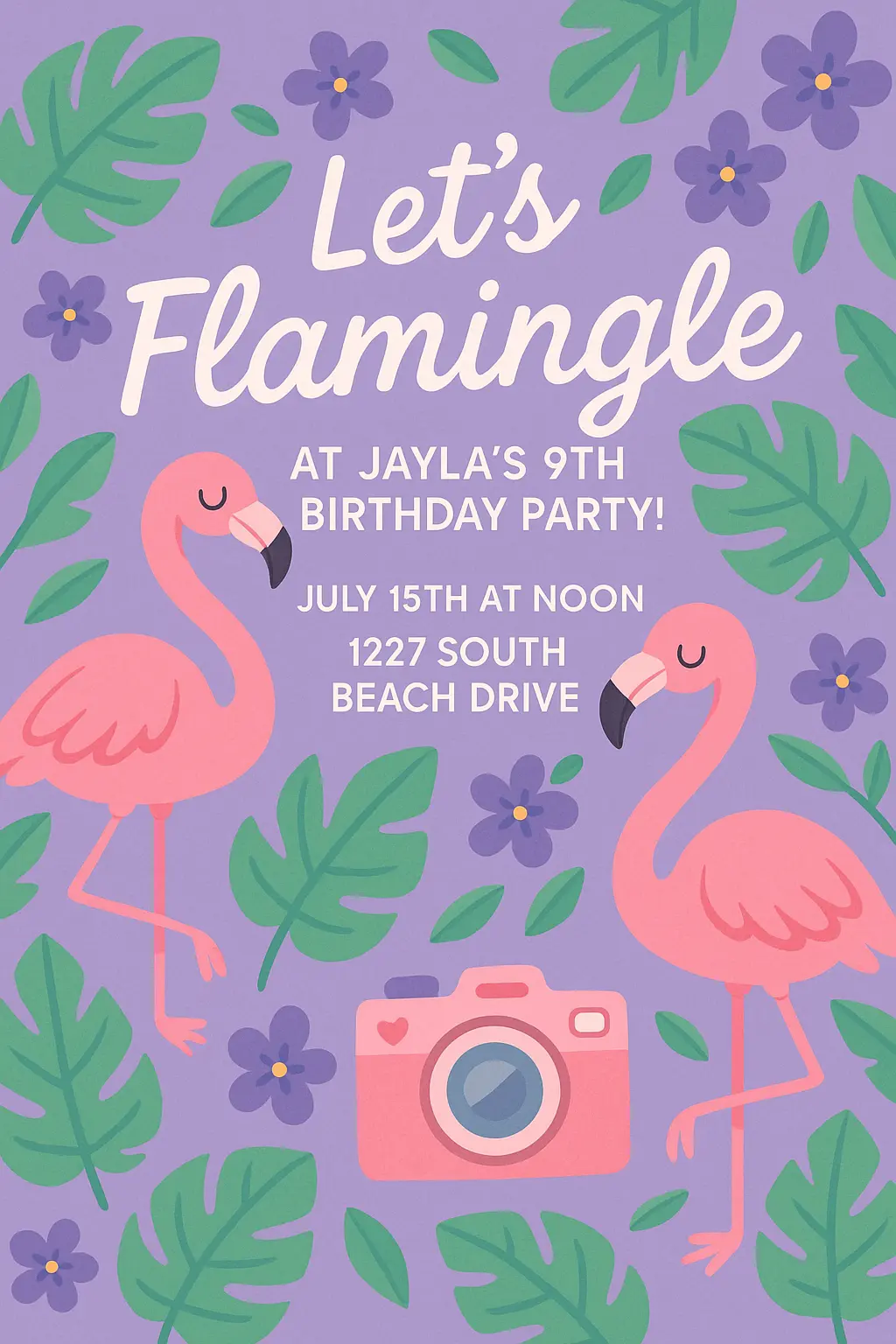
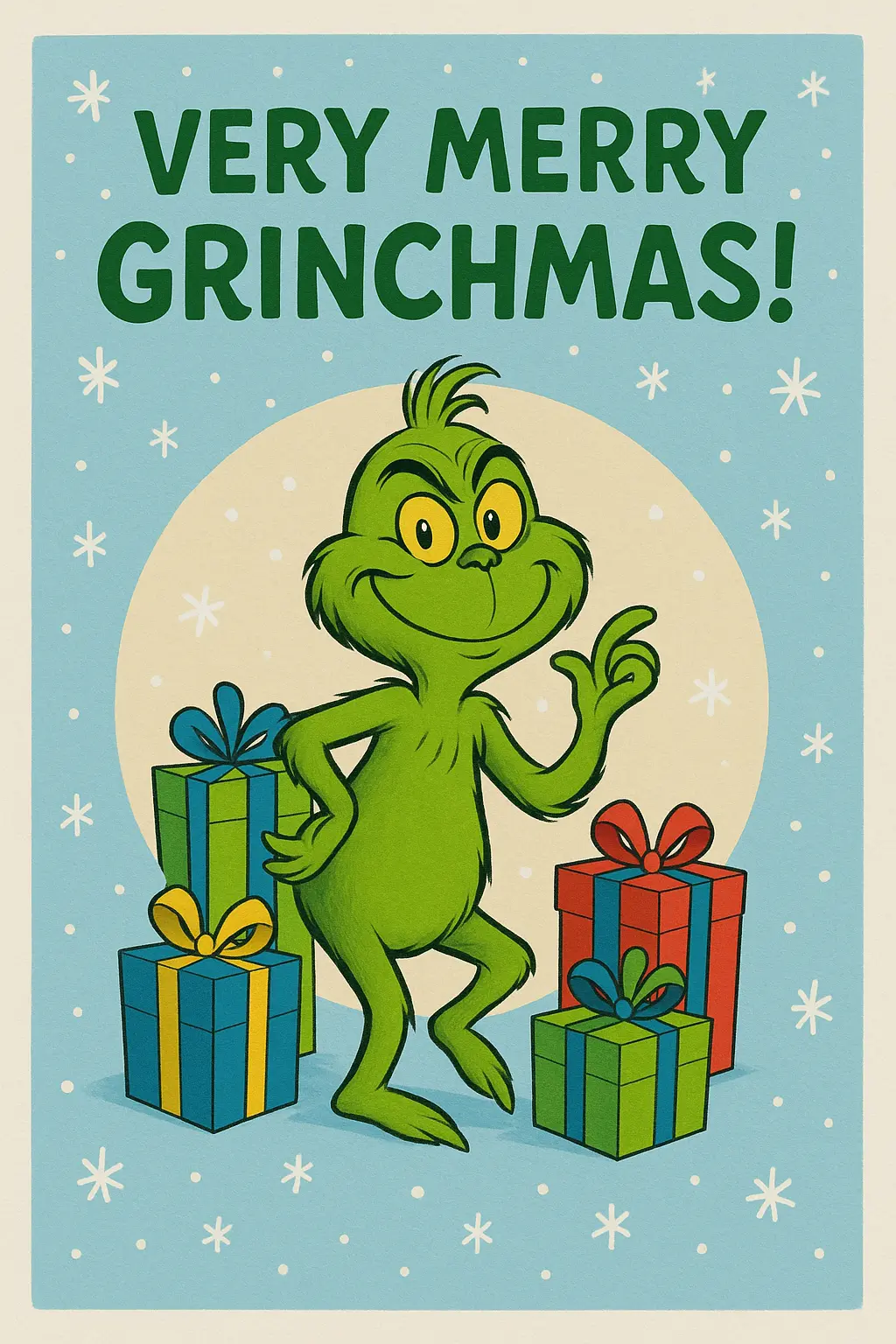
Explore Designs Made With Invitation Card Maker