logo
RunComfy
  • ComfyUI
  • TrainerNew
  • Models
  • API
  • Pricing
discord logo
MODELS
Explore
All Models
LIBRARY
Generations
MODEL APIS
API Docs
API Keys
ACCOUNT
Usage

seedream-4-0/edit

image-to-image

Edit and fuse images into high quality results with Seedream 4.0.

nano-banana/pro/edit

image-to-image

Turn sketches into precise 2K-4K visuals with smart correction and seamless creative control.

wan-2-6/flash/image-to-video

image-to-video

Craft lifelike video scenes from stills with motion, dialogue sync, and flexible creative control.

flux-2/flash/edit

image-to-image

Accelerate visual editing with dynamic precision and open-weight adaptability for brand-consistent designs.

flux-2/dev/text-to-image

text-to-image

[100% FREE NOW] Generate it free in both Playground + API access. Limited time only! Flux 2 dev is an open-weight model for precise visual creation, color control, and consistent style rendering.

seedance-v1.5-pro/image-to-video

image-to-video

Transform still visuals into cinematic motion clips with smooth, realistic transitions and creative flexibility.

seedream-4-0/text-to-image

text-to-image

Generate sharp 4K visuals with flexible multi-input and fusion tools

nano-banana/pro/text-to-image

text-to-image

Generate detailed multilingual visuals with 4K clarity and creative control.

qwen-image-edit-2511/lora

image-to-image

LoRA-based visual editing model offering structure-aware asset transformation for creative pros

seedance-1-0/pro/image-to-video

image-to-video

Create fluid, expressive animations with multi-shot storytelling features.

seedream-4-5/text-to-image

text-to-image

Generate refined visuals with accurate lighting and text control for design work.

wan-2-2/lora/image-to-video

image-to-video

Transform stills into cinematic motion with open-source precision tools.

seedream-4-0/edit-sequential

image-to-image

Create cohesive visual sequences with precise style and continuity control.

seedream-4-5/edit-sequential

image-to-image

Create consistent visual stories with advanced image editing and multi-scene control.

hailuo-02/image-to-video

image-to-video

Produces crisp 1080p AI videos with smart motion logic and speed

wan-2-2/image-to-video

image-to-video

Refined AI visuals, real-time control, and pro FX for creators

gemini-3-pro-image-preview/edit

image-to-image

Generate studio-grade visuals with 4K clarity, creative control, and smart adaptive lighting

seedance-1-0/pro/fast/image-to-video

image-to-video

Create lifelike video motion fast with Seedance Pro for design pros

ltx-2/fast/image-to-video

image-to-video

Transform visuals into smooth 4K motion clips with sync audio and rapid rendering.

kling-2-6/pro/image-to-video

image-to-video

Turns static visuals into cinematic motion with synced audio and natural camera flow

AI Book Cover Maker

Custom covers with mood, style, and story-aligned visuals fast

100% FreeFully PrivacyNo Login RequiredEasy To Start
Image Prompts 0/3
🎉5 FREE IMAGES LEFT TODAY
Sample PromptsPrompt Template
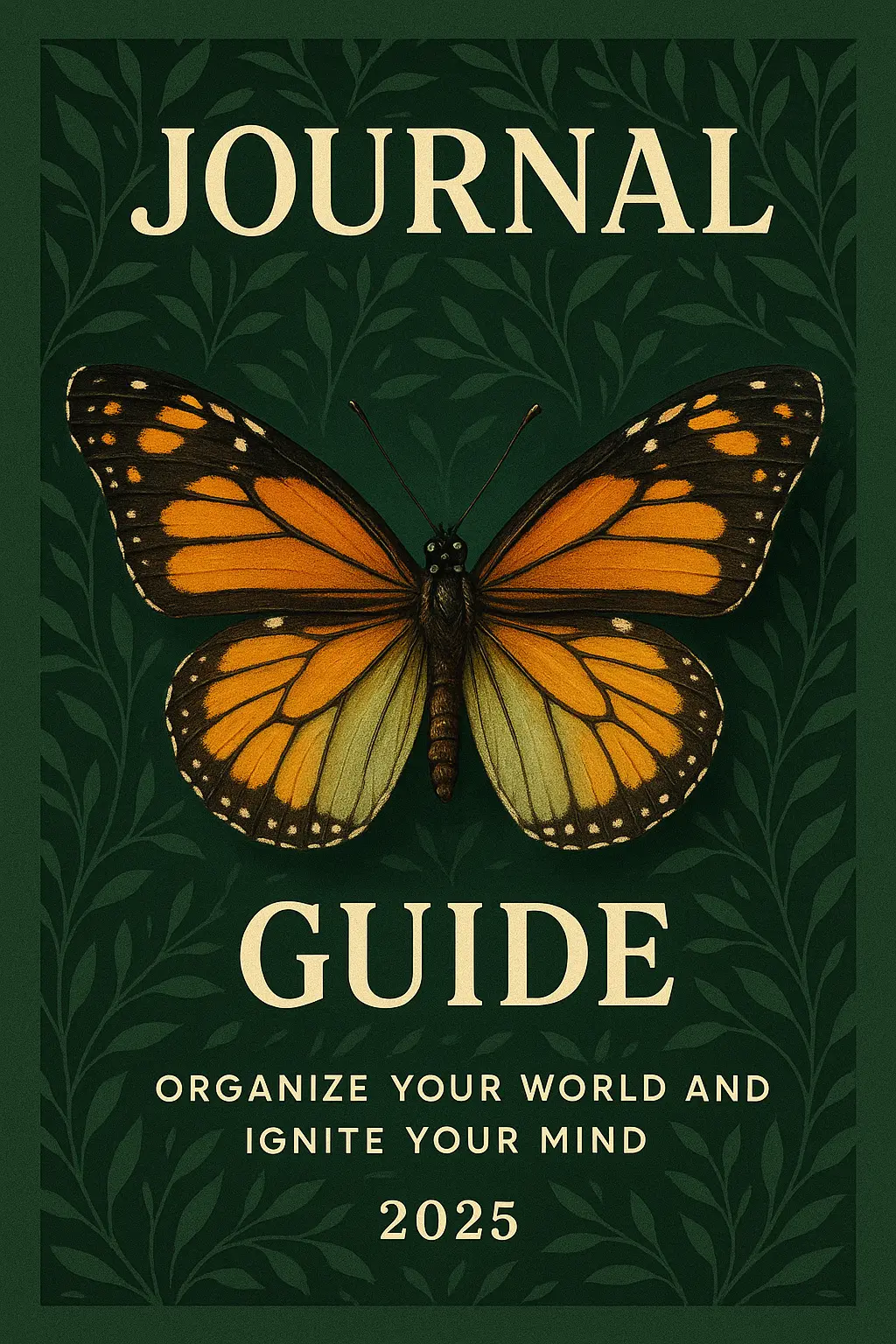
Create a visually striking 2:3 aspect-ratio book cover design featuring a detailed butterfly with vibrant orange-and-black upper wings and muted green-veined lower wings, centered precisely between the top and middle sections of the layout. Set against a rich forest green background adorned with a seamless pattern of dark leafy vines in a stylized, botanical illustration style. Convey an elegant and inspiring atmosphere with a harmonious color palette of deep green, cream, gold, and vivid butterfly tones that highlight the central insect. Place a clear focal point on the butterfly, with soft, natural lighting casting gentle shadows to emphasize its form and texture. Integrate bold, serif-style typography for the title and subtitle: replace the top word with 'JOURNAL' and the bottom word with 'GUIDE' using a large, cream-colored font centered horizontally; maintain their original size and placement proportions. Below, in smaller all-caps sans-serif font, insert the phrase 'ORGANIZE YOUR WORLD AND IGNITE YOUR MIND' in the same pale cream tone, followed by the year '2025' centered at the bottom. Add subtle paper grain texture and a hint of drop shadow behind the butterfly for depth. The cover should hint at themes of transformation, growth, and clarity. Generate a clean, flat design without mockup elements.
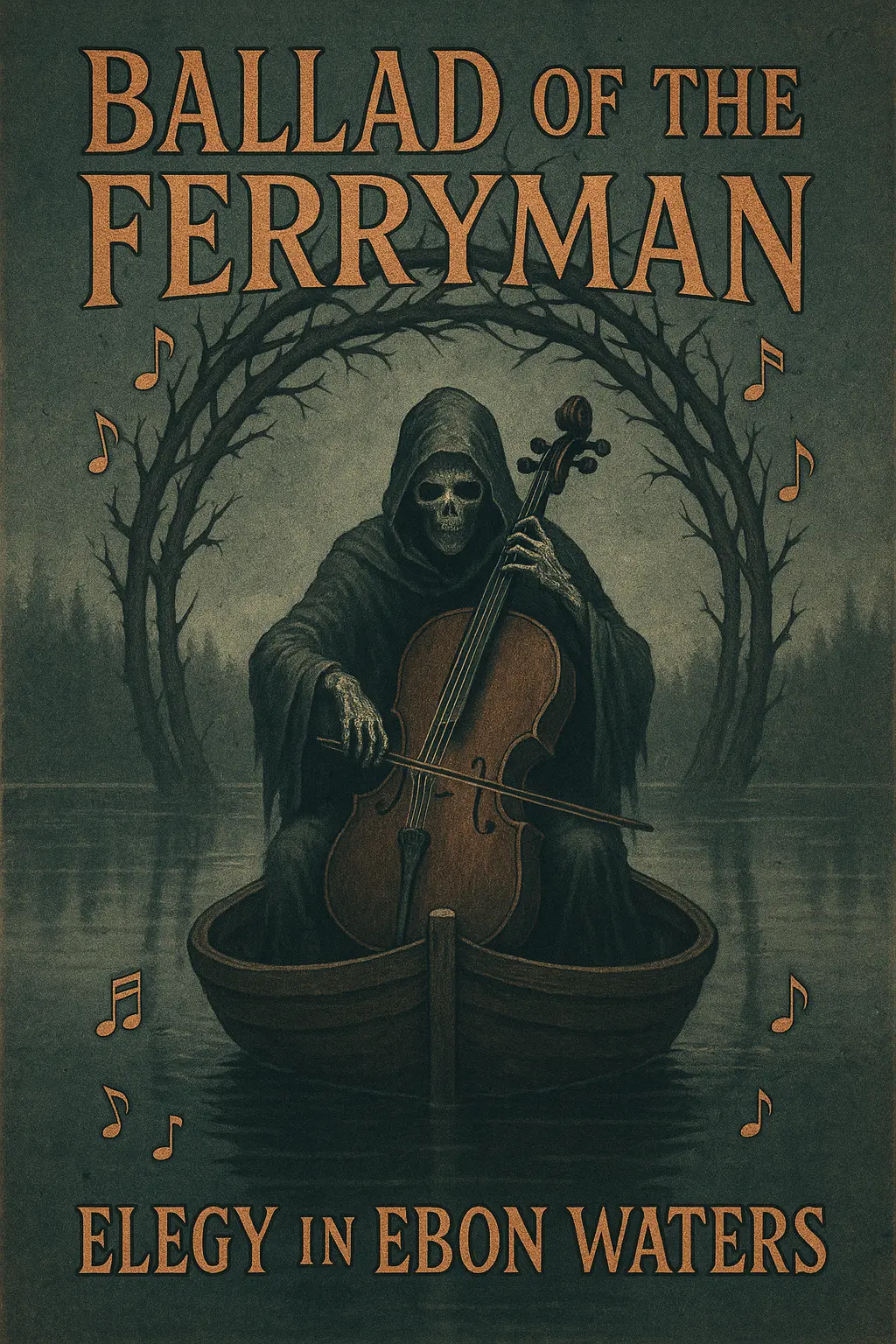
Create a visually striking 2:3 aspect-ratio book cover design featuring a hooded skeletal figure playing a cello, seated at the center of a small wooden boat drifting on a still, reflective lake. The boat is enclosed in a circular arch made of interwoven, thorny tree branches, set against a misty, overcast forest shoreline. Render the scene in a dark fantasy illustration style. Convey a grim, haunting atmosphere with a desaturated, monochromatic color palette dominated by grays, browns, and muted blues. Place a clear focal point on the skeletal figure and cello using soft, directional lighting from above and behind to cast gentle highlights and shadows, enhancing contrast and form. Integrate bold, gothic-style text with a bronze metallic effect; position the title 'Ballad of the Ferryman' prominently across the top in an arched layout, and the subtitle 'Elegy in Ebon Waters' along the bottom, both surrounded by stylized musical notes that spiral and float outward. Optionally add subtle grain texture to simulate worn parchment and introduce a faint glow around the cello to enhance its spectral presence. The cover should hint at a somber journey guided by music and mortality. Generate a clean, flat design without mockup elements.
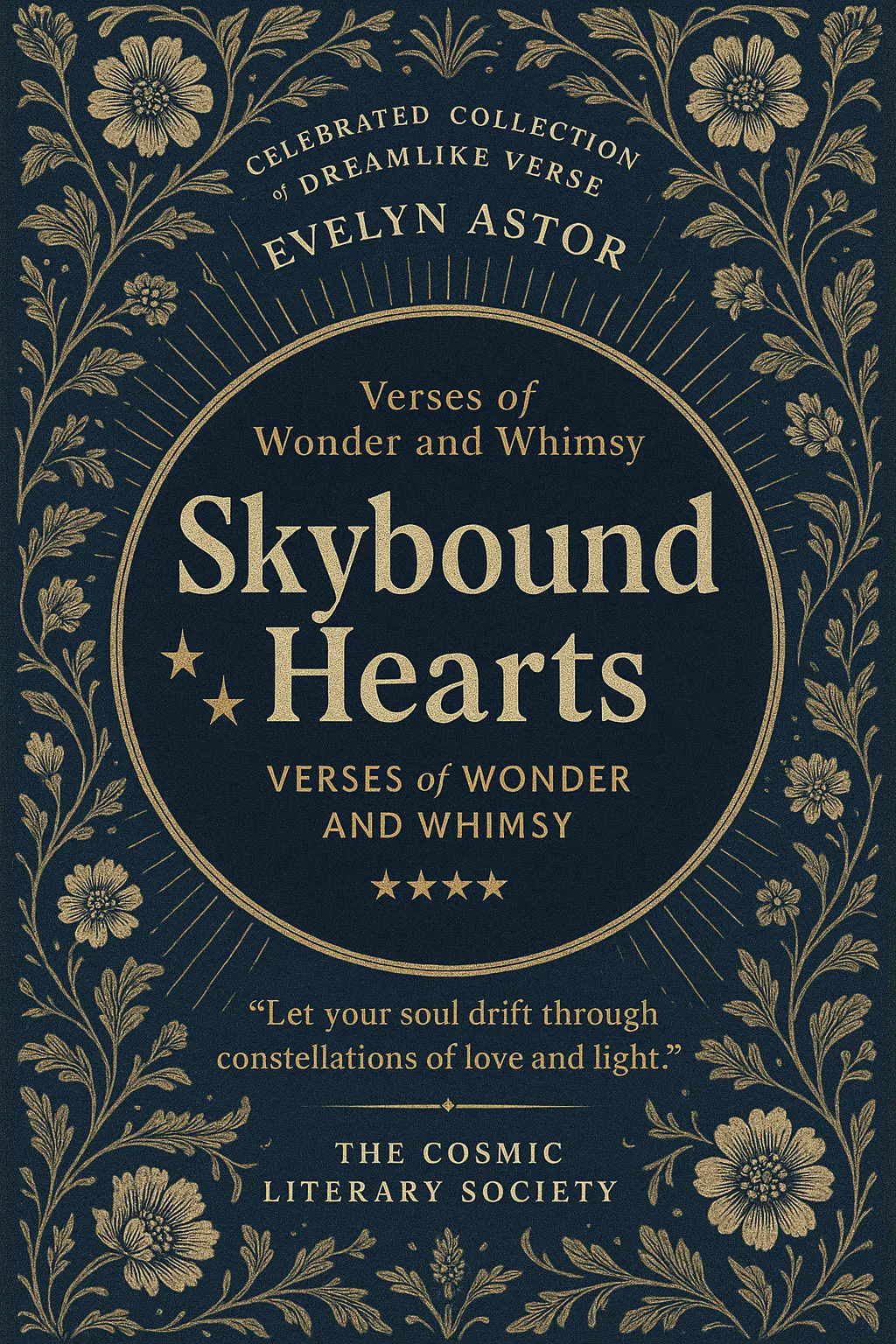
Create a visually striking 2:3 aspect-ratio book cover design featuring a celestial-themed poetry collection set against a deep navy blue background filled with ornate floral patterns and radial golden sunburst lines in a vintage engraving style. Convey a magical and romantic atmosphere with a harmonious palette of dark blue, cream, and gold that highlights the central circular title frame. Place a bold central focal point: a dark indigo circle occupying the middle third of the cover, containing the title 'Skybound Hearts' in large, textured, serif font and the subtitle 'Verses of Wonder and Whimsy' in smaller, gold sans-serif text below. Position three golden stars of varying sizes to the left of the title for accent. Above the title, in small uppercase serif font, place the phrase 'Celebrated Collection of Dreamlike Verse' and the author name 'EVELYN ASTOR' in white, aligned to the top center and arched subtly over the circle. Below the circle, include a centered four-star review graphic and a gold quote reading 'Let your soul drift through constellations of love and light.' Add a small footer line 'THE COSMIC LITERARY SOCIETY' in uppercase white text. Integrate subtle canvas texture throughout the design, with a soft inner shadow on the circle for depth. The cover should hint at introspective journeys and emotional stargazing. Generate a clean, flat design without mockup elements.
Generation History
Idle

Introduction to AI Book Cover Maker

The AI-powered book cover maker helps authors, publishers, and storytellers visually bring their books to life through beautifully rendered, customizable covers. Whether you're launching your first indie novel or rebranding a self-help guide, this intuitive generator produces on-theme, idea-ready assets in minutes—no design experience needed.

A well-told story deserves a cover that speaks its language. This book cover maker lets you explore your book's identity through color, style, and suggestion—quickly, affordably, and with a spark of surprise. From dark academia to techno-fantasy, it captures a mood before your reader even opens the first page.

Features of AI Book Cover Maker

Visualize Your Story in One Prompt

Not every writer is also a designer—but every book deserves a thoughtful first impression. With this AI book cover maker, you can describe your plot, tone, or visual vibe in just a sentence and receive cover concepts that fit. This book cover maker transforms tricky ideas into bold visual storytelling without hours of design tinkering.

Rapid Drafting with Creative Flexibility

You're juggling chapters, edits, maybe even your day job—you need cover drafts that keep up. This book cover maker creates multiple variations from each prompt, helping you experiment with flair and confidence. Whether you're testing titles or tweaking genre hints, the book cover maker keeps your momentum flowing fast.

Designs That Respect Genre Conventions

A good sci-fi cover whispers future tech, just as cozy romance glows with charm. This AI-generated book cover maker understands visual tropes and aligns your cover with reader expectations. The book cover maker nails the unwritten rules—so your book walks onto digital shelves looking like it belongs.

Why Use This AI Book Cover Maker

Express Your Story

Bring your unique narrative into visual form by using a book cover maker that aligns perfectly with your voice, letting readers sense your story before reading a single word.

Fuel Creative Freedom

Whether you're an indie author or a passionate storyteller, a book cover maker gives you the freedom to explore styles, colors, and themes that reflect your creative vision without limitation.

Save Time, Stay Inspired

When deadlines are tight but your imagination is thriving, a book cover maker helps you create polished, publication-ready covers quickly, so you can focus on writing your next great chapter.

The Best Book Cover Maker Online

Free to use

Free to use

Unlock powerful art tools at zero cost, making it easy for anyone to create and innovate without barriers.

Fully Private

Fully Private

Your creations and data stay confidential, guaranteeing your artistic work remains safe and secure.

Easy to Start

Easy to Start

Built for ease of use, so you can jump in and thrive—no matter your skill level or experience.

How to Use AI Book Cover Maker

Step1

Open the generator

Click our book cover tool. You don't need to download or install anything on your device.

Step2

Add prompt or image

Describe or upload the image your want to turn into book cover artwork from your device or your Gallery.

Step3

Wait

The Image Generation process will start automatically. Simply wait a moment for your image to be generated or restyled.

Frequently Asked Questions

What is this book cover maker and how does it work?

This book cover maker lets you create visuals by using a short text description or by combining that with an image upload. Just visit the site, describe your idea or upload up to 3 reference images, and the generator will create a unique design based on your input. There's no setup needed, and image generation begins instantly after you enter a prompt.

Is the book cover maker free to use?

Yes, every user gets 5 free generations per day using the book cover maker, without needing to create an account. If you want more, you can sign in and purchase additional credits to unlock extra generations.

Do I need to sign up to use the book cover maker?

No, you can use the book cover maker immediately without signing up. Everyone receives 5 free generations daily. If you'd like to increase your usage, you'll need to sign in and add credits.

Can I use the book cover maker from my phone or tablet?

Yes, the book cover maker works smoothly on phones and tablets. There's no installation required—just open the site in your mobile browser and start creating.

How should I write a good prompt for the book cover maker?

Strong prompts help the book cover maker generate designs closely aligned with your vision. Be clear and descriptive—mention the genre, tone, colors, or imagery you want. You can also check out ready-made example prompts on the site and hit 'Make it yours' to spin them into your own creation.

What makes this book cover maker different from other AI design tools?

Unlike many tools, this book cover maker is free to try instantly—no setup, no sign-in required. It blends text and optional image prompts so you can guide the style your way. Plus, curated prompt ideas make it easier to get started even if you're new to AI design.

Why should I use this book cover maker instead of designing manually?

The book cover maker speeds up the creative process by generating polished visuals from simple ideas. If you're short on time, don't have design skills, or just need inspiration, it offers quick results without needing to learn complex tools.

Can I upload images to influence the book cover maker results?

Yes, the book cover maker accepts up to 3 image uploads per generation. These are used as visual references to guide the AI’s output, especially helpful if you have a specific style or vibe in mind.

What if I’m not happy with the results from the book cover maker?

If the output isn’t quite right, try adjusting your prompt or reference images. You can experiment freely with your daily generations. We also welcome feedback—just email hi@runcomfy.com to share what’s working or what’s not.

I’m not a designer—can I still use the book cover maker effectively?

Absolutely. The book cover maker was designed for everyone, not just pros. You just describe your idea and it handles the rest. Even if you’re not sure what to write, the site offers example prompts to jump-start your creativity.

Follow us
  • LinkedIn
  • Facebook
  • Instagram
  • Twitter
Support
  • Discord
  • Email
  • System Status
  • Affiliate
Video Models
  • Wan 2.6 Flash
  • Seedance 1.5 Pro
  • Wan 2.6
  • Seedance 1.0
  • Sync Lipsync
  • WAN 2.2 LoRA
  • View All Models →
Image Models
  • Wan 2.6 Image to Image
  • Nano Banana Pro
  • Flux 2 Flash Edit
  • Flux 2 Dev
  • seedream 4.0
  • Qwen Image Edit 2511 LoRA
  • View All Models →
Legal
  • Terms of Service
  • Privacy Policy
  • Cookie Policy
RunComfy
Copyright 2026 RunComfy. All Rights Reserved.

RunComfy is the premier ComfyUI platform, offering ComfyUI online environment and services, along with ComfyUI workflows featuring stunning visuals. RunComfy also provides AI Models, enabling artists to harness the latest AI tools to create incredible art.
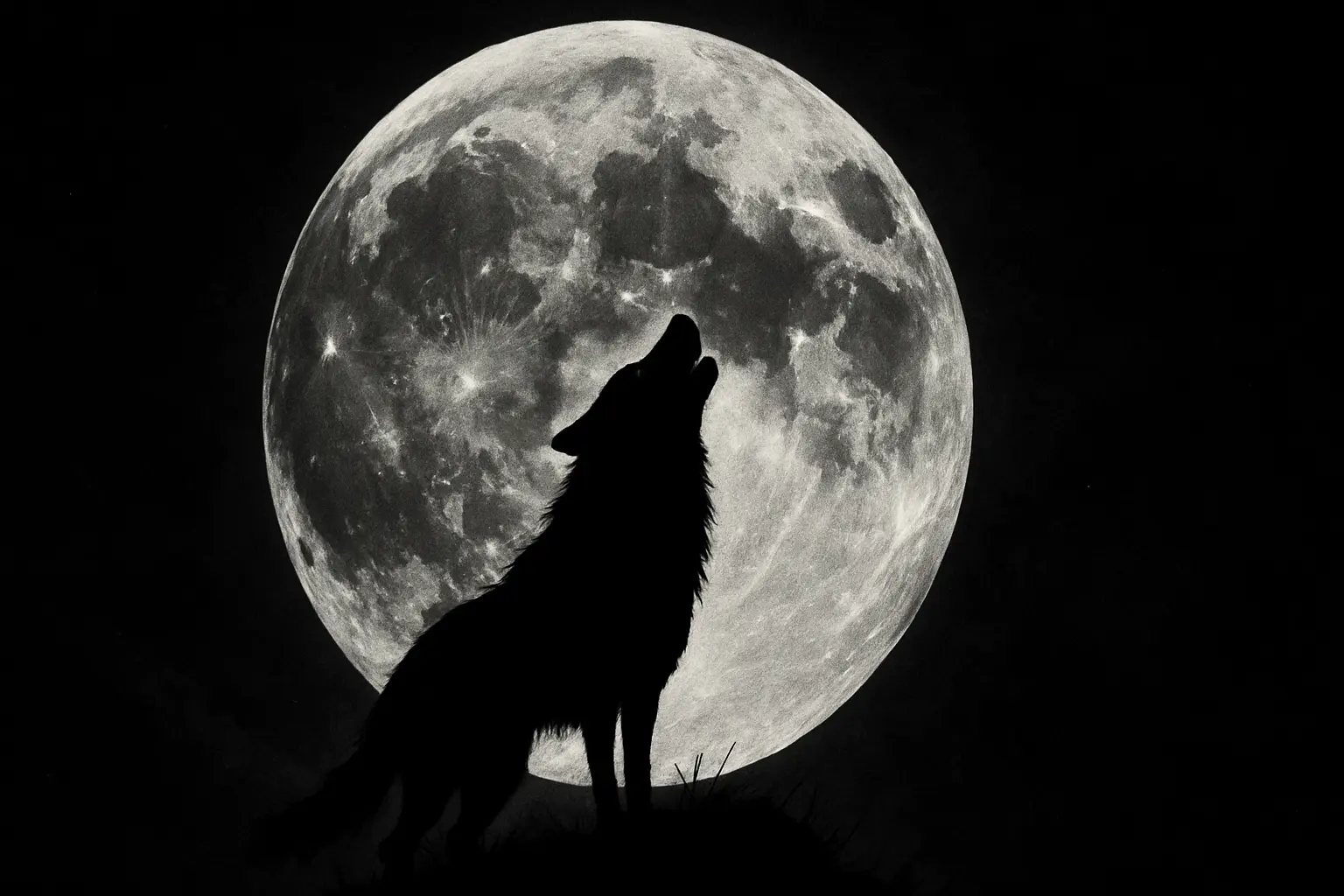
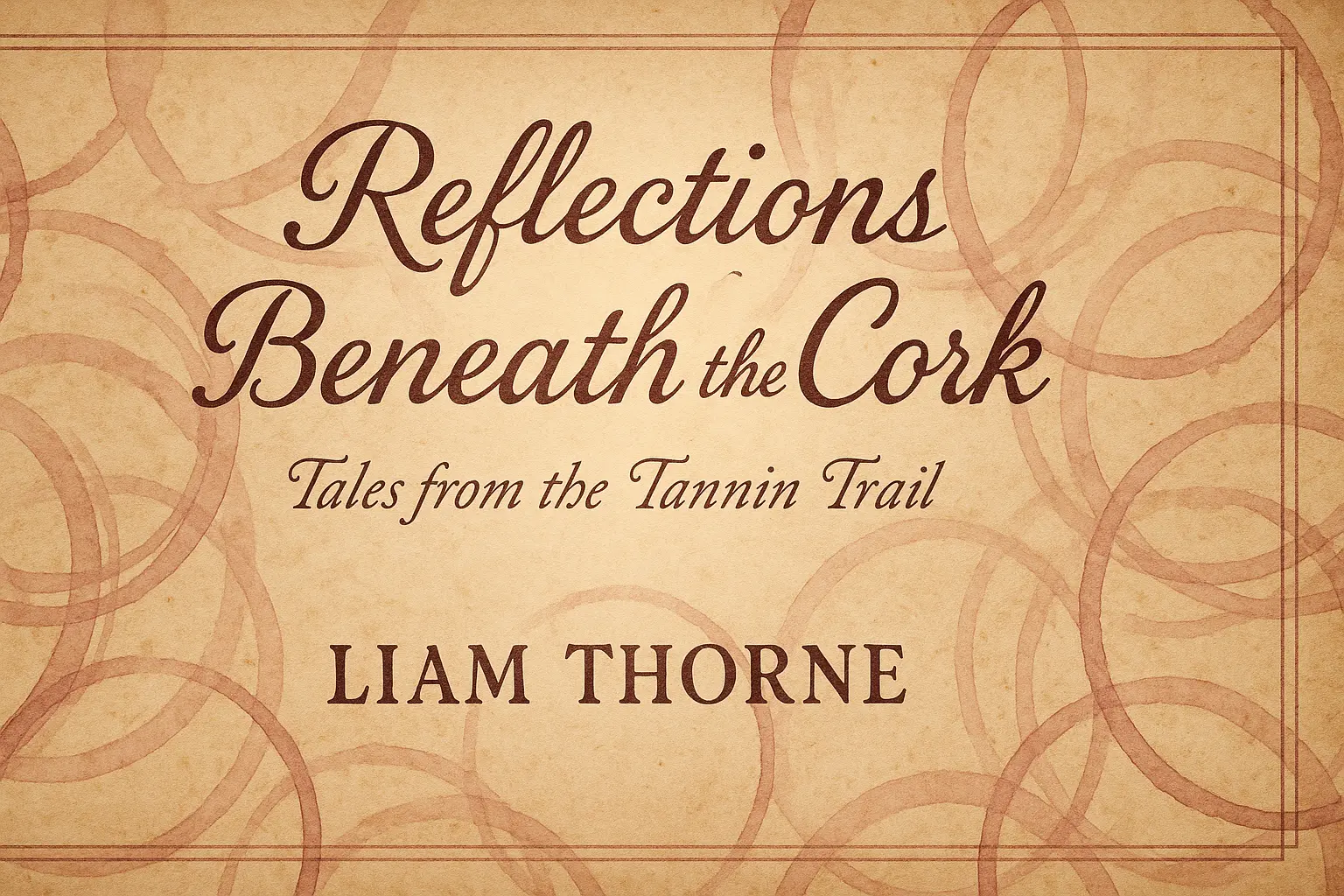
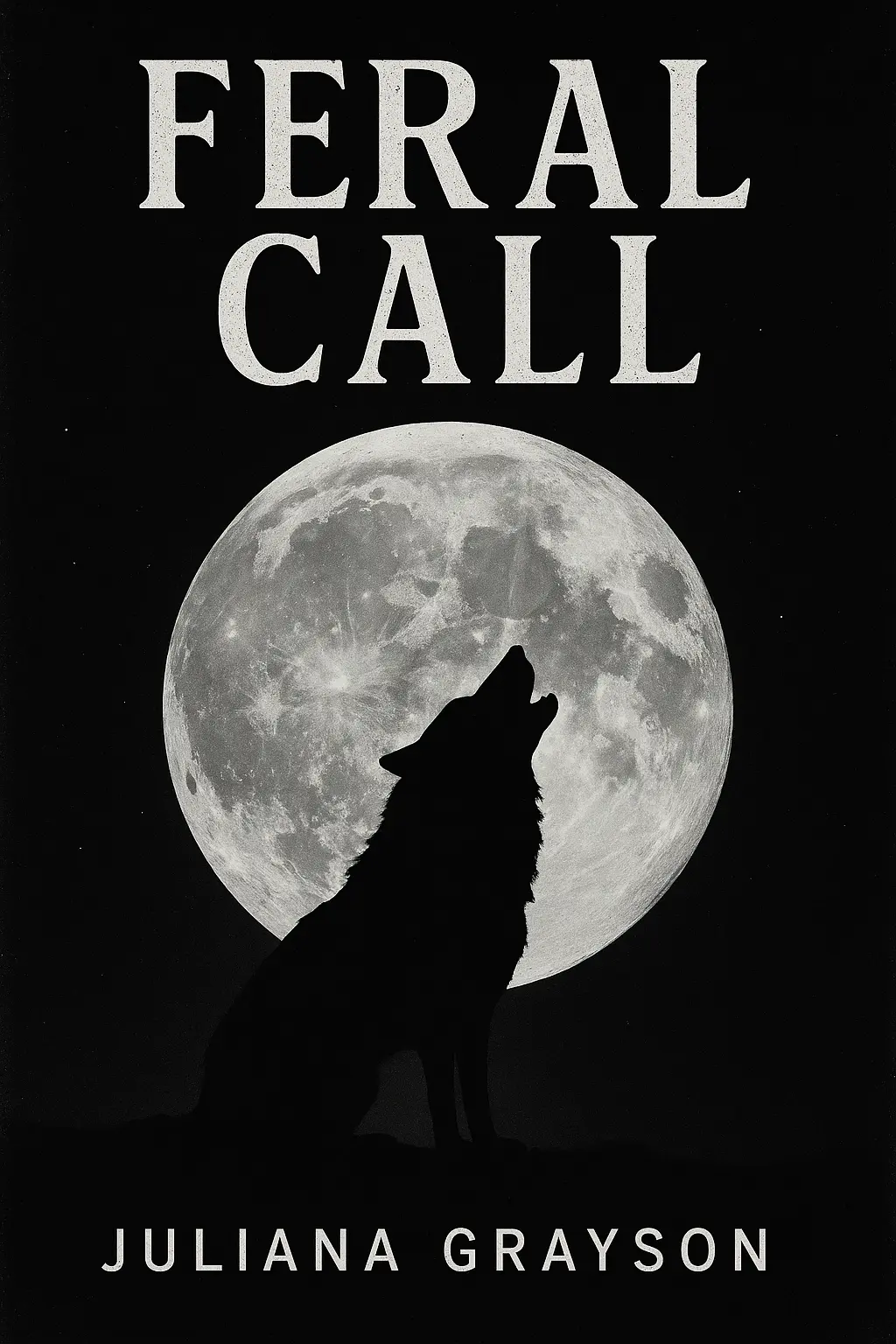
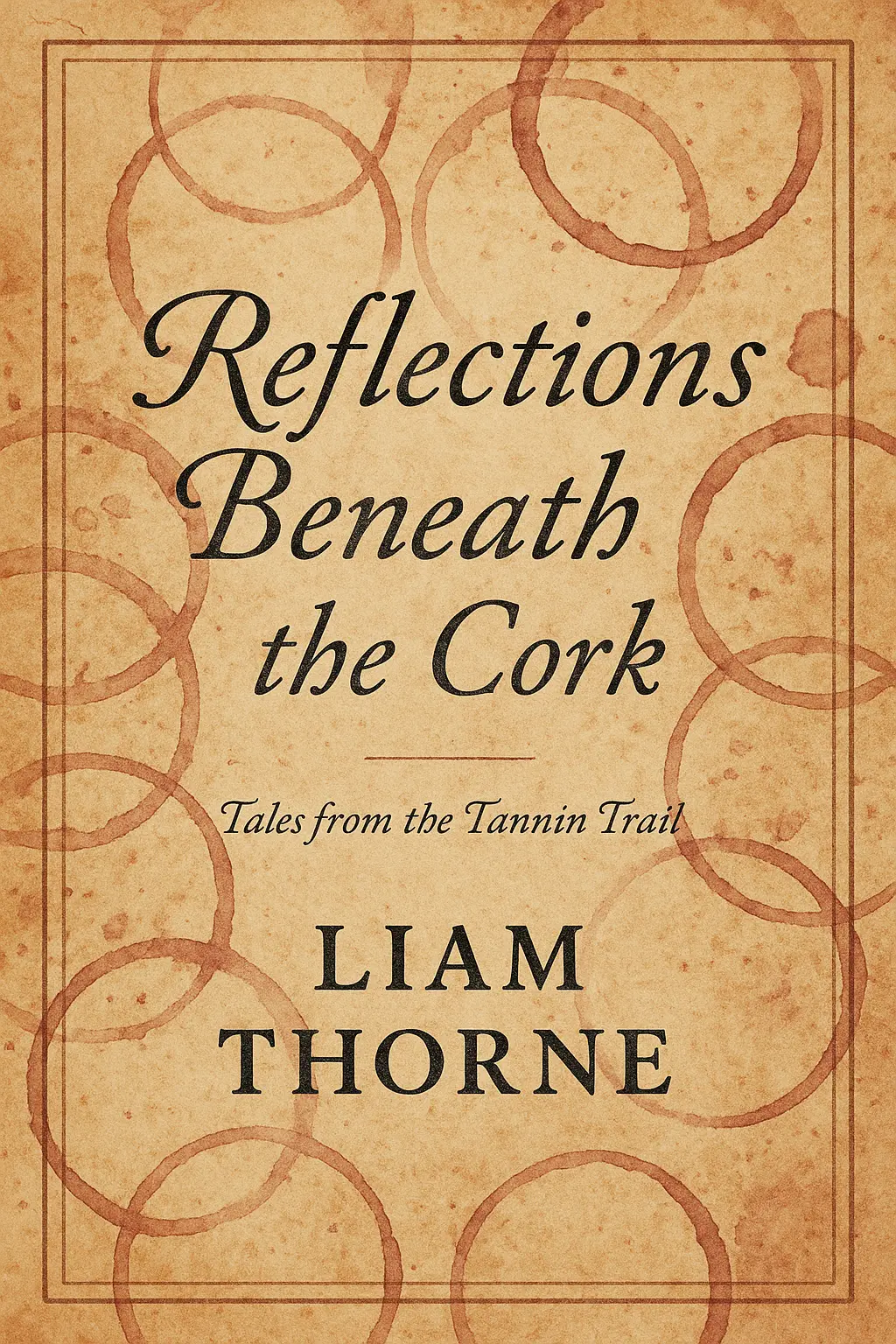
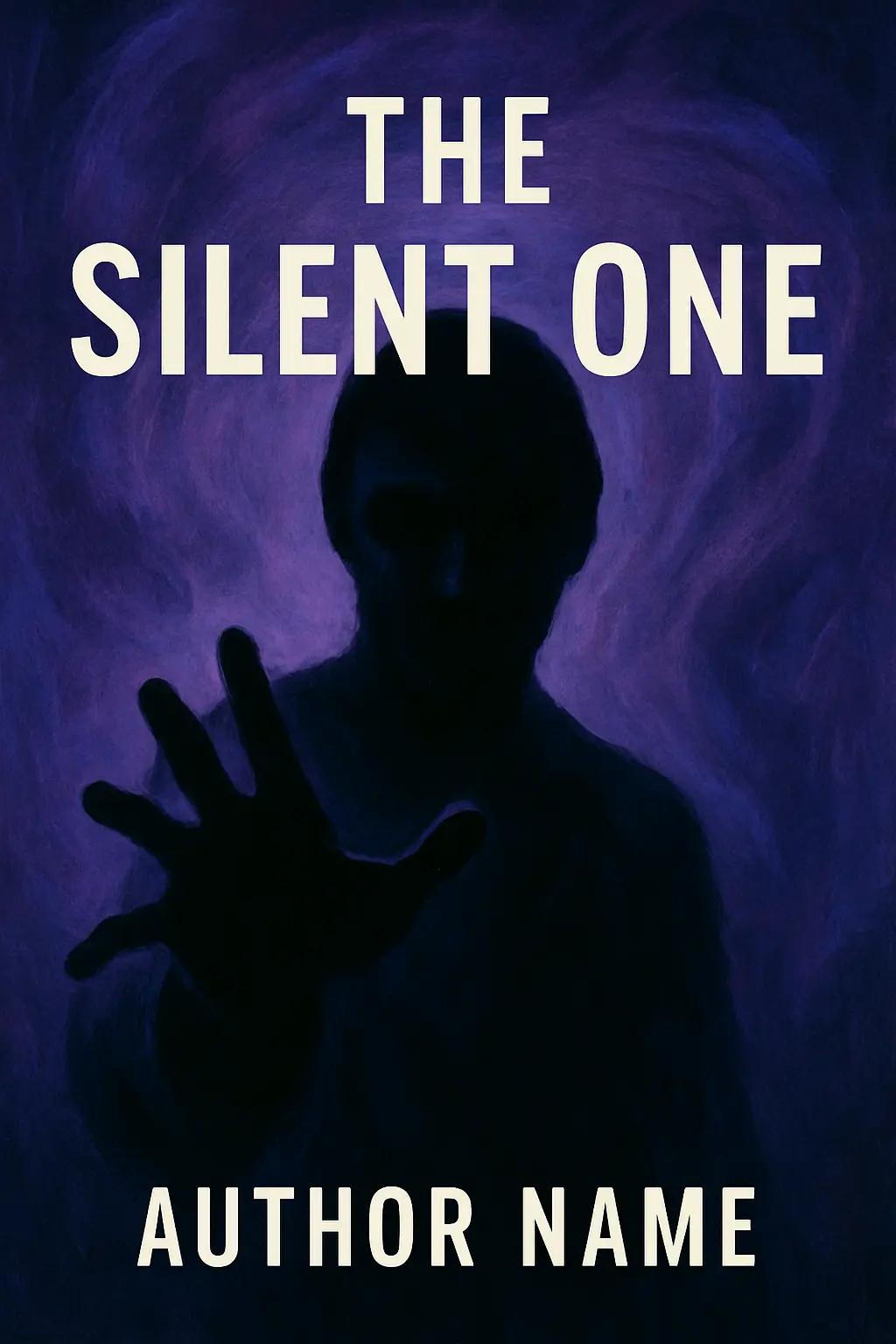
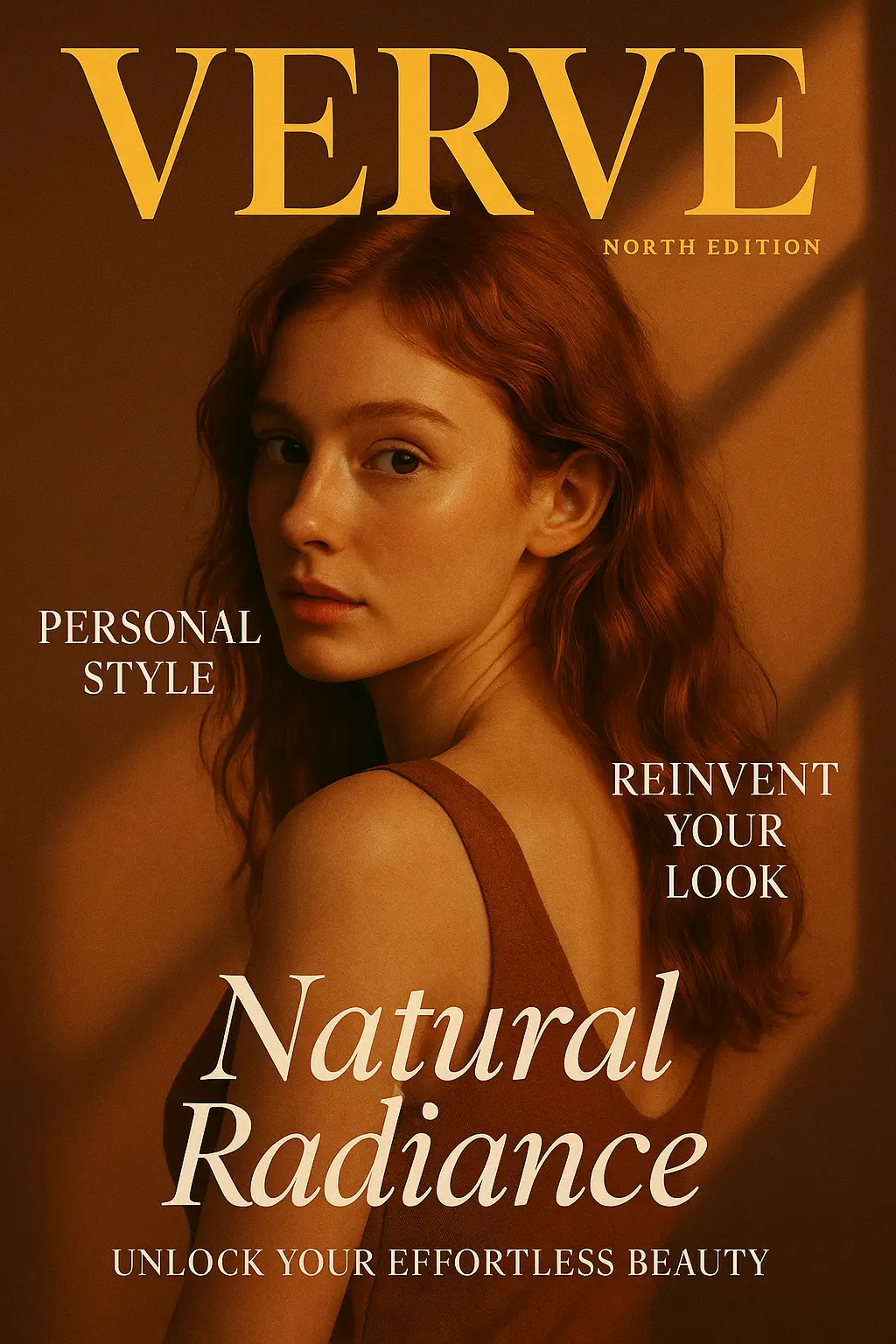
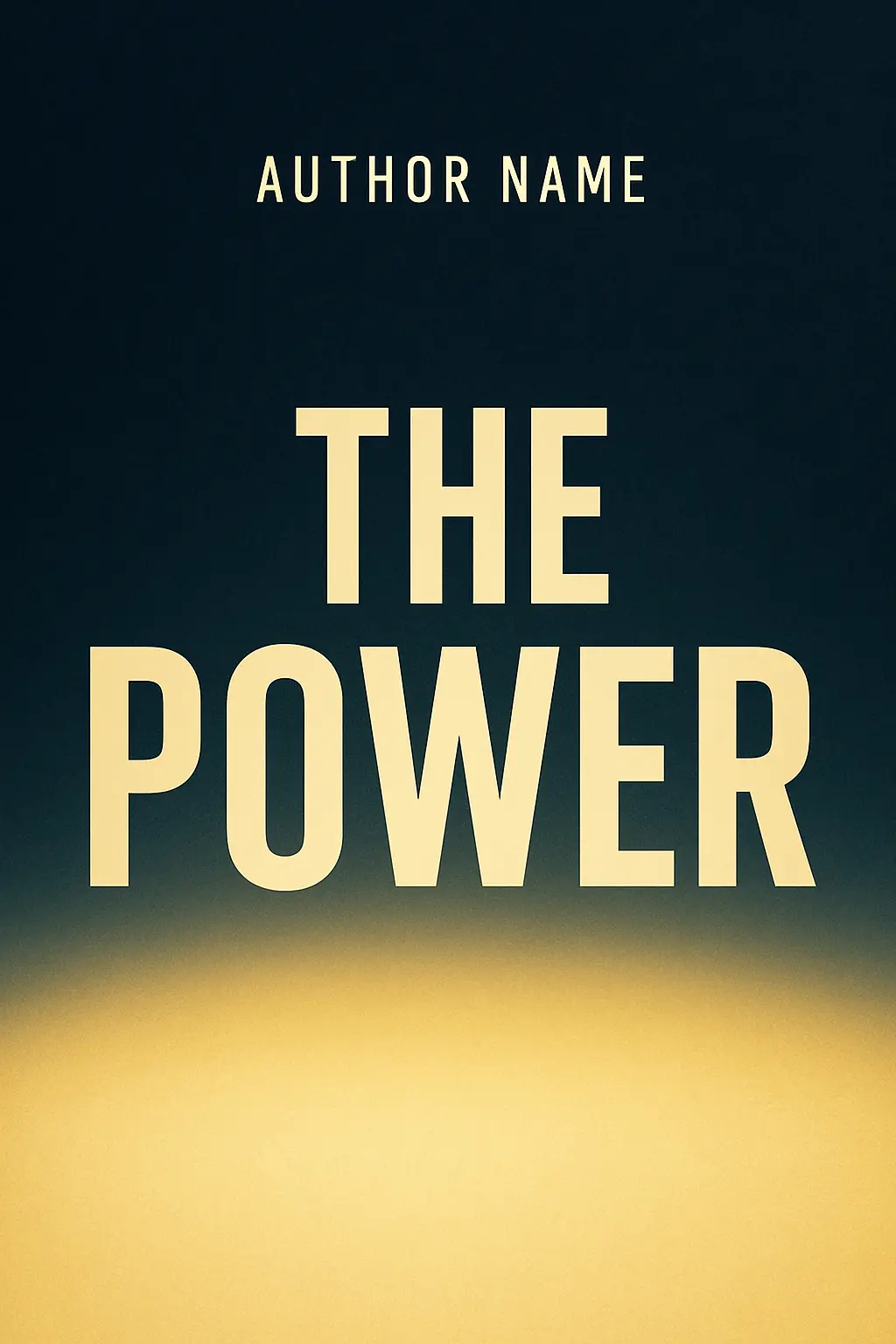
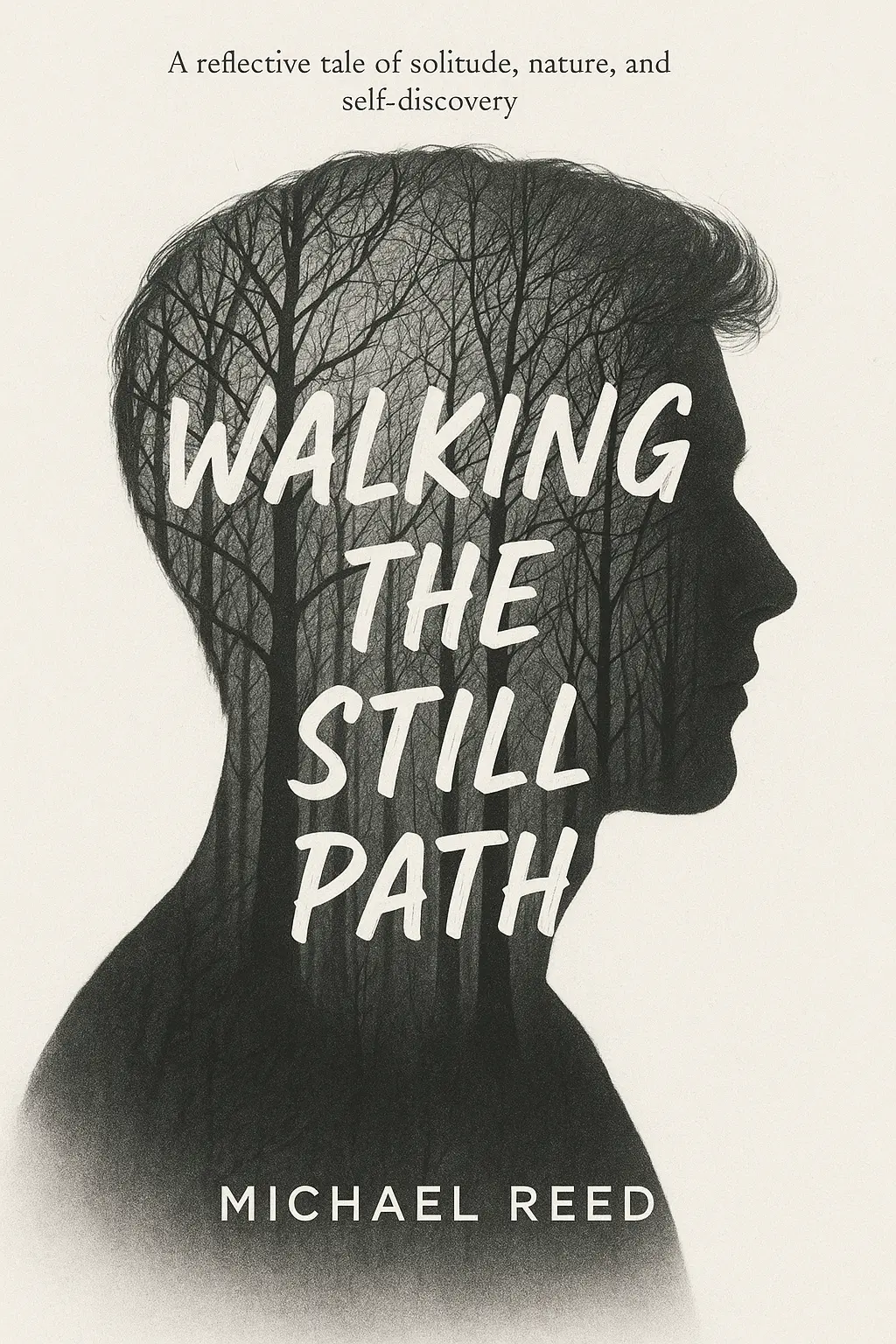
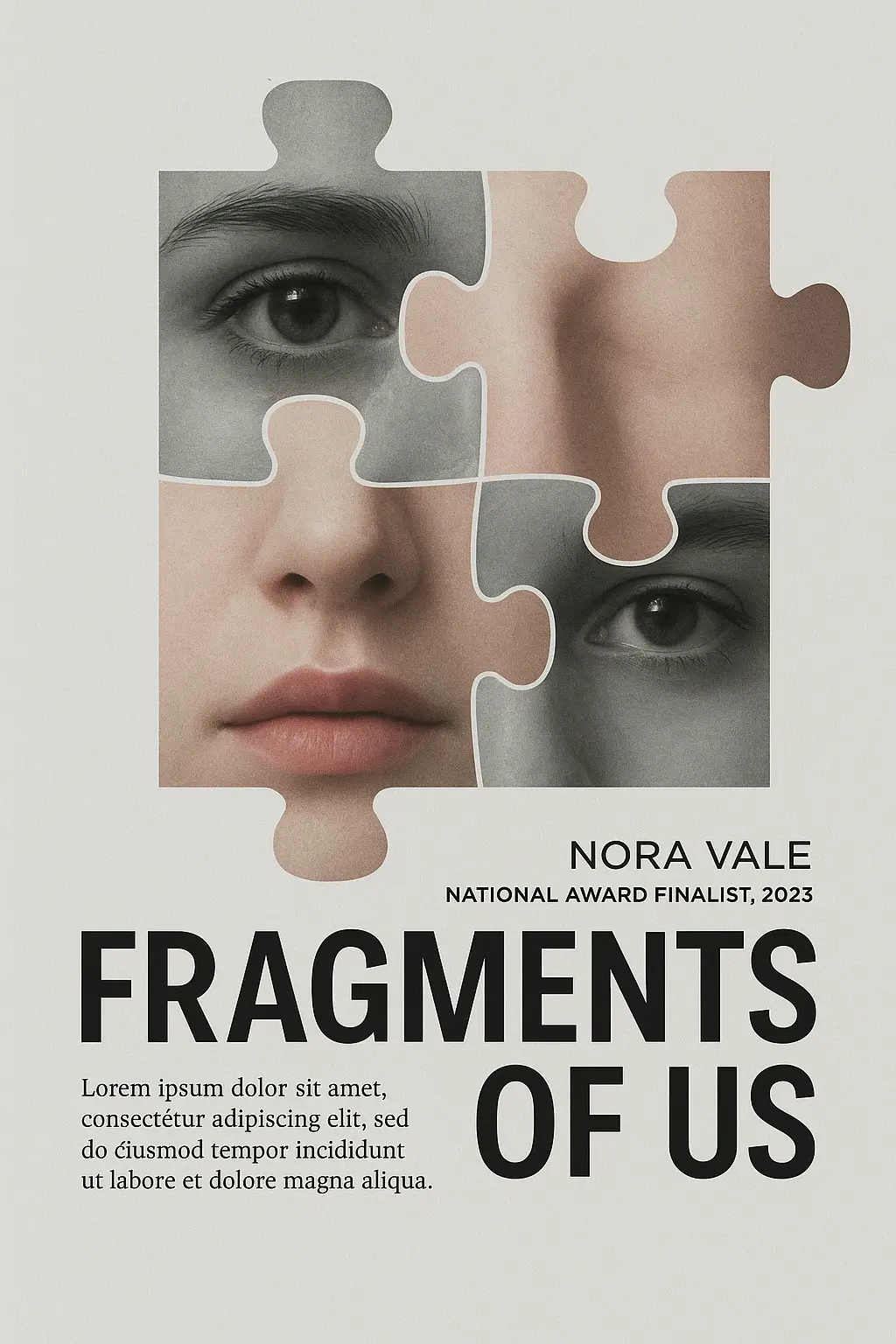
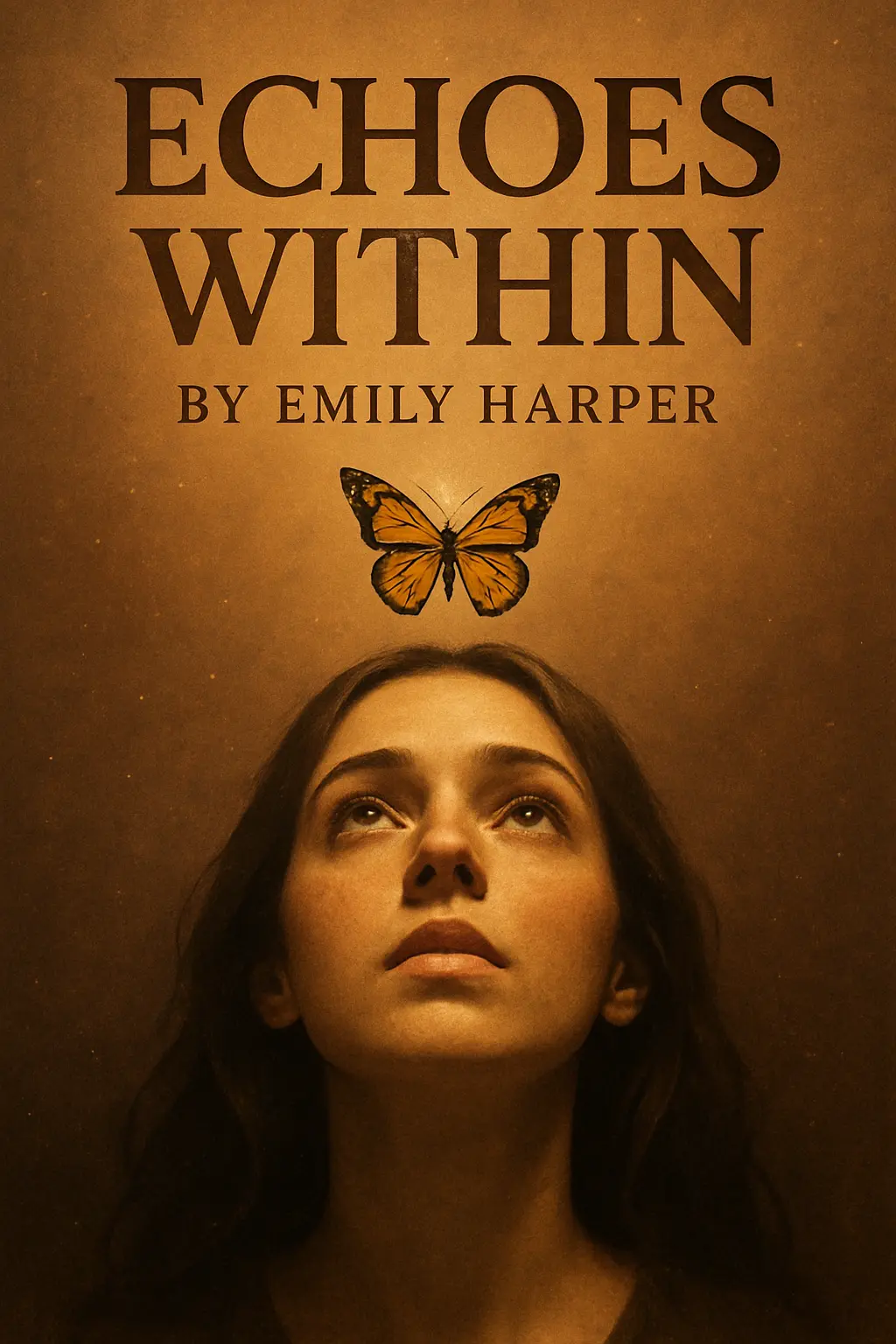
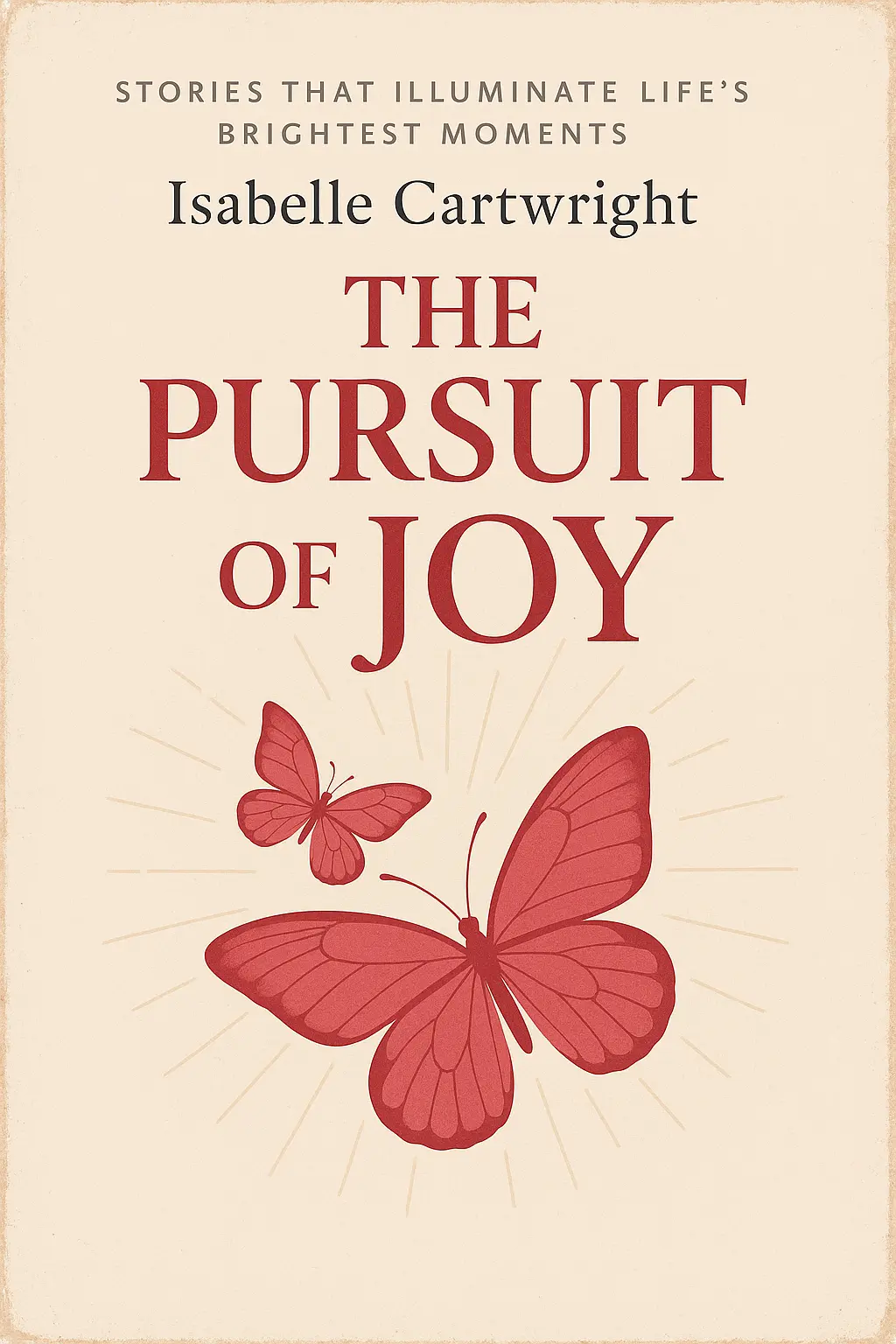
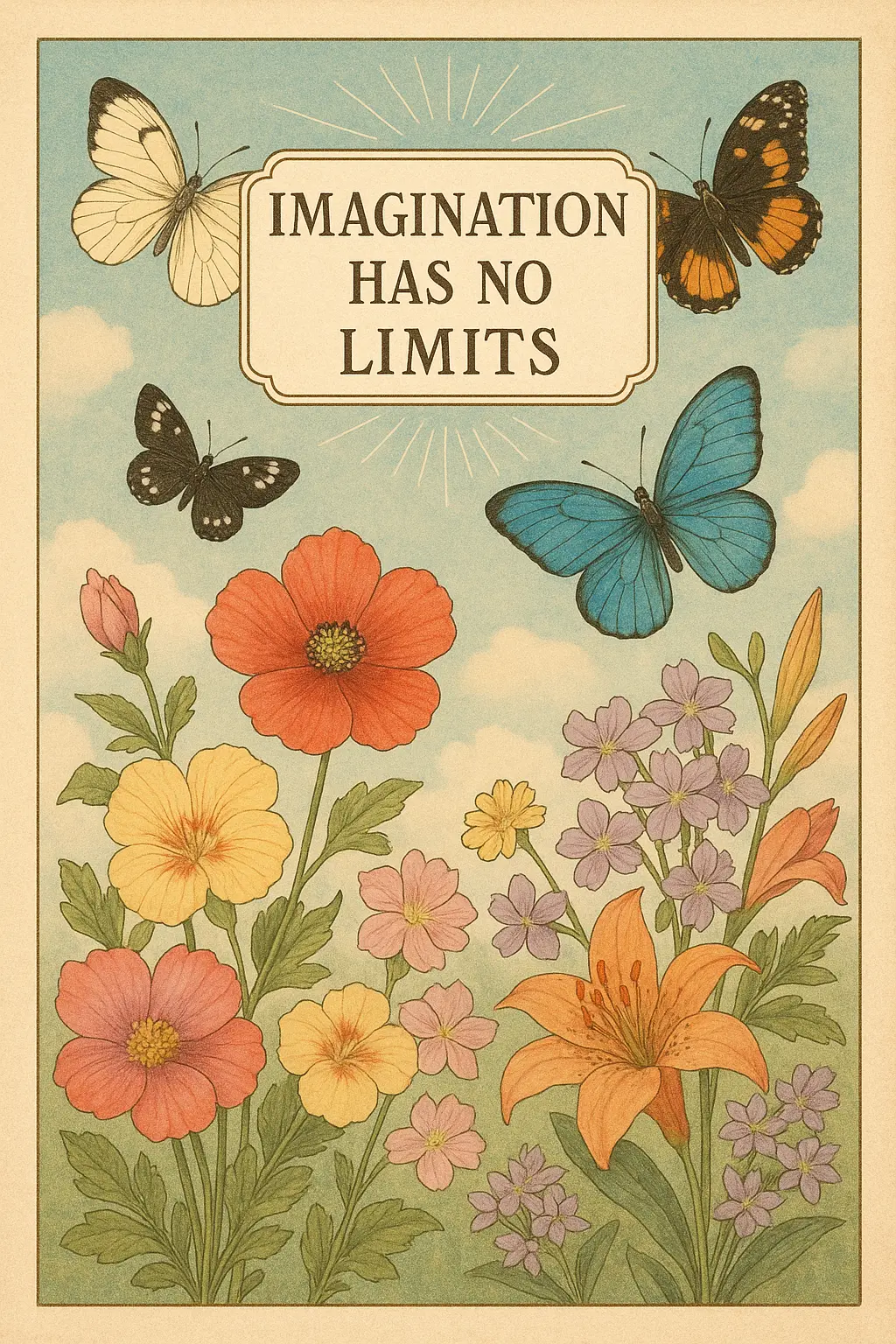
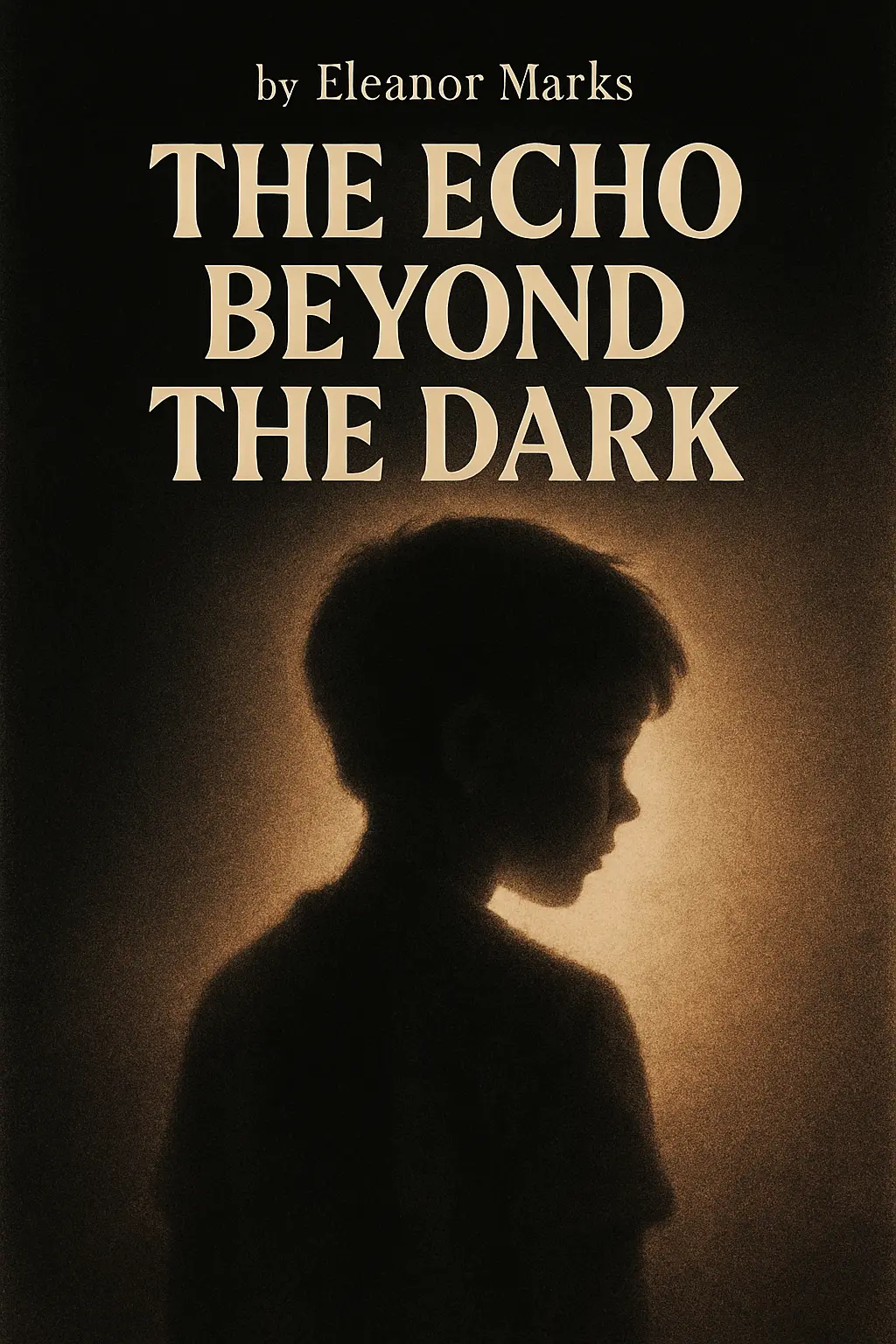
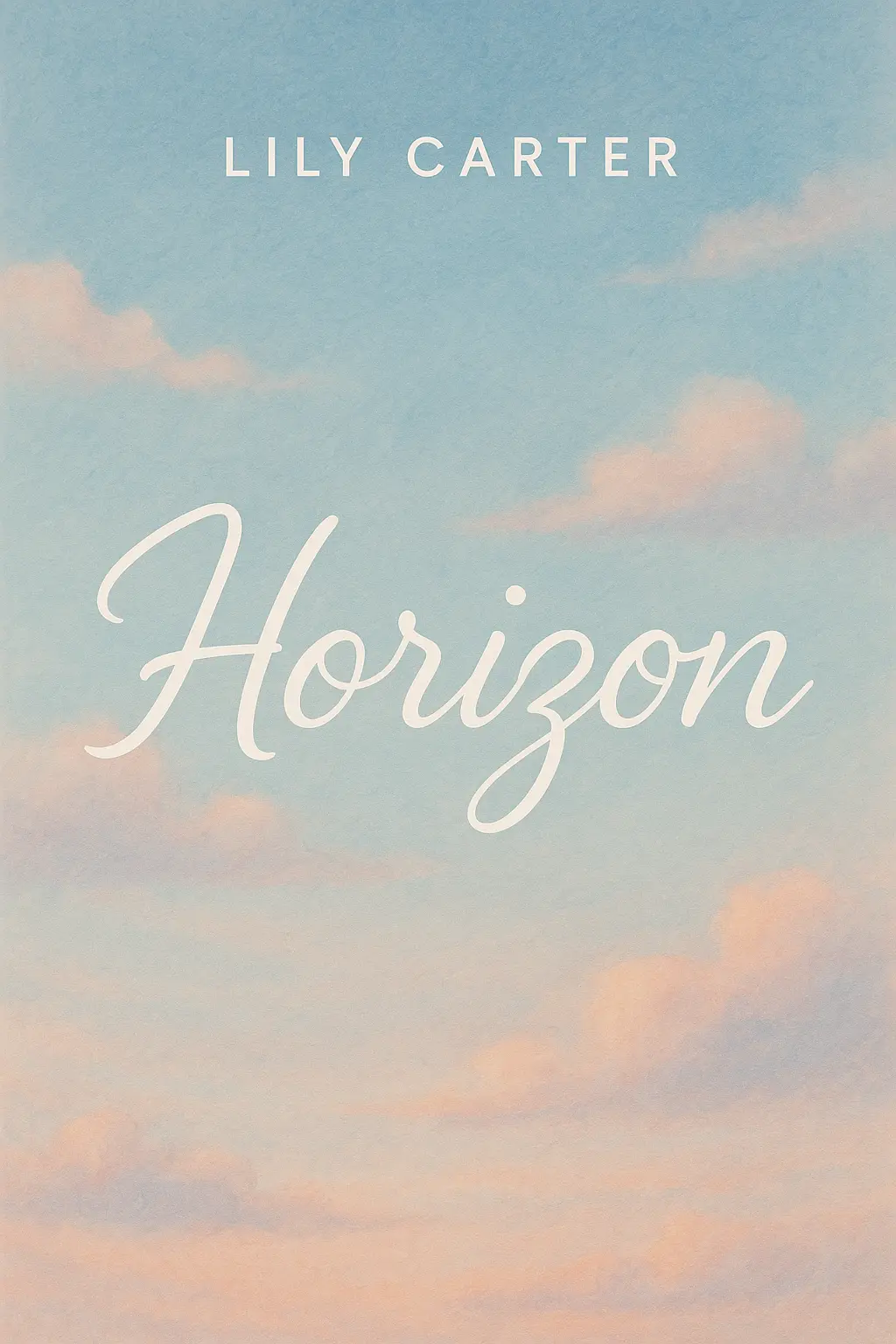
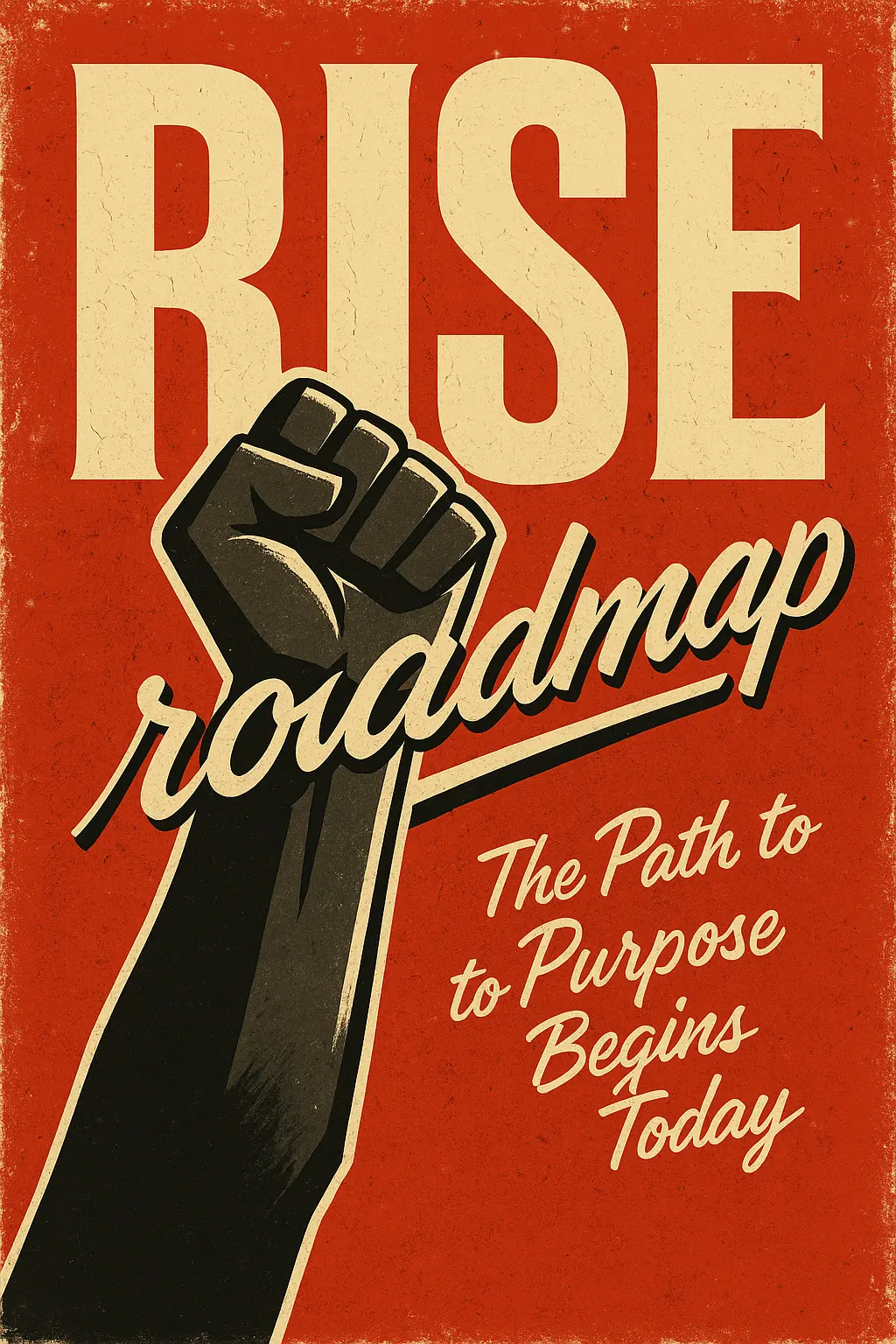
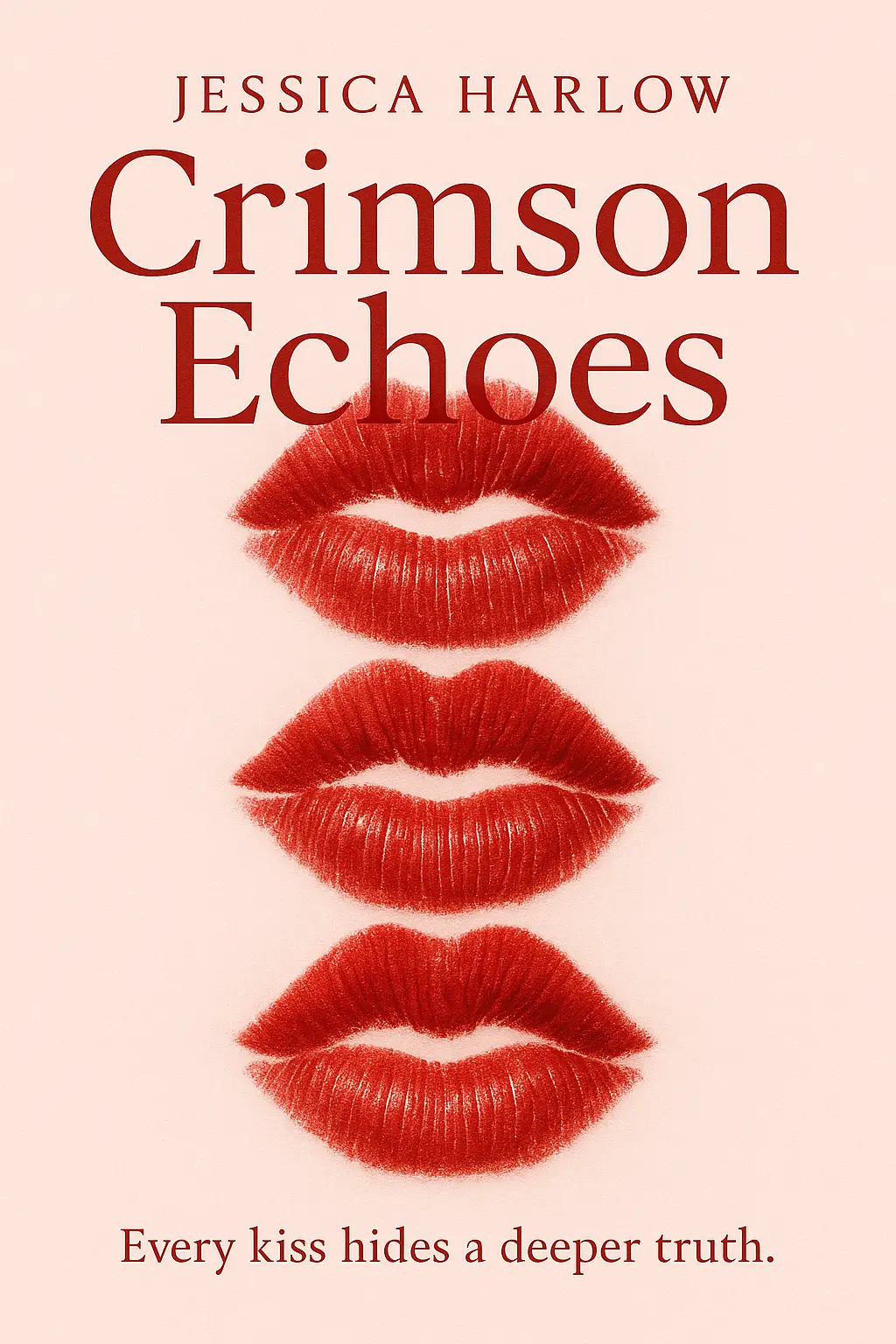
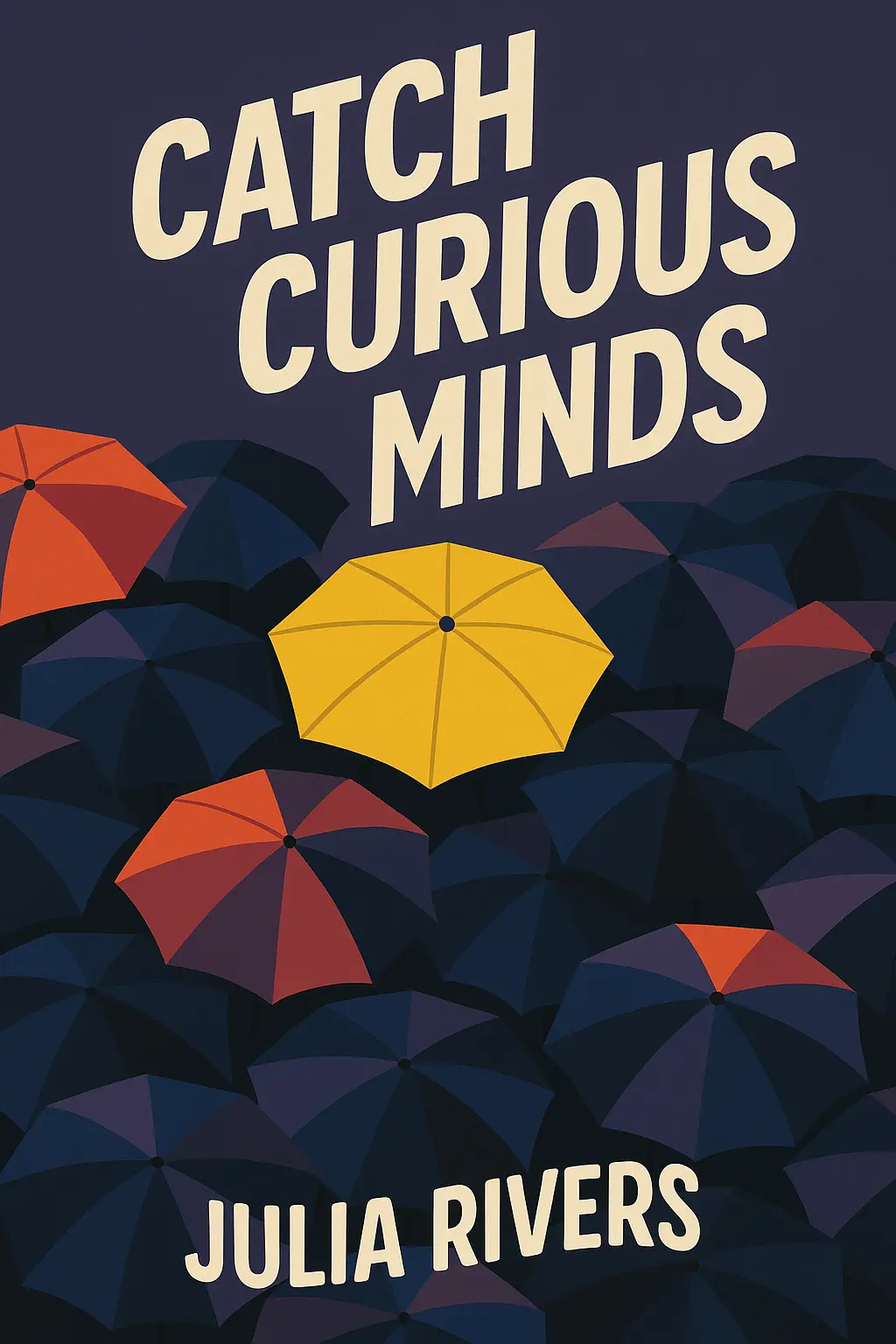
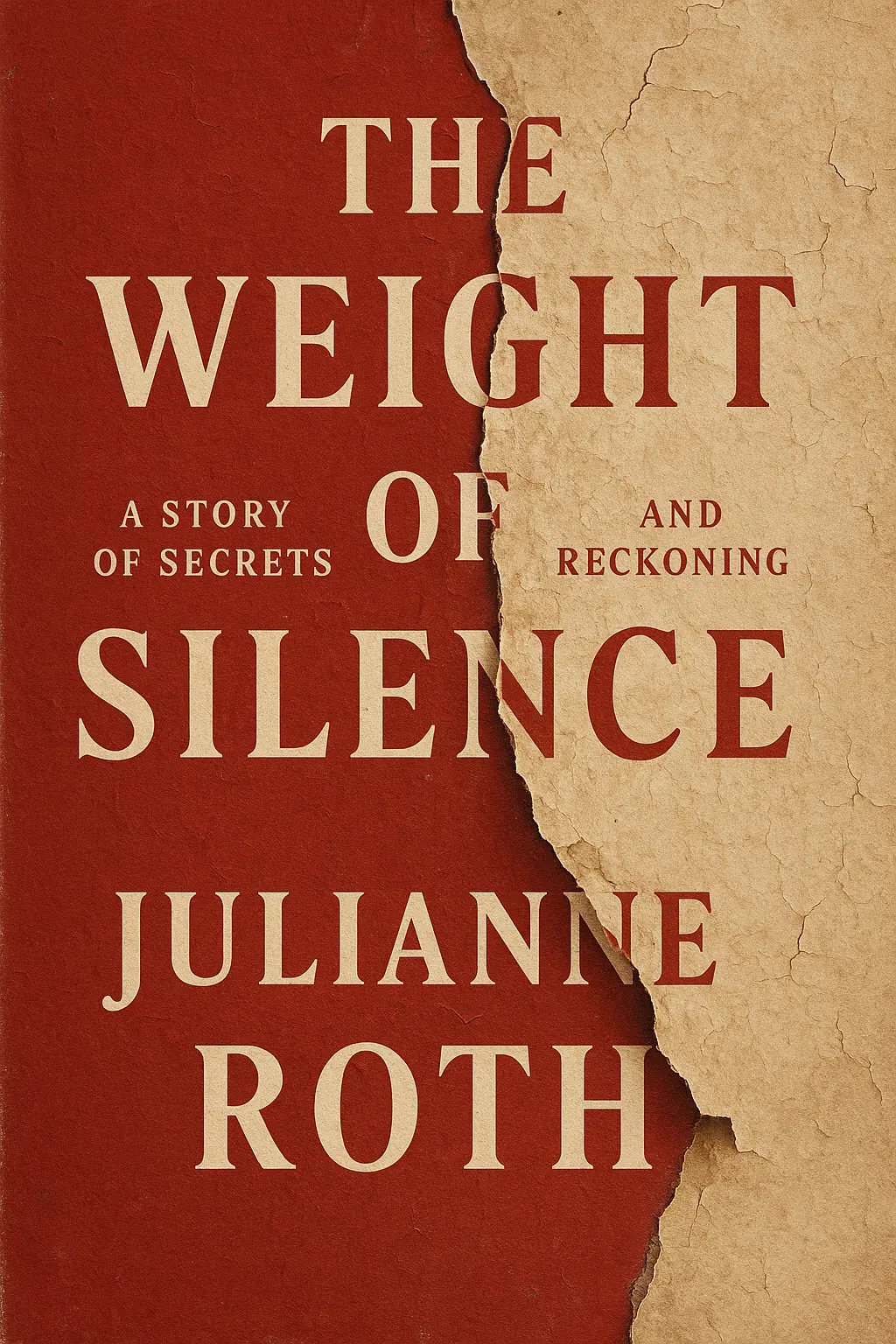
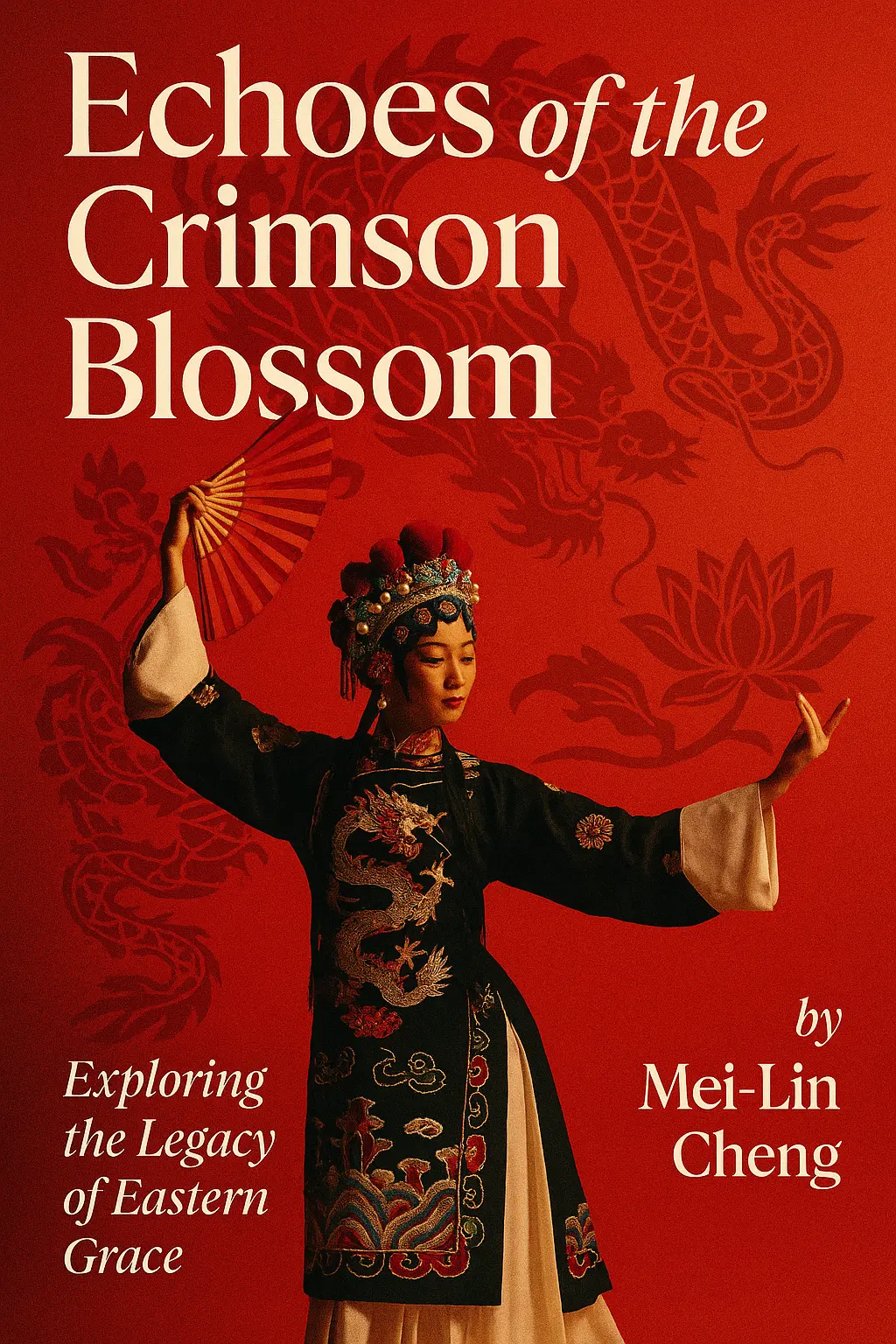
Explore AI Book Cover Maker Results