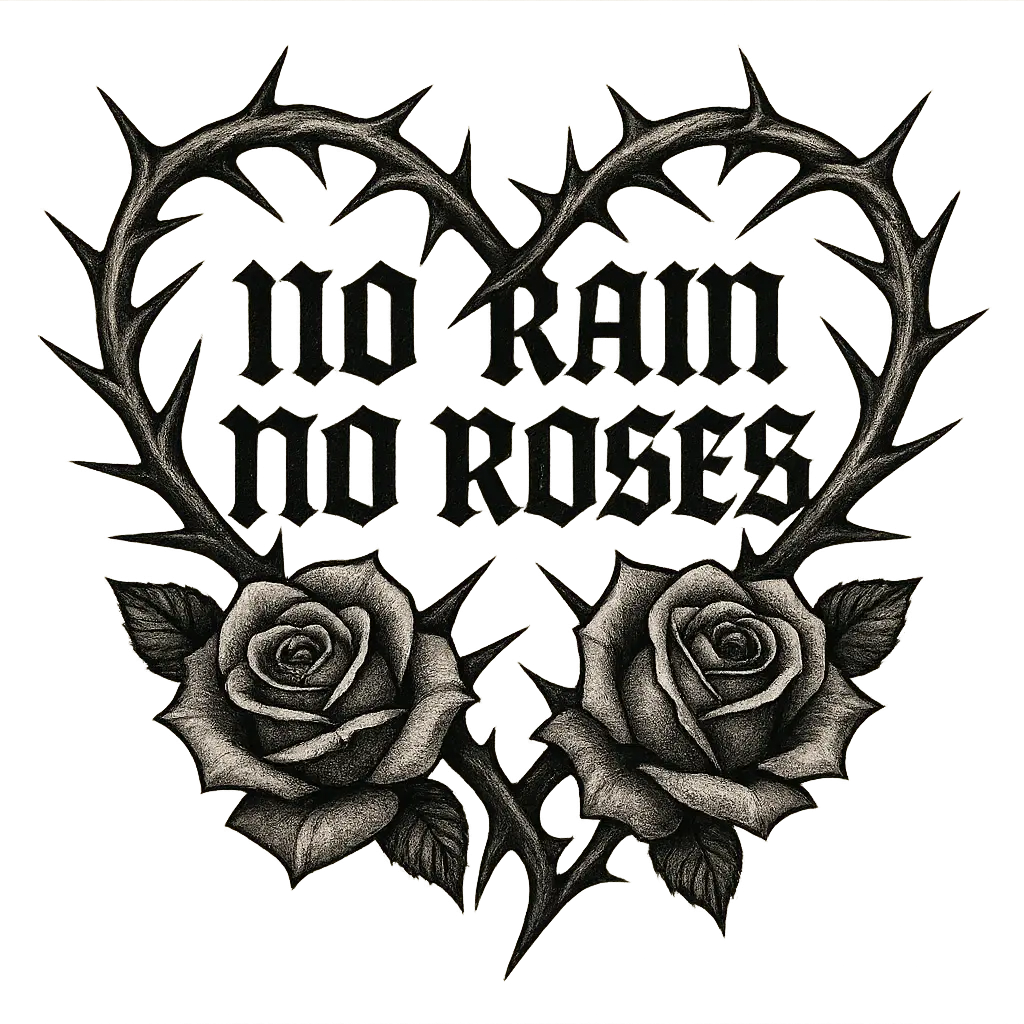
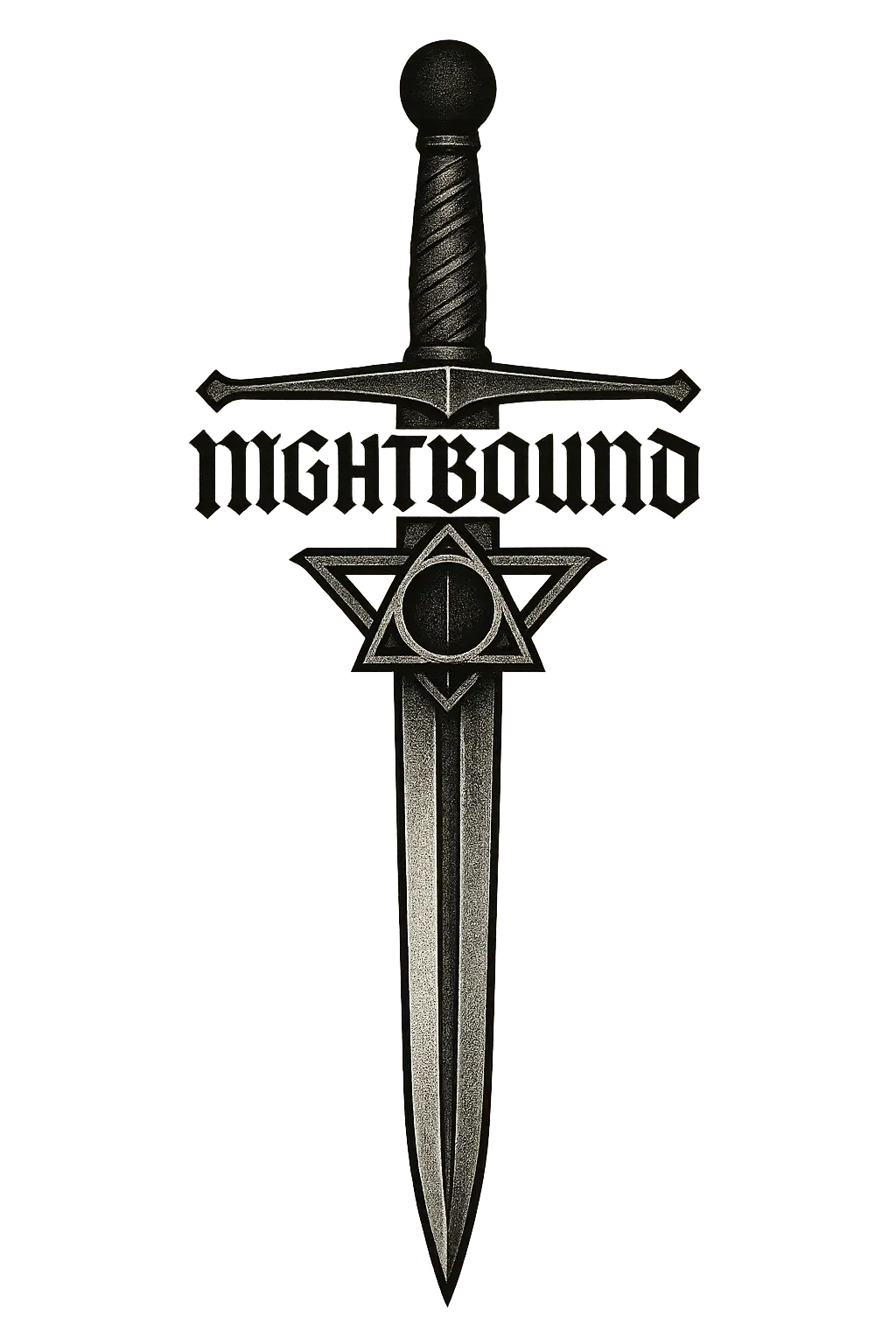
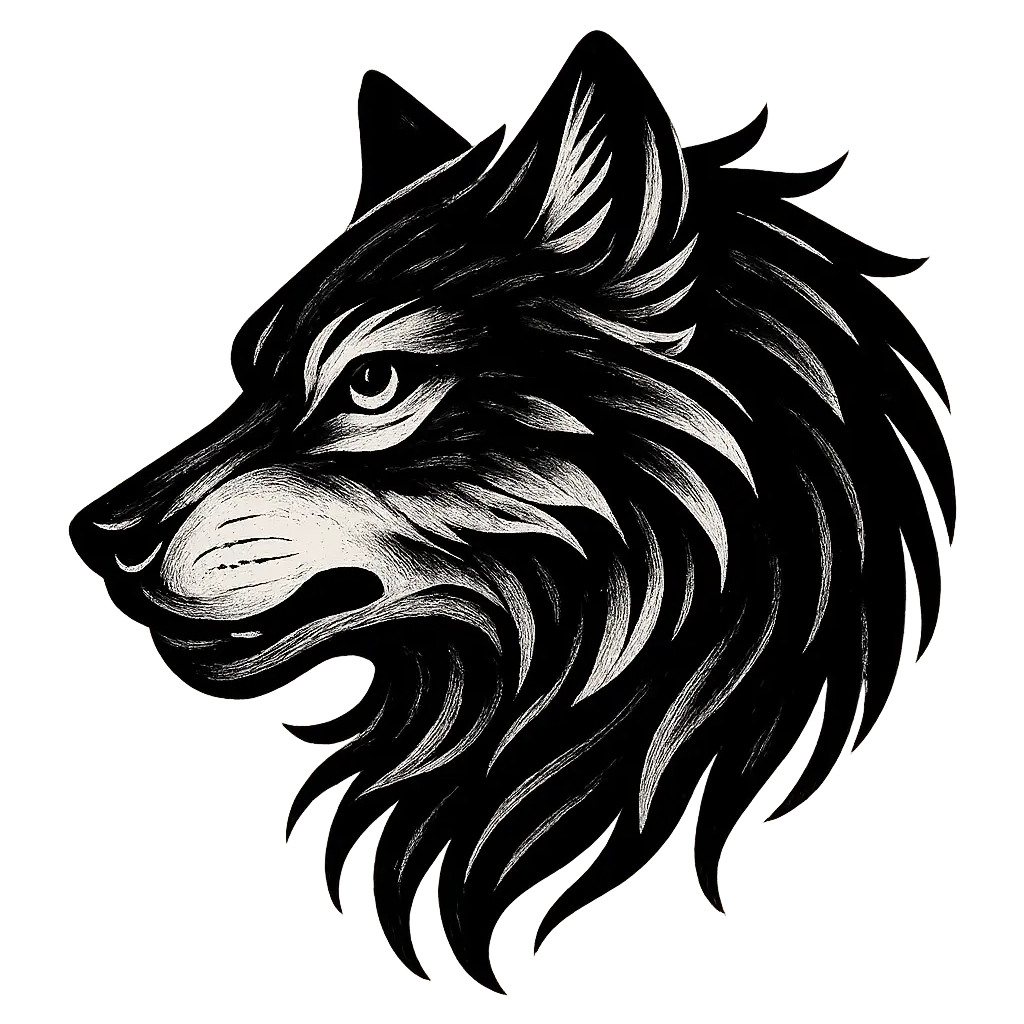
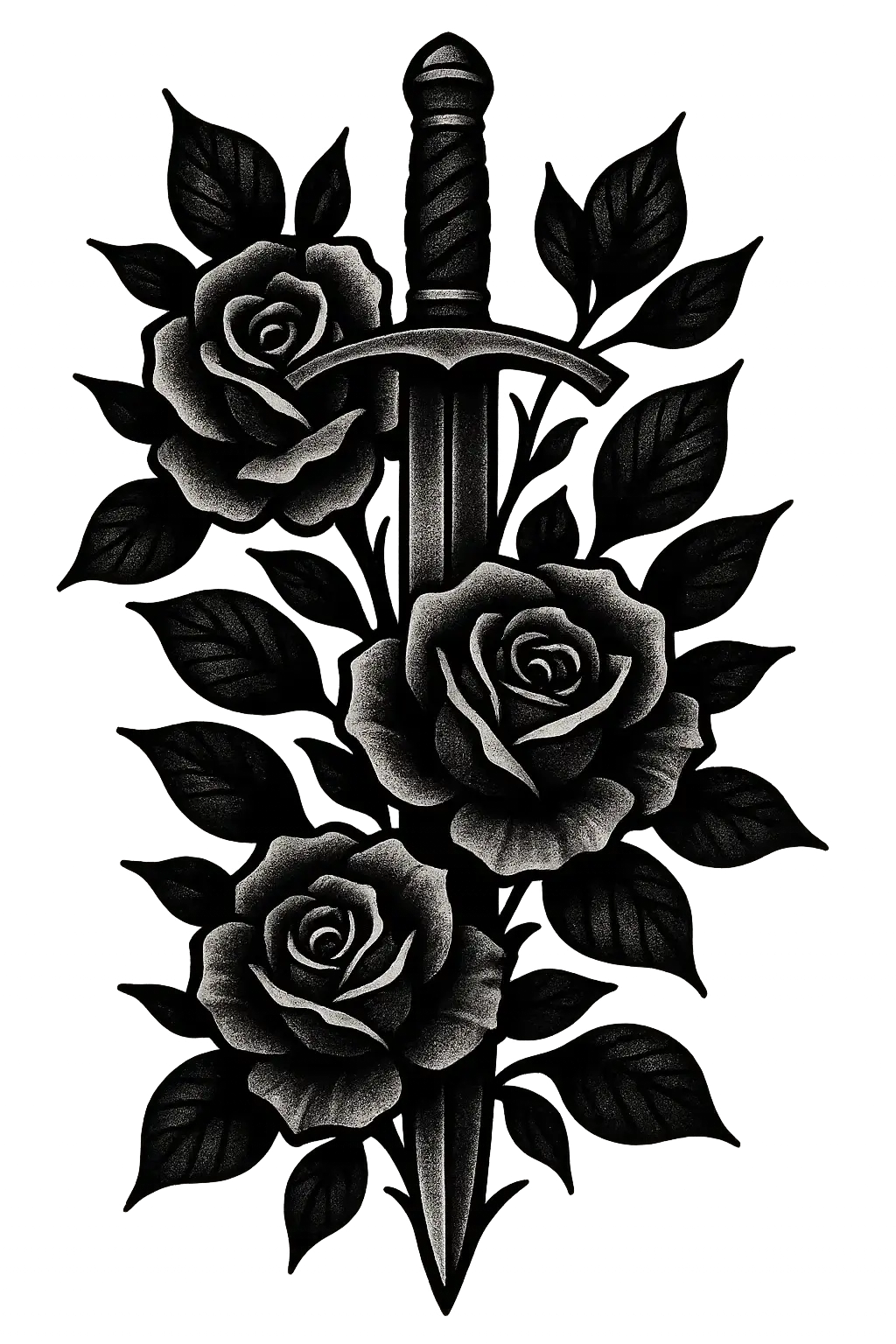
logo
RunComfy
  • ComfyUI
  • TrainerNew
  • Models
  • API
  • Pricing
discord logo
MODELS
Explore
All Models
LIBRARY
Generations
MODEL APIS
API Docs
API Keys
ACCOUNT
Usage

seedream-4-5/edit

image-to-image

Transform visuals with Seedream 4.5 for coherent, photoreal image creation and precise brand consistency.
wan-2-6/image-to-video

image-to-video

Turn still visuals into motion-synced, high-detail video content with flexible control.

nano-banana/pro/edit

image-to-image

Turn sketches into precise 2K-4K visuals with smart correction and seamless creative control.

flux-2/flash/edit

image-to-image

Accelerate visual editing with dynamic precision and open-weight adaptability for brand-consistent designs.

seedream-4-0/text-to-image

text-to-image

Generate sharp 4K visuals with flexible multi-input and fusion tools

imagineart-1.5-preview/text-to-image

text-to-image

Transform written ideas into lifelike visuals with precise texture, light, and typography control for professional design use.

wan-2-6/flash/image-to-video

image-to-video

Craft lifelike video scenes from stills with motion, dialogue sync, and flexible creative control.

seedance-1-0/pro/fast/image-to-video

image-to-video

Create lifelike video motion fast with Seedance Pro for design pros

seedream-5/lite/edit

image-to-image

Transforms reference visuals into layout-accurate, style-consistent designs for creative workflows.

flux-2/dev/text-to-image

text-to-image

[100% FREE NOW] Generate it free in both Playground + API access. Limited time only! Flux 2 dev is an open-weight model for precise visual creation, color control, and consistent style rendering.

seedance-1-0/pro/image-to-video

image-to-video

Create fluid, expressive animations with multi-shot storytelling features.

seedance-v1.5-pro/image-to-video

image-to-video

Transform still visuals into cinematic motion clips with smooth, realistic transitions and creative flexibility.

hailuo-2-3/fast/standard/image-to-video

image-to-video

Turn static visuals into smooth motion with Hailuo 2.3 for rapid, realistic video creation.

ideogram-v3/text-to-image

text-to-image

Sync image edits, remixes, reframe, and background swaps for film.

nano-banana-2/text-to-image

text-to-image

Fast, high-quality text-to-image generation with Nano Banana 2, with aspect ratio, safety tolerance, and output format controls.

nano-banana/edit

image-to-image

Edit and blend images with prompts using Google Nano Banana.

qwen-image-edit-2511/lora

image-to-image

LoRA-based visual editing model offering structure-aware asset transformation for creative pros

seedream-5/lite/text-to-image

text-to-image

Prompt-to-visual engine with precise layout and typography control

wan-2-2/lora/image-to-video

image-to-video

Transform stills into cinematic motion with open-source precision tools.

wan-2-2/image-to-video

image-to-video

Refined AI visuals, real-time control, and pro FX for creators

AI Tattoo Generator

Transform text or visuals into custom tattoo styles instantly.

100% FreeFully PrivacyNo Login RequiredEasy To Start
Image Prompts 0/3
🎉5 FREE IMAGES LEFT TODAY
Sample PromptsPrompt Template
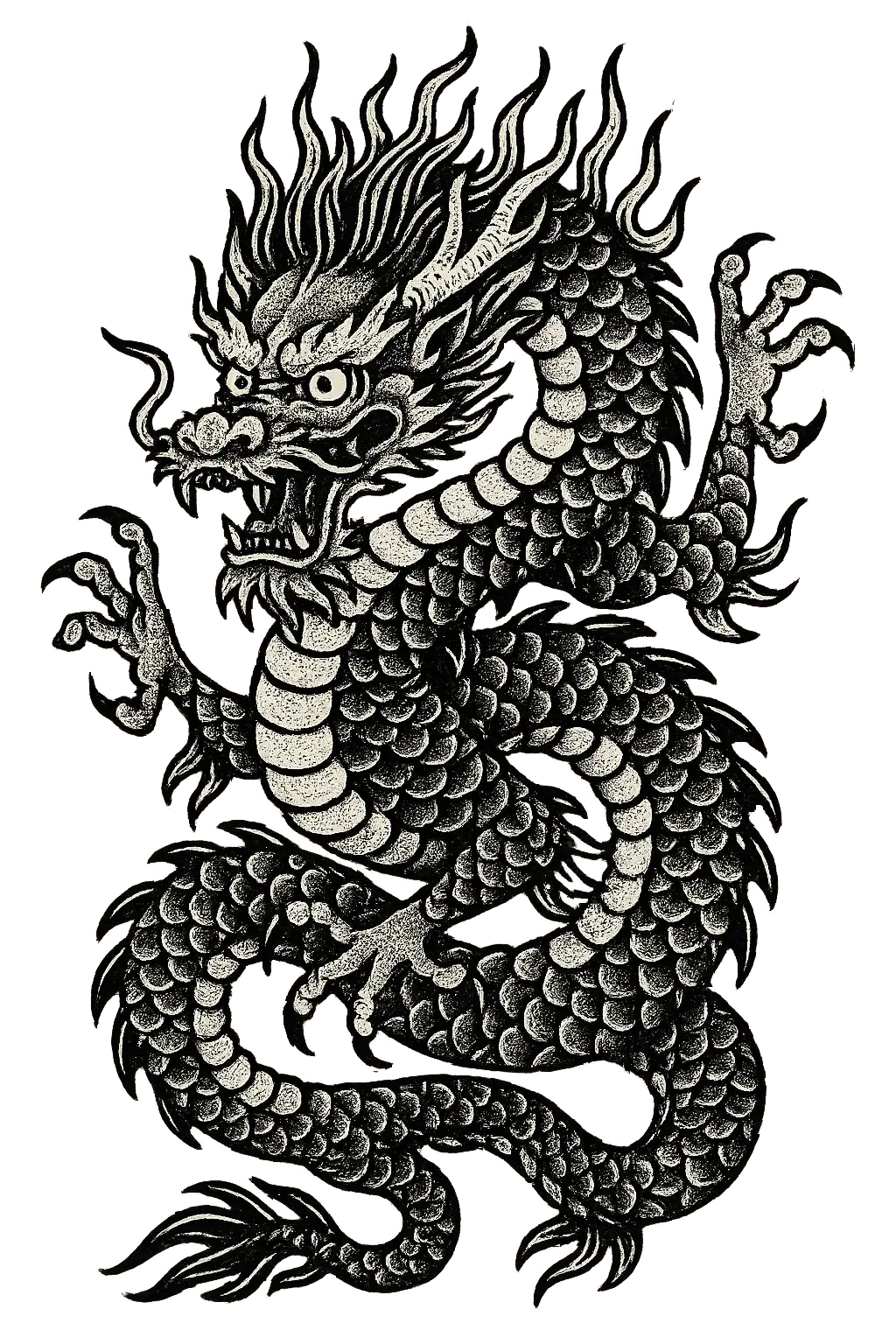
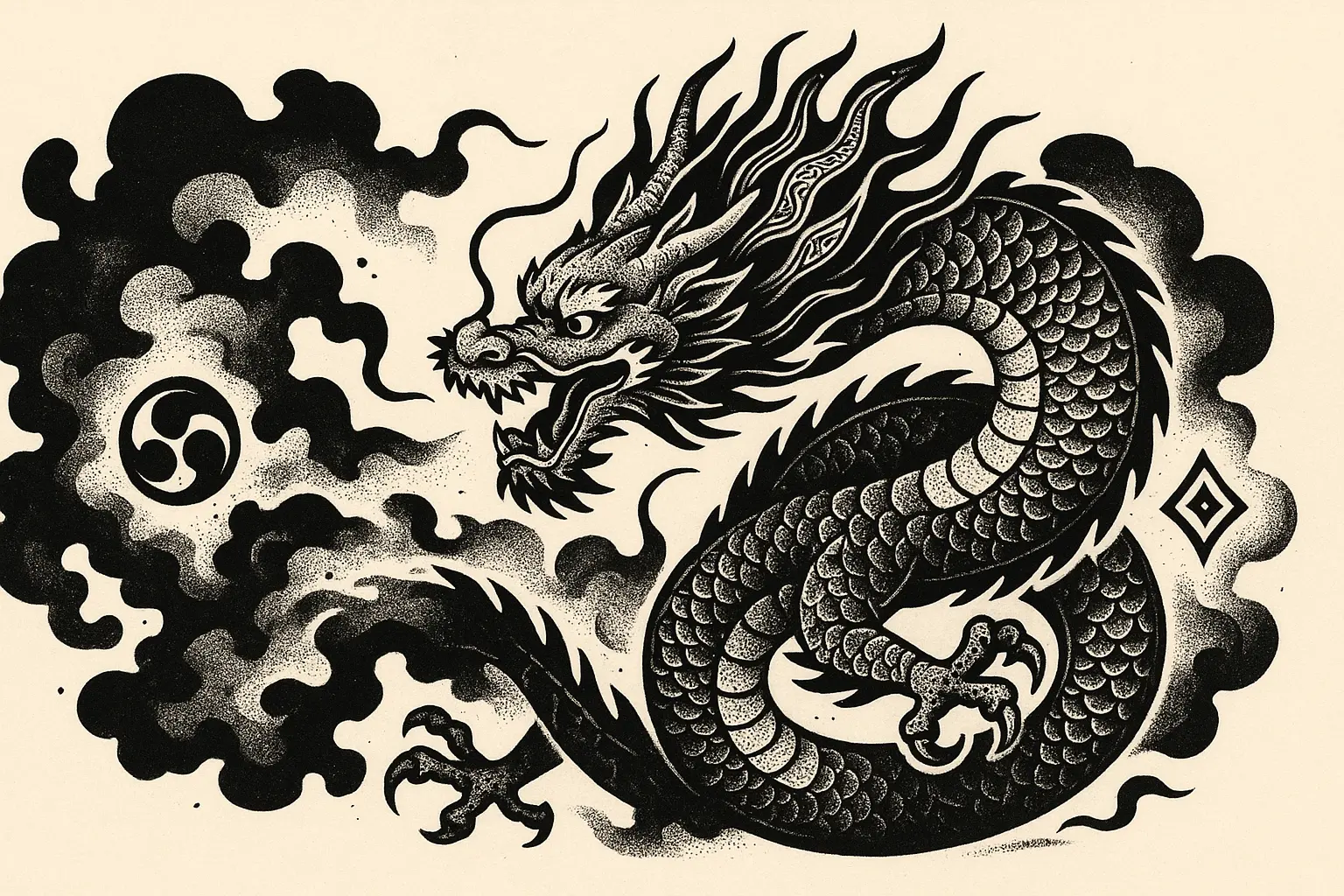
Generate a fierce Japanese-style tattoo design that features a traditional Eastern dragon with a snarling face, flaming mane, and coiled serpentine body, depicted with a strong central motif framed by balanced clawed limbs and sharp scales. The artwork should showcase crisp black outlines and use pure blackwork. Include intricate textural dotwork across the scales and subtle ornamental line patterns within the flames to enhance the design’s visual interest, and evoke a dynamic energy. Draw inspiration from classical Asian mythology, ensuring the tattoo is both contemporary and visually compelling. Render the design on a transparent background, formatted to a 2:3 aspect ratio. Generate a clean, flat design without mockup elements.
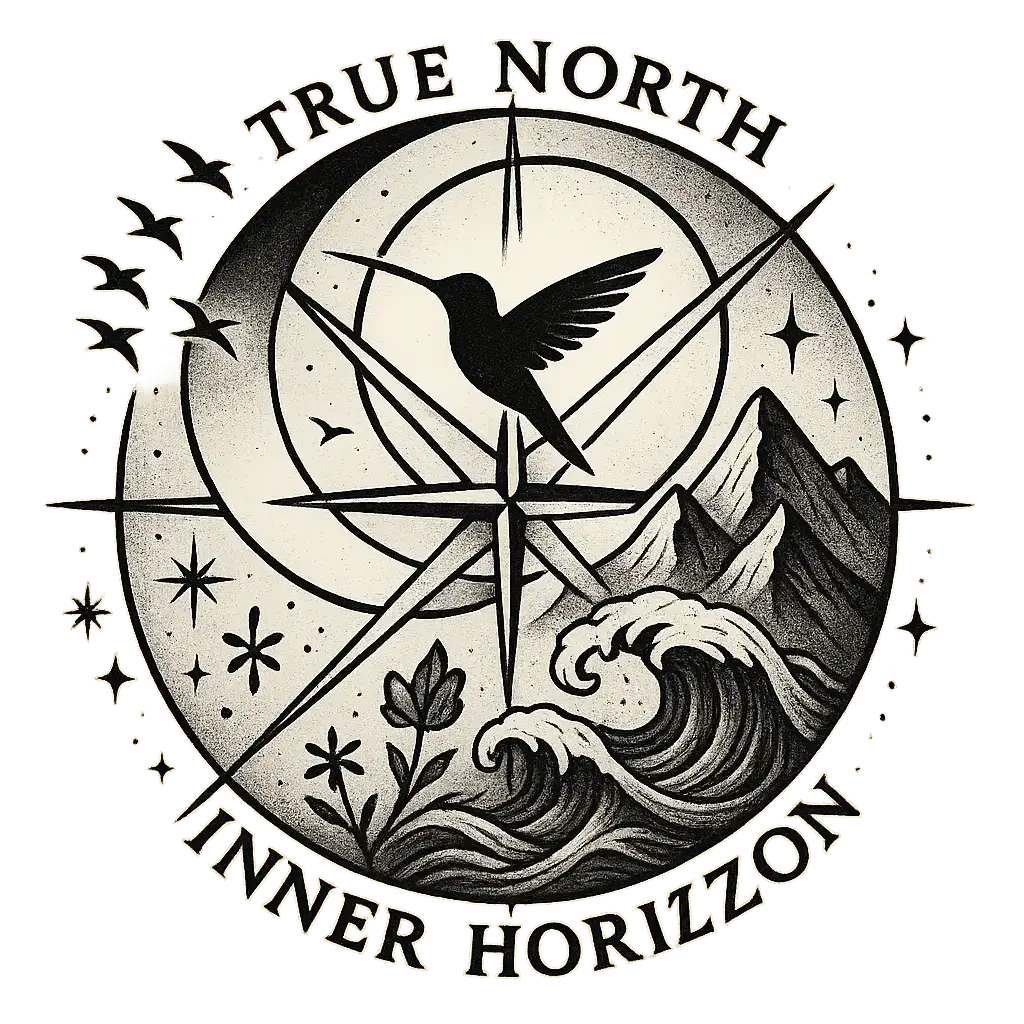
Generate a detailed black and gray tattoo design that features a compass with elegant feathers attached at the top. The composition should have a strong central compass with a clear North direction marked, surrounded by a series of intricately detailed cardinal directions (West, South, East, North). The compass is framed by decorative elements that emphasize its round shape and symmetrical balance, with the central needle pointing directly upward. The artwork should showcase crisp black outlines and use classic black and gray shading to highlight the depth and texture of the compass and feathers. Include subtle shading and intricate line details in the feathers to add elegance and contrast to the overall design. The design should evoke a sense of timeless adventure, precision, and exploration. Draw inspiration from traditional navigational motifs, ensuring the tattoo is both visually compelling and modern. Render the design on a transparent background, formatted to a 1:1 aspect ratio. Generate a clean, flat design without mockup elements.
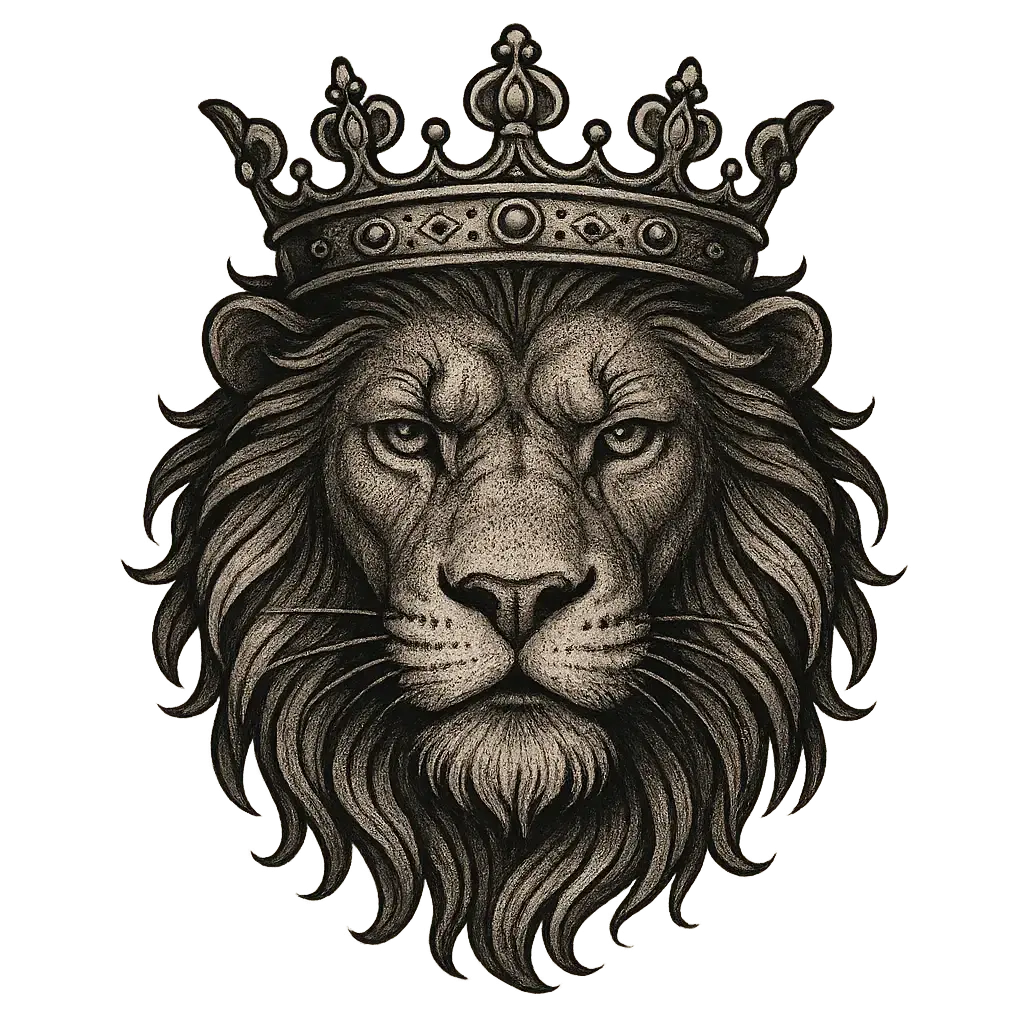
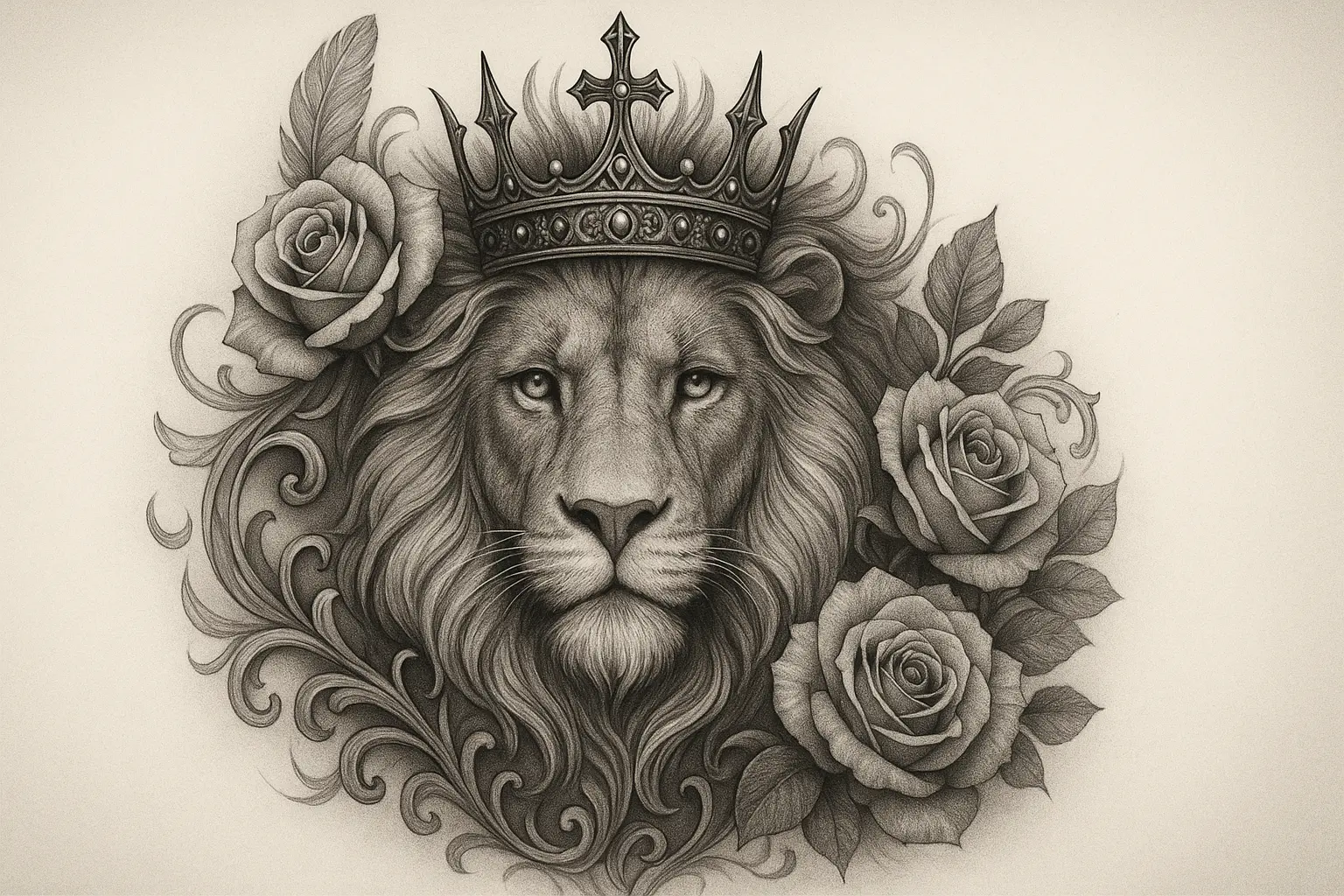
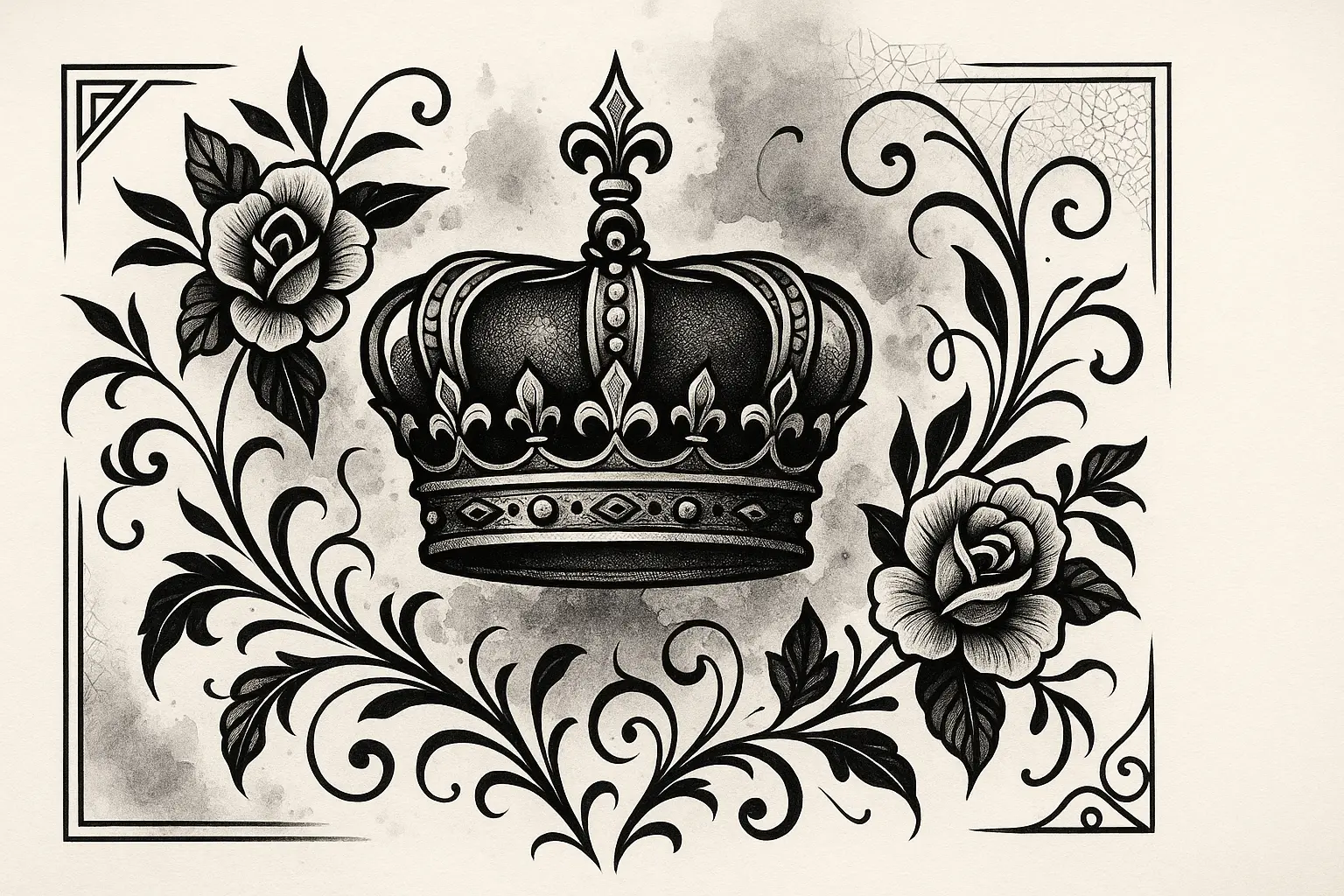
Generate a detailed black and gray tattoo design that features a lion's head with a crown, depicted with a strong central motif framed by flowing, naturalistic hair and facial details. The artwork should showcase crisp black outlines and use classic black and gray shading to create depth and realism. Include subtle ornamental patterns in the form of fur texture, whiskers, and detailed crown embellishments to enhance the design’s visual interest, and evoke a majestic and powerful tone. Draw inspiration from traditional tattoo styles, ensuring the tattoo is both contemporary and visually compelling. Render the design on a transparent background, formatted to a 1:1 aspect ratio. Generate a clean, flat design without mockup elements.
Generation History
Idle

Introduction to the AI Tattoo Generator

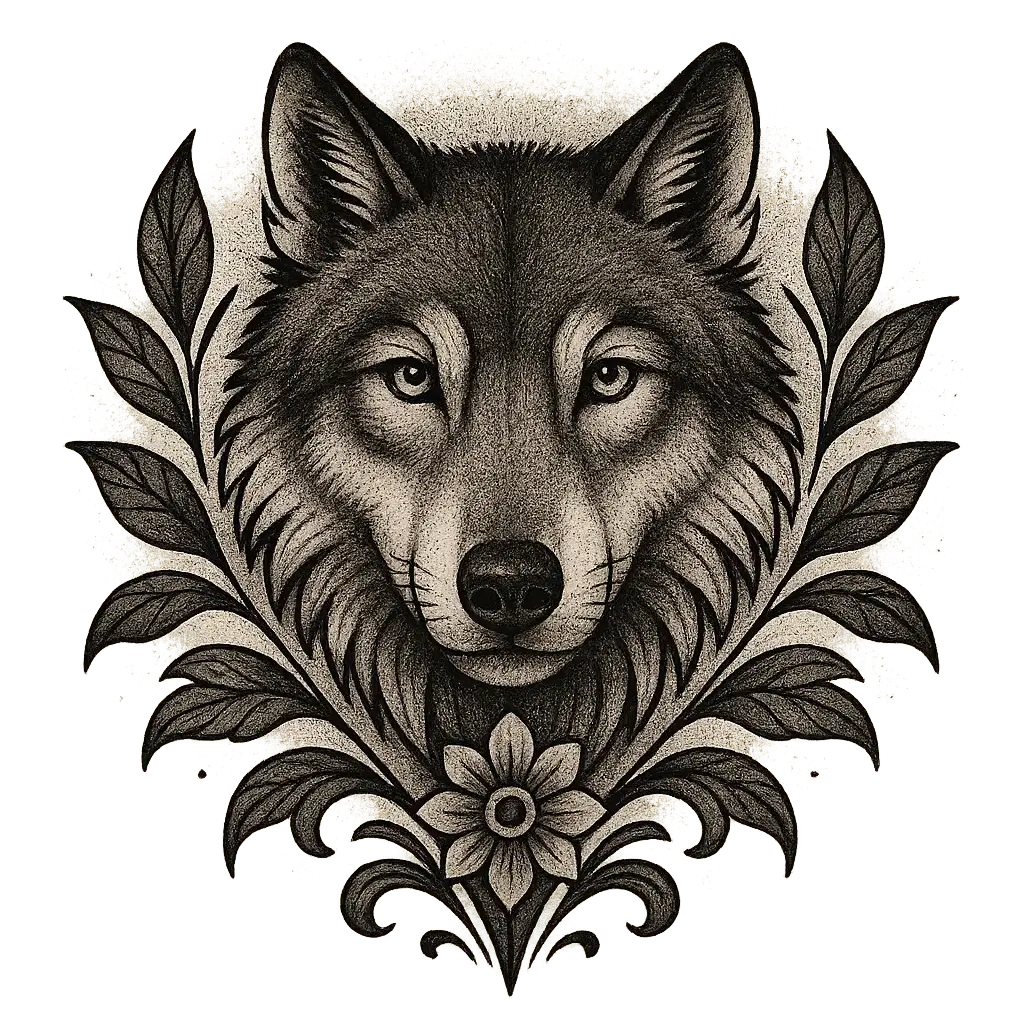
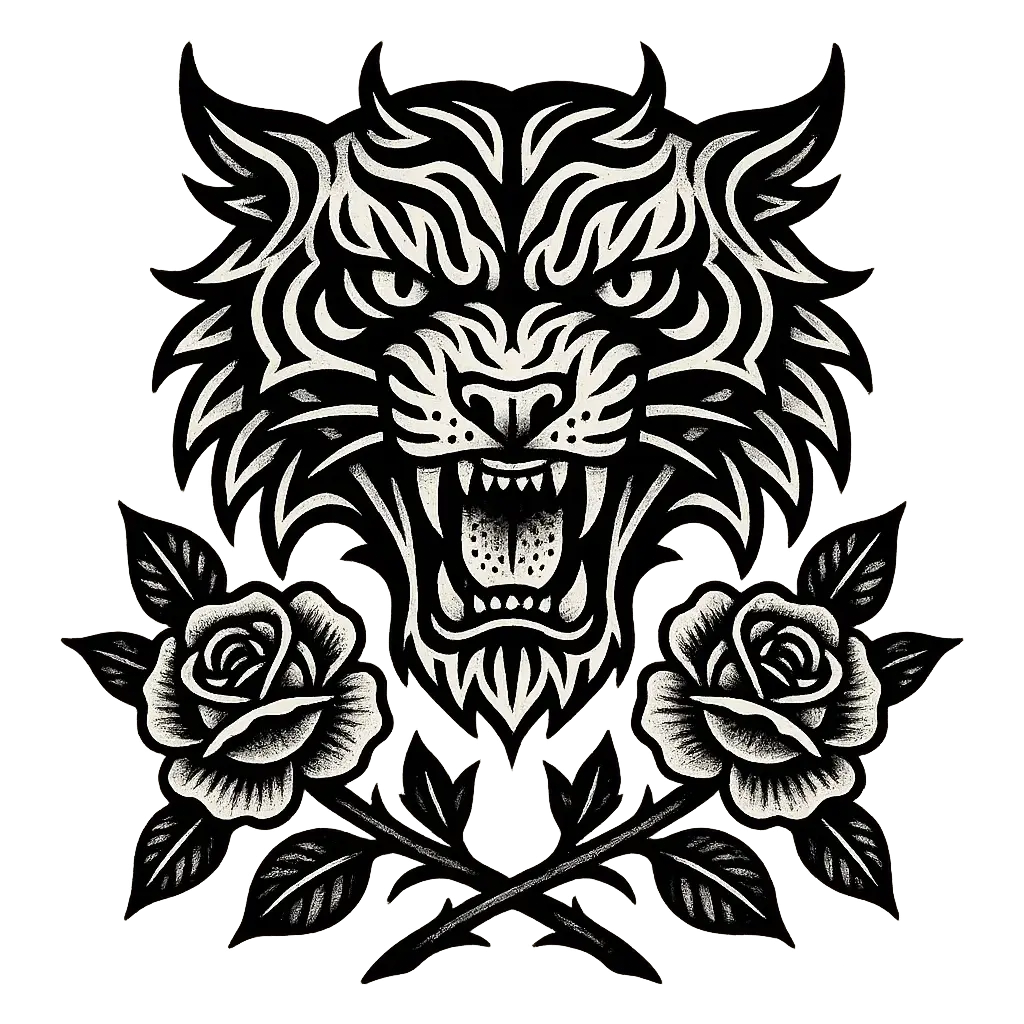
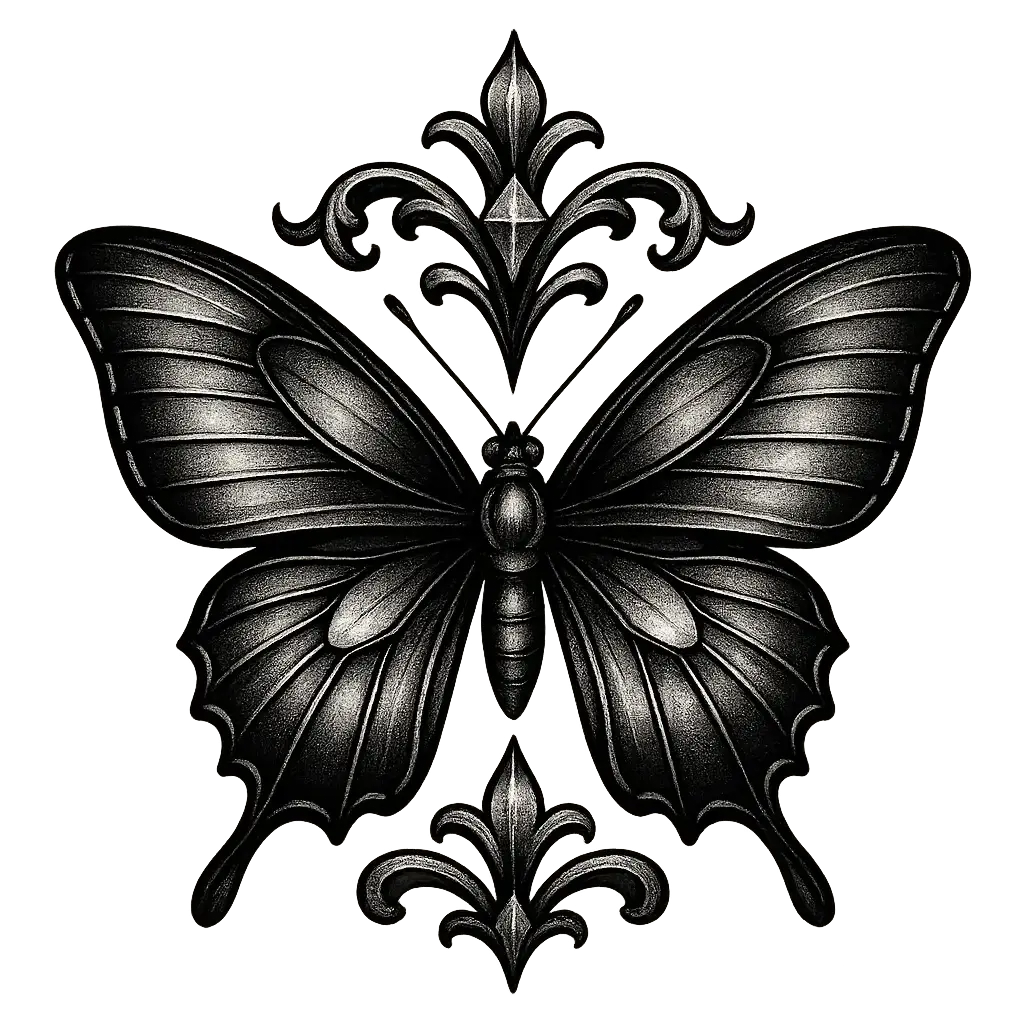
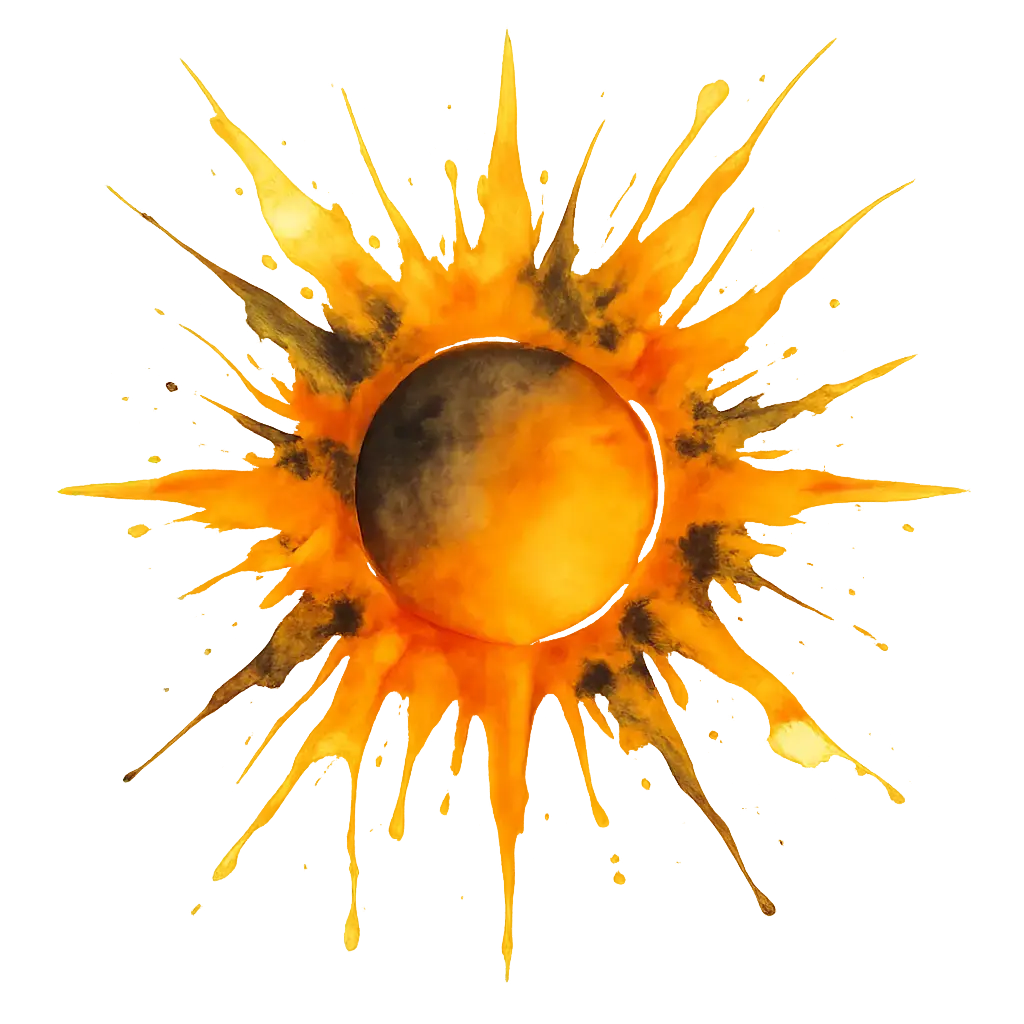
The AI Tattoo Generator is a creative design tool for artists, ink enthusiasts, and the endlessly curious. It transforms your text prompts or image inputs into visually striking tattoo concepts—whether you're searching for your first meaningful design or just exploring bold aesthetic possibilities.
Let your imagination ink itself. With the ai tattoo generator, you can bring half-formed ideas to life, preview bold stylistic shifts, and explore symbolic depth without pressure. Whether you're dreaming up ephemera or sketching out your story, this ai tattoo generator helps translate feeling into form, instantly.

Features of the AI Tattoo Generator

From Feeling to Form in Seconds

When your vision is more emotion than image, the ai tattoo generator helps you shape that instinct into visual form. Just type a few words—a memory, a mood, a symbol—and get back concept art that sparks clarity. The ai tattoo generator thrives in ambiguity, turning abstract ideas into vivid visual possibilities that feel just right.

Style Exploration Made Effortless

Torn between traditional ink and futuristic linework? The ai tattoo generator quickly visualizes your ideas across multiple aesthetics—blackwork, watercolor, minimalism, and more. With this ai tattoo generator, you can browse AI-generated designs in seconds, compare nuances, and find the style that actually matches your story.

Inspiration When You're Stuck

You have a spark—maybe a phrase, a symbol, a dream—but the shape isn't clear yet. The ai tattoo generator takes your rough input and gives you a rich starting point. By generating visual prompts instantly, this ai tattoo generator shortcuts the blank-page agony and lets your imagination play. Some images might surprise you in the best way.

Why Use an AI Tattoo Generator

Express Your Identity

When you're searching for a design that truly reflects who you are, an ai tattoo generator helps you craft artwork that aligns with your personal journey, values, and experiences—turning ink into meaningful self-expression.

Unlock Creative Ideas

Whether you're unsure where to start or want to explore new styles, an ai tattoo generator opens up limitless creative possibilities, giving you fresh inspiration that pushes the boundaries of what you imagined.

Design with Precision

Instead of settling for generic flash art, you can use an ai tattoo generator to fine-tune every detail of your vision—matching themes, shapes, and symbolism to design a tattoo that feels uniquely yours.

AI Tattoo Generator You Can Rely On

Free to use

Free to use

Unlock powerful art tools at zero cost, making it easy for anyone to create and innovate without barriers.

Fully Private

Fully Private

Your creations and data stay confidential, guaranteeing your artistic work remains safe and secure.

Easy to Start

Easy to Start

Built for ease of use, so you can jump in and thrive—no matter your skill level or experience.

How to Use the AI Tattoo Generator

Step1

Open the generator

Click our tattoo tool. You don't need to download or install anything on your device.

Step2

Add prompt or image

Describe or upload the image your want to turn into tattoo artwork from your device or your Gallery.

Step3

Wait

The Image Generation process will start automatically. Simply wait a moment for your image to be generated or restyled.

Frequently Asked Questions

What is an AI tattoo generator and how does it work?

An AI tattoo generator is an online visual creation tool that turns your written ideas—or a combination of text and image—into tattoo-style artwork. You simply open the generator, type in a prompt or upload reference images (up to 3), and wait a moment while it creates a unique design for you. No downloads, apps, or setup required.

Is the AI tattoo generator free to use?

Yes, the AI tattoo generator offers 5 free generations per day, no login required. If you need more, you can choose to sign in and add credits to unlock additional generations. This way, you can test designs freely or dive deeper by upgrading when you're ready.

Can I access the AI tattoo generator on my phone or tablet?

Yes, the AI tattoo generator works well on mobile and tablet browsers. You can explore it without installing anything—just open it online, enter your ideas, and let the generator do the rest wherever you are.

How do I get the best results from the AI tattoo generator?

To get great designs from the AI tattoo generator, be specific with your prompts. Describe style, subject, and feeling if you can. You can also use up to 3 reference images to guide the design more closely. Need ideas? Click on any example prompt and hit 'Make it yours' to start quickly.

How is this AI tattoo generator different from others?

What sets this AI tattoo generator apart is its ease of use and thoughtful features. There's no sign-up needed for your first few designs, it supports both text and image inputs, and it offers curated prompt inspiration to spark ideas fast. It’s a clean experience that respects your time and creativity.

Why use an AI tattoo generator instead of drawing tattoo ideas yourself?

The AI tattoo generator can quickly visualize ideas you’re dreaming up but can’t sketch easily. Whether you're not confident in drawing or just want to explore more styles in less time, this generator offers a fast, fun way to refine tattoo concepts before taking them to a real artist.

Do I need to create an account to use the AI tattoo generator?

No, you can use the AI tattoo generator right away with 5 free image generations each day—no sign-in required. If you want more generations or to save projects, you’ll need to sign in and add credits for additional access.

Can I upload images to guide the AI tattoo generator?

Yes, the AI tattoo generator allows you to upload up to 3 reference images along with your prompt. This helps the generator understand your style and direction more clearly, combining your input into a more personalized design.

What should I do if something goes wrong with the AI tattoo generator?

If you run into issues or have suggestions while using the AI tattoo generator, you can contact the support team at hi@runcomfy.com. They welcome feedback and use it to keep improving the tool experience for everyone.

What if my AI tattoo generator output feels a bit off or weird?

That happens sometimes—it’s part of the creative process. The AI tattoo generator learns from your prompts, so try tweaking your description or switching styles. You can also use example prompts as a starting point to steer it toward more consistent results.

Follow us
  • LinkedIn
  • Facebook
  • Instagram
  • Twitter
Support
  • Discord
  • Email
  • System Status
  • Affiliate
Video Models
  • Wan 2.6 Flash
  • Seedance 1.0 Pro Fast
  • Seedance 1.0
  • Seedance 1.5 Pro
  • Wan 2.6
  • Hailuo 2.3 Fast Standard
  • View All Models →
Image Models
  • Wan 2.6 Image to Image
  • Nano Banana 2 Edit
  • Nano Banana Pro
  • Flux 2 Flash Edit
  • seedream 4.0
  • ImagineArt 1.5
  • View All Models →
Legal
  • Terms of Service
  • Privacy Policy
  • Cookie Policy
RunComfy
Copyright 2026 RunComfy. All Rights Reserved.

RunComfy is the premier ComfyUI platform, offering ComfyUI online environment and services, along with ComfyUI workflows featuring stunning visuals. RunComfy also provides AI Models, enabling artists to harness the latest AI tools to create incredible art.
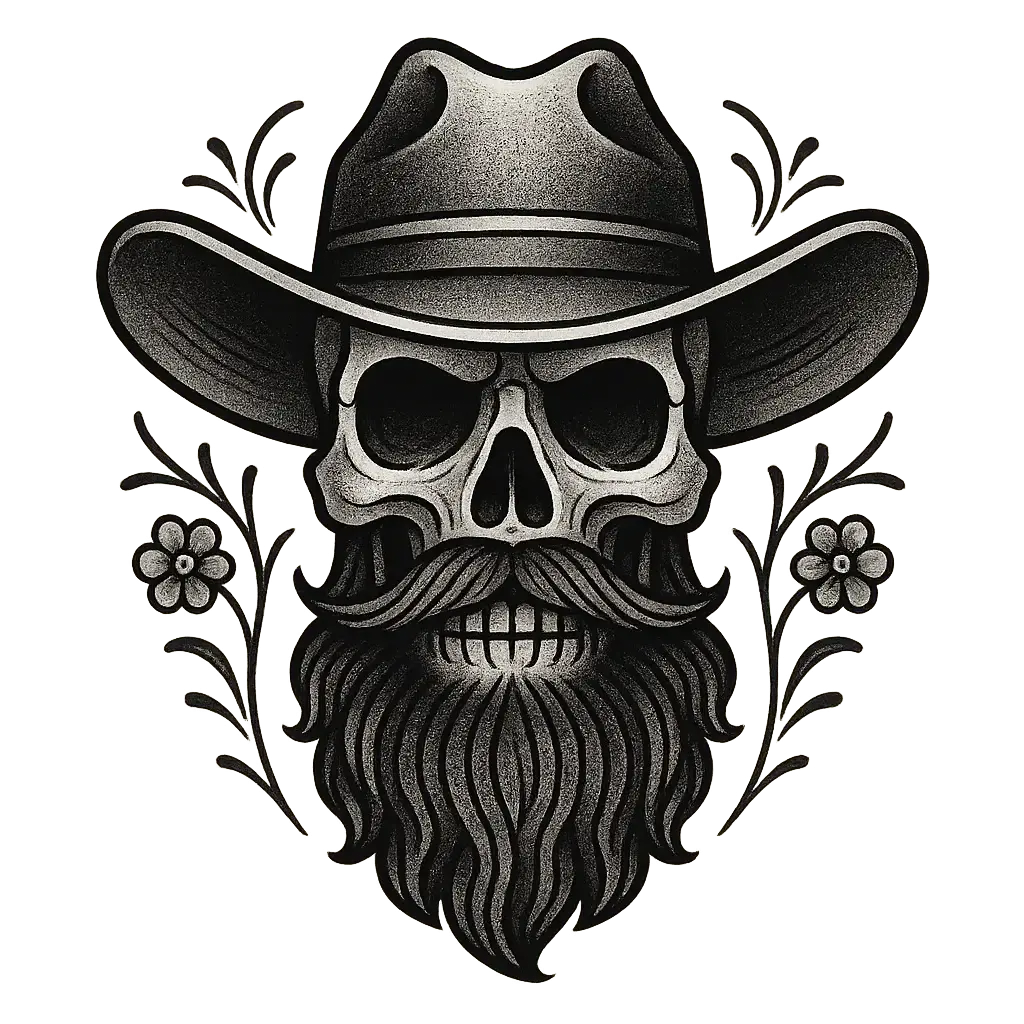
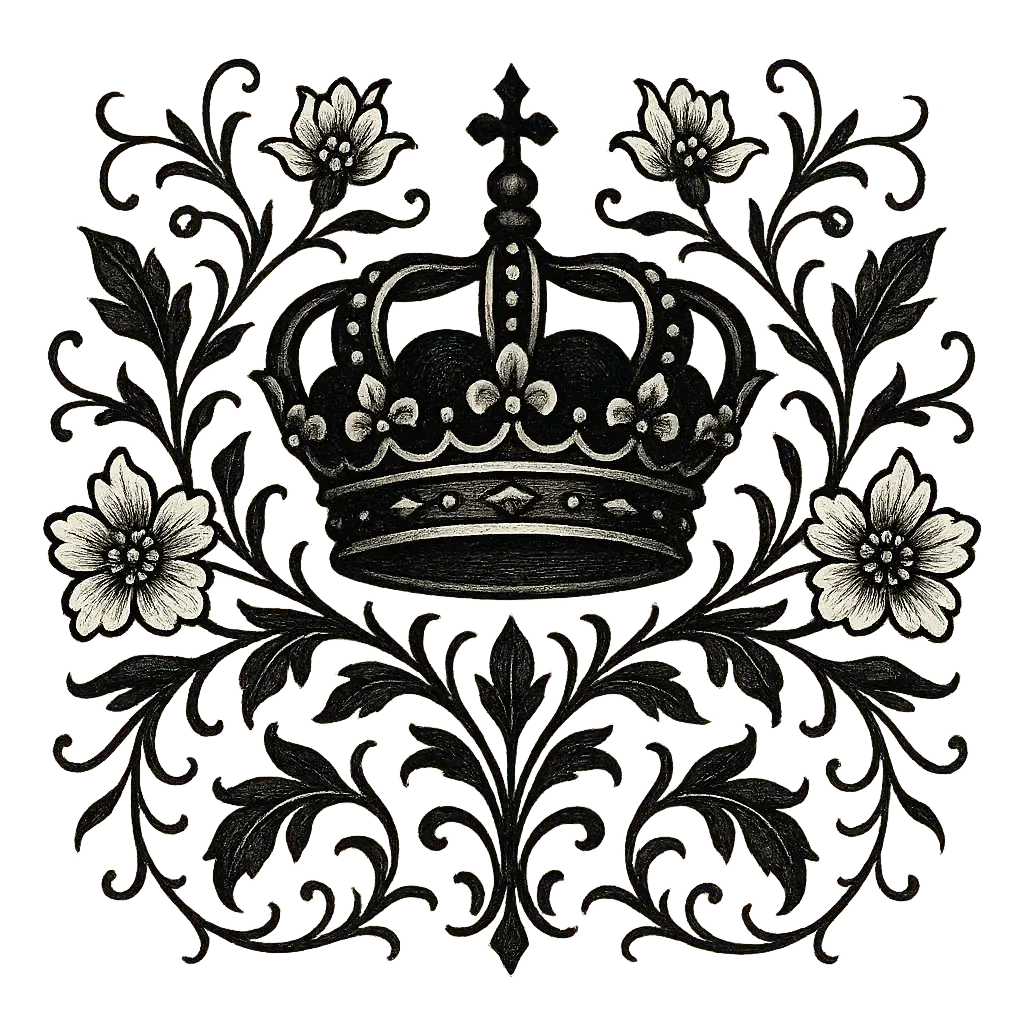
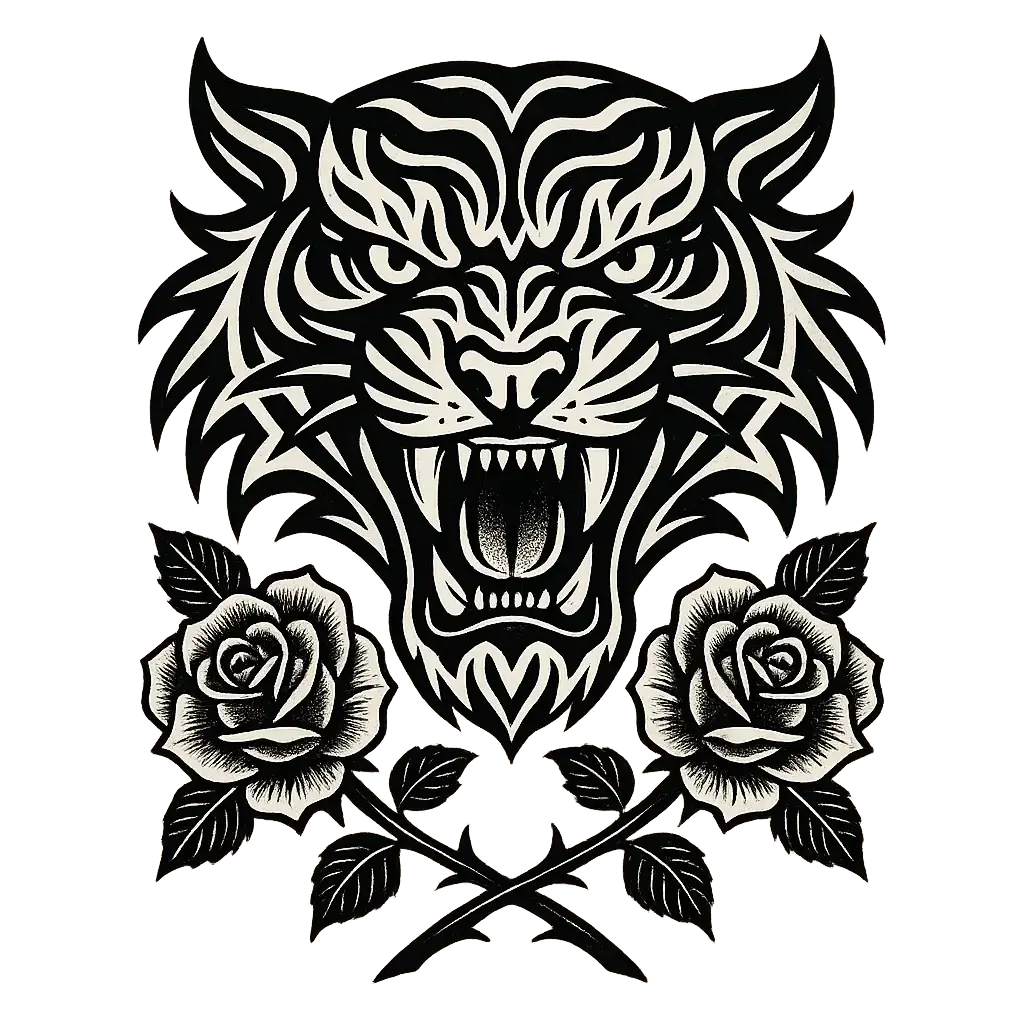
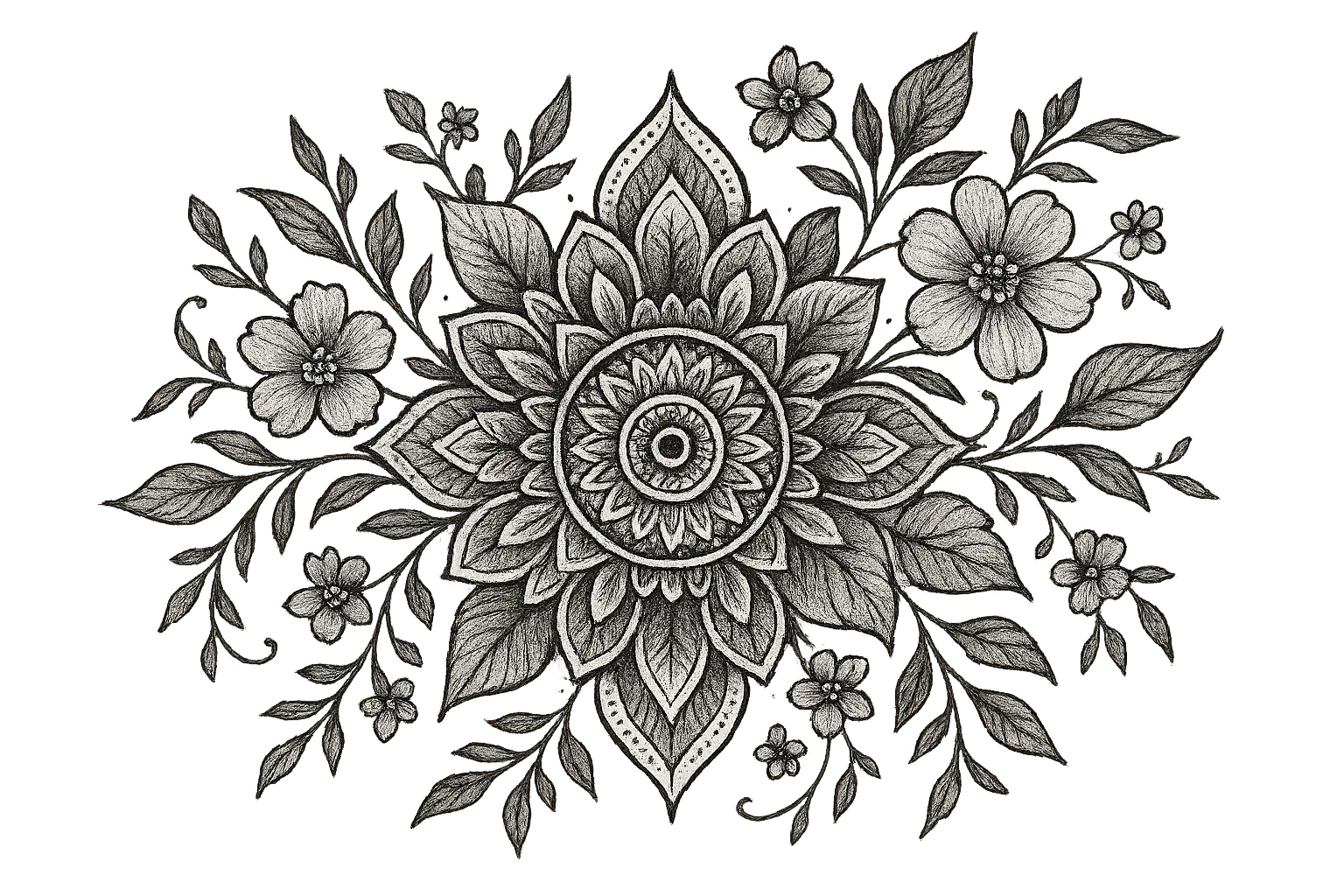
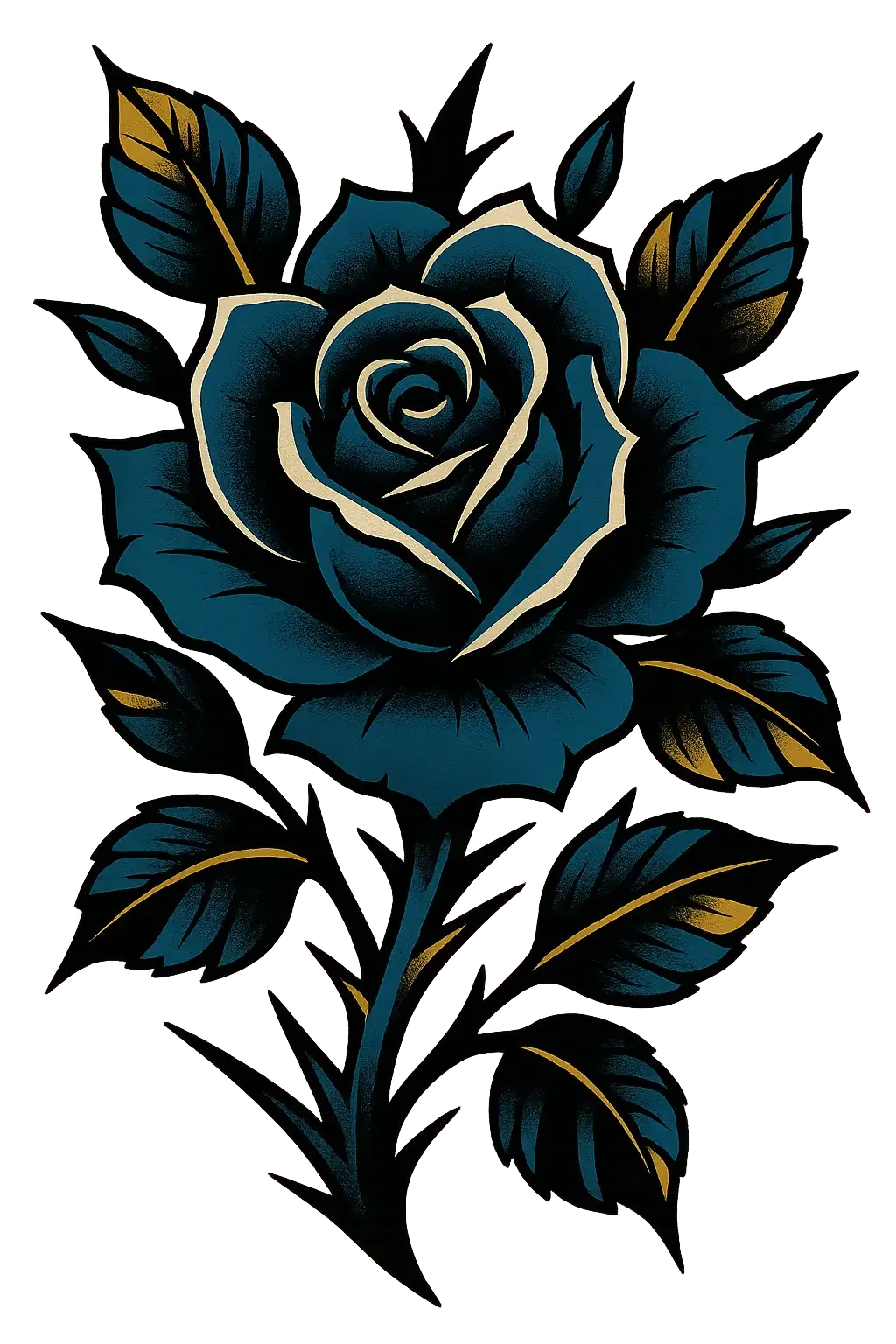
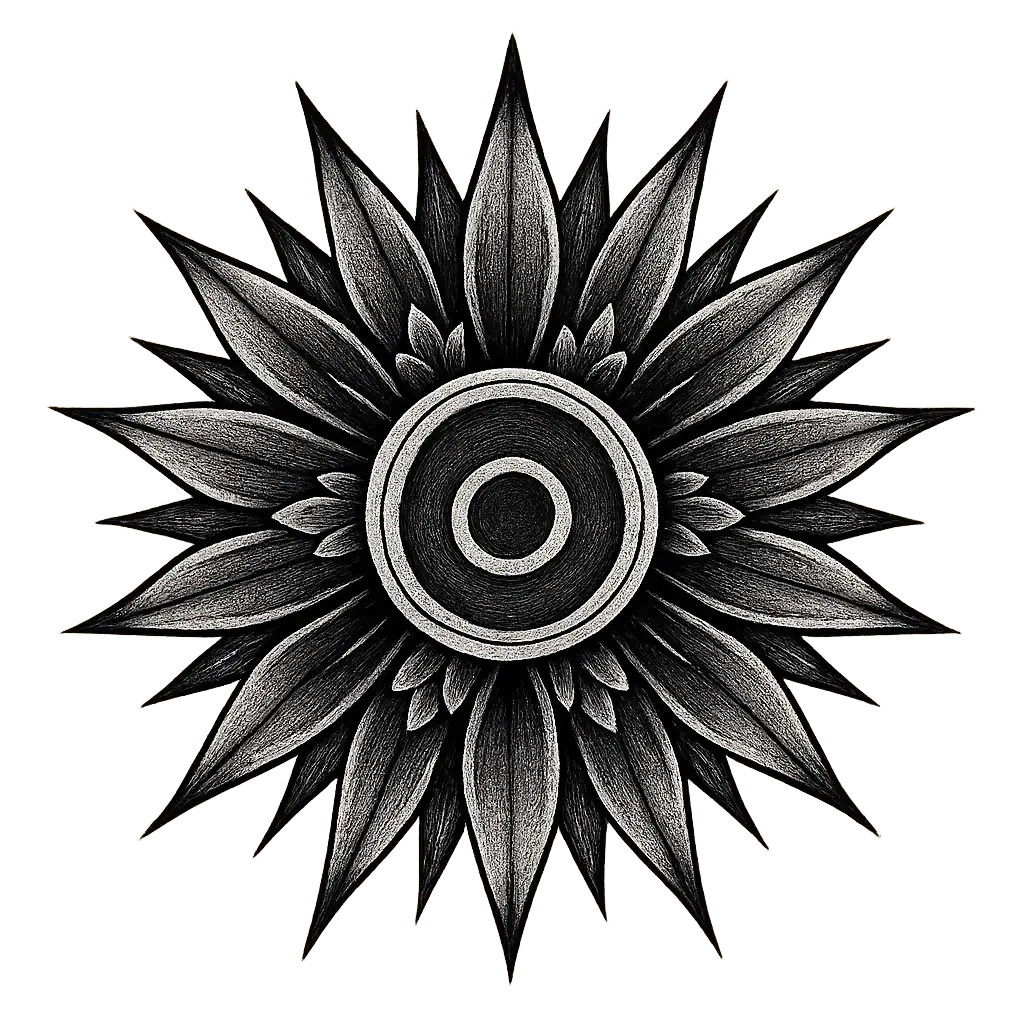
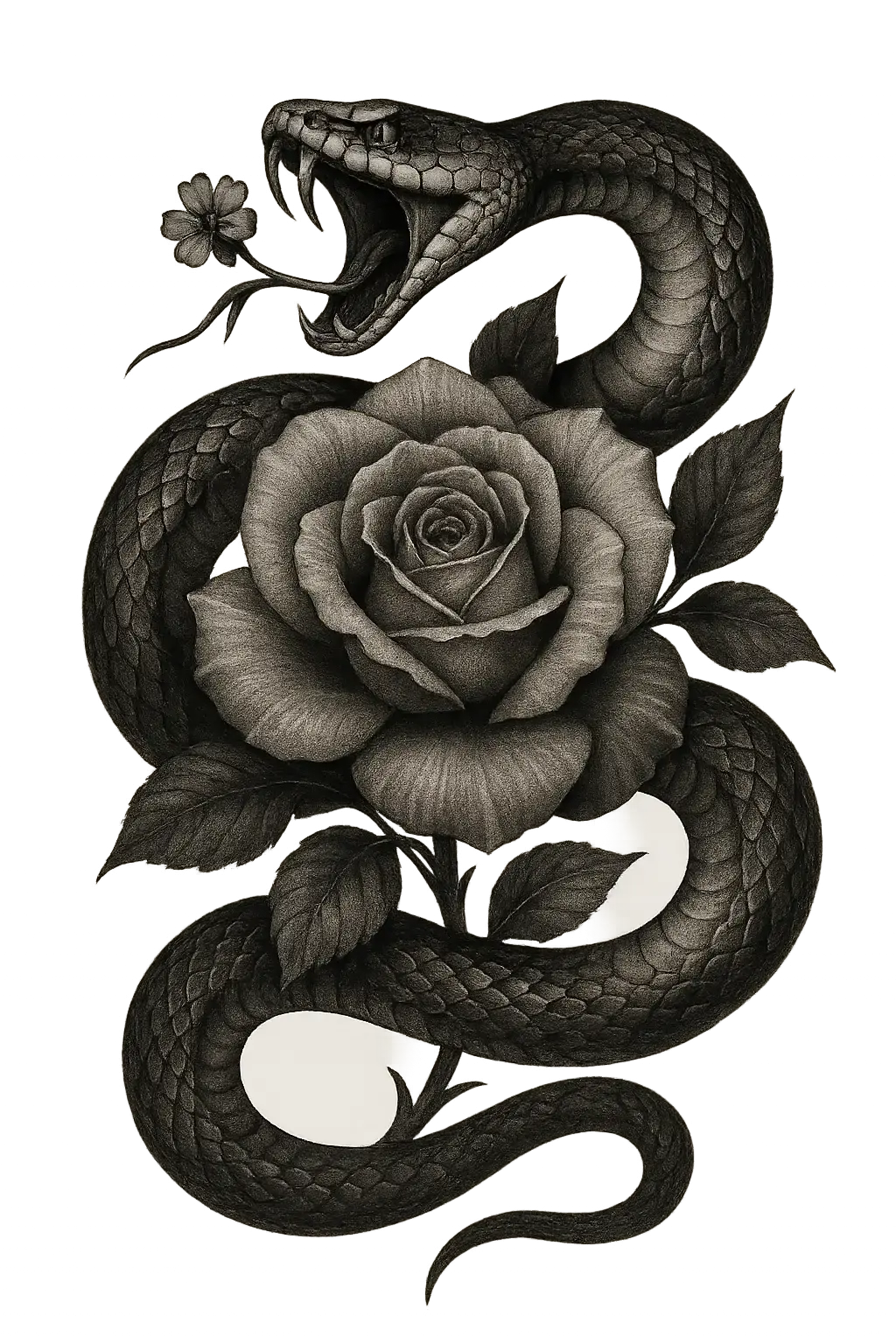
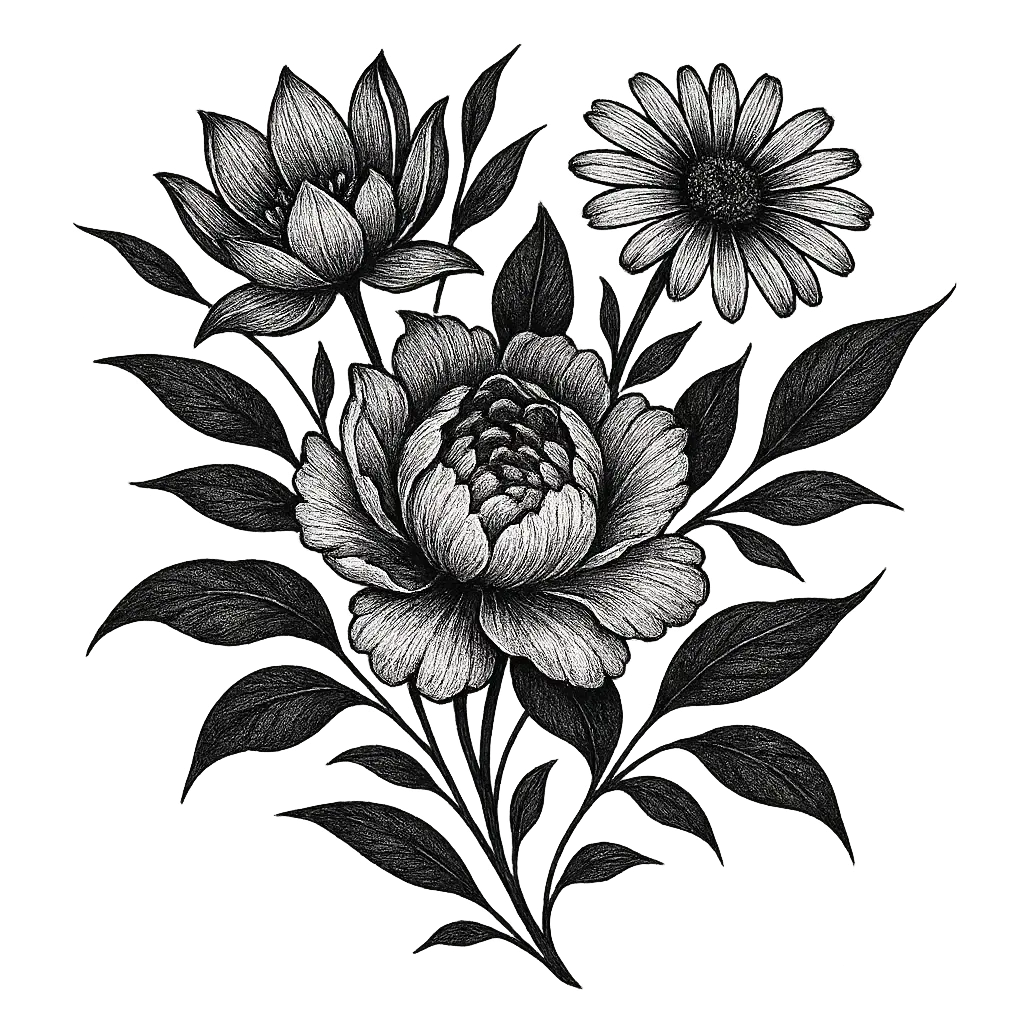
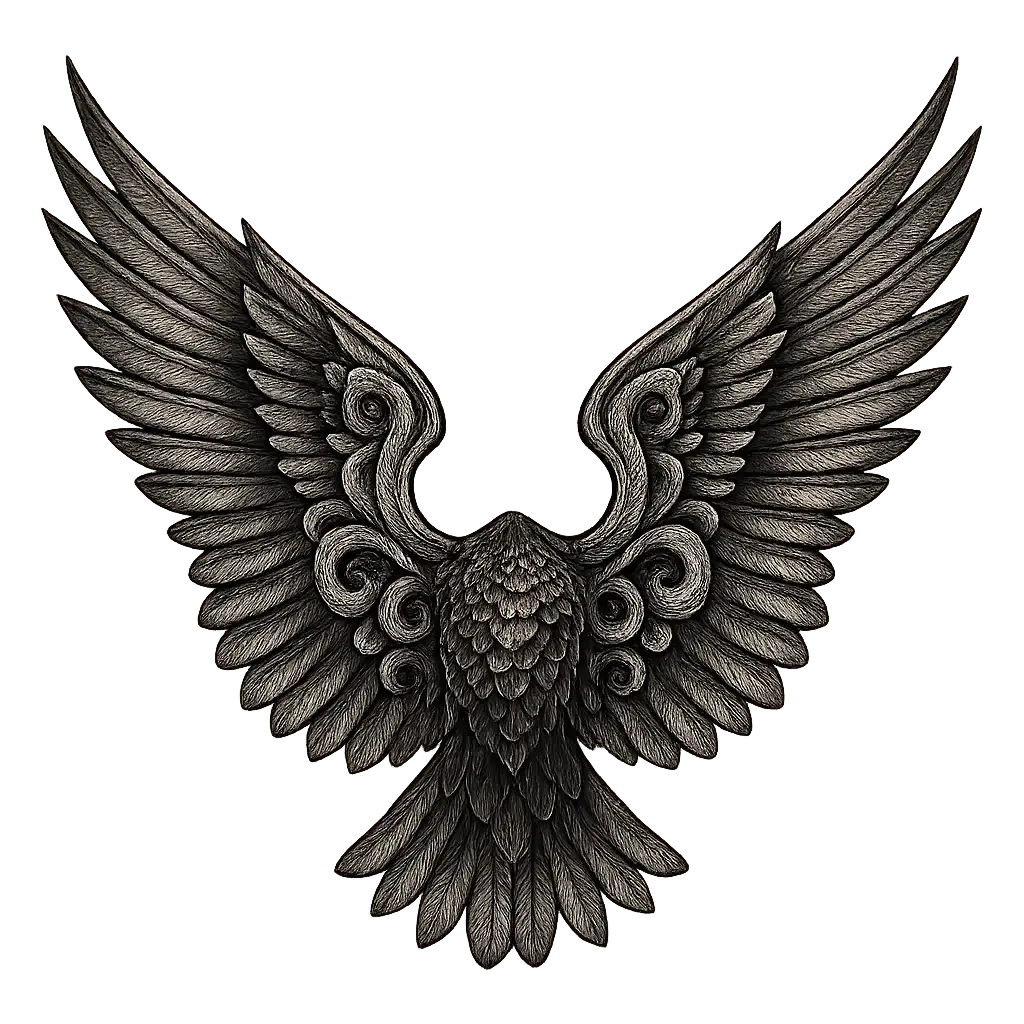
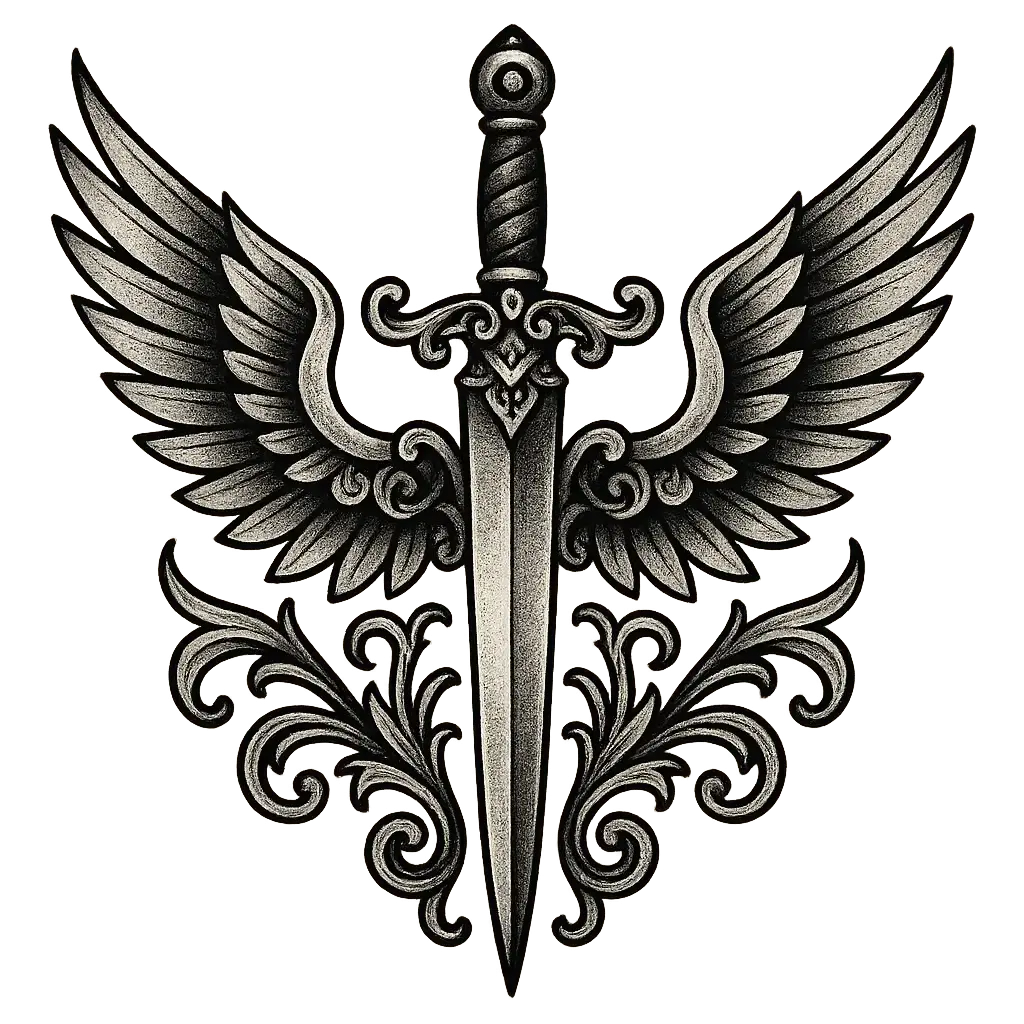
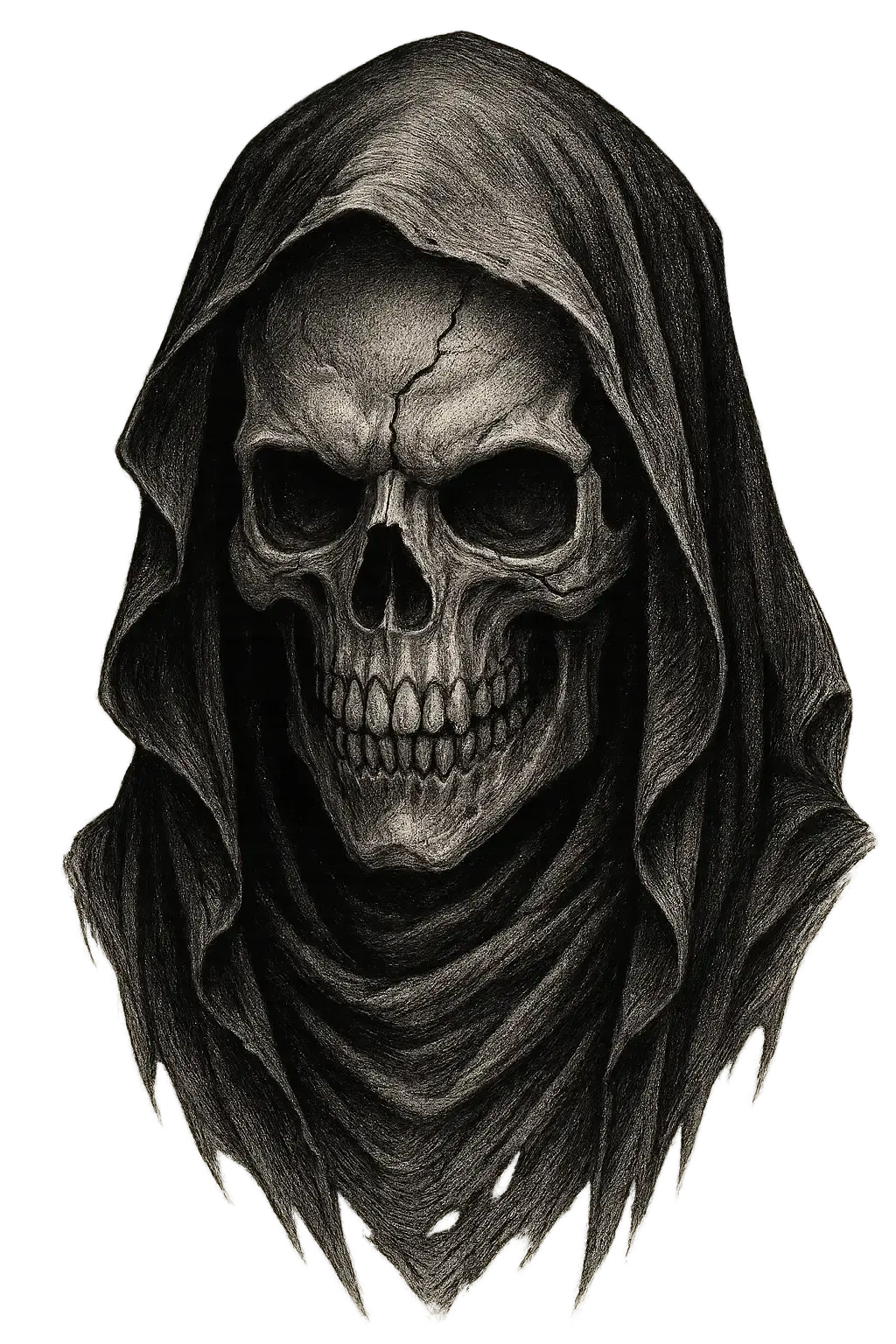
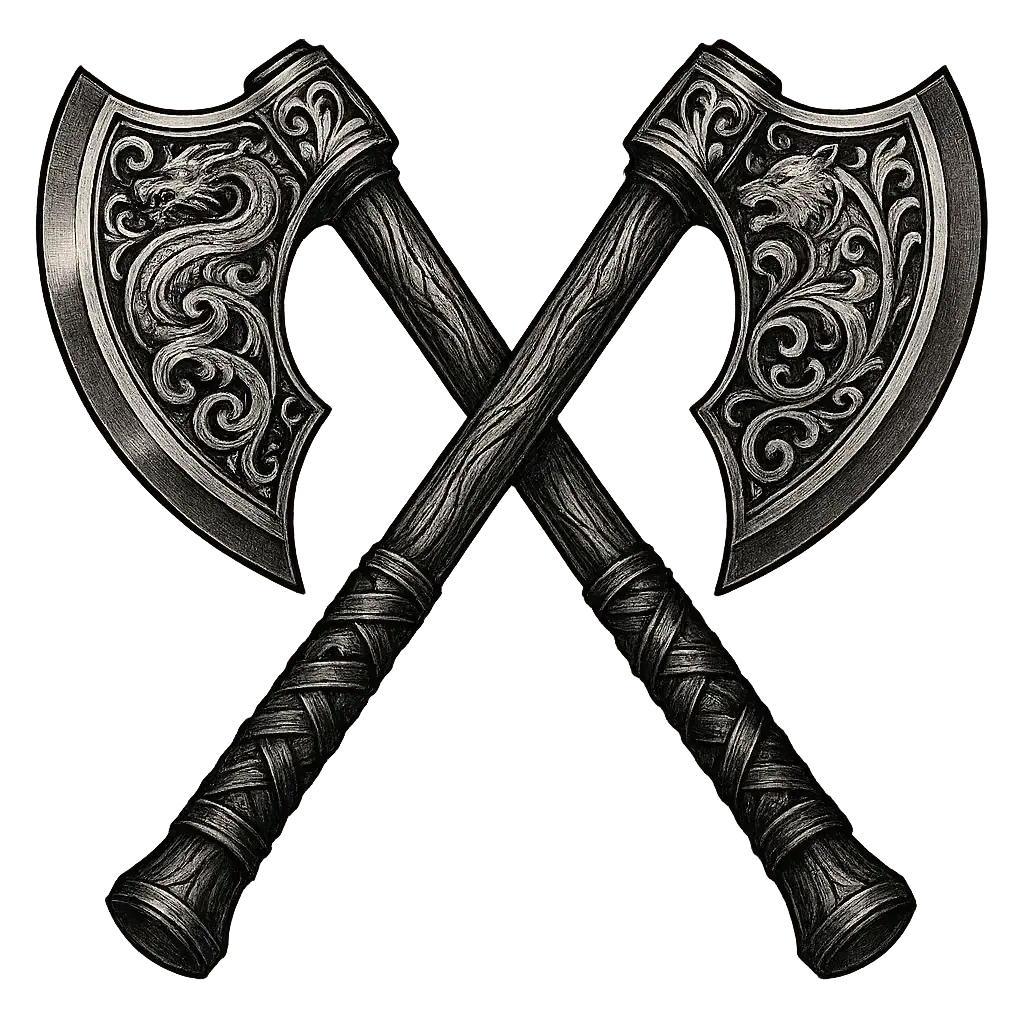
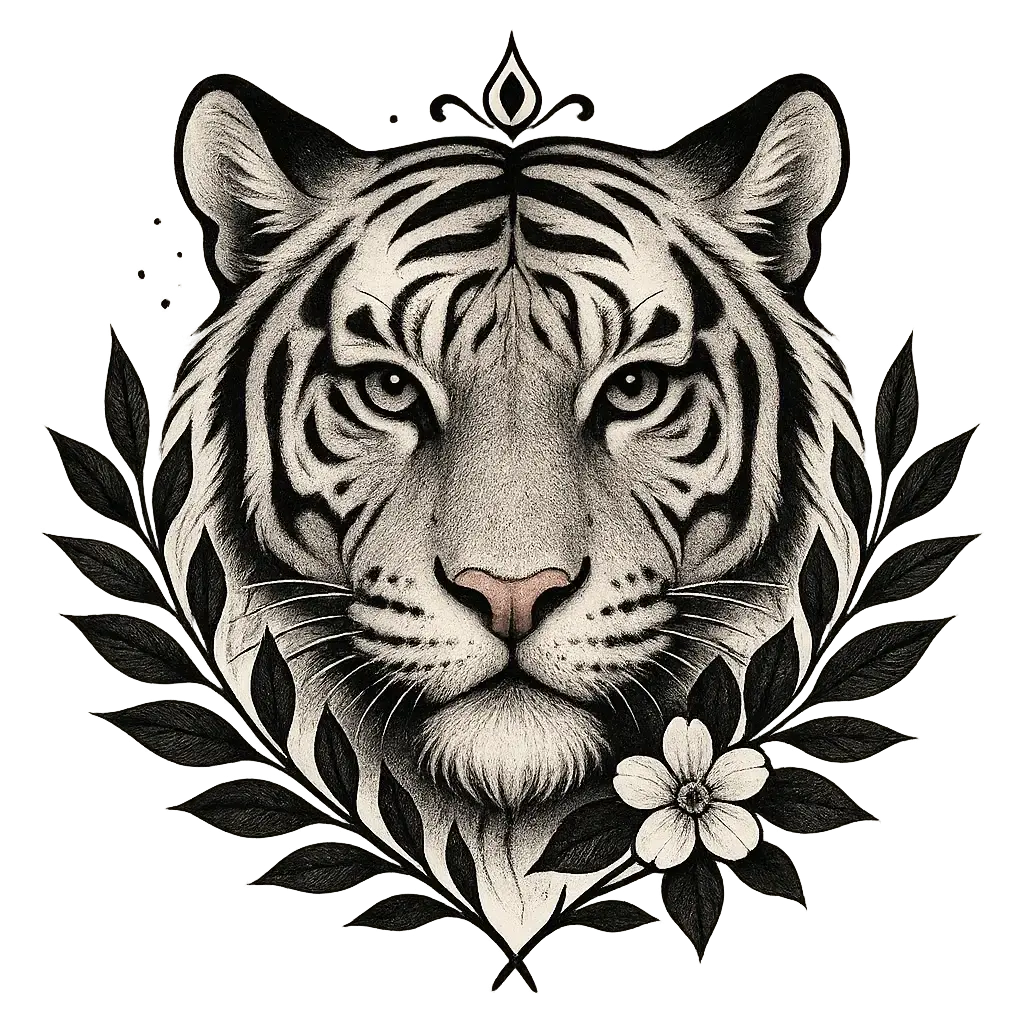
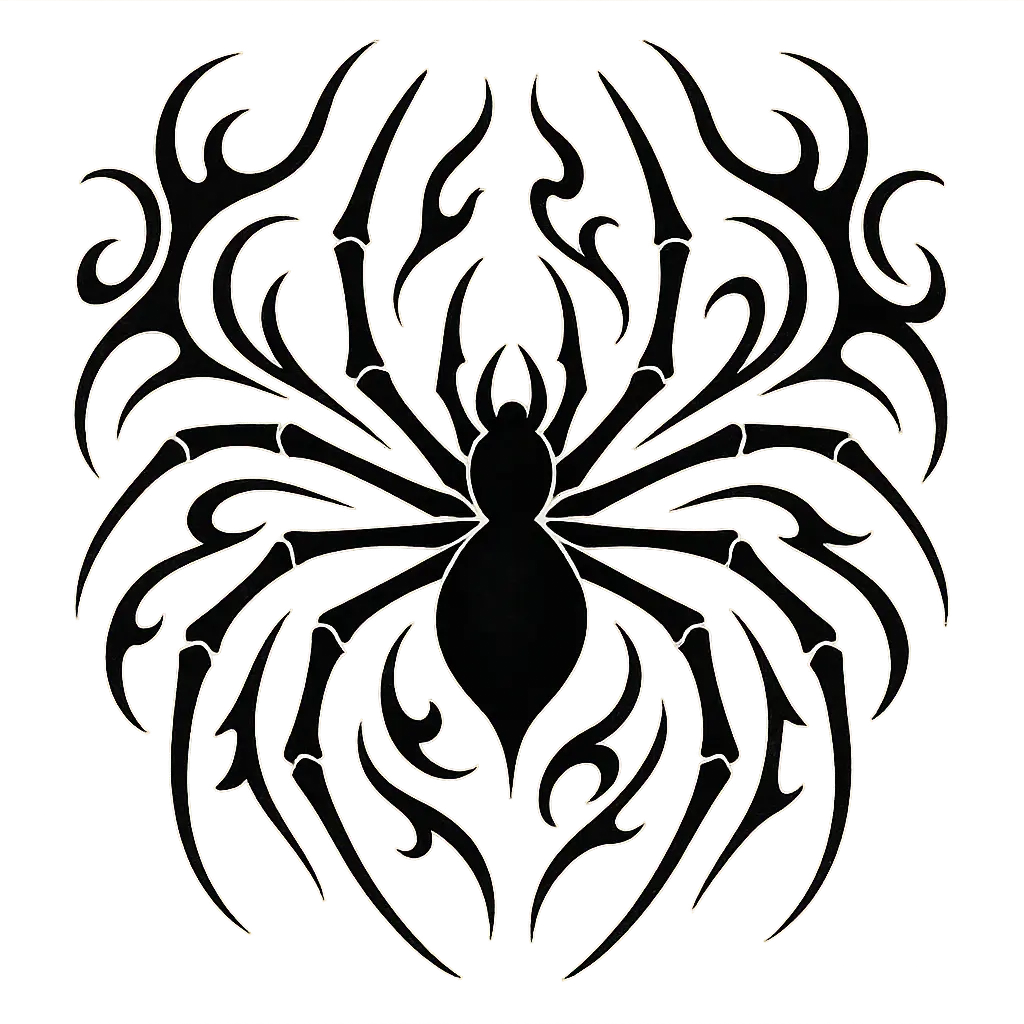
Explore the AI Tattoo Generator Gallery