logo
RunComfy
  • ComfyUI
  • 训练器新
  • 模型
  • API
  • 定价
discord logo
模型
探索
所有模型
资源库
生成记录
模型 API
API 文档
API 密钥
账户
使用情况

Z Image Turbo:支持 6 种宽高比的文生图模型 | RunComfy

tongyi-mai/z-image/turbo/text-to-image

根据文字生成最多 4 张图片,并调整尺寸、步数、随机种子和输出格式。

要生成的图像数量。
指定输出图像格式。
Idle
The rate is $0.005 per image.

Z Image Turbo 文生图功能概览

Z Image Turbo 根据文字提示词生成图片。此页面提供 6 种固定宽高比、1–30 个推理步、随机种子、每次 1–4 张图片和 3 种输出格式。这个版本不接收原始图片或视频。

X 上的 Z Image Turbo

输入项与范围#

  • prompt 是唯一必填项。
  • image_size 提供 square_hd、square、portrait_4_3、portrait_16_9、landscape_4_3 和 landscape_16_9,默认为 landscape_4_3。
  • num_inference_steps 范围为 1–30,默认值为 8。
  • seed 是整数,默认值为 0。
  • num_images 范围为 1–4,默认值为 1。
  • output_format 支持 jpeg、png 和 webp,默认为 png。

建议流程#

在 prompt 中描述主体、环境、视角、光线和风格,再根据用途选择宽高比。建议先用默认参数生成;比较不同设置时保持种子不变,并一次只修改一个参数。提高 num_images 可在同一次运行中获得多张候选图片。


相关页面与来源#


  • Seedream 4.5 Text-to-Image
  • FLUX.2 Pro Text-to-Image
  • Nano Banana Pro Text-to-Image
  • Z Image Turbo API
  • Tongyi-MAI/Z-Image-Turbo on HuggingFace
  • Z-Image Docs
  • Z-Image Paper
  • Z Image Turbo Image-to-Image
  • Z Image Turbo Image-to-Image LoRA
  • Z Image Turbo ControlNet LoRA

相关模型

ideogram-v2/generate

使用 6 种风格和 11 种宽高比,生成包含文字设计的视觉图片。

seedream-4-5/edit-sequential

上传 1~14 张参考图,按文字指令进行编辑,并设置最多 15 张序列输出。

seedream-4-0/edit

根据必填提示词编辑或融合 1–10 张必填 JPEG 或 PNG 图像。可选择 `1K`、`2K`、`4K` 或八种固定分辨率。

nano-banana/edit

根据提示词编辑或组合 1–10 张图像,并设置宽高比、格式和输出数量。

flux-2-klein/9b/text-to-image

高保真 4 步文本到图像,具有清晰的文本渲染

chrono-edit/lora/upscaler

对一张必填输入图片进行放大,并可调整推理步数、LoRA 作用强度、种子和输出格式。

常见问题

此页面的 Z Image Turbo 可以做什么?

它根据文字提示词生成一张或多张图片。这个版本属于文生图模型。

哪个输入项是必填的?

只有 prompt 必填。

支持哪些宽高比?

可选 square_hd、square、portrait_4_3、portrait_16_9、landscape_4_3 和 landscape_16_9,默认为 landscape_4_3。

推理步数可以设置为多少?

num_inference_steps 范围为 1–30,默认值为 8。

一次可以生成多少张图片?

num_images 可设为 1–4,默认值为 1。

支持哪些文件格式?

可选 jpeg、png 或 webp,默认为 png。

随机种子的默认值是什么?

seed 是整数,默认值为 0。

可以提供原始图片或视频吗?

不可以。此 schema 只有文字提示词,没有原始图片或视频输入项。

提示词应该怎么写?

先写主要主体,再用清楚的语句补充环境、构图、光线、视角和风格。

如何合理比较两组设置?

保持提示词、图片尺寸和随机种子一致,每次只改变一个值,例如推理步数,这样更容易判断参数带来的影响。

关注我们
  • 领英
  • Facebook
  • Instagram
  • Twitter
支持
  • Discord
  • 电子邮件
  • 系统状态
  • 附属
视频模型
  • MiniMax H3 Open
  • FLUX 3 Image to Video
  • MiniMax H3 Open Image to Video
  • Wan 2.6 Flash
  • Happy Horse 1.1 reference to video
  • Seedance 1.5 Pro Text to Video
  • 查看所有模型 →
图像模型
  • Seedream 5.0 Pro Image Edit
  • Flux 2 Flash Edit
  • Nano Banana Pro
  • seedream 4.0
  • GPT Image 2
  • Qwen Image Edit 2511 LoRA
  • 查看所有模型 →
法律
  • 服务条款
  • 隐私政策
  • Cookie 政策
RunComfy
版权 2026 RunComfy. 保留所有权利。

RunComfy 是首选的 ComfyUI 平台,提供 ComfyUI 在线 环境和服务,以及 ComfyUI 工作流 具有惊艳的视觉效果。 RunComfy还提供 AI Models, 帮助艺术家利用最新的AI工具创作出令人惊叹的艺术作品。
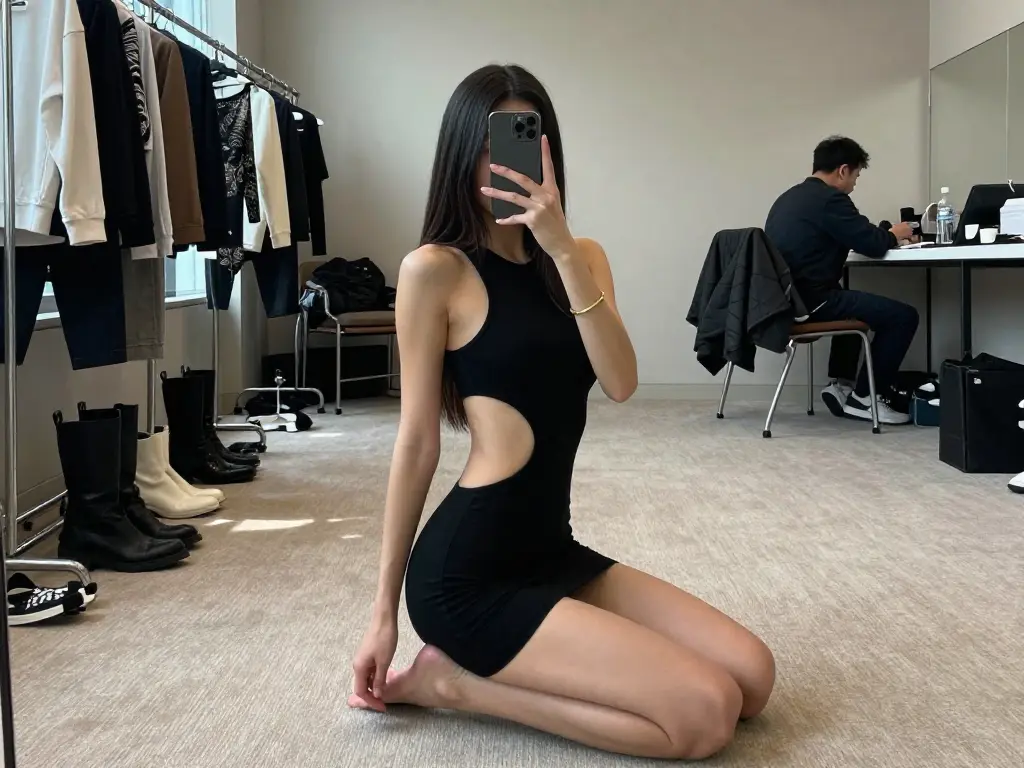
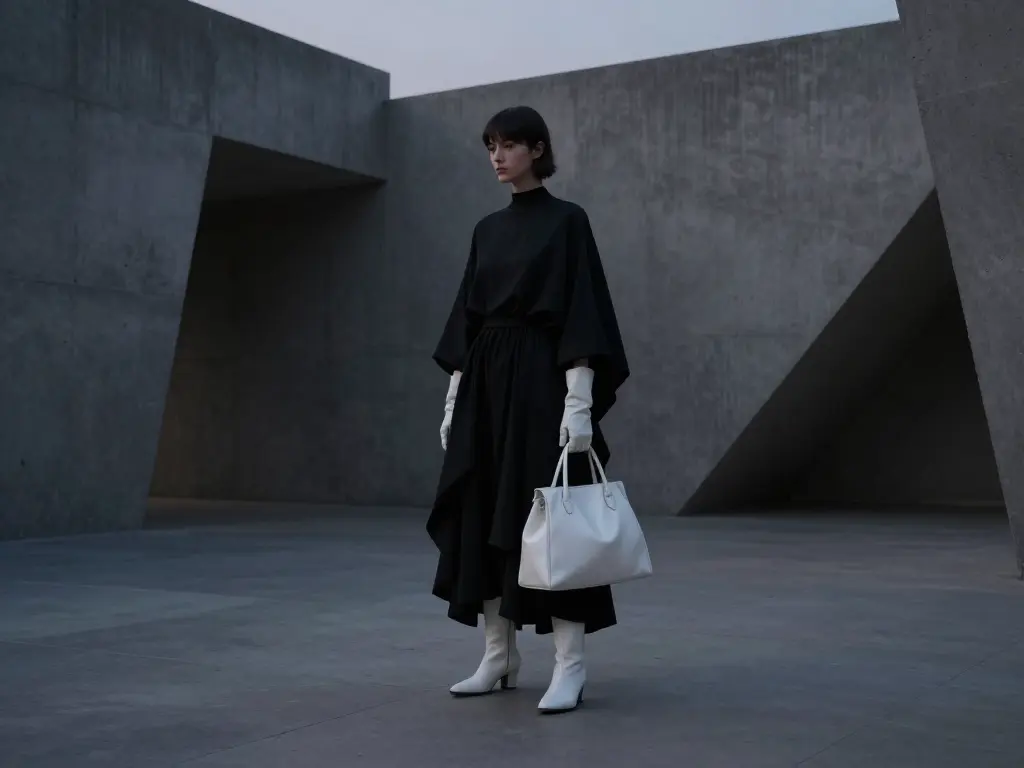
Z Image Turbo 生成示例

Woman in cut-out black dress kneeling in a fashion studio captured using Z Image Turbo
Minimalist fashion editorial of a woman in black and white attire posing in a concrete architectural space using Z Image Turbo
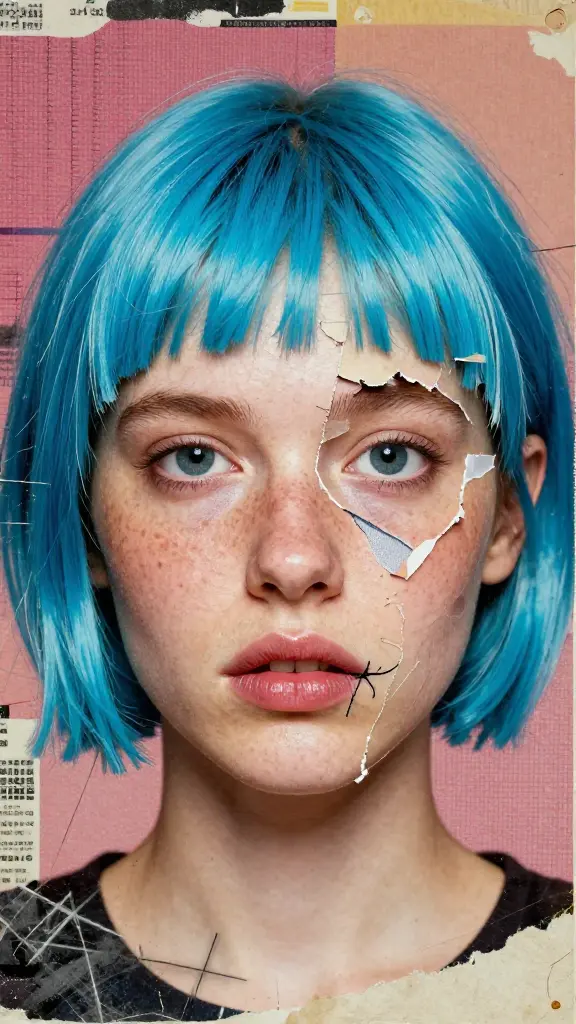
Surreal female portrait with cyan-blue hair and torn paper effect on her face, created with Z Image Turbo
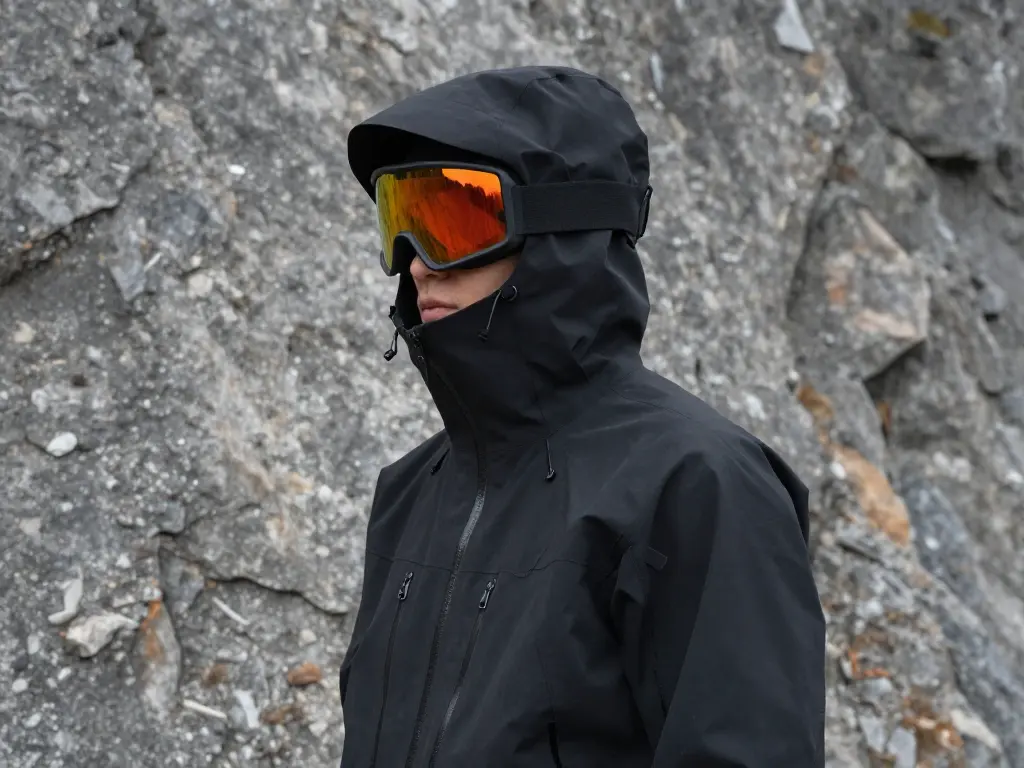
Person in black techwear jacket and mirrored goggles near rocky terrain, rendered with Z Image Turbo.
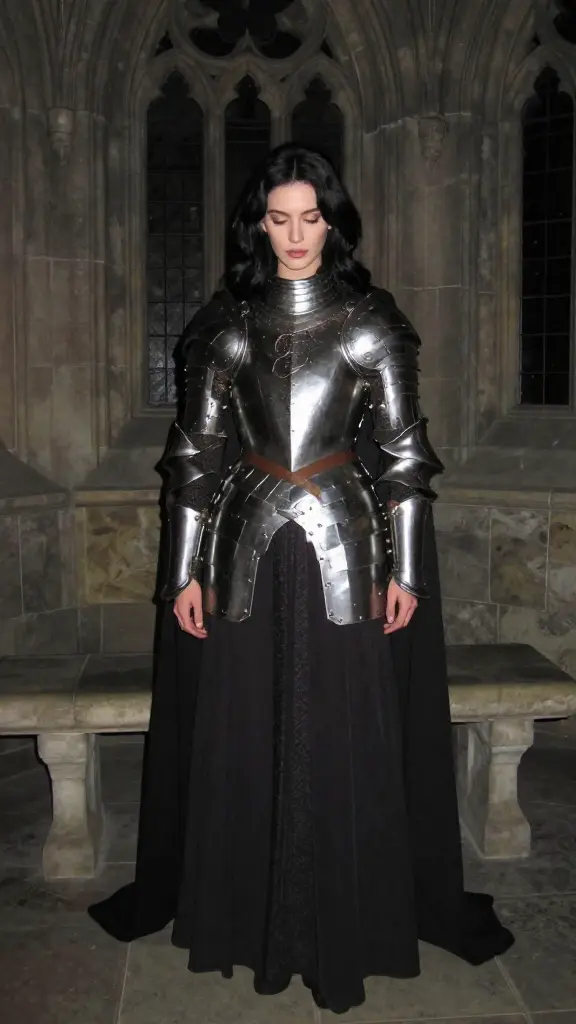
Female knight in polished medieval armor standing in a Gothic stone hall, created using Z Image Turbo
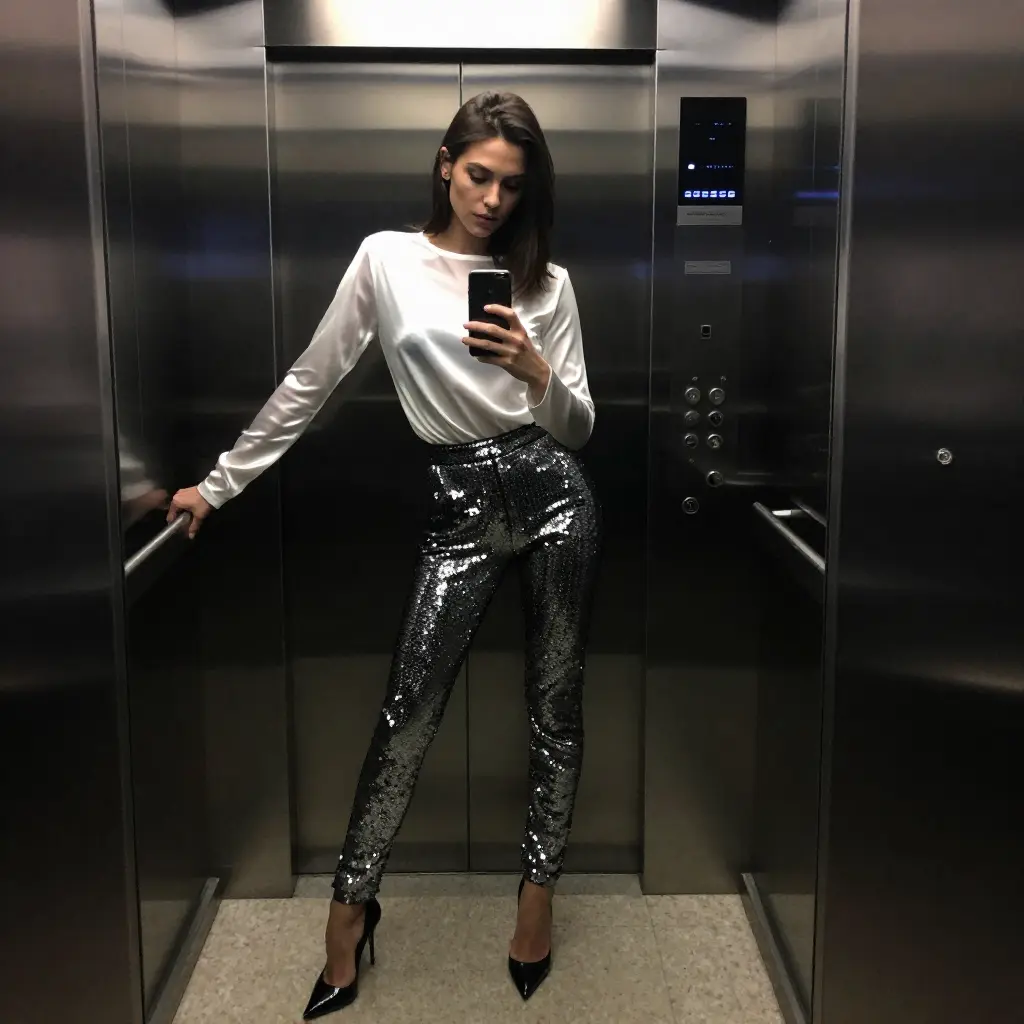
Fashionable woman taking a mirror selfie in an elevator wearing sequin pants and a white blouse, rendered using Z Image Turbo
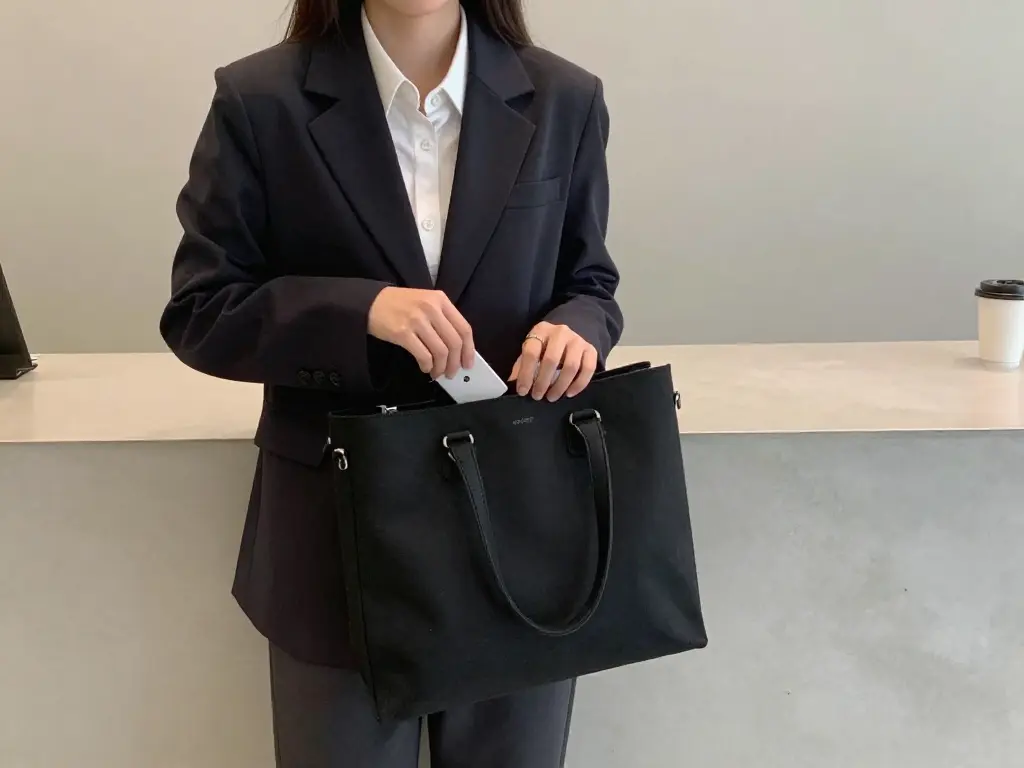
Woman wearing a black blazer places a phone into a black tote bag in a minimalist setting, created using Z Image Turbo
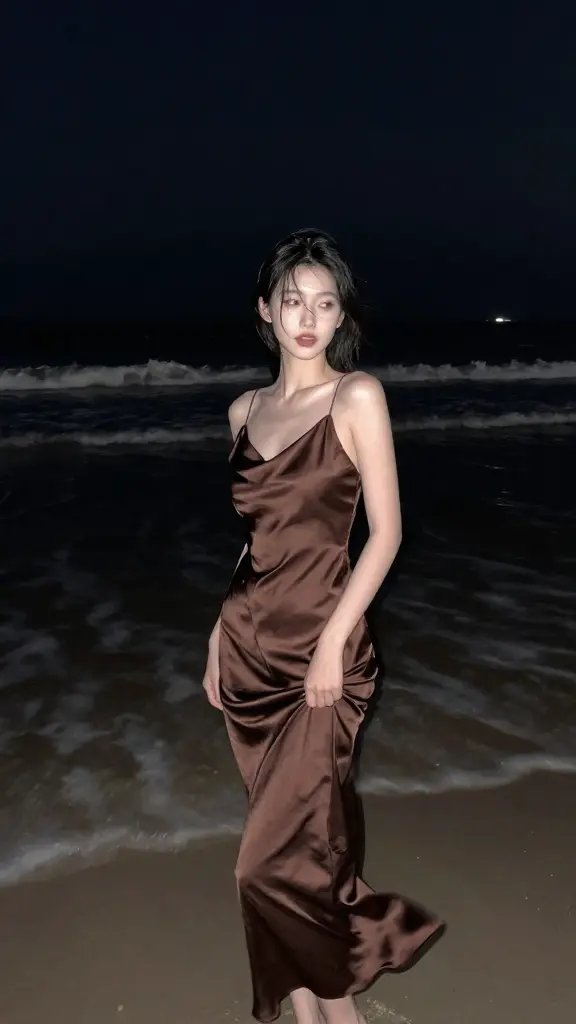
Woman in a silk brown dress walking on a beach at night, styled with Z Image Turbo
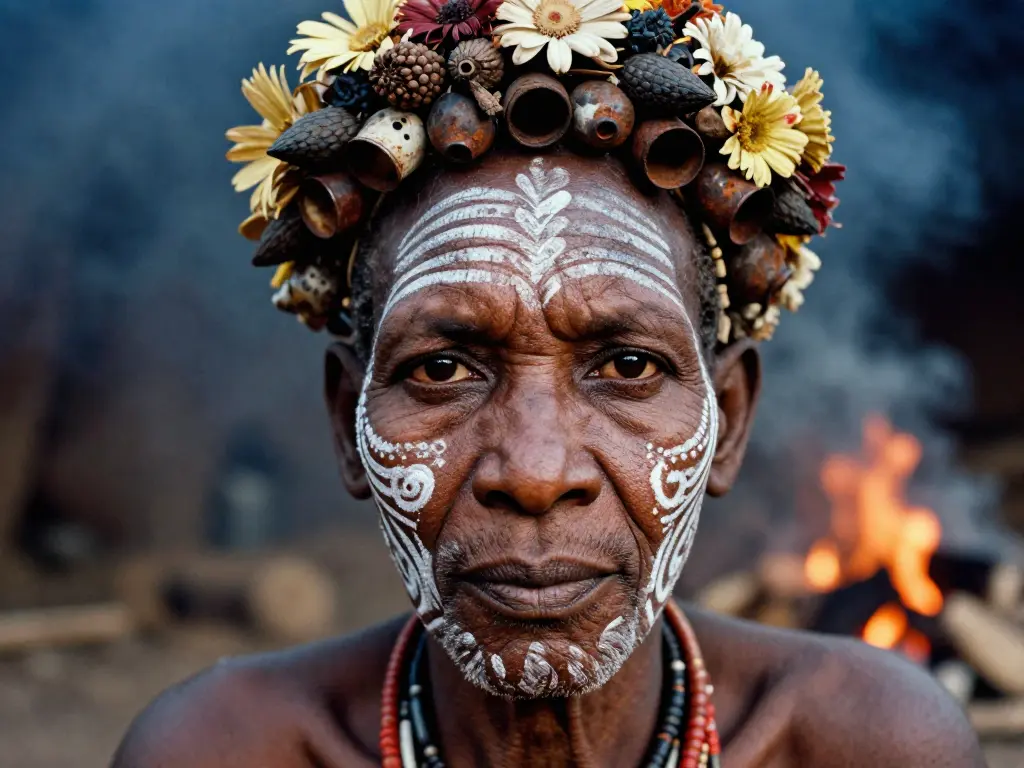
Portrait of an elder with tribal face paint and floral crown, created using Z Image Turbo