


qwen-edit-2509/lora/multiple-angles
Multi-angle image editing with precision control and seamless visual consistency
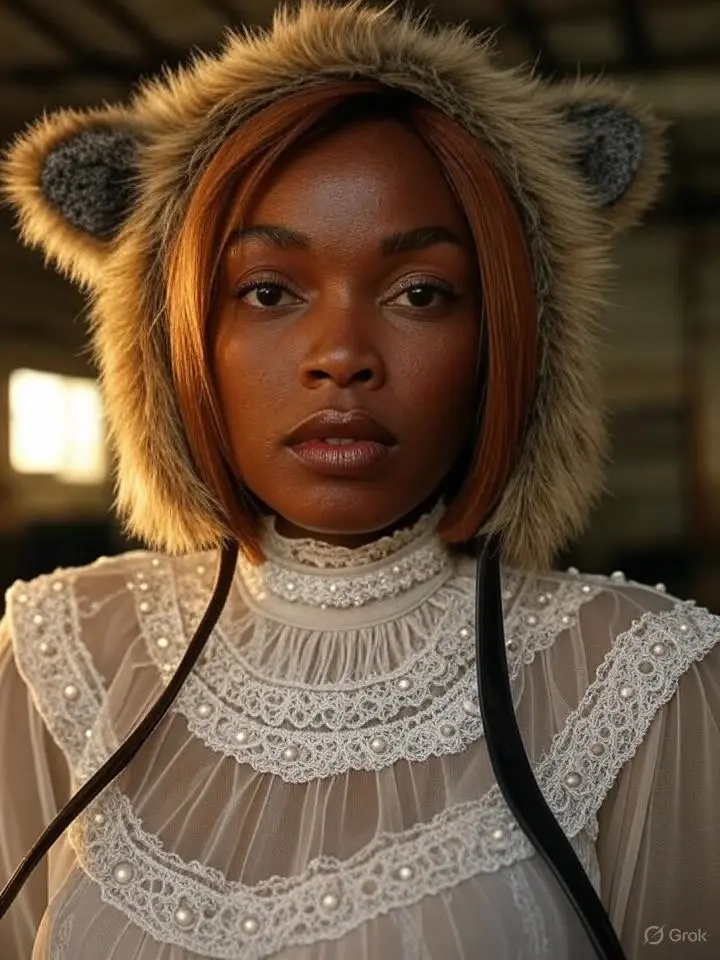

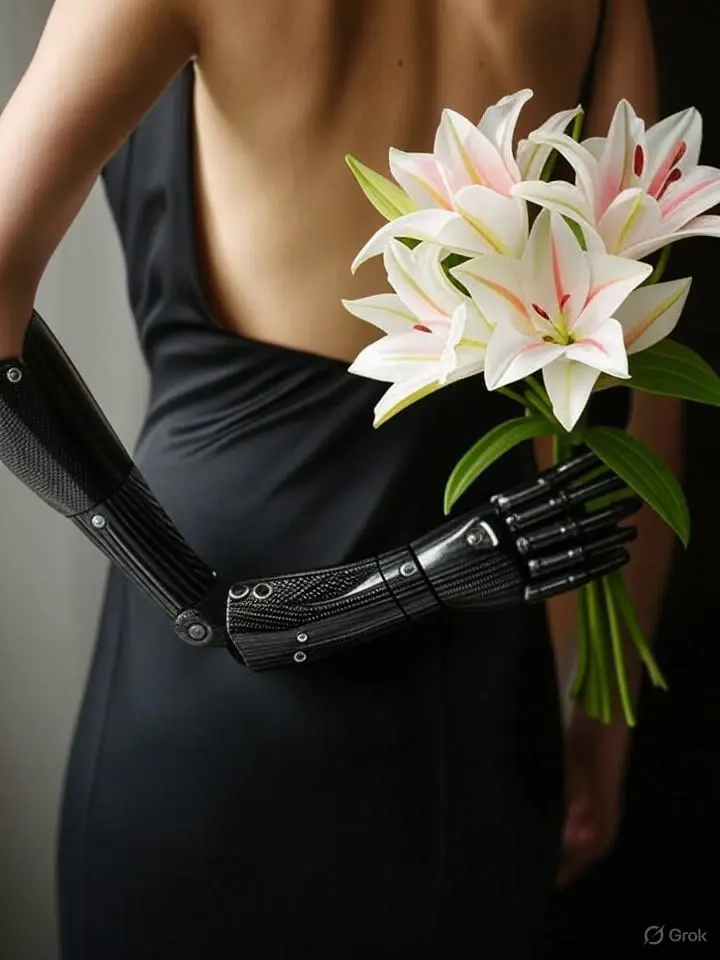



| Parameter | Type | Default/Range | Description |
|---|---|---|---|
| prompt | string | default: "" | Required text description of the desired image. Use clear nouns, attributes, and context for best results. |
| Parameter | Type | Default/Range | Description |
|---|---|---|---|
| num_images | integer | 1 (range: 1�?0) | Number of images to generate per request. Use higher values for exploration; lower for latency-sensitive use. |
Vs Nano Banana Pro:
Vs Seedream 4.5:
Vs Z-Image-Turbo:
Developers can integrate Grok AI Image Generator through the RunComfy API using standard HTTP requests. Authentication, JSON payloads, and paged responses fit typical CI/CD and serverless workflows. The minimal parameter surface (prompt, num_images) makes Grok AI Image Generator easy to prototype and scale in production.
Note: API Endpoint for Grok AI Image Generator
Multi-angle image editing with precision control and seamless visual consistency

Replace a photo’s background with a new scene using Ideogram 3.

High-speed model for consistent visual creation and precise design control

Delivers refined image remastering and brand-consistent visual edits with scalable control.

Transform written ideas into lifelike visuals with precise texture, light, and typography control for professional design use.

Generate studio-grade visuals with 4K clarity, creative control, and smart adaptive lighting
Yes, Grok AI Image Generator allows commercial use of its text-to-image outputs if you have an appropriate paid license. However, using the model through RunComfy does not override xAI’s model license terms. Always review the original license (such as OpenRAIL or similar) to ensure compliance with xAI’s stated commercial usage rights.
When you generate text-to-image content using Grok AI Image Generator on RunComfy, you must still adhere to the original model creator’s licensing—typically a custom or Open RAIL-style license provided by xAI. RunComfy merely offers a managed interface and GPU service, but it does not transfer any new rights or waive existing license restrictions.
For text-to-image generation, Grok AI Image Generator supports resolutions up to 4K (depending on subscription) with common aspect ratios like 1:1, 16:9, and 9:16. Prompt tokens are limited to around 400–500 characters, and multimodal inputs allow up to two reference images for feature-guided generation (e.g., via ControlNet/IP-Adapter).
Developers can start with the RunComfy Playground to test text-to-image features of Grok AI Image Generator, then switch to the RunComfy Production API for automation. The API uses similar parameters (prompt, style, resolution) and accepts user authentication tokens for production workloads. Documentation and endpoint examples are available from RunComfy’s developer portal.
Grok AI Image Generator, powered by the Aurora model, outperforms earlier Grok image versions with more accurate text-to-image rendering, improved photorealism, and better prompt fidelity. Its autoregressive mixture-of-experts design produces clean facial details and brand elements where earlier or competing models often struggle.
Most text-to-image generations complete within 6-8 seconds. High concurrency scenarios may queue briefly, but cloud orchestration keeps throughput consistent even during peak hours.
Yes, new RunComfy users receive complimentary USD credits to try Grok AI Image Generator and its text-to-image feature. After the trial credits expire, additional usage requires purchasing credits through the RunComfy billing panel.
For technical issues related to the RunComfy platform or API integration of Grok AI Image Generator’s text-to-image features, you can reach RunComfy support at hi@runcomfy.com. For licensing or commercial use clarification, it’s best to review xAI’s official documentation or licensing page.
RunComfy is the premier ComfyUI platform, offering ComfyUI online environment and services, along with ComfyUI workflows featuring stunning visuals. RunComfy also provides AI Models, enabling artists to harness the latest AI tools to create incredible art.