logo
RunComfy
  • Playground
  • ComfyUI
  • TrainerNew
  • API
  • Pricing
discord logo
PLAYGROUND
Explore
All Models
Lipsync Studio
Character Swap
Upscale Video
LIBRARY
Generations
MODEL APIS
API Docs
API Keys
ACCOUNT
Usage

Wan 2.6: Realistic Image-to-Video Generation with Motion & Lip-Sync on playground and API | RunComfy

wan-ai/wan-2-6/image-to-video

Turn static images into high-fidelity 1080P videos with Wan 2.6 Image-to-Video. Features audio-driven lip-sync, dynamic multi-shot camera moves, and strict character consistency.

Length should be less than 1500 characters.
Image format must be: jpg, jpeg, png, bmp, webp. File size should be less than 10 MB.
Audio format must be: wav, mp3. The duration of this audio must be between 3s and 30s. File size should be less than 15 MB.
Shot Type
Idle
[CRAZY LOW PRICE]: $0.05 per second for 720P, and $0.08 per second for 1080P.

Introduction To Wan 2.6 Image-To-Video Generator

Unlike standard video generation, Wan 2.6 Image-to-Video anchors generation to a specific source image, strictly preserving subject identity, texture, and composition while generating physics-aware motion. It stands out with unique capabilities like audio-driven lip-sync and dynamic multi-shot transitions from a single frame.

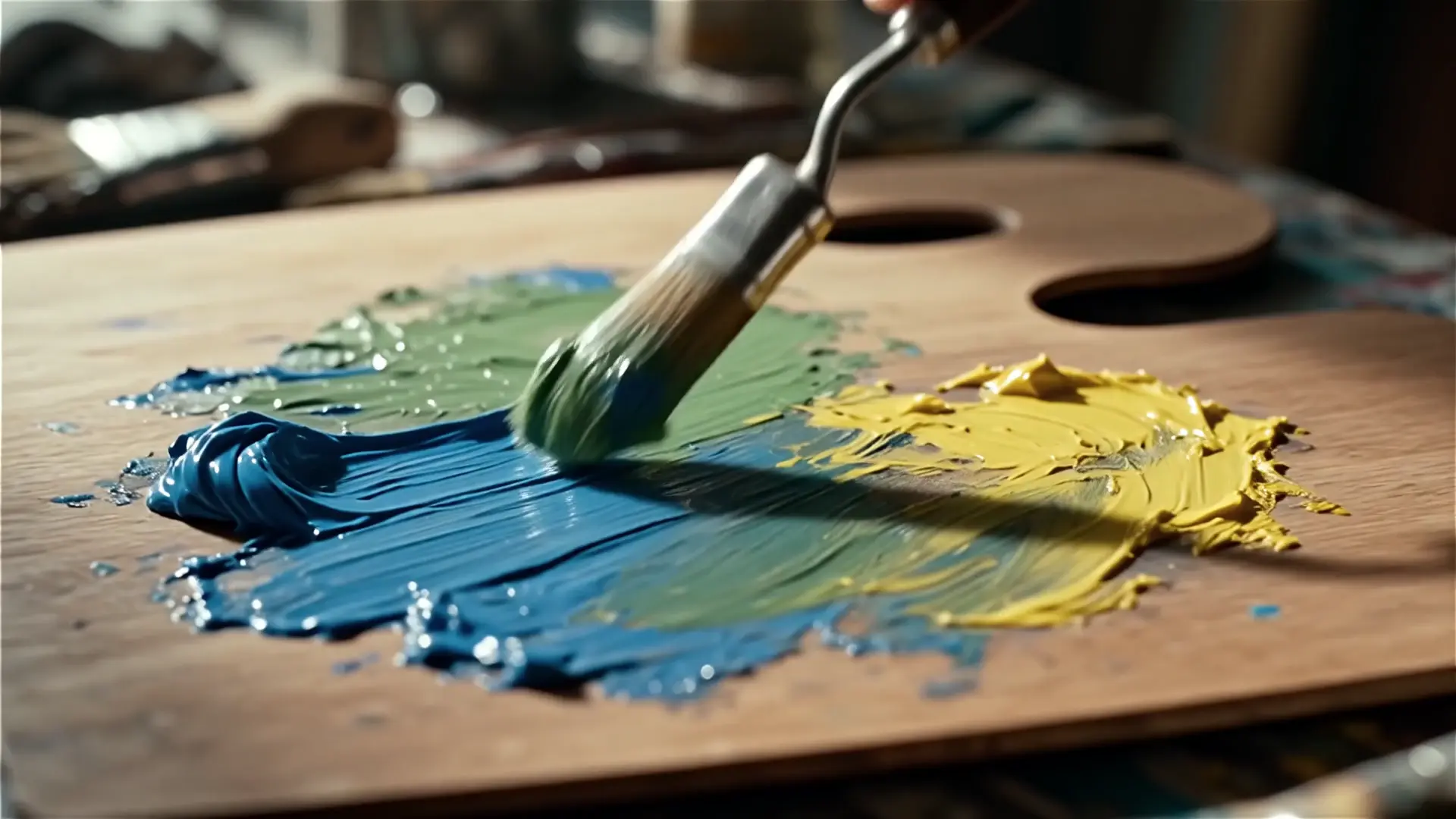
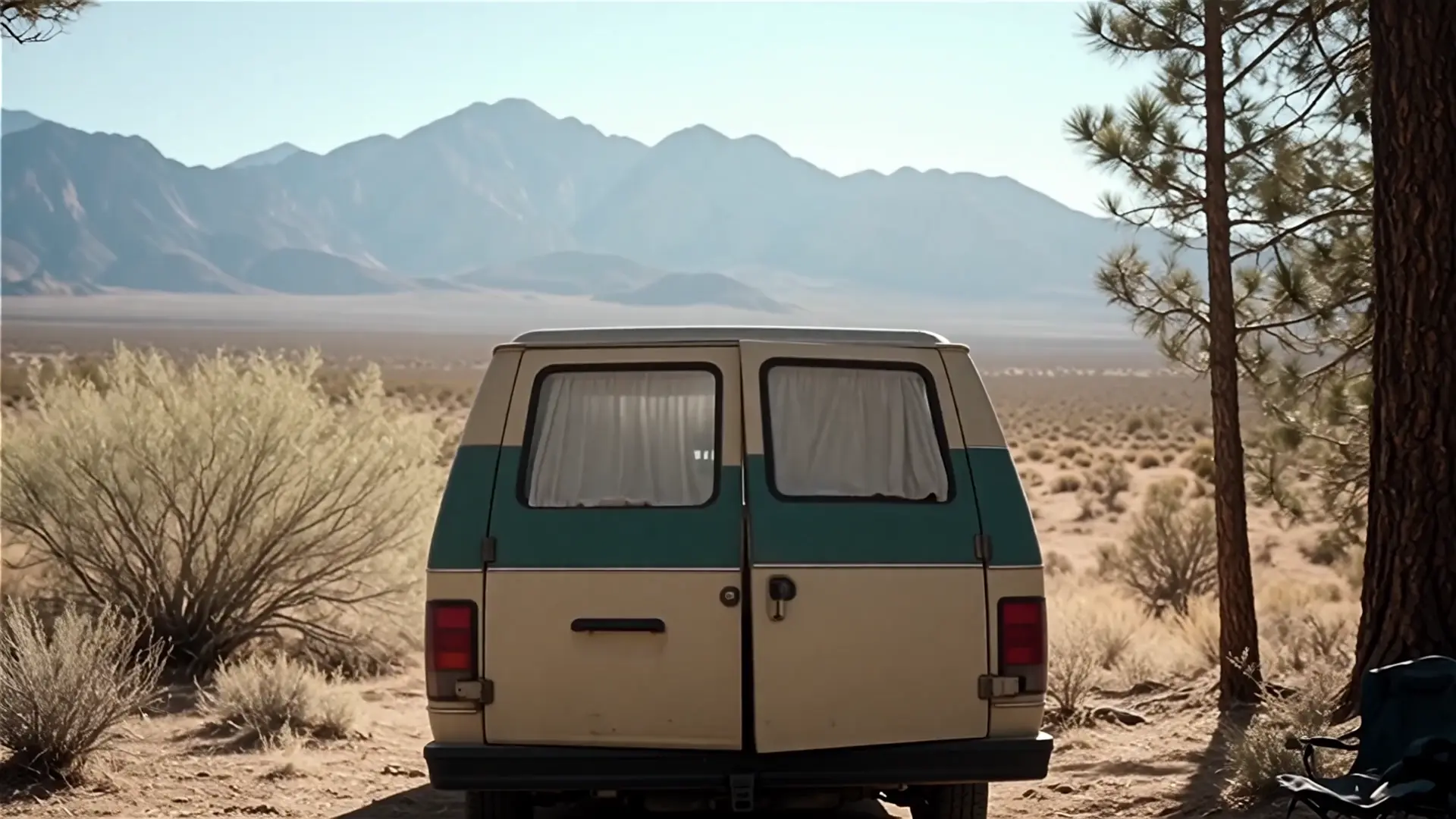
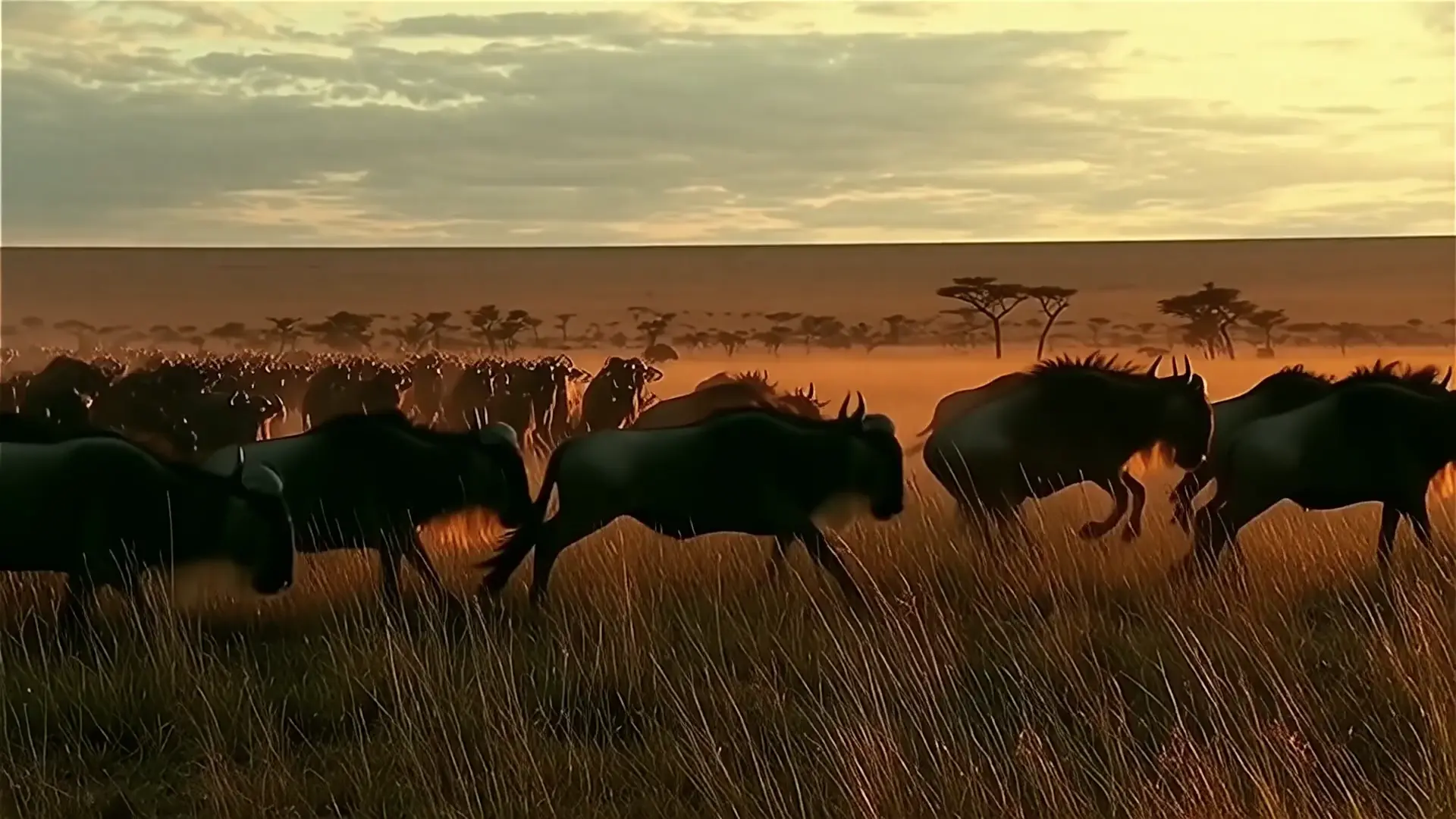
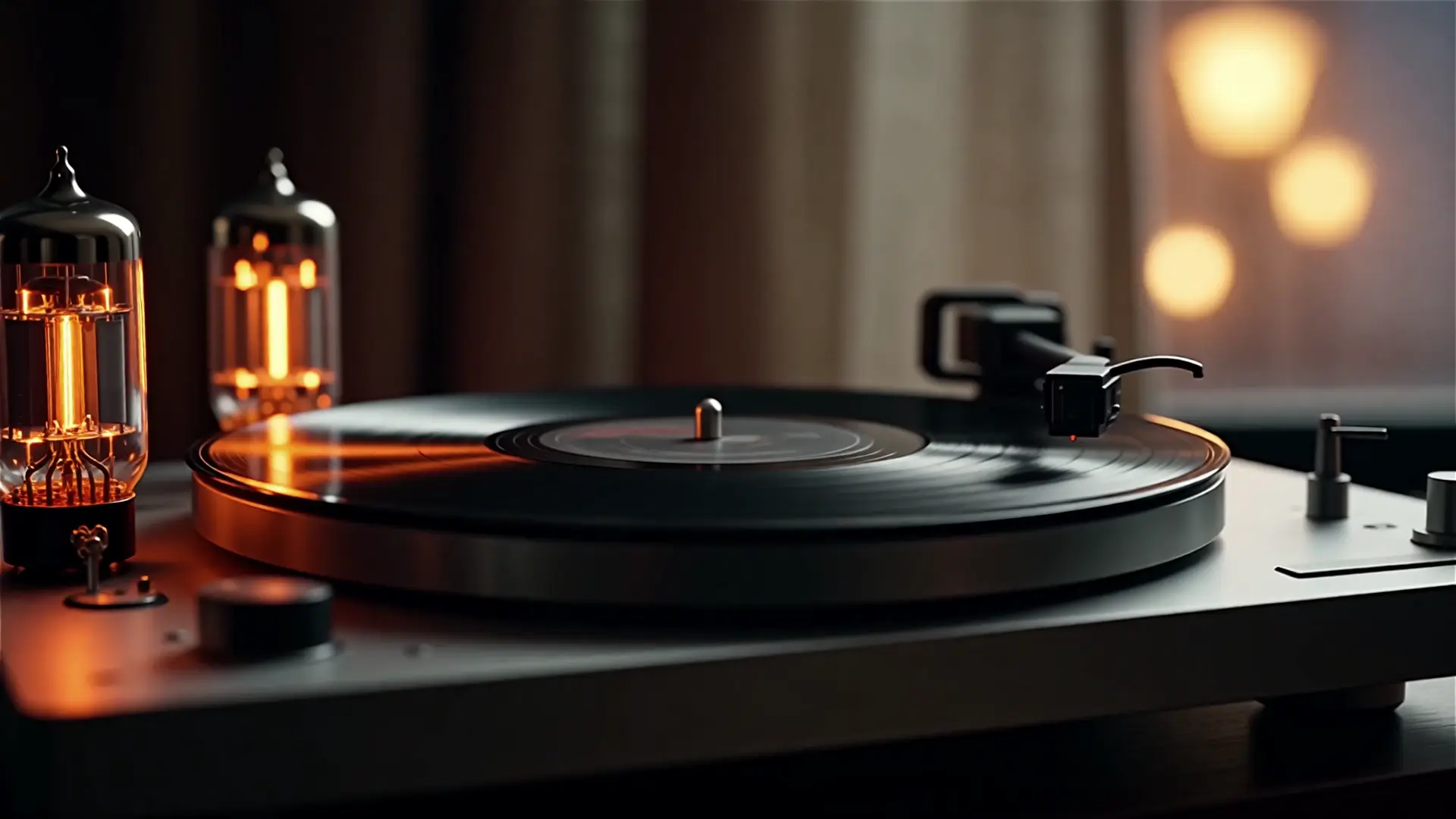
Examples Created Using Wan 2.6

Video thumbnail
Loading...
Video thumbnail
Loading...
Video thumbnail
Loading...
Video thumbnail
Loading...
Video thumbnail
Loading...
Video thumbnail
Loading...

Wan 2.6 On X: Content Drops And Insights

Key strengths

  • Source Fidelity: Strict adherence to the input image's anatomy, lighting, and texture (unlike Text-to-Video which hallucinates details).
  • Audio-Driven Animation: Upload WAV/MP3 files to drive character lip-sync or synchronize scene atmosphere with sound.
  • Multi-Shot Dynamics: The unique multi_shots capability allows the model to generate dynamic camera cuts or varying angles from a single static input.
  • Long Duration: Capable of generating coherent video clips up to 15 seconds.

Wan 2.6 Image-to-Video represents a leap forward from previous Wan 2.5 iterations, specifically optimizing for temporal consistency and introducing native audio reactivity for character animation.


Recommended settings


For Talking Heads (Lip-Sync)

  • Input: Clear portrait image + Clear speech Audio.
  • Prompt: "A person speaking naturally, subtle head movements, maintaining eye contact."
  • Duration: Match the audio length (e.g., 5s or 10s).

For Cinematic Landscapes

  • Input: High-res landscape photo.
  • Prompt: "Drone shot, slow push in, golden hour lighting, leaves rustling in the wind."
  • Multi_shots: Set to False for a continuous smooth take.

For Dynamic Action

  • Input: Action shot or sports photography.
  • Multi_shots: Set to True to allow the AI to simulate dynamic camera cuts or intense motion.

How Wan 2.6 I2V compares to other models


Wan 2.6 I2V vs Wan 2.6 Text-to-Video

  • I2V: Starts with a specific visual truth (your image). Best for specific products or characters.
  • T2V: Starts from scratch. Best when you don't have visual assets yet.

Wan 2.6 I2V vs Reference Video-to-Video

  • I2V: Creates motion where none existed (Static -> Video).
  • Ref V2V: Modifies existing motion (Video -> Video). Use Ref V2V if you already have a video clip you want to restyle.

Related Playgrounds

kling-2-6/pro/image-to-video

Turns static visuals into cinematic motion with synced audio and natural camera flow

kling-video-o1/standard/image-to-video

Create 1080p cinematic clips from stills with physics-true motion and consistent subjects.

ai-avatar/v2/standard

Convert photos into expressive talking avatars with precise motion and HD detail

lucy-edit/restyle

Transform existing footage with fast, identity-safe restyling for precise, text-guided video edits.

wan-2-2/fun-control

First-frame restyle locks cinematic look across full AI video.

hailuo-2-3/standard/image-to-video

Transform images into motion-rich clips with Hailuo 2.3's precise control and realistic visuals.

Frequently Asked Questions

What is Wan 2.6 and what does the image-to-video feature do?

Wan 2.6 is an advanced multimodal AI platform that transforms static images into dynamic motion clips using its image-to-video feature. It allows creators to animate stills with smooth camera movements and natural motion, perfect for cinematic or promotional content.

How is Wan 2.6 different from previous versions or other image-to-video AI tools?

Compared to Wan 2.5, Wan 2.6 provides higher realism, longer scene durations, improved temporal stability, and more lifelike audio-visual sync for image-to-video generation. This makes its output more production-ready than most rival models.

What does Wan 2.6 cost and how do credits work for image-to-video generation?

Wan 2.6 access operates on a credit-based system within the Runcomfy AI Playground. Users can redeem credits to generate image-to-video outputs. Each new account receives free trial credits, with ongoing usage priced according to the Generation section on the platform.

Who can benefit most from using Wan 2.6 and its image-to-video capabilities?

Wan 2.6 is ideal for video editors, marketing teams, educators, and social media creators who need fast, realistic animation from static visuals. Its image-to-video tool suits content like ad clips, e-learning scenes, and product showcases.

What are the output formats and quality available in Wan 2.6 for image-to-video projects?

Wan 2.6 supports 1080p resolution at 24 fps for all image-to-video outputs, offering MP4, MOV, and WebM export options. Its native audio-visual synchronization ensures professional lip-sync and smooth camera transitions.

Can I use my own reference images and audio in Wan 2.6 when creating image-to-video content?

Yes, Wan 2.6 allows users to upload reference images or videos to guide the style and motion of their image-to-video projects. It also generates fully synced voiceover and ambient sound for a cohesive final result.

Does Wan 2.6 support multilingual content and accurate lip-sync in image-to-video output?

Absolutely. Wan 2.6 supports multiple languages with native lip-sync and voice alignment in its image-to-video generation, making it ideal for global campaigns and localized video production.

Where can I access Wan 2.6 and what devices are supported for image-to-video creation?

Wan 2.6 is accessible through the Runcomfy AI Playground at runcomfy.com/playground. The interface works smoothly on desktop and mobile browsers, enabling portable image-to-video creation from anywhere.

Are there any limitations I should know about when using Wan 2.6’s image-to-video mode?

While Wan 2.6 delivers high-quality results, it’s best to provide detailed prompts since vague motion descriptions may lead to inconsistent outcomes. The model doesn’t fully support negative prompting in image-to-video, so it’s recommended to describe wanted actions explicitly.

Follow us
  • LinkedIn
  • Facebook
  • Instagram
  • Twitter
Support
  • Discord
  • Email
  • System Status
  • Affiliate
Video Models/Tools
  • Wan 2.6
  • Wan 2.6 Text to Video
  • Veo 3.1 Fast Video Extend
  • Seedance Lite
  • Wan 2.2
  • Seedance 1.0 Pro Fast
  • View All Models →
Image Models
  • GPT Image 1.5 Image to Image
  • Flux 2 Max Edit
  • GPT Image 1.5 Text To Image
  • Gemini 3 Pro
  • seedream 4.0
  • Nano Banana Pro
  • View All Models →
Legal
  • Terms of Service
  • Privacy Policy
  • Cookie Policy
RunComfy
Copyright 2025 RunComfy. All Rights Reserved.

RunComfy is the premier ComfyUI platform, offering ComfyUI online environment and services, along with ComfyUI workflows featuring stunning visuals. RunComfy also provides AI Playground, enabling artists to harness the latest AI tools to create incredible art.