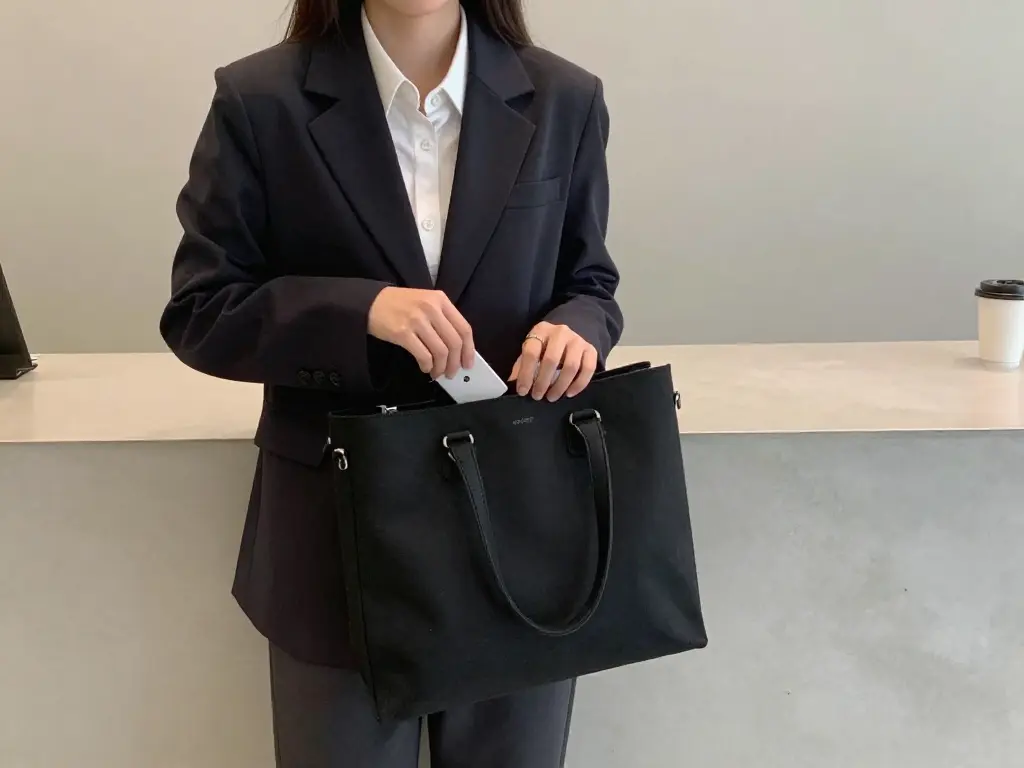
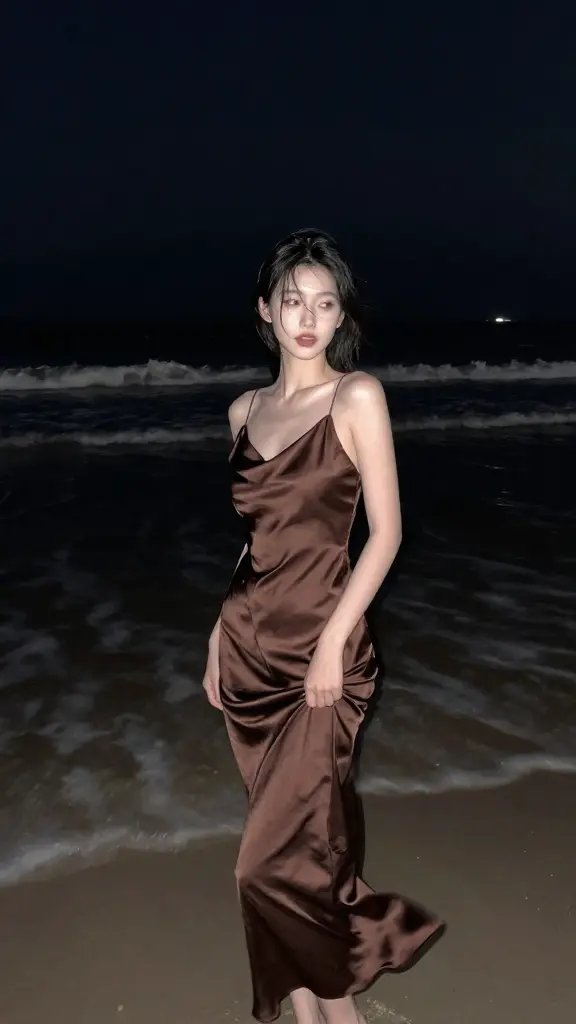
nano-banana-2/text-to-image
Fast, high-quality text-to-image generation with Nano Banana 2, with aspect ratio, safety tolerance, and output format controls.
Image-to-image in Z Image Inpainting LoRA serves to replace, restore, or refine regions while keeping global composition, lighting, and materials intact. Z Image Inpainting LoRA aligns prompts with mask-aware control, minimizing drift and artifacts.
Note: You can also try the RunComfy Turbo Inpainting playground, which supports image-to-image inpainting.
Fast, high-quality text-to-image generation with Nano Banana 2, with aspect ratio, safety tolerance, and output format controls.

Instruction-based AI for seamless visual editing and scalable style adaptation

Create realistic visuals from prompts with precise multilingual text control and balanced layouts.

High-speed model for rapid text-to-image creation with rich detail and flexible format control.

Redefine creative edits with dual-input precision and adaptive control for design professionals

Create lifelike visuals and illustrations from text with flexible design control.
Z Image Inpainting LoRA is a fine-tuned LoRA module built on top of the Z-Image Turbo architecture, designed to restore or modify portions of images through advanced diffusion techniques. It works as part of an image-to-image workflow, allowing users to mask and regenerate image segments with natural, seamless blending.
Z Image Inpainting LoRA is ideal for designers, marketers, and AI artists who need efficient image restoration or content-aware editing. When used within an image-to-image process, it efficiently handles object removal, background swaps, and small inpainting corrections with high fidelity and bilingual text support.
Z Image Inpainting LoRA can be accessed through the Runcomfy AI playground using a credit-based system. New users receive trial credits, but continuous use of features such as image-to-image generation and inpainting may require purchasing additional credits depending on usage volume.
Z Image Inpainting LoRA leverages a single-stream diffusion transformer from Z-Image Turbo, which ensures faster and more coherent visual corrections. It achieves smoother identity preservation during image-to-image transformations and stands out for its speed and bilingual text handling compared to many older U-Net-based models.
Z Image Inpainting LoRA supports high-quality mask-based editing, can integrate up to three LoRA style modules, and operates efficiently with less than 16 GB VRAM. Its image-to-image pipeline allows fine-tuned control over color and texture consistency while keeping rendering time low.
While Z Image Inpainting LoRA produces fast and visually consistent results, it may not handle extremely detailed edits or large-scale inpainting tasks perfectly. Users working with sensitive facial or texture reconstruction projects may observe slight artifacting in intensive image-to-image transformations.
Z Image Inpainting LoRA typically outputs photorealistic results with coherent lighting and accurate object boundaries. When paired with the image-to-image process, it ensures textures and tones blend naturally into surrounding regions, maintaining both realism and prompt-driven stylistic alignment.
You can use Z Image Inpainting LoRA directly through the Runcomfy website, accessible via both desktop and mobile browsers. Once logged in, simply load your base image for an image-to-image edit, apply masks for inpainting, and adjust LoRA style parameters within the playground interface.
RunComfy is the premier ComfyUI platform, offering ComfyUI online environment and services, along with ComfyUI workflows featuring stunning visuals. RunComfy also provides AI Models, enabling artists to harness the latest AI tools to create incredible art.