logo
RunComfy
  • Playground
  • ComfyUI
  • TrainerNew
  • API
  • Pricing
discord logo
PLAYGROUND
Explore
All Models
Lipsync Studio
Character Swap
Upscale Video
LIBRARY
Generations
MODEL APIS
API Docs
API Keys
ACCOUNT
Usage

Qwen Image Edit 2511: Structure-Aware Image-to-Image Editing on playground and API | RunComfy

qwen/qwen-image/qwen-image-edit-2511

Qwen Image Edit 2511 performs fast, structure-aware image-to-image edits with identity preservation, multilingual text precision, and seamless API access for high-fidelity product, portrait, and marketing visual updates.

The number of inference steps to perform.
The guidance scale to use for image generation.
The format of the generated image.
Idle
The rate is $0.03 per image.

Introduction To Qwen Image Edit 2511

Alibaba's Qwen Image Edit 2511 performs image-to-image editing at $0.03 per image, supports up to three inputs, and delivers structure-aware, identity-preserving edits. Trading manual masking and cross-app round-tripping for semantic and appearance editing with consistent geometry, identity retention, and precise bilingual text control, Qwen Image Edit 2511 eliminates tedious setup and iteration, built for e-commerce teams, designers, and marketing workflows. For developers, Qwen Image Edit 2511 on RunComfy can be used both in the browser and via an HTTP API, so you don’t need to host or scale the model yourself.
Ideal for: High-Fidelity Product Mockups | Identity-Consistent Team Portrait Updates | Precise In-Image Text Corrections

Qwen Image Edit 2511 on X: Community and Updates

Model Overview


  • Provider: Alibaba / Tongyi Qianwen Team
  • Task: image-to-image
  • Max Resolution/Duration: Preset aspect ratios with custom dimensions
  • Summary: Qwen Image Edit 2511 delivers fast, structure-aware image-to-image editing with strong identity preservation and precise, bilingual in-image text control. It supports dual-mode edits (semantic and appearance), multi-image guidance, and integrated LoRA styles for reliable product, portrait, and marketing updates. Technical artists can expect reduced image drift, better multi-person consistency, and stable geometry across iterative edits.

Key Capabilities


Identity-safe multi-person editing

  • Maintains character identity and cross-image consistency when editing single or multiple subjects.
  • Reduces image drift and preserves unchanged regions, enabling dependable portrait and group-photo workflows.

Precise bilingual text replacement in-image

  • Edits or replaces text in Chinese and English while preserving original font, size, and styling.
  • Minimizes artifacts and maintains typographic integrity for packaging, banners, and UI mockups.

Structure-aware semantic and appearance control

  • Executes pose/style changes and localized appearance edits while honoring scene structure and geometry.
  • Supports up to three input images for style and composition guidance, strengthening industrial/product design and spatial fidelity.

Input Parameters


Core Prompts

ParameterTypeDefault/RangeDescription
promptstring""Natural-language instruction describing the edit goals. Be explicit about what to change and what to preserve.
negative_promptstring""Terms to avoid in the output (e.g., "no blur", "no watermark").

Image Inputs

ParameterTypeDefault/RangeDescription
image_urlsarray (image URIs)[]1–3 input images. The first is the base to edit; additional images guide style or composition.

Dimensions & Settings

ParameterTypeDefault/RangeDescription
image_sizestringsquare; presets: square_hd, square, portrait_4_3, portrait_16_9, landscape_4_3, landscape_16_9, CustomSelect a preset aspect ratio or provide custom dimensions.
num_inference_stepsinteger28Diffusion steps. Increase for more fidelity; reduce for speed.
guidance_scalefloat4.5Prompt adherence strength. Higher values follow the prompt more strictly, possibly reducing creativity.
seedinteger—Optional deterministic seed. Use for reproducible edits.
output_formatstringpng; options: jpeg, png, webpOutput image format. Choose based on downstream requirements.

How Qwen Image Edit 2511 compares to other models


  • Vs Qwen Image Edit 2509: Compared to 2509, Qwen Image Edit 2511 delivers reduced identity drift, stronger multi-person consistency, built-in community LoRA styles, and better geometric reasoning for industrial/product edits. Ideal when you need stable identities and structure-aware changes across iterative revisions.
  • Vs Nano Banana Pro: Compared to Nano Banana Pro, Qwen Image Edit 2511 delivers superior bilingual text editing, robust identity preservation, and flexible multi-image fusion. For maximum photorealistic lighting and edge cleanliness with fewer attempts, Nano Banana Pro may still lead; choose 2511 when text control and cross-image consistency matter most.
  • Vs Seedream 4.5: Compared to Seedream 4.5, Qwen Image Edit 2511 delivers more reliable text preservation and identity consistency. Seedream can excel at high-resolution stylization; pick 2511 for precise edits with typography fidelity and stable structure.
  • Vs Flux 2: Compared to Flux 2, Qwen Image Edit 2511 delivers stronger geometric control and fewer artifacts in precise edits. Flux systems emphasize expressive stylization; choose 2511 for product design, pose edits, and constrained appearance changes.
  • Vs Z-Image-Turbo: Compared to Z-Image-Turbo, Qwen Image Edit 2511 delivers heavier but tighter control of structure, identity, and text fidelity. If speed/efficiency is paramount, Z-Image-Turbo can be competitive; use 2511 when consistency and edit precision come first.

API Integration


Developers can integrate Qwen Image Edit 2511 via the RunComfy API using standard HTTP requests. Provide the base image(s), prompt/negative_prompt, and tuning parameters (steps, guidance, seed, output_format) to obtain consistent, high-fidelity edits. The workflow supports REST-based automation for production pipelines.


Note: API Endpoint for Qwen Image Edit 2511


Official resources and licensing


  • Hugging Face: https://huggingface.co/Qwen/Qwen-Image-Edit-2511
  • License: Refer to the Hugging Face model card for the latest license terms. Commercial use may require a separate agreement.

Related Playgrounds

seedream-4-0/edit

Edit and fuse images into high quality results with Seedream 4.0.

flux-2/turbo/edit

Delivers refined image remastering and brand-consistent visual edits with scalable control.

reve/edit

Transform visuals with smart region edits and multi-image blending for precise, high-fidelity results.

qwen-edit-2509/lora/inscene

Advanced AI editing merges scenes and styles with precise structure control for designers.

qwen-edit-2509/lora/relight

Advanced relighting and multi-image fusion tool with fast ControlNet support for detailed, consistent design results.

qwen-edit-2509/lora/edit-skin

Redefine creative edits with dual-input precision and adaptive control for design professionals

Frequently Asked Questions

What is Qwen Image Edit 2511 and how does it enhance image-to-image editing compared to previous versions?

Qwen Image Edit 2511 is a 20B-parameter model for image-to-image editing, focusing on consistency and geometric accuracy. It improves multi-person and identity preservation, text editing fidelity, and integrates community LoRA styles directly in the base model, differentiating it from earlier Qwen releases like version 2509.

What are the technical limitations of Qwen Image Edit 2511 for image-to-image workflows?

For Qwen Image Edit 2511, the maximum supported output resolution is roughly 4096×4096 pixels per image-to-image edit, with up to three input reference images. The prompt length is limited to around 1,024 tokens, and API calls beyond these limits will trigger a truncation or scaling adjustment.

Can Qwen Image Edit 2511 handle multi-reference image-to-image editing, and what is the input constraint?

Yes, Qwen Image Edit 2511 allows up to three source images for image-to-image tasks, enabling blending and transformation across subjects or products. The model fuses detail via ControlNet-like conditioning and parallel adapters, optimizing consistency across all references.

How do I move from testing Qwen Image Edit 2511 in the RunComfy Playground to API-based production integration?

You can prototype Qwen Image Edit 2511 using the RunComfy Playground’s web UI, then transition to an API-based workflow by generating an access key from your account dashboard. The API mirrors the playground’s image-to-image parameters, allowing direct automation with the same prompt and control structure. Refer to RunComfy’s documentation under the 'API Integration' section for production scaling.

What makes Qwen Image Edit 2511 stronger in image-to-image quality than competitors like Seedream 4.5 or Flux 2?

Qwen Image Edit 2511 delivers tighter structural consistency, especially for industrial and product design or text-heavy edits. While Seedream 4.5 excels in artistic upscales and stylization, Qwen Image Edit 2511’s image-to-image pipeline ensures better text preservation, geometric accuracy, and identity lock across multiple edits.

How does Qwen Image Edit 2511 compare to Nano Banana Pro in terms of realism and output stability?

Nano Banana Pro may slightly outperform in ultra-photorealistic lighting and minimal-prompt changes, but Qwen Image Edit 2511 significantly narrows that gap by maintaining lower drift and improved multi-person consistency. It remains especially strong in language-to-image-to-image scenarios involving structural manipulation and typography fidelity.

Can Qwen Image Edit 2511 be used commercially, and what should developers consider for licensing?

Qwen Image Edit 2511 is accessible under RunComfy’s hosted model terms. For commercial use of its image-to-image outputs, developers should verify Alibaba’s or Tongyi-Lab’s original license terms before integration. RunComfy provides clear usage records and recommends confirming attribution or derivative work restrictions.

Does Qwen Image Edit 2511 offer any benefits to technical artists focusing on composite or product mockup work?

Yes. Technical artists benefit from Qwen Image Edit 2511’s image-to-image controller, which preserves scene geometry while allowing creative edits like object insertion, background swaps, and lighting consistency improvements. This makes it ideal for e-commerce, design iteration, and content consistency across campaigns.

What improvements in Qwen Image Edit 2511 help reduce 'identity drift' when performing sequential image-to-image edits?

Qwen Image Edit 2511 introduces a dual encoding pipeline that directly aligns semantic embeddings with the VAE’s visual features. This reduces mismatched facial or branding identity across multiple image-to-image passes, preserving subject fidelity better than any previous Qwen variant.

How does Qwen Image Edit 2511 handle textual elements in image-to-image edits?

Unlike many generative models, Qwen Image Edit 2511 preserves original fonts, sizes, and styles when editing or replacing text in images, achieving near-perfect typographic alignment in image-to-image conversions. This feature is highly valued by UI/UX and graphic design teams.

Follow us
  • LinkedIn
  • Facebook
  • Instagram
  • Twitter
Support
  • Discord
  • Email
  • System Status
  • Affiliate
Video Models/Tools
  • Wan 2.6
  • Wan 2.6 Text to Video
  • Veo 3.1 Fast Video Extend
  • Seedance Lite
  • Wan 2.2
  • Seedance 1.0 Pro Fast
  • View All Models →
Image Models
  • GPT Image 1.5 Image to Image
  • Flux 2 Max Edit
  • GPT Image 1.5 Text To Image
  • Gemini 3 Pro
  • seedream 4.0
  • Nano Banana Pro
  • View All Models →
Legal
  • Terms of Service
  • Privacy Policy
  • Cookie Policy
RunComfy
Copyright 2025 RunComfy. All Rights Reserved.

RunComfy is the premier ComfyUI platform, offering ComfyUI online environment and services, along with ComfyUI workflows featuring stunning visuals. RunComfy also provides AI Playground, enabling artists to harness the latest AI tools to create incredible art.

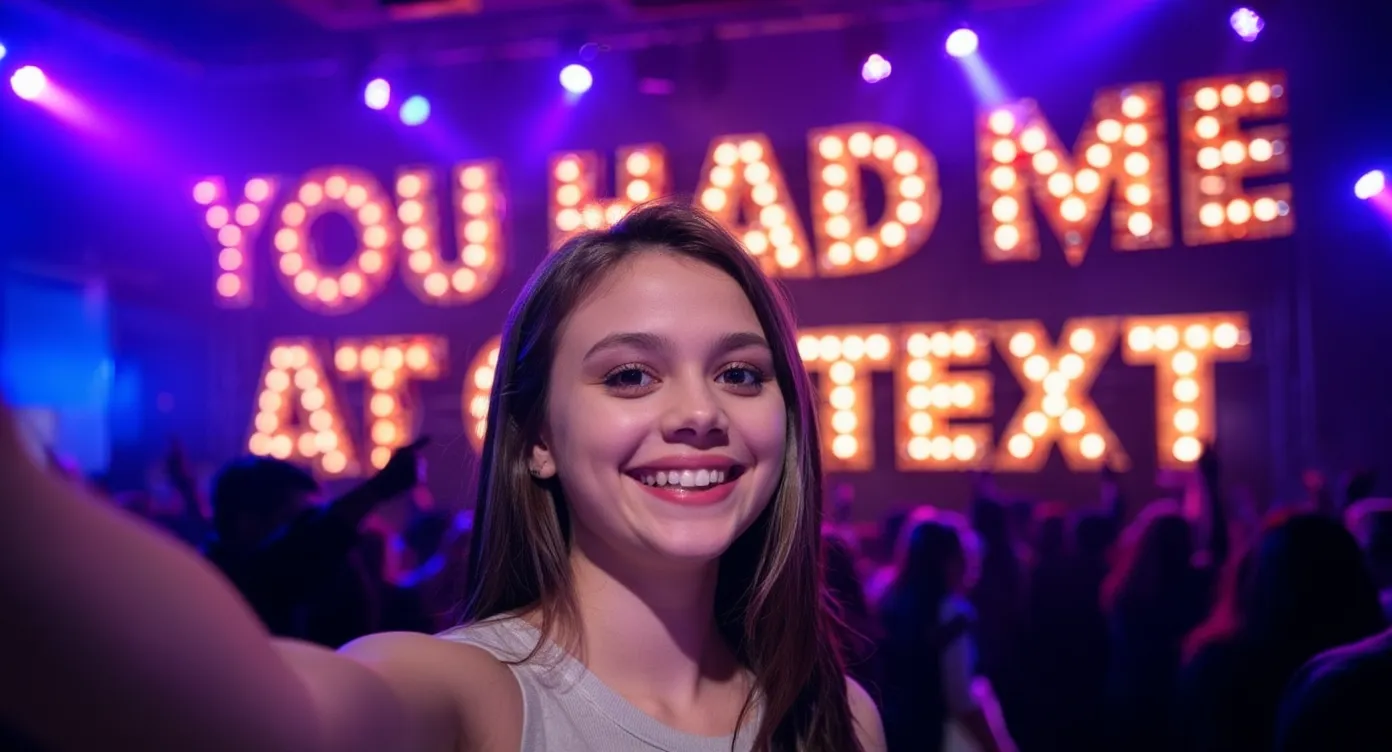
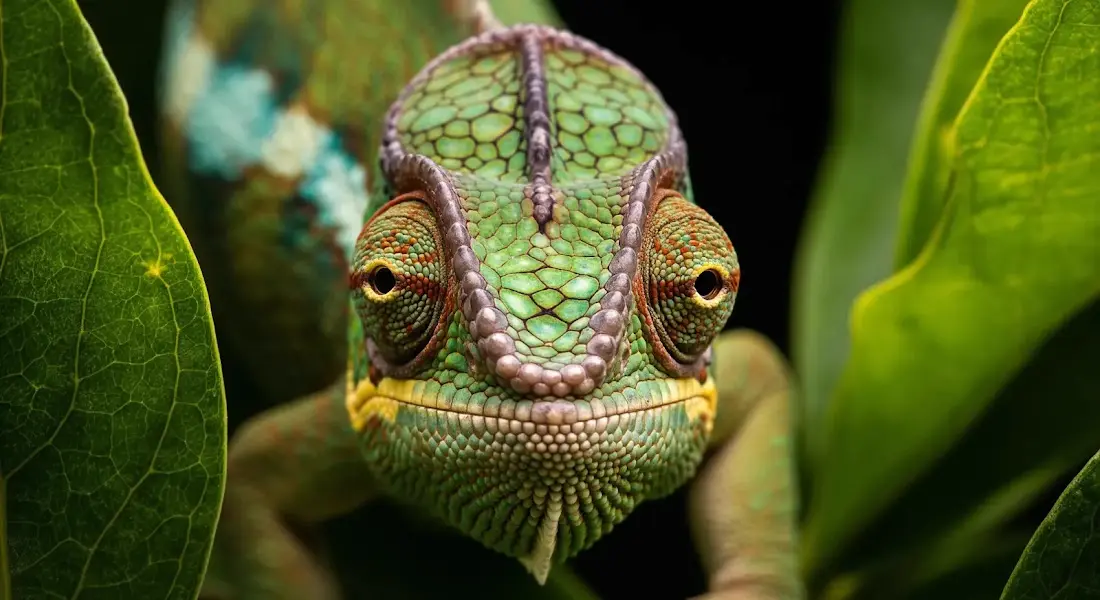
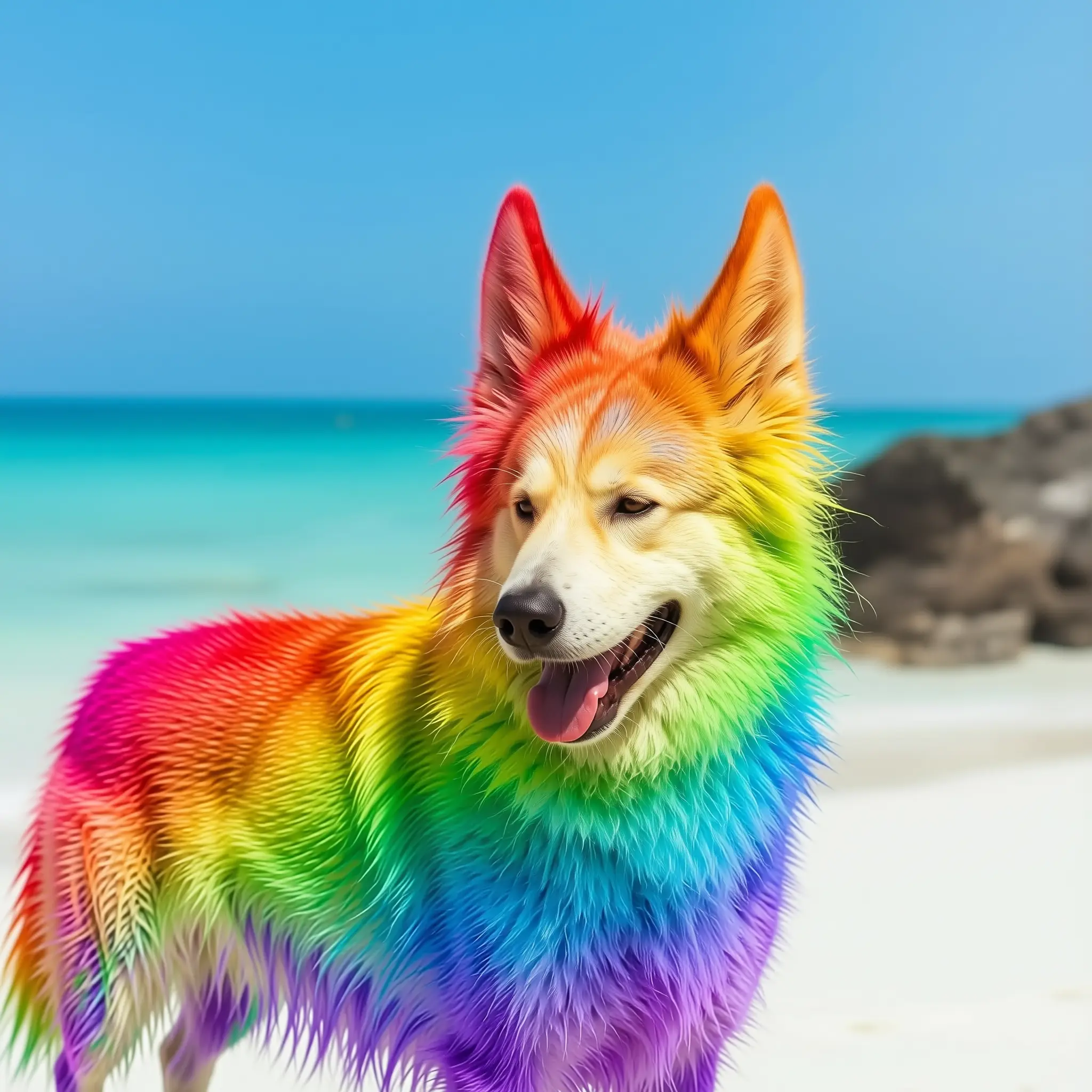
Examples Of Qwen Image Edit 2511 Outputs