seed-audio-1.0/text-to-audio
Generates natural speech and audio from text, reference audio, or an image
To fully leverage the Wan 2.6 Text to Video Multi-Shot capability, use the "Timeline Structure" method. This allows you to direct the video like a scriptwriter.
The Formula: [Global Context] + [Shot #] [Timestamp] [Action]
[0-5s]) for each cut.[0-10s]. Do not write instructions for [10-15s] if the generation limit is 10s.Generates natural speech and audio from text, reference audio, or an image

Prompt-guided video edits that keep source motion across multi-shot clips

Create expressive AI videos from prompts with smooth motion and vivid detail.

Film-quality Seedance 2.0 grade video generation with stunning visual fidelity and cinematic motion

AI-powered tool for fast video-to-video backdrop swaps with pro-level precision.

HappyHorse 1.0 with native 1080p output, cinematic motion, and multi-shot consistency.
Wan 2.6 Text to Video is a multimodal AI platform developed by Wan AI that allows users to create 1080p cinematic videos directly from natural language prompts. With its text-to-video feature, it can interpret descriptive text about scenes, subjects, and motion to produce coherent video clips complete with lip-sync and audio synchronization.
Wan 2.6 Text to Video operates on a credit-based system accessible through the Runcomfy AI playground. Each text-to-video generation consumes a set amount of credits depending on model size (5B or 14B). New users typically receive free trial credits after registration.
Compared to Wan 2.1 or Wan 2.2, Wan 2.6 Text to Video delivers improved temporal consistency, higher visual realism, and better reference video integration. Its advanced text-to-video engine supports multi-shot storytelling, multilingual audio, and native lip-sync, outperforming earlier iterations and many competitors like Sora2 or Veo.
Wan 2.6 Text to Video is designed for marketers, filmmakers, educators, and digital creators seeking to produce short-form, cinematic clips. Common text-to-video use cases include social media content, ads, product showcases, and educational videos in multiple languages.
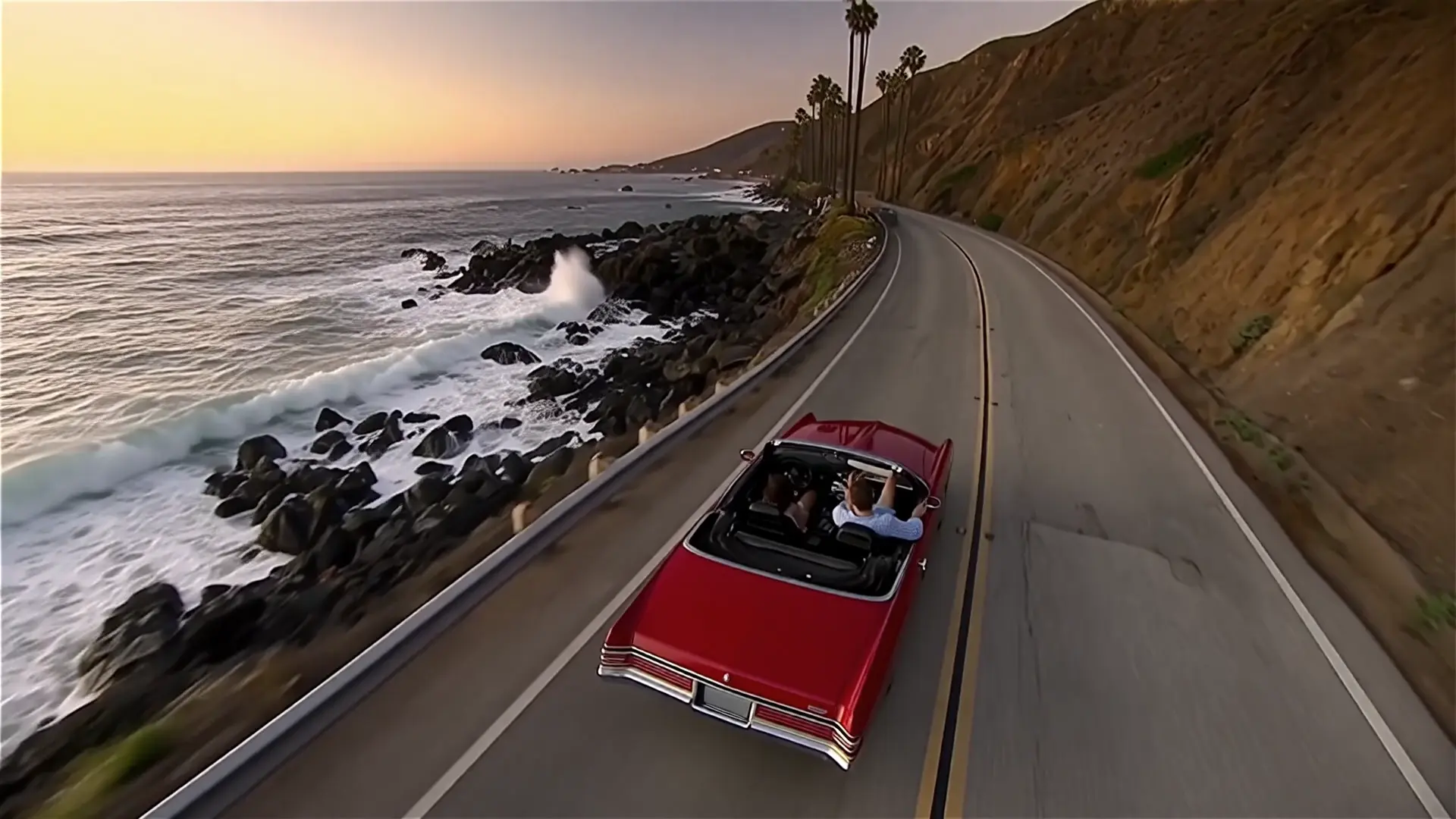
Videos produced using Wan 2.6 Text to Video maintain 1080p resolution at 24fps, offering a natural cinematic aesthetic. The text-to-video renderings showcase stable motion, lighting accuracy, and precise lip-sync, ensuring professional-level output suitable for commercial use.
Yes, Wan 2.6 Text to Video supports multilingual audio and text rendering directly in its text-to-video pipeline. This means it can generate dialogue and on-screen text across multiple languages while preserving lip-sync accuracy.
Wan 2.6 Text to Video supports reference video and images to guide motion style, framing, and aesthetics. This feature enhances text-to-video precision by allowing users to control look and movement continuity across shots.
While powerful, Wan 2.6 Text to Video currently supports clips up to about 15 seconds. Overly long or vague prompts can lead to less consistent results in its text-to-video generation, so concise and descriptive inputs yield the best performance.
Yes, Wan 2.6 Text to Video is accessible via the Runcomfy AI playground, which functions smoothly on mobile browsers. Users can log in, enter prompts, and initiate text-to-video generations directly on their phones or tablets.
All outputs created with Wan 2.6 Text to Video include full commercial rights, allowing users to publish and monetize their text-to-video content across digital platforms without additional licensing.
RunComfy is the premier ComfyUI platform, offering ComfyUI online environment and services, along with ComfyUI workflows featuring stunning visuals. RunComfy also provides AI Models, enabling artists to harness the latest AI tools to create incredible art.