nano-banana/text-to-image
Seamlessly craft, edit, and fuse images for storytelling, branding, and beyond
Image-to-image in Flux 2 Max Edit functions as a controlled transformation of a supplied photo into photorealistic variants, enabling precise color, light, and content adjustments without altering composition. By optimizing structure preservation and tonal realism, Flux 2 Max Edit supports brand-consistent edits for e-commerce, marketing, and creative production.
Key capabilities:
Provide a clear prompt and at least one image URL as the base reference. In Flux 2 Max Edit, specify what to preserve (subject, pose, framing) and what to change (background, lighting, color) in short, direct clauses. Set image_size presets or custom dimensions, choose jpeg or png via output_format, and use a seed to reproduce results. Flux 2 Max Edit respects spatial constraints like background only or left third and is tuned for photorealistic, brand-consistent variants.
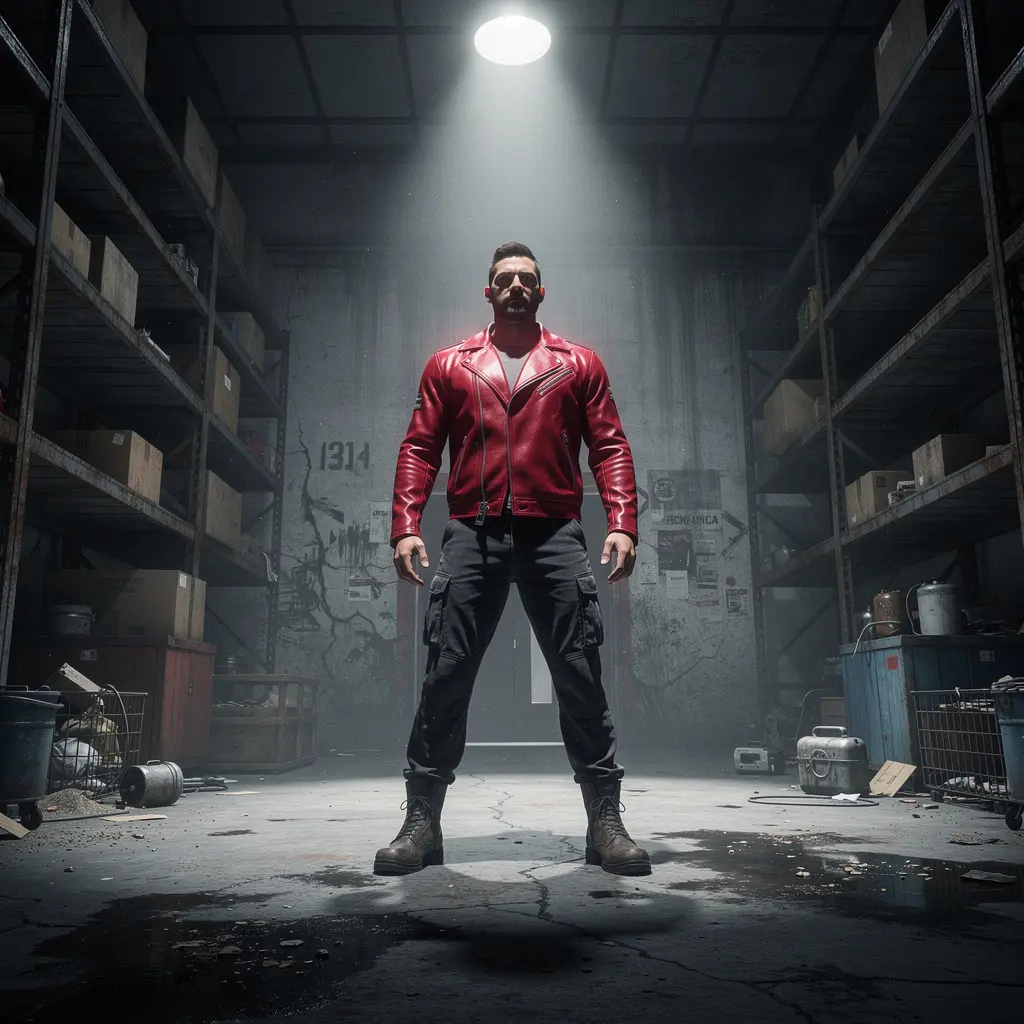
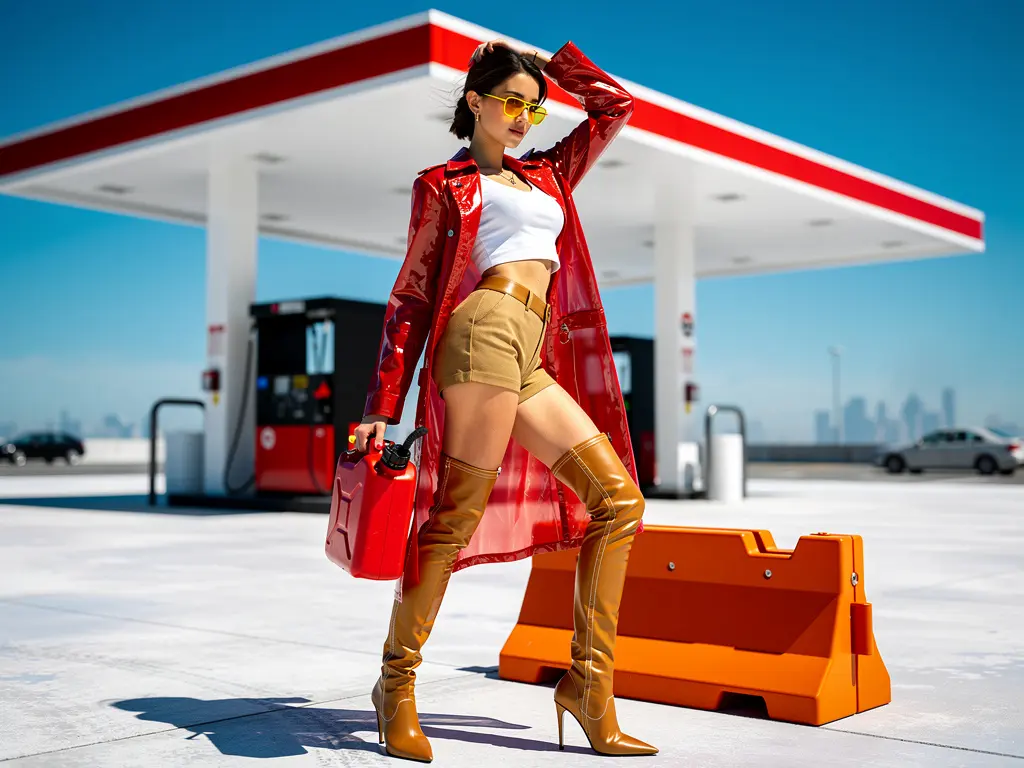
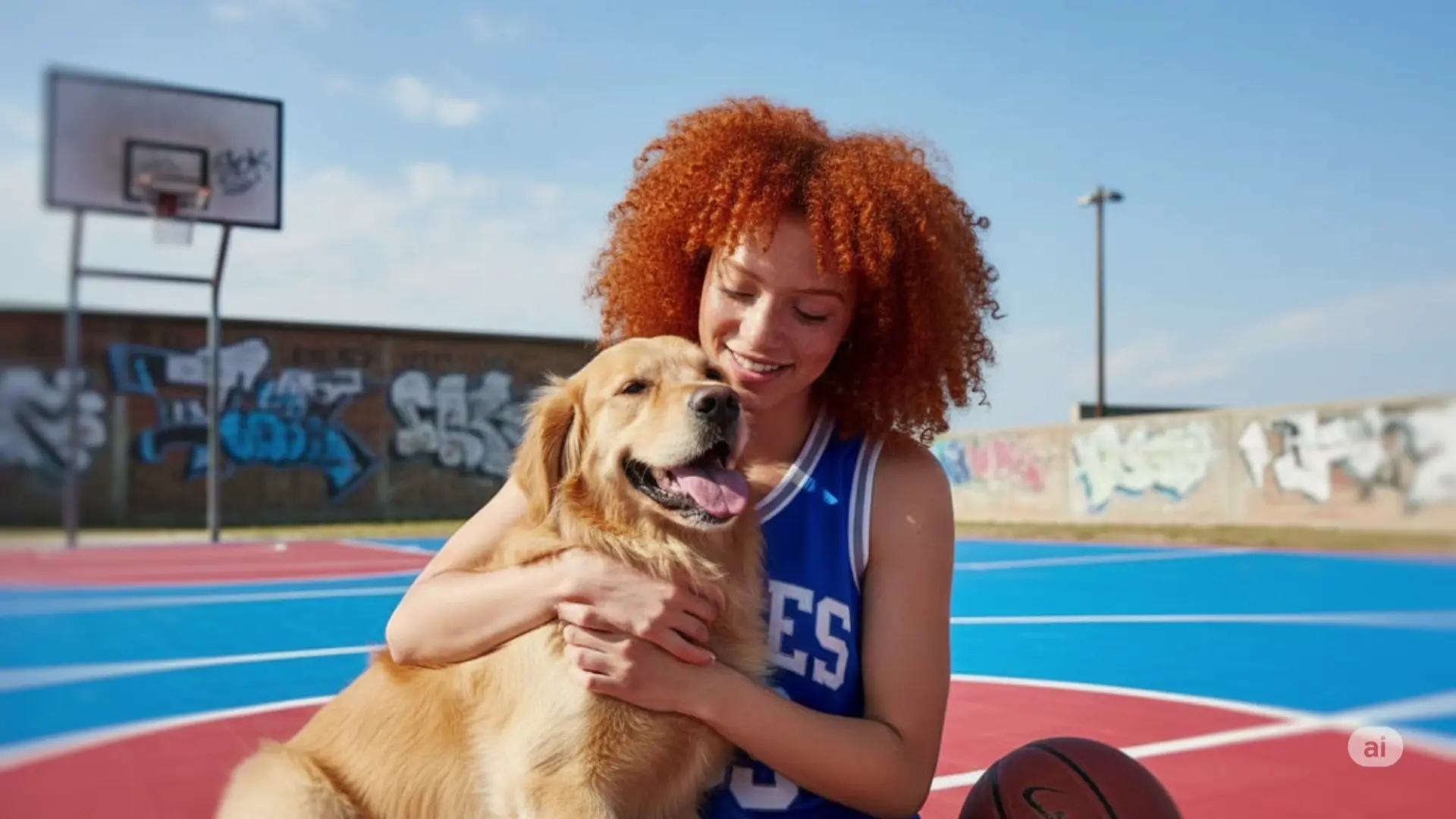
Examples with Flux 2 Max Edit:
Pro tips
Note: You can also try Flux 2 Max Text to Image in the playground: Flux 2 Max Text to Image playground.
$0.08 per image.
Seamlessly craft, edit, and fuse images for storytelling, branding, and beyond

Generate accurate brand visuals with high-fidelity text-to-image control.

High-precision text-to-image for polished, production-grade visuals.

Fast, high-quality text-to-image generation with Nano Banana 2, with aspect ratio and resolution controls.

Generate images fast from text prompts with Wan 2.2 Flash.

Instruction-based AI for seamless visual editing and scalable style adaptation
Flux 2 Max Edit is an advanced image-to-image generative model developed by Black Forest Labs, designed for high-fidelity image editing with precise color, lighting, and style preservation. It significantly improves on earlier versions by adding multi-reference support, higher output resolution, and better prompt accuracy.
Flux 2 Max Edit is built for professionals who require precise and consistent image-to-image transformations, such as designers, advertising teams, product creators, and agencies that manage brand visuals or campaigns.
Flux 2 Max Edit is available via the Runcomfy AI playground platform. Users can log in, access the model, and start using its image-to-image editing features by spending platform credits. A free trial with complimentary credits is also provided for new users.
Key features of Flux 2 Max Edit include multi-reference image inputs, up to 4MP output resolution, advanced color matching, and detail preservation for image-to-image workflows. It also offers better lighting and texture consistency compared to other generative models.
Flux 2 Max Edit operates on a credit-based system through the Runcomfy platform. Users consume credits for each image-to-image generation, with free credits available at signup. Detailed pricing can be found on the Runcomfy website under the ‘Generation’ section.
Yes, Flux 2 Max Edit’s image-to-image precision and photorealism make it ideal for commercial uses such as marketing materials, e-commerce visuals, and product mockups, providing consistent and brand-accurate image editing results.
Flux 2 Max Edit stands out due to its advanced image-to-image fidelity, multi-reference control, and photorealistic rendering. Its ability to maintain lighting, typography, and structural balance gives it a distinctive edge over similar AI models.
Yes, Flux 2 Max Edit supports output up to 4 megapixels and includes exact color-matching capabilities using hex codes or reference patches, making it highly precise for image-to-image tasks that demand color accuracy.
While powerful, Flux 2 Max Edit may produce inconsistent results if conflicting style or content references are used during image-to-image generation. It’s recommended to carefully structure prompts and reference inputs for optimal performance.
Yes, Flux 2 Max Edit is accessible through the Runcomfy website, which is optimized for mobile browsers. This allows users to perform image-to-image edits conveniently on smartphones or tablets.
RunComfy is the premier ComfyUI platform, offering ComfyUI online environment and services, along with ComfyUI workflows featuring stunning visuals. RunComfy also provides AI Models, enabling artists to harness the latest AI tools to create incredible art.