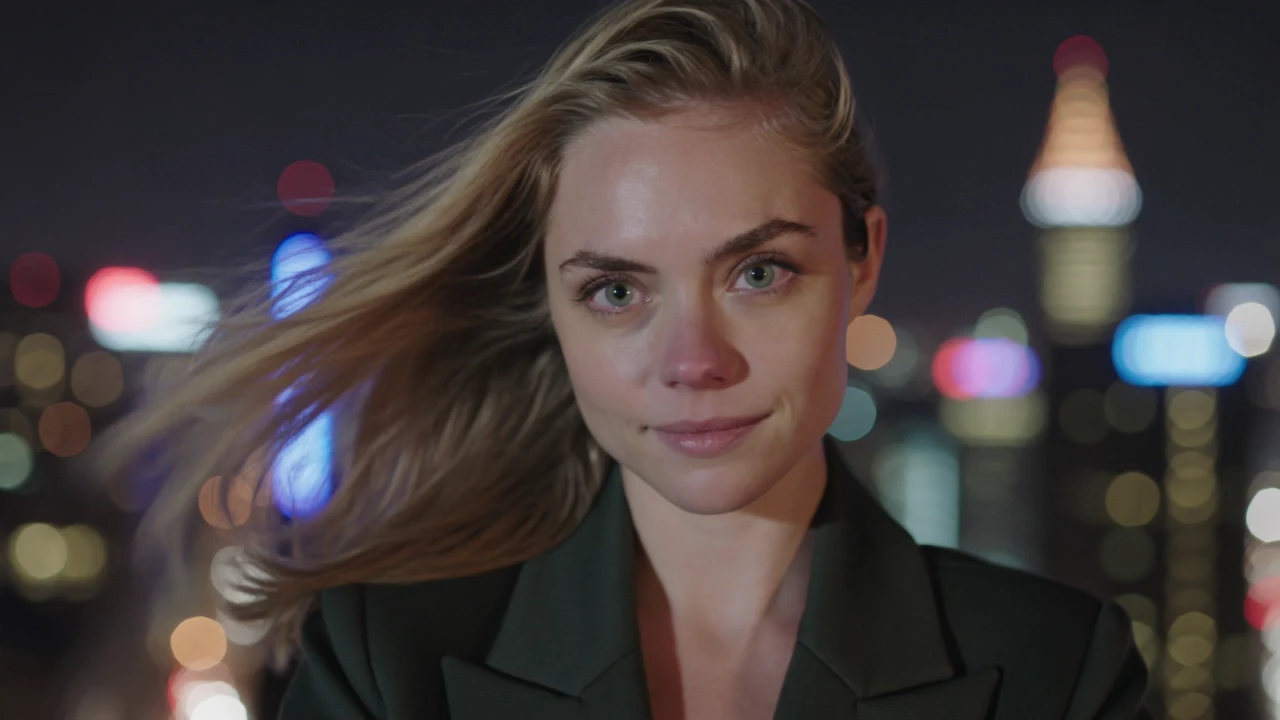
happyhorse-1.0/video-edit
HappyHorse 1.0 Video Edit on Alibaba edits an input video with text instructions and reference images for style transfer, local replacement, and outfit swaps.
This is Kuaishou's reference-driven entry in the O3 family, built to generate new clips while preserving the identity of the people, props, or styles you supply as references. The Standard tier targets a practical price point and keeps the O3 visual language across the full 3 to 15 second range.
It fits teams that want short-form video featuring specific characters, brand elements, or art directions — without a shoot, a green screen, or manual rotoscoping.
HappyHorse 1.0 Video Edit on Alibaba edits an input video with text instructions and reference images for style transfer, local replacement, and outfit swaps.

Create lifelike videos from voices with accurate sync and adaptive dubbing.

Convert static visuals into seamless motion clips with audio control.

Generate cinematic clips faster with multimodal references, lip-sync, and camera control

HappyHorse 1.0 I2V on Alibaba animates a still image into native 1080p video with physics-accurate motion and identity-stable subjects.
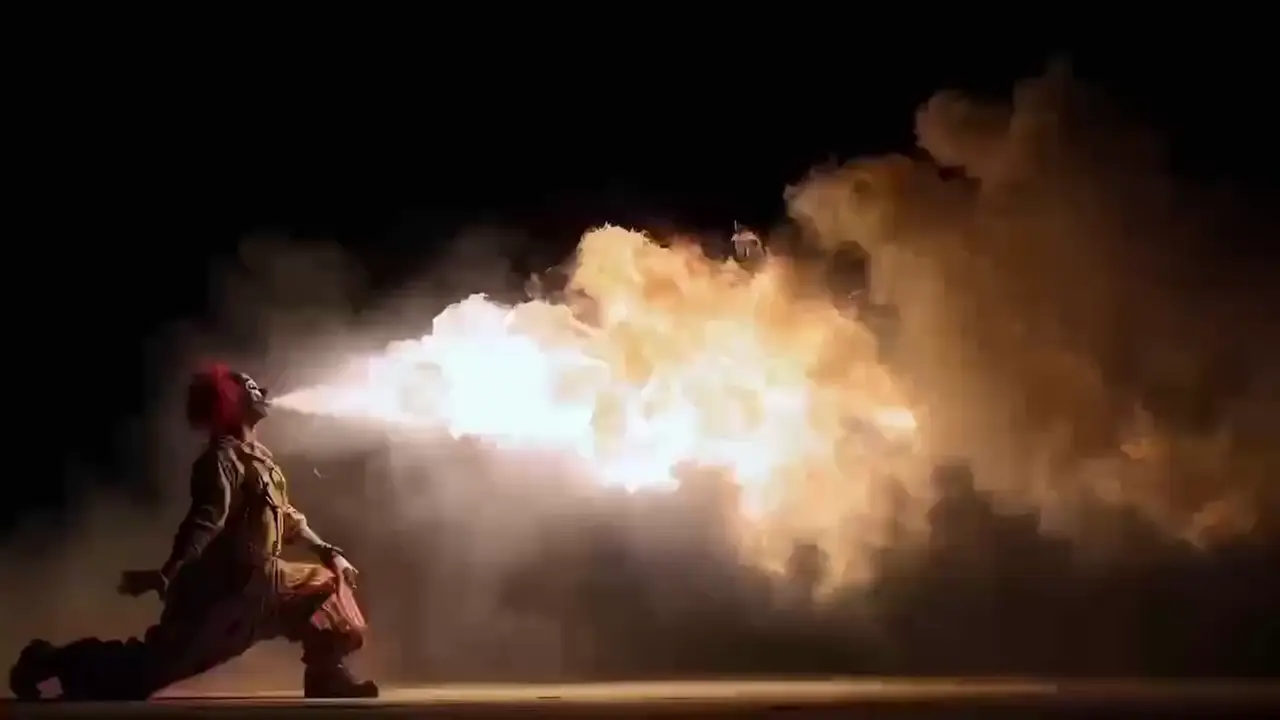
Generate sharp HD videos from text with Minimax Hailuo 02.
Kling Video O3 Standard Reference to Video is Kuaishou's reference-driven entry in the O3 family. It generates a 3 to 15 second video from a prompt while preserving the identity of the people, props, or styles you supply as reference images, with an optional reference video for motion or style guidance. The output keeps consistent characters and looks across frames without manual masking or compositing.
You can attach reference images of characters, props, or art styles, plus an optional reference video for motion or style transfer. Without a reference video, up to 7 image references are supported; with a reference video, image references are capped at 4. In the prompt, you point at specific images by position — for example, "Figure 1 walks toward Figure 2" — so Kling Video O3 Standard Reference to Video knows which subject to place where.
Compared to the Pro reference-to-video tier, Kling Video O3 Standard Reference to Video targets a lower per-second rate while keeping the O3 visual language, which is helpful for iteration and higher-volume social or marketing work. Pro is positioned for top-end fidelity on final renders based on available provider information, while Standard suits drafts, variants, and short-form output. The control surface — prompt, references, aspect ratio, duration, sound, shot type — is the same, so prompts transfer between tiers.
Social creators, ad and marketing teams, e-commerce video producers, and design studios use Kling Video O3 Standard Reference to Video to spin character-consistent variants from existing photos — different scenes, props, or moods without reshoots. It also fits brand spokesperson clips, concept art-direction reels, and multi-character storytelling shots. Developers integrate it into automated pipelines that turn a brief plus a few stills into a finished short clip.
The model requires a prompt; references and reference video are optional but recommended. Image references are capped at 7 (or 4 alongside a reference video), aspect_ratio accepts 16:9, 9:16, or 1:1, duration is an integer between 3 and 15 seconds, and shot_type accepts customize or intelligent. Sound and keep_original_sound are booleans. For other constraints such as resolution or file format, check the current RunComfy parameter panel for the exact limits, since they may vary by provider settings.
Yes. You can prototype Kling Video O3 Standard Reference to Video in the RunComfy AI Playground Web UI — dialing in references, prompt phrasing, aspect ratio, duration, and audio toggles — and then call the same model via the RunComfy API with identical parameters. This keeps creative iteration in the browser while production runs in code, without changing how the model behaves.
Generations consume usd / credits from your RunComfy balance. Kling Video O3 Standard Reference to Video bills $0.084 per second without sound and $0.112 per second with sound based on available provider information; supplying a reference video switches to a 1.5× rate of $0.126 per second and overrides the sound multiplier. As examples, 5 seconds without sound is around $0.420, 10 seconds with sound is around $1.120, and 15 seconds with a reference video is around $1.890. New users typically get a free trial usd amount; refer to the Generation section of the model page for the latest rates.
Kling Video O3 Standard Reference to Video responds best to clear, specific prompts that bind references to roles using "Figure 1", "Figure 2", and so on, then describe the action, environment, and camera move. Concrete cues like "slow tracking shot", "golden hour rim light", or "neon-lit street" anchor look and motion better than vague mood words. For complex scenes, use multi_prompt segments to separate beats so transitions stay clean within a single clip.
RunComfy is the premier ComfyUI platform, offering ComfyUI online environment and services, along with ComfyUI workflows featuring stunning visuals. RunComfy also provides AI Models, enabling artists to harness the latest AI tools to create incredible art.