seedream-5.0-pro/image-to-image
image-to-image
Reference-guided image editing with layout, layer separation, and multilingual text
Reference-guided image editing with layout, layer separation, and multilingual text

Text-to-image and image editing with layout and layer control

Fast text-to-image generation with sharp detail and accurate in-image text.

Fast reference-based image editing for creator content, social posts, and product variations.
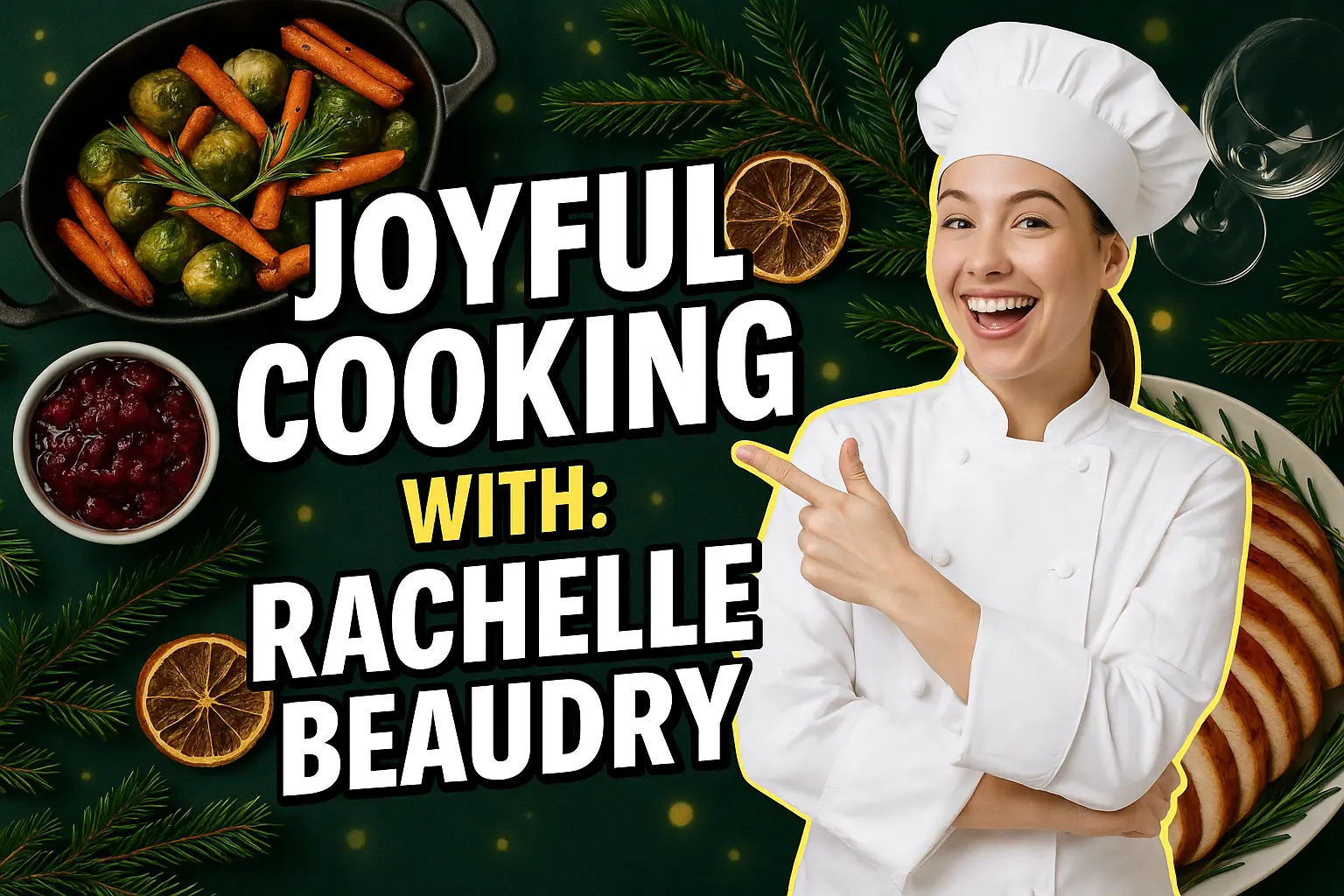
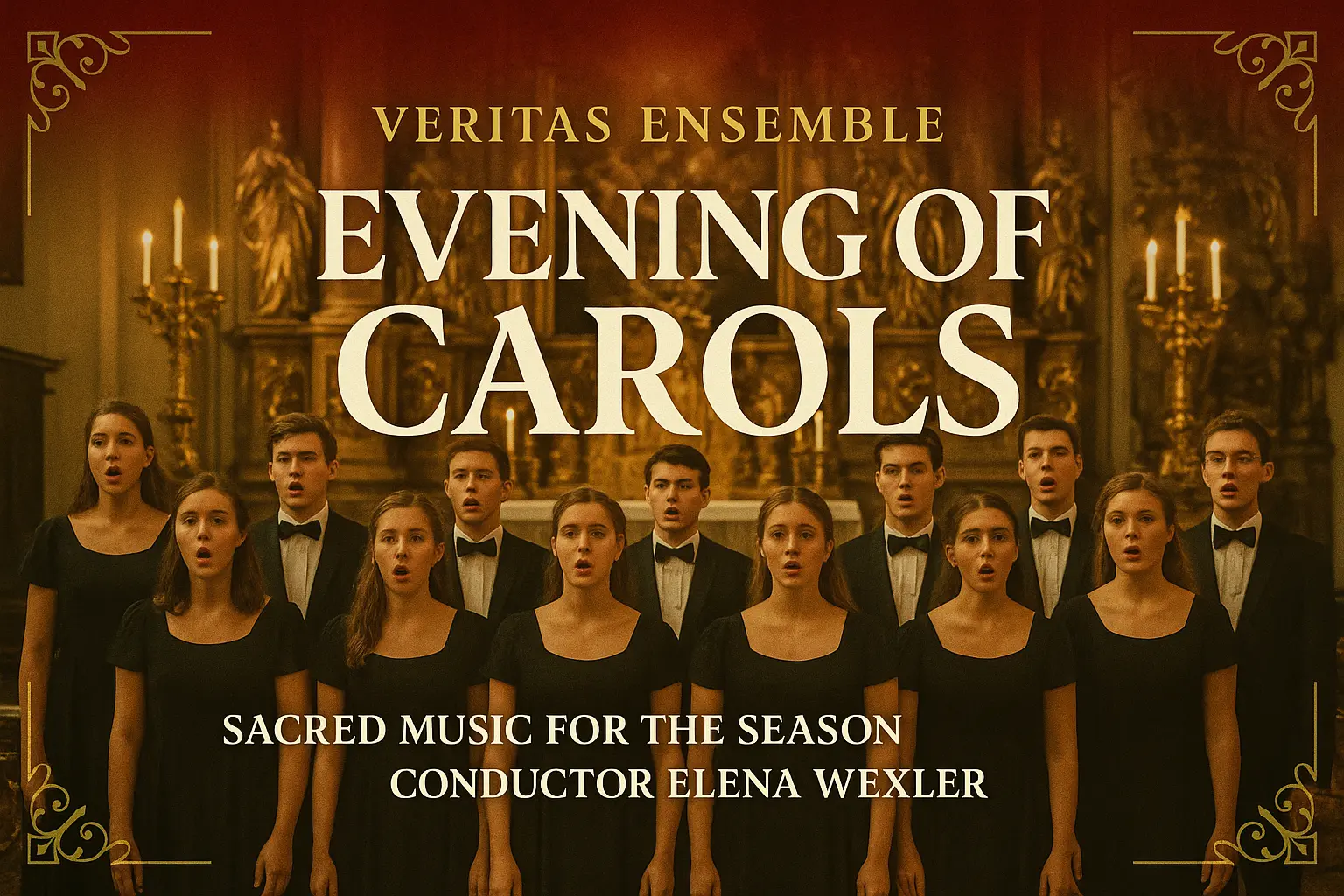
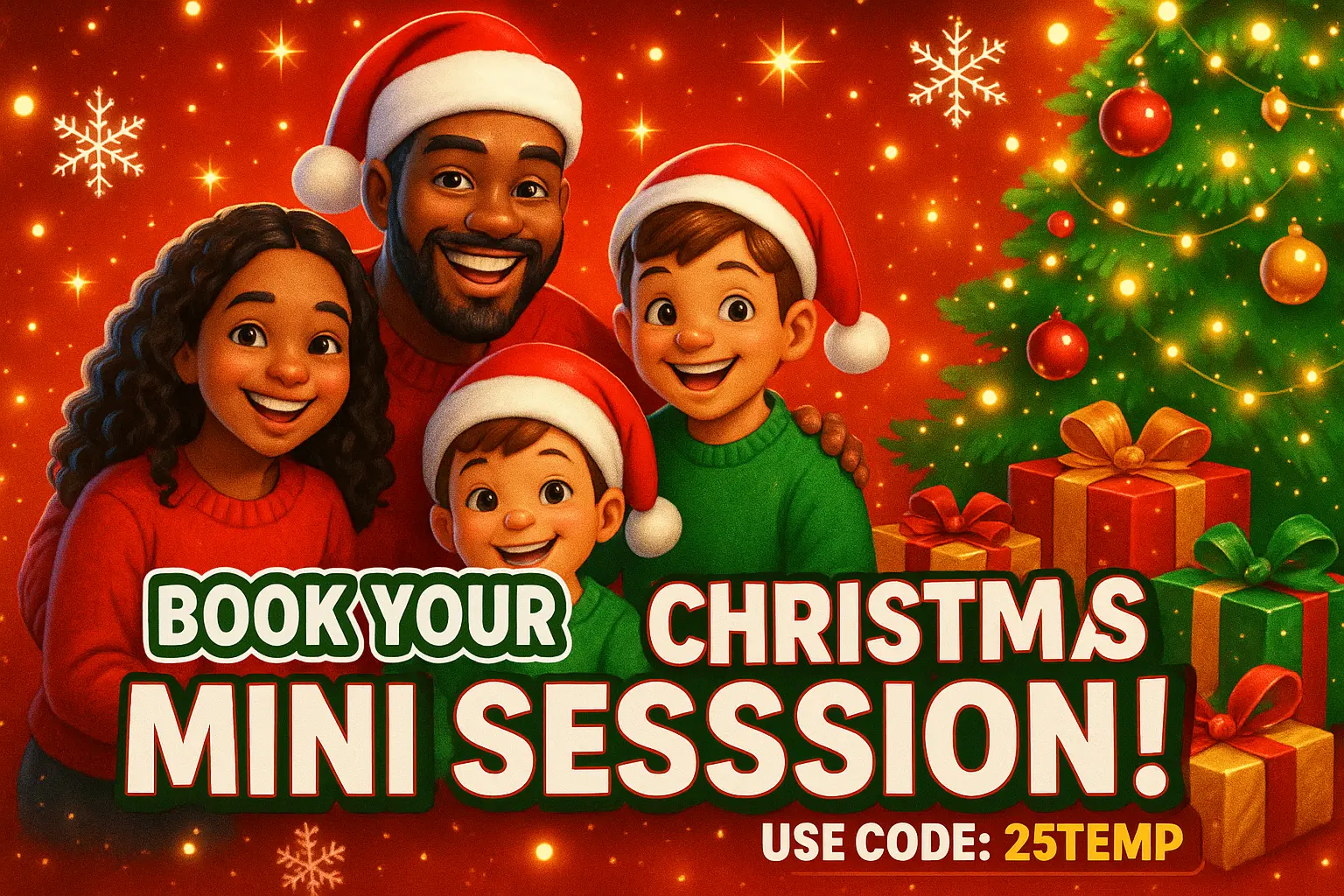
Capture the heart of your unique holiday vibe by designing a Christmas YouTube thumbnail that truly reflects your personality, whether it's cozy, quirky, or wonderfully over-the-top.
Skip the stress and jump straight to the joy by quickly generating a Christmas YouTube thumbnail that fits your content—so you can focus on spreading cheer instead of fiddling with design details.
With a tailor-made Christmas YouTube thumbnail, your video won’t just blend into the holiday crowd—it’ll sparkle with your distinct flair, attracting viewers craving creativity and celebration.

Unlock powerful art tools at zero cost, making it easy for anyone to create and innovate without barriers.

Your creations and data stay confidential, guaranteeing your artistic work remains safe and secure.

Built for ease of use, so you can jump in and thrive—no matter your skill level or experience.
Click our Christmas YouTube thumbnail tool. You don't need to download or install anything on your device.
Describe or upload the image your want to turn into Christmas YouTube thumbnail artwork from your device or your Gallery.
The Image Generation process will start automatically. Simply wait a moment for your image to be generated or restyled.
The Christmas YouTube thumbnail generator is an AI-powered tool that creates festive thumbnails from text prompts or a mix of text and image inputs. Just visit the generator online—no setup required—type a creative prompt or add up to 3 images, and let the tool handle the rest. It generates holiday-themed imagery perfect for YouTube thumbnails in seconds.
Yes, the Christmas YouTube thumbnail generator offers 5 free generations per day without requiring any account or sign-in. If you'd like more thumbnails after the free limit, you can unlock additional generations by upgrading with credits through your logged-in account.
No, the Christmas YouTube thumbnail generator works entirely online. You can access it directly without downloading or installing anything. Just open the generator from your device, type your prompt or upload reference images, and your thumbnail will be generated automatically.
To get better results with the Christmas YouTube thumbnail generator, try writing clear, vivid prompts that describe the mood, colors, or elements you want. You can also look through example generations the tool provides, and click 'Make it yours' to instantly build on ideas. Combining text prompts with up to 3 image references can also help personalize the output.
The Christmas YouTube thumbnail generator simplifies the creative process by turning quick prompts into ready-to-use visuals. You don’t need design software or editing skills—just describe what you want. Unlike manual design, it’s faster, more intuitive, and offers visual inspiration instantly, making it perfect for creators on tight schedules.
The Christmas YouTube thumbnail generator is tuned specifically for festive, eye-catching visuals that perform well in YouTube settings. With curated prompt examples and no setup needed, it’s easier to focus on creativity. It also offers a combination prompt+image input flow, which some general image generators don’t support as smoothly.
Yes, the Christmas YouTube thumbnail generator works well on mobile devices. Whether you’re using a phone or tablet, all features—prompt entry, image upload, viewing results—remain accessible through your device’s browser with no extra steps.
Yes, feedback helps improve the Christmas YouTube thumbnail generator. If you have suggestions or run into problems, you can contact the support team at hi@runcomfy.com. They’re always open to user input to offer a better creative experience.
You can upload up to 3 images as references when using the Christmas YouTube thumbnail generator. These should be standard image files to help guide the AI's generation. The tool doesn’t support non-image file types, so keep things visual and festive.
Not quite! The Christmas YouTube thumbnail generator is trained to interpret visual styles and holiday vibes from your prompt and uploads. When you get something that feels surprisingly close to your imagination, that’s your creativity coming to life through the tool.
RunComfy is the premier ComfyUI platform, offering ComfyUI online environment and services, along with ComfyUI workflows featuring stunning visuals. RunComfy also provides AI Models, enabling artists to harness the latest AI tools to create incredible art.