

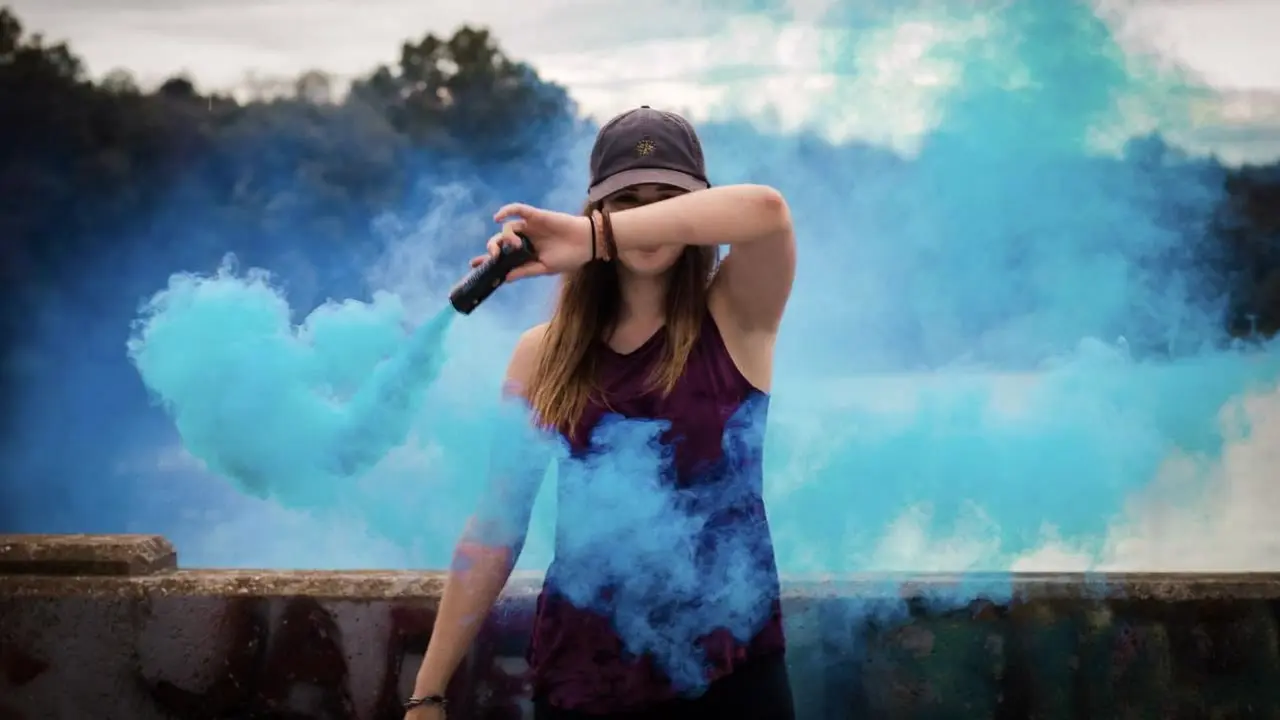
wan-2-1/text-to-video
Generate cinematic videos from text prompts with Wan 2.1.

| Parameter | Type | Default/Range | Description |
|---|---|---|---|
| prompt | string | "" | Optional text guidance for style, look, or minor scene details. |
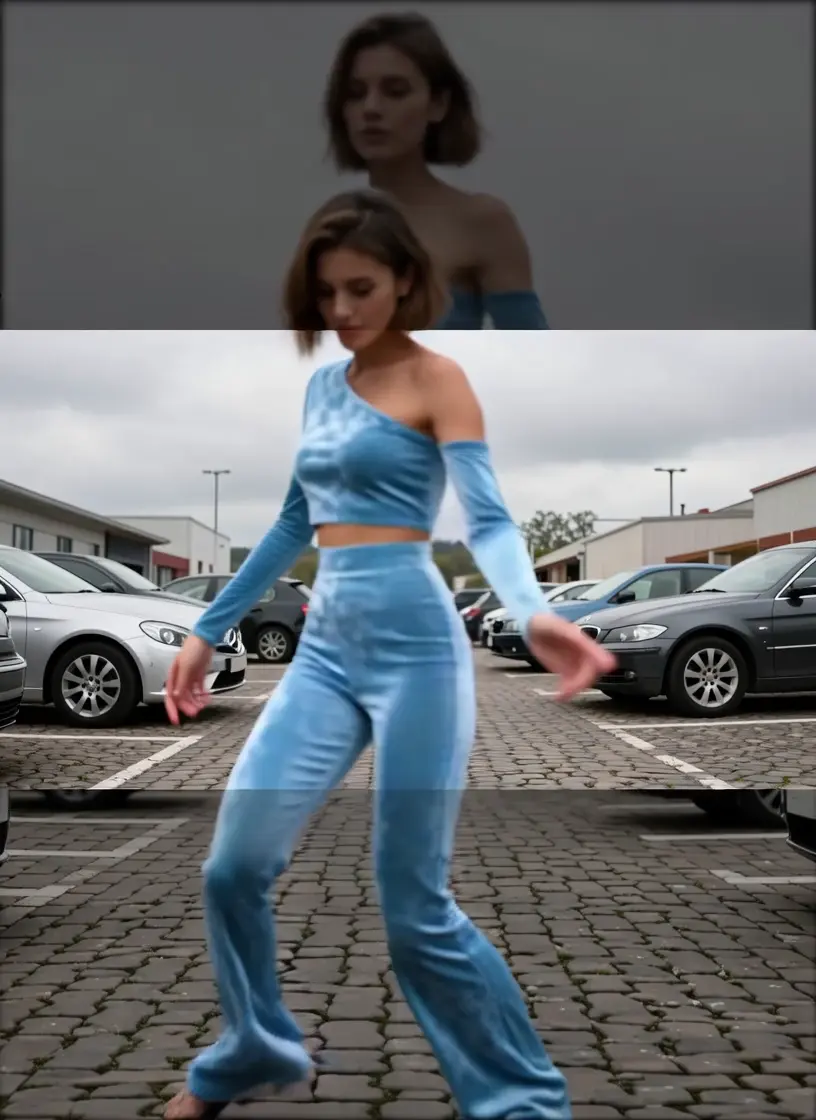
| image_url | image_uri | "" | URL to the reference character image used for animation. |
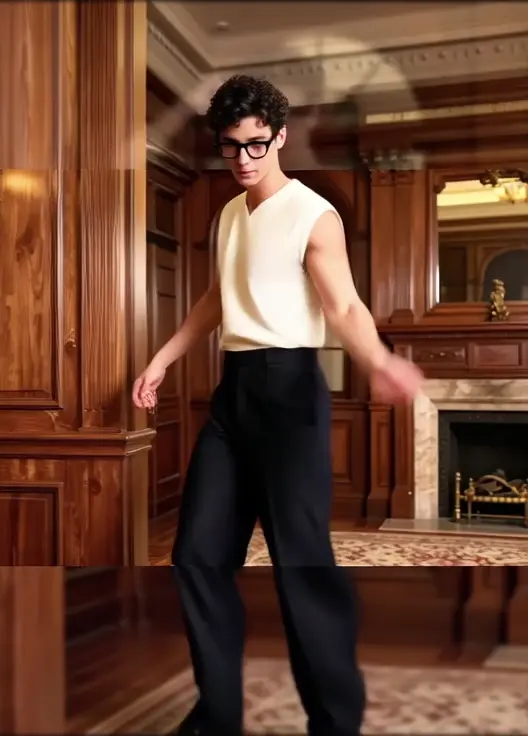
| video_url | video_uri | "" | URL to the driving video whose motion will be transferred. |
| Parameter | Type | Default/Range | Description |
|---|---|---|---|
| resolution | str_with_choice | 480p/720p | Outputs is either 480p or 720p. |
| num_inference_steps | integer | 28 | Higher values may improve detail and temporal stability at the cost of latency. |
The Core Difference: Structural Stability vs. Generative Fluidity
> Verdict:
> * Choose SCAIL if: You are animating dance choreography, gymnastics, or martial arts where limb precision and body structure must not break.
> * Choose Wan 2.2 if: You need cinematic lighting and atmospheric consistency, and the movement is relatively gentle (e.g., walking, talking).
The Core Difference: Stylized Flexibility vs. Photorealistic Texture
> Verdict:
> * Choose SCAIL if: Your source image is Anime, illustration, or stylized art. It is the best choice for "bringing 2D art to life."
> * Choose One-to-All if: Your source image is a high-res photograph of a real person, and you need the output to look like a 4K movie clip.
Developers can seamlessly integrate SCAIL using the RunComfy API with standard HTTP requests and JSON payloads. The API supports straightforward parameterization of prompt, media URLs, and generation settings, enabling rapid prototyping and production workflows.
Note: API Endpoint for SCAIL
Generate cinematic videos from text prompts with Wan 2.1.
Animate an image into a smooth 6s video with Hailuo 02 Pro.

Transform stills into narrative clips with synced audio and fluid camera motion.

Unified AI model for refined scene editing, style match, and smooth video refits
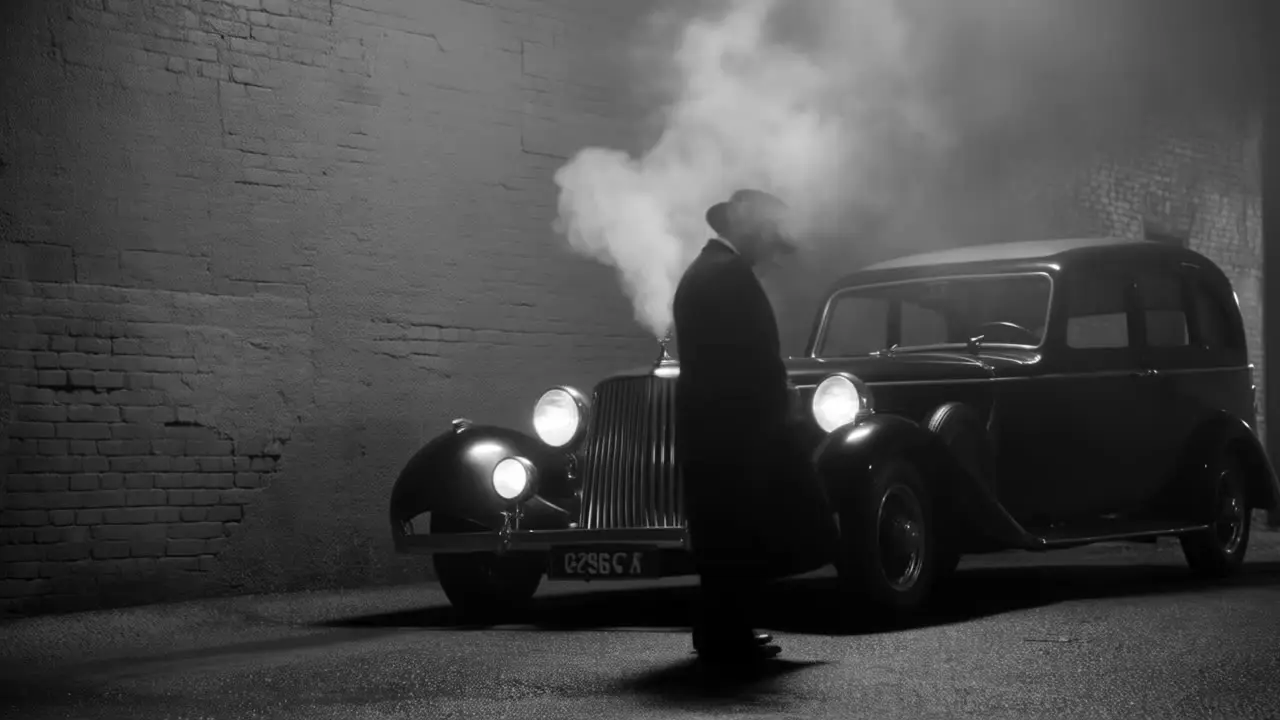
Transform one video into another style with Tencent Hunyuan Video.
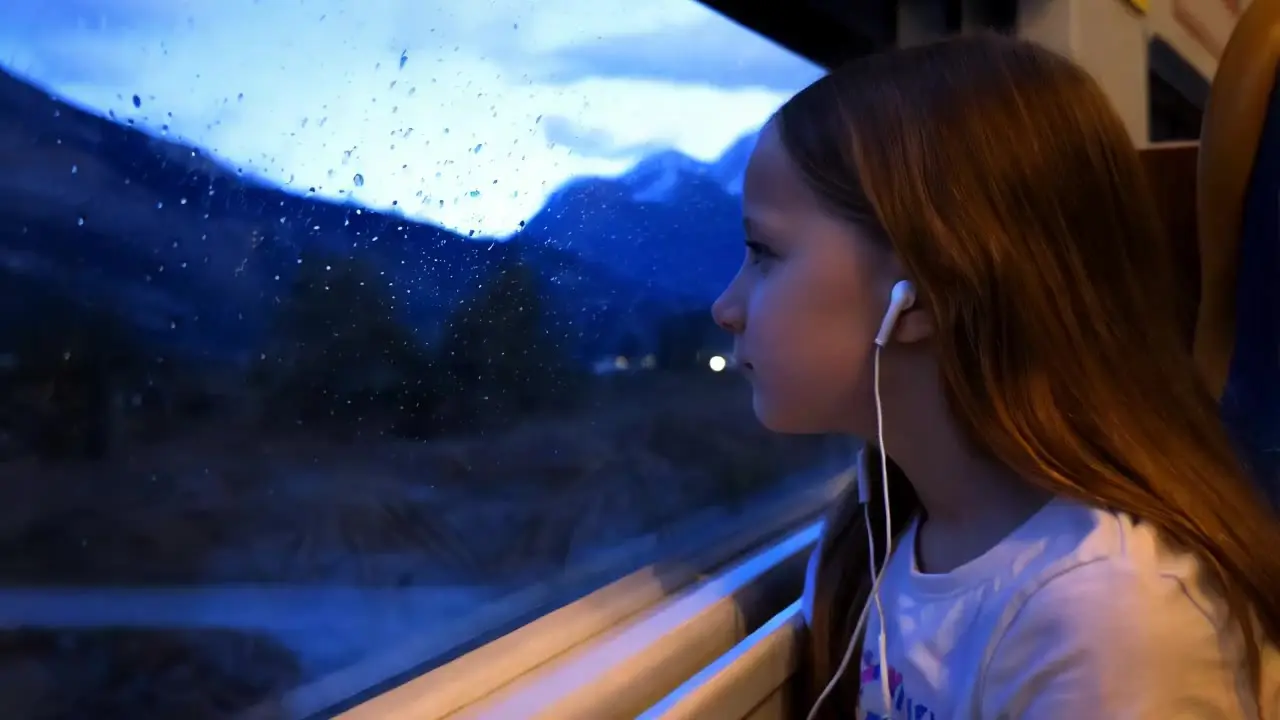
Generate high quality videos from text prompts using Kling 1.6 Pro.
SCAIL video-to-video is a specialized character animation model by WaveSpeed AI that focuses on animating a given reference character image using the motion from a driving video. Unlike text-to-video models that generate entirely new scenes, SCAIL ensures identity preservation and consistent animation through motion transfer, making it ideal for stylized or character-driven productions.
SCAIL video-to-video maintains strong identity preservation even for anime or stylized characters by applying 3D-consistent pose modeling. This allows the model to transfer complex motion while retaining the character’s unique traits, unlike earlier video or image-to-video methods that often distorted identities under high-motion conditions.
SCAIL video-to-video currently supports up to 720p resolution and video durations of up to 120 seconds per clip. These limits are defined by WaveSpeed AI’s current model settings and platform billing constraints on RunComfy. Higher resolutions (e.g., 1080p) are not yet available in the standard API mode.
Yes, SCAIL video-to-video accepts one reference image, one driving video, and an optional textual prompt. The prompt is typically limited to 256 tokens to ensure stable guidance. Only one ControlNet or IP-Adapter input stream is supported per generation request.
To move from testing in RunComfy Playground to production use, developers can replicate their SCAIL video-to-video pipeline with the RunComfy REST API. Parameters such as reference image URL, motion video URL, and prompt text are preserved. Authentication uses an API key, and billing accrues per generated video-second. The API documentation on RunComfy mirrors the same configuration interface as the Playground.
SCAIL video-to-video surpasses earlier models by removing the need for explicit pose skeletons per frame. It employs internal 3D-aware pose reasoning to maintain continuity, handles extreme actions like flips and spins, and preserves fine stylistic detail. This improves both character integrity and motion realism.
While Wan 2.5 and Kling Video 2.6 offer higher raw resolution and integrated audio, SCAIL video-to-video excels at identity consistency and lifelike motion transfer from a reference character image. It’s optimized for animating existing characters rather than generating entirely new scenes, making it preferable for anime and avatar motion tasks.
Yes, commercial use of SCAIL video-to-video outputs is generally allowed depending on the platform license. Users should confirm rights directly with WaveSpeed AI and the host platform (like runcomfy.com), as licensing may differ between trial and paid tiers.
No manual per-frame correction is needed with SCAIL video-to-video. It uses internal motion understanding based on 3D-consistent pose and cross-frame attention to ensure smooth animation continuity, reducing the workload for technical artists.
SCAIL video-to-video performs best when the reference character image is clear, well-lit, and stylistically consistent with the driving video. Scenarios involving dance, turning, or fighting motions in animated or stylized contexts yield particularly effective and expressive results.
RunComfy is the premier ComfyUI platform, offering ComfyUI online environment and services, along with ComfyUI workflows featuring stunning visuals. RunComfy also provides AI Playground, enabling artists to harness the latest AI tools to create incredible art.