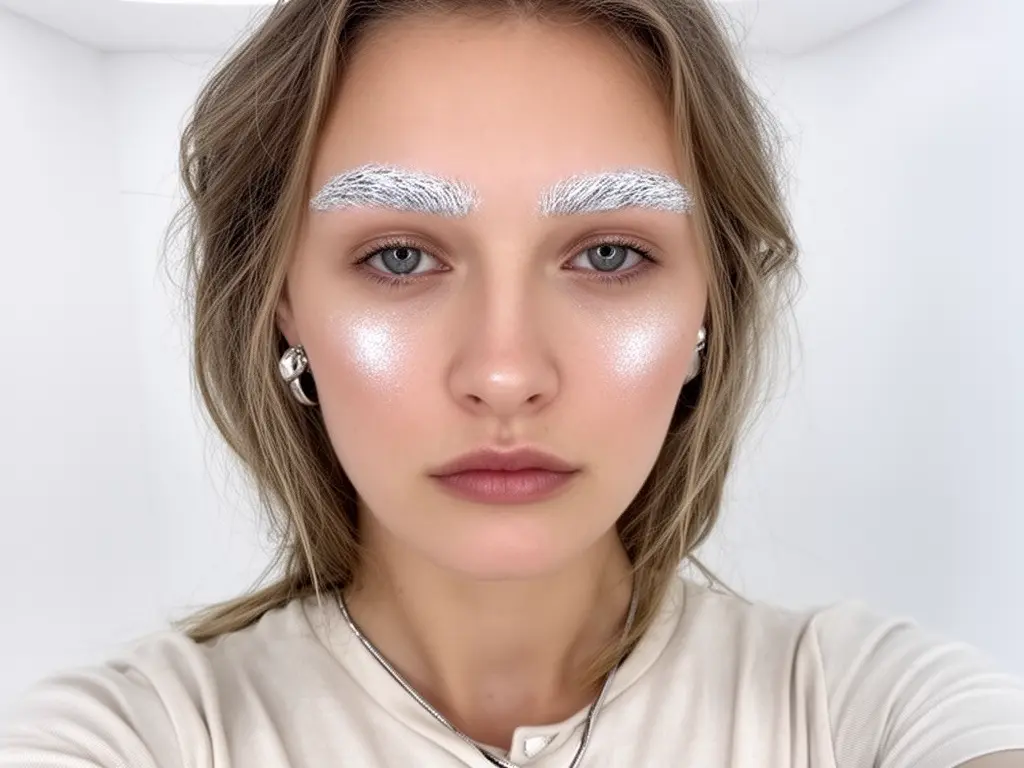
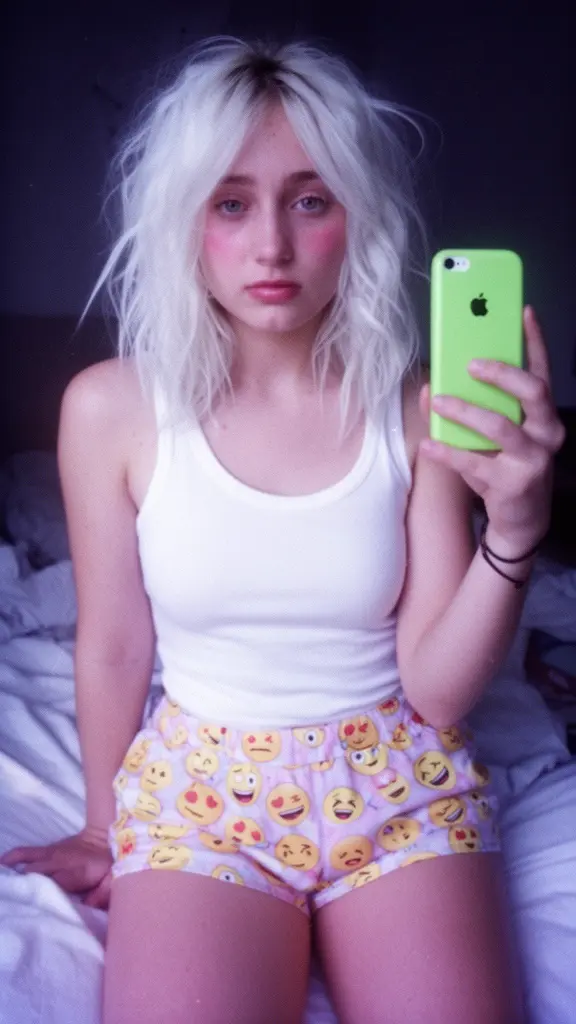
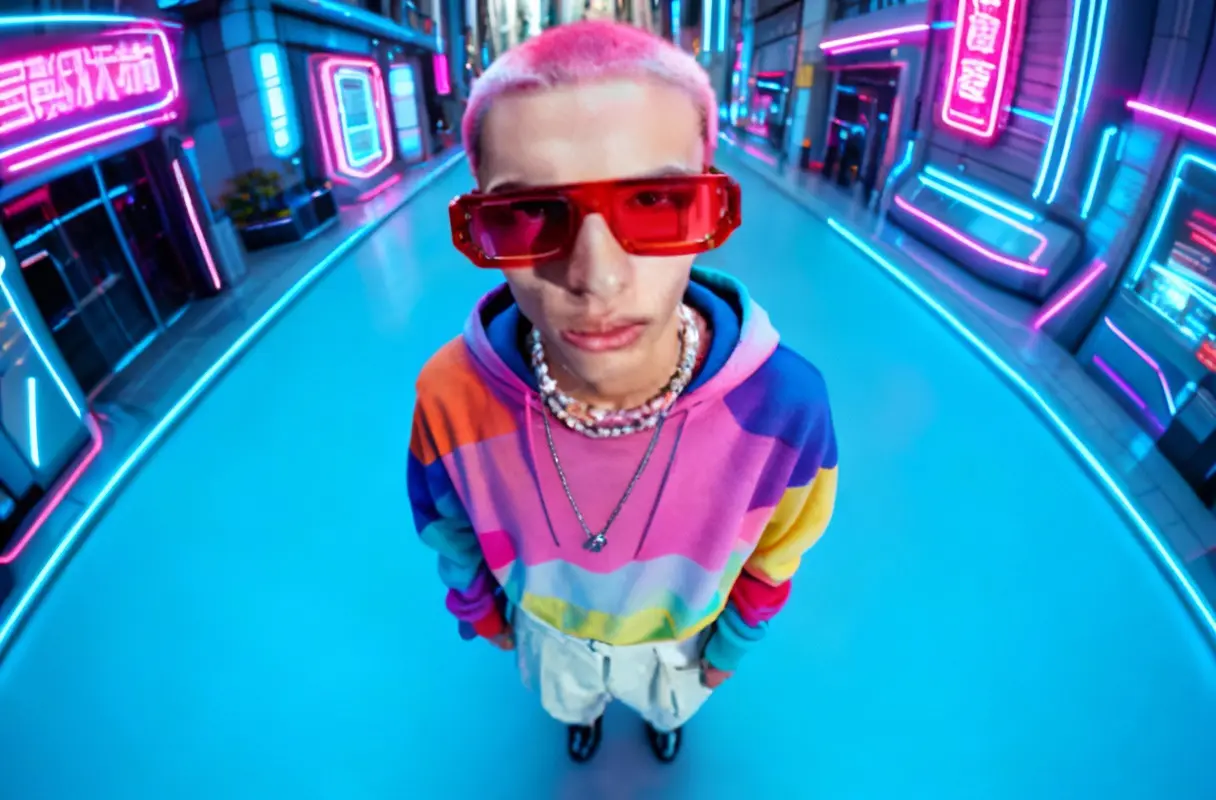
qwen-edit-2509/lora
Next-gen visual tool with refined editing, bilingual text control, and seamless image blending.
Flux 2 Turbo is a fast, structure-aware text-to-image generator for production workflows. Text-to-image serves as the mechanism for turning concise intent into finished visuals, enabling teams to iterate quickly without sacrificing coherence. Flux 2 Turbo prioritizes geometry preservation, realistic materials, and stable lighting while delivering low-latency sampling for dependable review cycles. It supports precision control for brand visuals, product mockups, and character design.
Key capabilities:
Start with a clear prompt that states subject, action, setting, and style. Use guidance_scale to steer adherence, seed for reproducibility, and image_size to match your canvas. For multiple variations, increase num_images, and enable_prompt_expansion only when you want semantic elaboration. Flux 2 Turbo interprets spatial directions and lighting cues reliably. Flux 2 Turbo responds best to concrete nouns, measurable attributes, and explicit constraints. Keep enable_safety_checker true and choose an output_format aligned to delivery.
Examples:
Pro tips:
Note: Try this model in the RunComfy playground for text-to-image: RunComfy Playground.
Next-gen visual tool with refined editing, bilingual text control, and seamless image blending.
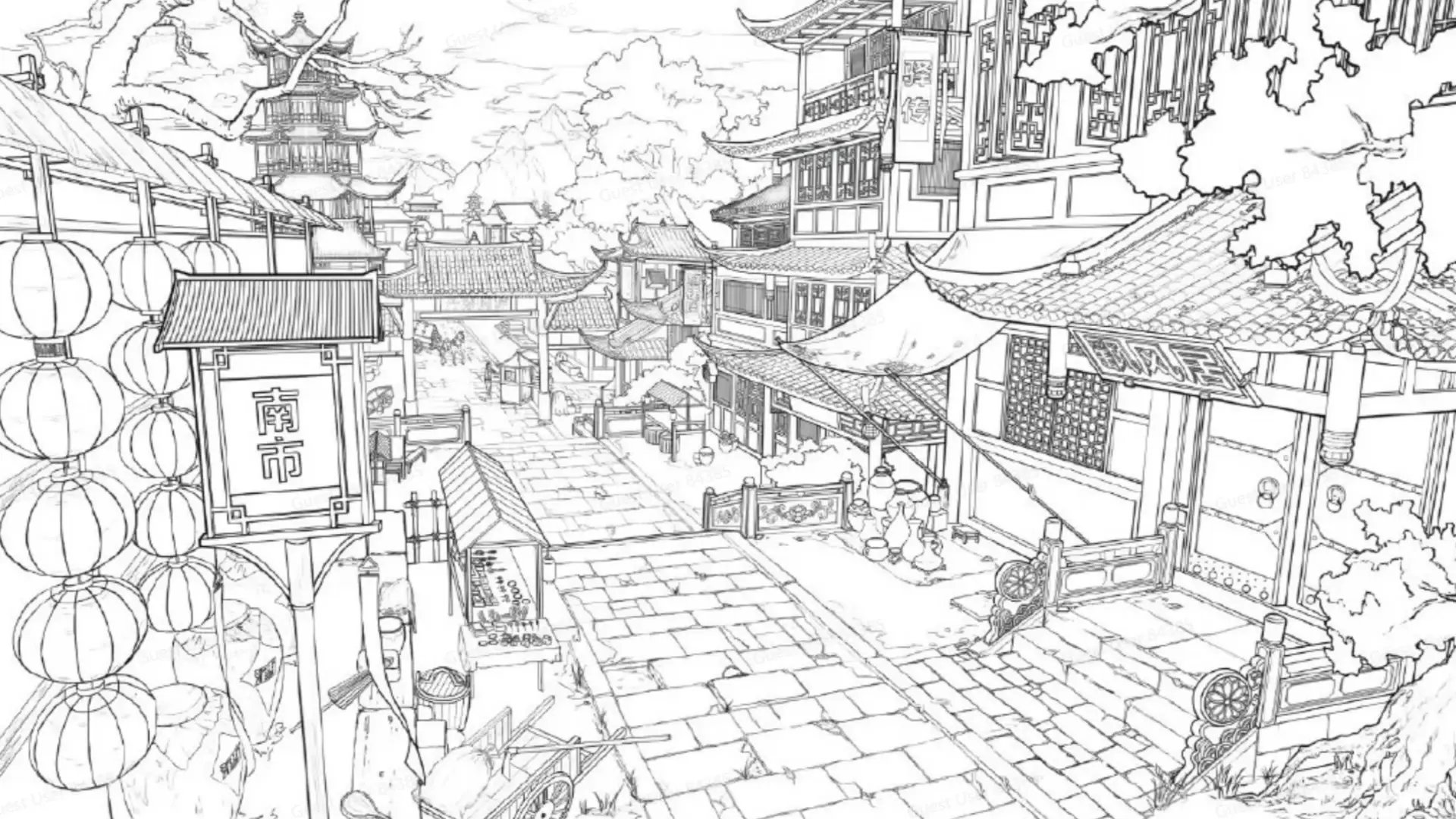
Generate sharp 4K visuals with flexible multi-input and fusion tools

Create photoreal visuals with multi-reference, color, and typography precision.

Generate detailed visuals from text swiftly with high fidelity and dual-language control.

Advanced image editing model for detailed, consistent visual creation and precise design workflows.

Prompt-to-visual engine with precise layout and typography control
Flux 2 Turbo text-to-image is the latest flagship visual generation model from Black Forest Labs, designed to convert written prompts into high-resolution images. It uses a rectified flow transformer architecture to produce realistic and coherent visuals with excellent text rendering and prompt fidelity.
Flux 2 Turbo text-to-image offers major improvements over Flux 1, including a larger parameter scale, better visual realism, stronger text and layout rendering, support for multiple reference images, and faster inference speeds thanks to optimized transformer architecture and quantized variants.
Flux 2 Turbo text-to-image is ideal for creative professionals such as designers, marketers, illustrators, and researchers. It’s especially valuable for producing consistent visual assets, detailed brand imagery, or AI-driven concept art requiring high fidelity and stylized accuracy.
Flux 2 Turbo text-to-image is available through Runcomfy's AI Playground website, which functions seamlessly on desktop and mobile browsers. Users can log in, spend credits, and start generating or editing images directly from the online platform.
Flux 2 Turbo text-to-image is accessible through a credit-based system on Runcomfy’s platform. New users are provided with free trial credits upon registration, and additional credits can be purchased to continue using the tool for extended sessions.
Flux 2 Turbo text-to-image can generate images up to 4MP in resolution, offering detailed textures, accurate lighting, and strong compositional control. It produces high-quality visuals suitable for branding, illustration, and design tasks with minimal rendering artifacts.
Yes, Flux 2 Turbo text-to-image supports both image-to-image transformations and direct image editing through natural language commands. Users can modify existing visuals, apply styles from reference images, or perform complex composition blending.
Flux 2 Turbo text-to-image does not support negative prompts and works best with detailed, structured inputs. It requires adequate GPU resources for optimal speed, though quantized versions improve accessibility for users on limited hardware.
Flux 2 Turbo text-to-image stands out for its advanced prompt adherence, typography rendering, and support for multi-reference conditioning. Its innovative rectified flow architecture enables faster and more precise output generation than many competing AI image models.
RunComfy is the premier ComfyUI platform, offering ComfyUI online environment and services, along with ComfyUI workflows featuring stunning visuals. RunComfy also provides AI Models, enabling artists to harness the latest AI tools to create incredible art.