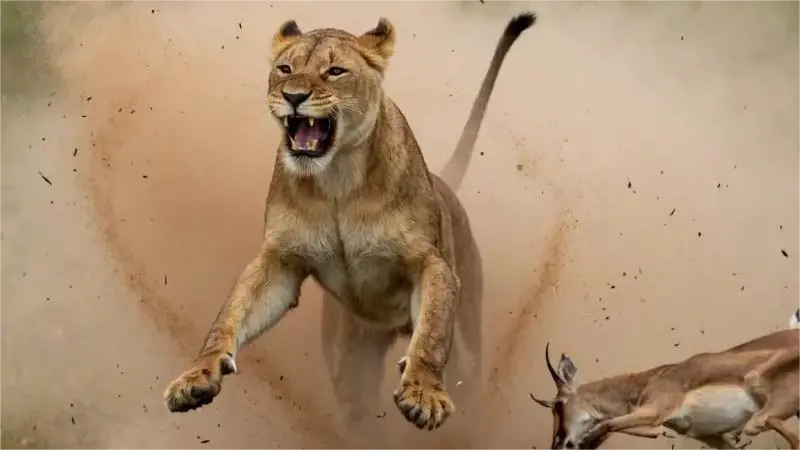
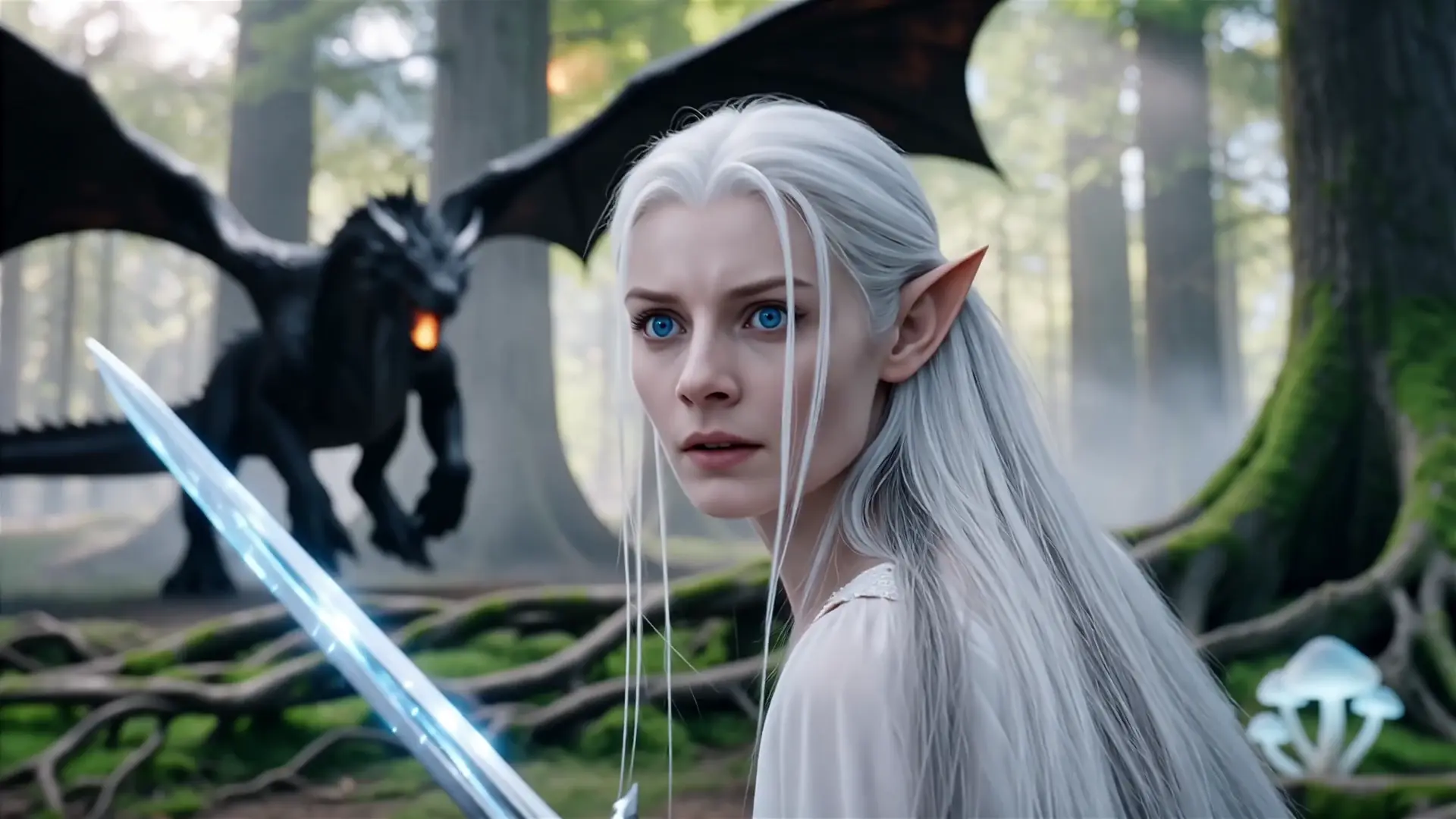
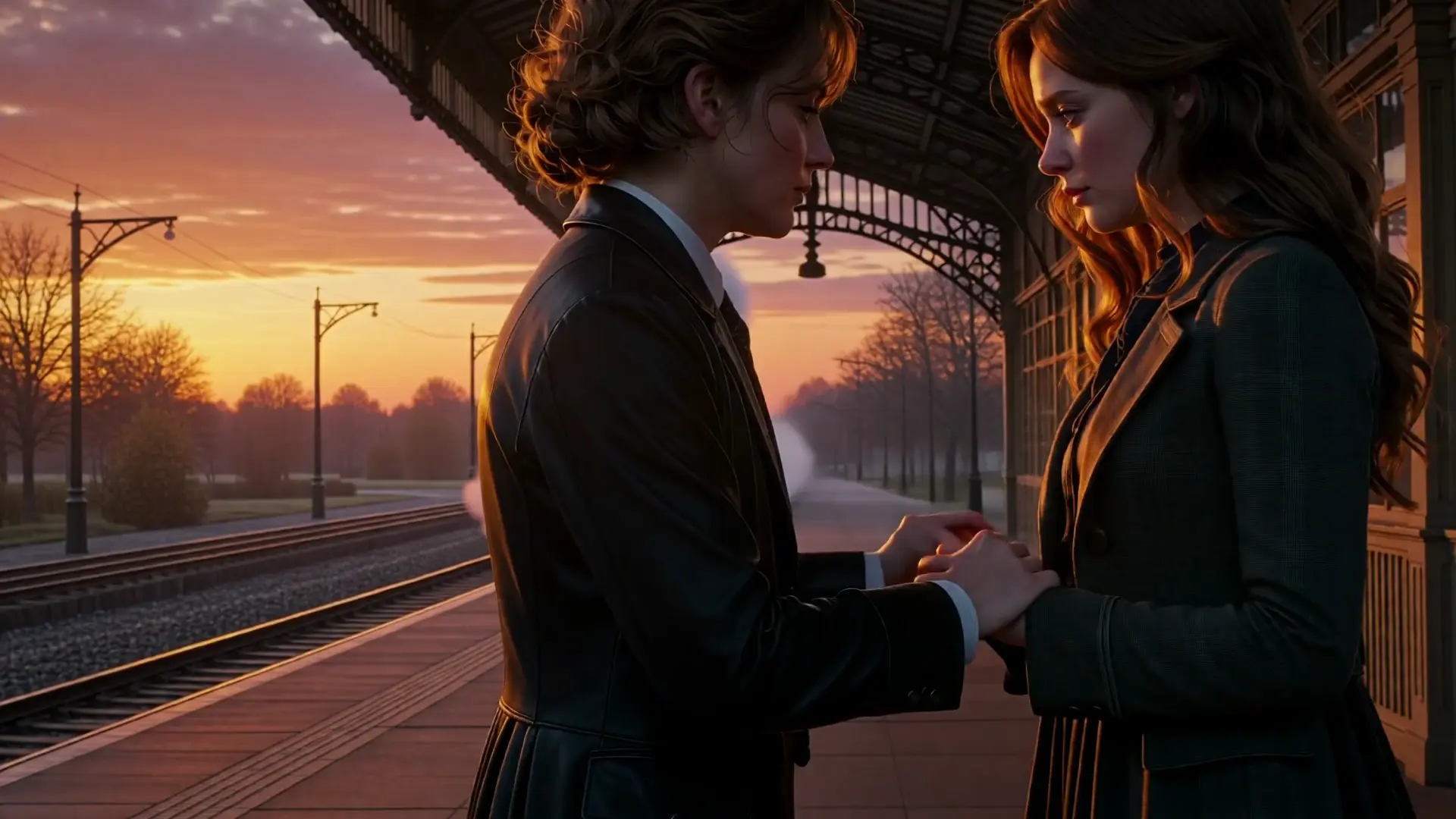
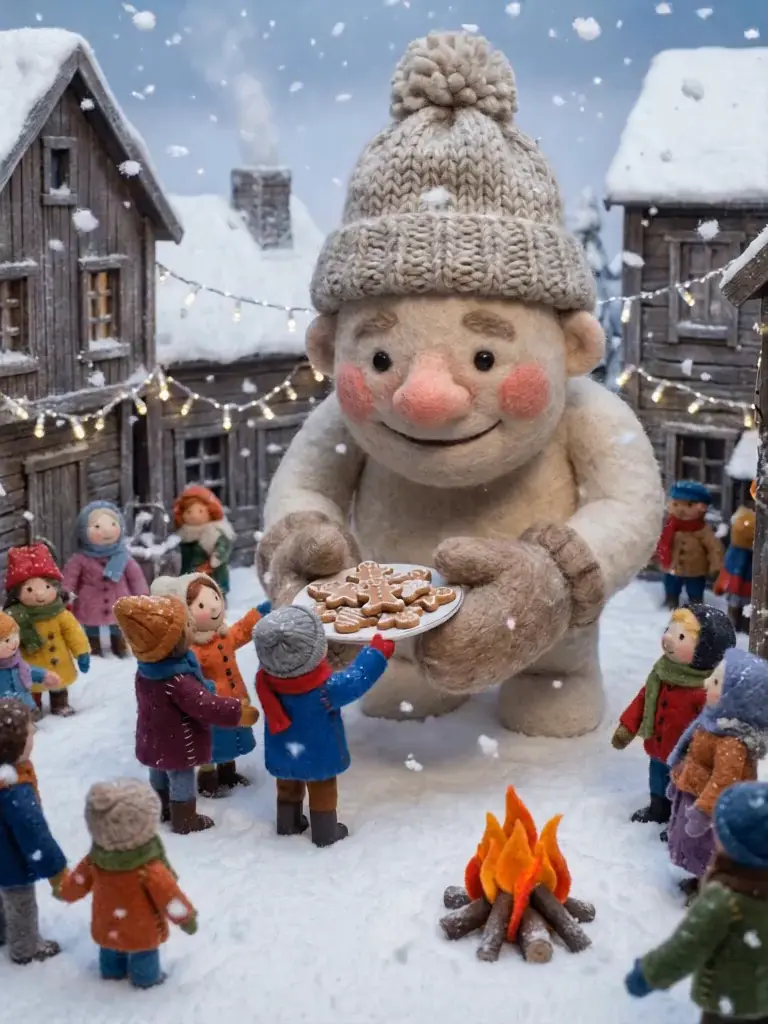
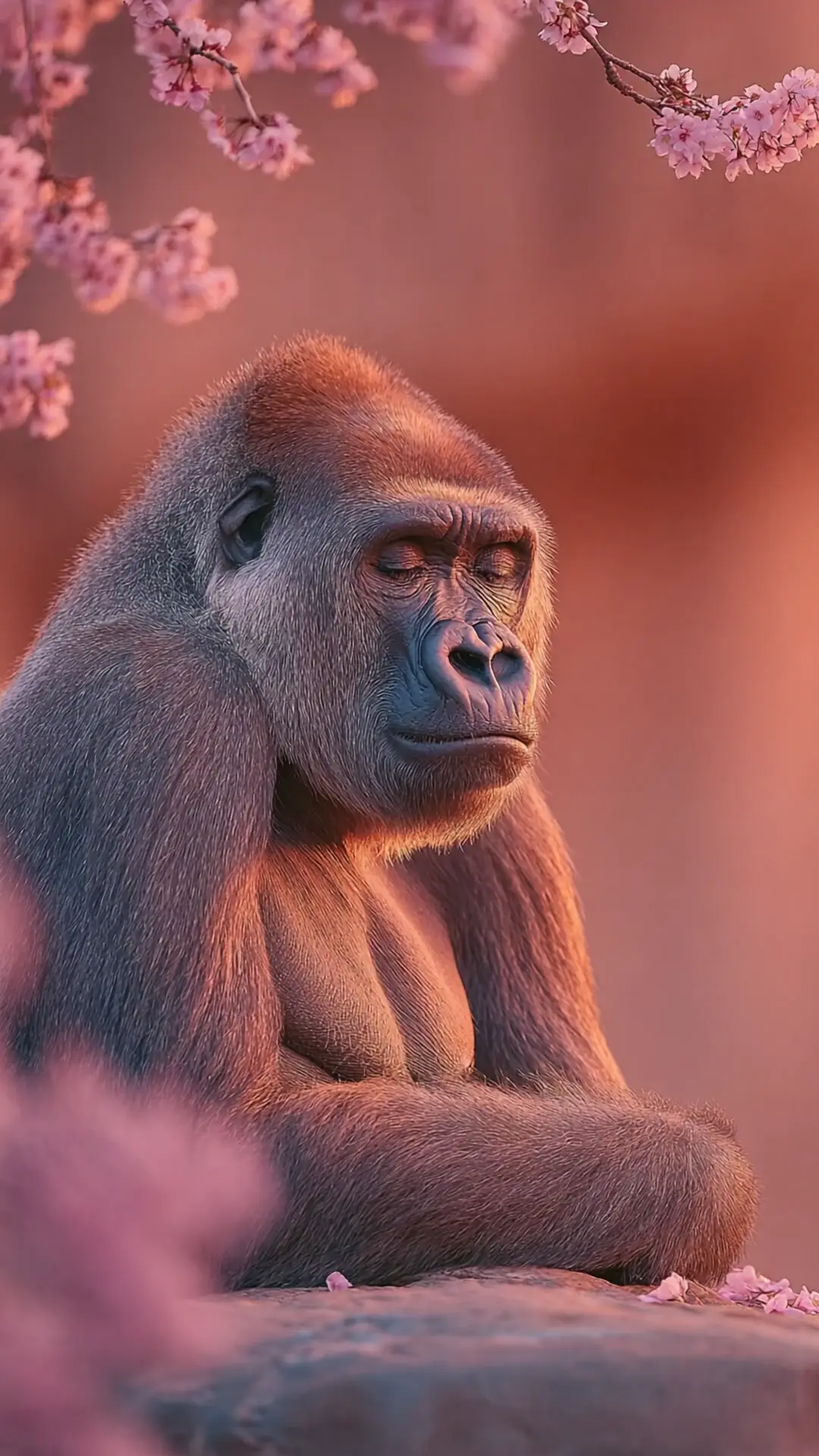
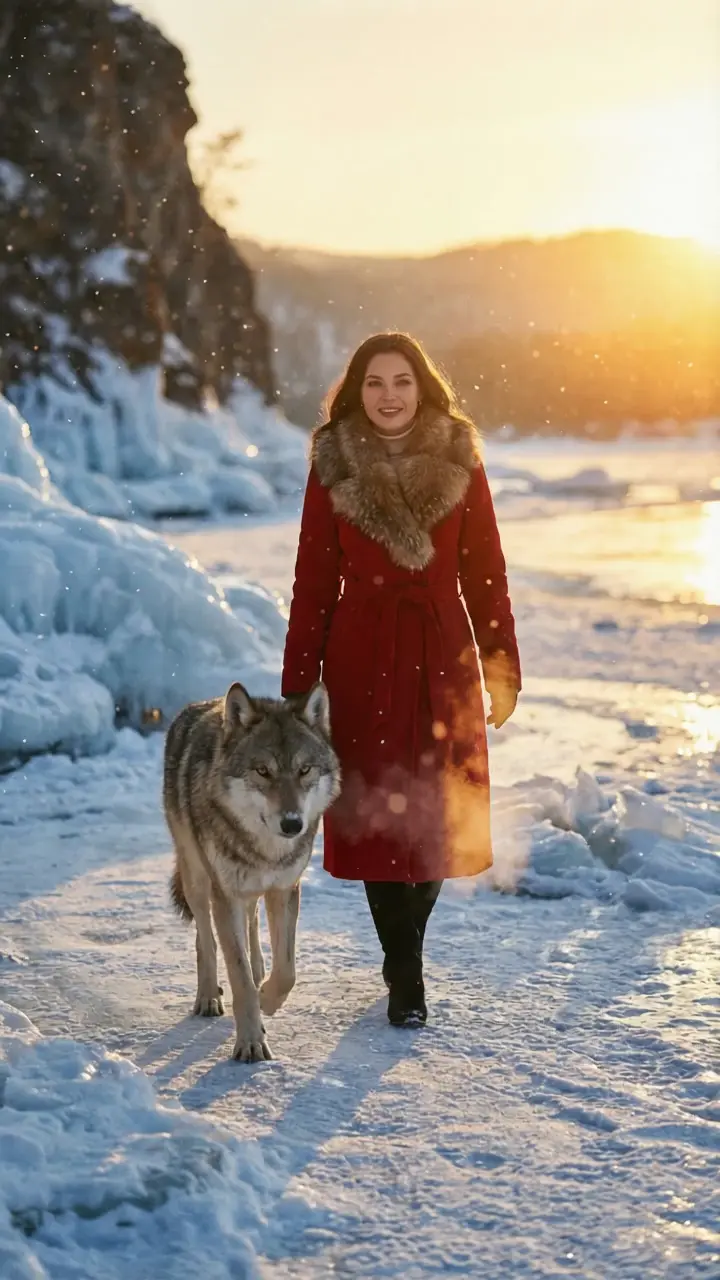
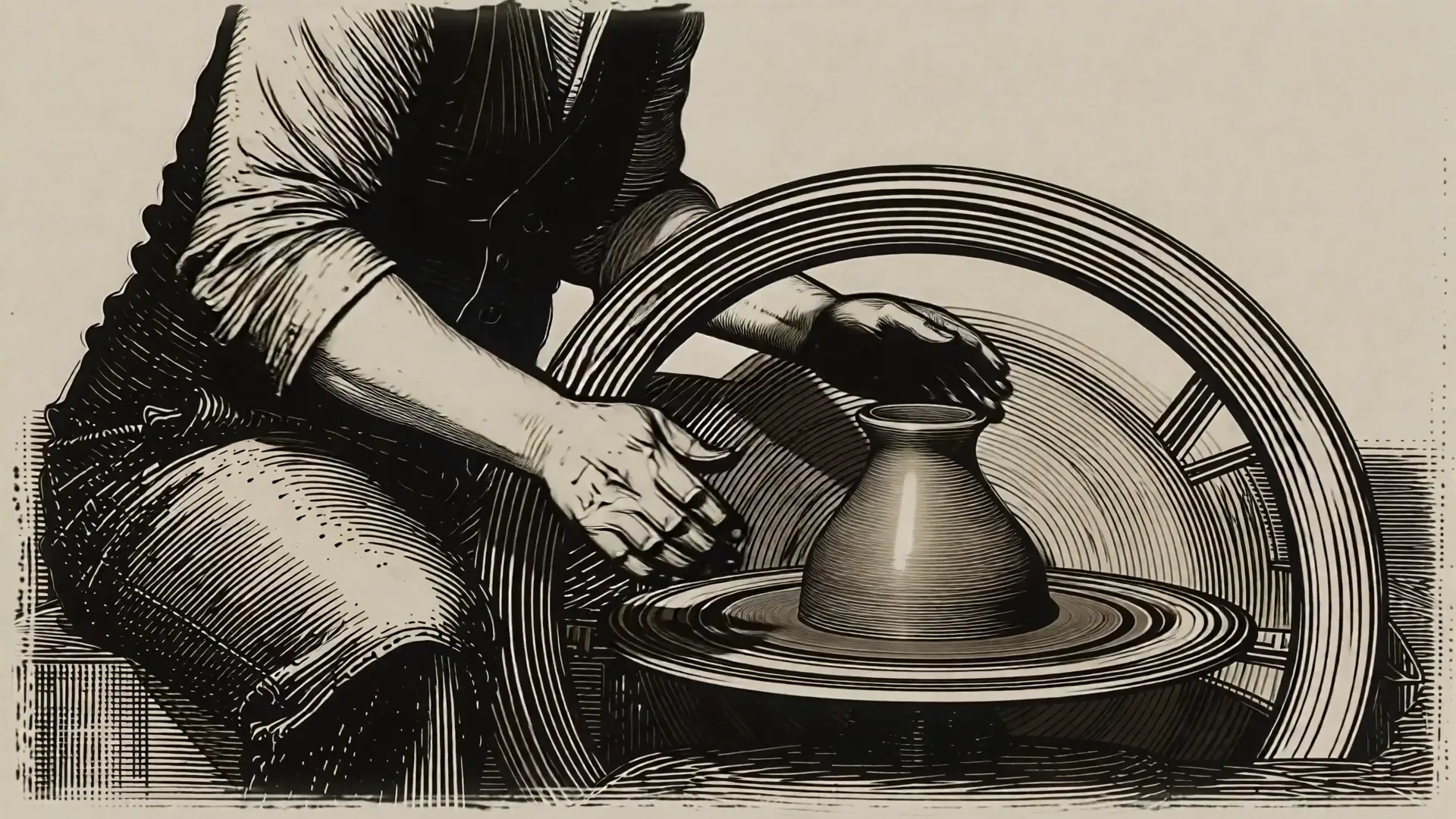
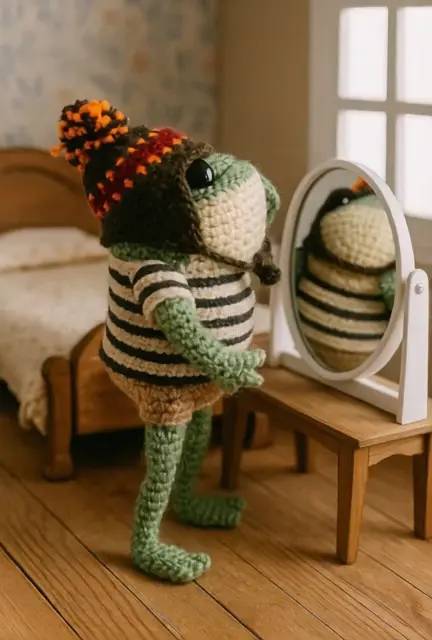
Features smooth scene transitions, natural cuts, and consistent motion.
PixVerse 5.5 transition: AI Image-to-Video with Sound & Morphing
Transform two still images into smooth cinematic videos with built-in sound, precise morphing, fast rendering, and adaptable styles for creative storytelling and professional visual production.
Introduction to PixVerse 5.5 Transition Features
PixVerse 5.5 transition image-to-video marks the newest milestone from PixVerse, a Singapore-based generative AI platform recognized globally for its cinematic creativity tools. Updated in December 2025 as part of the PixVerse V5 generation, this version introduces built-in sound, multi-shot sequences, and refined morphing precision between frames. It lets you turn two still images into fluid 5- or 8-second clips that are visually stable, richly detailed, and stylistically adaptable across themes like anime, clay, and cyberpunk. With support for multiple aspect ratios, negative prompts, and high-speed output, PixVerse 5.5 transition expands creative expression for both professional and casual creators alike.
PixVerse 5.5 transition image-to-video empowers you to transform static visuals into cinematic stories with synchronized sound, motion, and mood. Designed for marketers, educators, storytellers, and social creators, it generates smooth, scene-to-scene results that enhance engagement and make every frame feel alive.
Examples Created with PixVerse 5.5 Transition


What makes PixVerse 5.5 transition stand out
PixVerse 5.5 transition is a high-fidelity image-to-video system for turning two stills into a coherent cinematic passage. PixVerse 5.5 transition preserves scene structure from the first frame while steadily interpolating to the last, reducing wobble, flicker, and drift. With precise morphing, lighting and color blend consistently, and detail remains stable across frames. Rendering is fast, with predictable control over aspect ratio, resolution, and duration, and style conditioning keeps aesthetics coherent. Optional audio generation adds BGM, SFX, or dialogue.
Key capabilities:
- Structure-preserving two-image morph: maps pose, layout, and edges from start to end to keep subjects recognizable in PixVerse 5.5 transition.
- Temporal coherence: smooth motion minimizes jitter; stable textures and contours across frames.
- Performance control: aspect_ratio 16:9, 4:3, 1:1, 3:4, 9:16; resolution 360p-1080p; duration 5, 8, or 10 seconds, with 1080p limited to 5 or 8 in PixVerse 5.5 transition.
- Style consistency: anime, 3d_animation, clay, comic, cyberpunk maintained across the full sequence by PixVerse 5.5 transition.
- Directed outcomes: prompt, negative_prompt, and seed deliver repeatable transitions; thinking_type auto or enabled helps clarity in PixVerse 5.5 transition.
- Integrated audio option: generate_audio_switch adds BGM, SFX, or dialogue to the video.
Prompting guide for PixVerse 5.5 transition
Begin by supplying first_image_url and end_image_url, then describe motion, pacing, and what must remain unchanged. For clarity, state subject, camera behavior, and lighting. Set aspect_ratio, resolution, and duration explicitly; note that 1080p supports only 5 or 8 seconds. Enable generate_audio_switch if you need BGM, SFX, or dialogue. Use style to lock aesthetics and seed to reproduce results. PixVerse 5.5 transition benefits from concise constraints and a crisp negative_prompt. When thinking_type is auto, PixVerse 5.5 transition can refine ambiguous phrasing without changing intent. Keep prompts scoped to the transition arc so PixVerse 5.5 transition prioritizes structure over re-synthesis.
Examples:
- Cinematic portrait morph: preserve face geometry; soften background; aspect_ratio 9:16, resolution 1080p, duration 5; style anime; generate_audio_switch true.
- Landscape season change: start summer forest to winter scene; gentle push-in camera; PixVerse 5.5 transition with 16:9 at 720p; seed 42.
- Product color swap: maintain silhouette; morph red to black; background unchanged; negative_prompt text artifacts; 1:1 at 540p.
- Cyberpunk city reveal: night to neon sunrise; style cyberpunk; subtle parallax; PixVerse 5.5 transition duration 8; generate_audio_switch true.
- Clay stop-motion vibe: style clay; slight handheld jitter; 4:3 at 360p; emphasize texture continuity.
Pro tips:
- Declare what to preserve versus change to avoid unintended edits.
- Use spatial language: left third, foreground only, upper-right quadrant.
- Limit descriptors to a few strong terms for a clean, controllable result.
- Iterate with small prompt tweaks and a fixed seed for diagnostics.
- For audio, specify mood, instrumentation, and intensity in PixVerse 5.5 transition.
- Note: If you requires generating video through image, please use the PixVerse 5.5 Image-to-Video model, which is specifically optimized for instruction-based image manipulation.
Related Playgrounds
Create lifelike cinematic video clips from prompts with motion control.
Transform speech into lifelike video avatars with expressive, synced motion.
Use WAN 2.2 LoRA as latest AI tool for realistic video creation from text.
Transforms input clips into synced animated characters with precise motion replication.
Build a scene from 1–6 images and animate it into a video.
Frequently Asked Questions
What exactly is PixVerse 5.5 transition and how does its image-to-video function operate?
PixVerse 5.5 transition is the latest AI model from PixVerse that turns two still images into a cinematic short video through a seamless image-to-video morph. It uses advanced motion interpolation and visual consistency models to create realistic transitions between a starting and ending frame.
What are the main features of PixVerse 5.5 transition’s image-to-video capability?
The main features of PixVerse 5.5 transition include built-in audio generation, multi-shot transitions, style customization, and resolutions up to 1080p. Its image-to-video system also supports different aspect ratios and stable color continuity for high-quality results.
Is PixVerse 5.5 transition free to use, and how does pricing for its image-to-video models work?
PixVerse 5.5 transition can be explored with free trial credits on Runcomfy’s AI playground. Afterward, users pay with credits depending on output length, version, and quality of the image-to-video render they choose.
Who are the ideal users for PixVerse 5.5 transition and its image-to-video tools?
PixVerse 5.5 transition is ideal for marketers, content creators, short-form video editors, social media influencers, and educators who want to transform static images into engaging moving clips using its image-to-video capabilities.
How does PixVerse 5.5 transition differ from earlier PixVerse versions in terms of image-to-video performance?
The PixVerse 5.5 transition improves upon earlier releases by adding synchronized audio, smoother movement realism, and multi-scene transitions. Its image-to-video feature now offers richer texture detail and better style consistency than PixVerse 5 or 4.5.
What types of inputs and outputs are supported in PixVerse 5.5 transition’s image-to-video process?
PixVerse 5.5 transition supports two static image inputs—start and end frames—and generates 5- to 8-second image-to-video clips. Outputs can be customized by style, aspect ratio, and resolution up to 1080p.
How can I access and run the PixVerse 5.5 transition image-to-video model?
You can access the PixVerse 5.5 transition via Runcomfy’s web-based AI playground after logging in. The image-to-video generator works well on both desktop and mobile browsers, with REST API integration also available for developers.
What quality level should users expect from PixVerse 5.5 transition’s image-to-video outputs?
Users can expect smooth motion blending, clear lighting details, and accurate visual fidelity from PixVerse 5.5 transition. The quality of the image-to-video output depends on image resolution, style selection, and prompt detail.
Does PixVerse 5.5 transition have any known limitations when creating image-to-video results?
PixVerse 5.5 transition performs best with high-quality, visually consistent images. Low-resolution or incompatible frames may lead to minor artifacts in the image-to-video morph, though improved algorithms greatly minimize these issues.
RunComfy is the premier ComfyUI platform, offering ComfyUI online environment and services, along with ComfyUI workflows featuring stunning visuals. RunComfy also provides AI Models, enabling artists to harness the latest AI tools to create incredible art.