lucy-edit/fast
Text-driven video transformation keeping motion and style consistent across edits.
This is the 4K-tier image-driven entry in Kuaishou's O3 family, tuned for final-render fidelity while keeping the subject from the source still locked across the whole shot. Provide a starting image plus a written description, and Kling Video O3 4k Image To Video returns a 3 to 15 second 4K clip with physics-aware motion and an optional matching audio track.
It fits teams that need broadcast-grade 4K footage extending a specific photo, product shot, or keyframe — without a shoot day, manual rotoscoping, or self-hosted GPUs.
| Parameter | Required | Type | Default | Range / Options | Description |
|---|---|---|---|---|---|
| image* | Yes (*) | string (URL) | — | Public image URL | First-frame reference still that anchors the clip. |
| prompt* | Yes (*) | string | — | Free text | Motion, camera move, lighting, and atmosphere. |
| end_image | No | string (URL) | — | Public image URL | Optional last-frame reference for motion arc control. |
| duration | No | integer | 5 | 3 to 15 | Clip length in seconds; billing scales linearly. |
| sound | No | boolean | false | true / false | Generate matching ambient audio for the clip. |
| shot_type | No | string | customize | customize, intelligent | Editing mode; intelligent auto-decides scope, customize follows the prompt. |
| multi_prompt | No | array | — | List of segments | Optional chained prompt segments for scene transitions. |
| element_list | No | array | — | List of element refs | Optional named visual elements to lock consistency. |
This model bills a flat per-second rate on RunComfy. Audio does not change the price — sound on or off, the rate is the same.
| Mode | Rate per second |
|---|---|
| Sound off or on | $0.419 |
Estimated cost per generation
| Duration | Cost |
|---|---|
| 3 s | $1.41 |
| 5 s | $2.095 |
| 10 s | $4.70 |
| 15 s | $6.285 |
Text-driven video transformation keeping motion and style consistent across edits.

Create rapid high-quality video drafts with precise style and speed

Create lifelike synced videos from voices or images with precise motion and creative control.

Transform reference clips with cinematic fidelity, refined motion, and seamless style control for creative professionals.
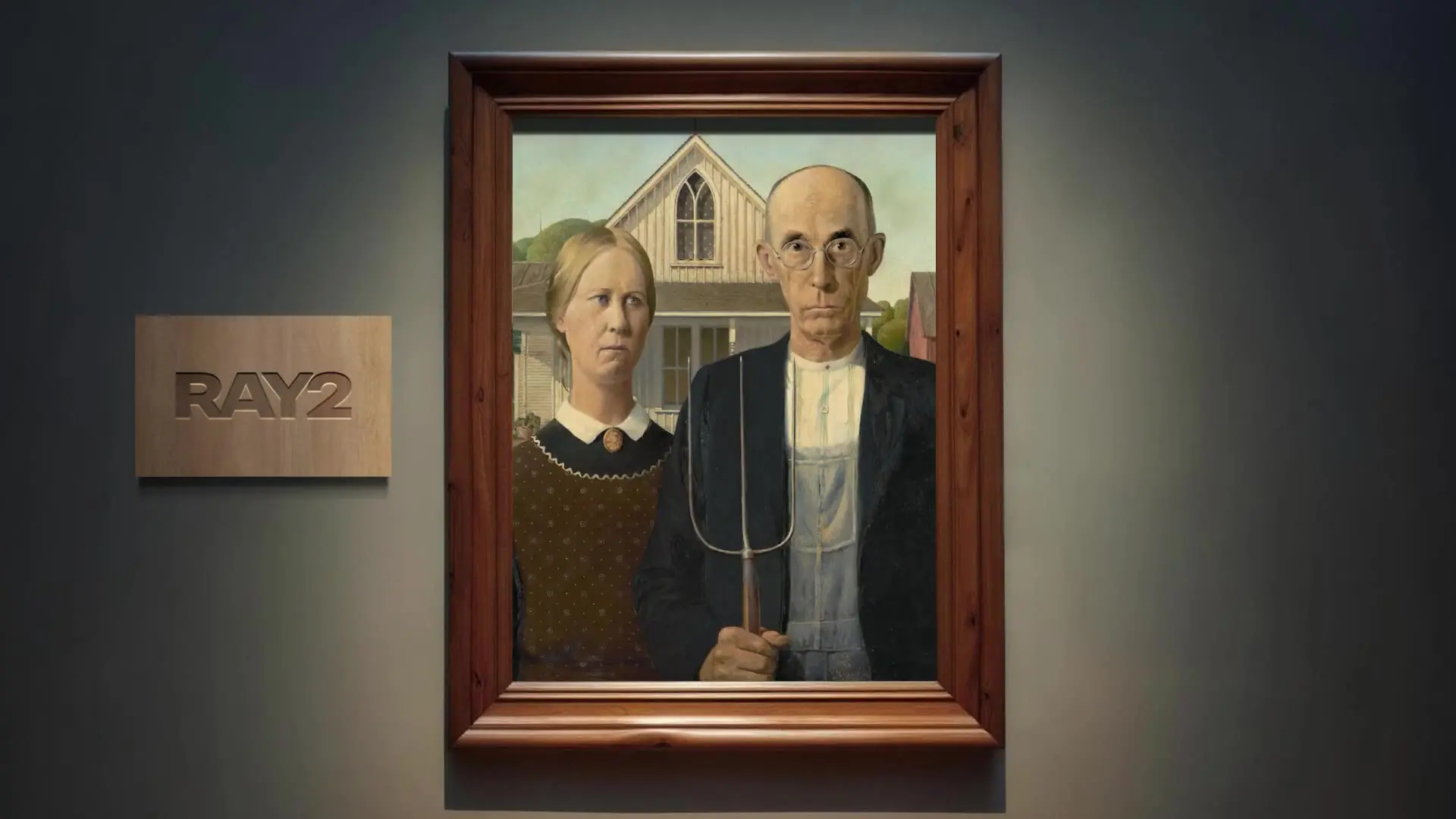
Generate high quality videos from text prompts using Luma Ray 2.

Smart editing tool for refined video transfers and motion-based scene adjustments.
Kling Video O3 4k Image To Video is Kuaishou's 4K image-driven entry in the O3 family, tuned for cinematic 3 to 15 second clips that animate a single reference still with physics-aware motion. It is a strong fit for cinematic photo animation, premium product reels, and vertical social spots where 4K-grade detail and faithful subject preservation matter.
Kling Video O3 4k Image To Video targets the highest resolution and final-render detail in the O3 image-to-video lineup. The Pro tier renders at a lower per-second price for HD-grade output, and the Standard tier is cheaper still for drafts and high-volume iteration, based on publicly available information.
Yes — Kling Video O3 4k Image To Video accepts an optional end_image alongside the starting reference, which locks the motion arc and defines exactly where the clip lands. Providing both a start and an end image significantly improves motion direction and narrative coherence.
Yes — the sound toggle on Kling Video O3 4k Image To Video synthesizes matching ambient audio in the same generation pass. Sound is off by default, and pricing stays the same whether sound is on or off, so enabling it for scenes with fire, water, or rich ambience is essentially free.
Kling Video O3 4k Image To Video supports clip durations from 3 to 15 seconds in one-second steps, with 5 seconds as the default. It is generally a good idea to validate motion at a short duration before committing to a longer hero render. Check the current RunComfy parameter panel for the exact limits.
Kling Video O3 4k Image To Video carries composition, character features, and style from the starting still across every frame, which is the main advantage of an image-driven flow over pure text-to-video. A clean, well-composed source image — and an optional end frame — give the strongest consistency.
Both the image and prompt fields are required for Kling Video O3 4k Image To Video; end_image, duration, sound, shot_type, multi_prompt, and element_list are optional. Image URLs must be publicly accessible. Limits may vary by mode or provider settings, so check the RunComfy panel.
Yes — prototype Kling Video O3 4k Image To Video in the RunComfy model UI, then call the same model from your backend over the RunComfy HTTP API with identical parameters. No GPU hosting or model scaling work is required on your side.
Kling Video O3 4k Image To Video bills a flat $0.419 per second of generated video, regardless of whether sound is on or off. A 5-second clip costs about $2.095 and a 15-second clip about $6.285. Generations are deducted from your RunComfy usd / credit balance, and new users typically receive a free trial amount to test.
RunComfy is the premier ComfyUI platform, offering ComfyUI online environment and services, along with ComfyUI workflows featuring stunning visuals. RunComfy also provides AI Models, enabling artists to harness the latest AI tools to create incredible art.