seedream-5.0-pro/image-to-image
image-to-image
Reference-guided image editing with layout, layer separation, and multilingual text
Reference-guided image editing with layout, layer separation, and multilingual text

Edit detailed visuals fast with layout-aware, multi-reference control for brand-ready results.

Text-to-image stills at 1K, 2K, or 4K, from square frames to 8:1.

Prompt-led image edits from up to 10 references, at 1K, 2K, or 4K.


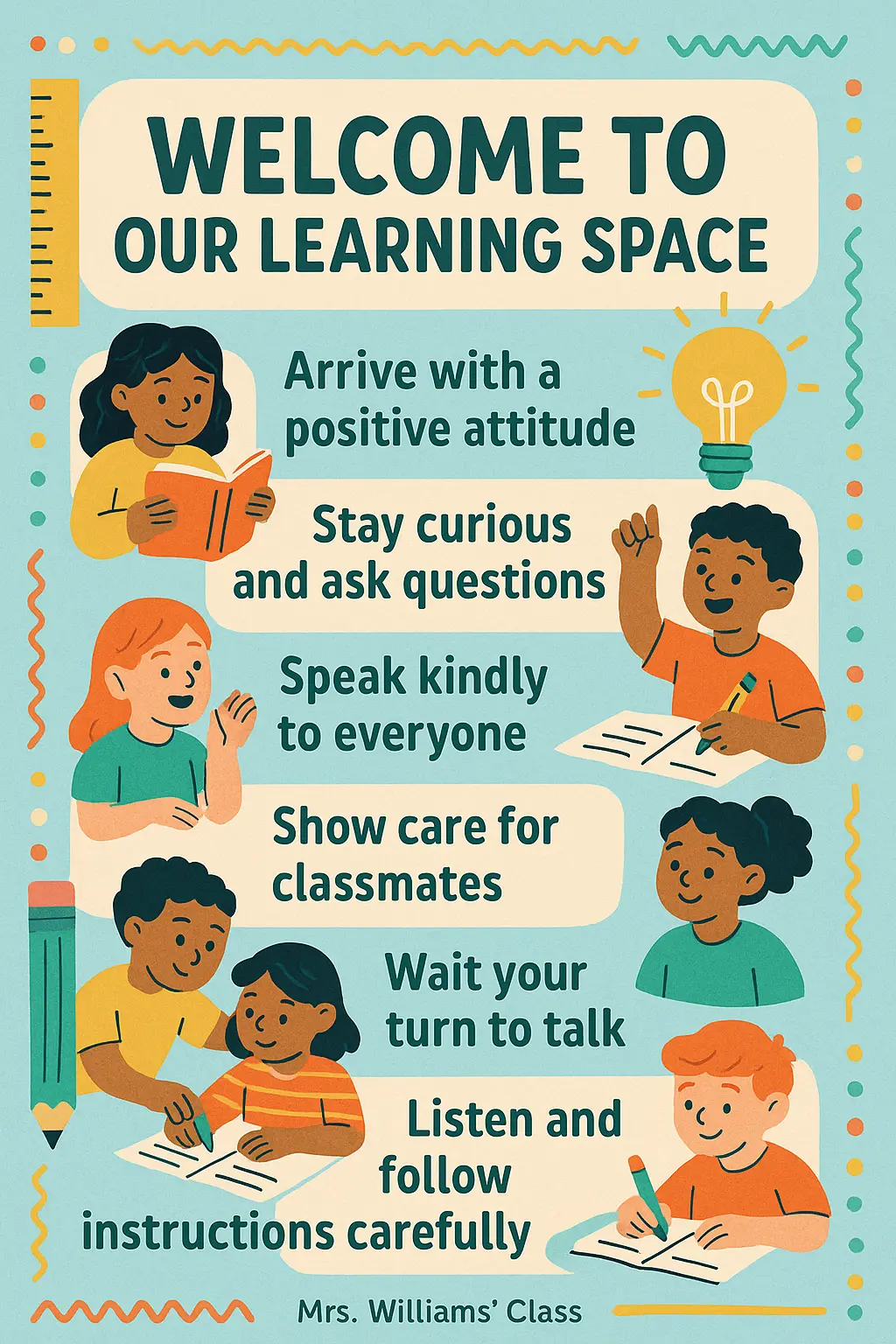
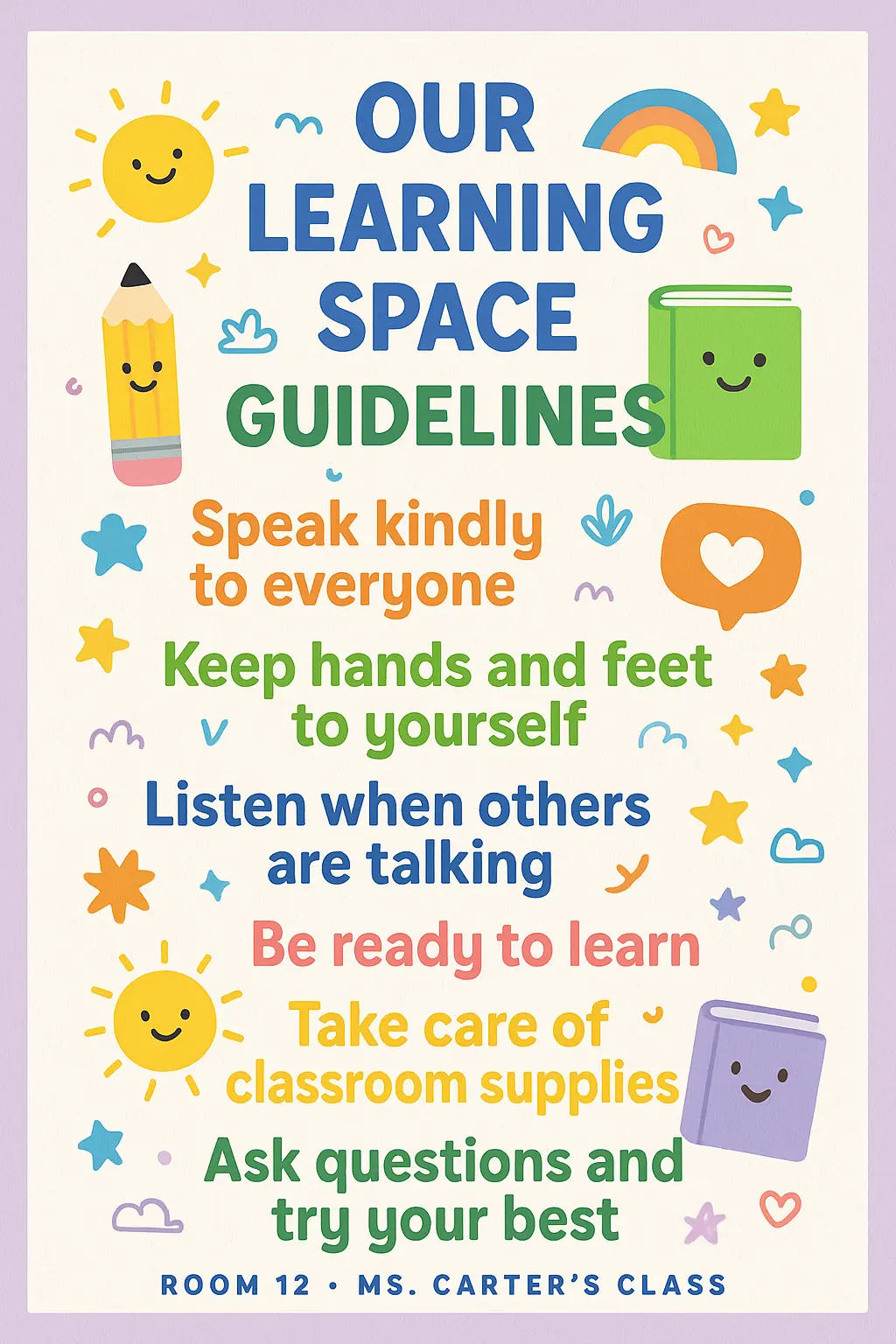
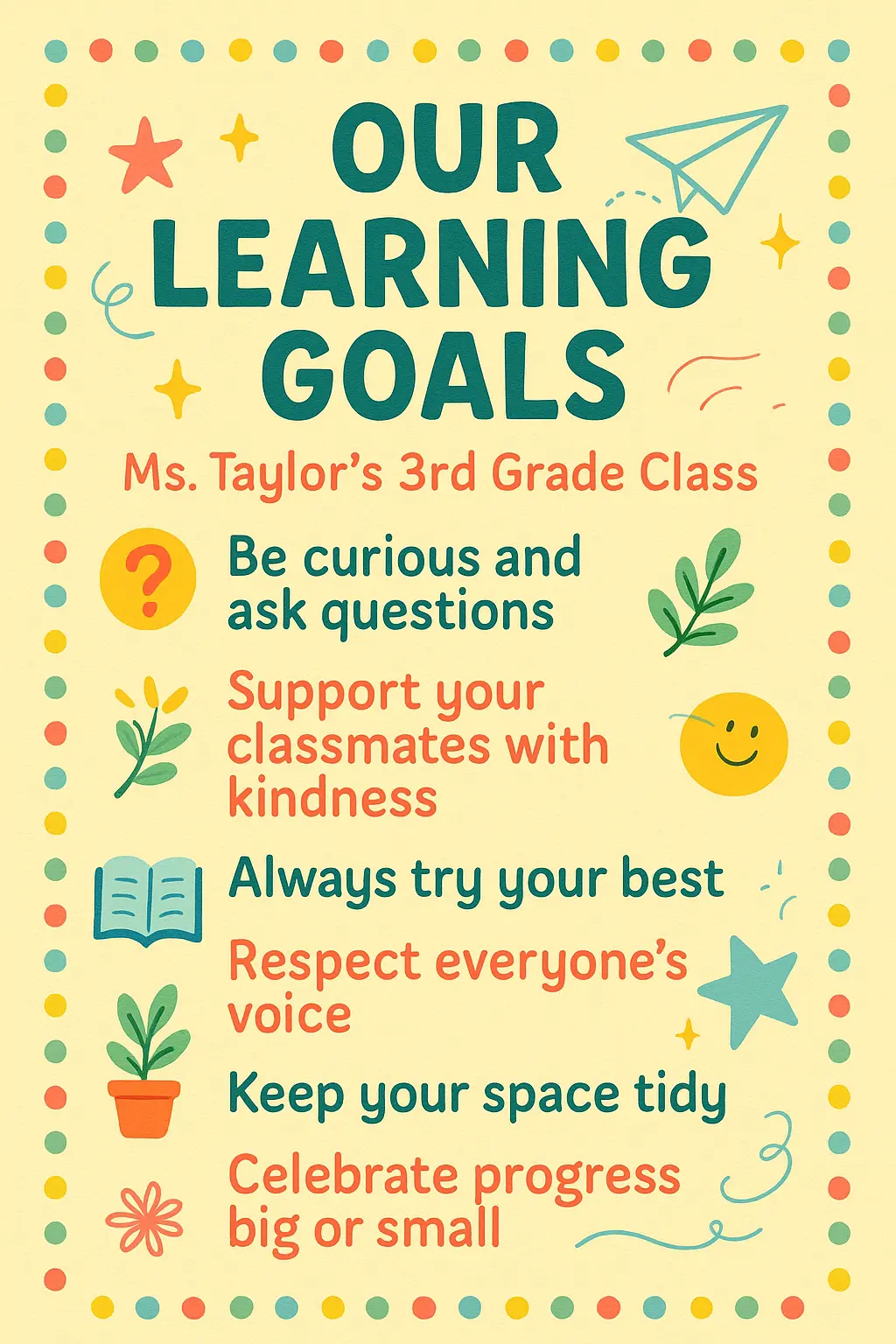
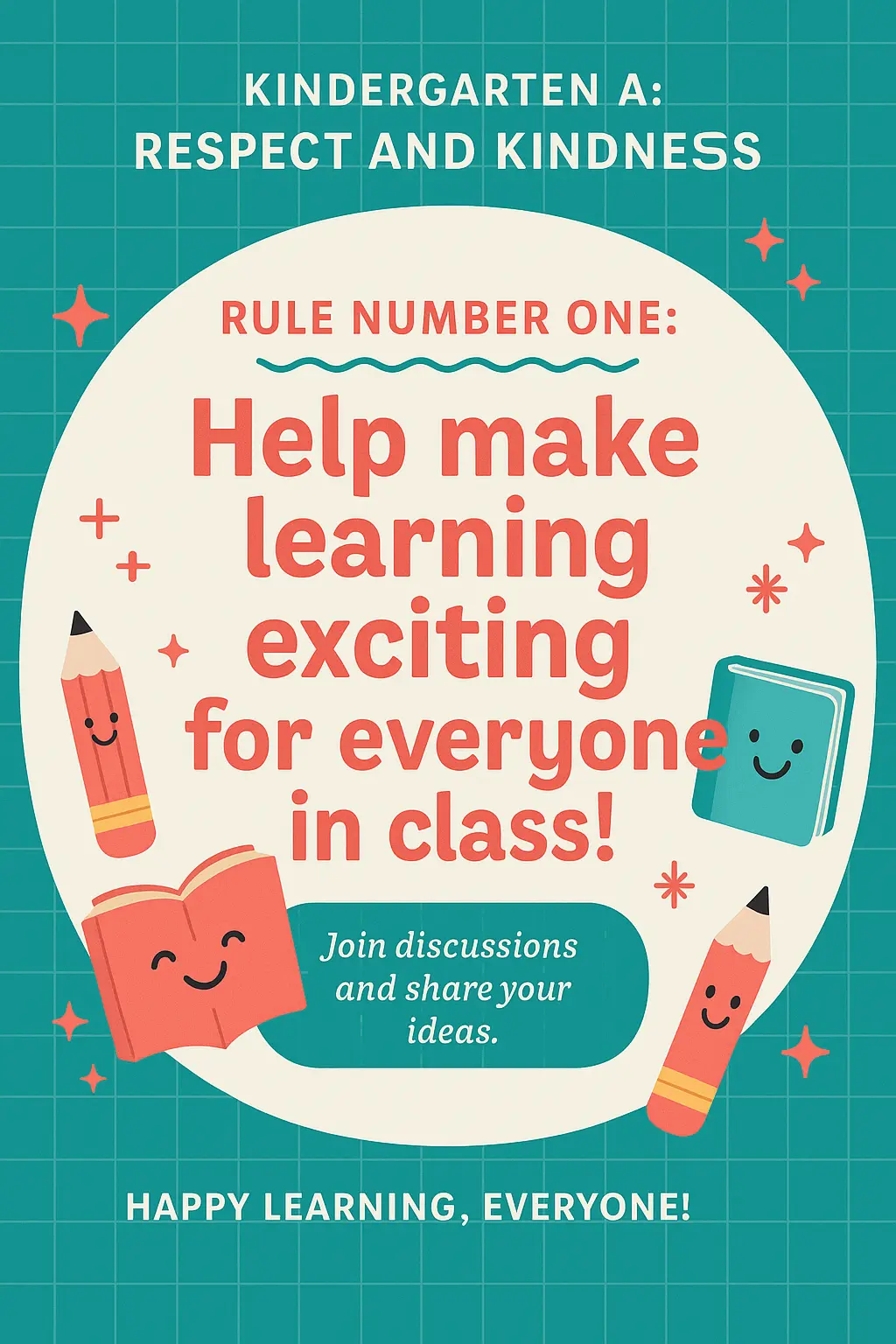
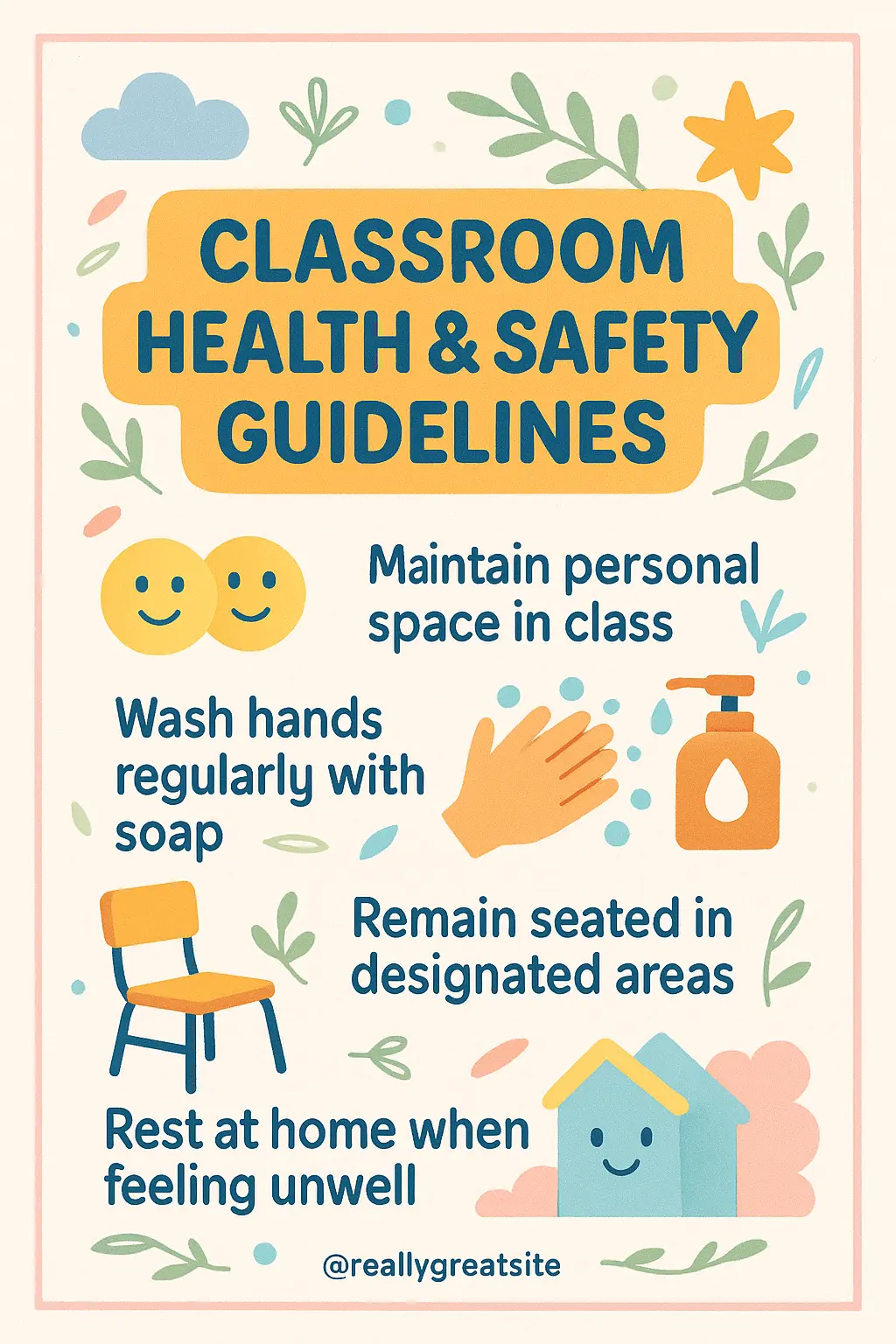
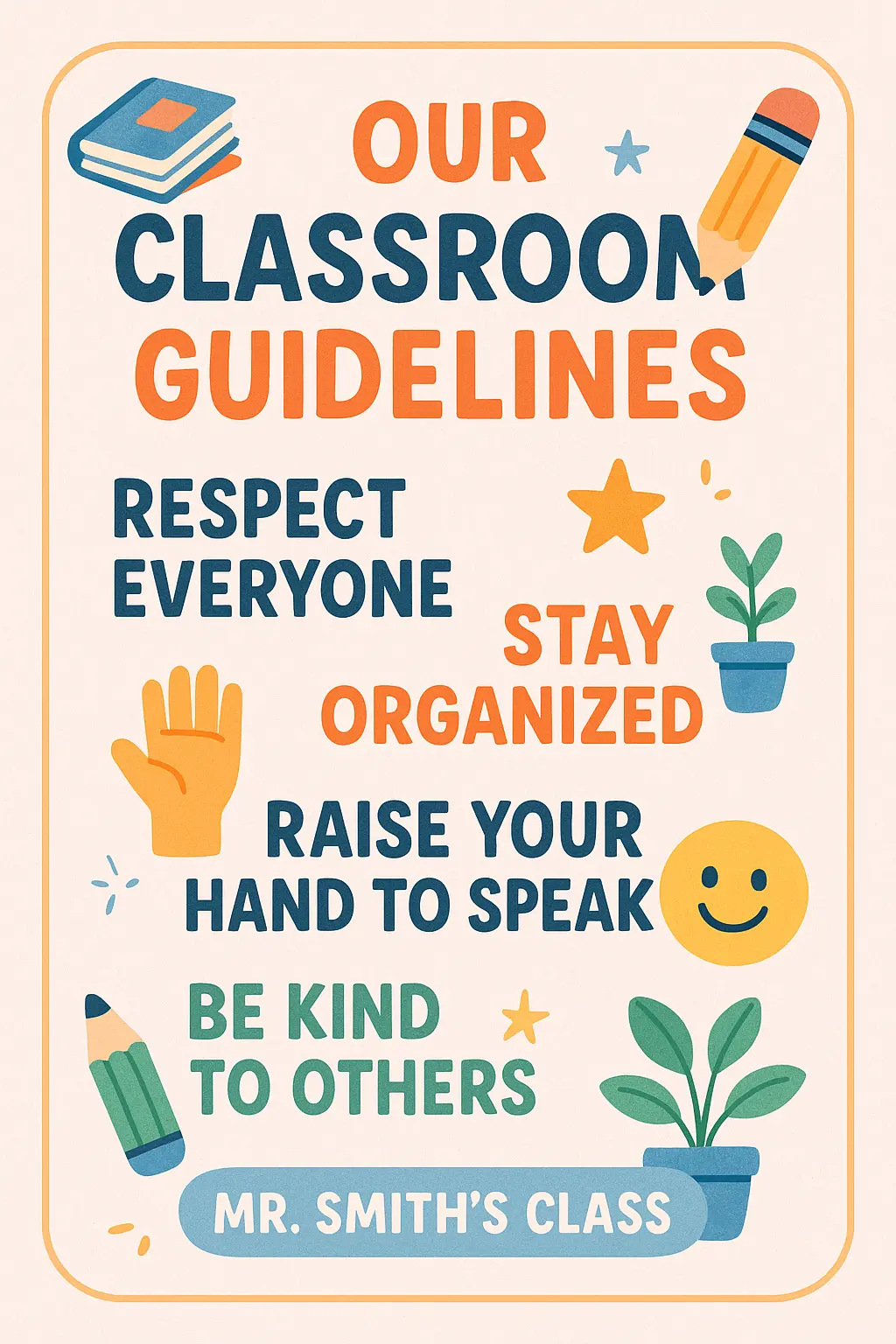
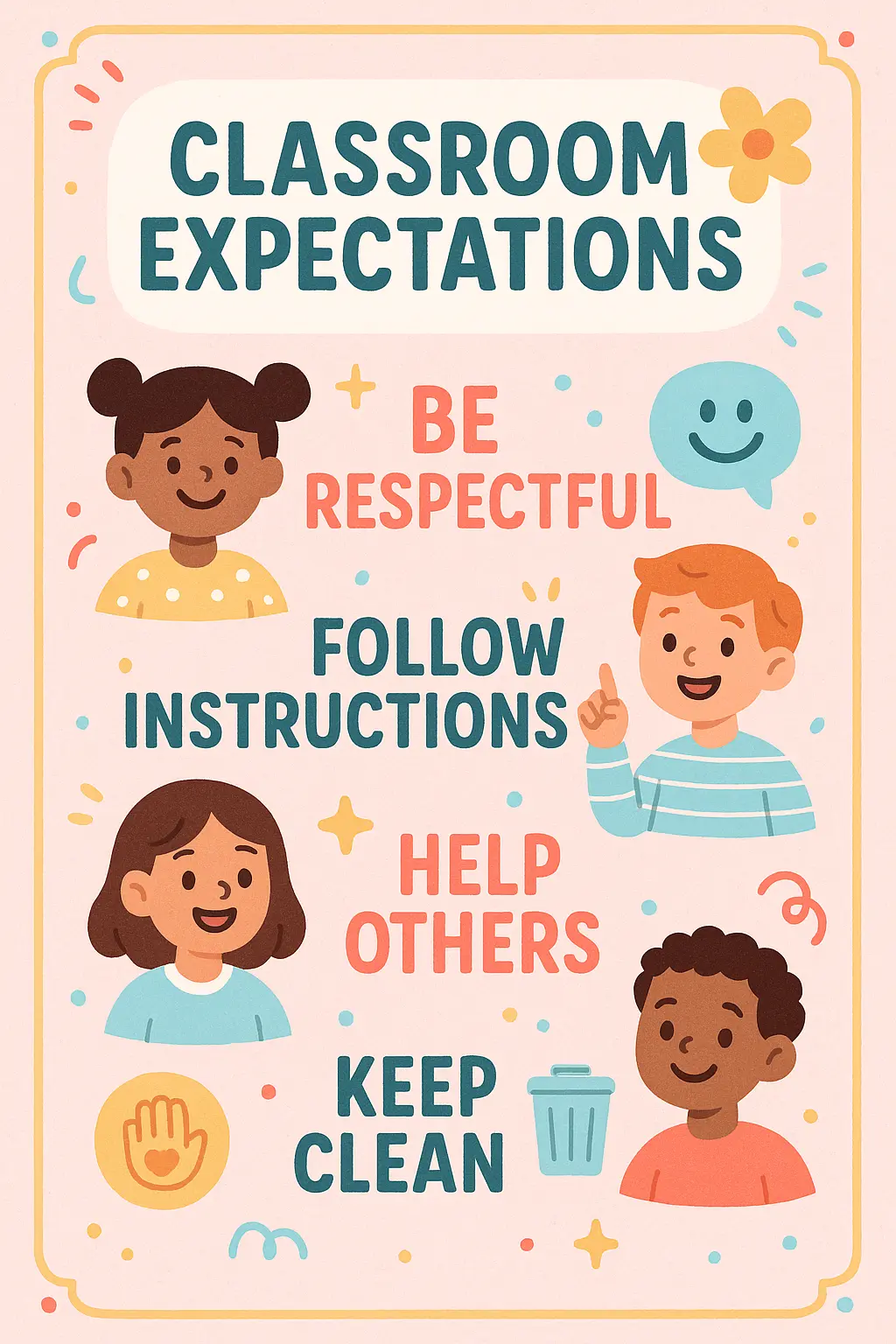
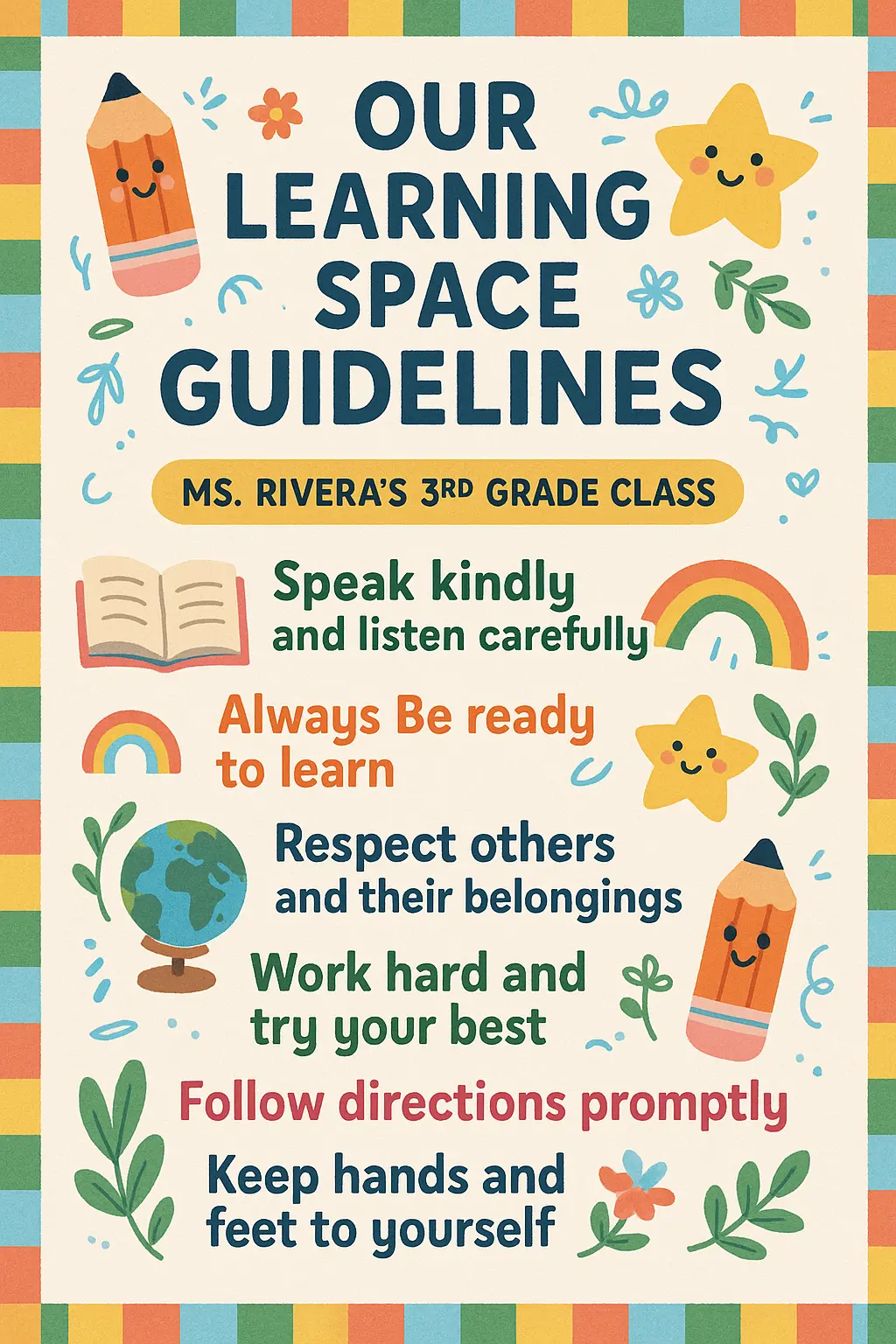
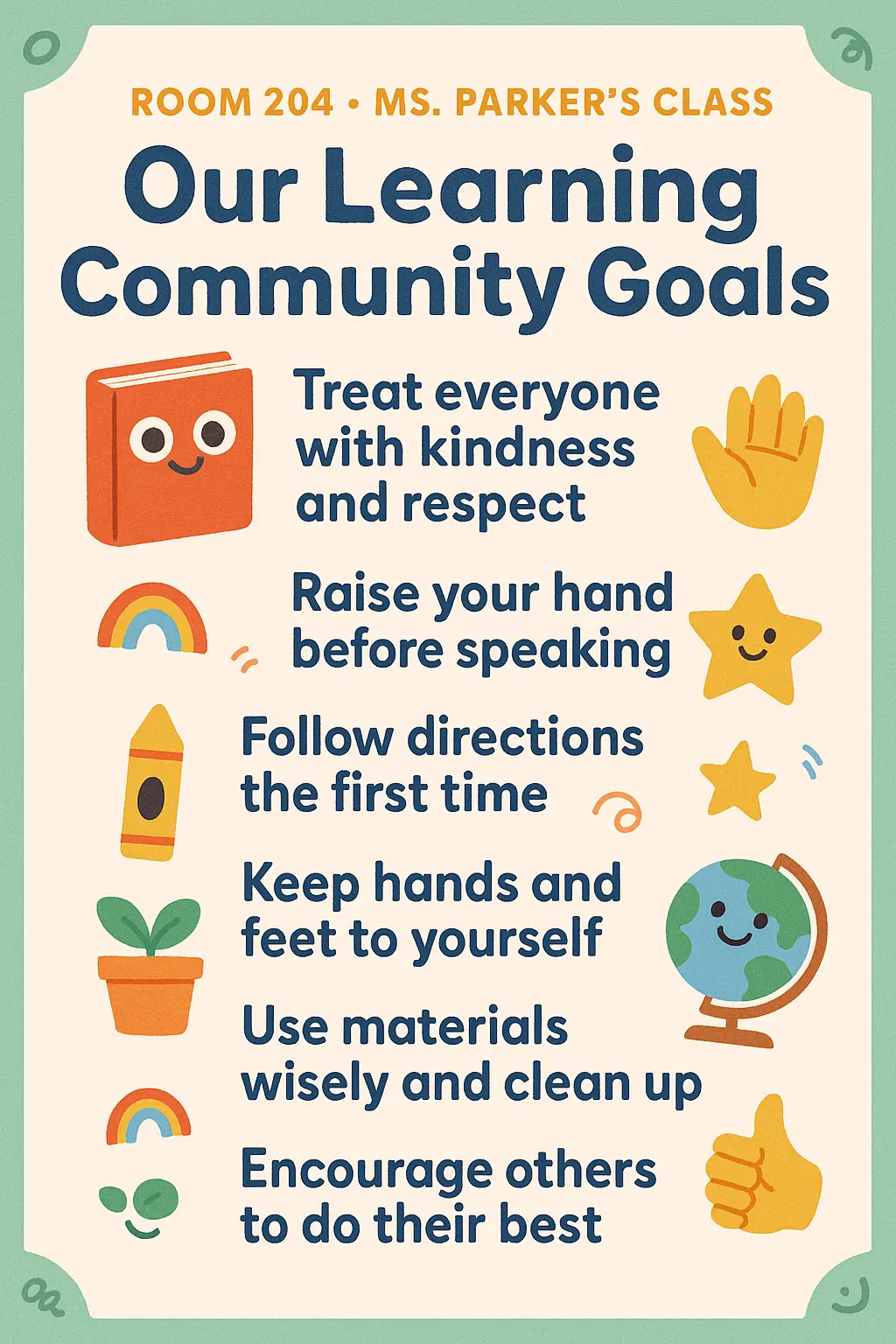
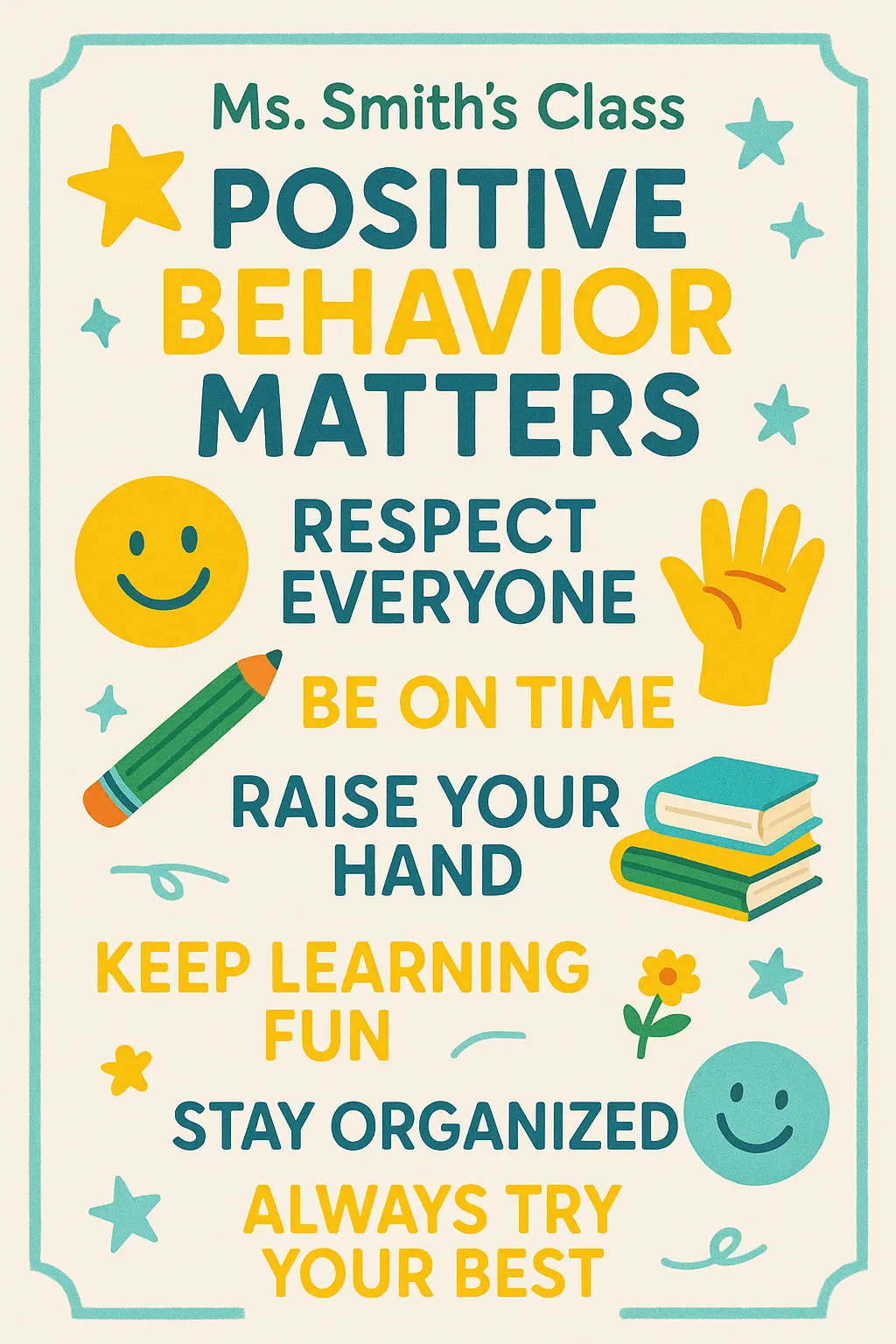
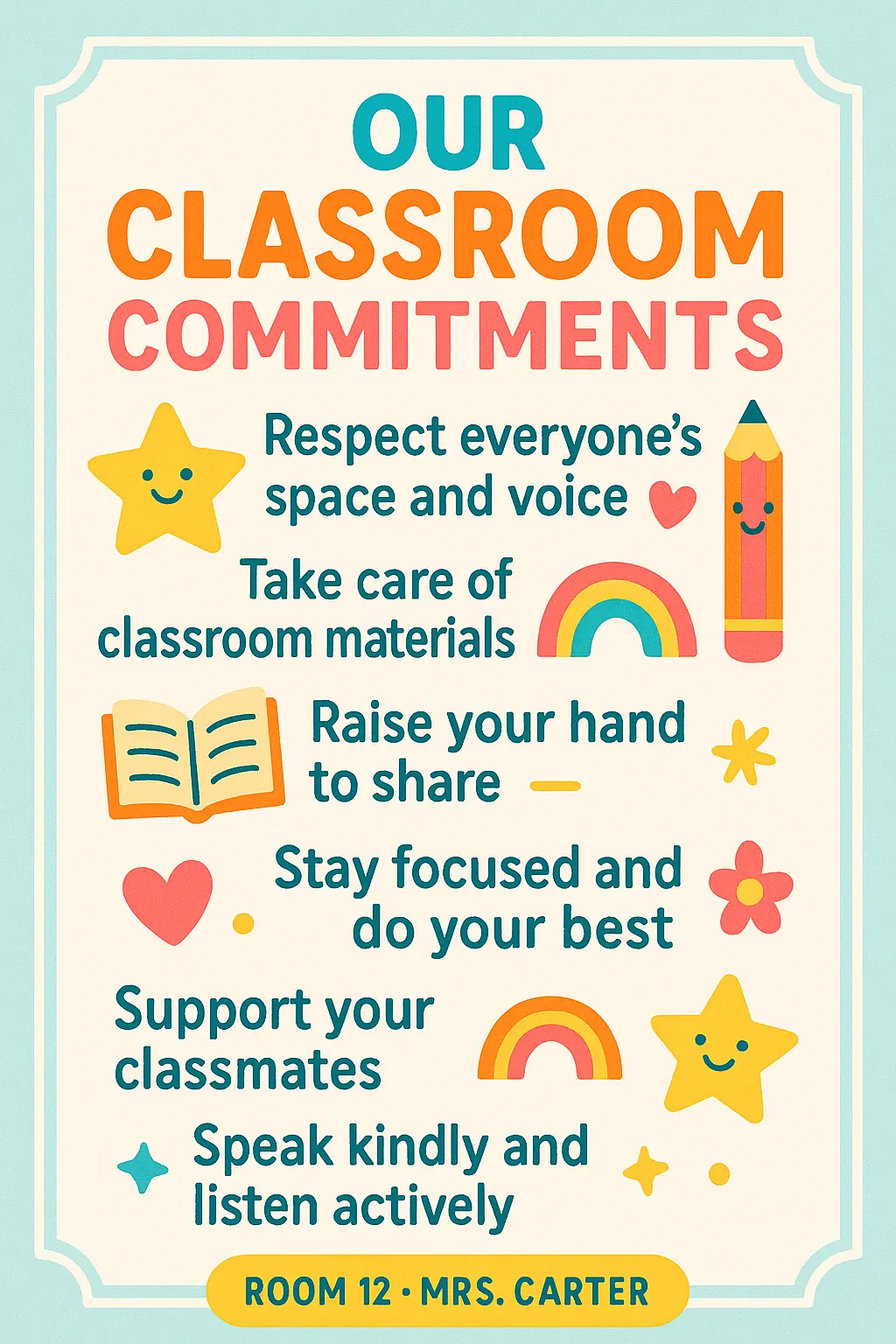
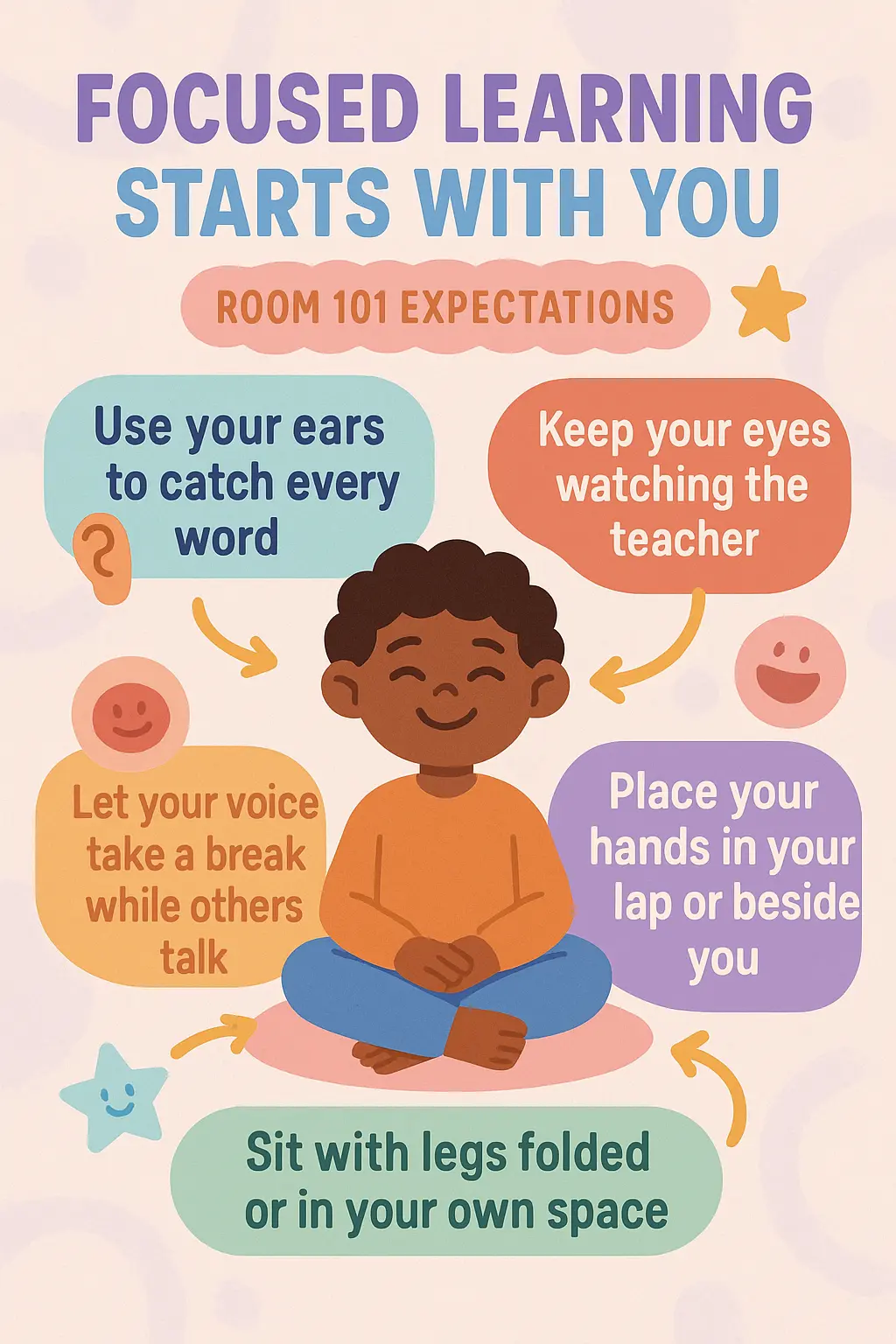
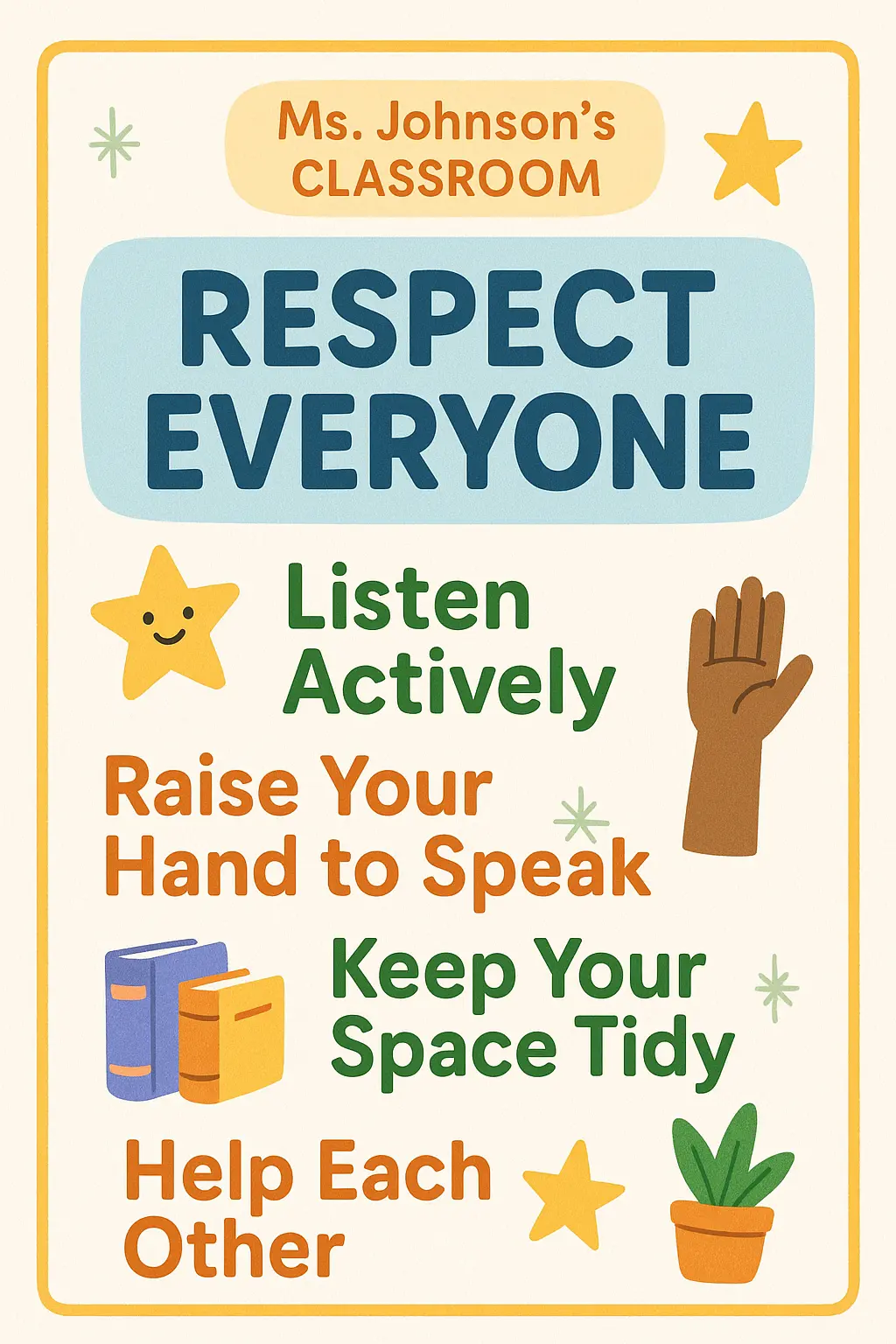
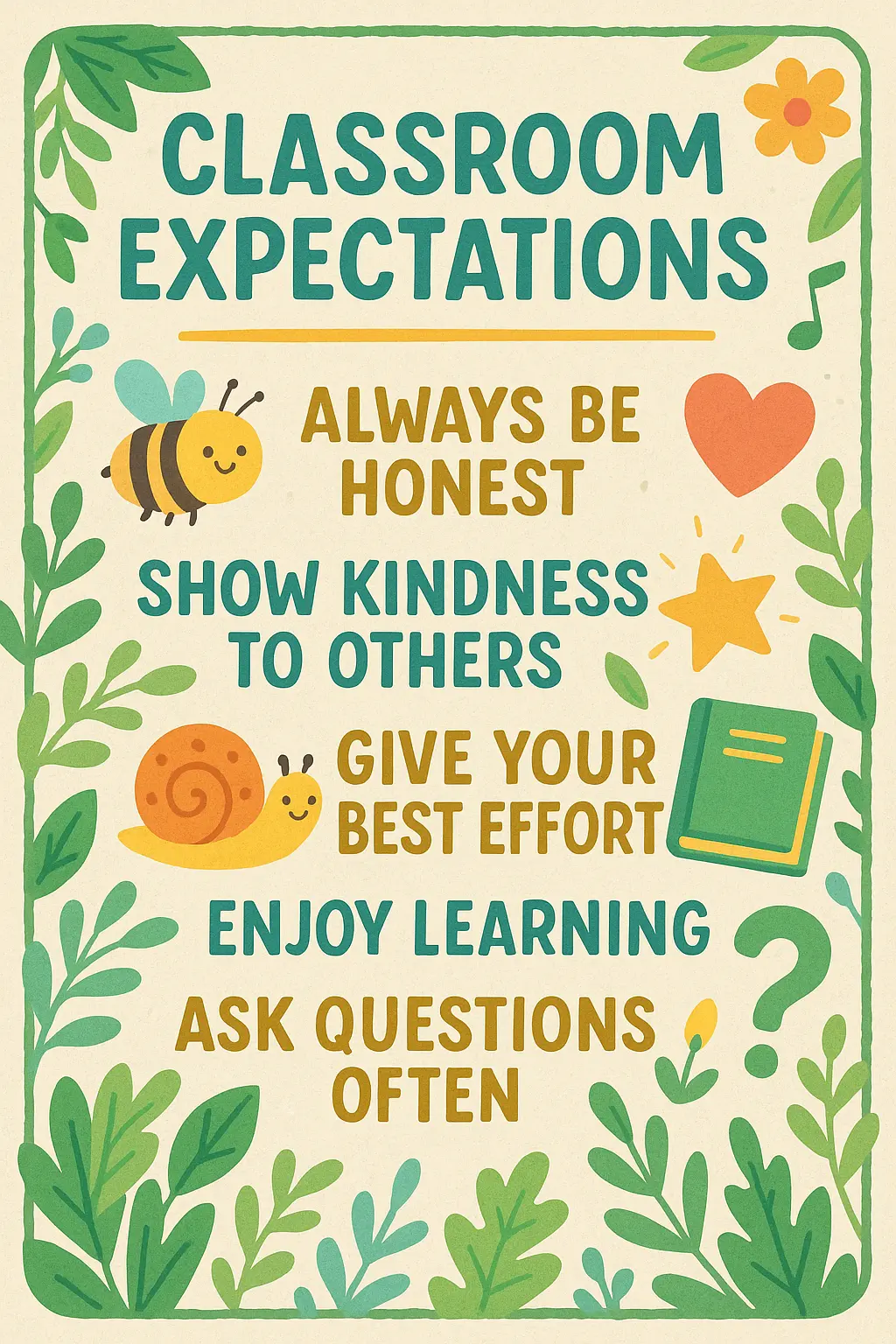
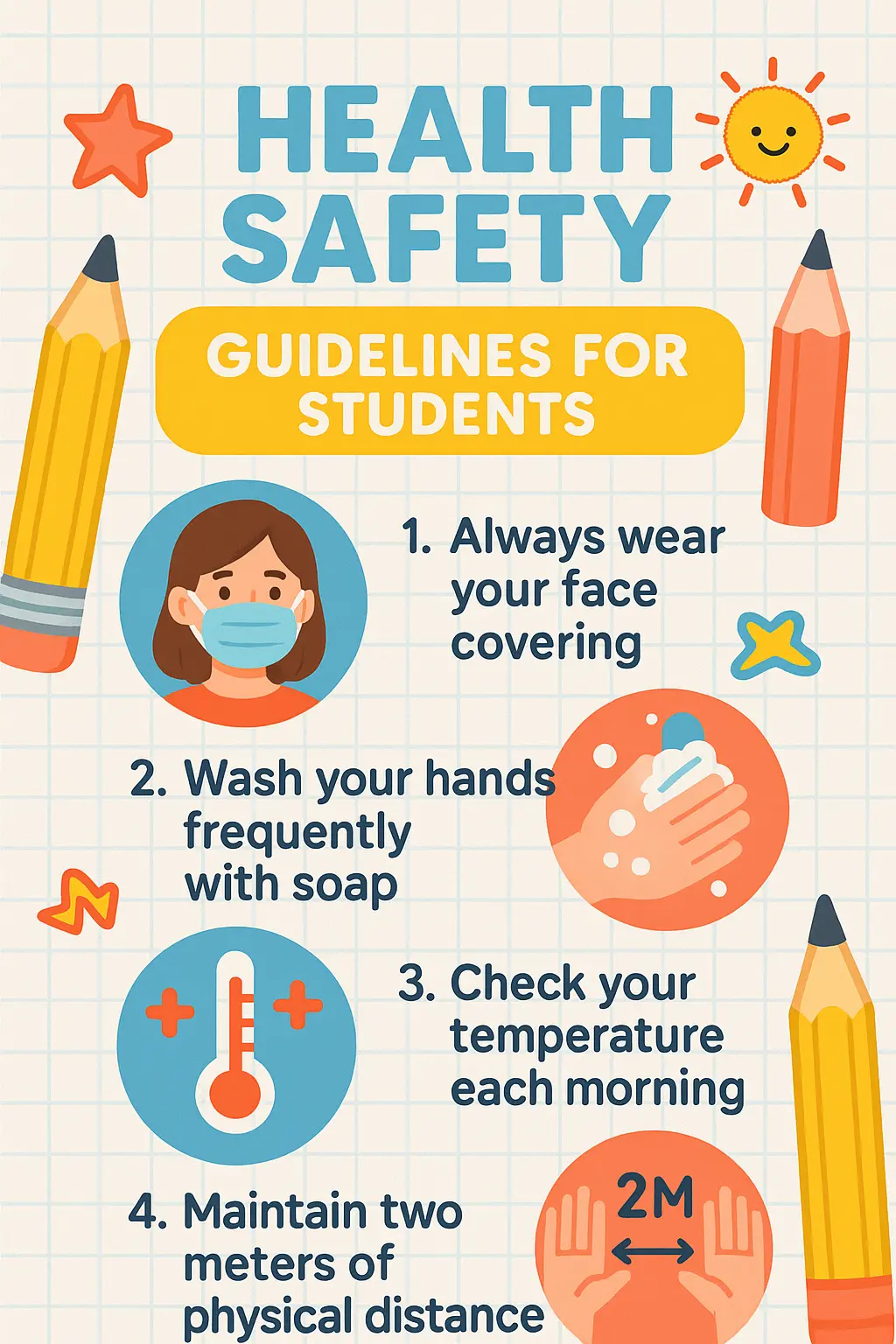
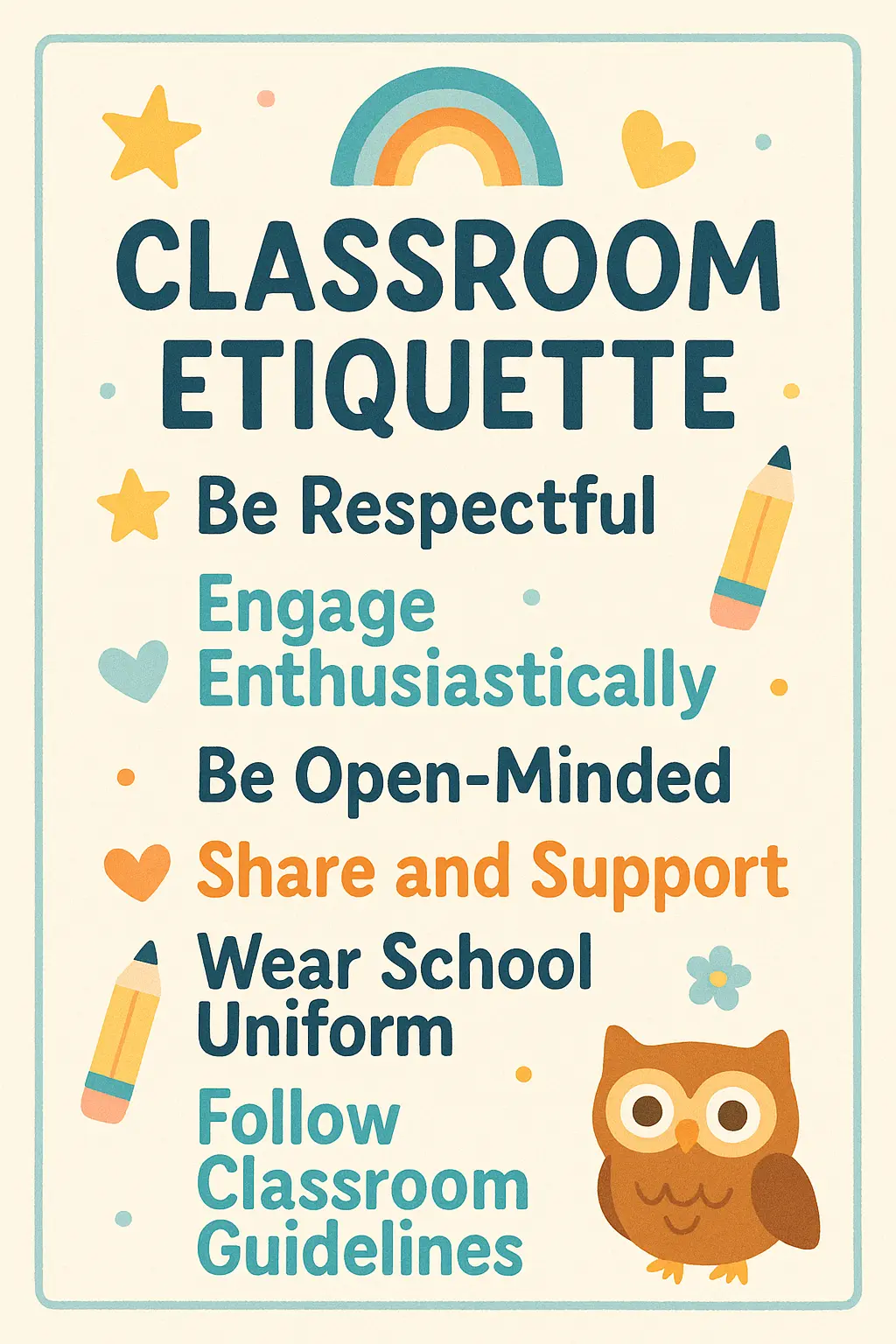
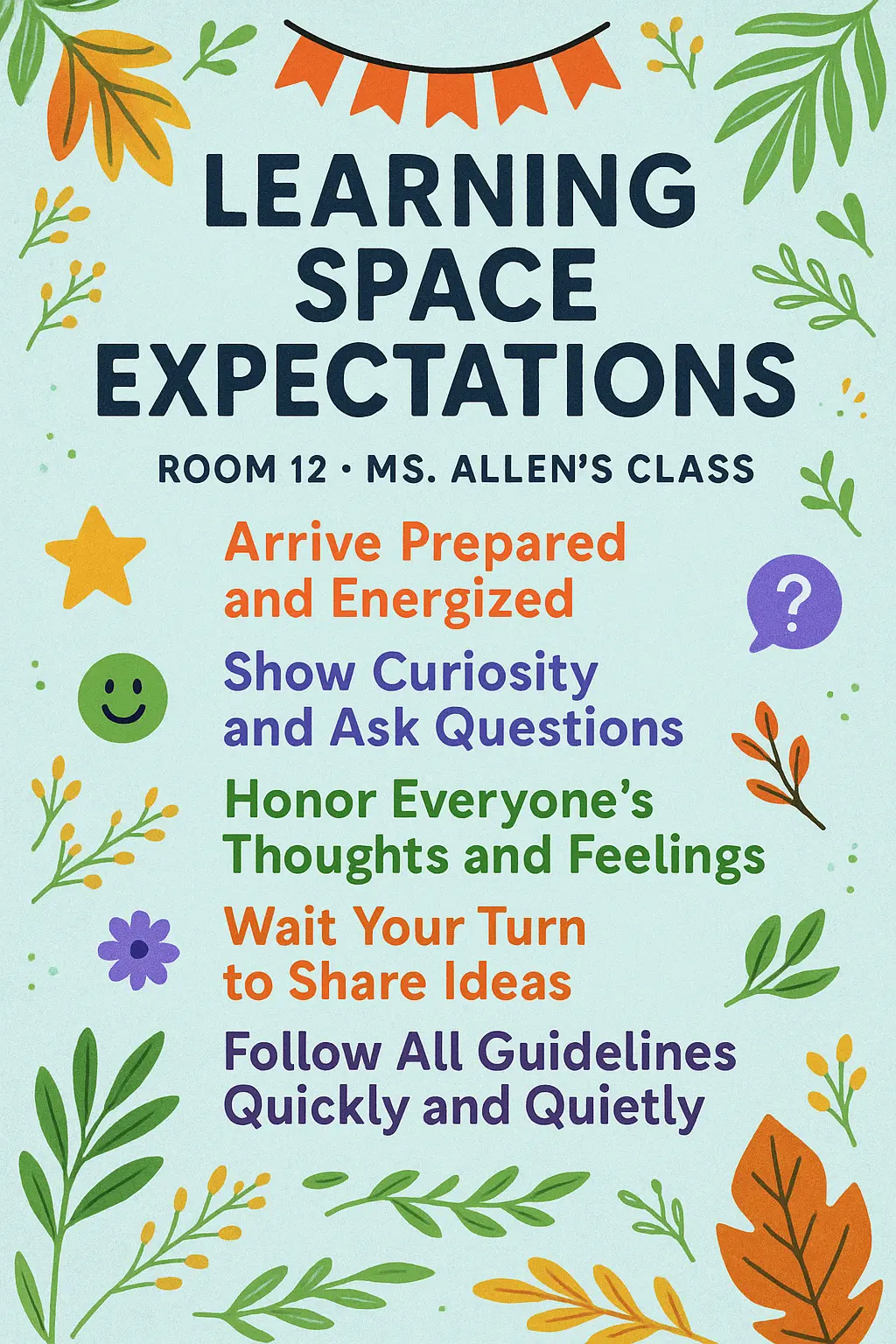
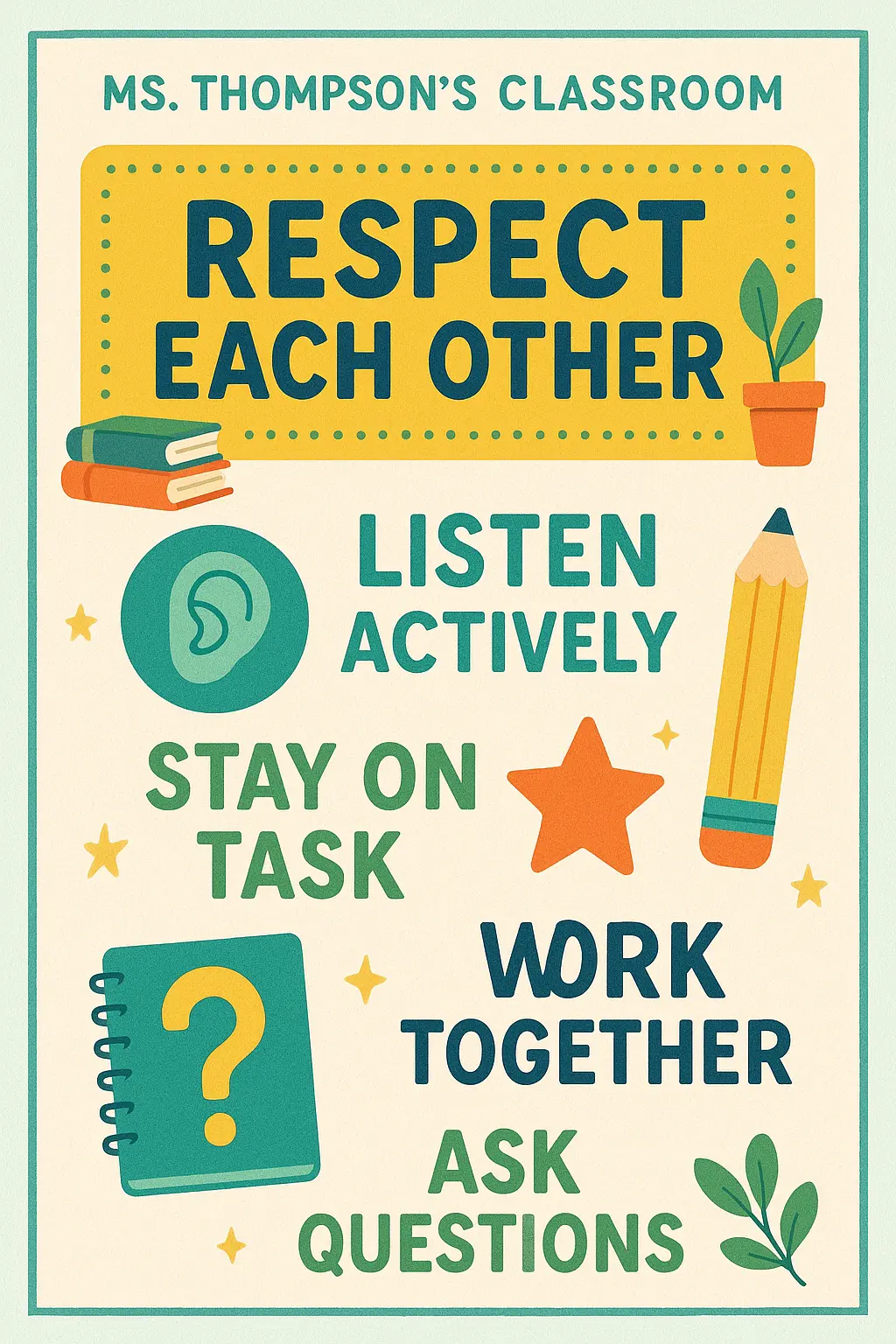
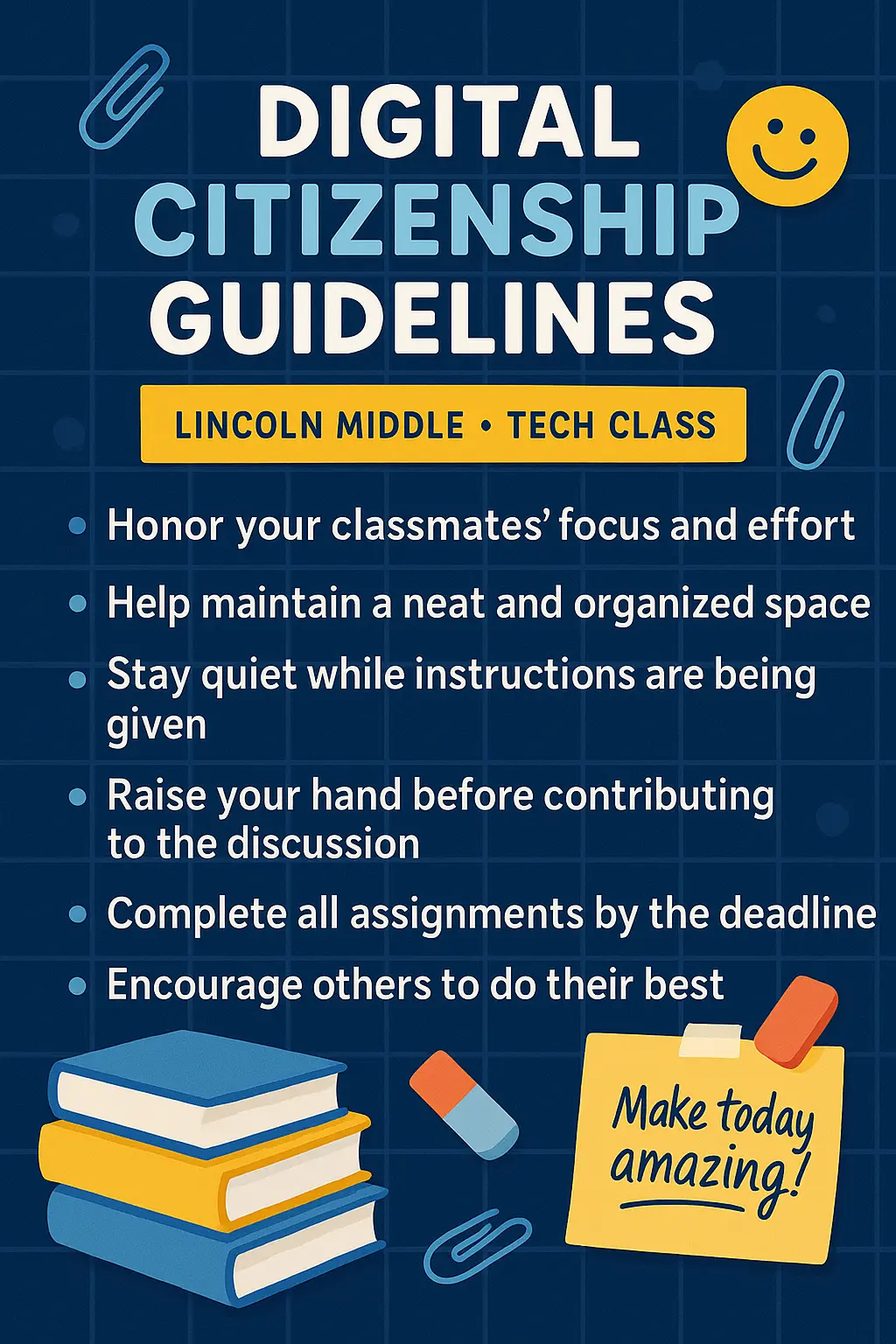
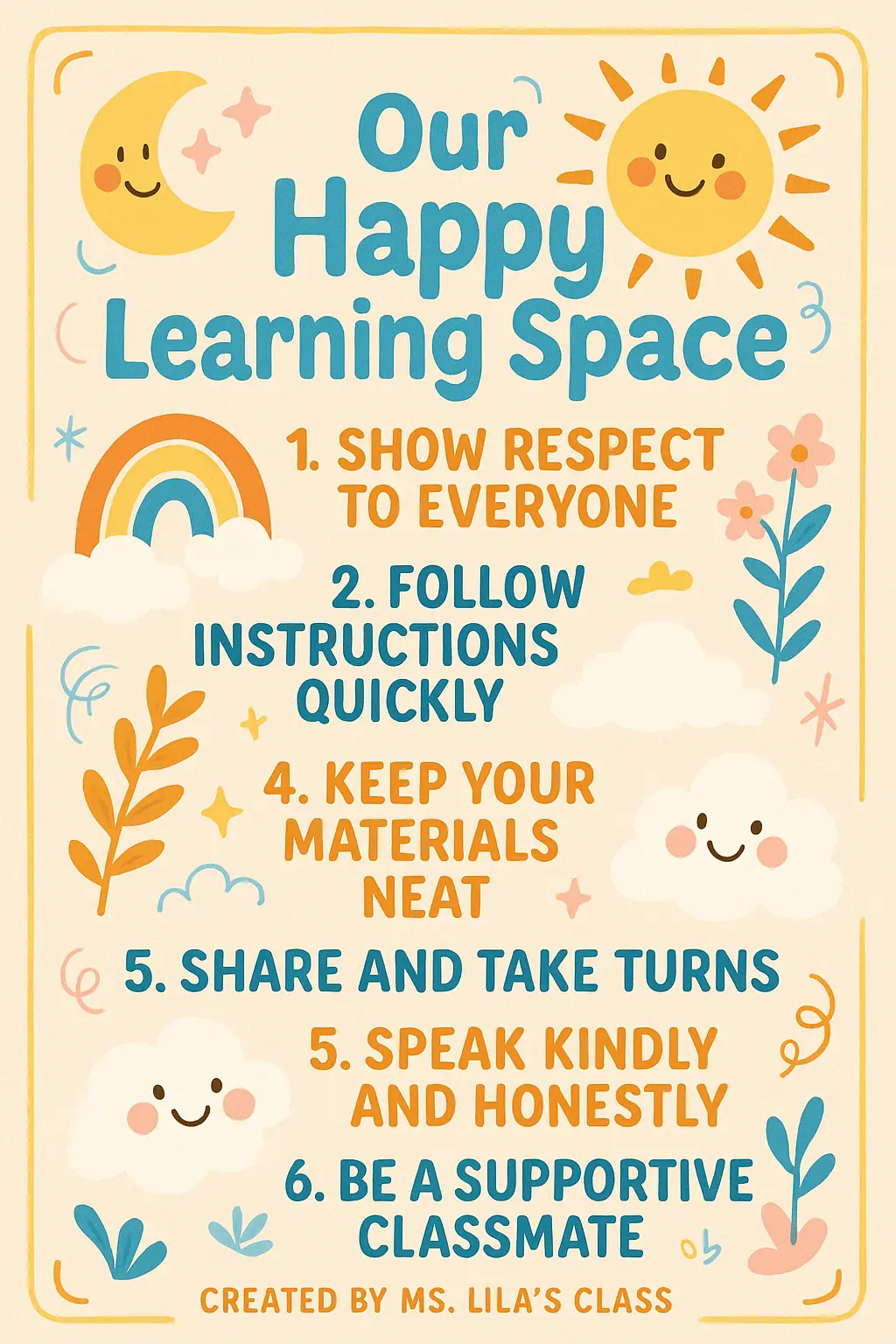
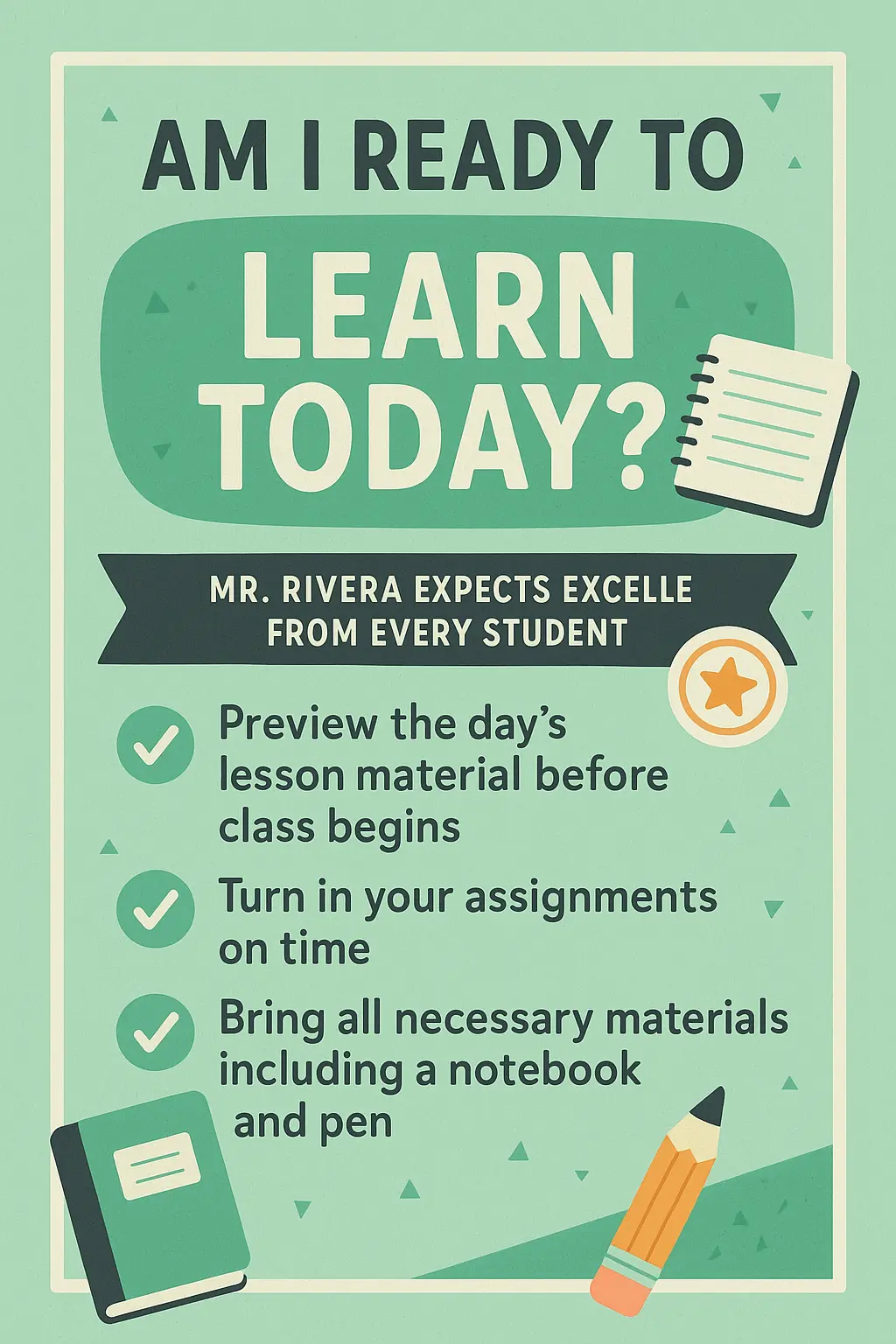
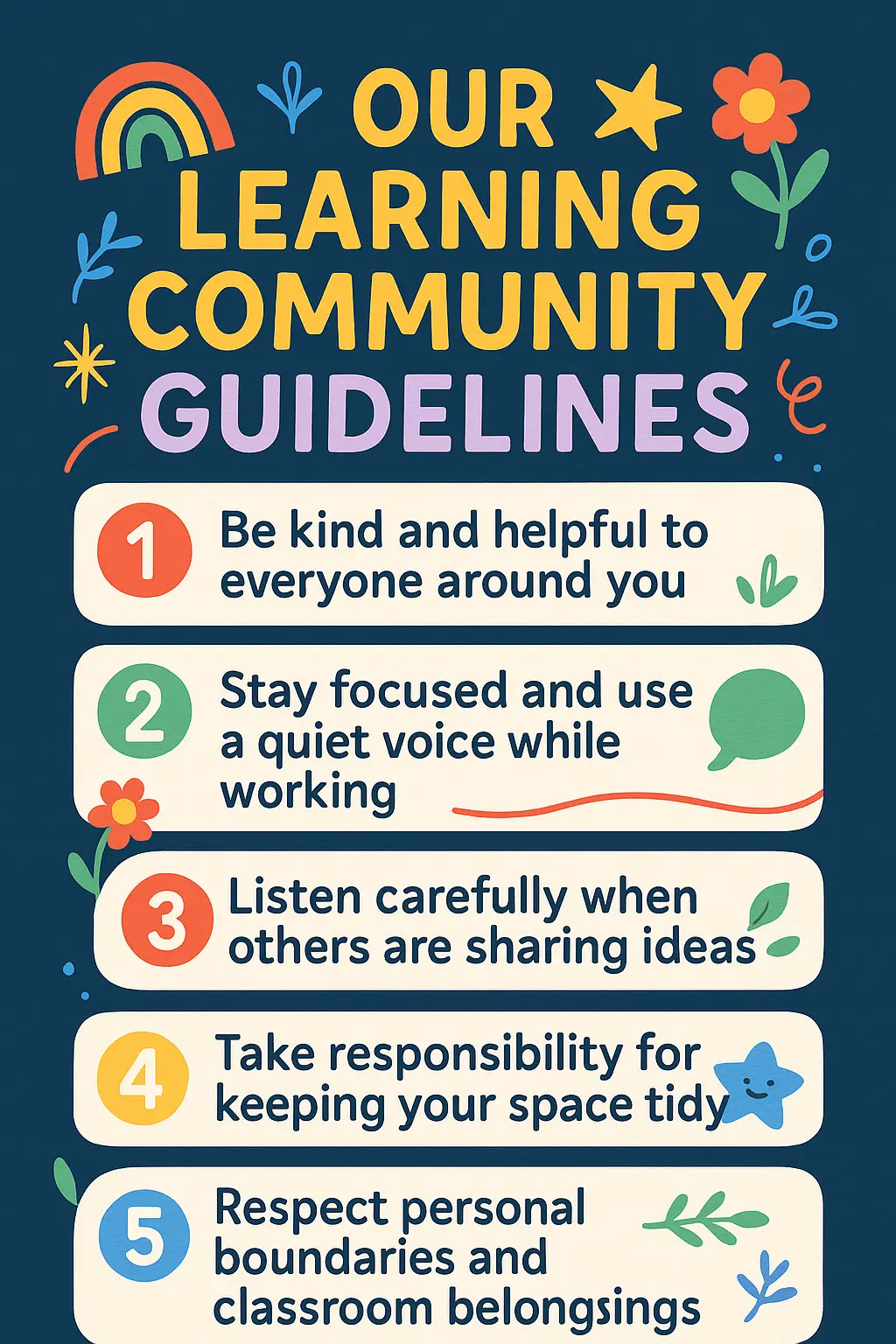
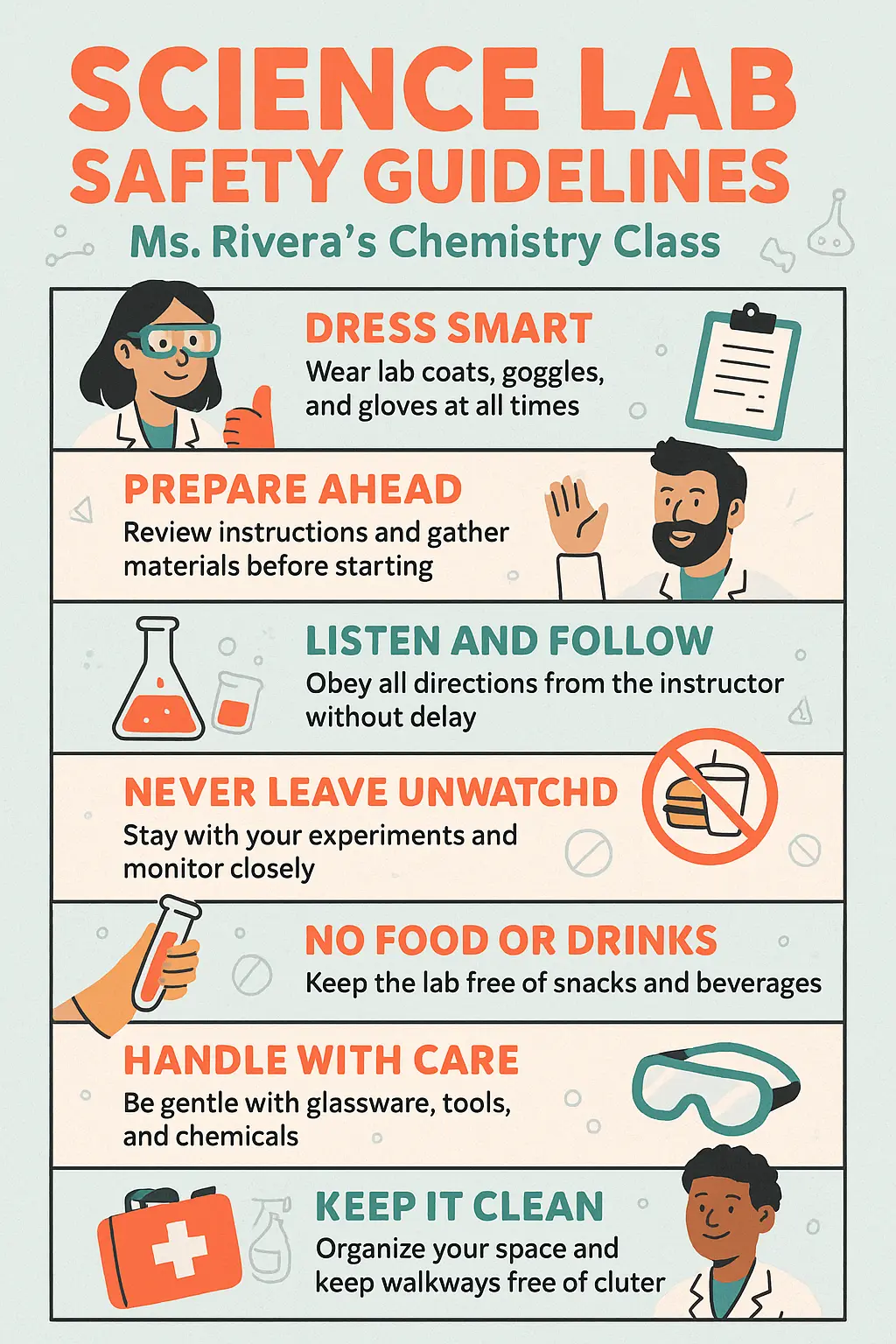
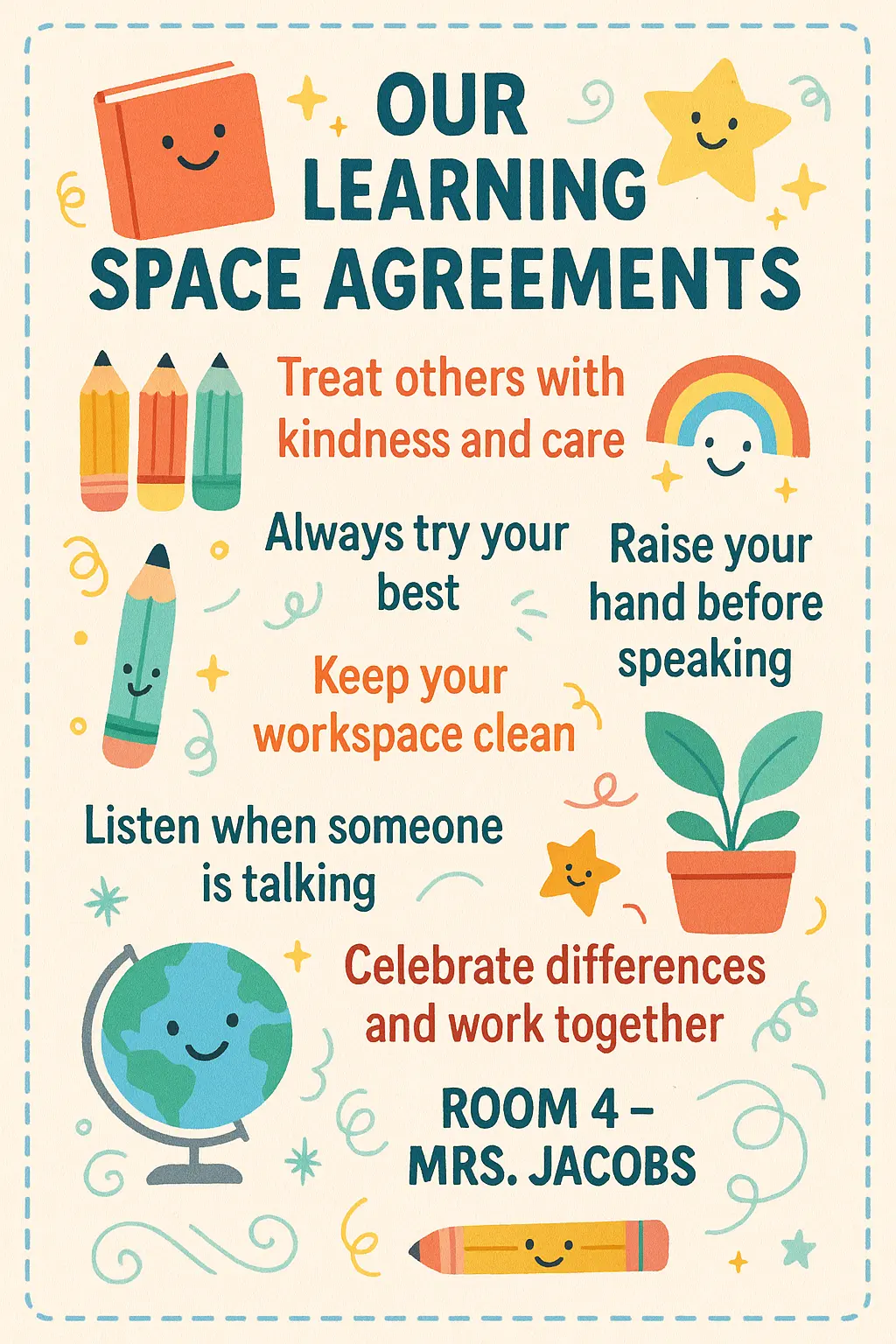
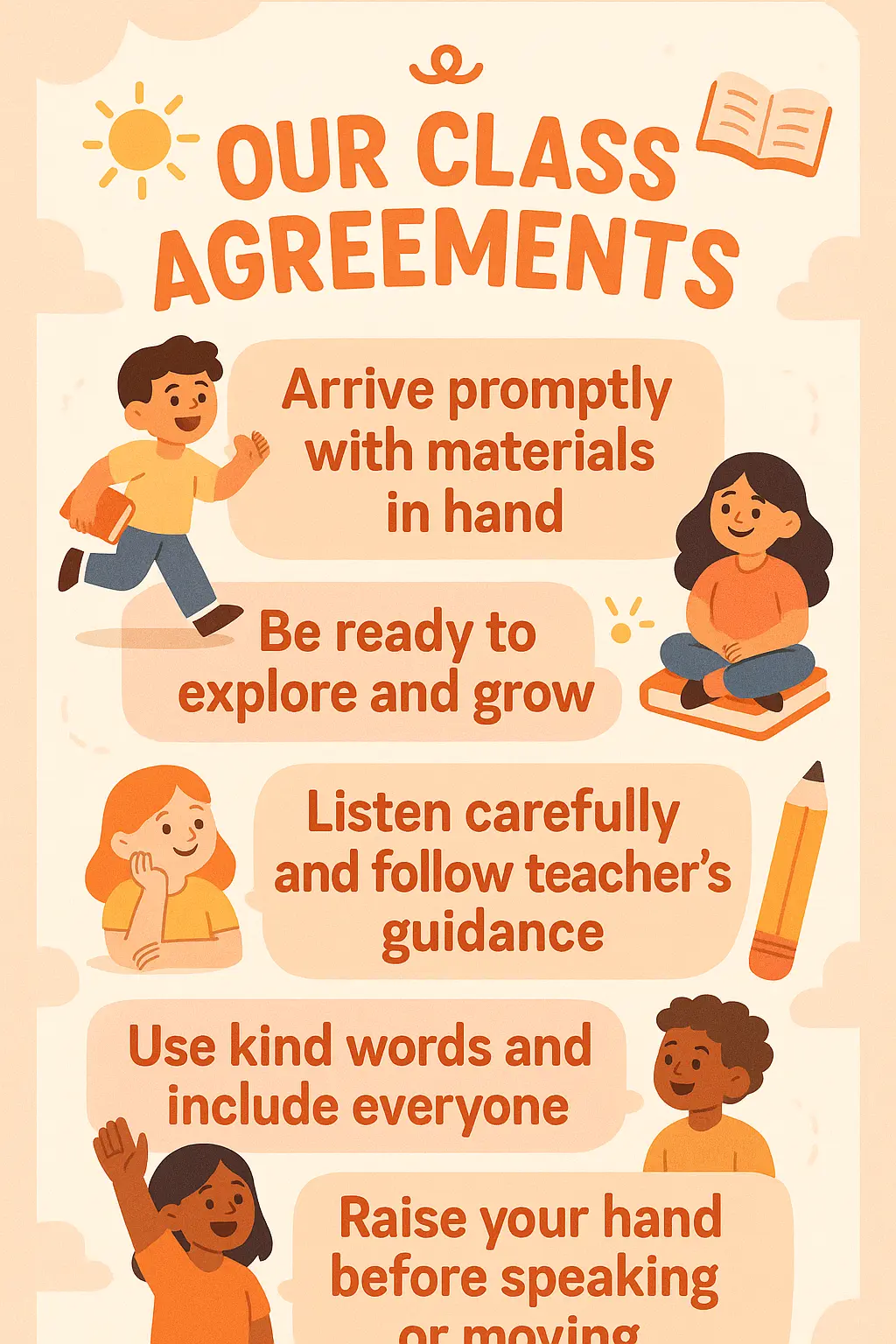
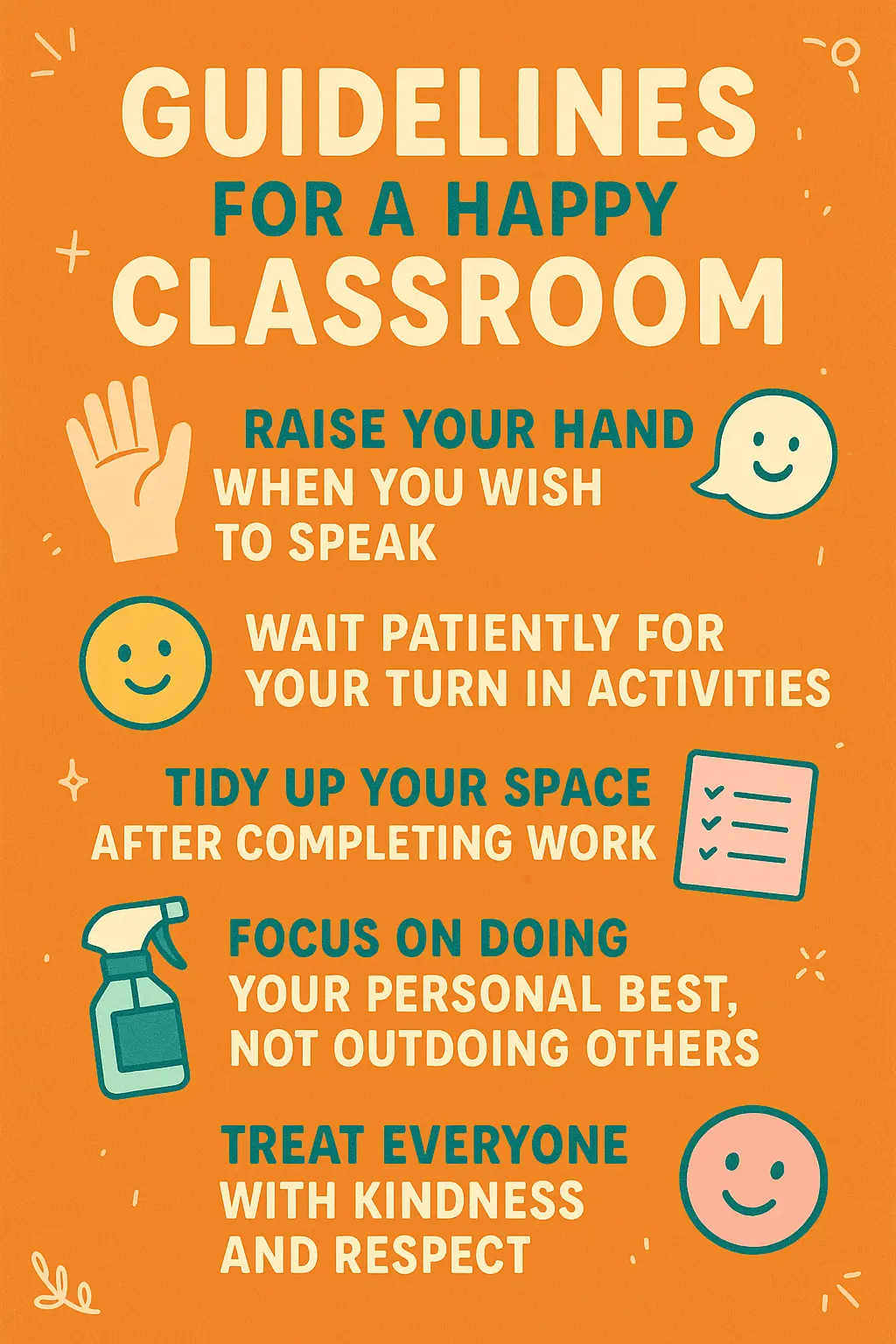
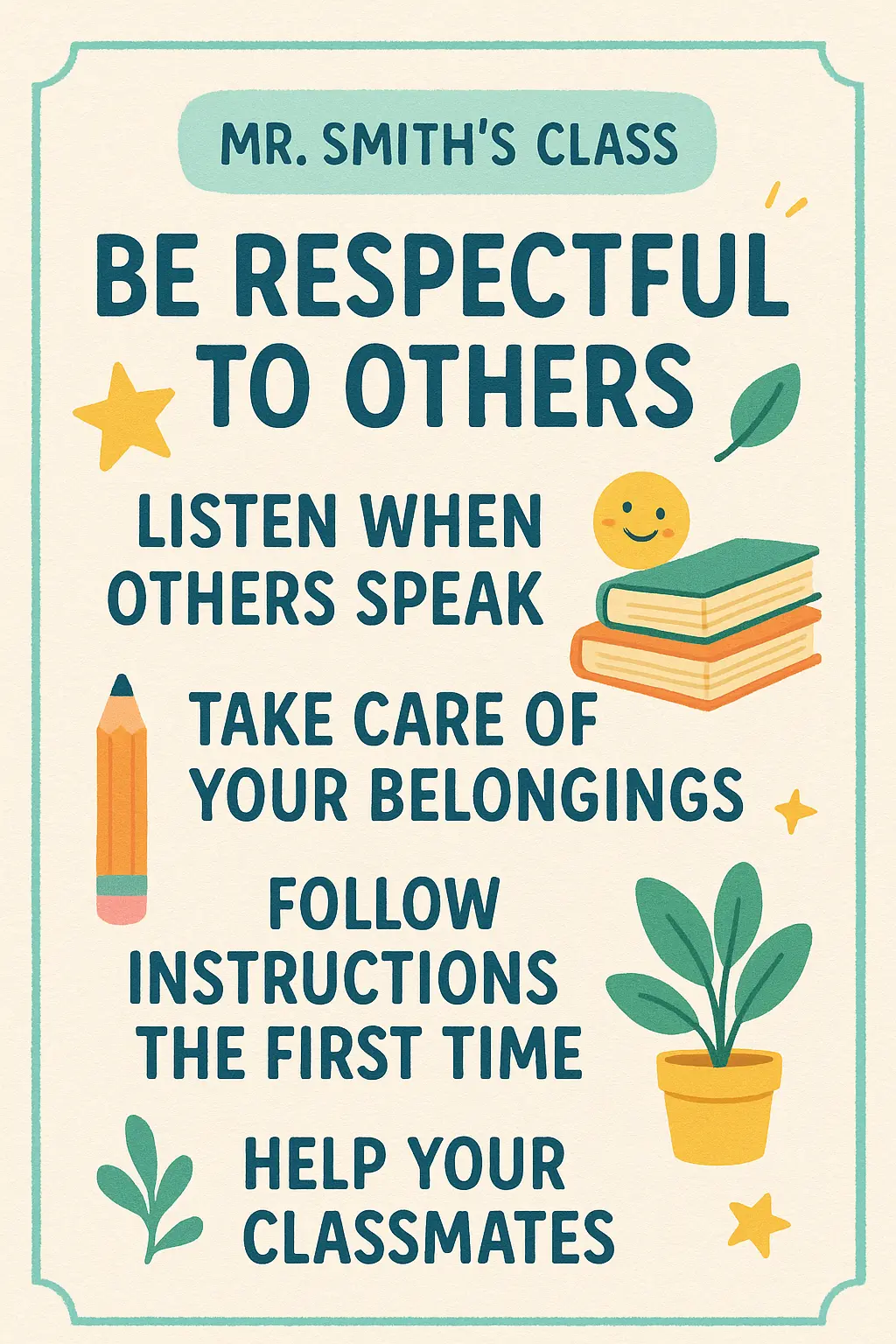
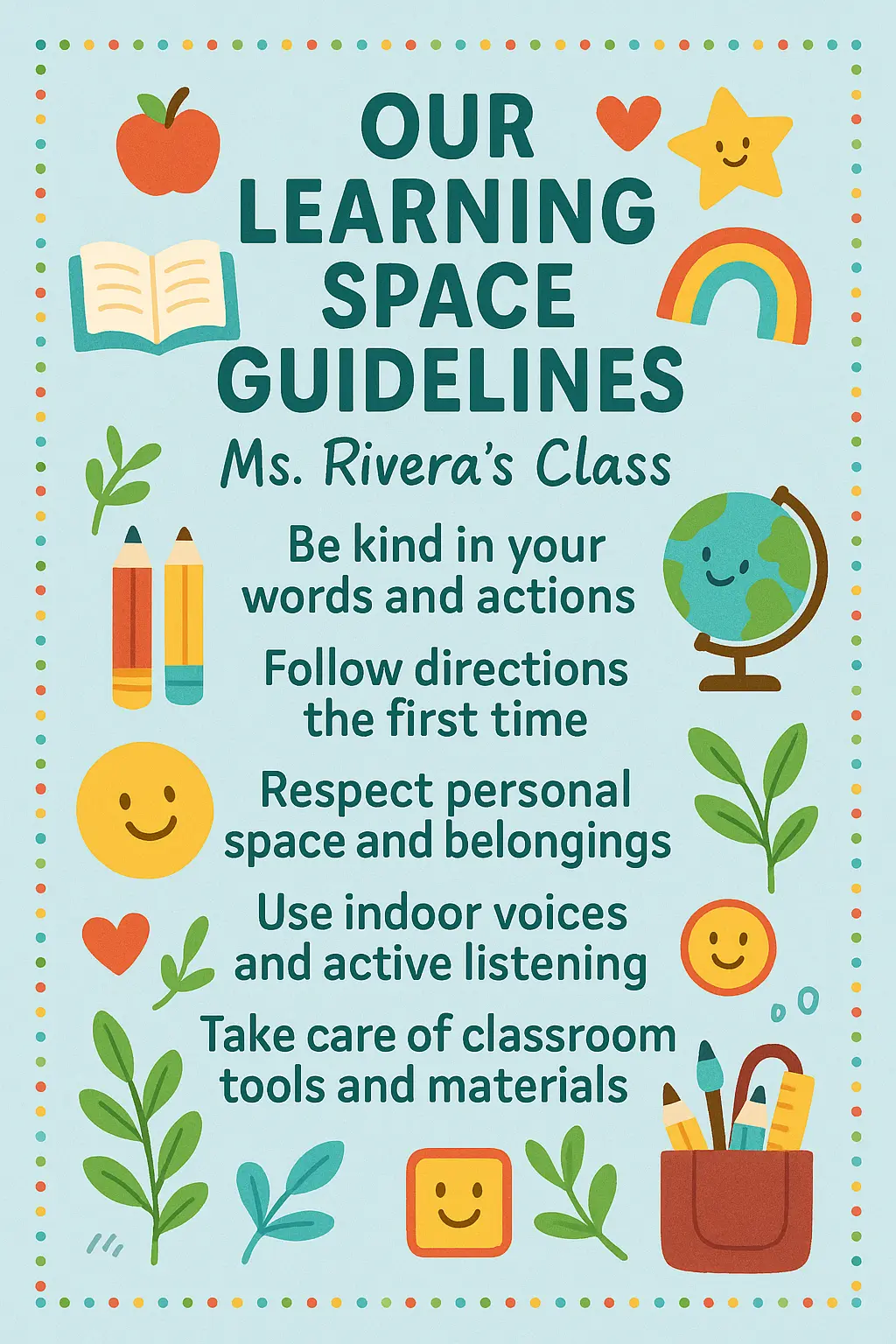
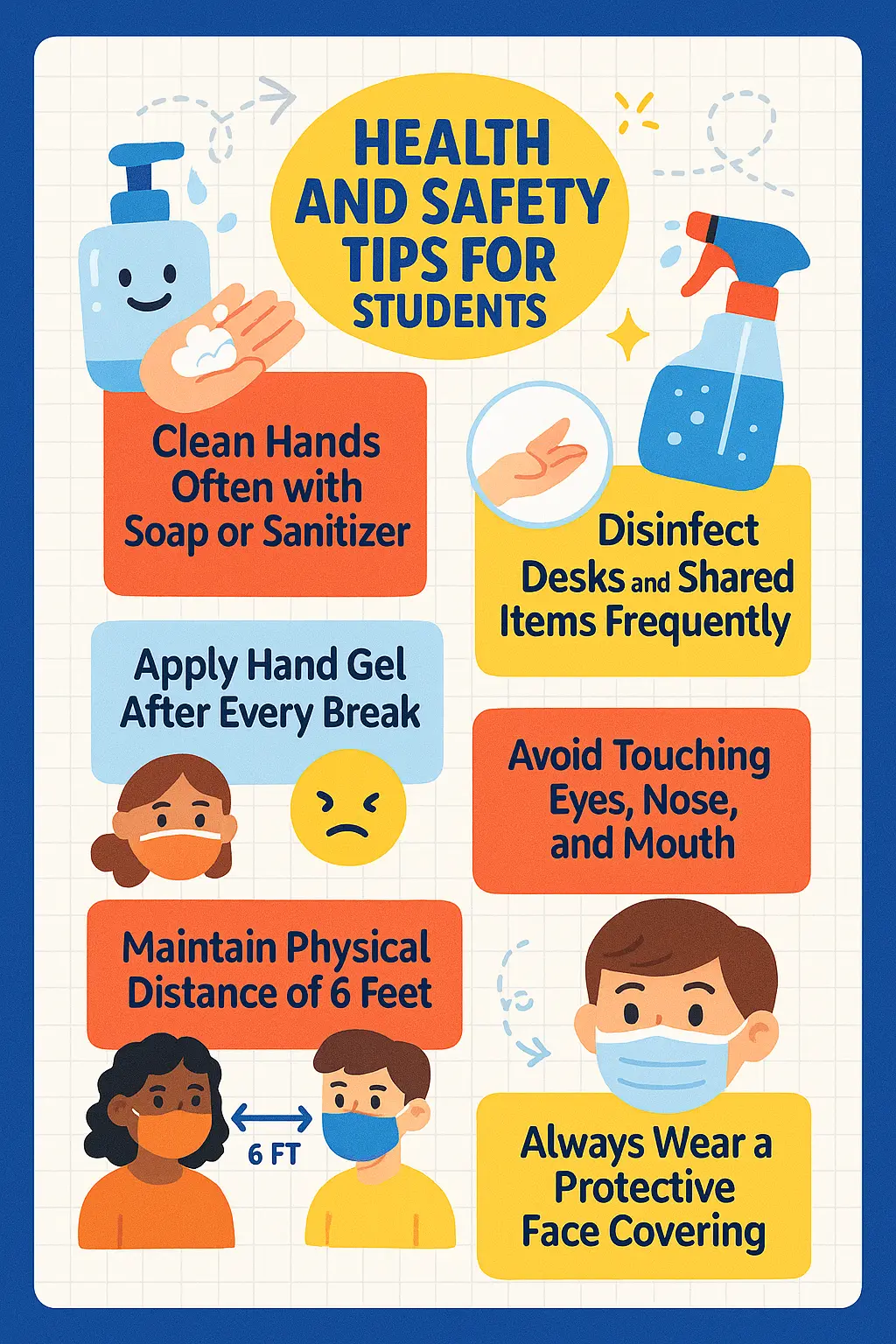
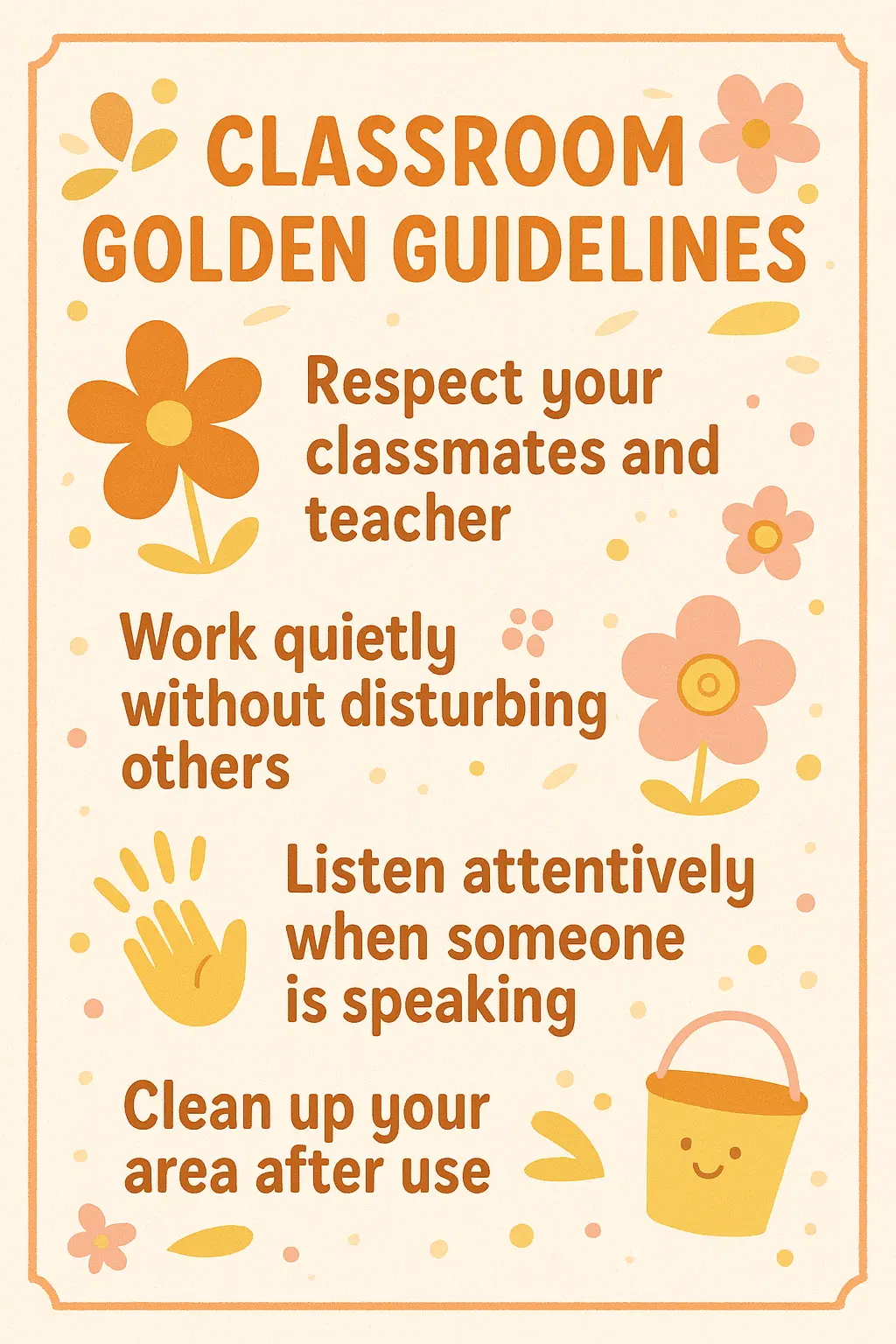
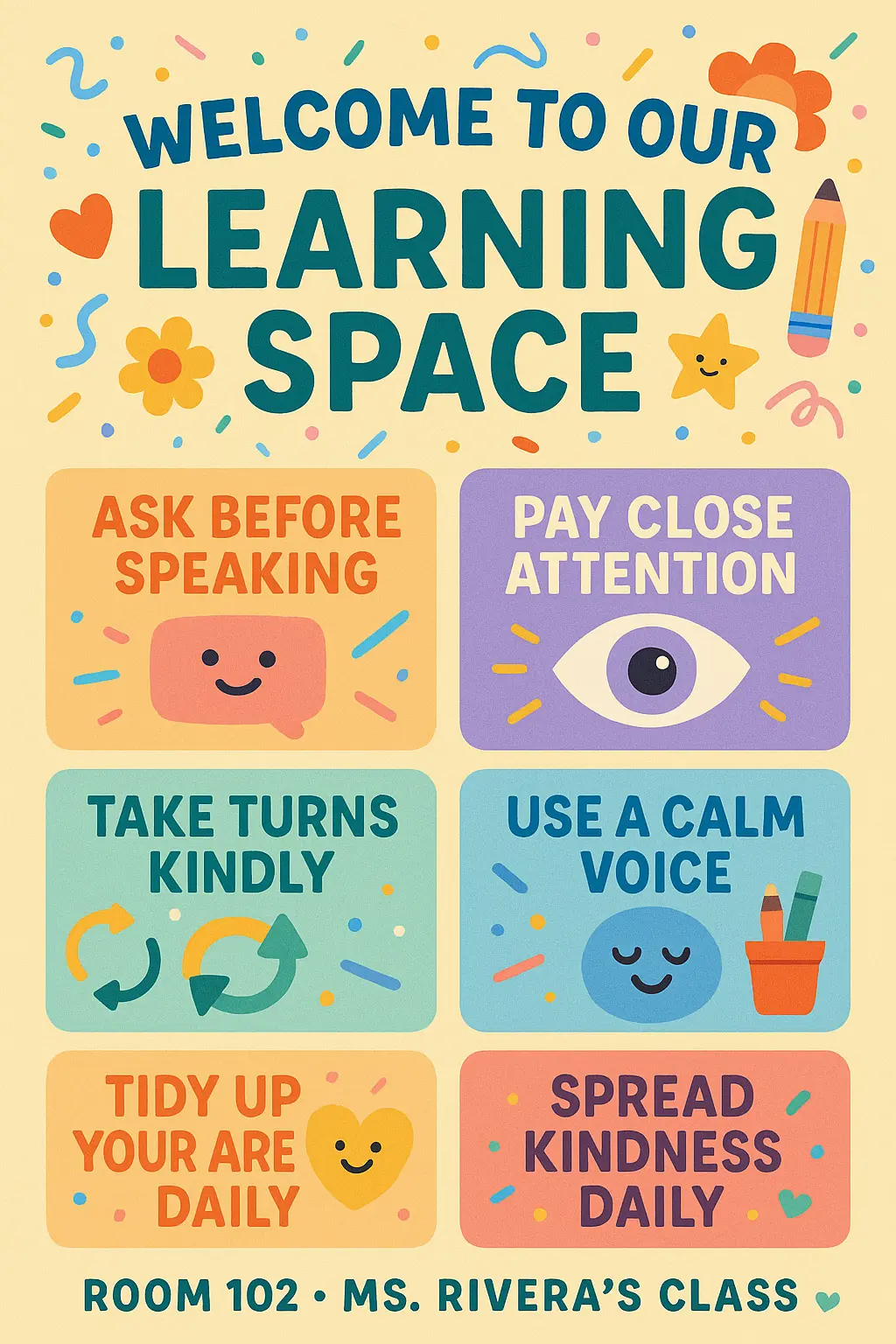
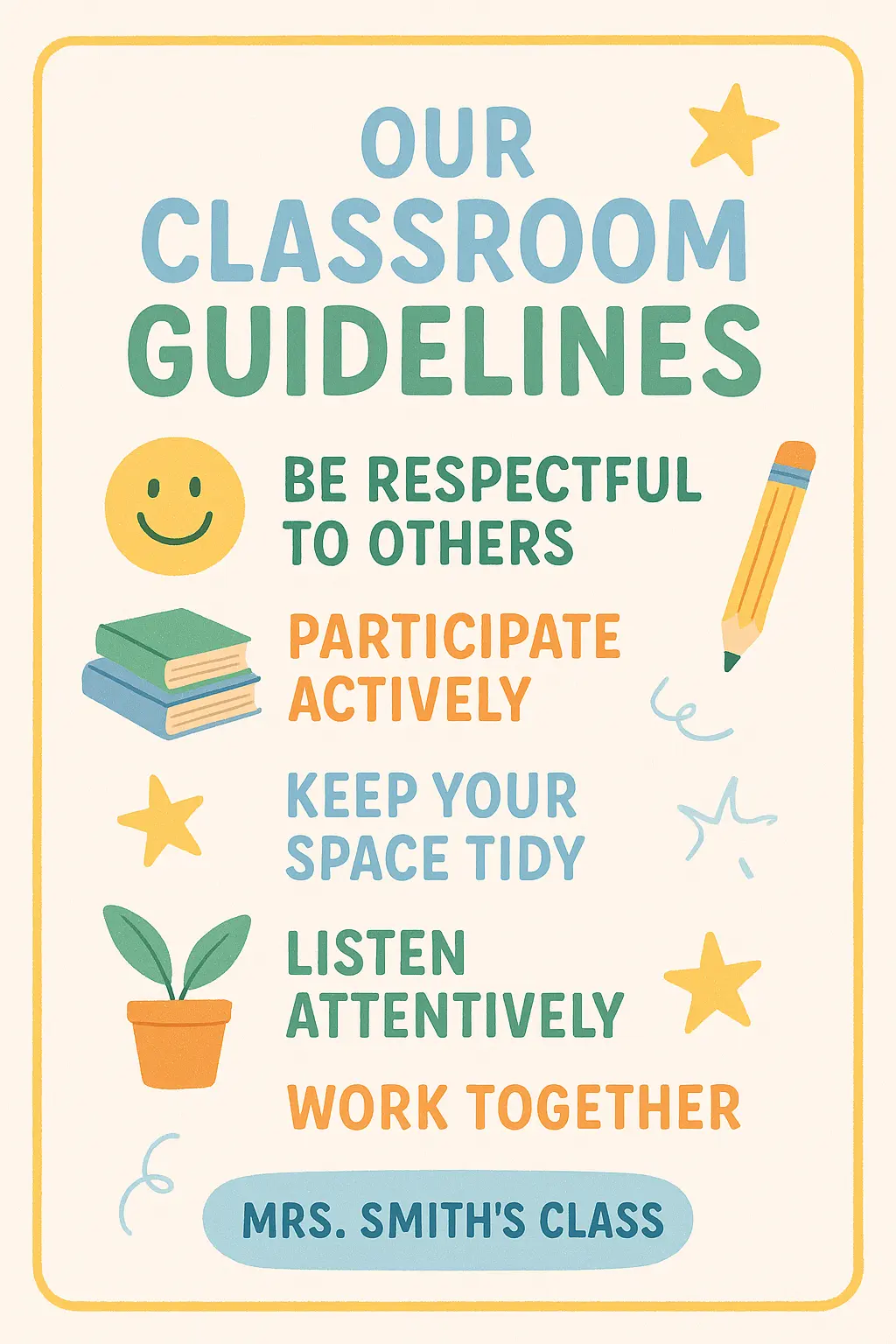
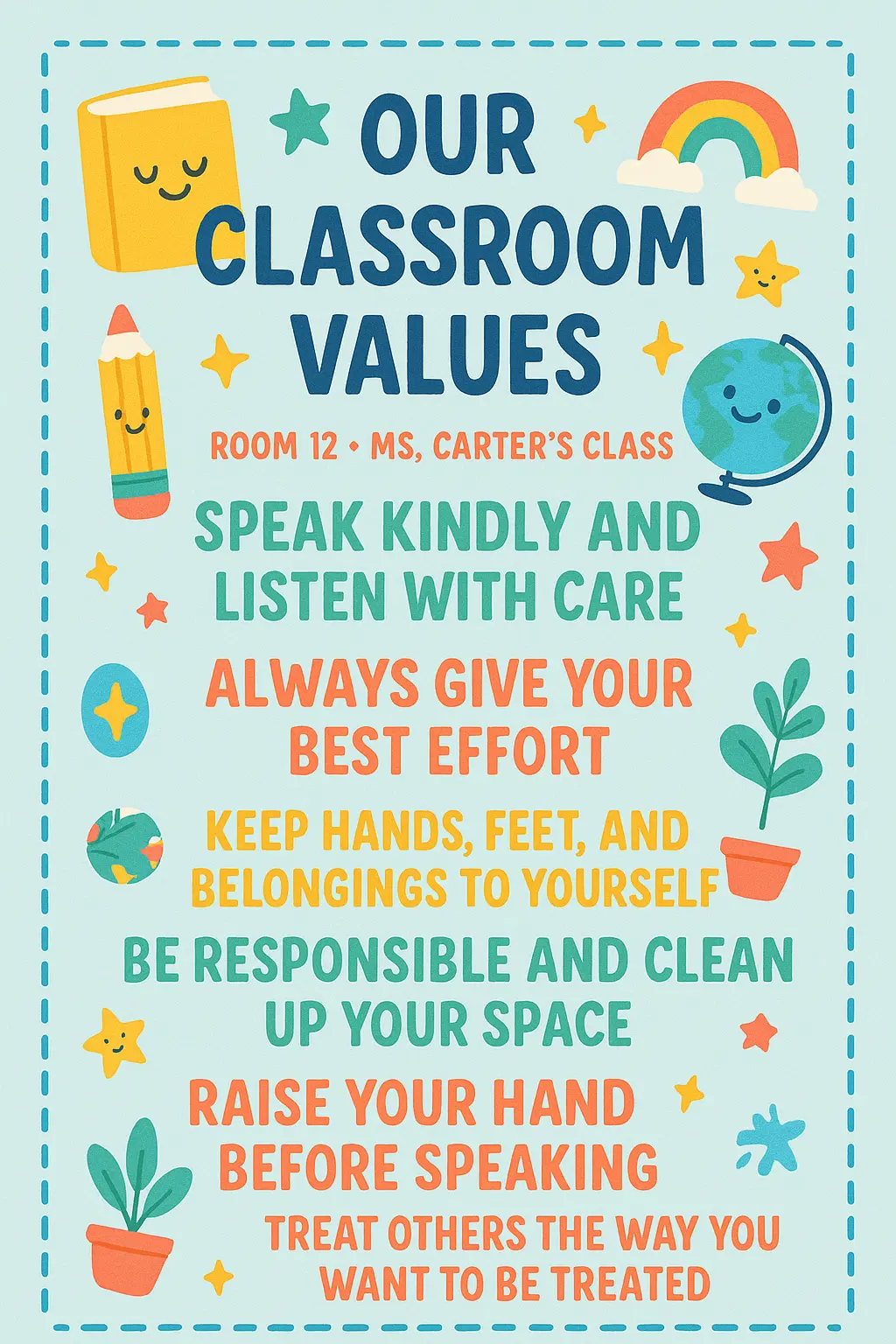
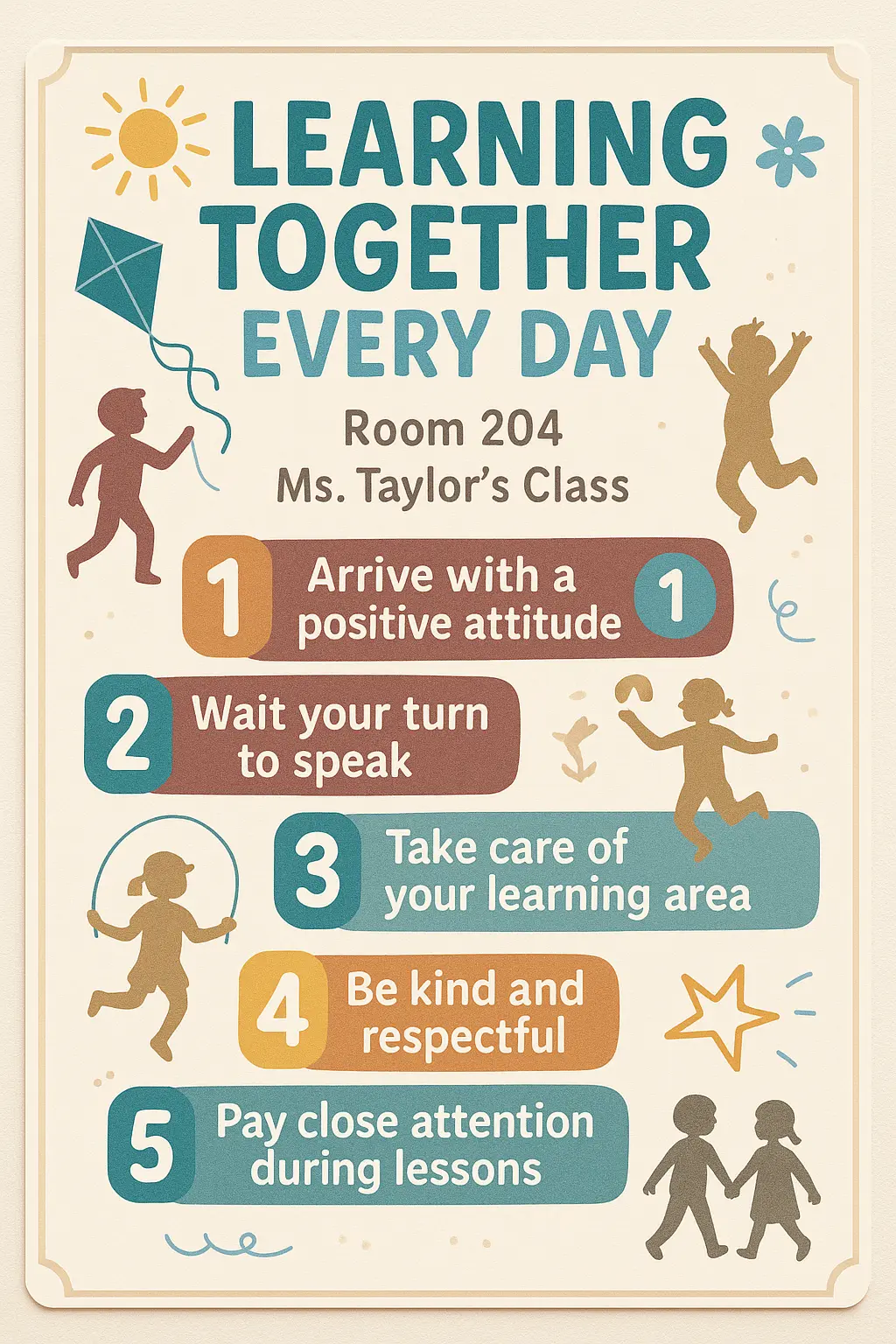
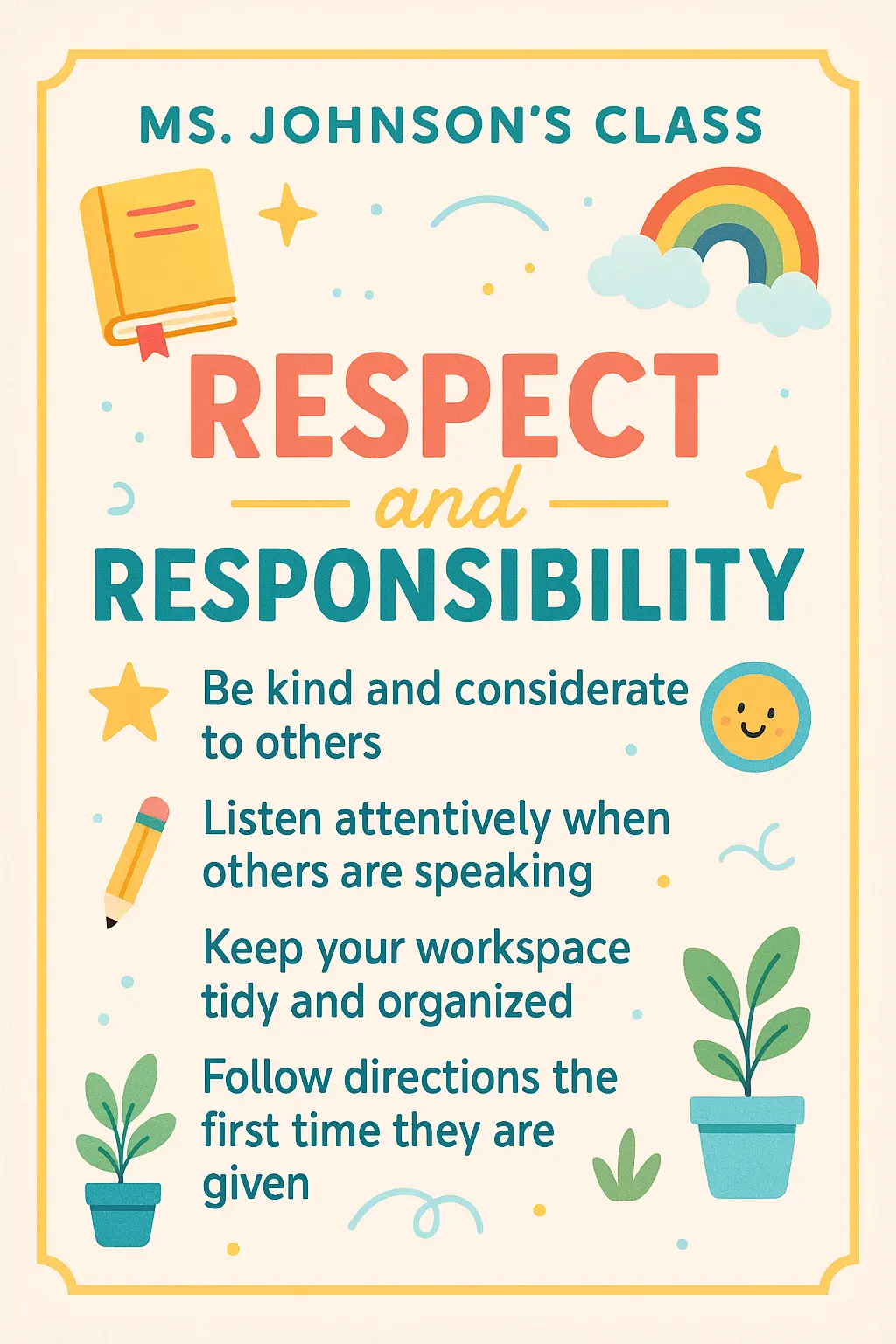
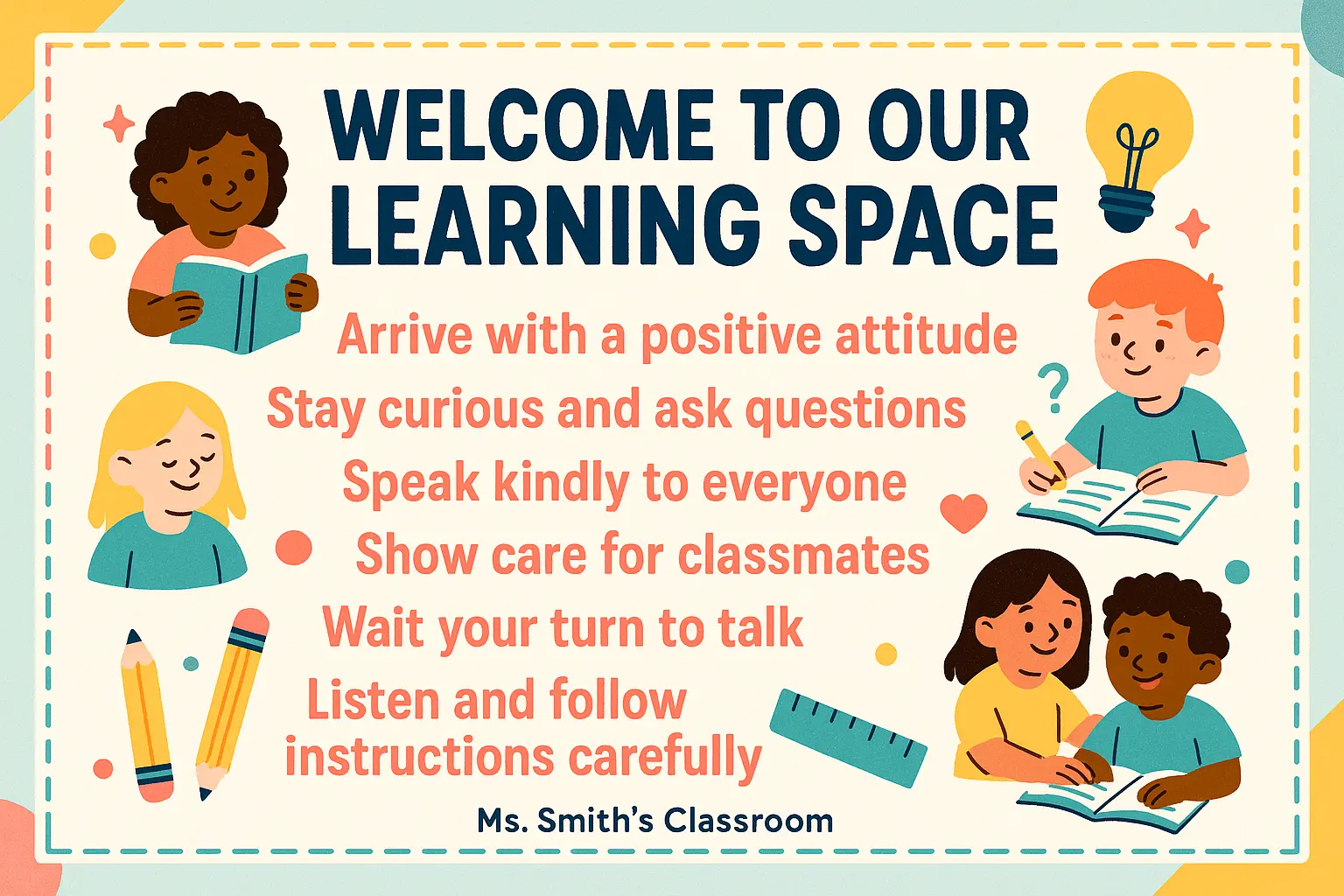
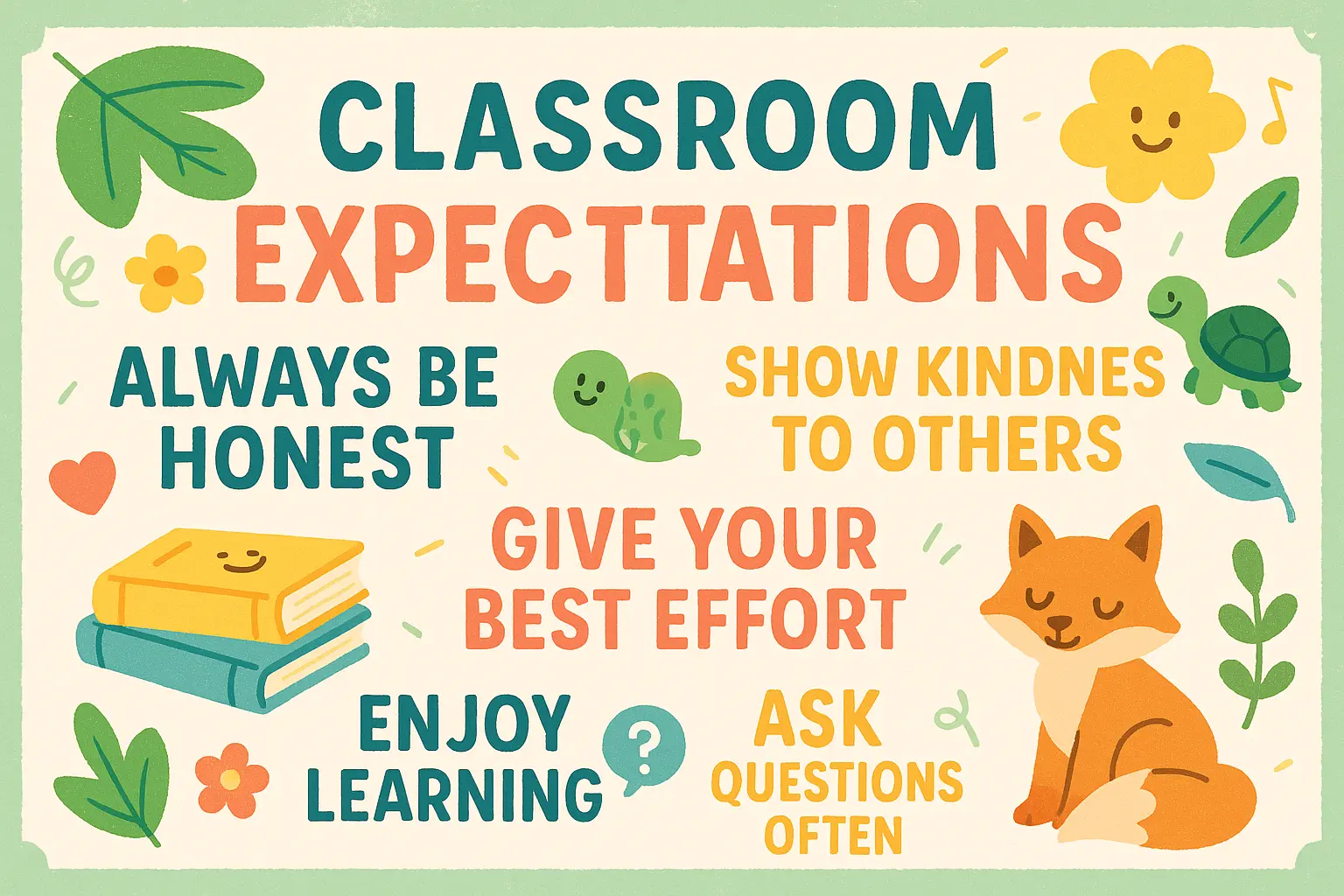
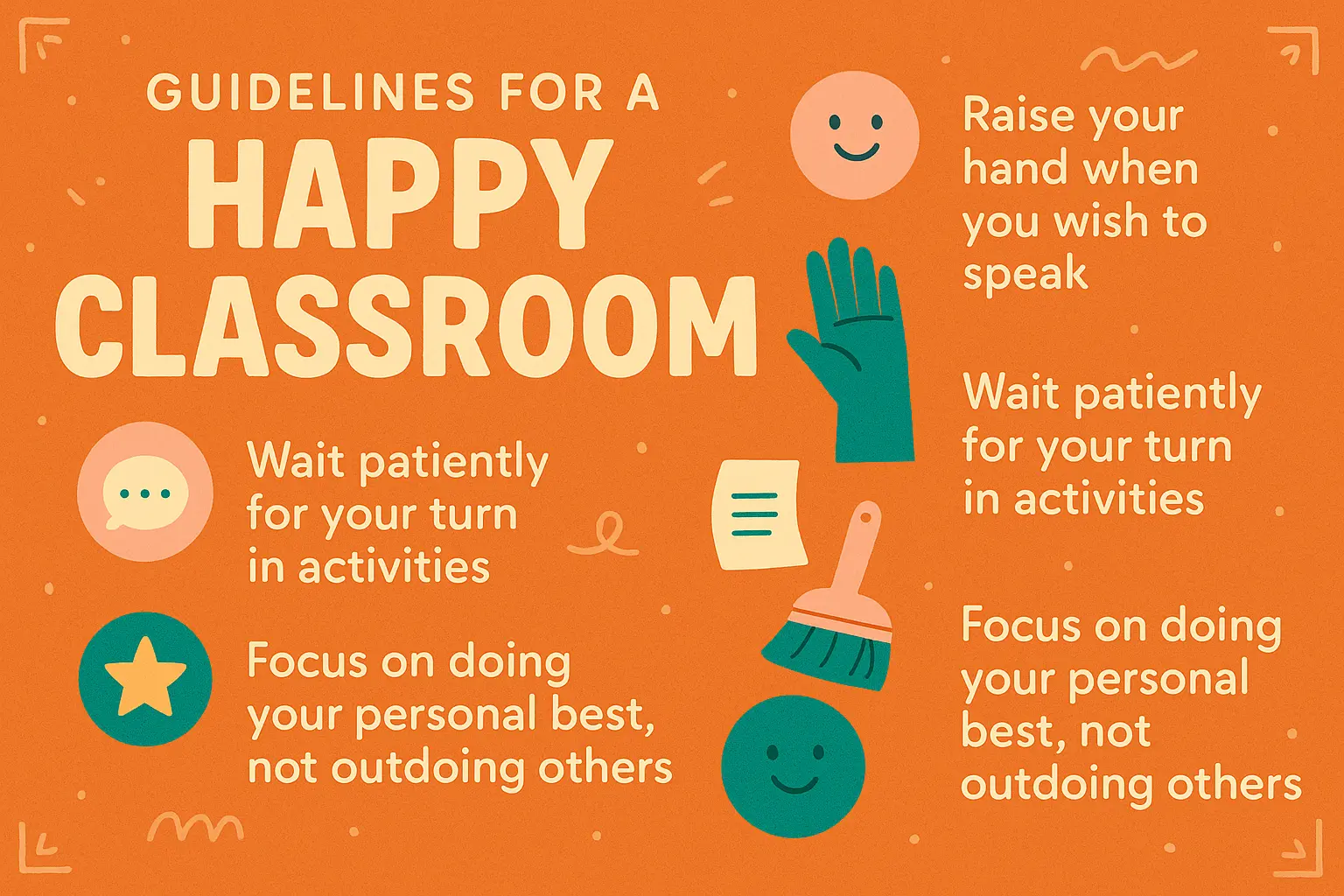
Designing your own Classroom Rules Poster lets you infuse your teaching philosophy and classroom culture into every word, creating a shared code that truly reflects what matters most to you and your students.
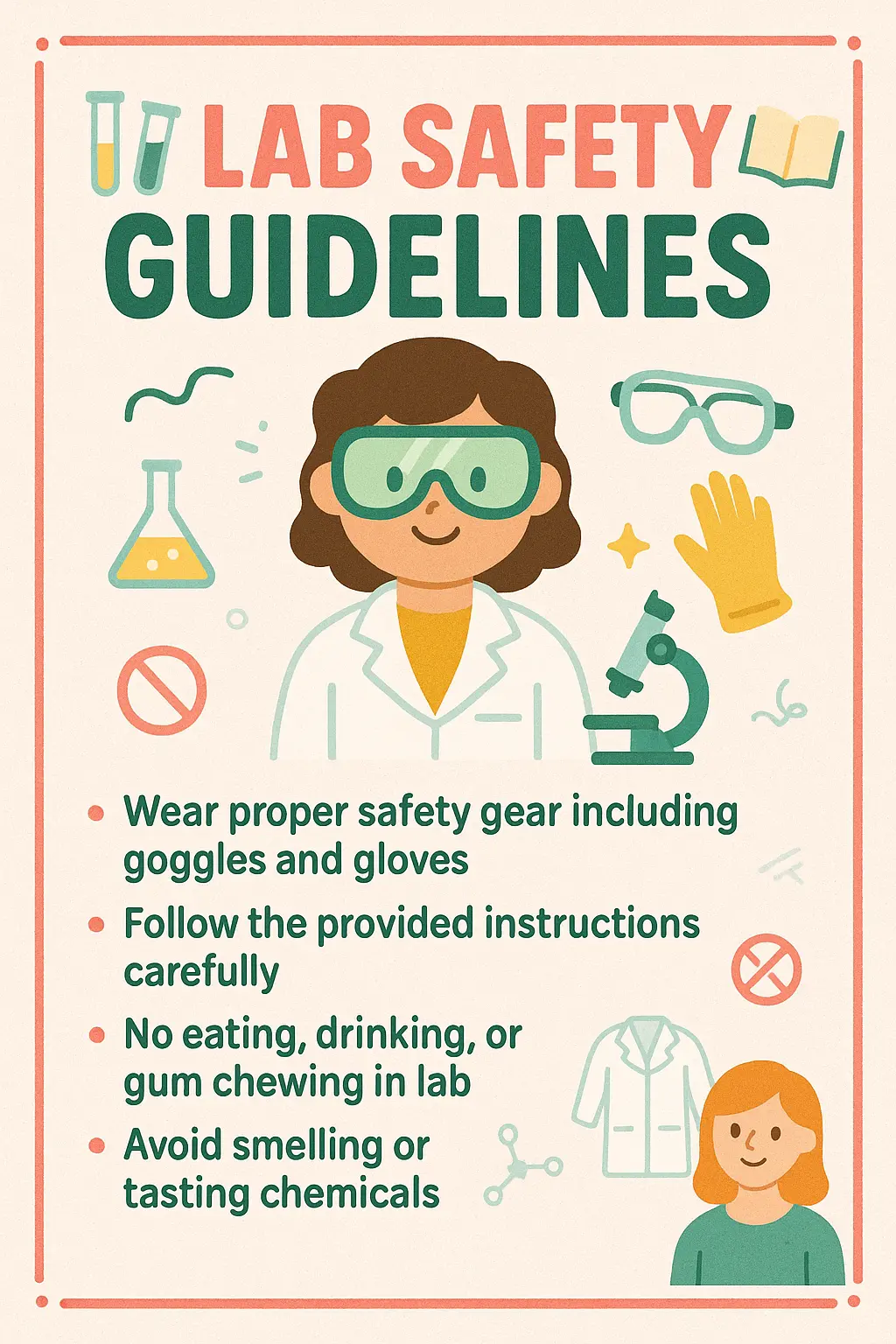
Instead of starting from scratch, generate a Classroom Rules Poster in minutes while still enjoying the freedom to customize, tweak, and make it yours—so you can focus energy on inspiring your students.
Use a Classroom Rules Poster as a collaborative launchpad that brings your class together—letting students see their own ideas reflected builds ownership, respect, and community from day one.

Unlock powerful art tools at zero cost, making it easy for anyone to create and innovate without barriers.

Your creations and data stay confidential, guaranteeing your artistic work remains safe and secure.

Built for ease of use, so you can jump in and thrive—no matter your skill level or experience.
Click our Classroom Rules Poster tool. You don't need to download or install anything on your device.
Describe or upload the image your want to turn into Classroom Rules Poster artwork from your device or your Gallery.
The Image Generation process will start automatically. Simply wait a moment for your image to be generated or restyled.
The Classroom Rules Poster Generator is an online AI-based service that helps you quickly create visually engaging posters by entering a text description or combining it with an image. It's built for ease of use—no need for design experience or downloads. Just open it, input your prompt, and within seconds you’ll get a custom classroom rules poster to inspire your students.
Yes, the Classroom Rules Poster Generator offers 5 free generations per day without requiring you to create an account. If you want to make more than that, you can sign in and access additional generations by adding credits. This lets casual users explore freely while offering more options for frequent users.
To use the Classroom Rules Poster Generator, simply visit the site and click to open the generator. Then, either type a descriptive prompt or upload up to 3 images to guide the poster creation. The AI will instantly begin generating your poster based on your input. No installation or setup is needed.
No, you don't need to sign in to use the Classroom Rules Poster Generator if you stay within the 5 free generations available per day. Signing in becomes helpful only if you want to access extra generation credits beyond the daily free allowance.
The Classroom Rules Poster Generator gives you quick, personalized visuals with almost no effort. Unlike tools like Word or PowerPoint, it uses AI to interpret your ideas and create unique designs instantly. This saves time and helps if you're not confident in your visual design skills—but still want something that pops.
When using the Classroom Rules Poster Generator, it helps to be descriptive with your prompt—mention things like mood, colors, characters, or specific rules you'd like to show. Not sure where to start? The tool includes example prompts you can tweak by clicking 'Make it yours' to instantly build off ideas that already work.
The Classroom Rules Poster Generator stands out because it turns your text ideas—and optionally, your images—into custom visual posters using AI. It’s designed for instant use, requires no downloads, and offers guided inspiration through example generations, making it perfect for busy teachers who want fast, creative results.
Yes, the Classroom Rules Poster Generator works well on phones and tablets. Since it's accessible online and doesn’t require any downloads, you can easily generate posters from your mobile browser—whether you're in the classroom, at home, or anywhere inspiration hits.
If your result using the Classroom Rules Poster Generator isn’t quite what you imagined, try tweaking your prompt or uploading a different guiding image. You can also browse the sample posters and modify them. And if something feels off or confusing, feel free to share your thoughts with us at hi@runcomfy.com—we’re always open to feedback.
While the Classroom Rules Poster Generator is especially helpful for teachers, anyone creating school-themed visuals can use it—whether you're a student, parent, or education content creator. If you're after a fun, easy way to express classroom expectations or positive behavior, this generator is a creative starting point.
RunComfy is the premier ComfyUI platform, offering ComfyUI online environment and services, along with ComfyUI workflows featuring stunning visuals. RunComfy also provides AI Models, enabling artists to harness the latest AI tools to create incredible art.