minimax-h3-open/text-to-video
Open-weights text-to-video with 480p/768p and native stereo audio.
Seedance 2.5 Reference to Video 720p uses your reference material to drive generation at 720p. Blend up to 9 images, 3 videos, and 3 audio files into a single guided generation: images steer identity and style, videos carry camera motion and rhythm, and audio sets the mood — all combined via one text prompt, with optional synchronized native audio.
| Advantage | What it means for you |
|---|---|
| Multi-reference control | Combine up to 9 images, 3 videos, and 3 audio files so several sources guide one coherent result. |
| Stronger consistency | Reference images plus a clear prompt help anchor identity, wardrobe, and tone across frames. |
| Native audio in one pass | Generate synchronized speech, effects, and music with the clip, or turn audio off for silent video. |
| Up to 30-second clips | Direct a longer single shot with steadier quality than stitched short takes. |
The table below lists the controls exposed by the Seedance 2.5 Reference to Video 720p tool on this page.
| Parameter | Required | Type | Default | Range / Options | How to choose |
|---|---|---|---|---|---|
prompt* | Yes (*) | String | Example prompt | Chinese ~≤500 characters or English ~≤1000 words recommended | Describe the action and camera; references anchor identity, motion, and mood. |
images | No | Array (image URLs) | Example image | up to 9 | jpeg, png, webp, bmp, tiff, gif; steer identity and style. |
videos | No | Array (video URLs) | [] | up to 3 | mp4, mov; ~2–15 s each; carry camera motion and rhythm. |
audios | No | Array (audio URLs) | [] | up to 3 | wav, mp3; ~2–15 s, under 15 MB; set the mood. |
aspect_ratio | No | String | 16:9 | 16:9, 9:16, 1:1, 4:3, 3:4, 21:9, adaptive | Match the destination frame; adaptive lets the model pick the closest ratio. |
duration | No | Integer | 5 | 4–30 seconds, in 1-second steps | Short clips for a single action; longer only when the prompt has a clear arc. |
generate_audio | No | Boolean | true | true / false | Leave on for synchronized speech, effects, and music; turn off for silent video. |
\* Required field. Only the prompt is required; references are optional but recommended for consistent results.
Seedance 2.5 Reference to Video 720p bills on counted video seconds:
Improved prompt example
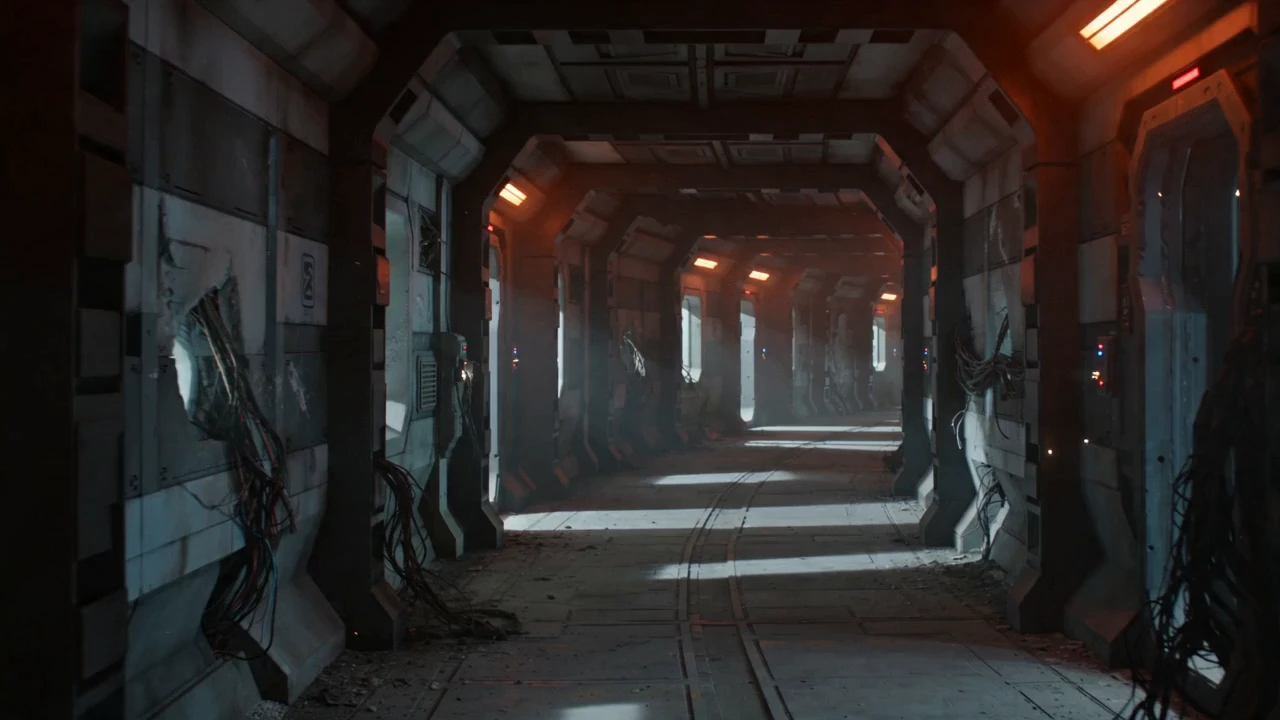
> Animate the reference into a cinematic sci-fi shot: the astronaut walks forward across the alien dunes as wind lifts glowing dust, the two pale moons rising, volumetric god rays sweeping across the landscape, the camera slowly pulls back to reveal a vast otherworldly desert, low ambient wind and a deep cinematic drone.
Open-weights text-to-video with 480p/768p and native stereo audio.

Turn photos into expressive videos with synced voice motion.

Pro-tier image animation: 3-15s cinematic clips from $0.123 per second.
Interpolates start-end frames with refined motion control presets

Pro-tier reference-driven 3-15s video generation from $0.19 per second.

Generate premium-quality videos from text prompts with Google Veo 3.
It guides a 720p clip with reference images and optional video or audio, keeping identity, wardrobe, and style consistent. It fits consistent-character videos, product-reference clips, and style-locked brand videos.
You attach reference material — up to 9 images, 3 short videos, and 3 audio clips — and describe the shot in the prompt. References anchor identity, wardrobe, style, motion, and sound, while the prompt guides action and camera. Only the prompt is strictly required.
Up to 9 reference images, 3 reference videos, and 3 reference audio files (reference videos and audio about 2–15 seconds each; audio under 15 MB). Duration is a whole number of seconds from 4 to 30 (default 5). Aspect ratio can be 16:9 (default), 9:16, 1:1, 4:3, 3:4, 21:9, or adaptive. Output is fixed at 720p.
No. It can run from a text prompt plus images alone. Add short reference videos or audio when you want stronger motion or mood guidance.
Yes. generate_audio is on by default, so the model can output synchronized speech, effects, and music. Turn it off when you only need silent video.
Yes. Prototype in the RunComfy model UI, then call the same template through the API with matching fields (prompt, images, videos, audios, aspect_ratio, duration, generate_audio). Generations consume credits on both paths.
Without reference videos, billing is $0.42 per second of generated video. With reference videos, billing is $0.26 per counted second (reference video duration plus output duration); image and audio references are not billed.
Both share the same reference-guided path and 4–30-second window; this page outputs at 720p. For cheaper, faster drafts, use the 480p reference-to-video page.
RunComfy is the premier ComfyUI platform, offering ComfyUI online environment and services, along with ComfyUI workflows featuring stunning visuals. RunComfy also provides AI Models, enabling artists to harness the latest AI tools to create incredible art.