logo
RunComfy
  • ComfyUI
  • TrainerNew
  • Models
  • API
  • Pricing
discord logo
MODELS
Explore
All Models
LIBRARY
Generations
MODEL APIS
API Docs
API Keys
ACCOUNT
Usage

Happy Horse 1.1: AI Video Generation with Native Audio on Models and API | RunComfy

alibaba/happyhorse-1.1/text-to-video

Happy Horse 1.1 is Alibaba's multimodal video model spanning text, image, reference-to-video, and editing with native audio. This page runs its text-to-video mode at 720P/1080P and 3-15s.

Text description of the scene, action, and camera movement you want in the video.
Output resolution tier of the generated video.
Aspect ratio of the generated video.
Length of the generated video in seconds.
Idle
The rate is $0.13 per second for 720P, and $0.16 per second for 1080P.

Introduction To Happy Horse 1.1

Alibaba's Happy Horse 1.1 is a natively multimodal video model that spans text-to-video, image-to-video, reference-to-video, and video editing, generating physically believable, motion-smooth clips with synchronized audio in a single pass. Trading manual shot lists, separate sound design, and slow render pipelines for one prompt-driven step, this release sharpens the weak spots of the 1.0 generation for creators, marketers, and product teams. On RunComfy this page runs Happy Horse 1.1 in text-to-video mode — priced at $0.13 per second for 720P and $0.16 per second for 1080P, with 3 to 15 second durations — usable in the browser and via an HTTP API, so you don't need to host or scale the model yourself.
Ideal for: Short Social Video Spots | Narrative Scene Prototyping | Product And Ad Motion Clips

Alibaba / Happy Horse 1.1#


Happy Horse 1.1 is Alibaba's natively multimodal video model. The full model family covers four capabilities — text-to-video, image-to-video, reference-to-video, and video editing — all built on one architecture that generates picture and sound together in a single pass, with synchronized dialogue, ambient noise, and Foley locked to the action instead of added afterward.


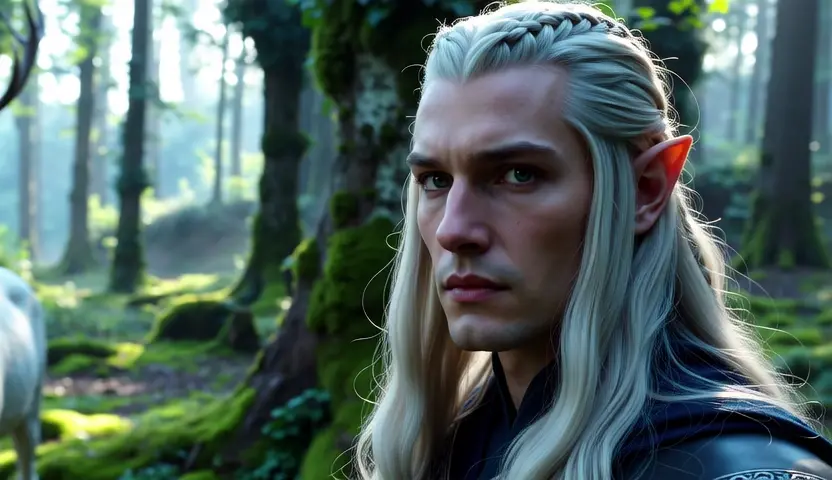
The model is tuned for film-grade results: believable, physically grounded motion, rich light and shadow, and cinematic camera work such as push-ins, pull-outs, and rack-focus shifts. It holds character identity and scene continuity across multi-shot sequences and renders a wide range of looks, from ink-wash painting to paper-craft and clay stop-motion.


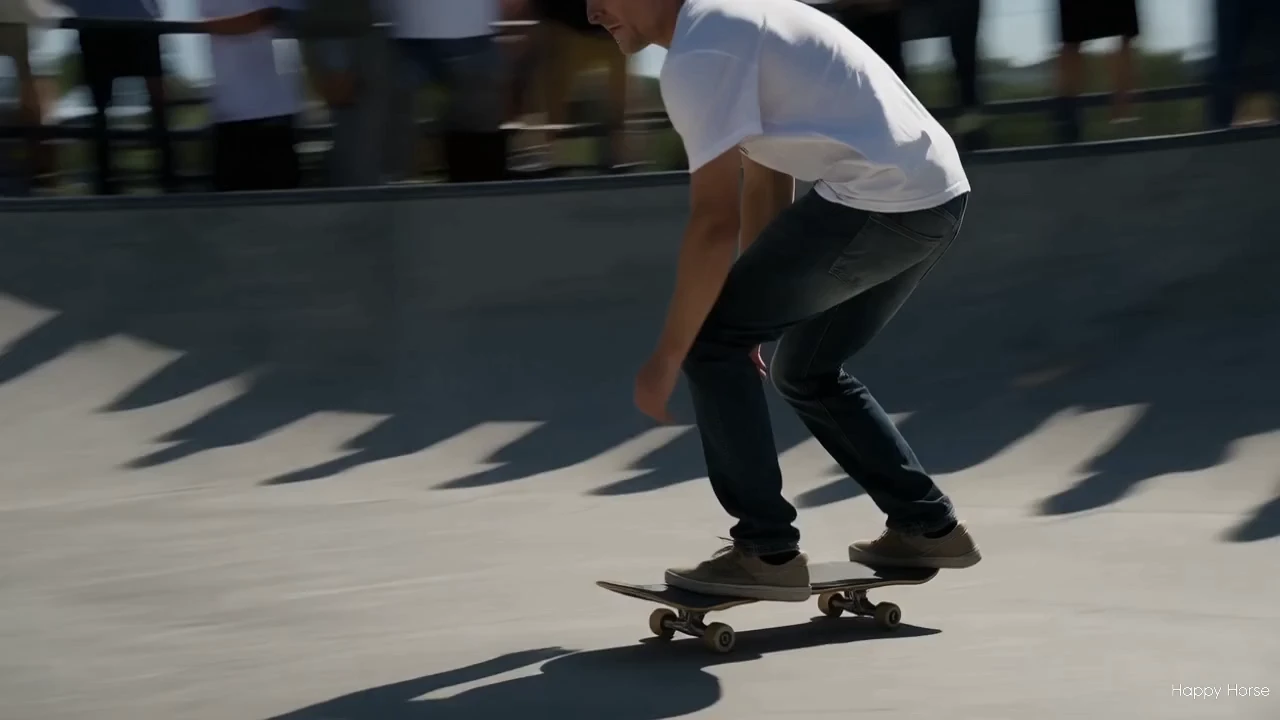
This release refines the earlier 1.0 generation. Action that used to feel sluggish now carries more pace and weight, and the model handles a wider range of subjects — including Asian faces — with steadier likeness.


On RunComfy, this Happy Horse 1.1 page currently runs the text-to-video mode: you write a prompt and get a short clip with built-in sound. The other modes (image-to-video, reference-to-video, and editing) are part of the same model family.


Output format: Resolution: 720P or 1080P / fps: 24 / duration: 3-15s / aspect ratio: 16:9, 9:16, 1:1 / audio: included


Highlights#


  • One model, four modes: Happy Horse 1.1 spans text-to-video, image-to-video, reference-to-video, and video editing; this page exposes the text-to-video mode.
  • Native audio-visual sync: Dialogue, ambient sound, and Foley are generated jointly with the video, keeping sound and motion aligned in one pass.
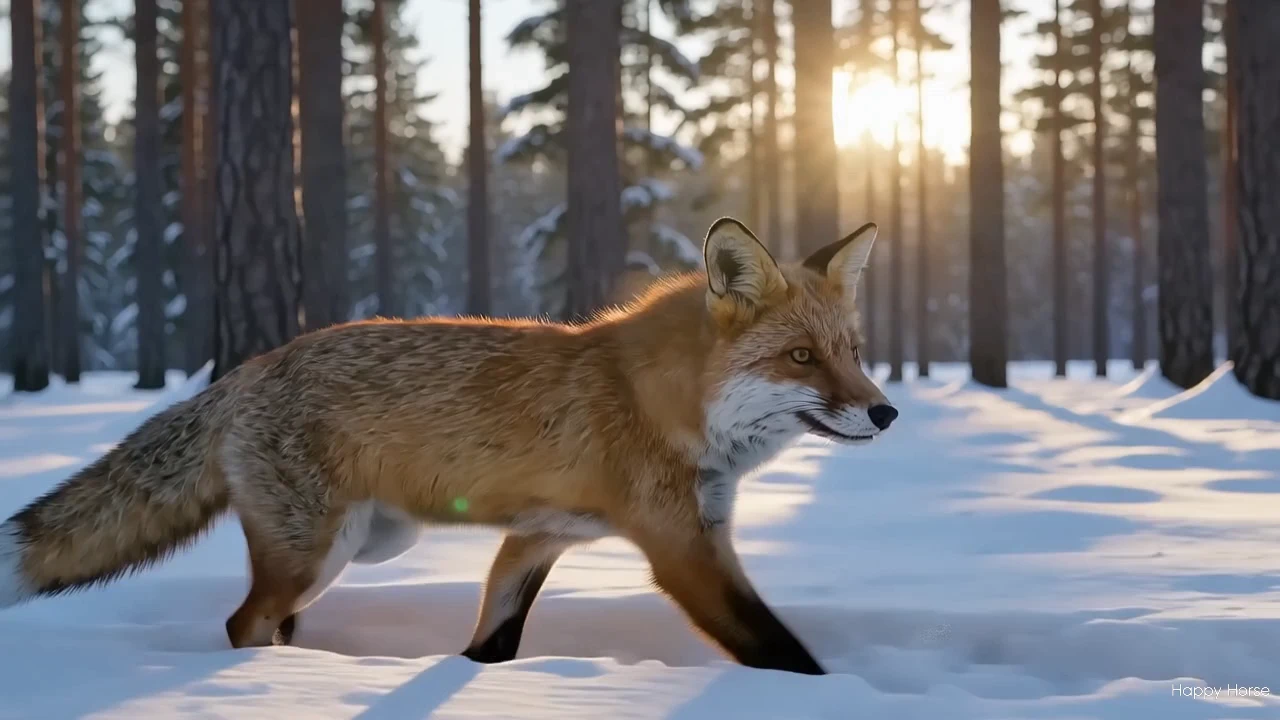
  • Cinematic look: Strong handling of large-aperture depth of field, atmosphere, and lighting gives mid- and close-range shots a film-grade feel.
  • Expressive camera work: Supports push-in, pull-out, and depth-of-field transitions for dynamic shots rather than static frames.
  • Multi-shot storytelling: Maintains character identity and continuity across cuts within clips up to 15 seconds.
  • Smoother, faster motion: Movement reads with better pacing and momentum than the prior 1.0 generation, with reduced morphing artifacts.
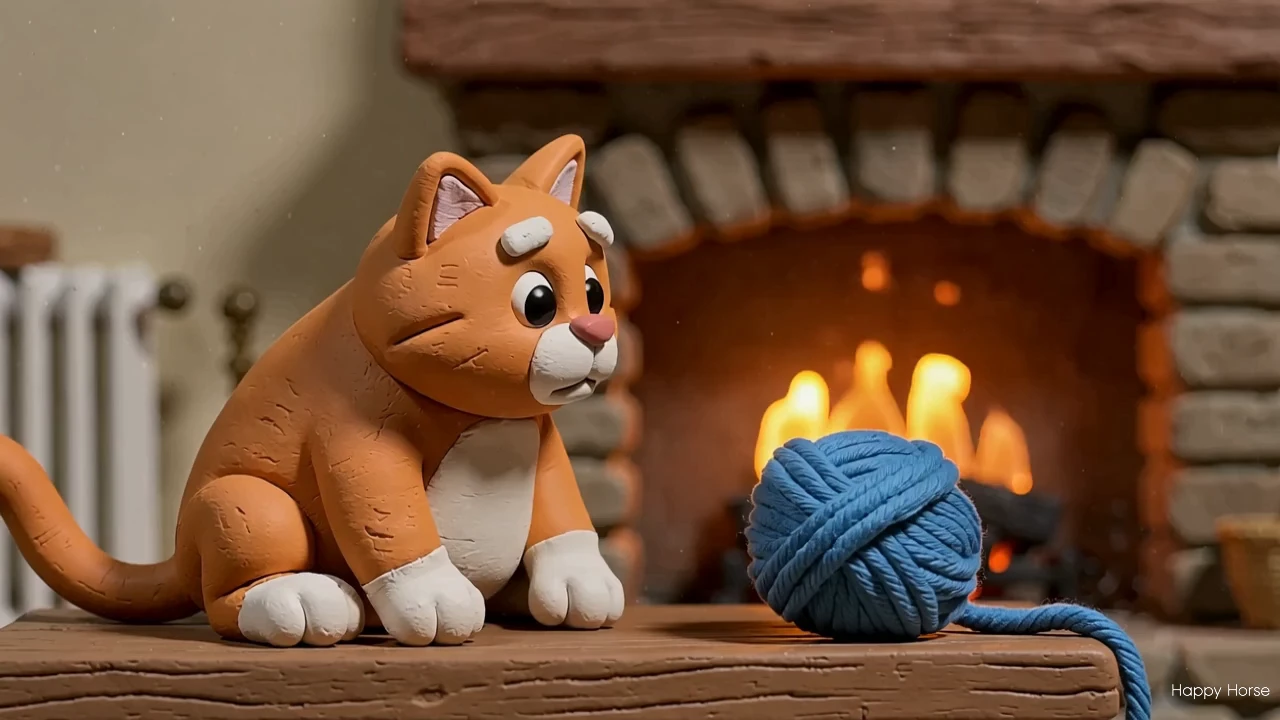
  • Broad style range: Renders realistic footage as well as stylized looks like ink-wash, paper-craft, and clay stop-motion.
  • Resolution and framing control: Pick 720P or 1080P, choose 16:9, 9:16, or 1:1, and set any duration from 3 to 15 seconds.

Parameters#


ParameterRequiredTypeDefaultRange / OptionsDescription
prompt*Yes (*)string——Text description of the scene, action, and camera movement.
resolutionNostring1080P720P, 1080POutput resolution tier.
ratioNostring16:916:9, 9:16, 1:1Aspect ratio of the video.
durationNointeger53-15Clip length in seconds.

Pricing#


Pricing is time-based and depends on resolution:


ResolutionRate
720P$0.13 per second
1080P$0.16 per second

Estimated cost examples


Duration720P1080P
5 s (default)~$0.65~$0.80
10 s~$1.30~$1.60
15 s~$1.95~$2.40

How to Use#


  1. Open the model page on RunComfy and select Happy Horse 1.1 from the Models catalog.
  2. Write a prompt that names the subject, the action, the setting, and any camera movement or mood.
  3. Choose a resolution: 720P to iterate cheaply, 1080P for final delivery.
  4. Set the aspect ratio to match where the clip will run — 16:9 for landscape, 9:16 for vertical, 1:1 for square.
  5. Pick a duration between 3 and 15 seconds; start short while you dial in the look.
  6. Generate, then review both the motion and the audio in the preview.
  7. Refine by adjusting a few descriptive words at a time, then download or rerun via the RunComfy interface or API.

Prompt & Reference Tips#


  • Lead with the main subject and one clear action, then layer in setting and lighting.
  • Describe motion explicitly (walking, panning, drifting) so the model knows what should move.
  • Mention sound cues you want, since Happy Horse 1.1 generates audio alongside the video.
  • Keep one dominant mood per clip instead of mixing conflicting tones.
  • Start at a shorter duration to validate the concept before committing to a 15-second render.

How Happy Horse 1.1 compares to other models#


  • Versus Happy Horse 1.0, users can expect livelier motion pacing, fewer morphing artifacts, and steadier handling of diverse faces (based on publicly available information).
  • Versus video models without sound, it bundles synchronized dialogue, ambient sound, and Foley, cutting out a separate audio pass.
  • The Happy Horse line drew attention for topping the Artificial Analysis Video Arena blind leaderboard for text-to-video and image-to-video, noted for fluid motion, natural color, and audio sync.
  • Ideal use case: reach for it when you need a quick, audio-ready, cinematic clip from a text idea rather than a silent draft.

More Models to Try#


  • Kling Video — Cinematic motion for longer narrative shots.
  • Pika 2.2 — Fast iteration for social-first clips.
  • Wan 2.7 — Text-to-video with custom audio file support.
  • Seedance — Stylized, mood-driven scene generation.

Related Models

wan-2-2/fun-inpaint

Interpolates start-end frames with refined motion control presets

kling-video-o3/standard/text-to-video

Generate cinematic 3-15s videos from text with optional sound.

pikadditions

Add a person or object into an existing video with smart compositing.

veo-3-1/reference-to-video

Create rapid high-quality video drafts with precise style and speed

wan-2-2/vace-fun

Prompt-based animating with subject fidelity and smooth motion.

infinite-talk/fast/video-to-video

AI model for dynamic dubbing and expressive video creation from voice or footage.

Frequently Asked Questions

What is Happy Horse 1.1 used for?

Happy Horse 1.1 is a text-to-video model that turns a written prompt into a short clip with natural, physically grounded motion and built-in audio. It suits short social spots, scene prototyping, and product or ad motion where you want sound and movement together from a single description.

How is Happy Horse 1.1 different from Happy Horse 1.0?

Happy Horse 1.1 refines known pain points from the 1.0 generation, with livelier motion pacing instead of sluggish action and steadier handling of diverse subjects, including improved Asian-face fidelity. Based on publicly available information, these changes make Happy Horse 1.1 a more dependable choice for character-driven clips.

Does Happy Horse 1.1 generate audio with the video?

Yes. Happy Horse 1.1 produces synchronized audio alongside the video, so each clip arrives with sound rather than as a silent draft. You can describe sound cues in your prompt to guide the ambience and effects.

What resolutions and durations does Happy Horse 1.1 support?

Happy Horse 1.1 supports 720P and 1080P output at 24 fps, with clip lengths from 3 to 15 seconds. You can also set the aspect ratio to 16:9, 9:16, or 1:1 to match landscape, vertical, or square placements.

What makes a good prompt for Happy Horse 1.1?

Lead with the main subject and one clear action, then add setting, lighting, and any camera movement. Because Happy Horse 1.1 renders motion and sound together, naming the movement and the audio you want gives more predictable results.

What input limits should I know before using Happy Horse 1.1?

The model takes a text prompt plus resolution, aspect ratio, and duration controls, with durations capped between 3 and 15 seconds. Check the current RunComfy parameter panel for the exact limits, since some options may vary by provider settings.

Can developers use Happy Horse 1.1 through the RunComfy API?

Yes. You can prototype Happy Horse 1.1 in the RunComfy model UI, then call the same model via the RunComfy API with identical parameters for automation. You don't need to host or scale the model yourself.

How much does it cost to generate with Happy Horse 1.1 on RunComfy?

Generations with Happy Horse 1.1 are billed per second of video and consume usd or credits: $0.13 per second at 720P and $0.16 per second at 1080P. For example, a 5-second 1080P clip costs about $0.80; see the Generation section on the page for current details.

Follow us
  • LinkedIn
  • Facebook
  • Instagram
  • Twitter
Support
  • Discord
  • Email
  • System Status
  • Affiliate
Video Models
  • Wan 2.6 Flash
  • Kling Video O3 Pro Image To Video
  • Wan 2.6
  • Seedance 2.0 Fast
  • Hailuo 2.3 Fast Standard
  • Kling 3.0
  • View All Models →
Image Models
  • seedream 4.0
  • Nano Banana 2 Edit
  • Flux 2 Dev
  • Nano Banana Pro
  • GPT Image 2 Image Edit
  • FLUX.1 Schnell
  • View All Models →
Legal
  • Terms of Service
  • Privacy Policy
  • Cookie Policy
RunComfy
Copyright 2026 RunComfy. All Rights Reserved.

RunComfy is the premier ComfyUI platform, offering ComfyUI online environment and services, along with ComfyUI workflows featuring stunning visuals. RunComfy also provides AI Models, enabling artists to harness the latest AI tools to create incredible art.
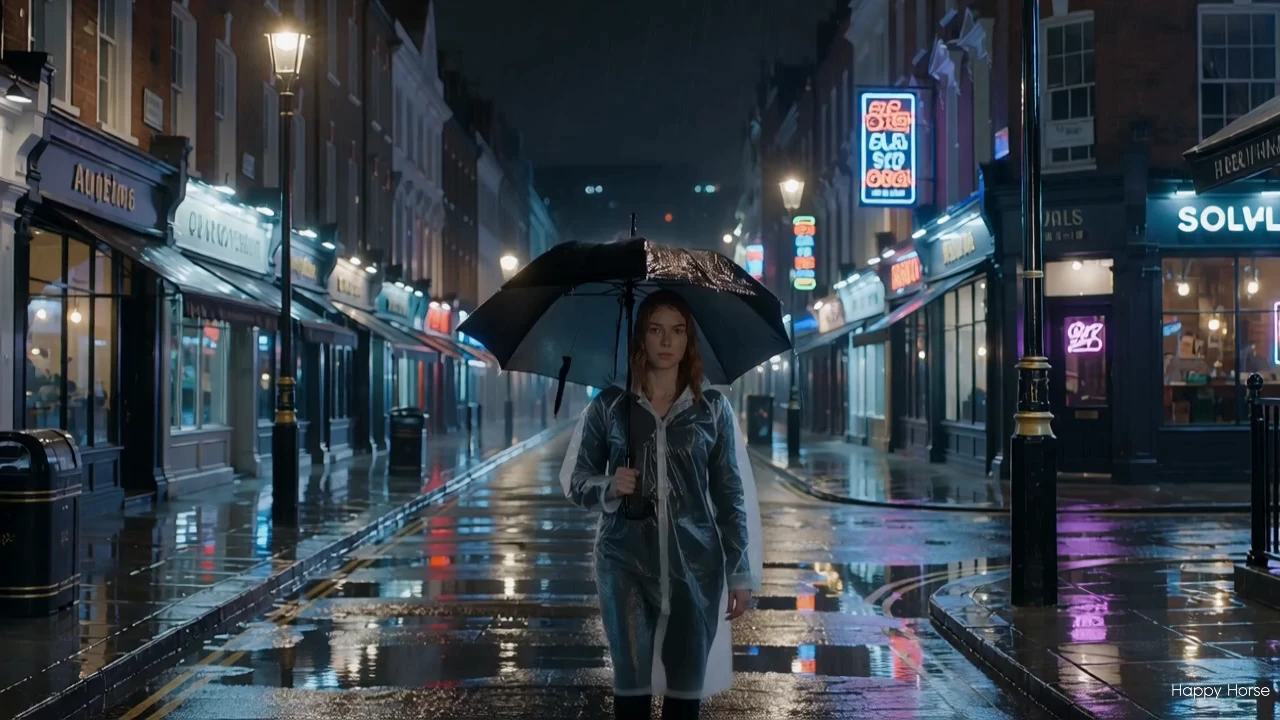
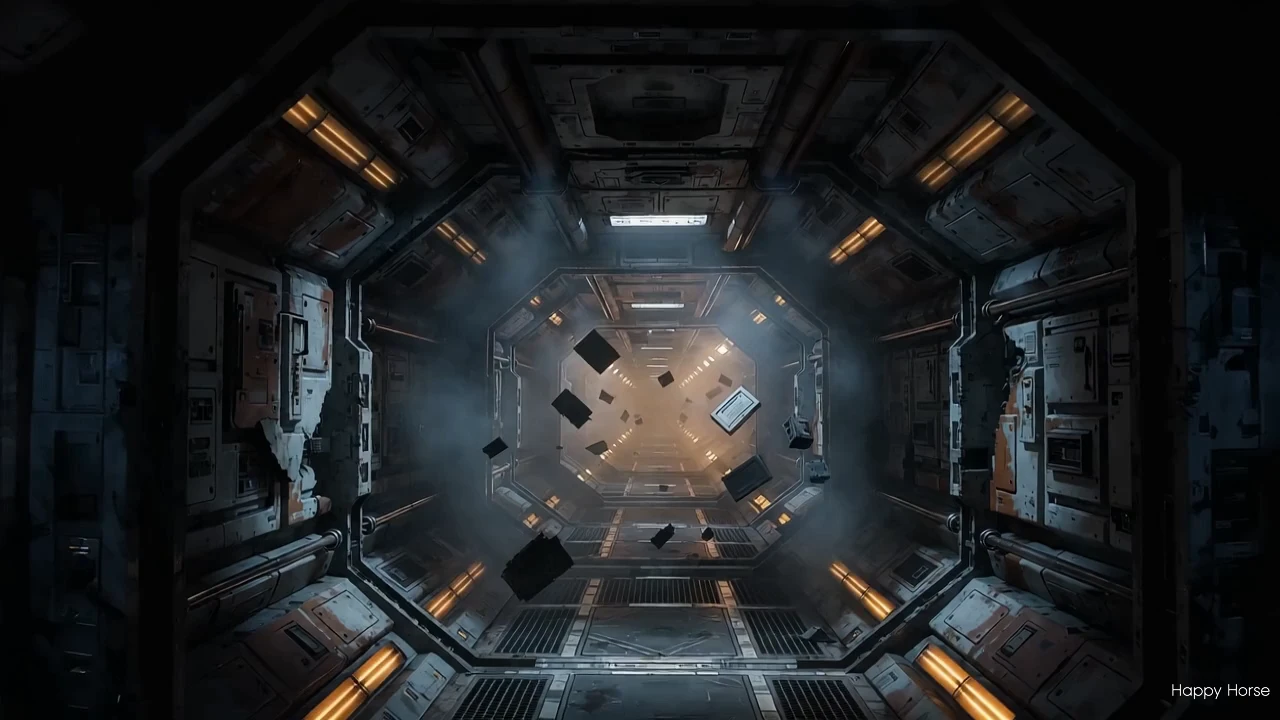
Examples Of Happy Horse 1.1

Video thumbnail
Loading...
Video thumbnail
Loading...
Video thumbnail
Loading...
Video thumbnail
Loading...
Video thumbnail
Loading...
Video thumbnail
Loading...