logo
RunComfy
  • ComfyUI
  • TrainerNew
  • Models
  • API
  • Pricing
discord logo
MODELS
Explore
All Models
LIBRARY
Generations
MODEL APIS
API Docs
API Keys
ACCOUNT
Usage

HappyHorse 1.0: Native 1080p Text & Image to Video AI | RunComfy

happyhorse/happyhorse-1-0/coming-soon

HappyHorse 1.0 is not live on RunComfy yet—this model page is preview-only. Requests use the Wan 2.7 text-to-video model (wan2.7-t2v), not HappyHorse. HappyHorse 1.0 is designed for native 1080p text- and image-to-video, cinematic motion, multi-shot consistency, and joint multilingual audio—API coming soon.

Describe subject, camera move, lighting, and audio. Multi-shot beats can be written in natural language in one prompt (e.g. first a close-up, then a cut to a tracking shot). This preview uses Wan 2.7 text-to-video (wan2.7-t2v) until HappyHorse 1.0 ships.
URL of driving audio. Supports WAV and MP3. Duration: 3–30s. Max 15 MB. If empty, background music will be auto-generated.
Aspect ratio of the generated video.
Output video resolution tier.
Output video duration in seconds.
Content to avoid in the video.
Enable intelligent prompt rewriting.
Idle
This model currently uses Wan 2.7, not HappyHorse. HappyHorse 1.0 is coming soon. $0.09 per second for this wan 2.7 model.

Introduction To HappyHorse 1.0 AI Video Model

HappyHorse 1.0 is the #1 ranked AI video model on the Artificial Analysis Video Arena, earning Elo 1333 for text-to-video and Elo 1392 for image-to-video through blind user evaluation. The model delivers native 1080p cinematic video, advanced motion synthesis, and multi-shot storytelling with character consistency across scenes. The HappyHorse 1.0 API is coming soon — the model wired on this page is Wan 2.7 text-to-video (wan2.7-t2v) until the HappyHorse model is available.
Ideal for: cinematic short-form video | marketing campaigns | multi-shot narratives | social media content | product demonstrations

HappyHorse 1.0 on X: News and Updates

HappyHorse 1.0 on YouTube: Demos and Reviews

YouTube preview
YouTube preview

What Is HappyHorse 1.0?


HappyHorse 1.0 is a next-generation AI video generation model that holds the #1 position on the Artificial Analysis Video Arena leaderboard for both text-to-video and image-to-video. Built on a unified Transformer architecture, HappyHorse 1.0 produces native 1080p video with advanced motion synthesis and multi-shot storytelling that maintains character consistency across scene transitions.


In blind user evaluations — where participants compare outputs from two models side by side without knowing which produced which — HappyHorse 1.0 outperformed every competing model including Seedance 2.0, Kling 3.0 Pro, SkyReels V4, and PixVerse V6.


HappyHorse 1.0 Leaderboard Rankings (April 2026)


CategoryElo RatingRank
Text-to-Video (no audio)1333#1
Image-to-Video (no audio)1392#1
Text-to-Video (with audio)1205#2
Image-to-Video (with audio)1161#2

The Artificial Analysis Video Arena uses an Elo system based on blind human preference. HappyHorse 1.0 leads the previous text-to-video leader (Seedance 2.0 at Elo 1273) by 60 points — a gap that corresponds to winning roughly 58–59% of head-to-head comparisons.


Core Capabilities


Native 1080p HD Resolution

Every video rendered by HappyHorse 1.0 outputs at true 1080p. The result includes rich color grading, accurate lighting, and film-grade detail — broadcast-ready without post-processing.


Advanced Motion Synthesis

The model generates remarkably fluid and natural motion. Subtle facial expressions, complex full-body movements, and multi-agent interactions all maintain physical plausibility. The motion synthesis engine demonstrates strong semantic understanding of camera direction, action choreography, and scene dynamics from text prompts.


Multi-Shot Narrative Consistency

One of the defining strengths of HappyHorse 1.0 is native multi-shot storytelling — the ability to generate cohesive video sequences where characters, wardrobe, visual style, and atmosphere remain consistent across scene transitions without manual editing.


Unified Text-to-Video and Image-to-Video

Both text-to-video and image-to-video run through one pipeline. Describe a scene with words, or transform a still image into dynamic footage — the same architecture handles both with intelligent motion planning.


Joint Audio-Video Synthesis

The model generates synchronized audio alongside video in a single pass: dialogue, ambient sounds, and Foley effects. The model ranks #2 in both with-audio categories on Artificial Analysis, trailing Seedance 2.0 by narrow margins of 14 and 1 Elo points.


Multilingual Support

Six languages are natively supported: Chinese, English, Japanese, Korean, German, and French. Prompts in any of these produce high-quality output with full linguistic nuance.


What Can You Create with HappyHorse 1.0?


The model covers a wide range of creative and commercial use cases:


  • Marketing campaigns — 1080p promotional clips with cinematic motion and consistent branding across multiple shots
  • Social media content — Platform-optimized output in multiple aspect ratios: 16:9, 9:16, 4:3, 3:4, 21:9, and 1:1
  • Product demonstrations — Animate product images into dynamic video showcases
  • Short-form storytelling — Multi-shot narratives with persistent character identity across scenes
  • Creative exploration — Over 50 visual styles from photorealism to anime, cyberpunk to watercolor, documentary to fashion editorial

How to Write Good HappyHorse 1.0 Prompts


The best results come from writing prompts like a compact cinematic scene brief — not keyword lists. HappyHorse's workflow is built around subject, motion, camera, and atmosphere, so the prompt should describe what happens over time, how the camera experiences it, and what the sound should feel like.


Practical prompt format:


[duration / aspect ratio]. [main subject] in [setting]. [action beat 1], then [action beat 2].
[shot type / angle / camera move]. [lighting / atmosphere]. Audio: [sound / dialogue / ambience].
Keep [one hard constraint].

Example prompt:


> 5s, 16:9. A maintenance crew unfurls a huge graduation banner across a university rooftop. A sudden gust snaps the fabric sideways and nearly pulls one worker off balance before two coworkers grab it. Medium-wide tracking shot, slight handheld energy, bright afternoon light, realistic cloth physics. Audio: wind gusts, rooftop shouting, distant cheering. Keep faces readable and the motion physically believable.


Key principles:


  • One clear visual goal per prompt — Focus on a single scene intention rather than cramming multiple ideas
  • Describe motion explicitly — Specify how subjects move, how physics behave, and what changes over time
  • Include camera direction — Shot type, angle, movement (tracking, locked, handheld, FPV) all matter
  • Add audio cues — HappyHorse generates synchronized audio, so describe ambient sounds, dialogue, or Foley
  • Simplify the camera idea — One clear camera behavior works better than complex multi-move descriptions
  • Use image-to-video when identity matters — For brand assets or specific visual identity, start from a reference image

More prompt examples:


Use CasePrompt
Cinematic product close-upA black ceramic coffee mug sits on a rain-wet wooden table. Steam rises slowly from the rim. Camera begins with a tight close-up on the surface texture, then pulls back to reveal a gray morning window behind. Overcast natural light. No music. Ambient rain sound.
Character motion outdoorsA young woman in a yellow raincoat walks across a stone bridge over a fast-moving river. Camera tracks alongside her at shoulder height. Autumn leaves fall from both sides of the frame. Wind sound and footstep audio. 16:9, cinematic color grade.
Abstract social contentInk drops fall into still water in extreme close-up. Each drop creates expanding circular ripples in slow motion. Black ink on white water, high contrast. No audio. 9:16 portrait format for vertical feed.
Product animation (I2V)Upload: product photo of a glass perfume bottle. The bottle sits on a white marble surface. A soft light sweeps across it from left to right, catching the glass facets. Subtle lens flare on the highlight. Camera stays locked. Ambient room tone only.

HappyHorse 1.0 vs. Seedance 2.0


HappyHorse 1.0 and Seedance 2.0 (by ByteDance) are the two highest-ranked AI video models on the Artificial Analysis Video Arena. They excel in different areas.


Benchmark comparison (April 2026):


CategoryHappyHorse 1.0Seedance 2.0
T2V Elo (no audio)1333 — #11273 — #2
I2V Elo (no audio)1392 — #11355 — #2
T2V Elo (with audio)1205 — #21219 — #1
I2V Elo (with audio)1161 — #21162 — #1
ArchitectureSingle 40-layer TransformerMultimodal diffusion transformer
Native audio languages6Primarily Chinese and English
Open sourceClaimed, not yet accessibleNo
Available on RunComfyComing soon✓

Elo scores sourced from Artificial Analysis Video Arena, early April 2026. Scores change as votes accumulate.


Where HappyHorse 1.0 leads:


  • Raw prompt-led generation quality — The no-audio leaderboard gap is large: +60 Elo in T2V and +37 in I2V, meaning HappyHorse wins roughly 58–59% of blind head-to-head comparisons
  • Text- and single-image starting points — When you start from a text prompt or one reference image and care most about motion, look, and overall cinematic quality
  • Exploratory creative work — The model responds well to detailed natural-language scene descriptions with motion, camera, and audio cues

Where Seedance 2.0 leads:


  • Controlled production workflows — Seedance supports mixed-modality control: up to 9 images, 3 video clips, and 3 audio clips as references alongside text instructions
  • Extension and editing — Official documentation covers video continuation, shot editing, and multi-shot structure with stronger controllability
  • Reference-heavy storytelling — For ad variations, shot continuation, or brand-consistent workflows, Seedance's multimodal reference pipeline is more mature
  • Audio generation — Near-split on the leaderboard, but Seedance's audio and reference workflow is better documented

Prompting philosophy difference:


  • HappyHorse — Write it like a vivid mini scene. Be explicit about motion, camera, atmosphere, and audio. Prompts can be longer and more narrative.
  • Seedance — Write it like a director brief built around references. Keep text shorter (30–100 words), put the subject first, and lean on reference assets for control.

Bottom line: HappyHorse 1.0 is the more exciting model for cinematic, prompt-led exploration. Seedance 2.0 is the more mature model for controlled, multimodal, edit-heavy workflows.

Related Models

wan-2-2/lora/image-to-video

Transform stills into cinematic motion with open-source precision tools.

sync/lipsync/v2/pro

Create lifelike talking visuals with AI that matches voice and motion seamlessly.

kling-video-o1/video-to-video/edit

Unified AI model for refined scene editing, style match, and smooth video refits

pixverse/v5.5/transition

Generate cinematic clips from stills with sound, morph control, and stylistic flexibility.

runway-gen-4/turbo/image-to-video

Consistent characters, objects, and scenes in any setting or angle.

ai-avatar/v2/standard

Convert photos into expressive talking avatars with precise motion and HD detail

Frequently Asked Questions

What is HappyHorse 1.0?

HappyHorse 1.0 is a next-generation AI video model ranked #1 on the Artificial Analysis Video Arena for both text-to-video (Elo 1333) and image-to-video (Elo 1392). It generates native 1080p video with advanced motion synthesis, multi-shot character consistency, and multilingual support across six languages.

How is HappyHorse 1.0 ranked on the Artificial Analysis Video Arena?

The Artificial Analysis Video Arena ranks models through blind user voting — participants compare two videos generated from the same prompt without knowing which model made which, then pick the better result. Votes feed into an Elo rating system. It holds the highest Elo in both text-to-video and image-to-video (no audio) categories as of April 2026.

What video resolution does HappyHorse 1.0 produce?

The model outputs native 1080p HD resolution. Video includes rich color grading, accurate lighting, and film-grade detail suitable for broadcast and professional production without additional post-processing.

Does HappyHorse 1.0 support audio generation?

Yes. The model generates synchronized audio alongside video in one pass — including dialogue, ambient sounds, and Foley effects. It ranks #2 in the with-audio categories on the Artificial Analysis leaderboard.

What languages does HappyHorse 1.0 support?

Six languages are natively supported: Chinese, English, Japanese, Korean, German, and French. Prompts in any supported language produce high-quality video with full linguistic nuance.

What is multi-shot storytelling in HappyHorse 1.0?

Multi-shot storytelling allows the model to generate video sequences with multiple shots while maintaining consistency in characters, wardrobe, visual style, and atmosphere across scene transitions — eliminating the need for manual editing between clips.

Can this model generate video from images?

Yes. The model supports both text-to-video and image-to-video through a unified pipeline. Upload a static image to animate it with intelligent motion synthesis, or describe a scene entirely through text.

Follow us
  • LinkedIn
  • Facebook
  • Instagram
  • Twitter
Support
  • Discord
  • Email
  • System Status
  • Affiliate
Video Models
  • HappyHorse 1.0
  • Wan 2.6 Flash
  • Wan 2.7 Image to Video
  • Seedance 2.0 Pro
  • Seedance 1.0 Pro Fast
  • Hailuo 02
  • View All Models →
Image Models
  • seedream 4.0
  • Nano Banana 2 Edit
  • Nano Banana Pro
  • Qwen Image Edit 2511 LoRA
  • Flux 2 Flash Edit
  • Seedream 5.0 Lite
  • View All Models →
Legal
  • Terms of Service
  • Privacy Policy
  • Cookie Policy
RunComfy
Copyright 2026 RunComfy. All Rights Reserved.

RunComfy is the premier ComfyUI platform, offering ComfyUI online environment and services, along with ComfyUI workflows featuring stunning visuals. RunComfy also provides AI Models, enabling artists to harness the latest AI tools to create incredible art.
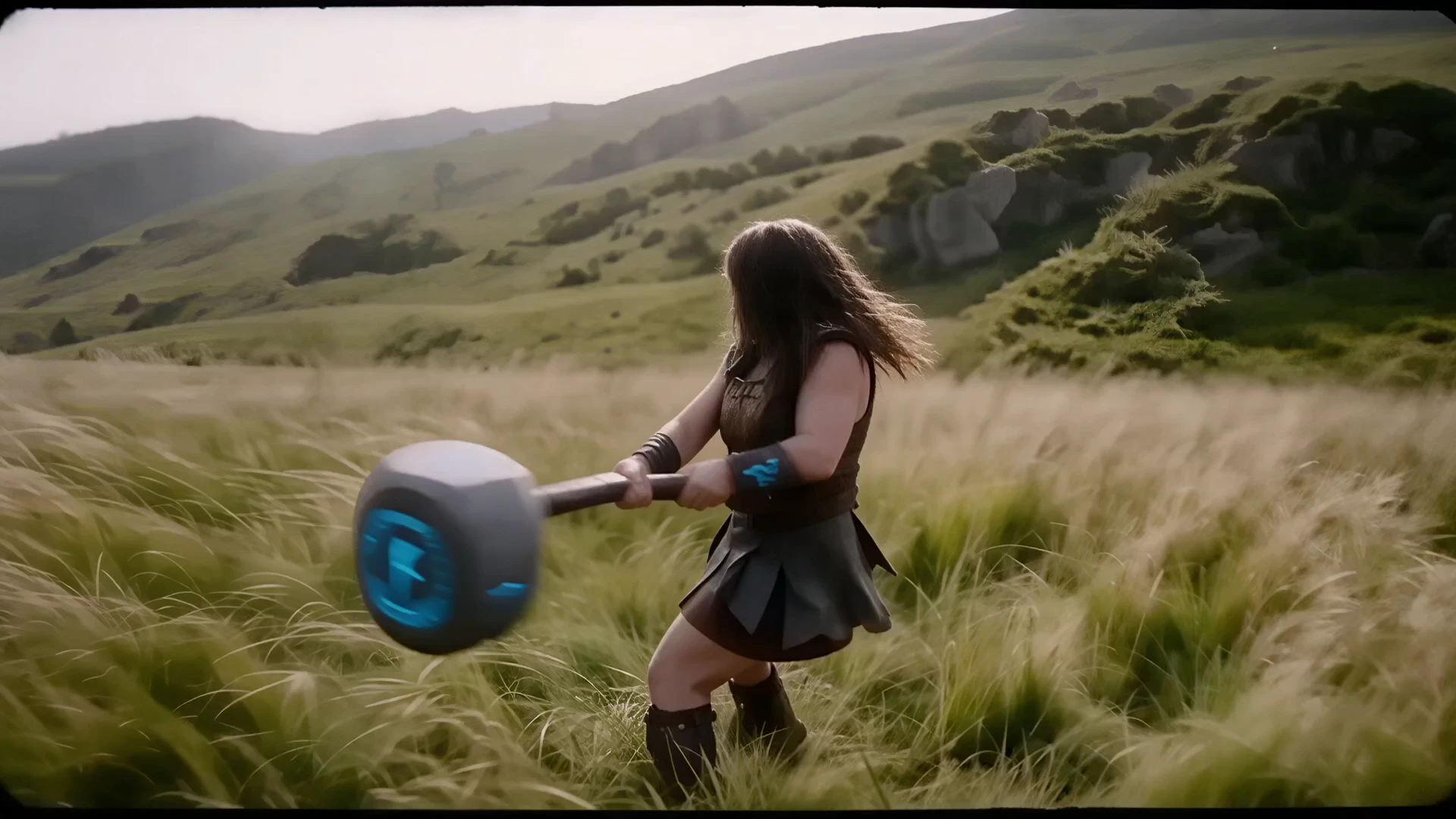
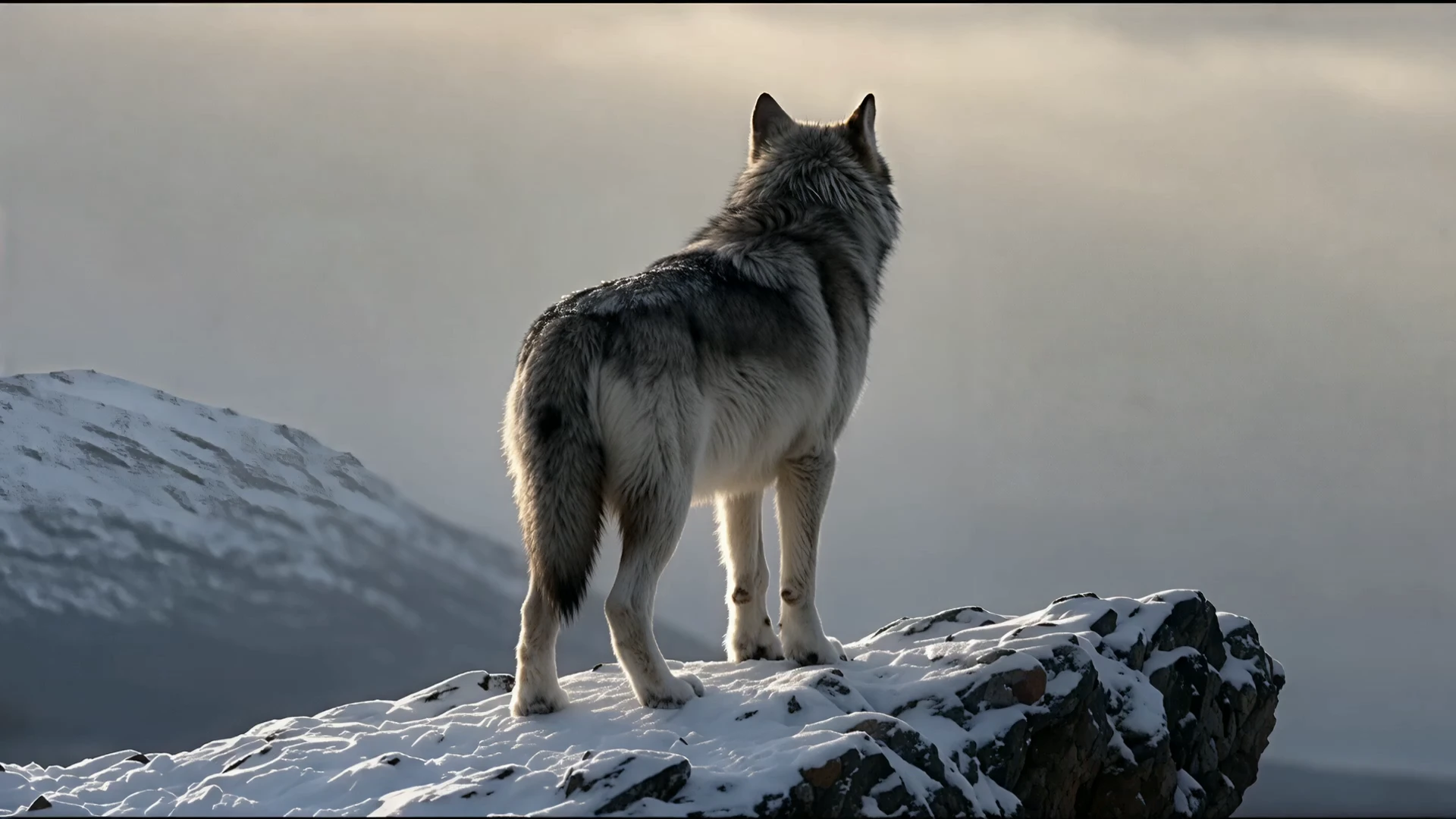
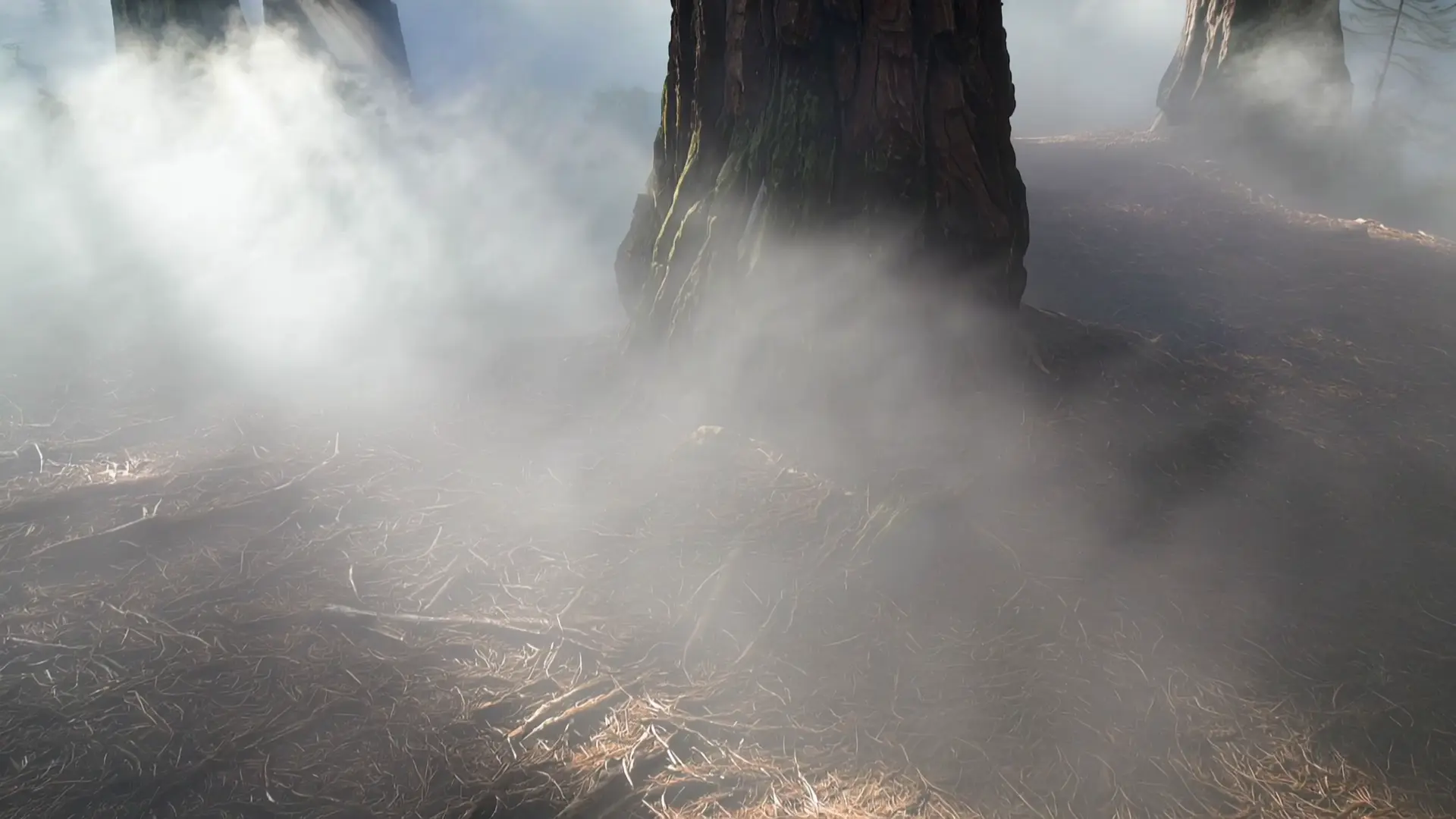
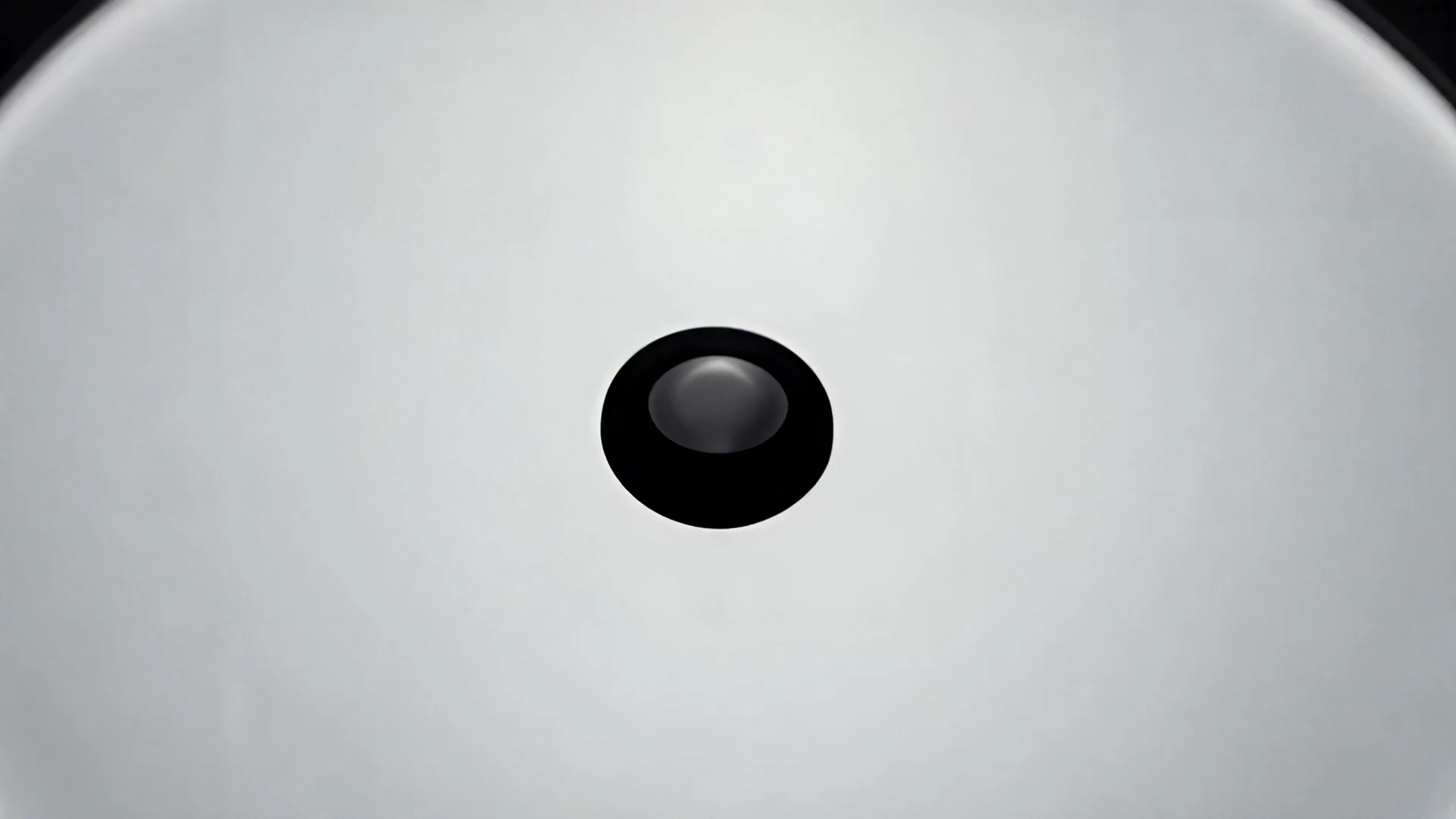
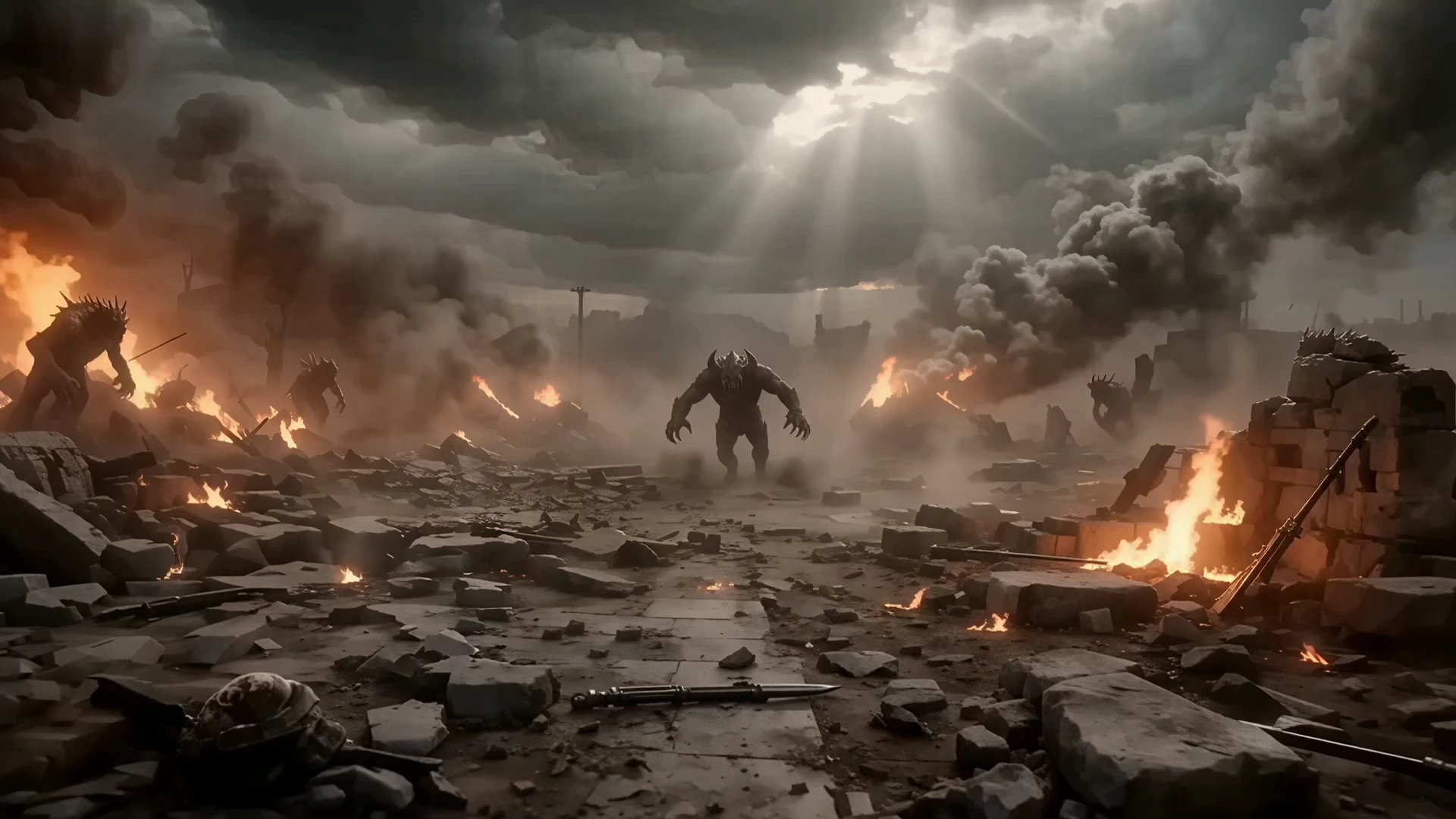
Examples Of HappyHorse 1.0 Creations

Video thumbnail
Loading...
Video thumbnail
Loading...
Video thumbnail
Loading...
Video thumbnail
Loading...
Video thumbnail
Loading...
Video thumbnail
Loading...