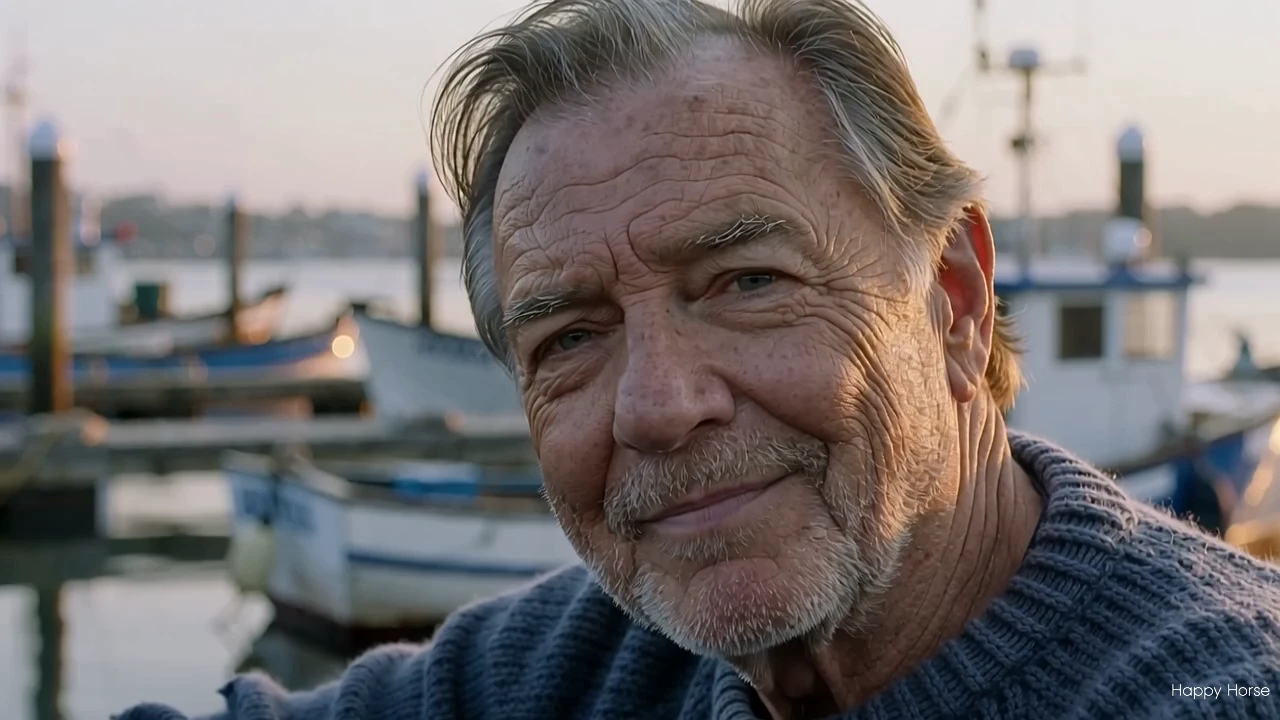
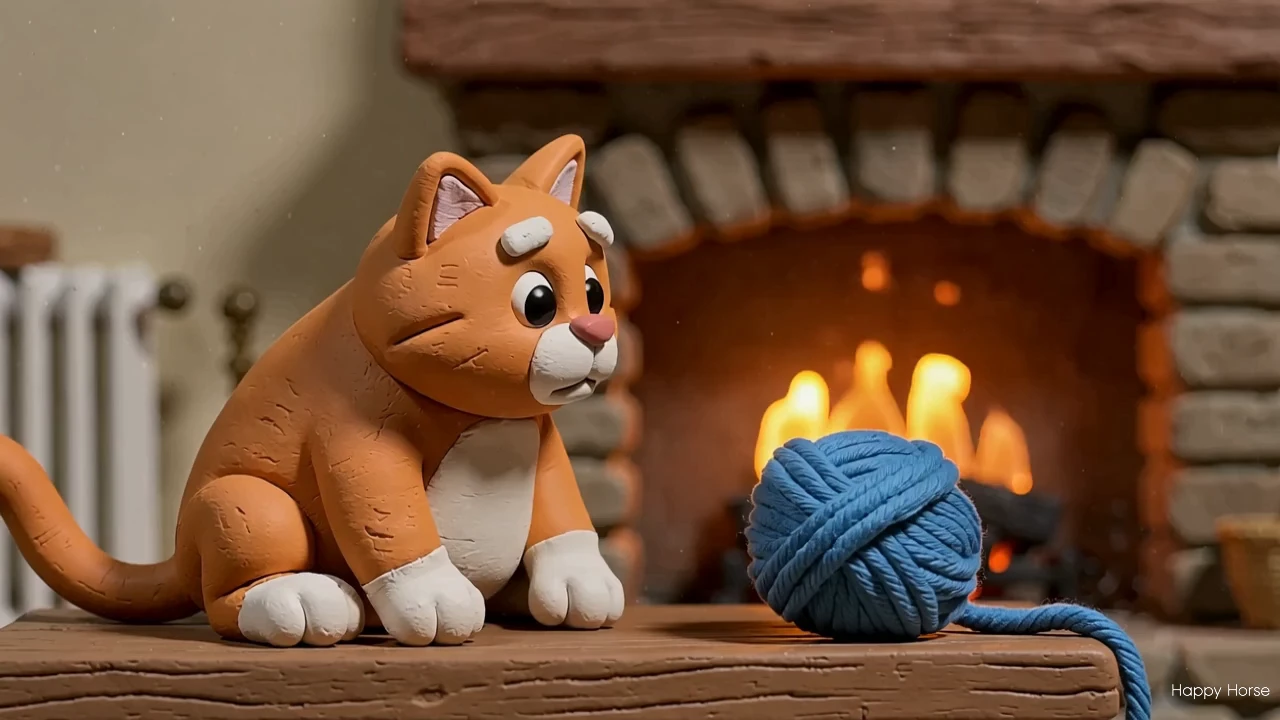
wan-2.7/text-to-video
Create 1080p clips with multi-reference and frame control.
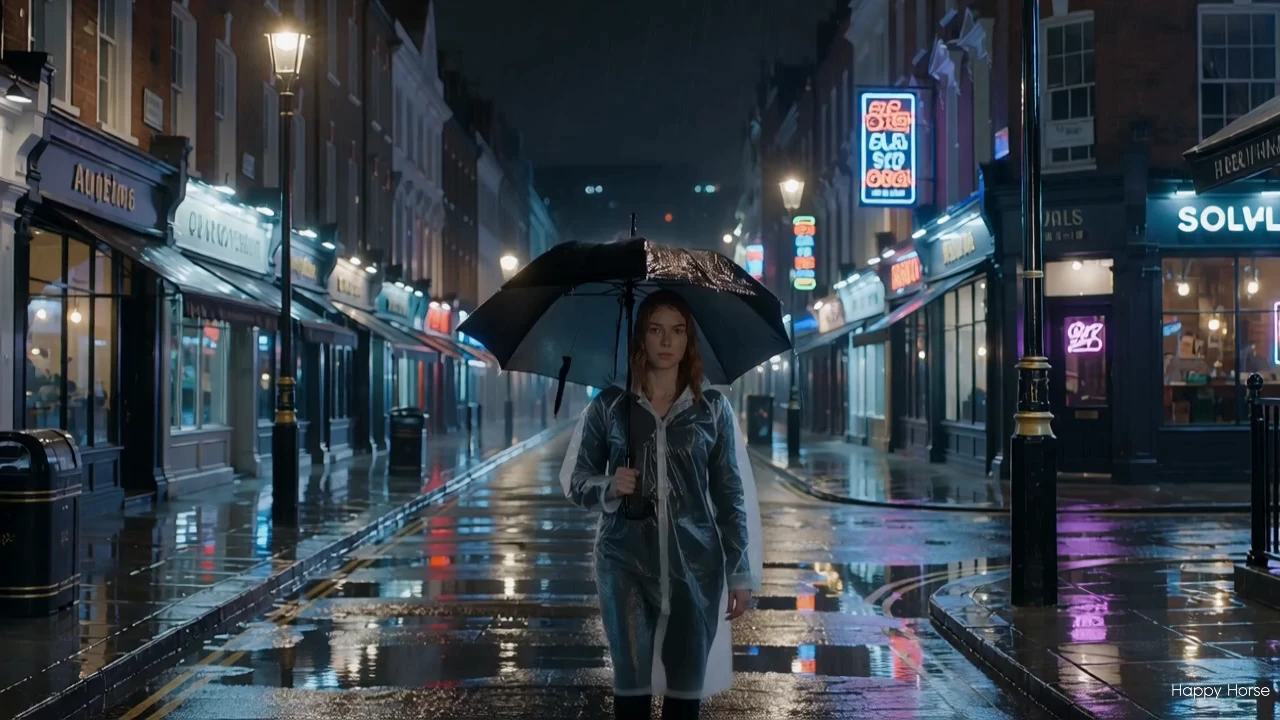
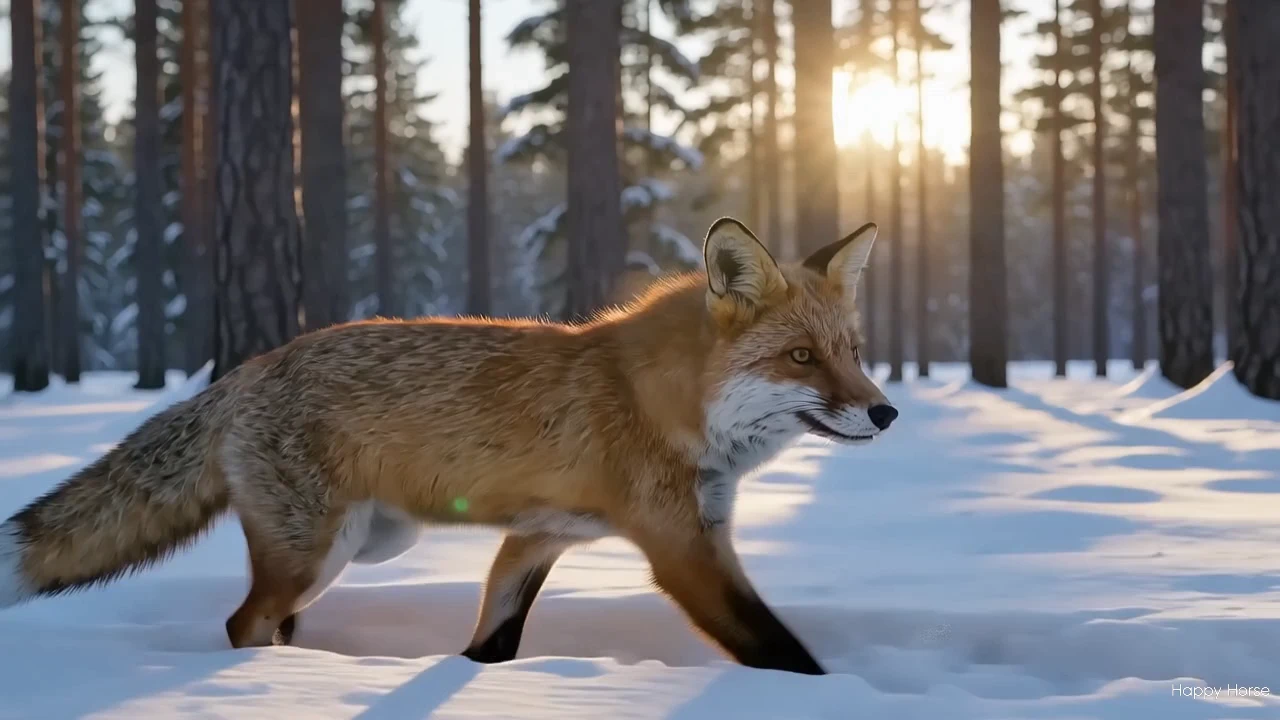
Happy Horse 1.1 Image to Video reads one source photo plus a short prompt and returns a coherent clip, keeping the subject's identity, color, and framing close to the original frame while adding believable motion.
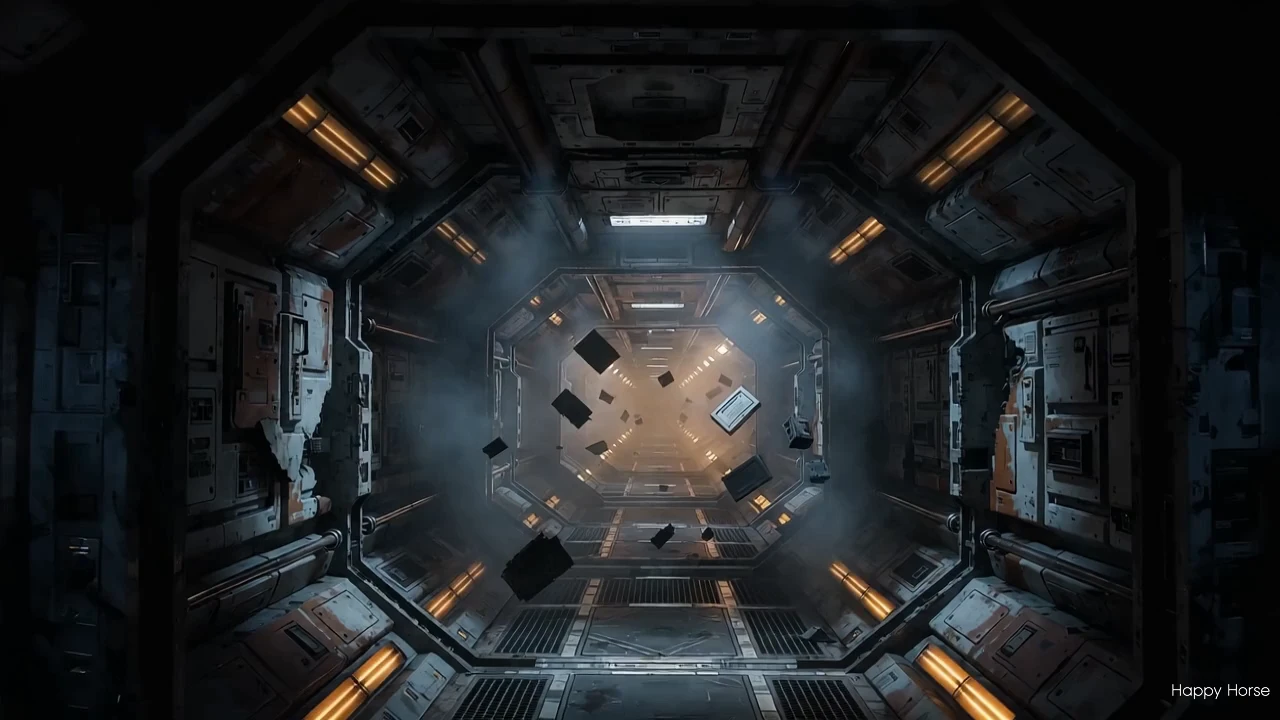
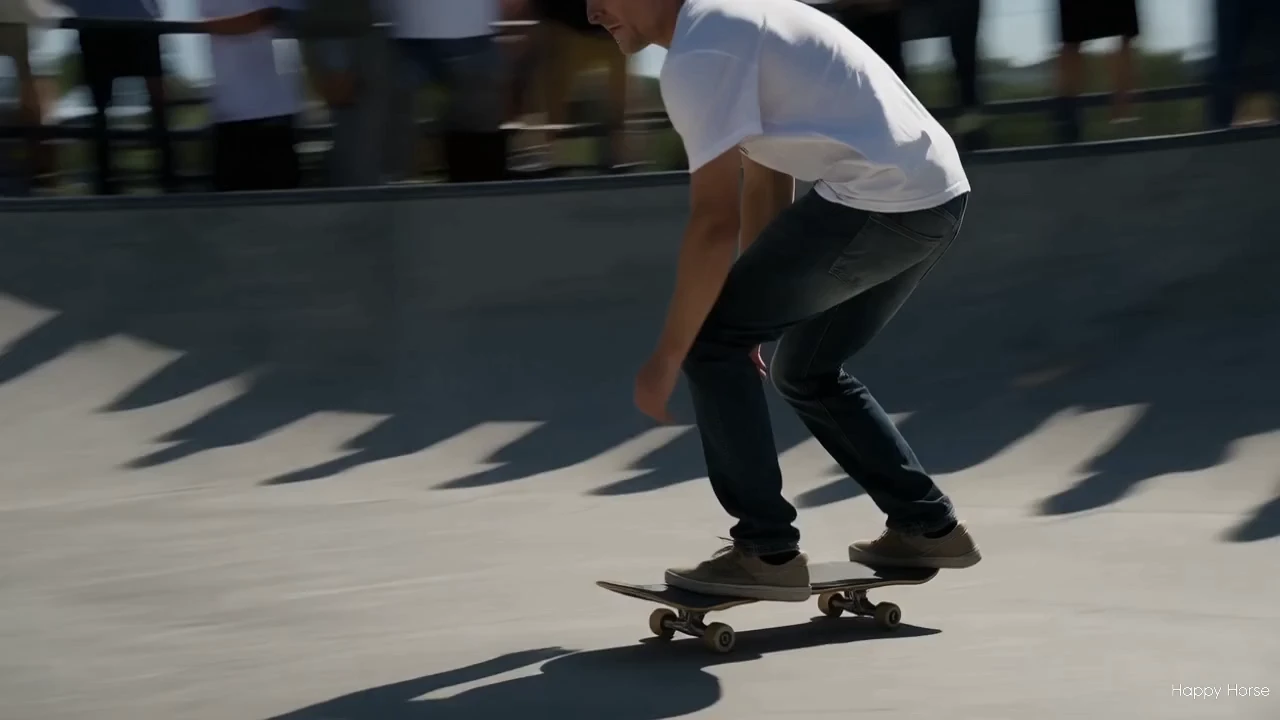
This release sharpens the weak spots of the 1.0 generation. Action that used to feel sluggish now carries more pace and weight, and a wider range of faces — including Asian faces — holds a steadier likeness across the shot.
Output format: resolution 720P or 1080P / fps 24 / duration 3-15s / input a single still image / aspect ratio follows the source image (no separate ratio control).
Create 1080p clips with multi-reference and frame control.

Create lifelike avatars via multimodal synthesis with Omnihuman 1.5.
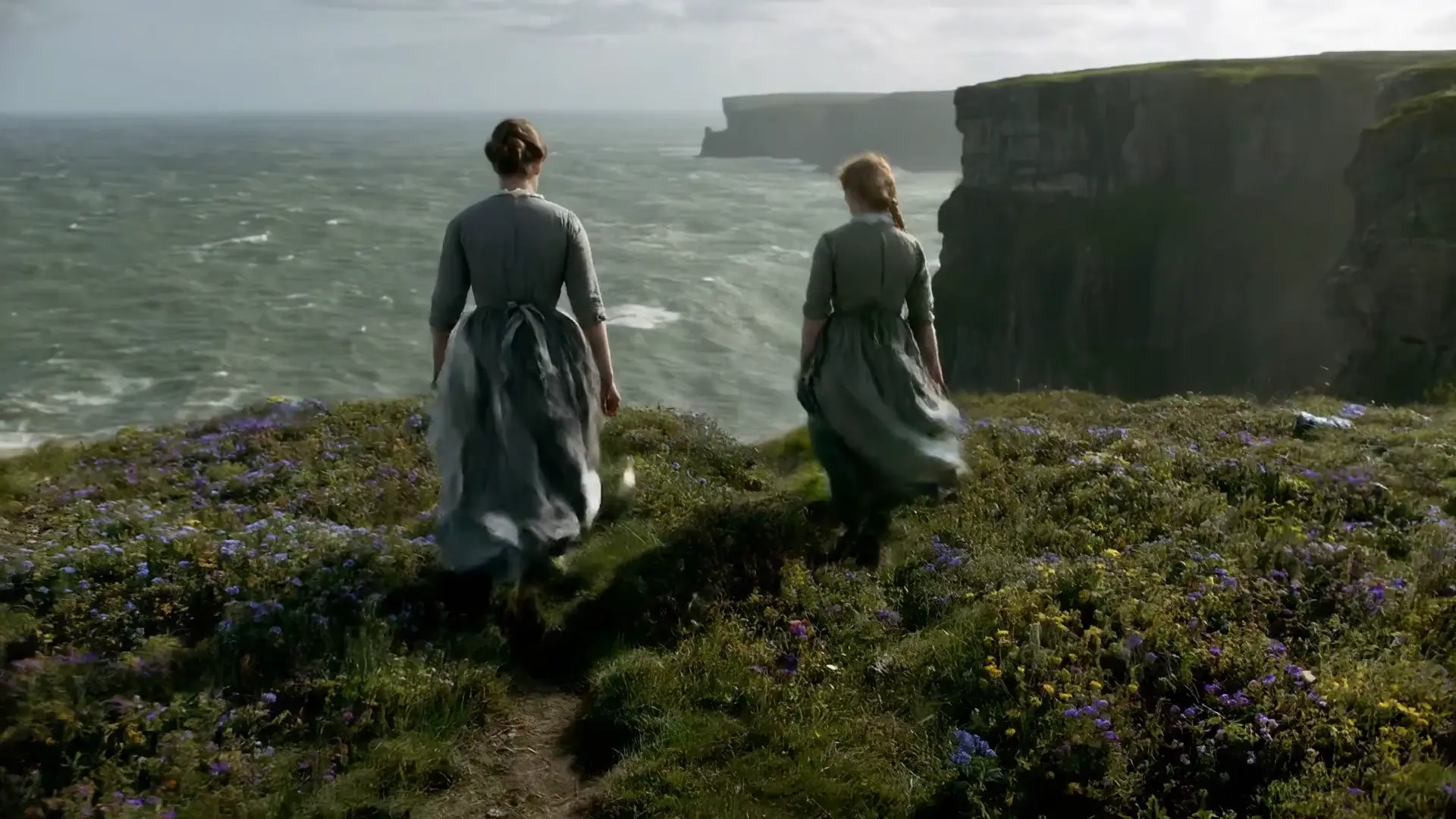
Generate cinematic motion clips with precise control and audio sync
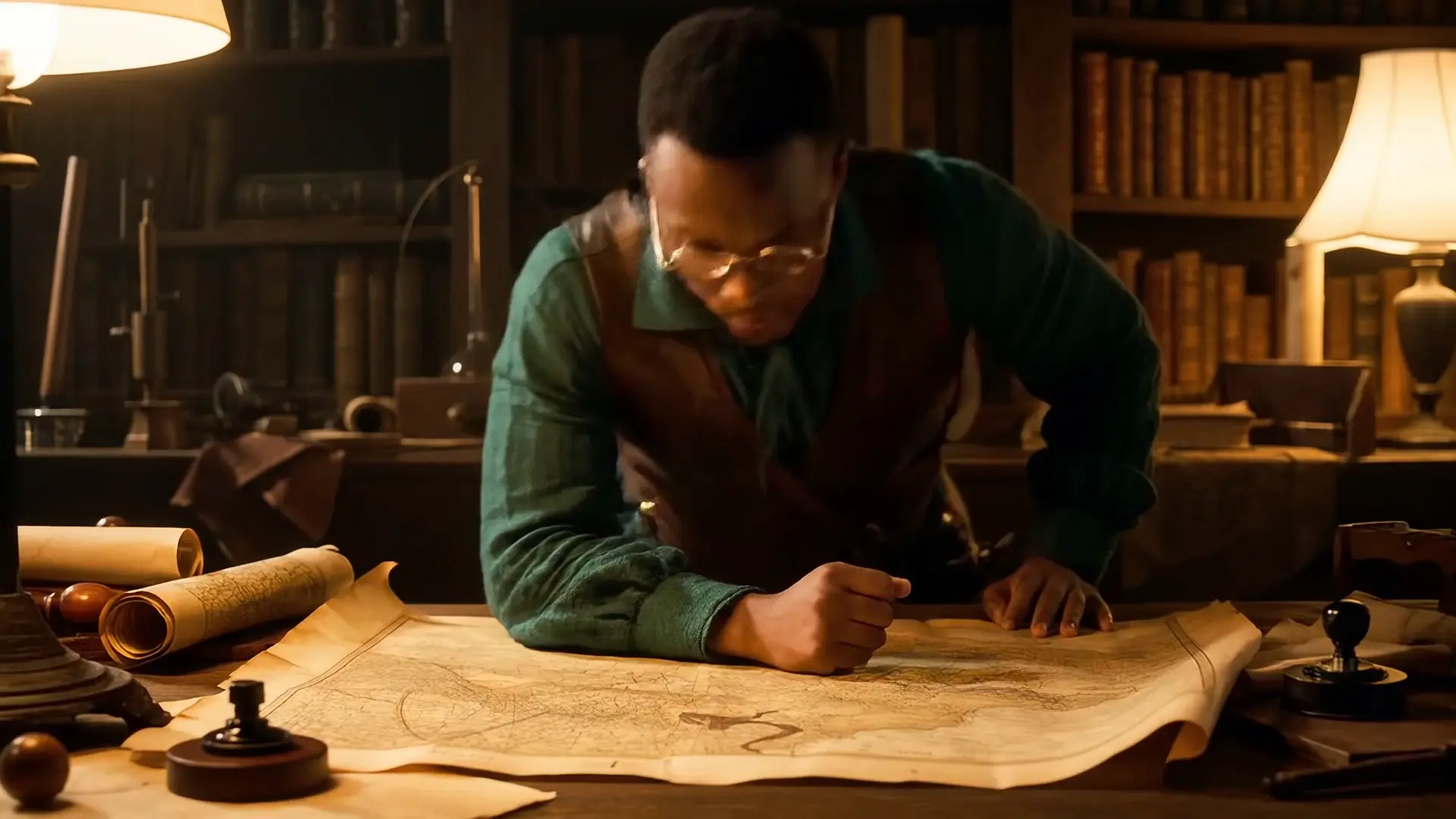
Create cinematic clips in seconds with Veo 3.1 Fast, built for instant text-driven motion and creative control.
Create realistic motion visuals with Veo 3.1's sleek AI video conversion.

Pro-tier reference-driven 3-15s video generation from $0.19 per second.
Happy Horse 1.1 Image to Video animates a single still photo into a short clip with natural, physically grounded motion while keeping the subject's identity, color, and composition close to the original frame. It suits portrait animation, product reveal clips, and cinematic ad teasers where you want to bring a specific image to life rather than generate a scene from scratch.
Happy Horse 1.1 Image to Video refines known pain points from the 1.0 generation, with livelier motion pacing instead of sluggish action and steadier handling of diverse subjects, including improved Asian-face fidelity. Based on publicly available information, these changes make it a more dependable choice for character-driven and product-driven clips.
Yes. Happy Horse 1.1 Image to Video uses your uploaded photo as the first frame, then adds motion from your text prompt. If you want prompt-only generation without a source image, use the Happy Horse 1.1 text-to-video template instead.
Happy Horse 1.1 Image to Video outputs 720P or 1080P at 24 fps, with clip lengths from 3 to 15 seconds. The output aspect ratio follows your source image, so there is no separate ratio control — choose your photo's proportions to control the final shape.
Lead with motion verbs like drift, orbit, or push in so the model knows what should move, then state what must stay fixed, such as identity, packaging, or background. Because Happy Horse 1.1 Image to Video animates your exact photo, describing one clear visual beat per clip gives the most reliable results.
The model takes one first-frame image (JPEG, JPG, PNG, or WEBP; min 300px per side; aspect between 1:2.5 and 2.5:1; max 10MB) plus a prompt up to 5000 non-Chinese or 2500 Chinese characters. Check the current RunComfy parameter panel for the exact limits, since some options may vary by provider settings.
Yes. You can prototype Happy Horse 1.1 Image to Video in the RunComfy model UI, then call the same model via the RunComfy API with identical parameters for automation. You don't need to host or scale the model yourself.
Generations with Happy Horse 1.1 Image to Video are billed per second of video and consume usd or credits: $0.13 per second at 720P and $0.16 per second at 1080P. For example, a 5-second 1080P clip costs about $0.80; see the Generation section on the page for current details.
RunComfy is the premier ComfyUI platform, offering ComfyUI online environment and services, along with ComfyUI workflows featuring stunning visuals. RunComfy also provides AI Models, enabling artists to harness the latest AI tools to create incredible art.