

Anima Base v1 ComfyUI: Anime cyberpunk text-to-image workflow#
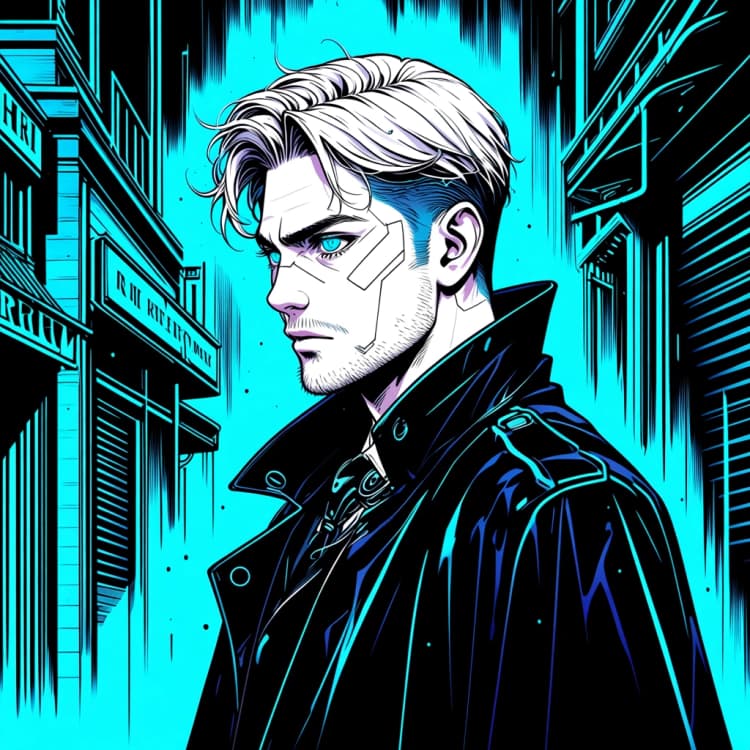
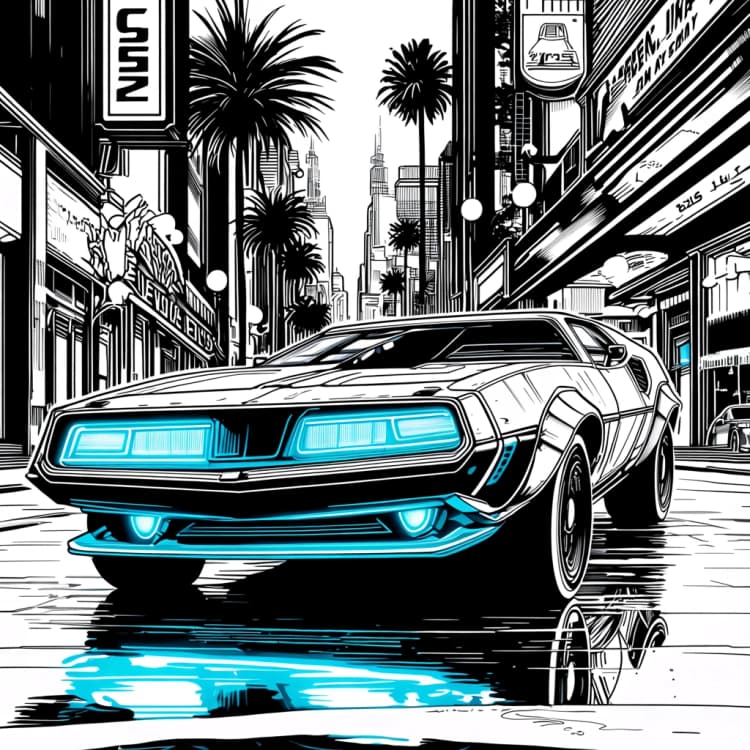
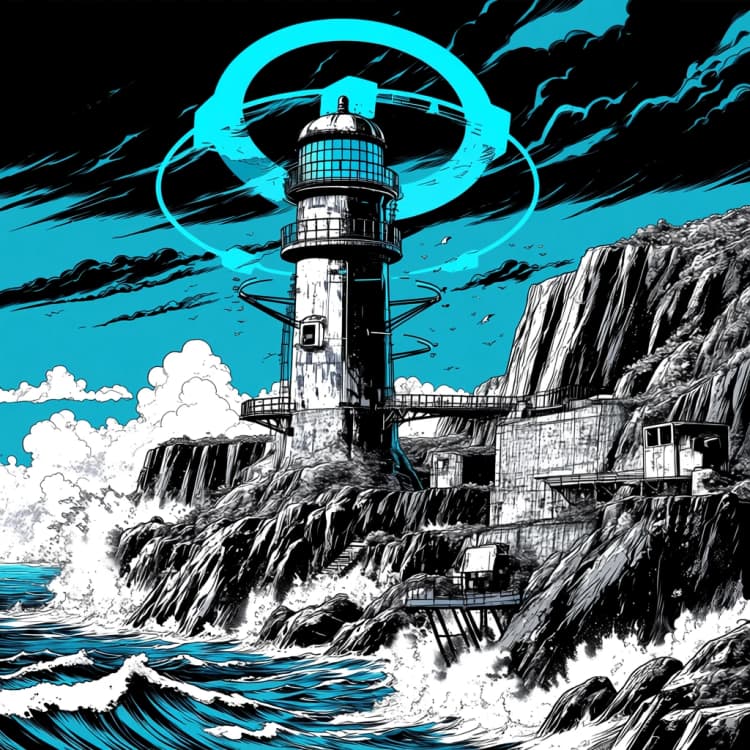
This template is a compact, official Anima Base v1 ComfyUI workflow for generating high‑contrast anime portraits and stylized illustrations from a single prompt. It is tuned for clean linework, cinematic lighting, and cyberpunk vibes while keeping the graph minimal so you can focus on creativity rather than wiring.
Powered by CircleStone Labs Anima Base v1.0 with Qwen text encoding and the Qwen Image VAE, the workflow exposes exactly the controls you need for iteration: prompt, sampler settings, resolution, seed, and model selection. It is a fast starting point for anime character art, cyberpunk portraits, and prompt‑driven illustration studies.
Key models in the Anima Base v1 ComfyUI workflow#
- CircleStone Labs Anima Base v1.0 diffusion model. The core UNet that synthesizes latent images with crisp anime linework, high‑contrast shading, and stylized detail. It provides the visual prior that makes cyberpunk portraits and character art pop. Model card
- Qwen3 0.6B Base text encoder. Translates your text prompt into embeddings the diffusion model understands, improving subject fidelity and style control for anime prompts. Distributed with the Anima package as qwen_3_06b_base.safetensors. Files
- Qwen Image VAE. Decodes the final latent into a full‑resolution image while preserving Anima’s contrast and color response. Shipped as qwen_image_vae.safetensors. Files
How to use the Anima Base v1 ComfyUI workflow#
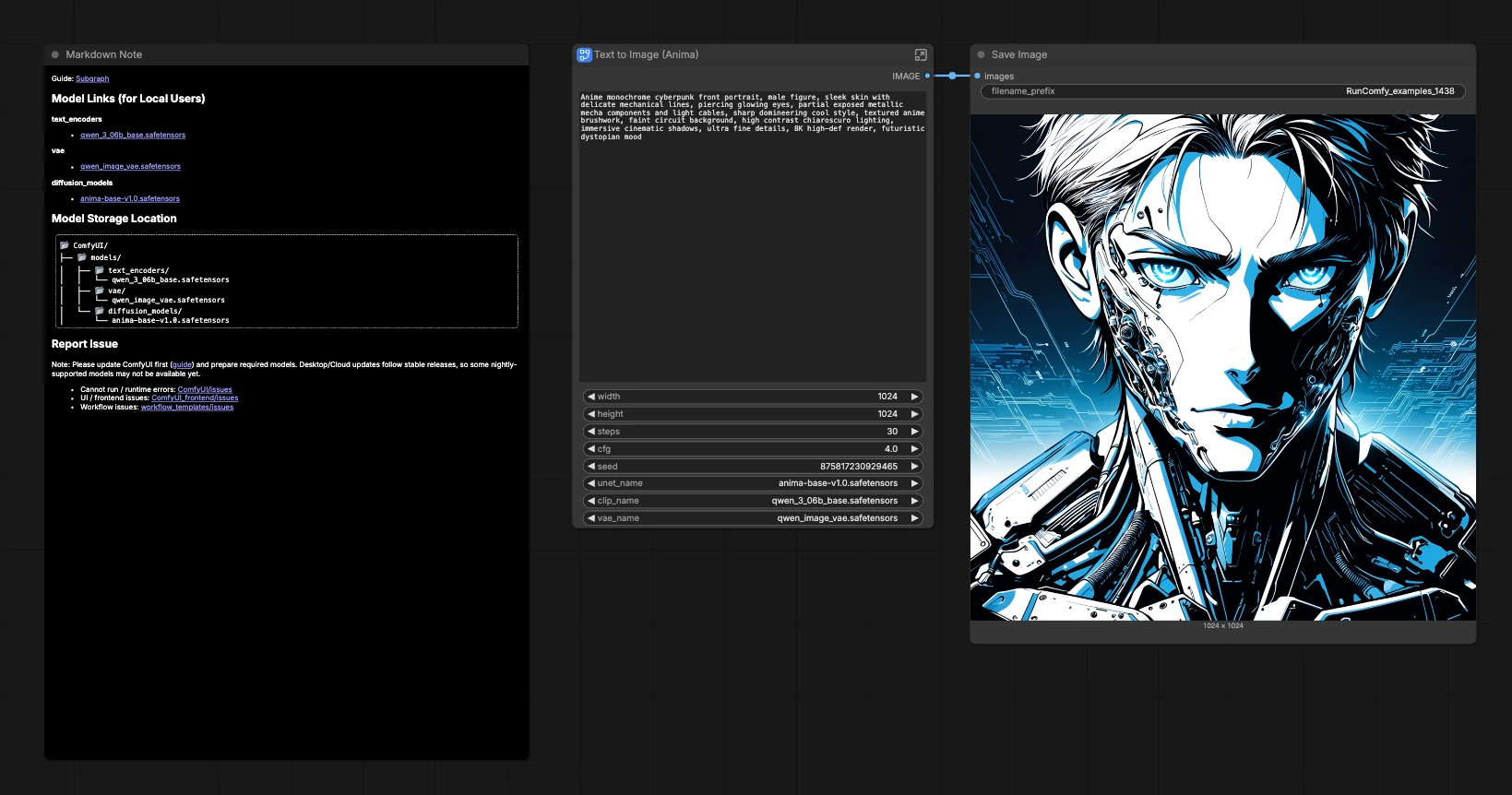
The workflow runs in a single pass: your prompt is encoded, a latent image is sampled, then decoded to pixels and saved. Three groups organize the experience so you can move quickly from idea to result.
Model#
Use this group to pick the Anima Base v1.0 diffusion model, the Qwen text encoder, and the Qwen Image VAE. Keeping these three aligned maintains the intended look and contrast of Anima. You can swap any of them for experimentation, but mixing non‑Anima assets will change color, textures, and edge rendering. If you plan to compare variants, keep the seed fixed so differences reflect the model choice and not random noise.
Image Size#
Set width and height for the latent canvas. Square frames suit portraits and make it easy to judge lighting and style, while vertical ratios like 3:4 or 4:5 emphasize characters. Larger sizes improve detail but increase memory use and sampling time. Start modest, find a look you love, then scale up for finals.
Prompt#
Enter your creative description in the positive prompt. For anime cyberpunk, combine subject + styling + lighting, for example: “stylized anime cyberpunk portrait, neon accents, reflective metal, cinematic rim light.” The internal negative prompt is prefilled with common quality suppressors to reduce artifacts and mushy edges, while the exposed text field keeps the main creative prompt easy to edit.
Sampling and output#
Behind the scenes the sampler generates the latent image using your steps, cfg, and seed. More steps add refinement, while cfg balances adherence to the prompt against the model’s artistic prior. The VAE decodes the latent to RGB, and the image is saved with a base name so you can track iterations as you explore variations.
Key nodes in the Anima Base v1 ComfyUI workflow#
KSampler(#19). The engine that turns your conditioning into an image latent. Increasestepsfor more intricate linework and micro‑detail; adjustcfglower for freer, mood‑driven results or higher for tighter prompt following; lockseedto reproduce a composition while you change wording or settings.CLIP Text Encode (Positive Prompt)(#11). Converts your text into embeddings for the model. Concise, descriptive phrases tend to produce the cleanest anime edges. Blend subject, medium, and lighting terms, then iterate by swapping a single word per run to learn what drives the look.CLIP Text Encode (Negative Prompt)(#12). Pushes the sampler away from unwanted traits. Keep the included quality filters and add target‑specific exclusions like “low contrast,” “over‑smoothed skin,” or “lens flare” when needed.EmptyLatentImage(#28). Defines the canvas size. Use square for character busts, tall verticals for full‑body shots, or wider frames for environmental context. If you change aspect ratio mid‑project, expect composition to reflow even with the same seed.UNETLoader(#44). Loads the Anima Base v1.0 diffusion weights. This node is the quickest way to A/B test compatible model variants while holding everything else constant.VAELoader(#15). Selects the Qwen Image VAE. Staying with the paired VAE preserves Anima’s contrast and color mapping; swapping VAEs will subtly shift tones and edge softness.
Optional extras#
- Start with short prompts, then add one modifier at a time to learn how Anima Base v1 ComfyUI responds.
- Keep
seedfixed while tuning prompts andcfg, then change it to explore new compositions. - For crisp, graphic anime shading, favor clear lighting terms like “hard rim light” or “deep chiaroscuro.”
- Use vertical ratios for character portraits and square for avatars or social thumbnails to reduce cropping surprises.
- If you see banding or washed colors, try a small
cfgadjustment or refine the prompt wording to steer contrast. - Name iterations in
SaveImagewith a project prefix so batches sort cleanly when comparing results.
Acknowledgements#
This workflow implements and builds upon the following works and resources. We gratefully acknowledge Comfy Org for the source Text to Image workflow template and CircleStone Labs for Anima and Anima Base v1.0 (Diffusers). For authoritative details, please refer to the original documentation and repositories linked below.
Resources#
- Comfy Org/Anima Base v1 Text to Image
- GitHub: Comfy-Org
- Docs / Release Notes: Comfy workflow source
- CircleStone Labs/Anima
- Hugging Face: circlestone-labs/Anima
- CircleStone Labs/Anima Base v1.0 (Diffusers)
- Hugging Face: circlestone-labs/Anima-Base-v1.0-Diffusers
Note: Use of the referenced models, datasets, and code is subject to the respective licenses and terms provided by their authors and maintainers.