flux-1-1-pro/text-to-image
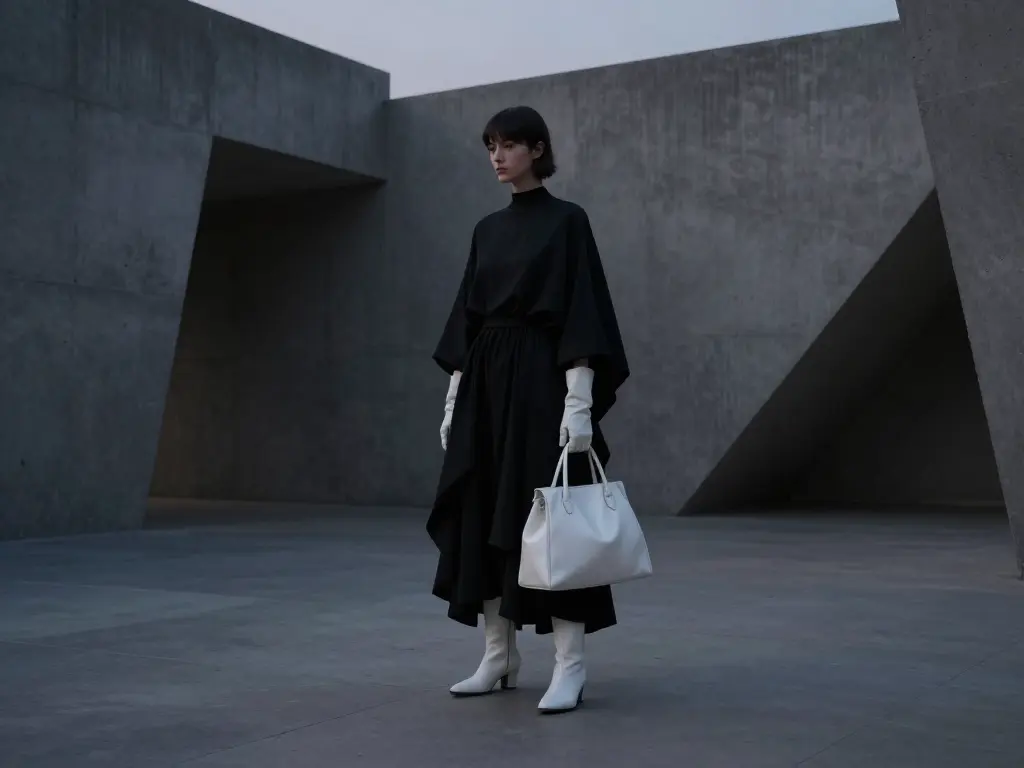
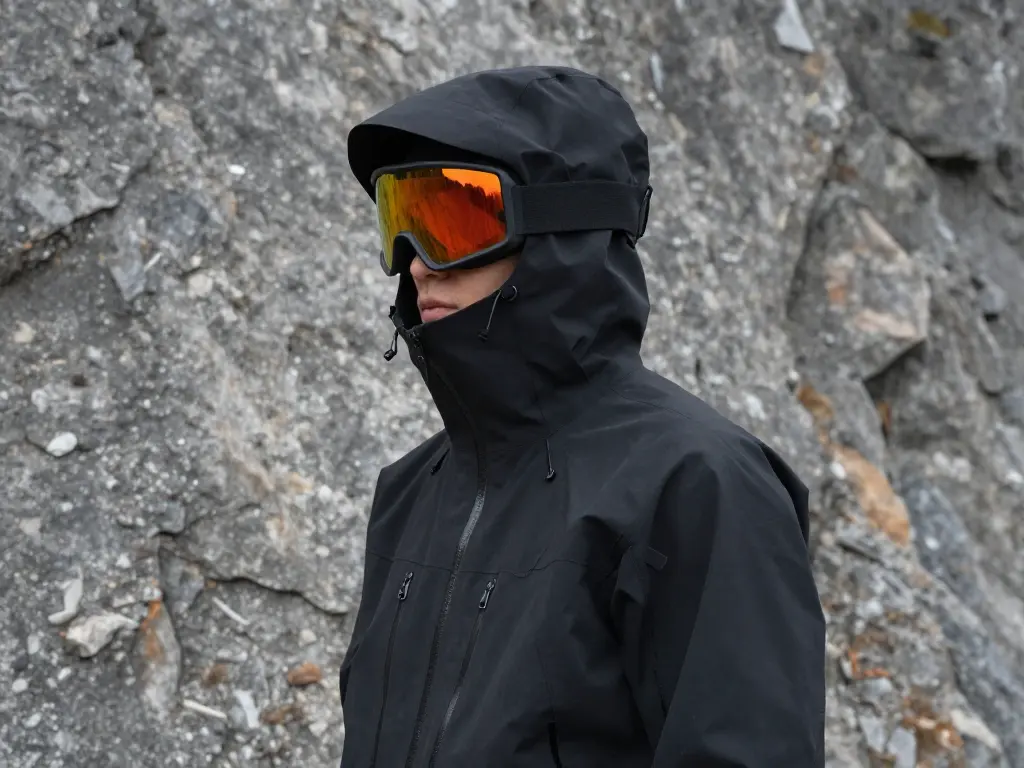
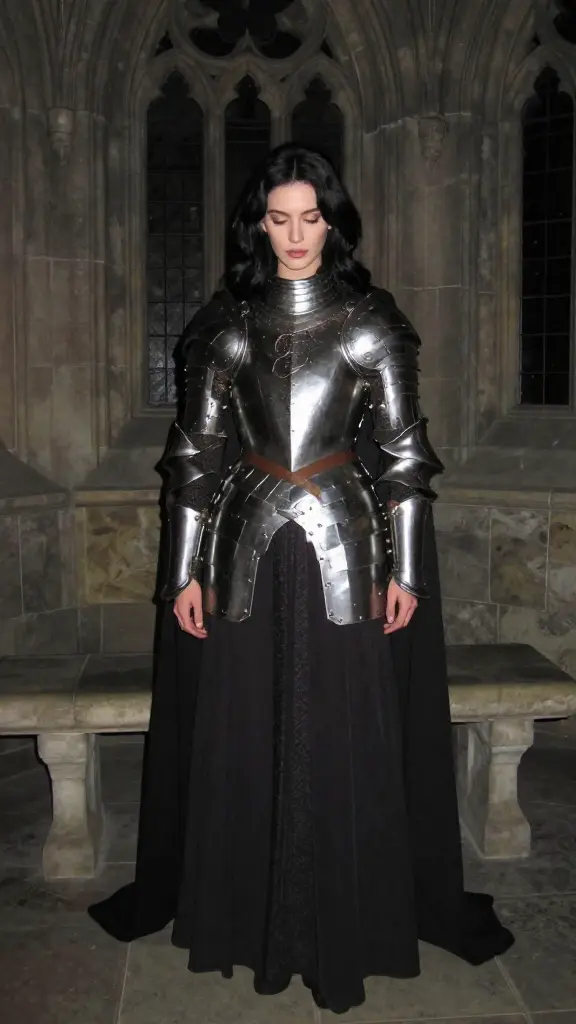
Perfect detail meets artistic mastery.
scale slider (0.0 to 4.0). Dial in subtle enhancements or force heavy stylization.- In the LoRAs list, add an item.
- Path: Paste a download link or HuggingFace ID (e.g., renderartist/Technically-Color-Z-Image-Turbo).
- Scale: Set the intensity (Default is 1.0). Increase for stronger effect, decrease for subtlety.
- You can add up to 3 LoRAs to mix effects.
- LoRA: renderartist/Technically-Color-Z-Image-Turbo (Scale: 1.0)
- Prompt: "A cyberpunk street scene..."
- LoRA 1: user/anime-character-lora (Scale: 1.0)
- LoRA 2: user/watercolor-style-lora (Scale: 0.7)
- Result: The specific character rendered in a watercolor style.
.safetensors files or use the username/repo-name format from HuggingFace.Perfect detail meets artistic mastery.

Flux.1 Schnell is a rapid text-to-image tool with vivid output and few-step control, at just $0.003 per image.

Edit images with strong prompt control and consistent style using FLUX Kontext Max.

Transform written ideas into lifelike visuals with precise texture, light, and typography control for professional design use.

Refine images with adaptive style control, LoRA merging, and high-res rendering for consistent design output.

Generate accurate brand visuals with high-fidelity text-to-image control.
It is significantly faster and more scalable. Because Z Image Turbo Lora is engineered for low-latency generation, RunComfy’s auto-scaling GPUs allow it to handle high concurrency effortlessly. This eliminates the queue times and significant hardware overhead associated with running high-speed diffusion models locally on consumer-grade equipment.
You can generate images with dimensions ranging from 256px up to 1536px. The model accepts standard text prompts and allows you to stack up to three simultaneous LoRA models. This capability enables Z Image Turbo Lora to handle complex style blending tasks that typically require much heavier workflow configurations.
Transitioning is seamless. Once you refine your parameters in the playground, simply switch to the "API" view to copy the JSON payload. You can then trigger the Z Image Turbo Lora model via standard HTTP requests (Python or cURL), ensuring your production app matches the exact quality and settings defined during testing.
RunComfy is the premier ComfyUI platform, offering ComfyUI online environment and services, along with ComfyUI workflows featuring stunning visuals. RunComfy also provides AI Models, enabling artists to harness the latest AI tools to create incredible art.