dreamina-4-0/edit
Generate 4K visuals with precise edits and style control for designers.
| Parameter | Type | Default/Range | Description |
|---|---|---|---|
| prompt | string | Default: "" | Text guiding the image content AND the layer structure. Explicitly describe layers for best control. |
| image_url | string | Required | URL of the input RGB image (if performing decomposition on existing media). |
| negative_prompt | string | Default: "" | Elements to exclude from the generation. |
| Parameter | Type | Default/Range | Description |
|---|---|---|---|
| num_layers | integer | Default: 4; Range: 3-10 | The target number of RGBA layers to generate. Supports explicit decomposition depth from 3 to 10. |
| num_inference_steps | integer | Default: 28 | Diffusion steps. Higher values (e.g., 50) allow for more refined edge details and alpha transparency. |
| guidance_scale | float | Default: 5 | How strictly the model follows the prompt. |
| seed | integer | Default: 0 | Set a fixed seed for reproducible layer structures. |
| Parameter | Type | Default/Range | Description |
|---|---|---|---|
| output_format | string | Options: png, webp (Default: png) | PNG is highly recommended to preserve the transparency (Alpha channel) of layers. |
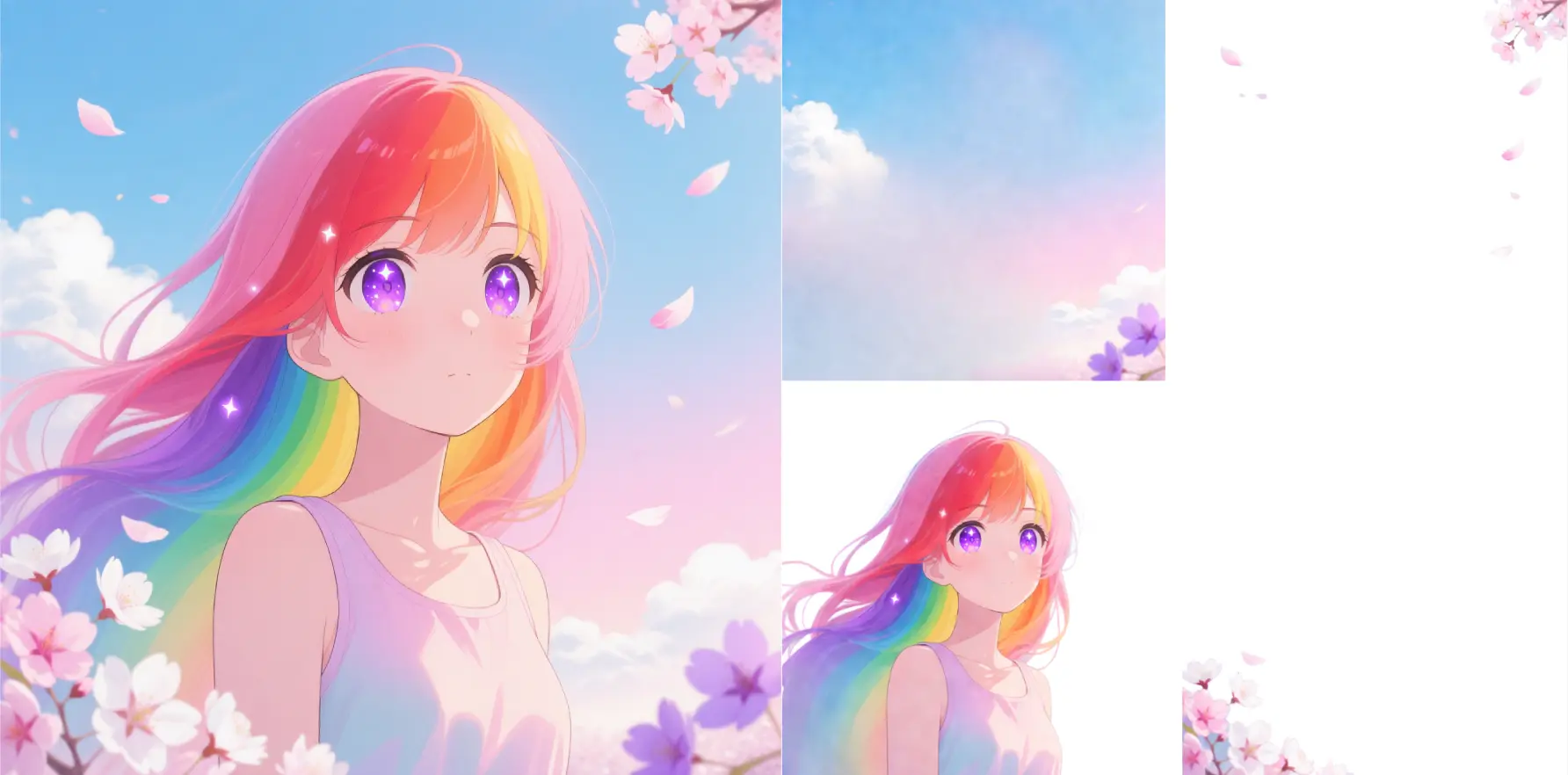
Developers can integrate Qwen Image Layered via the RunComfy API. The API accepts a prompt and/or source image and returns a JSON object containing a list of RGBA image URLs (the layer stack). This is ideal for building automated design tools, canvas editors, or VFX pipelines that require layered assets.
Note: API Endpoint for Qwen Image Layered
If you need to generate high-quality flat images without layer separation, try the standard Qwen-Image model. If you need to edit specific regions of a flat image using mask-based instructions, look for Qwen-Image-Edit-2509.
Generate 4K visuals with precise edits and style control for designers.

Advanced temporal reasoning edits for image transformation with natural motion and structure consistency.

Next-gen visual tool with refined editing, bilingual text control, and seamless image blending.

8-step Turbo model enabling rapid, high-quality visual edits for creators

Create photoreal visuals with multi-reference, color, and typography precision.

FLUX 3 Image is a multimodal image model with reference guidance and readable text
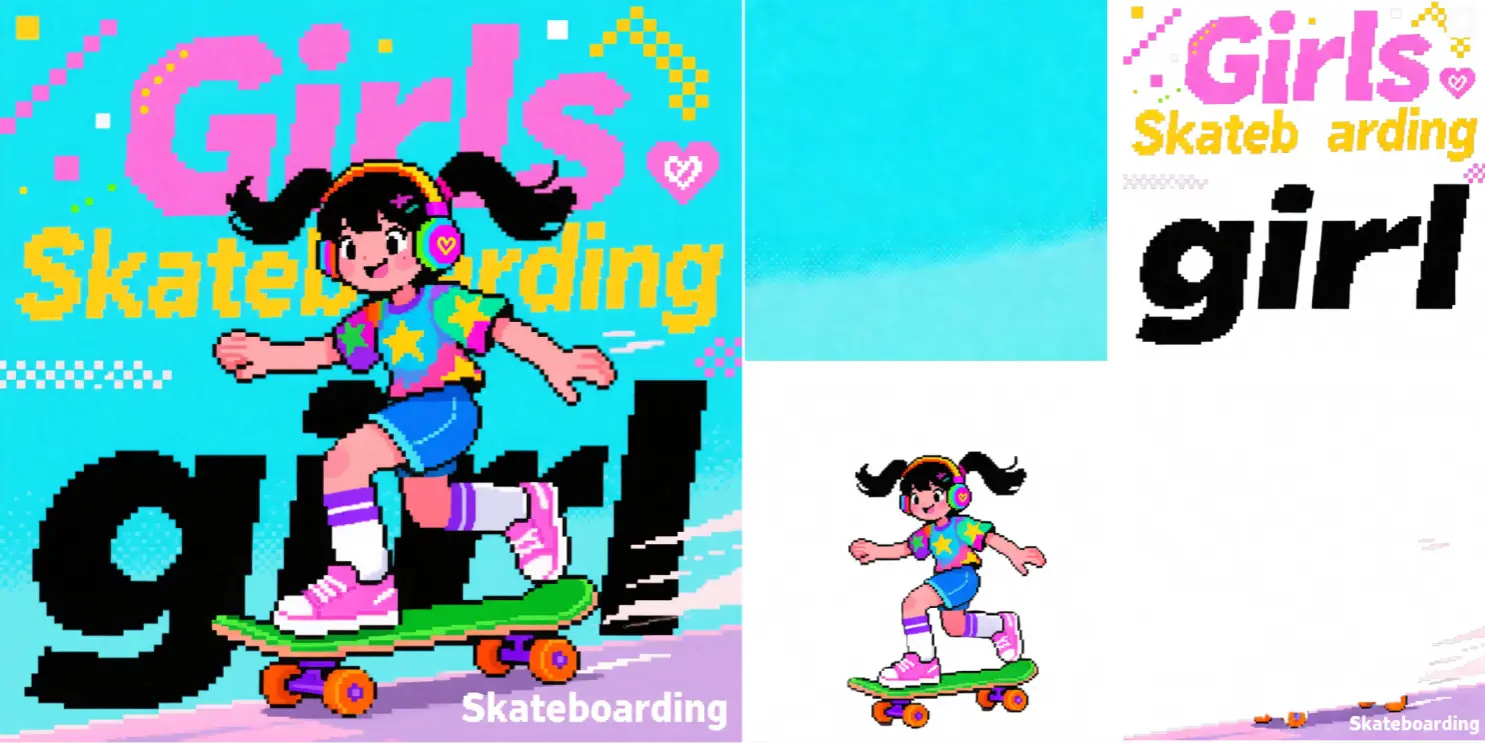
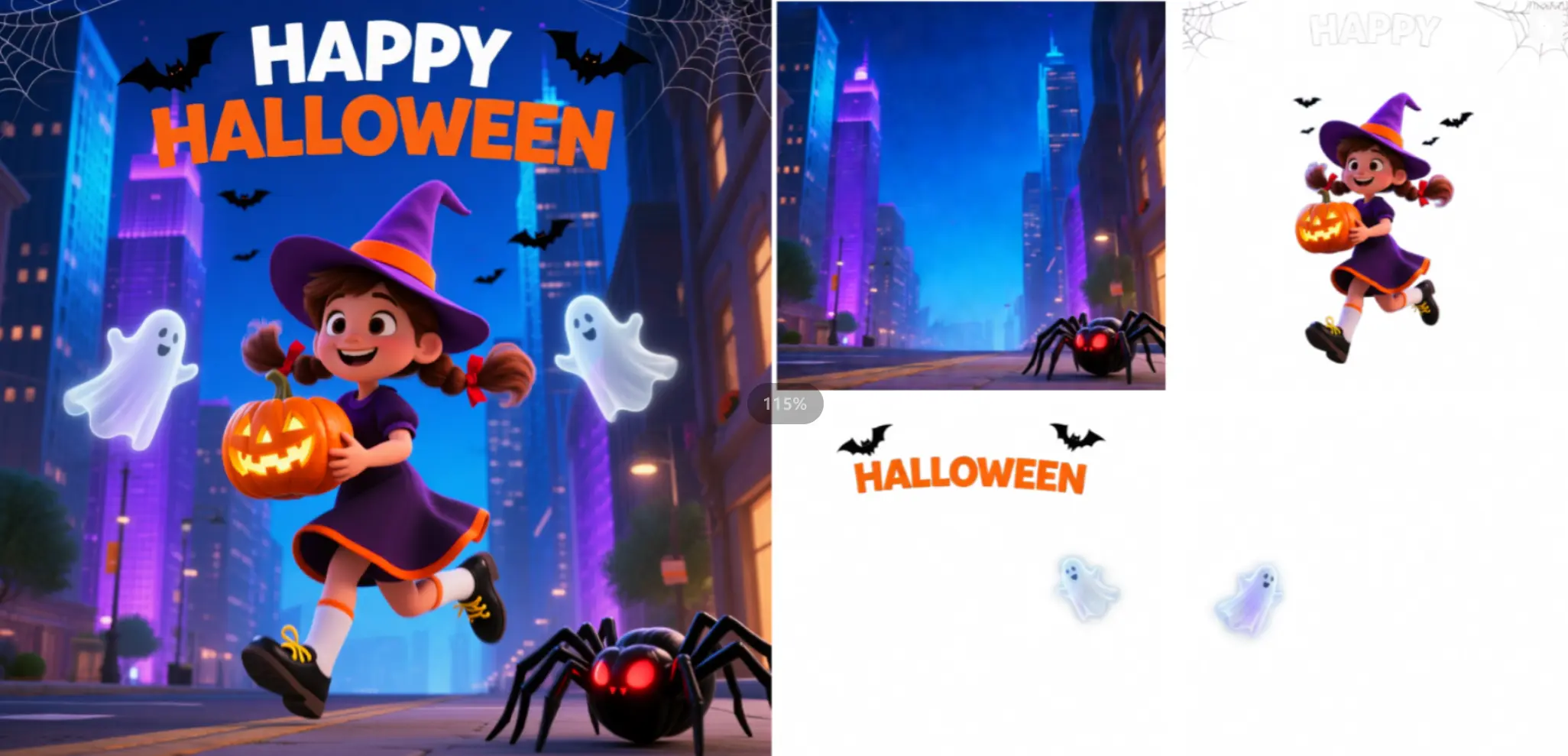
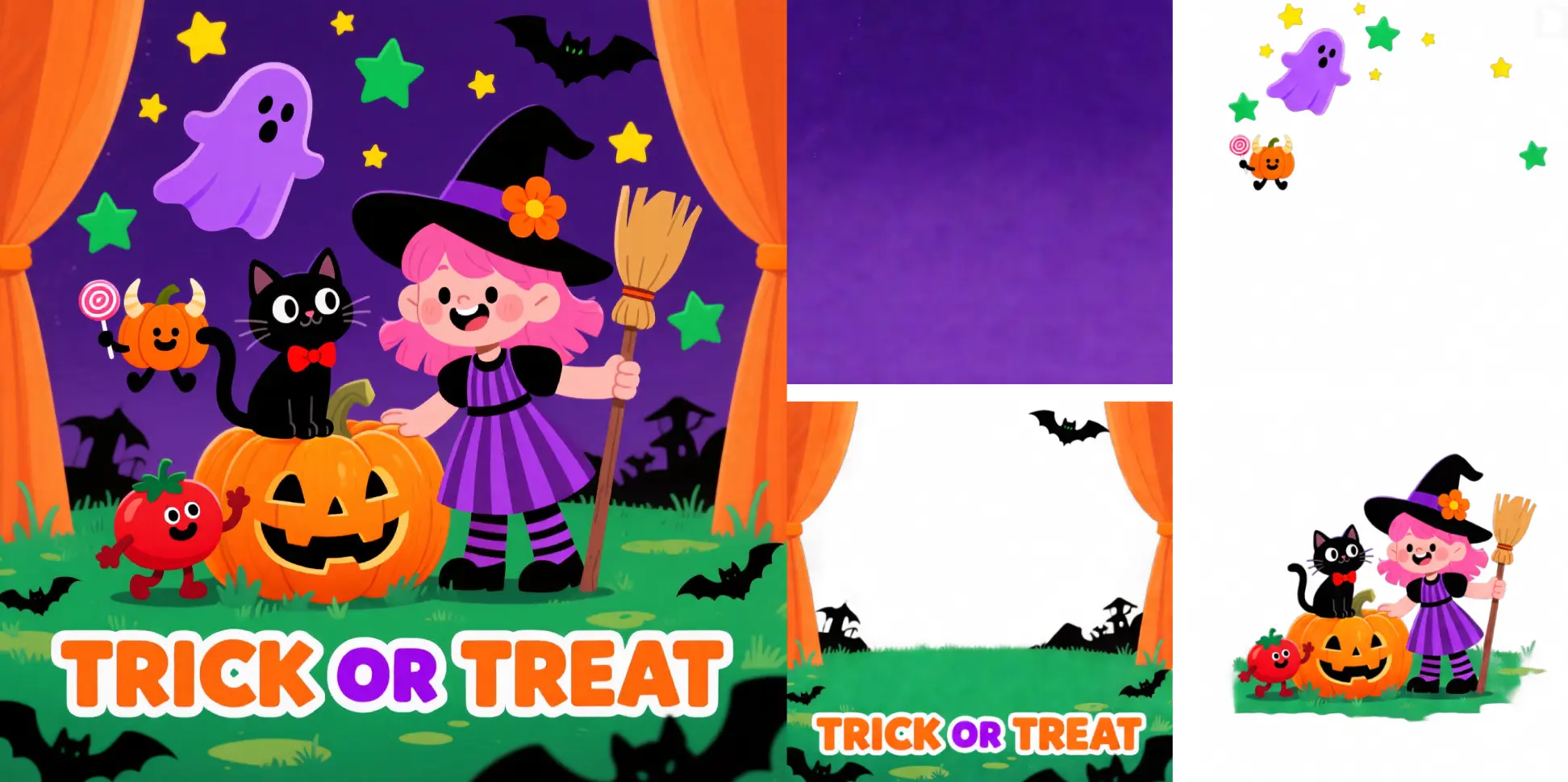
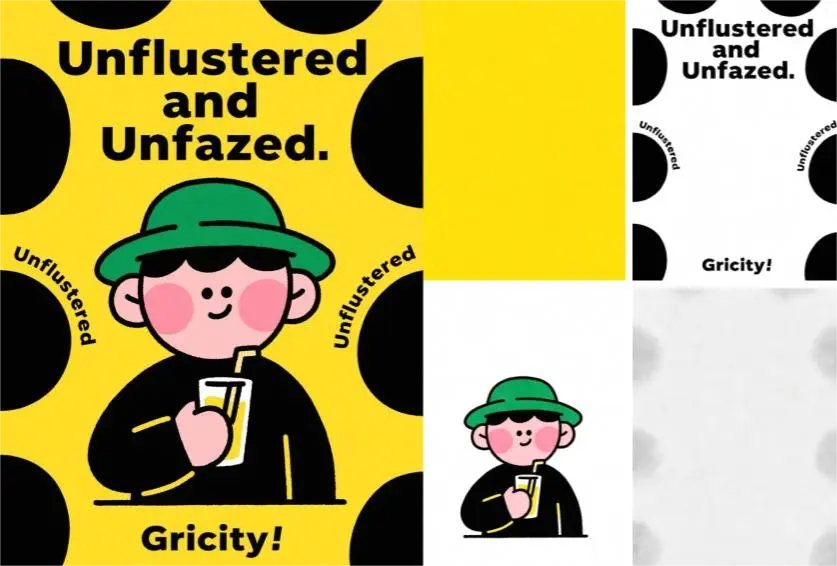
Qwen Image Layered differs from typical image-to-image systems because it decomposes a single input into multiple semantically coherent RGBA layers. Each layer can be edited independently—offering native transparency and structure awareness—making it especially useful for professional post-production and 3D pipeline integration.
Yes, Qwen Image Layered outputs can be used commercially depending on the model’s official license. Users should review Alibaba’s Qwen Image Layered license terms before deploying in commercial workflows, especially when performing image-to-image transformations that modify client intellectual property.
When using Qwen Image Layered in image-to-image operations, the current maximum resolution is around 4096×4096 pixels (≈16MP), with output scaling dependent on VRAM availability. It typically supports up to 8 semantic layers, and prompt tokens are capped at 1,024.
Yes. Qwen Image Layered currently supports up to two external reference channels—either ControlNet or IP-Adapter—when performing image-to-image refinement. Beyond that, the cross-layer attention matrix may degrade, affecting layer separation quality.
To transition Qwen Image Layered from the RunComfy Playground to production, generate and test your layered image-to-image workflow interactively first. Then use the RunComfy REST API with the same model identifier (e.g., 'qwen-image-layered-v1'). Authentication uses token-based headers with consumption billed in usd. Documentation is available under the API section of your RunComfy dashboard.
Qwen Image Layered uses the VLD-MMDiT backbone with Layer3D RoPE positional embeddings. This design ensures cross-layer contextual awareness, producing smoother image-to-image decompositions where objects remain intact and semantically separated, particularly for complex visual structures.
The model employs an RGBA-VAE, providing shared latent space for RGB and RGBA data. During image-to-image inference, this prevents mismatched transparency extraction and ensures that each semantic component receives a consistent alpha mask for precise downstream editing.
Yes. One of Qwen Image Layered’s strengths in image-to-image reconstruction is its strong text preservation. The layer decomposition mechanism isolates text regions, allowing independent font, color, or style adjustments without bleeding into background layers.
Qwen Image Layered is ideal for designers, game studios, and VFX teams needing transparent semantic layers. Typical image-to-image applications include visual branding reworks, UI component isolation, background replacement, and color variation generation—tasks that benefit from nondestructive layer control.
While Qwen Image Edit offers local region modifications on a single flat image, Qwen Image Layered provides full semantic decomposition across multiple RGBA layers. This gives superior control for iterative image-to-image refinement, reducing artifacts and making compositing workflows far more efficient.
RunComfy is the premier ComfyUI platform, offering ComfyUI online environment and services, along with ComfyUI workflows featuring stunning visuals. RunComfy also provides AI Models, enabling artists to harness the latest AI tools to create incredible art.