kling-2-5/turbo/text-to-video
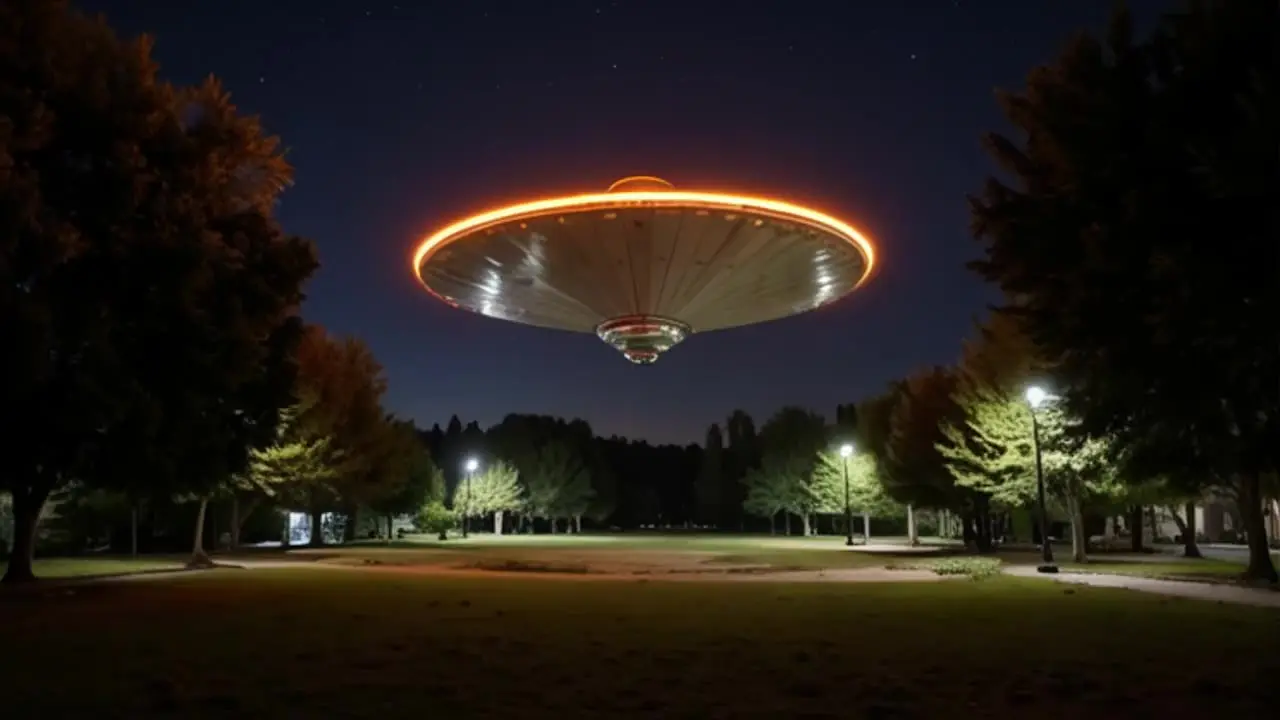
Generate fast, high quality videos from text with Kling 2.5 Turbo.
Generate fast, high quality videos from text with Kling 2.5 Turbo.

Generates up to 4-minute songs with vocals and lyrics from text tags

Generates up to 4-minute songs with vocals from style tags and lyrics

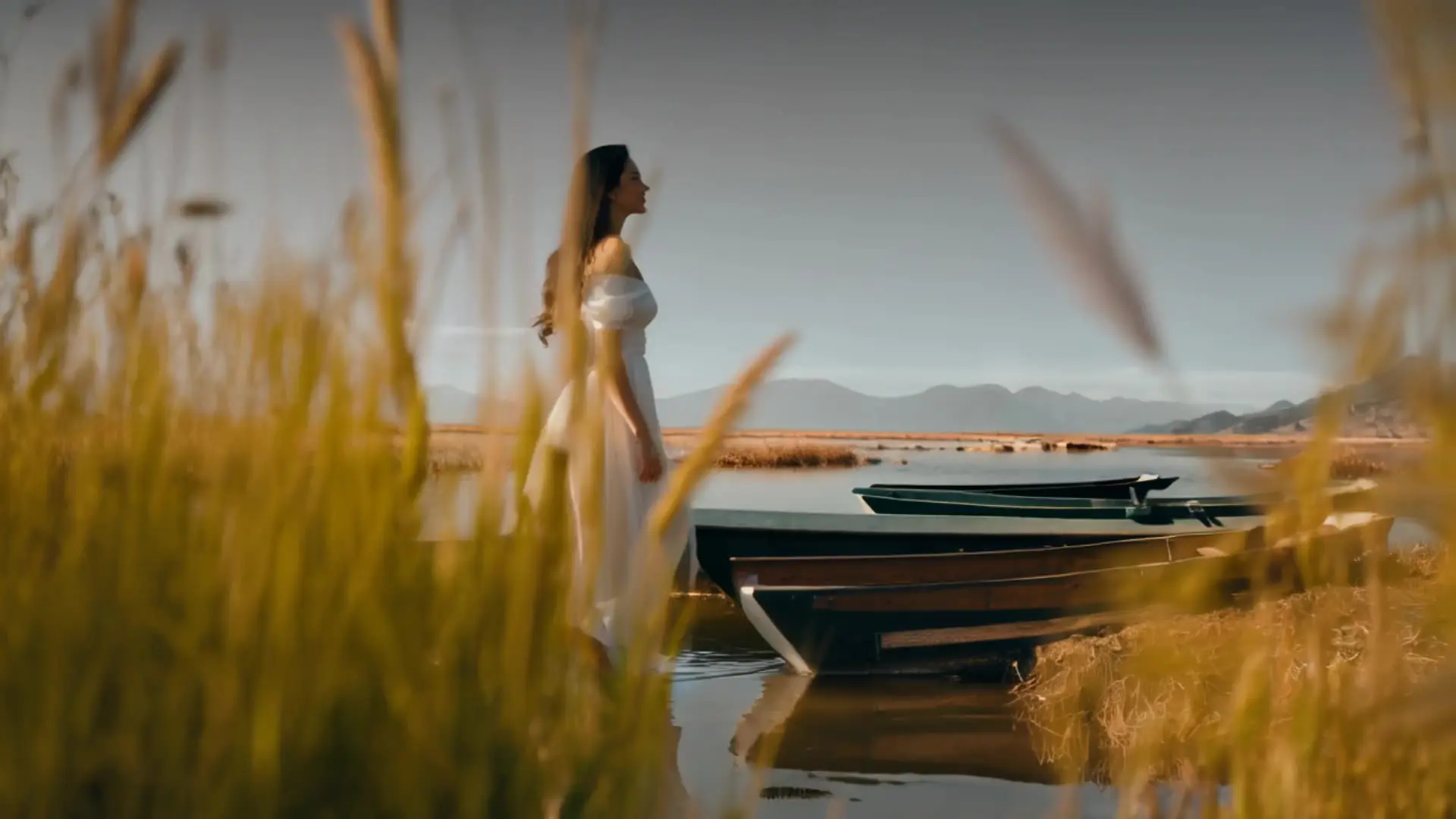
Create 2K cinematic clips with precise lip-sync and camera control

Seedance 2.5 480p: Fast, low-cost still-to-video animation drafts

Transform still images and voice tracks into lifelike talking avatars with precise motion control.
Pika 2.2 is the latest version of Pika Labs’ AI-powered generation platform. It allows users to create animated content from simple inputs like text prompts or images. Pika 2.2 automates the process, generating short clips based on user instructions without the need for traditional editing skills.
Pika 2.2 introduces several upgrades over previous versions. It supports longer outputs—up to 10 seconds—and higher resolution up to 1080p. Pika 2.2 also adds smoother transitions, better motion consistency, and new creative tools that make content more dynamic and detailed compared to older Pika versions.
Yes, Pika 2.2 supports image-to-generation. Users can upload a still photo or illustration, and Pika 2.2 will animate it into a short clip with camera-like motion or environmental movement. This feature is more advanced in version Pika 2.2, enabling smoother and longer animations from images than earlier versions could manage, although results may vary depending on the image content.
With Pika 2.2, you can generate content up to 10 seconds long, which is a big step up from the shorter outputs older versions allowed. In terms of quality, Pika 2.2 can produce full HD (1080p) resolution, so the visuals are quite sharp and detailed.
PikaFrames is a new feature introduced in Pika 2.2 that provides more control over animation by using keyframes. It allows you to use multiple images (or specified frames) and have Pika 2.2 generate seamless transitions between them. For example, you can provide a starting image and an ending image, and PikaFrames will morph the first into the second with smooth motion over a few seconds. This keyframe-based transition system enables Pika 2.2 to generate clips (up to 10 seconds long) with natural movement and scene changes. How PikaFrames Works:
Pikaffects is a feature that enables users to apply a range of AI-generated visual effects to video elements. These effects include transformations such as inflating, melting, exploding, or reshaping objects—adding visual variety and motion to otherwise static scenes. How Pikaffects Works:
PikaScenes allows users to combine separate visual elements—such as characters, objects, and environments—into a single, unified video scene. It automatically adjusts lighting, scale, and perspective to ensure all elements blend naturally, making it ideal for animating concept art or composing prototype scenes. How PikaScenes Works:
Pikadditions is an AI-powered feature that lets users insert new objects, characters, or elements into existing videos while preserving the original content. It ensures that added elements blend naturally by automatically adjusting lighting, motion, and depth—eliminating the need for manual editing. How Pikadditions Works:
Pikaswaps is a feature that allows users to replace objects or visual elements in a clip with alternatives that match the original’s lighting, motion, and texture. It simplifies complex visual effects workflows by automating the replacement process using AI. How Pikaswaps Works:
RunComfy is the premier ComfyUI platform, offering ComfyUI online environment and services, along with ComfyUI workflows featuring stunning visuals. RunComfy also provides AI Models, enabling artists to harness the latest AI tools to create incredible art.