logo
RunComfy
  • Playground
  • ComfyUI
  • TrainerNew
  • API
  • Pricing
discord logo
PLAYGROUND
Explore
All Models
Lipsync Studio
Character Swap
Upscale Video
LIBRARY
Generations
MODEL APIS
API Docs
API Keys
ACCOUNT
Usage

live avatar generator: Photorealistic Lip-Sync Video Creation on playground and API | RunComfy

community/live-avatar

Transform static images and text or audio into photorealistic talking videos with precise lip sync, expressive motion, and fast image-to-video generation for scalable, engaging digital avatars.

Must be a valid image URL. The character in this image will be animated.
Must be a valid audio URL (WAV or MP3). The avatar is animated to match this audio.
Each clip is approximately 3 seconds long. Higher values create longer videos.
Must be a multiple of 4. Higher values produce smoother results but take longer to generate.
Higher values follow the prompt more closely.
Idle
The rate is $0.01 per second.

Introduction to Live Avatar Generator

Live avatar model is a cutting-edge live avatar generator that transforms still images and audio or text into photorealistic talking videos with accurate lip sync and expressive motion. Designed for content creators, enterprise marketing teams, and AI developers, it replaces complex production and animation workflows with a faster, cost-efficient pipeline powered by image-to-video generation. For developers, live avatar generator on RunComfy can be used both in the browser and via an HTTP API, so you don’t need to host or scale the model yourself.

Ideal for: AI Spokesperson Videos | E-Learning Narrations | Interactive Customer Avatars

What makes live avatar generator stand out

live avatar generator is a specialized solution engineered for image-to-video creation from a single portrait. The image-to-video task serves as the mechanism that turns one still image into a temporally coherent talking sequence aligned to audio, preserving identity and structure. With precise lip sync, expressive facial motion, and stable framing, live avatar generator delivers photoreal results at speed. Built for production, live avatar generator adapts to varied voices and styles while keeping geometry intact.


Key capabilities:

  • Structure preservation: live avatar generator maintains identity, pose, and facial landmarks across frames.
  • Lip-sync fidelity: live avatar generator aligns visemes to audio with frame-level timing.
  • Expressive motion: live avatar generator adds natural blinks, head nods, and gaze shifts without drift.
  • Efficient performance: live avatar generator renders smooth clips with frames_per_clip multiples of 4.
  • Production control: guidance_scale, seed, and num_clips tune duration, style, and repeatability.
  • Input robustness: supports varied image crops and standard WAV or MP3 audio.

Prompting guide for live avatar generator

Begin by supplying image_url of the subject and audio_url in WAV or MP3, then write a focused prompt describing expression, pacing, and motion limits. In live avatar generator, image-to-video converts the still portrait into a synchronized talking head; num_clips sets duration in about 3 second chunks and frames_per_clip (multiple of 4) controls smoothness. Use guidance_scale to enforce the prompt and seed for repeatable takes. Keep the face centered, with neutral backgrounds, for stable eye lines. For best quality, live avatar generator prefers sharp, front-facing images, and live avatar generator benefits from consistent face size across takes.


Examples:

  • "Preserve identity and camera framing; neutral studio lighting; subtle head nods and natural blinks; align to audio."
  • "Keep background unchanged; focus motion on mouth and eyes; no head rotation; live avatar generator follows the audio pace."
  • "Confident, upbeat delivery; small smiles on emphasized words; keep gaze at camera; avoid shoulder movement."
  • "Serious tone; minimal facial movement; maintain lip precision; increase frames_per_clip to 64 for smoother motion."
  • "Editorial look; soft key light from left; micro-expressions only; live avatar generator keeps structure and pose intact."

Pro tips:

  • State what to preserve vs what to change to reduce conflicts.
  • Use spatial cues like left, right, background only to localize motion.
  • Provide clean, high-resolution portraits; crop out distractions.
  • Avoid overstuffed prompts; prefer a few strong descriptors; tune guidance_scale gradually.
  • Fix duration before style tuning: set num_clips and frames_per_clip first; then adjust seed for consistency in live avatar generator.

Related Playgrounds

hailuo-02/image-to-video

Produces crisp 1080p AI videos with smart motion logic and speed

sync/lipsync/v2

Create lifelike synced videos from voices or images with precise motion and creative control.

infinite-talk/fast/multi

Transform speech into lifelike video avatars with expressive, synced motion.

pika-2-2/text-to-video

Create high quality videos from text prompts using Pika 2.2.

wan-2-6/image-to-video

Turn still visuals into motion-synced, high-detail video content with flexible control.

wan-2-6/video-to-video

Transforms reference clips into 1080p short videos with precise motion and voice alignment.

Frequently Asked Questions

What is the live avatar generator and how does its image-to-video process work?

The live avatar generator is a model that transforms a still image and audio or text input into a moving video avatar. Through image-to-video technology, it lip-syncs speech while creating expressive facial movements that look natural and engaging.

Who can benefit most from using the live avatar generator image-to-video model?

The live avatar generator is ideal for content creators, educators, marketers, and social media influencers who want to produce talking avatars quickly. The image-to-video feature saves time by turning static images into speaking videos without a full video shoot.

Is the live avatar generator image-to-video service free, or does it require paid credits?

The live avatar generator can be accessed through Runcomfy’s AI playground using a credit-based system. New users usually receive free trial credits to test the image-to-video tool, and additional credits can be purchased for extended use.

What makes the live avatar generator image-to-video tool different from older avatar models?

Compared to earlier versions, the live avatar generator delivers improved lip sync accuracy, enhanced emotional expressivity, and faster video generation. Its image-to-video engine uses advanced multimodal AI to produce smoother, more natural motion.

What input and output formats are supported by the live avatar generator image-to-video model?

The live avatar generator accepts image files such as JPG, PNG, or WEBP and audio files like MP3 or WAV. The image-to-video output is generated in standard 480p or 720p resolution, with the pro version supporting up to 1080p.

Can I create conversations with multiple avatars using the live avatar generator?

Yes, the live avatar generator supports multi-audio and multi-text modes, which enable interactive dialogues between different avatars. These image-to-video conversations offer realistic lip-syncing and facial expression for each character.

How can I improve output quality when using the live avatar generator image-to-video system?

To enhance results, you can give clear prompts that describe the avatar’s style, background, and emotion. Optimizing image quality and setting the right parameters in the live avatar generator also improves overall image-to-video realism.

What are the main limitations of the live avatar generator image-to-video solution?

While the live avatar generator excels at facial animation and lip synchronization, it is less suited for full-body or gesture-heavy scenes. The image-to-video process is optimized for expressive faces rather than complete body motion.

On what devices or platforms can I use the live avatar generator image-to-video tool?

The live avatar generator can be used directly through the Runcomfy website, accessible on desktop and mobile browsers. The image-to-video functionality runs in the cloud, so no local installation is required.

Follow us
  • LinkedIn
  • Facebook
  • Instagram
  • Twitter
Support
  • Discord
  • Email
  • System Status
  • Affiliate
Video Models/Tools
  • Wan 2.6
  • Wan 2.6 Text to Video
  • Veo 3.1 Fast Video Extend
  • Seedance Lite
  • Wan 2.2
  • Seedance 1.0 Pro Fast
  • View All Models →
Image Models
  • GPT Image 1.5 Image to Image
  • Flux 2 Max Edit
  • GPT Image 1.5 Text To Image
  • Gemini 3 Pro
  • seedream 4.0
  • Nano Banana Pro
  • View All Models →
Legal
  • Terms of Service
  • Privacy Policy
  • Cookie Policy
RunComfy
Copyright 2025 RunComfy. All Rights Reserved.

RunComfy is the premier ComfyUI platform, offering ComfyUI online environment and services, along with ComfyUI workflows featuring stunning visuals. RunComfy also provides AI Playground, enabling artists to harness the latest AI tools to create incredible art.
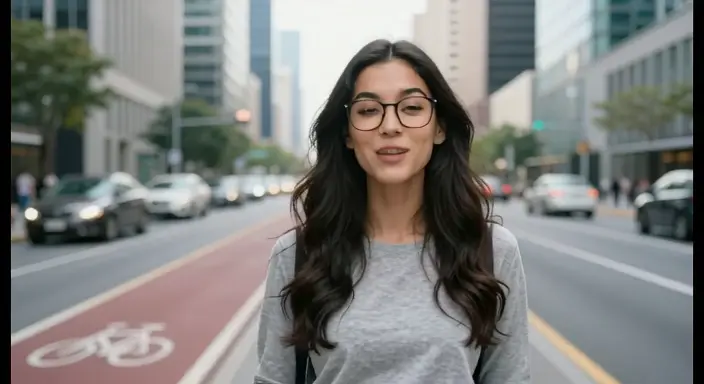
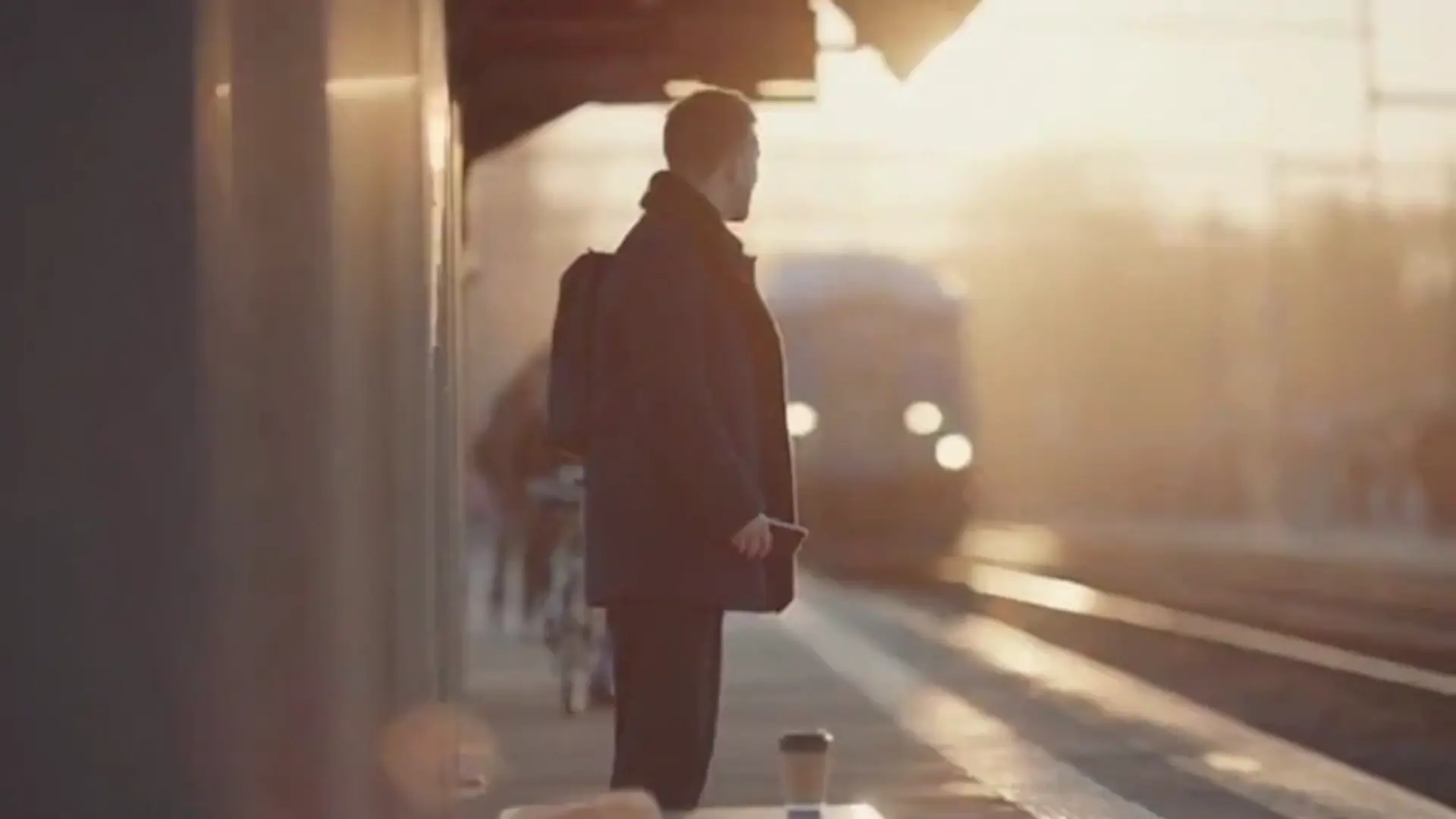
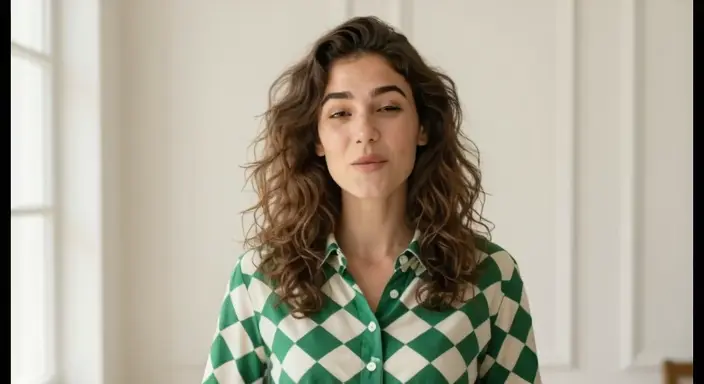
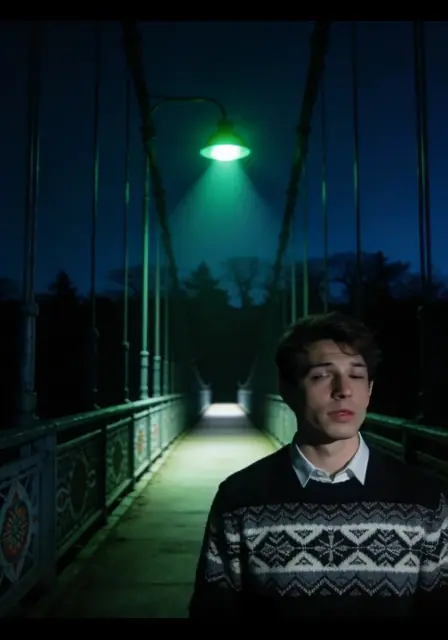
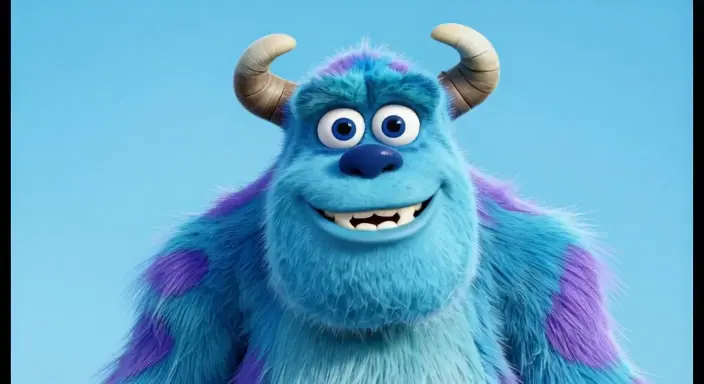
Examples of Live Avatar Generator in Action

Video thumbnail
Loading...
Video thumbnail
Loading...
Video thumbnail
Loading...
Video thumbnail
Loading...
Video thumbnail
Loading...
Video thumbnail
Loading...