flux-2-klein/4b/text-to-image
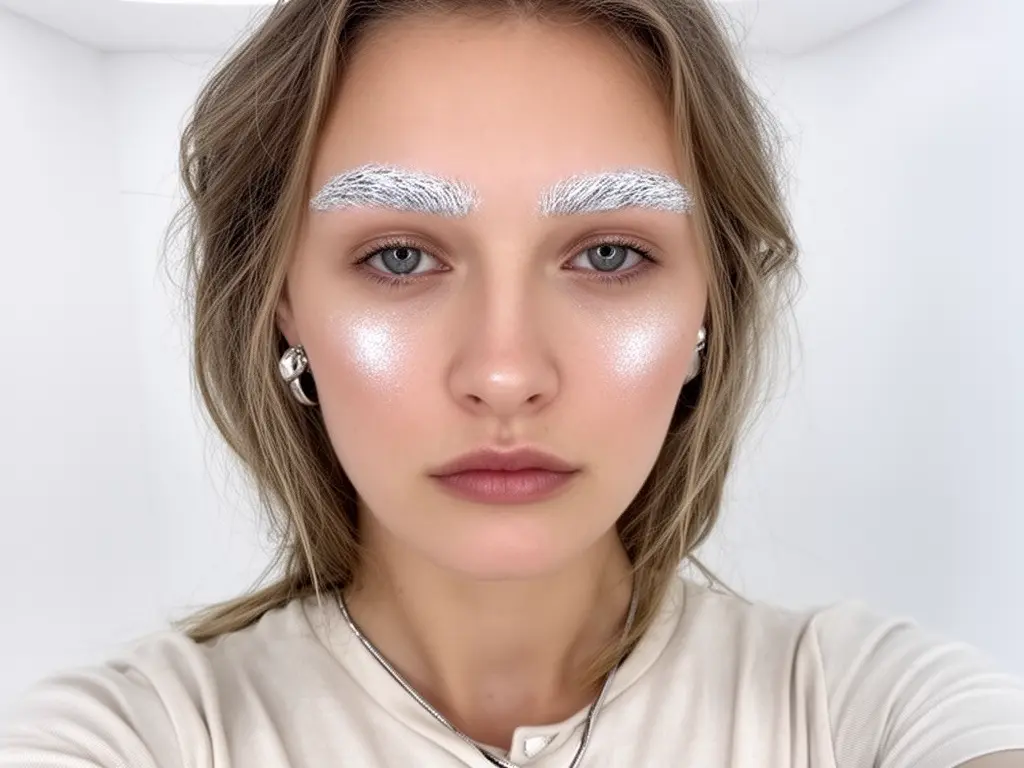
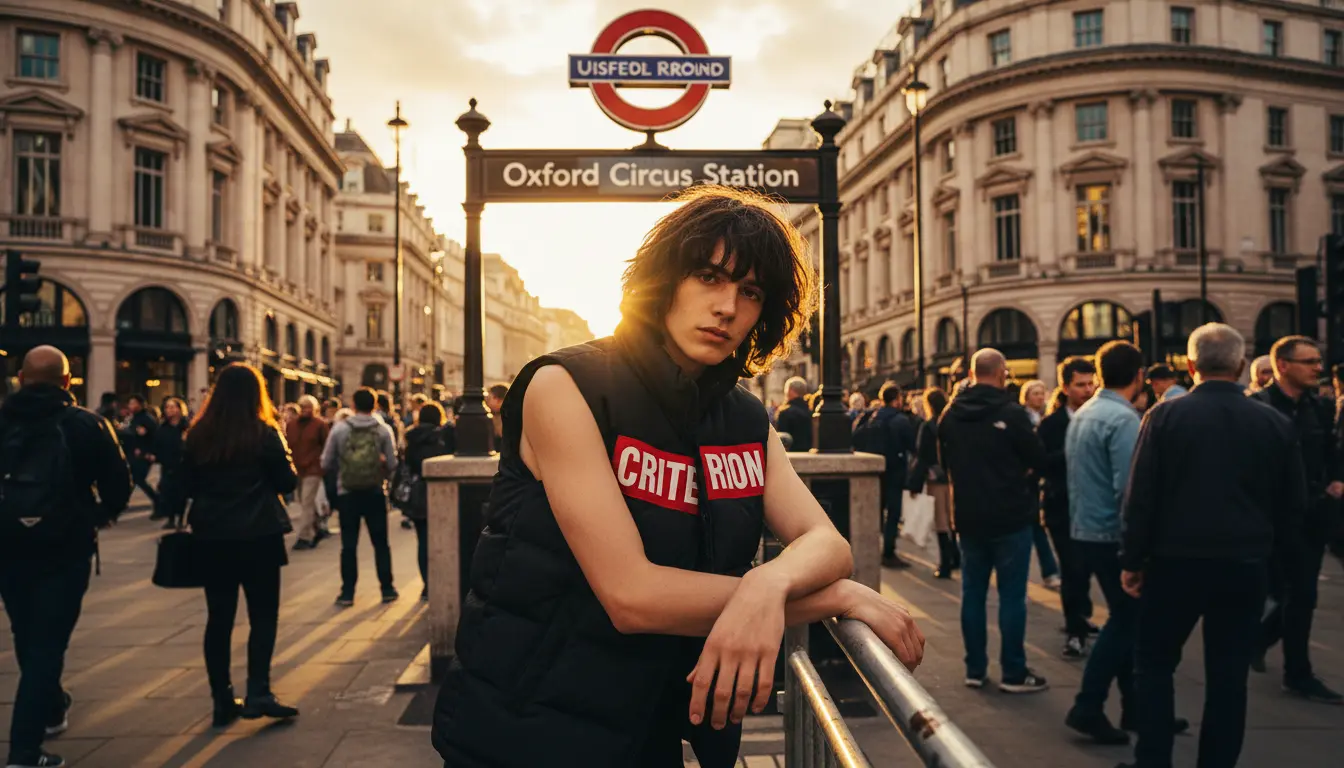
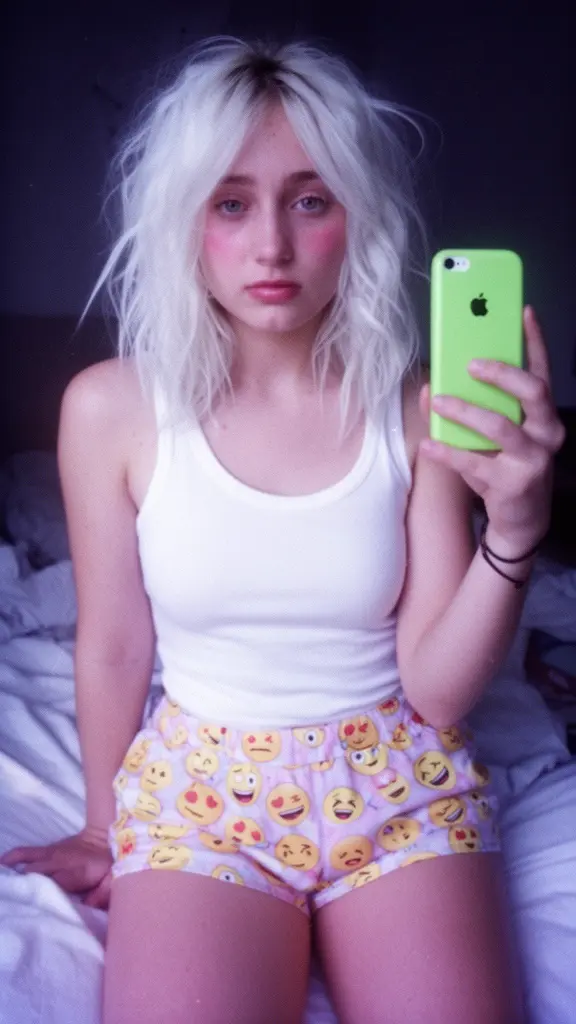
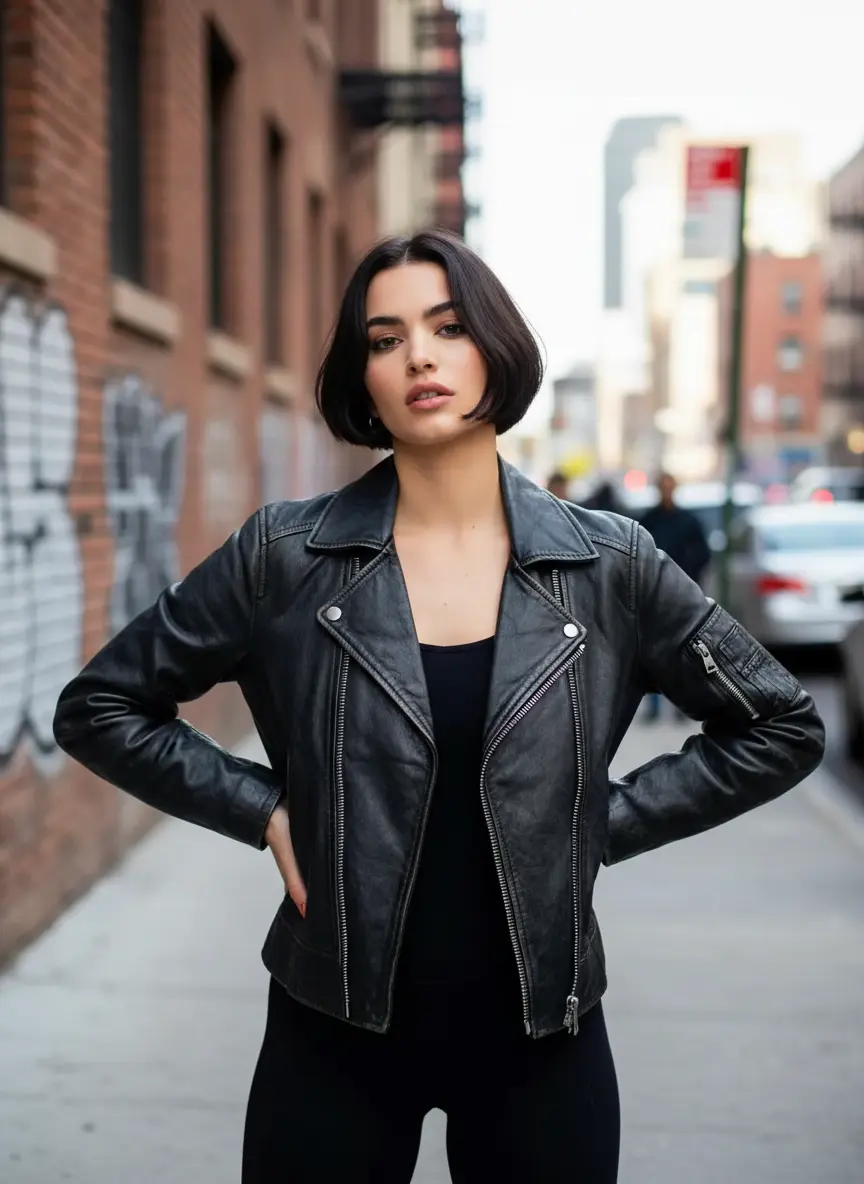
4-step sub-second text-to-image with prompt-accurate visuals
Black Forest Labs
Text-to-image generation with modular LoRA adaptation.
(For image editing and transformation tasks, please visit our Flux 2 Pro Image-to-Image page.)
Rectified-flow transformer with support for multiple LoRA (Low-Rank Adaptation) weight injections.
Supports standard aspect ratios (Square, Portrait, Landscape) optimized for high-resolution outputs.
Flux 2 LoRA allows users to leverage the massive ecosystem of community-created LoRAs or their own private training data, making it the most flexible option for specialized content creation within the Flux 2 family.
On RunComfy, Flux 2 LoRA text-to-image is hosted in these complementary ways:
Input prompts, select aspect ratios, and simply paste URLs or HuggingFace IDs for your desired LoRAs directly in your browser.
Ideal for testing how different LoRAs interact with prompts before deployment.
From the playground view, you can use the model as an API and call it from your own apps.
The API endpoint for this model follows the structure: https://www.runcomfy.com/models/blackforestlabs/flux-2/lora/api (refer to API docs for specific payload details).
Flux 2 LoRA accepts standard diffusion parameters alongside a specialized LoRA configuration array to control the generation process.
The primary input is the prompt, which serves as the main description for the image you wish to generate (e.g., subject, scene, lighting). To control how strictly the model adheres to your text description, you can adjust the guidance_scale; the default is 2.5, with a typical working range of 0 to 20. The quality and stability of the output are determined by the num_inference_steps, which defaults to 28 (minimum 4, maximum 50). Finally, the seed parameter allows you to control randomness—keep it at 0 for a random seed, or specify a fixed integer to reproduce a previous result.
To define the dimensions of your output, use the image_size parameter to select from optimized presets such as landscape_4_3 (default), square_hd, portrait_16_9, or landscape_16_9. You can also specify the output_format to determine whether the result is saved as a png (default), jpeg, or webp file.
The defining feature of this model is the loras parameter, which accepts a list of up to three adapters. For each entry in this list, you must provide the path (which can be a URL, a HuggingFace repository ID like owner/repo, or a local path) and the scale. The scale defaults to 1.0, with a range of 0.0 to 4.0; lower values blend the style subtly, while higher values force the adapter's influence more aggressively.
When using the maximum of 3 LoRAs (e.g., one for Character, one for Style, one for Clothing):
Flux 2 LoRA maintains the photorealistic 4MP-class output quality of the base model while adding specific stylistic constraints.
Flux 2 LoRA is the go-to solution for brand-specific or stylized production:
Load a character-specific LoRA to generate the same person across different settings and poses without training a full model.
Apply a "Brand Style" LoRA to ensure all generated marketing assets adhere to specific color palettes or illustration styles.
Combine a "Genre" LoRA (e.g., Cyberpunk) with an "Object" LoRA (e.g., Vehicles) to rapidly ideate assets.
Using Flux 2 LoRA involves two layers of licensing:
Please ensure you check the license of the specific LoRA you are loading from HuggingFace or other sources before commercial application.
The rate is $0.023 per image.
4-step sub-second text-to-image with prompt-accurate visuals

Edit detailed visuals fast with layout-aware, multi-reference control for brand-ready results.
Generate sharp 4K visuals with flexible multi-input and fusion tools

Replace a photo’s background with a new scene using Ideogram 3.
Advanced model with fast text control, precision edits, and consistent visual fidelity.

Create realistic visuals from prompts with precise multilingual text control and balanced layouts.
While the standard model relies solely on your prompt, Flux 2 Lora introduces modular adaptability. By injecting lightweight LoRA (Low-Rank Adaptation) weights into the pipeline, Flux 2 Lora allows you to generate images with specific character identities, artistic styles, or product designs that the base model doesn't natively recognize.
Commercial usage of Flux 2 Lora involves two layers of licensing. First, you must comply with the Black Forest Labs license for the base Flux 2 model (typically non-commercial by default unless licensed otherwise). Second, you must adhere to the specific license of the LoRA weights you apply. Using Flux 2 Lora on RunComfy does not automatically grant commercial rights, so please verify both sources.
Flux 2 Lora on RunComfy is optimized for high-performance inference. Once a specific LoRA is loaded into our cloud GPU cache, subsequent generations are near-instant, similar to the base model's speed. Our infrastructure auto-scales to handle high concurrency, ensuring that your Flux 2 Lora API requests remain stable even under heavy traffic.
The Flux 2 Lora interface supports a maximum of 3 simultaneous LoRA adapters to ensure stability. For resolution, we provide optimized presets (like square_hd or landscape_16_9) targeting the 4-megapixel range for best quality. While prompt length is flexible, we recommend explicitly including trigger words associated with your loaded LoRAs to maximize the effect of Flux 2 Lora.
Transitioning is seamless. Once you have tuned your prompt and LoRA weights in the playground, you can view the "API" tab. This provides the exact JSON payload required to trigger Flux 2 Lora programmatically. You can then use your RunComfy API key to send requests to our v1/runs endpoint, allowing you to integrate Flux 2 Lora directly into your application.
RunComfy is the premier ComfyUI platform, offering ComfyUI online environment and services, along with ComfyUI workflows featuring stunning visuals. RunComfy also provides AI Models, enabling artists to harness the latest AI tools to create incredible art.