video-background-removal/fast/video-to-video
AI-powered tool for fast video-to-video backdrop swaps with pro-level precision.
MiniMax's Minimax H3 Reference to Video builds a 768p, 2K clip of 5 to 15 seconds from a written brief plus the reference media you hand it. Trading lookalike casting, style boards, and manual motion matching for references the model reads directly, Minimax H3 Reference to Video gives brand teams, agencies, previz artists, and game studios a way to keep a character, product, or camera language consistent across shots.
Minimax H3 Reference to Video generates a 768p, 2K clip from a text prompt and the reference media you attach. Supply at least one reference image or video, describe the scene you want, and the model works out how your references should behave on screen.
The split is simple. Images pin what things look like; videos pin how things move. Minimax H3 Reference to Video reads both against your prompt rather than treating either as a fixed template.
768p for cheaper drafts or 2k for sharper delivery when detail needs to hold up in large placements.The live Minimax H3 Reference to Video fields on this page.
| Parameter | Required | Type | Default | Range / Options | Description |
|---|---|---|---|---|---|
| prompt * | Yes (*) | string | Sample brief | 1-7000 characters | Scene, motion, camera work, visual style. Refer to Image 1 / Video 1 / Audio 1. |
| reference_images * | Yes (*) | array (URLs) | Sample reference | Up to 9 | Images guiding subject, style, composition. |
| reference_videos | No | array (URLs) | None | Up to 3 | Clips guiding movement, pacing, or interaction. |
| reference_audios | No | array (URLs) | None | Up to 3 | Audio guidance; needs an image or video too. |
| aspect_ratio * | Yes (*) | string | 16:9 | adaptive, 21:9, 16:9, 4:3, 1:1, 3:4, 9:16 | Output framing. |
| duration * | Yes (*) | integer | 5 | 4-15 | Clip length in whole seconds. |
| resolution * | Yes (*) | string | 768p | 768p, 2k | Output resolution tier. |
At least one reference image or video is required. Combined reference files must stay within provider limits.
Minimax H3 Reference to Video bills by resolution on counted seconds: the finished clip plus the combined length of any reference videos attached. Reference images and audio are not billed by duration.
| Resolution | Price per counted second |
|---|---|
| 768p | $0.10 |
| 2K | $0.16 |
| Output | Reference video | Counted seconds | Cost at 768p | Cost at 2K |
|---|---|---|---|---|
| 5s | none | 5 | $0.50 | $0.80 |
| 10s | none | 10 | $1.00 | $1.60 |
| 15s | none | 15 | $1.50 | $2.40 |
| 10s | 5s | 15 | $1.50 | $2.40 |
Reference clips are measured after the job runs, so the figure shown before you submit is an estimate and the final charge reflects the real counted seconds.
1) Attach your references — Add images that define the subject and, if movement matters, clips that define it. Minimax H3 Reference to Video needs at least one of the two.
2) Write the brief — Describe the action, camera work, lighting, and mood. Cite references as Image 1, Video 1, Audio 1 when helpful.
3) Say how the references relate — Name which one supplies the subject and which supplies the motion. Minimax H3 Reference to Video follows an explicit relationship far better than an implied one.
4) Add reference audio (optional) — Only alongside an image or video reference in Minimax H3 Reference to Video.
5) Pick the aspect ratio — 16:9 widescreen, 9:16 vertical, 1:1 square, 21:9 wide cinematic, or adaptive.
6) Choose resolution and length — Start at 768p and a short duration while testing, then switch to 2k and extend toward 15 seconds once Minimax H3 Reference to Video is behaving.
7) Generate and refine — Change one reference or clause at a time so you can attribute the difference in the Minimax H3 Reference to Video output.
AI-powered tool for fast video-to-video backdrop swaps with pro-level precision.

Generate video from multi-keyframe stills with optional audio
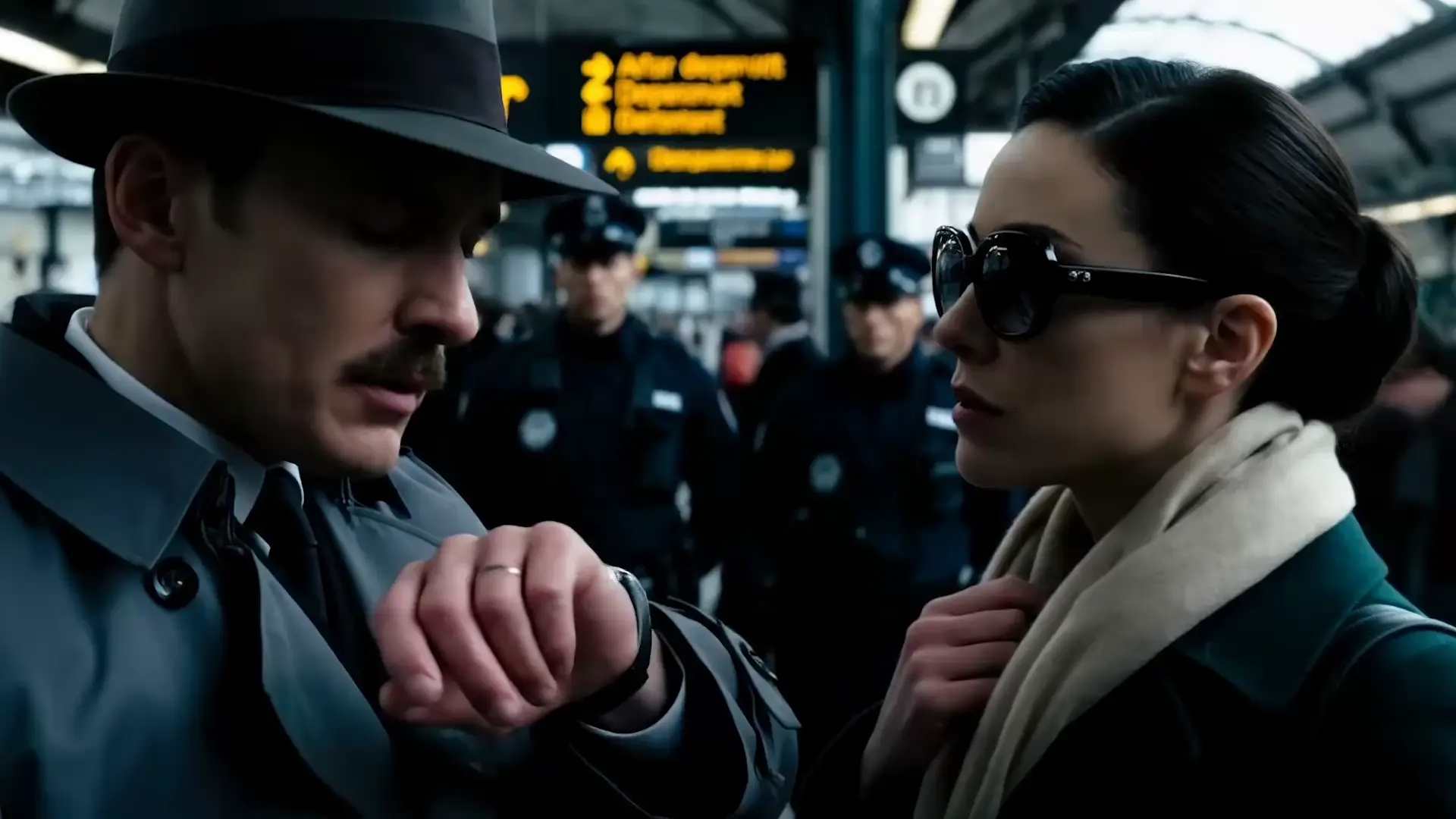
Convert visuals to cinematic videos quickly with Veo 3.1 Fast image-to-video for seamless creative control.

Extend an audio track at the start, end, or both with matching style

LTX 2.5 Pro text-to-video with synced AV in quality mode

Animate a first-frame image into 768p or 2K video up to 15 seconds
Minimax H3 Reference to Video generates a 768p or 2K video from a written prompt plus reference media you supply. It is built for work where a subject has to stay recognizable across shots, such as a recurring character, a product, or a brand look. You attach at least one reference image or video, describe the scene, and the model resolves how those references should behave on screen.
You can attach up to 9 reference images, up to 3 reference videos, and up to 3 reference audio files. Images guide identity, style, and composition, while videos guide movement, pacing, and camera behavior in Minimax H3 Reference to Video. Audio cannot be submitted alone; it has to accompany an image or video reference.
Image-to-video pins the literal first frame of the clip, so the opening composition is fixed. Minimax H3 Reference to Video instead treats your media as guidance, which leaves framing and camera movement freer while still holding the subject consistent. Choose it when you care about who or what appears more than about the exact opening frame.
Output resolution is selectable as 768p or 2k, with duration selectable from 4 to 15 seconds in whole seconds. Minimax H3 Reference to Video supports adaptive plus six fixed aspect ratios: 21:9, 16:9, 4:3, 1:1, 3:4, and 9:16, so widescreen, square, and vertical deliverables all come from the same model. Check the parameter panel on this page for the values currently exposed.
The prompt accepts 1 to 7000 characters, and at least one reference image or video must be present for the request to run. Reference counts cap at 9 images, 3 videos, and 3 audio files, with a combined reference-file limit from the provider. Limits may vary by mode or provider settings, so confirm against the live panel before building around them.
State the relationship between your references explicitly: which one is the subject and which one supplies the motion. Cite them as Image 1, Video 1, or Audio 1 when helpful. Minimax H3 Reference to Video follows a named relationship much better than an implied one, and conflicting references tend to average each other out. Describe visible action and camera behavior rather than abstract mood words.
Yes. Prototype in the RunComfy AI Playground Web UI until the references, prompt, resolution, and duration are right, then call the same model through the RunComfy API with identical parameters. That keeps Minimax H3 Reference to Video behaving the same between manual exploration and automated jobs in your own pipeline.
Generations consume usd or credits from your RunComfy balance at $0.10 per counted second for 768p and $0.16 per counted second for 2K. The counted seconds are the finished clip plus the combined duration of any reference videos you attach, so a 10-second 768p output with a 5-second reference clip bills 15 seconds, or $1.50. Because reference clips are measured after the run, the figure shown before you submit is an estimate; for billing questions, contact hi@runcomfy.com.
RunComfy is the premier ComfyUI platform, offering ComfyUI online environment and services, along with ComfyUI workflows featuring stunning visuals. RunComfy also provides AI Models, enabling artists to harness the latest AI tools to create incredible art.