pikaswaps
Swap regions in a video using a mask, text, or reference image.
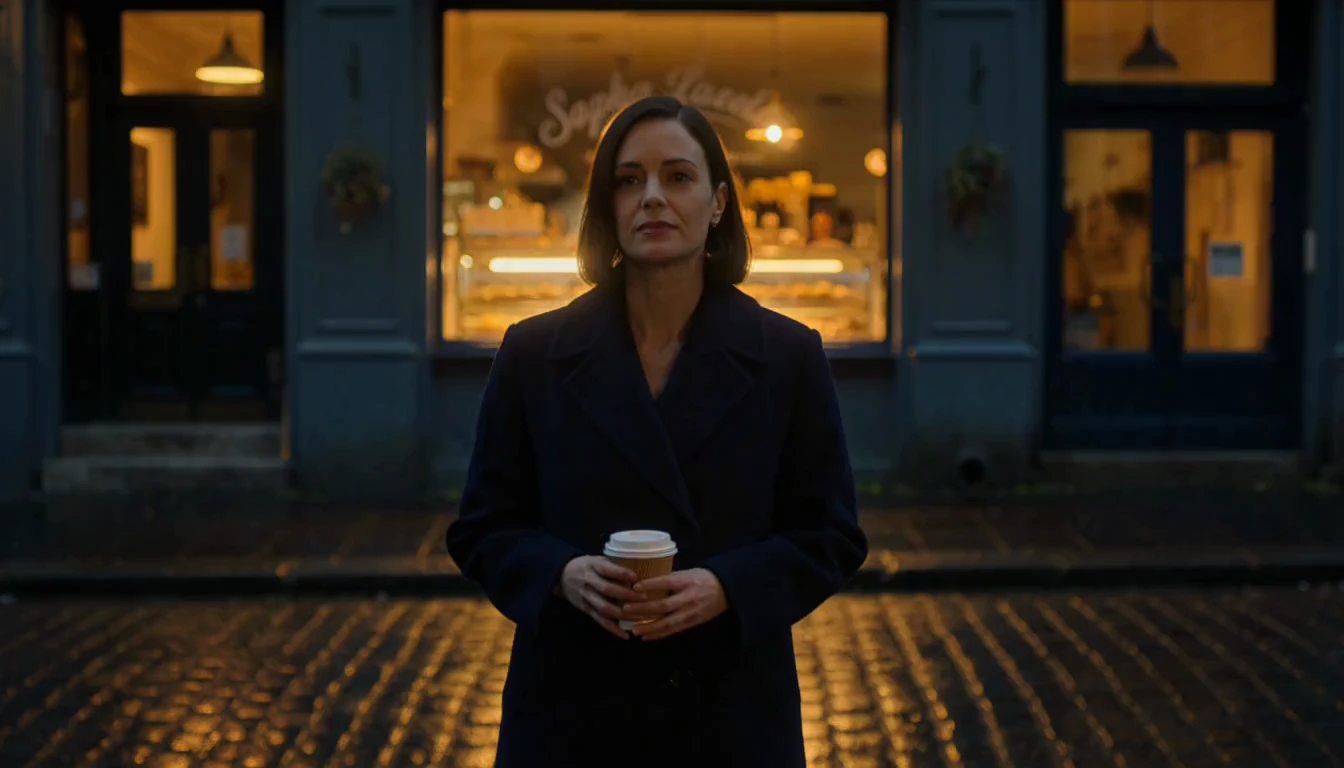
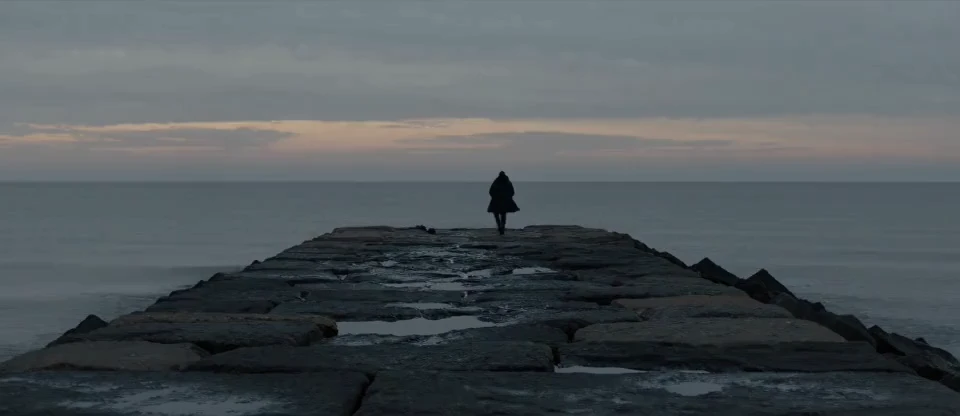
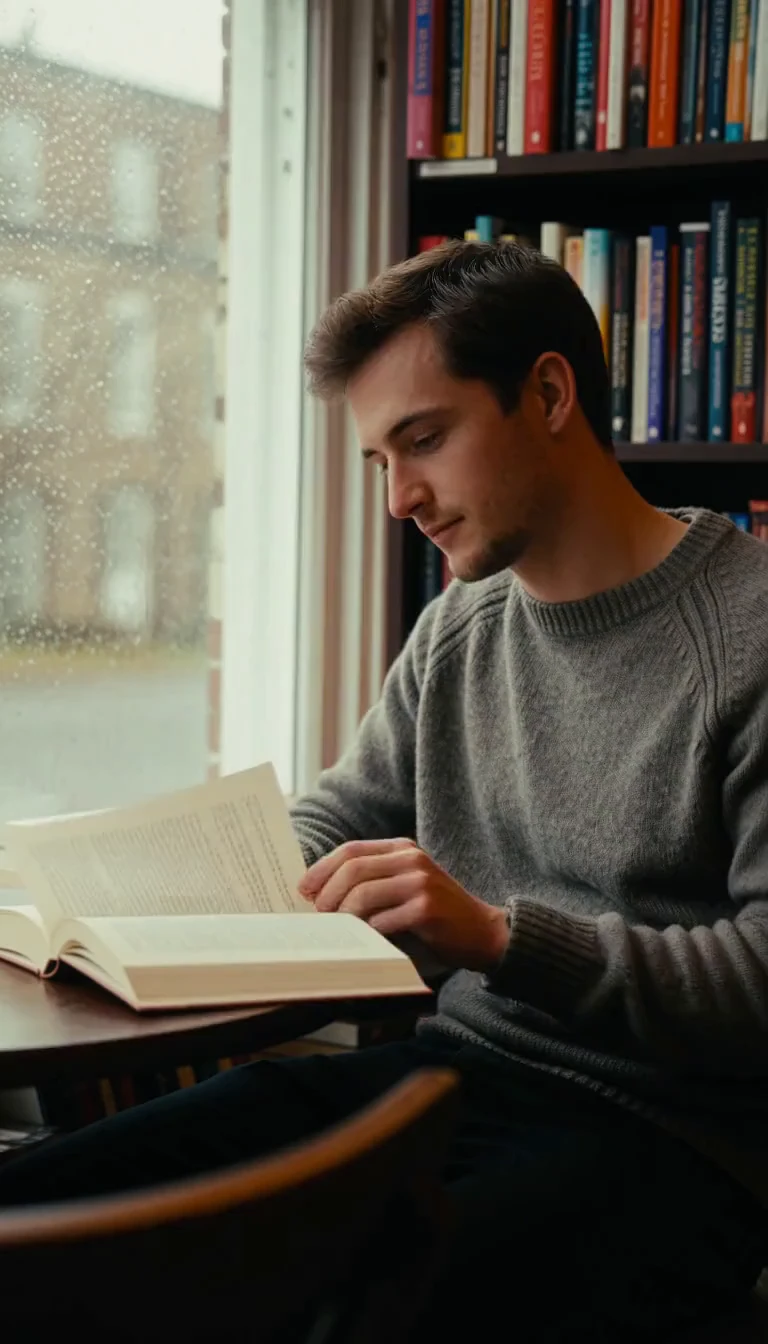
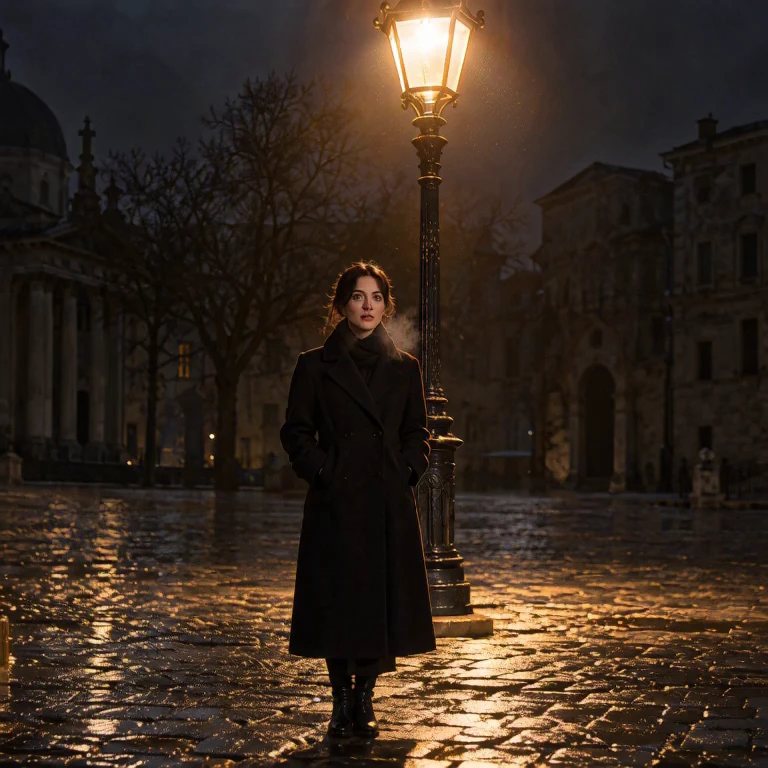
A mood word often returns a generic room. This page builds the subject, the light, and the sound in one clip, so dialogue and room tone share the same description.
| Advantage | What you get |
|---|---|
| Picture and sound | HeyGen Video writes the track with the frames. |
| A length you set | Any whole second from 5 to 15. |
| Four sizes | 480p, 768p, 1080p, and 2k. |
| A repeatable shot | A HeyGen Video seed lets the next run stay close. |
This page is text to video only. You do not upload a first frame here. The prompt is the whole brief.
On RunComfy, try a shot in the model UI, then send the same prompt and settings through the HTTP API.
prompt, duration, resolution, aspect_ratio, prompt_enhancement, and optional seed.These are the controls on this page.
| Parameter | Required | Type | Default | Range / Options | Description |
|---|---|---|---|---|---|
prompt* | Yes (*) | String | Lisbon street line | 1–32000 characters | Subject, place, camera, dialogue, and sound. |
duration | No | Integer | 5 | 5–15 | Length in whole seconds. |
resolution | No | String | 768p | 480p, 768p, 1080p, 2k | Frame size. |
aspect_ratio | No | String | 16:9 | 21:9, 16:9, 4:3, 1:1, 3:4, 9:16 | HeyGen Video frame shape. |
prompt_enhancement | No | String | quality | turbo, quality, ultraquality, disabled | Expansion before the shot. Disabled keeps your text. |
seed | No | Integer | Empty | 0–4294967295 | Optional repeat handle. |
HeyGen Video bills each second of the duration you set. 1080p and 2k share one rate.
| Resolution | Per second | 5 seconds | 10 seconds |
|---|---|---|---|
| 480p | $0.018 | $0.09 | $0.18 |
| 768p | $0.03 | $0.15 | $0.30 |
| 1080p or 2k | $0.09 | $0.45 | $0.90 |
Aspect ratio does not add a HeyGen Video fee. The charge is the same per second for 9:16 and 16:9 at one resolution.
Swap regions in a video using a mask, text, or reference image.

Wan 3.0 Reference To Video builds clips from image, video, audio refs

Seedance 2.5 1080p: Animate stills into sharp, natural 1080p video

Turn a portrait and audio into a talking-avatar video up to 5 minutes.

Lengthen existing clips beyond the final frame with scene-consistent motion

Generate cinematic video from images with 4K detail, fluid motion, and audio sync.
HeyGen Video builds a 5 to 15 second scene from a written prompt, with picture and sound in the same clip. This page is text to video only. It fits product beats, training inserts, and one line of dialogue.
HeyGen Video accepts any whole second from 5 to 15. Resolutions are 480p, 768p, 1080p, and 2k. Aspect ratios include 21:9, 16:9, 4:3, 1:1, 3:4, and 9:16, but 1080p and 2k only accept 16:9 or 9:16.
Name the person, the place, the lens, and the sound in the HeyGen Video prompt. A 50mm on a tripod is clearer than the word cinematic. Say that you want no music, no logos, and no printed words when those should stay out of frame.
HeyGen Video can expand the prompt with turbo, quality, or ultraquality, and quality is the default. Choose disabled when the prompt is already a full shot list. A seed lets the next run stay close while you change one sentence.
HeyGen Video prompts can be up to 32000 characters. Duration must be a whole number from 5 to 15. You do not upload a first frame on this page. One person speaking is safer than hands building a small object.
Yes. Try a HeyGen Video shot in the Playground Web UI, then send the same prompt, duration, resolution, aspect ratio, enhancement, and optional seed through the RunComfy API. The API uses the same model. It does not promise a fixed turnaround or unlimited concurrency.
HeyGen Video bills each second of the duration you set: $0.018 at 480p, $0.03 at 768p, and $0.09 at 1080p and 2k. A 5-second 768p clip is $0.15. Aspect ratio does not add a fee. Generations consume usd credits.
RunComfy is the premier ComfyUI platform, offering ComfyUI online environment and services, along with ComfyUI workflows featuring stunning visuals. RunComfy also provides AI Models, enabling artists to harness the latest AI tools to create incredible art.