luma-ray-2/image-to-video
Lifelike characters, realistic physics, and stunning effects.
Kling AI's Kling 4.0 Text to Video turns a written prompt into a 3-30 second clip at 720p or 1080p, with sound in the same file.
Trading a blank timeline for a written brief, Kling 4.0 Text to Video helps marketers, agencies, and previz artists draft a shot before any still exists.
For developers, Kling 4.0 Text to Video on RunComfy can be used both in the browser and via an HTTP API, so you don't need to host or scale the model yourself.
Ideal for: Ad Scene Drafts | Establishing Shots | Short Narrative Beats
Only the prompt is required. Kling 4.0 Text to Video invents the shot from that text. There is no start image on this page. The default frame on Kling 4.0 Text to Video is 16:9 at 1080p, for 5 seconds.
| Parameter | Required | Type | Default | Range / Options | Description |
|---|---|---|---|---|---|
prompt* | Yes (*) | string | Example line | Text | Subject, action, camera, light, and sound for Kling 4.0 Text to Video. |
aspect_ratio | No | string | 16:9 | 16:9, 9:16, 1:1, 21:9 | Output frame for Kling 4.0 Text to Video. 21:9 is the ultrawide option. |
resolution | No | string | 1080p | 720p, 1080p | Output resolution. |
duration | No | integer | 5 | 3-30 | Length in seconds. |
The rate is $0.12 per second at 720p and $0.18 per second at 1080p. Kling 4.0 Text to Video bills the generated clip length. Sound is included. There is no extra fee for a longer prompt on Kling 4.0 Text to Video.
| Resolution | Rate |
|---|---|
| 720p | $0.12 per second |
| 1080p | $0.18 per second |
| Duration | 720p | 1080p |
|---|---|---|
| 5 s | $0.60 | $0.90 |
| 10 s | $1.20 | $1.80 |
| 30 s | $3.60 | $5.40 |
Lifelike characters, realistic physics, and stunning effects.

Animate a start image into a cinematic clip with native audio.

Continue an existing video with prompt-directed motion and native audio.
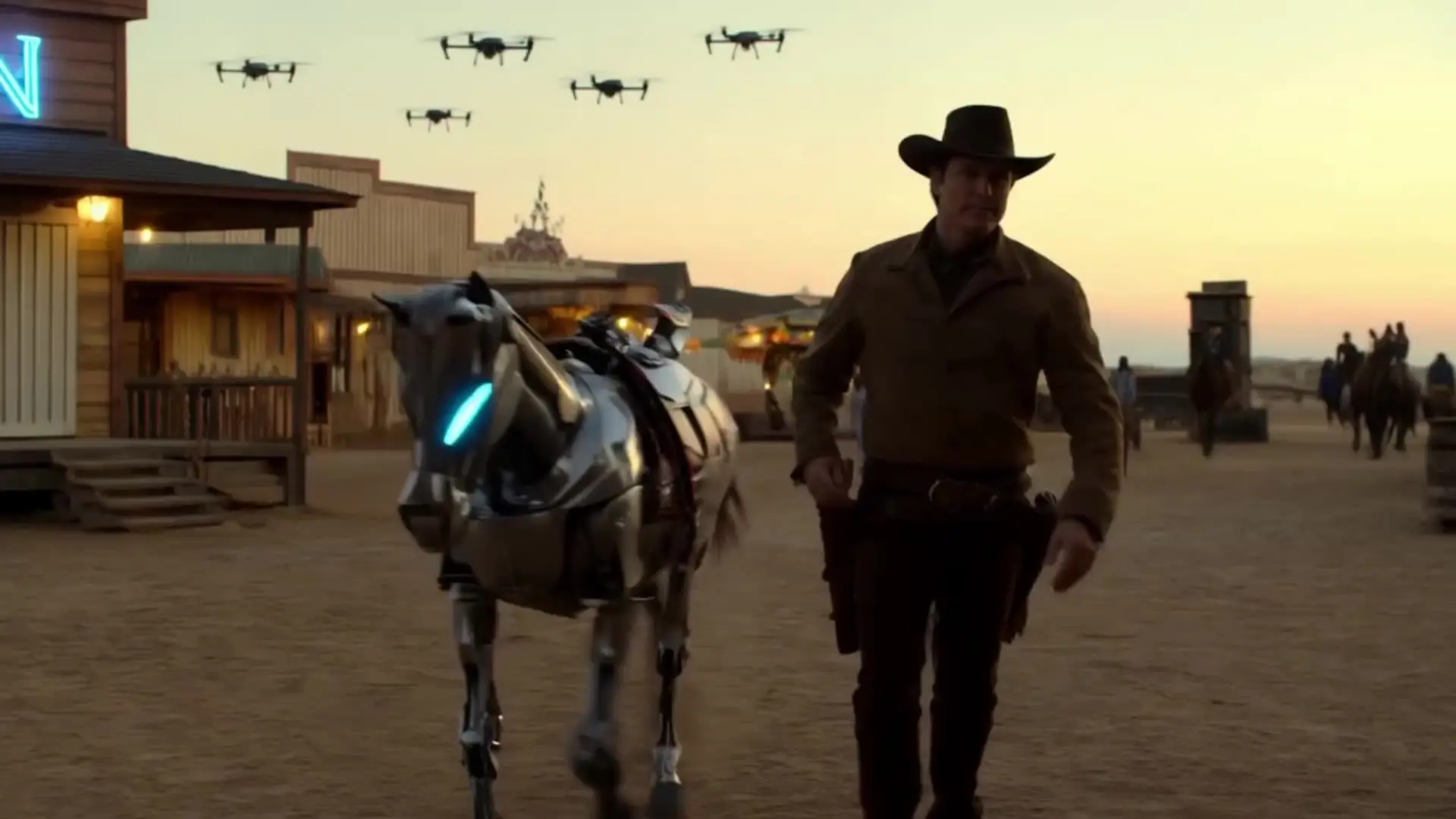
Features smooth scene transitions, natural cuts, and consistent motion.

Cinematic 4K image-to-video at $0.419 per second of output.

Create 1080p clips with multi-reference and frame control.
Kling 4.0 Text to Video turns a written prompt into a 3-30 second clip at 720p or 1080p. Use it when you have a scene description and no opening still. Sound is written into the same file.
Kling 4.0 Text to Video offers 16:9, 9:16, 1:1, and 21:9. The default is 16:9 at 1080p. 21:9 is the ultrawide frame. This page does not take a start image.
Kling 4.0 Text to Video uses a whole-second length from 3 to 30. The default is 5 seconds. Resolution is 720p or 1080p, with 1080p as the default.
Yes. Kling 4.0 Text to Video writes sound from the prompt into the same file. Name dialogue, ambience, or effects when you want them specific. There is no separate mute switch.
For Kling 4.0 Text to Video, name the subject, one action, one camera move, and the sound. Put longer beats on the clock, such as what happens from 0 to 3 seconds and from 3 to 7 seconds.
Kling 4.0 Text to Video starts from words and lets you pick the frame. The image page locks the opening to a still and follows that still's shape. Use text when no approved frame exists yet.
Prototype Kling 4.0 Text to Video in the RunComfy Playground Web UI, then call the same model through the RunComfy API with the same prompt, aspect ratio, duration, and resolution. Jobs spend usd or credits. New accounts usually start with a trial balance.
Kling 4.0 Text to Video costs $0.12 per second at 720p and $0.18 per second at 1080p, based on the generated length. A 5-second 1080p clip is $0.90. A 10-second 720p clip is $1.20.
RunComfy is the premier ComfyUI platform, offering ComfyUI online environment and services, along with ComfyUI workflows featuring stunning visuals. RunComfy also provides AI Models, enabling artists to harness the latest AI tools to create incredible art.