Z-Image Turbo I2I Ultimate Photorealism: identity‑safe face refinement for portraits#
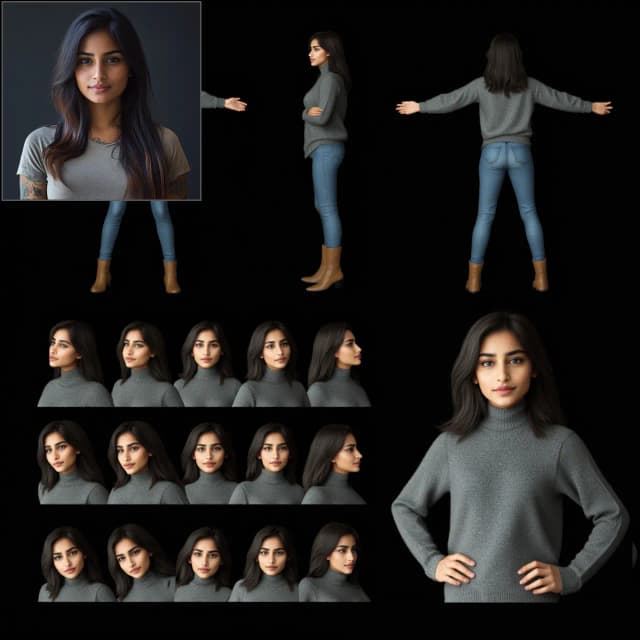
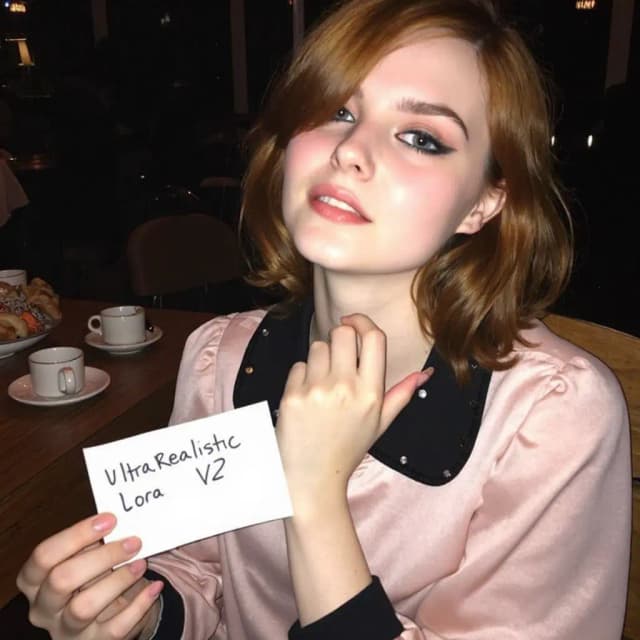
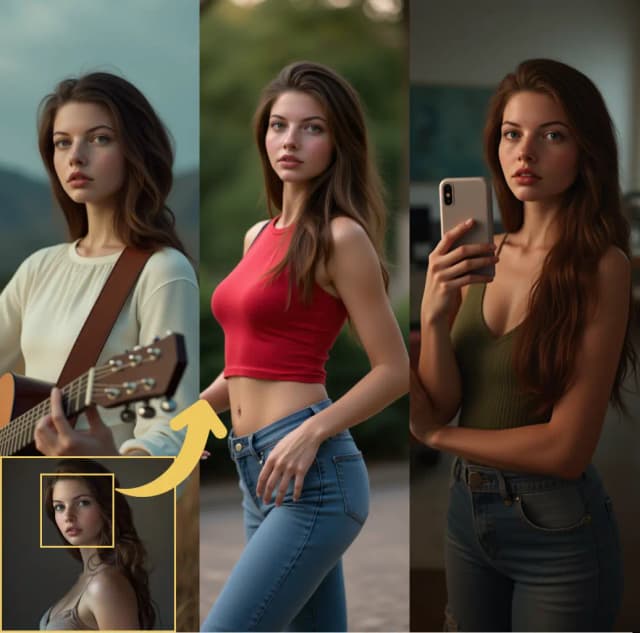
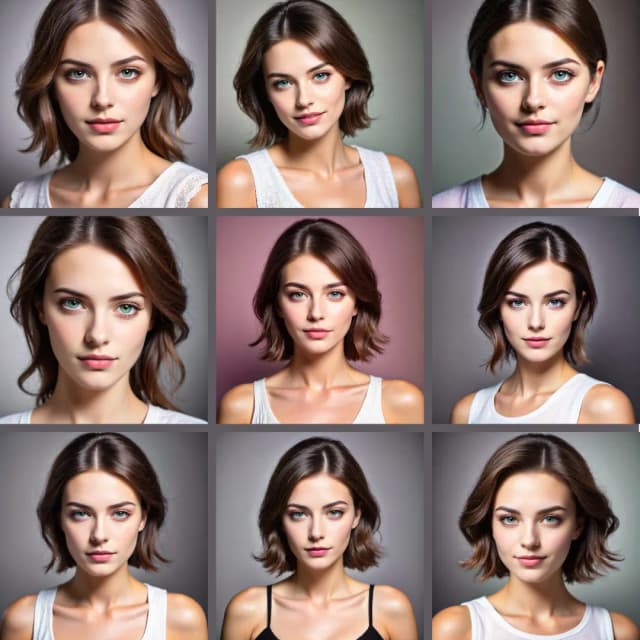
Z-Image Turbo I2I Ultimate Photorealism is a two‑stage ComfyUI workflow for faithful image‑to‑image portrait enhancement. It preserves the subject’s identity and overall appearance while adding realistic facial detail, correcting expression cues, and avoiding the uncanny artifacts common to face swaps. Built around Z‑Image Turbo with specialized face LoRA guidance, it is ideal for photoreal portrait editing, retouching, and identity‑consistent upgrades from a single source image.
The pipeline first reproduces your input photo with high fidelity, then selectively refines the face using automatic face masking and expression‑aware inpainting. The result is a natural, realistic portrait that keeps the core likeness intact. This README explains how to run and adapt the Comfyui Z-Image I2I Ultimate Photorealism workflow.
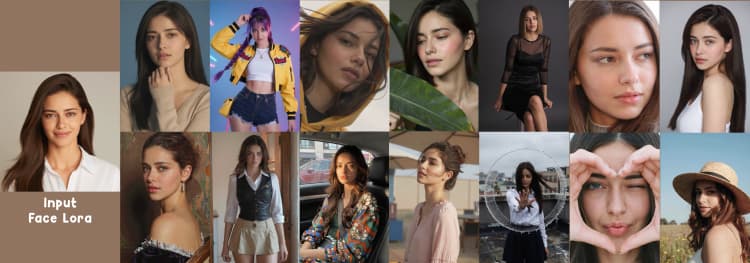
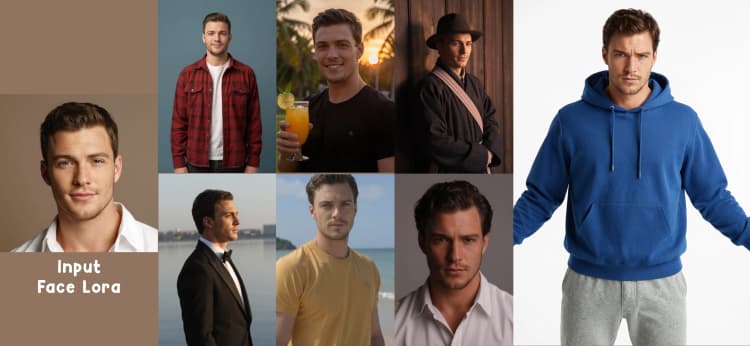
Note: This workflow requires a face LoRA to work. Upload your own character LoRA to the
Inputsgroup nodeCharacter Lora here.
Key models in Comfyui Z-Image Turbo I2I Ultimate Photorealism workflow#
- Z‑Image Turbo diffusion model. Core image‑to‑image generator that reproduces the source composition and lighting while enabling subtle, photoreal enhancements.
- ZImageTurbo VAE. Paired encoder/decoder for faithful latent conversion that minimizes color and contrast drift in I2I.
- Face LoRA adapters. Required subject‑specific LoRAs (your character LoRA) that reinforce identity features without introducing stylization.
- Qwen3‑VL Instruct family. Used to auto‑describe facial expression and gaze so refinements align with what is actually in the photo. See model cards for Qwen3‑VL‑2B‑Instruct and Qwen3‑VL‑4B‑Instruct. The ComfyUI node integration is provided by ComfyUI‑QwenVL.
- Segment Anything Model 3 (SAM3). Open‑vocabulary segmentation that isolates the face region from the base pass for precise, non‑destructive inpainting. See facebookresearch/sam3 and the ComfyUI wrapper ComfyUI‑SAM3.
How to use Comfyui Z-Image Turbo I2I Ultimate Photorealism workflow#
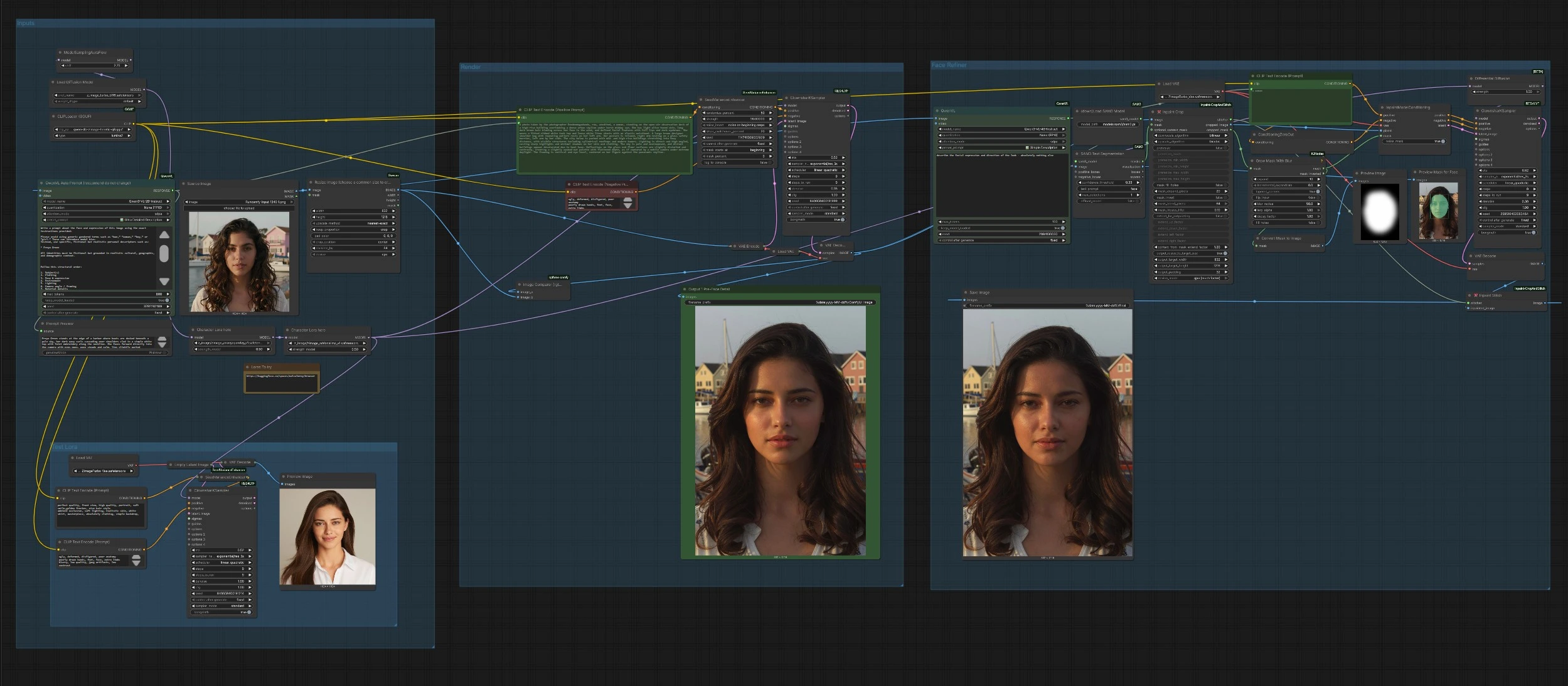
The workflow runs in two coordinated stages: a base I2I render that faithfully reproduces your image, followed by a face‑only refinement pass guided by automatic masking and an expression‑aware prompt. A separate sandbox lets you test face LoRAs without touching your source image.
Inputs#
Load your portrait in LoadImage (#958). The image is normalized with ImageResizeKJv2 (#973) to a stable working size while preserving composition. A vision‑language node then generates a structured, photo‑true positive prompt from the image; the long‑form auto prompt comes from AILab_QwenVL (#962), which is designed to describe what is in the photo rather than invent new content. You can leave this as is for identity‑consistent edits, or replace it with your own prompt for creative variations. A GGUF‑based text encoder provides prompt embeddings, so you get consistent conditioning even on lower‑VRAM environments.
Render#
The base pass recreates the input photo as a clean, denoised starting point. CLIPTextEncode (#6) encodes the auto prompt, CLIPTextEncode (#7) adds a safety‑net negative prompt, and SeedVarianceEnhancer (#978) injects a small, controlled amount of early‑step variation to avoid low seed diversity typical of turbo models. The source image is encoded with VAEEncode (#960), and the main sampler ClownsharKSampler_Beta (#979) produces a high‑fidelity latent that decodes to the pre‑refined image via VAEDecode (#860). This interim result is saved as “Output 1 Pre‑Face Detail” for quick A/B comparison.
Face Refiner#
The refinement stage detects and improves only the face, leaving hair, clothing, and background untouched. LoadSAM3Model (#940) with SAM3Grounding (#939) finds a precise face mask from the pre‑refined image using the text prompt “face.” The mask is softened with GrowMaskWithBlur (#1008), and the face region is cropped in context using InpaintCropImproved (#942) for faster, higher‑resolution sampling before stitching back. A second AILab_QwenVL (#975) creates a compact description focused only on expression and gaze, which CLIPTextEncode (#944) turns into positive conditioning while ConditioningZeroOut (#945) intentionally zeroes the negative channel to prevent over‑suppression of facial micro‑details. InpaintModelConditioning (#943) prepares masked latents; DifferentialDiffusion (#949) nudges the model toward structural consistency; ClownsharKSampler_Beta (#985) inpaints the refined face; VAEDecode (#947) and InpaintStitchImproved (#950) merge the improved face back without altering unmasked areas. The final image is saved by SaveImage (#989).
Test LoRA#
Use the “Test Lora” sandbox to evaluate a face LoRA without touching your source. CLIPTextEncode (#999, #1000) provides a simple test prompt pair, EmptyLatentImage (#1001) creates a clean canvas, and ClownsharKSampler_Beta (#1007) renders quick samples you can preview. This is helpful for tuning LoRA choice and weight before running a full identity‑refinement pass.
Key nodes in Comfyui Z-Image Turbo I2I Ultimate Photorealism workflow#
SAM3Grounding(#939). Detects the face from a natural‑language prompt using SAM3, yielding clean masks that are robust to occlusion and pose. If the mask is too tight or includes hairline artifacts, gently expand or blur it upstream withGrowMaskWithBlurto avoid seams. Reference: facebookresearch/sam3 and ComfyUI‑SAM3.InpaintCropImproved(#942) andInpaintStitchImproved(#950). Crop‑then‑stitch workflow that samples only the masked region at an optimal resolution, then blends the result back into the original. Use it to set target face resolution and context while ensuring unmasked pixels are never re‑encoded. Reference: ComfyUI‑Inpaint‑CropAndStitch.ClownsharKSampler_Beta(#979, #985). Advanced RES4LYF sampler with high‑accuracy explicit samplers and robust SDE options that excel at photoreal I2I and inpainting. For identity‑critical work, choose a stable RES sampler and a conservative denoise; increase denoise only if you intend to change expression or skin detail notably. Reference: RES4LYF.SeedVarianceEnhancer(#978). Adds controlled noise to positive embeddings in early steps to counter low seed variance in Z‑Image Turbo, yielding natural variation without drifting identity. Increase its strength when outputs look too similar across seeds; reduce it if prompt adherence weakens. Reference: ChangeTheConstants/SeedVarianceEnhancer.DifferentialDiffusion(#949). Modifies the model for differential denoising that helps preserve underlying structure during masked edits. Keep it enabled for subtle, identity‑safe face refinements; consider disabling if you intentionally want stronger stylistic changes. Reference: node behavior documented across ComfyUI ecosystems and used here as a structural‑preservation aid.AILab_QwenVL(#962, #975). Vision‑language prompts that read the actual image content to keep guidance anchored in reality, especially for micro‑expressions and gaze direction. Prefer concise, literal phrasing in the face pass to avoid introducing new attributes. Reference: ComfyUI‑QwenVL and Qwen3‑VL model cards (2B, 4B).
Optional extras#
- Use the “Output 1 Pre‑Face Detail” image to verify base fidelity before refining the face; this helps separate base denoise issues from mask or inpaint settings.
- If the refined face feels over‑smoothed, slightly expand the face mask and reduce its blur to increase edge accountability, then re‑run the face pass only.
- Keep prompts factual for identity‑preserving edits; move creative styling to wardrobe, light, or background rather than facial attributes.
- Validate new face LoRAs in the Test LoRA sandbox first, then apply the chosen LoRA and weight to the main pipeline for consistent identity reinforcement.
- For consistent framing across a batch, keep your input images’ aspect ratio close to the workflow’s resize targets to minimize crop pressure and preserve proportions.
Acknowledgements#
This workflow implements and builds upon the following works and resources. We gratefully acknowledge RetroGazzaSpurs for the “Z-Image IMG2IMG for Characters: Endgame V3 - Ultimate Photorealism” workflow for their contributions and maintenance. For authoritative details, please refer to the original documentation and repositories linked below.
Resources#
- RetroGazzaSpurs/Z-Image IMG2IMG for Characters: Endgame V3 - Ultimate Photorealism
- Docs / Release Notes: Workflow Source
Note: Use of the referenced models, datasets, and code is subject to the respective licenses and terms provided by their authors and maintainers.