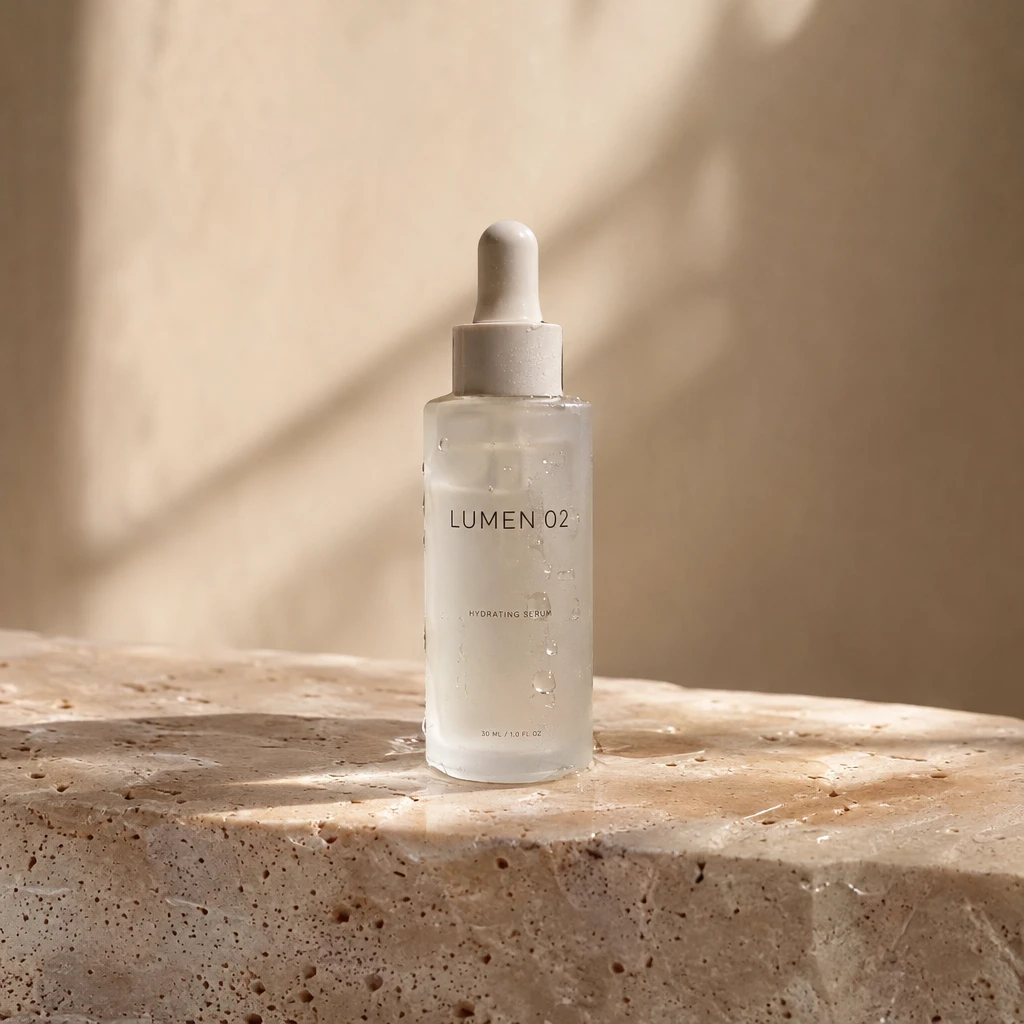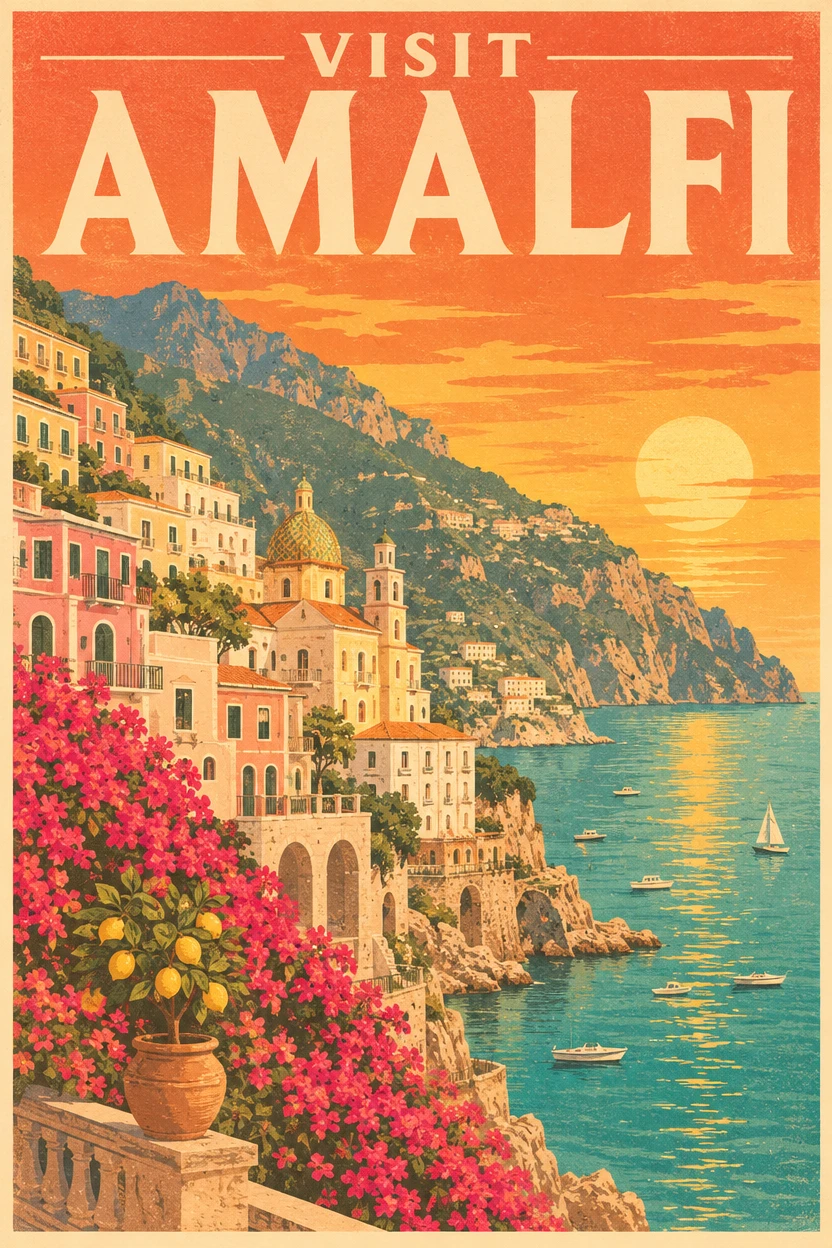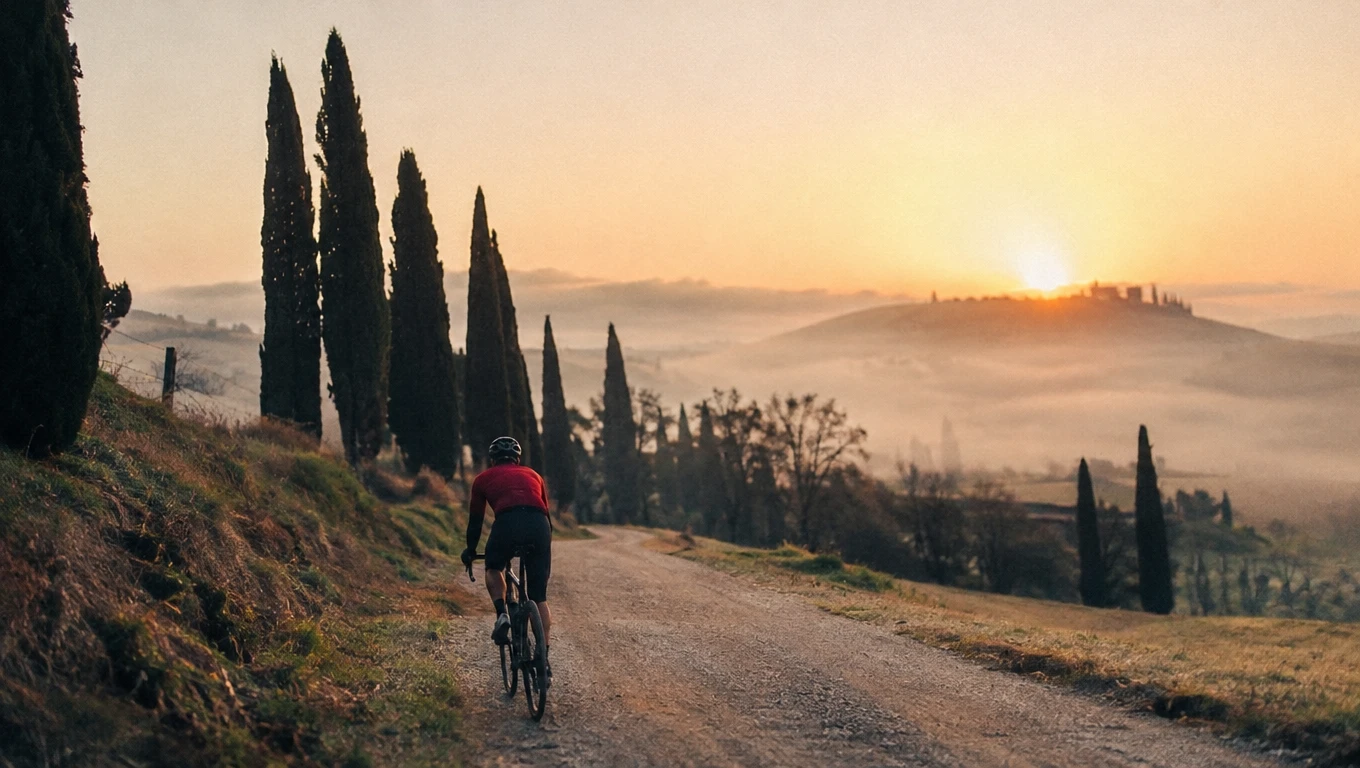


gemini-3-pro-image-preview/edit
Generate studio-grade visuals with 4K clarity, creative control, and smart adaptive lighting
OpenAI's GPT Image 2.6 Flare Edit rewrites existing pictures from plain instructions in seconds, using up to 16 references and an optional mask or markup layer, at up to 4K.
Trading manual retouching for describe-and-apply changes, GPT Image 2.6 Flare Image Edit lets e-commerce, social, and brand teams produce variations quickly.
For developers, GPT Image 2.6 Flare Image Edit on RunComfy can be used both in the browser and via an HTTP API, so you don't need to host or scale the model yourself.
Ideal for: Product Photo Variations | Background And Scene Swaps | Social Post Refreshes
GPT Image 2.6 Flare Image Edit is the speed-focused editing mode of the GPT Image 2.6 family. You give it source pictures and a written instruction, and GPT Image 2.6 Flare Image Edit changes only what you ask for.
When an edit must land in an exact spot, GPT Image 2.6 Flare Image Edit accepts a mask or a markup layer drawn over the first image, so you do not have to rely on wording alone.
| Parameter | Required | Type | Default | Range / Options | Description |
|---|---|---|---|---|---|
| images* | Yes (*) | Array of URLs | — | 1 – 16 images | Source pictures to edit or combine; the first one is the main canvas. |
| prompt* | Yes (*) | String | — | — | Instruction describing what to change and what to keep. |
| mask_image | No | Image URL | — | — | White areas get edited, black areas stay untouched (first image only). |
| markup_image | No | Image URL | — | — | Transparent PNG with circles, arrows, or notes on top of the first image. |
| aspect_ratio | No | String | auto | auto, 1:1, 3:2, 2:3, 3:4, 4:3, 4:5, 5:4, 9:16, 16:9, 21:9, 2:1, 1:2, 3:1, 1:3, 9:21 | auto keeps the shape of the first image. |
| resolution | No | String | 1k | 1k, 2k, 4k | Output size tier. |
| quality | No | String | medium | low, medium, high, xhigh, max | Rendering effort; higher tiers cost more. |
| complexity | No | String | high | low, medium, high | Layout planning before drawing; same price at every level. |
| output_format | No | String | png | png, jpeg, webp | File type of the edited image. |
| Quality | 1K | 2K | 4K |
|---|---|---|---|
| low | $0.064 | $0.095 | $0.159 |
| medium | $0.095 | $0.154 | $0.254 |
| high | $0.111 | $0.175 | $0.301 |
| xhigh | $0.185 | $0.301 | $0.523 |
| max | $0.396 | $0.650 | $1.072 |
Prices are per output image and include one input image.
Generate studio-grade visuals with 4K clarity, creative control, and smart adaptive lighting

High-fidelity 4-step text-to-image with sharp text rendering

Generate 4K visuals with precise edits and style control for designers.
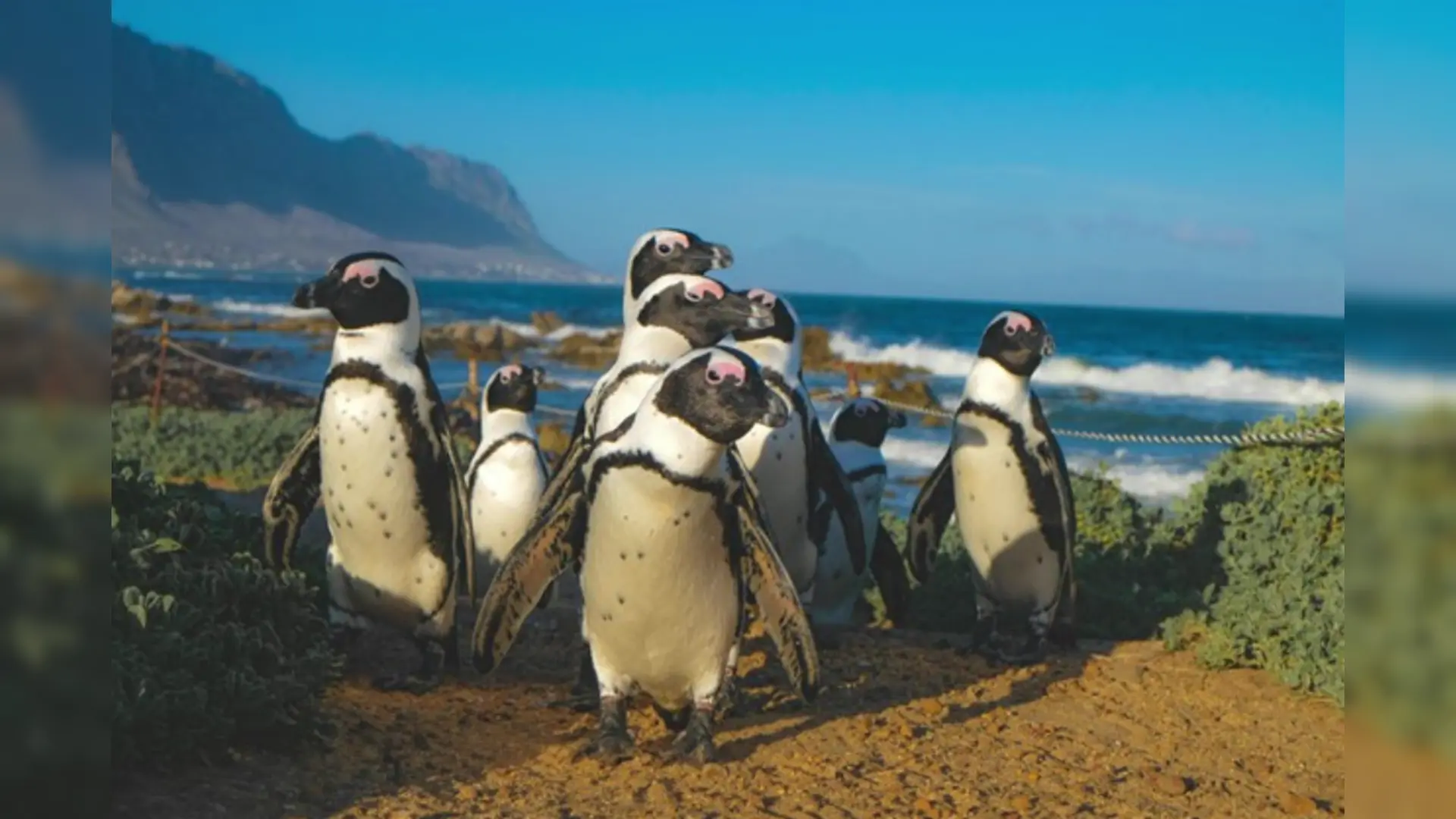
Edit images with AI for precise text and visuals.

AI-driven editor for coherent image transformations with natural realism and precise control.

Transform visuals with Seedream 4.5 for coherent, photoreal image creation and precise brand consistency.
GPT Image 2.6 Flare Image Edit changes existing pictures from plain-language instructions and returns results within seconds. Teams use GPT Image 2.6 Flare Image Edit for product photo variations, background swaps, seasonal refreshes, and quick social post updates.
GPT Image 2.6 Flare Image Edit accepts up to 16 input images in one request, so you can combine products, people, and scenes. The first image acts as the main canvas: GPT Image 2.6 Flare Image Edit applies any mask, markup, and auto aspect ratio to it.
A mask tells GPT Image 2.6 Flare Image Edit exactly where it may change the first image: white areas are edited and black areas are kept. A markup image is a transparent PNG with circles, arrows, or notes that shows GPT Image 2.6 Flare Image Edit where and how to edit; use one or the other, not both.
State clearly in the prompt what must stay the same, for example keep the face, pose, and logo unchanged, and describe only the change you want. For small targeted changes, a tight mask gives GPT Image 2.6 Flare Image Edit a firm boundary that protects everything outside it.
GPT Image 2.6 Flare Image Edit prioritizes turnaround time, which suits exploration and high-volume variations. The Sunburst edit model takes longer per image to keep fine detail steadier across repeated edits, so many teams try ideas on GPT Image 2.6 Flare Image Edit first and finish on Sunburst.
GPT Image 2.6 Flare Image Edit returns png, jpeg, or webp at 1k, 2k, or 4k, with quality from low to max and complexity from low to high. Leave aspect_ratio on auto to keep the shape of the first image, or pick one of fifteen fixed ratios; check the RunComfy parameter panel for GPT Image 2.6 Flare Image Edit for current limits.
Yes. Test your instructions for GPT Image 2.6 Flare Image Edit in the RunComfy model UI, then send the same parameters to the RunComfy API for production pipelines. You get GPT Image 2.6 Flare Image Edit as a hosted endpoint without managing any infrastructure.
GPT Image 2.6 Flare Image Edit is billed per output image by quality and resolution, including one input image, from $0.064 for low quality at 1K to $1.072 for max quality at 4K; medium at 1K costs $0.095. Each extra reference image adds $0.016, and a mask or markup image adds $0.016 when using GPT Image 2.6 Flare Image Edit.
RunComfy is the premier ComfyUI platform, offering ComfyUI online environment and services, along with ComfyUI workflows featuring stunning visuals. RunComfy also provides AI Models, enabling artists to harness the latest AI tools to create incredible art.