

pixverse-v6/extend
Continue an existing video with prompt-directed motion and native audio.
MiniMax's MiniMax H3 Max text to video turns a shot list into clips with native audio at 480p or 768p, often a 10-second video in roughly a dozen seconds.
Trading long waits and late-stage sound design for one prompt that covers motion, camera, and audio, MiniMax H3 Max text to video helps marketers, previz artists, and social teams iterate faster.
For developers, MiniMax H3 Max text to video on RunComfy can be used both in the browser and via an HTTP API, so you don't need to host or scale the model yourself.
Ideal for: Scene Previz | Ad Storyboards | Social Hooks
MiniMax H3 Max text to video is the text-only path of MiniMax's post-trained H3 Max line—and it is built for speed. A 10-second clip often comes back in roughly a dozen seconds, so you can draft, revise, and lock shots in a tight loop.
You describe the shot, camera, and sound; the model returns a short MP4 with matching audio at 480p or 768p. Use MiniMax H3 Max text to video when you want to invent framing from words rather than locking a still.
balanced for a fast rewrite or quality for a deeper expansion before generation.480p or 768p for drafts and delivery previews with MiniMax H3 Max text to video.| Parameter | Required | Type | Default | Range / Options | Description |
|---|---|---|---|---|---|
| prompt * | Yes (*) | string | Sample brief | Text | Scene, motion, camera, style, and optional audio direction. |
| duration | No | integer | 5 | 5-15 | Clip length in whole seconds. |
| resolution | No | string | 768p | 480p, 768p | Native generation resolution. |
| aspect_ratio | No | string | 16:9 | 21:9, 16:9, 4:3, 1:1, 3:4, 9:16 | Aspect ratio of the generated video. |
| prompt_expansion_mode * | Yes (*) | string | balanced | balanced, quality | How much effort to spend rewriting the prompt before generation. |
| seed | No | integer | random | Integer | Fixed seed for reproducible results; omit for a random seed. |
| enable_safety_checker | No | boolean | true | true, false | Enables the safety checker when true. |
| Resolution | Price |
|---|---|
| 480p | $0.039 per second |
| 768p | $0.063 per second |
These are promotional launch rates for a limited time. After the promotion ends, 480p is $0.055/second and 768p is $0.088/second.
Billing follows the generated clip duration. Check the Generation section on this page for the live credit estimate before you run MiniMax H3 Max text to video.
Continue an existing video with prompt-directed motion and native audio.
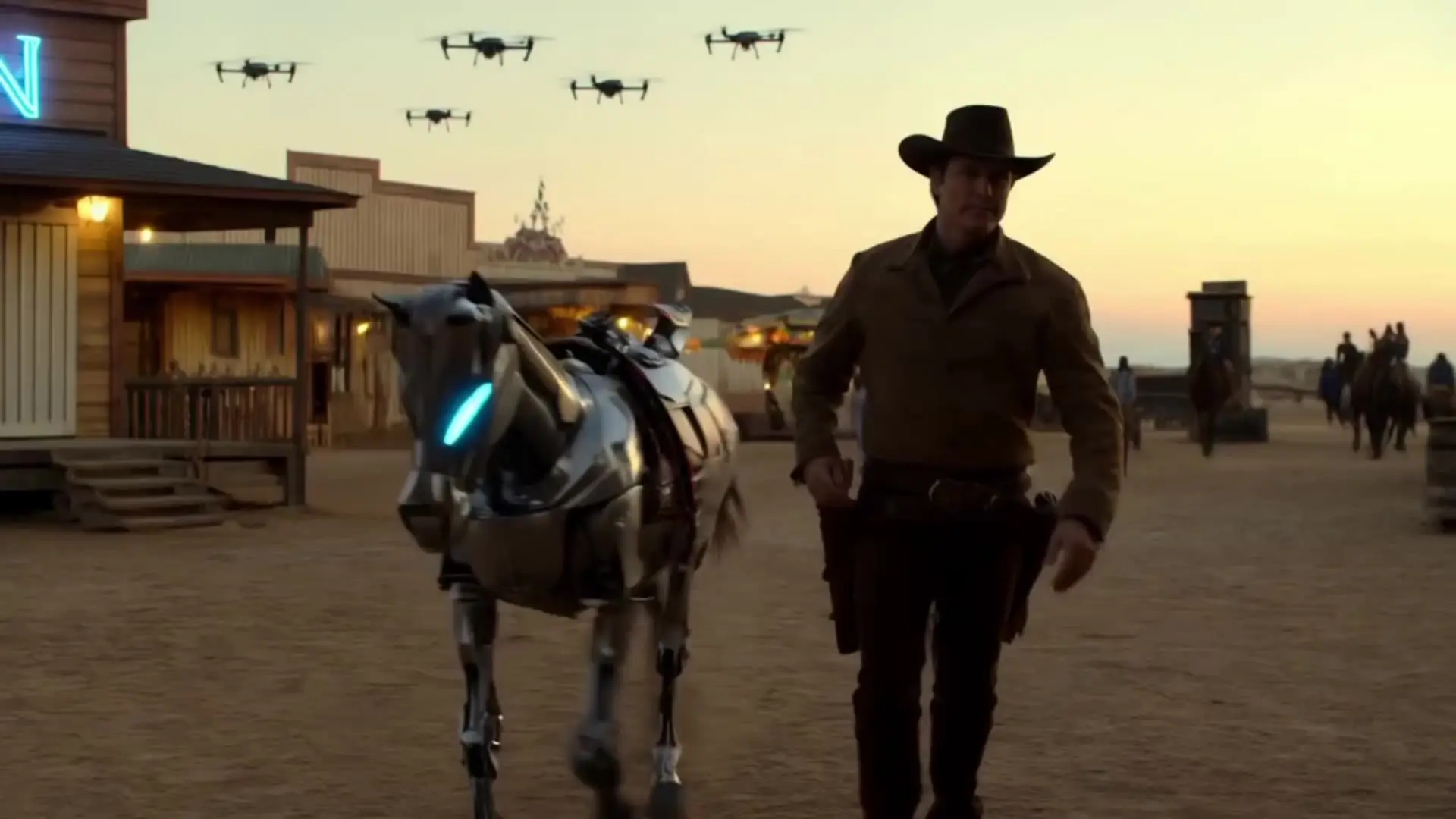
Features smooth scene transitions, natural cuts, and consistent motion.

Seedance 2.5 1080p: Animate stills into sharp, natural 1080p video
Master complex motion, physics, and cinematic effects.

Create fluid, expressive animations with multi-shot storytelling features.

Create lifelike cinematic video clips from prompts with motion control.
MiniMax H3 Max text to video turns a written shot list into a short clip with matching audio, without needing a reference image. It fits marketers, previz artists, and social teams who want motion, camera, and sound from one prompt.
MiniMax H3 Max text to video invents the first frame from text alone and exposes aspect-ratio controls. The image-to-video page locks an opening still and can optionally steer a last frame; pick the text path when framing should come from the brief.
MiniMax H3 Max text to video supports 21:9, 16:9, 4:3, 1:1, 3:4, and 9:16, with 16:9 as the default. Choose the ratio that matches your delivery channel before generating.
MiniMax H3 Max text to video generates 5 to 15 second clips at 480p or 768p. Use 480p for cheaper iteration and 768p for sharper previews; confirm the live options in the RunComfy parameter panel.
Yes. MiniMax H3 Max text to video renders synchronized audio with the picture. Describe ambience, foley, or dialogue in the same prompt so sound and motion stay aligned in one pass.
MiniMax H3 Max text to video offers balanced and quality expansion modes. Balanced returns a quick rewrite; quality spends longer enriching the prompt. Sparse briefs often benefit from quality; detailed shot lists usually work well with balanced.
Yes. Prototype MiniMax H3 Max text to video in the RunComfy Web UI, then reuse the same parameters through the RunComfy API for automation. Hosting and scaling stay on RunComfy's side.
Video costs $0.039 per second at 480p, $0.063 per second at 768p. Note: these are promotional launch rates for a limited time. After the promotion ends, 480p is $0.055/second and 768p is $0.088/second. Generations consume USD or credits; check the Generation section on this page for the current estimate.
RunComfy is the premier ComfyUI platform, offering ComfyUI online environment and services, along with ComfyUI workflows featuring stunning visuals. RunComfy also provides AI Models, enabling artists to harness the latest AI tools to create incredible art.