

kling-2-1/standard/image-to-video
Animate a single image into a smooth video with Kling 2.1 Standard.
MiniMax's MiniMax H3 Fast Reference To Video makes a 5-15 second clip with native audio from a prompt plus up to one reference video and four reference images. MiniMax H3 Fast returns sooner and costs less, but it follows detailed prompt instructions less strictly than the standard MiniMax H3 page. For developers, MiniMax H3 Fast on RunComfy can be used both in the browser and via an HTTP API, so you don't need to host or scale the model yourself.
Ideal for: Draft storyboards | Social clips | Fast iteration
MiniMax H3 Fast bills each resolution below at its own per-second rate. Generation is faster than standard MiniMax H3, and detailed prompt instructions are followed less strictly.
| Parameter | Required | Type | Default | Range / Options | Description |
|---|---|---|---|---|---|
| prompt* | Yes (*) | String | Example prompt | 1 or more characters | Say which reference supplies identity, motion, or style, then describe the shot and sound. |
| reference_images | No | Image list | None | 0-4 images; each URL up to 30 MB | At least one image or one video is required. |
| reference_videos | No | Video list | None | 0-1 video; up to 100 MB | Reference audio is not an input on this page. |
| aspect_ratio | No | String | 16:9 | 21:9, 16:9, 4:3, 1:1, 3:4, 9:16 | Output frame shape. |
| resolution | No | String | 768p | 480p, 768p, 1080p, 2k | References do not add a separate charge. |
| duration | No | Integer | 5 | 5-15 seconds | This is the output length, not the reference video length. |
MiniMax H3 Fast bills generated video by resolution: $0.033 per second at 480p, $0.055 per second at 768p, $0.066 per second at 1080p, and $0.077 per second at 2K. Reference images and a reference video do not add a separate charge on the reference page.
| Resolution | Per second | 5 seconds | 10 seconds | 15 seconds |
|---|---|---|---|---|
| 480p | $0.033 | $0.165 | $0.330 | $0.495 |
| 768p | $0.055 | $0.275 | $0.550 | $0.825 |
| 1080p | $0.066 | $0.330 | $0.660 | $0.990 |
| 2K | $0.077 | $0.385 | $0.770 | $1.155 |
A batch multiplies that total by the number of outputs.
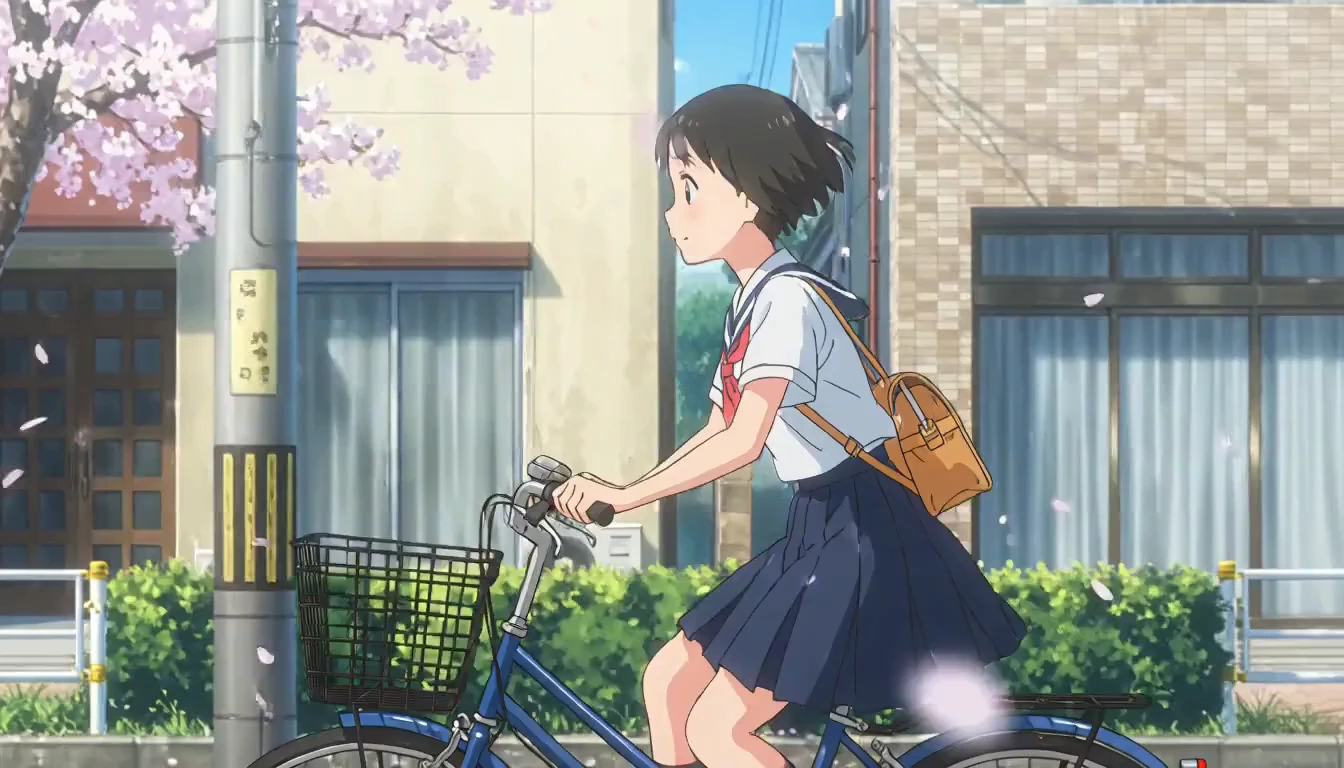
Animate a single image into a smooth video with Kling 2.1 Standard.

Wan 3.0 Text To Video makes cinematic clips from prompts with audio

Turn text prompts into high quality videos with Tencent Hunyuan Video.

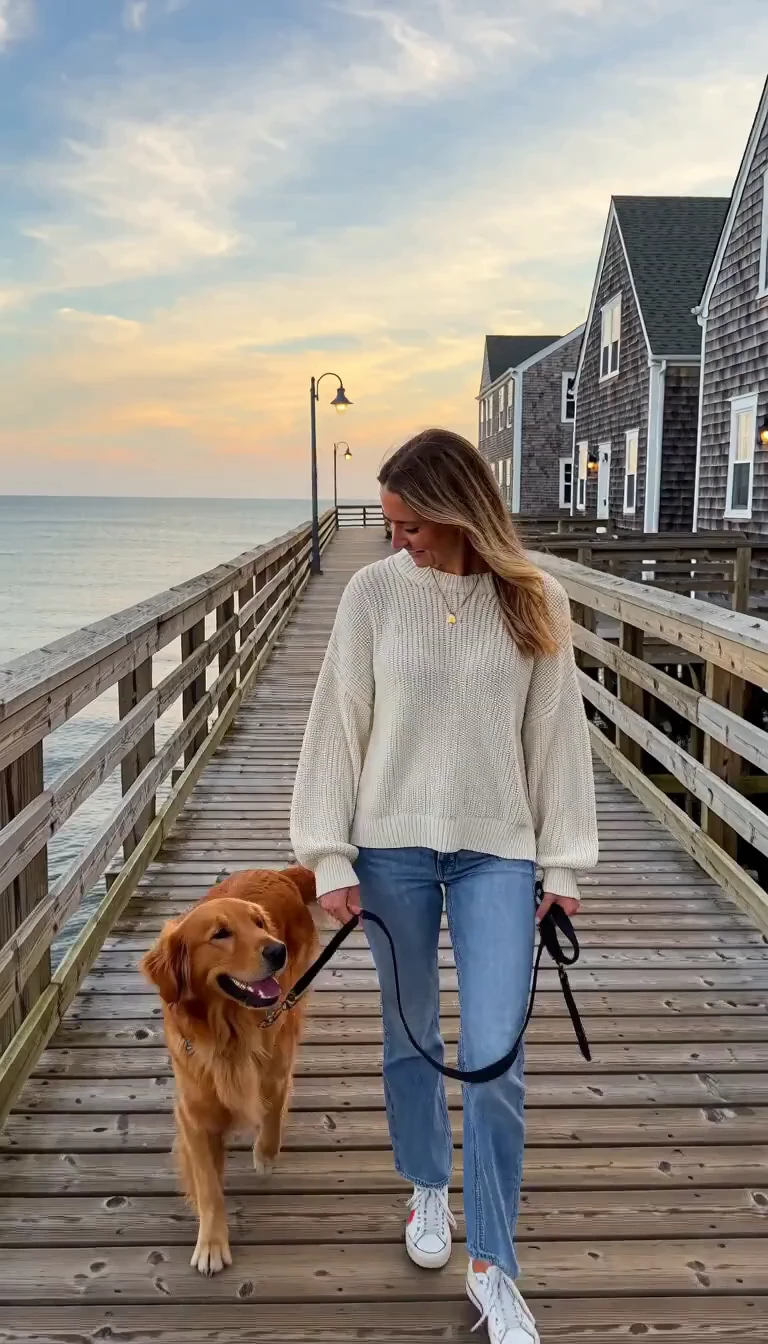
Animate a start image into video with optional native audio

Create identity-stable motions from photos using fast, alignment-free motion retargeting for designers and animators.
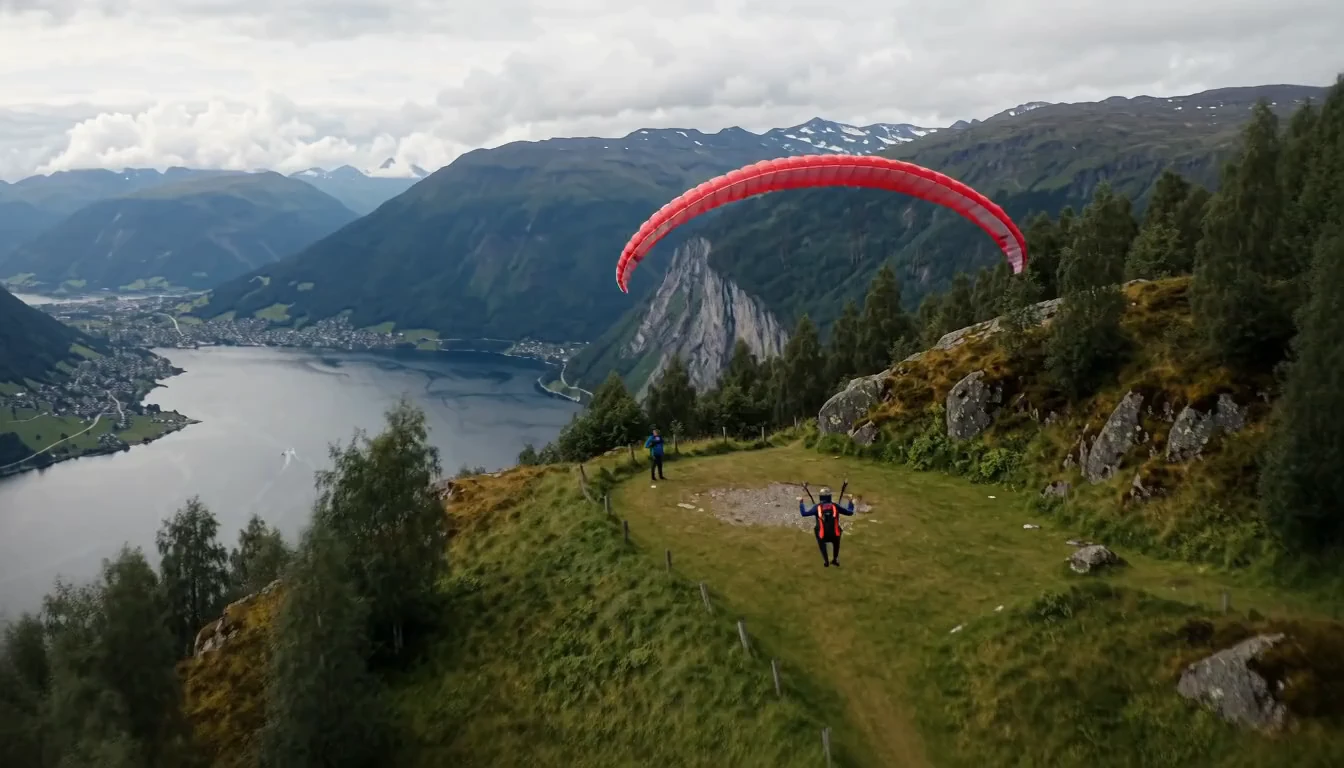
Generate cinematic videos from text prompts with Seedance 1.0.
MiniMax H3 Fast makes a 5-15 second video with native audio from a prompt plus visual references. Use it when a person, product, or motion clip should guide the shot and you want a fast result.
MiniMax H3 Fast is faster than standard MiniMax H3 and follows detailed instructions less strictly. Say what each reference is for, then add one action. Competing style notes are more likely to be ignored.
MiniMax H3 Fast accepts up to four reference images and at most one reference video, and you need at least one of those. Each image URL may be up to 30 MB, and the video may be up to 100 MB. Reference audio is not an input.
No. MiniMax H3 Fast still costs $0.033 per second at 480p, $0.055 at 768p, $0.066 at 1080p, and $0.077 at 2K. The reference files themselves are not billed separately on this page.
Yes. MiniMax H3 Fast includes audio in the output even though you cannot upload a reference audio file. Describe the sound in the prompt, and expect looser adherence than on standard MiniMax H3.
Use MiniMax H3 Fast when you can accept looser prompt following in exchange for speed and a lower rate. Use standard MiniMax H3 when you also need reference audio or stricter instruction following.
MiniMax H3 Fast costs $0.033 per second at 480p, $0.055 at 768p, $0.066 at 1080p, and $0.077 at 2K. A 5-second clip is $0.165, $0.275, $0.330, or $0.385 at those sizes. A 10-second clip is $0.330, $0.550, $0.660, or $0.770. A 15-second clip is $0.495, $0.825, $0.990, or $1.155. Reference images and a reference video do not add a separate charge. Generations spend USD credits, and new accounts usually receive a trial balance.
Yes. Build the shot in the Playground Web UI, then send the same MiniMax H3 Fast model and parameters over the RunComfy HTTP API. The page does not promise a fixed queue time or unlimited concurrency.
RunComfy is the premier ComfyUI platform, offering ComfyUI online environment and services, along with ComfyUI workflows featuring stunning visuals. RunComfy also provides AI Models, enabling artists to harness the latest AI tools to create incredible art.