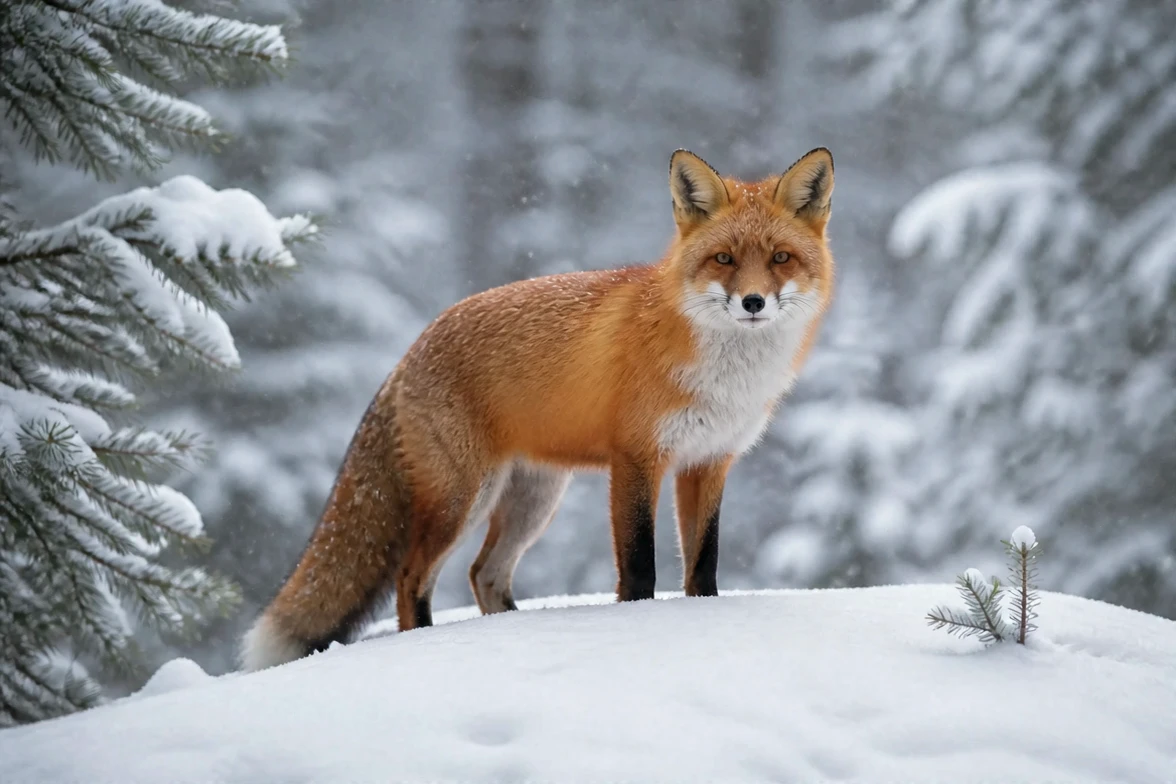
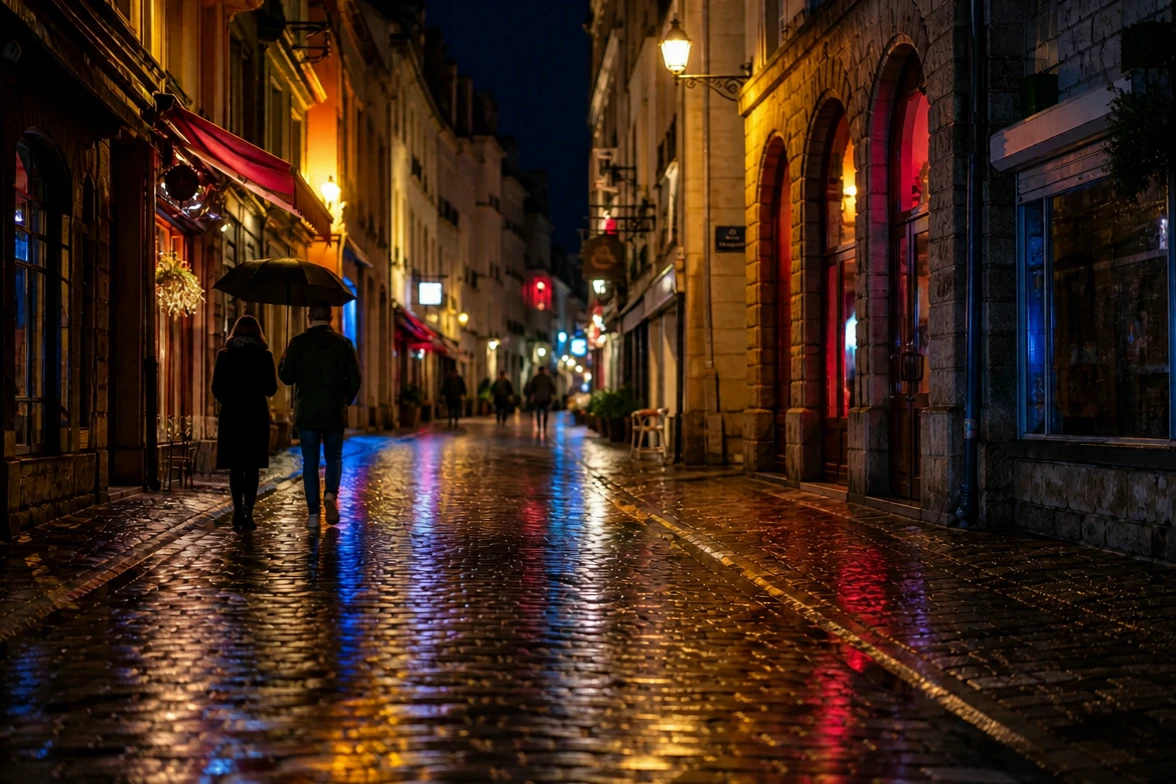
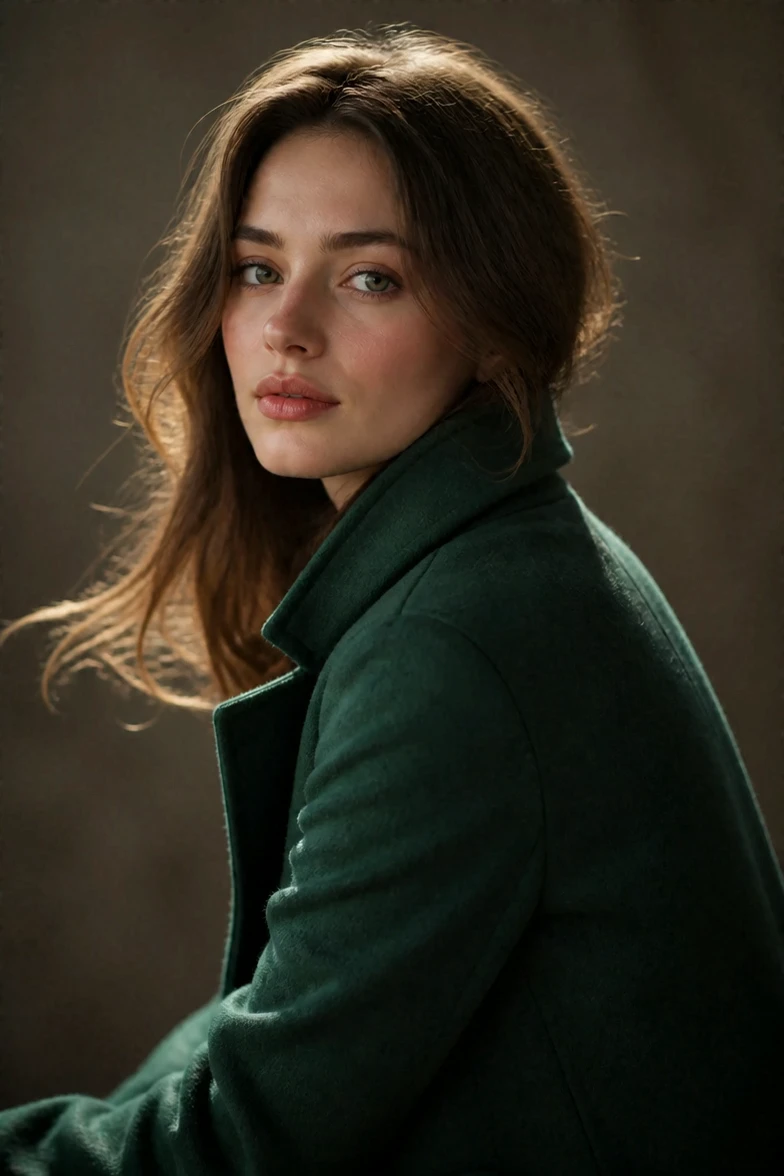
wan-2-6/image-to-video
Turn still visuals into motion-synced, high-detail video content with flexible control.
Wan 3.0 Text To Video reads a plain-language description and returns a short cinematic clip. You describe the subject, action, camera, and light; the model composes the shot, drives the motion, and can add matching audio in one pass.
This page covers the text-only endpoint of the Wan 3.0 family. There is no image to upload, so it is a fast way to explore an idea, block out a scene, or produce a finished short shot from words alone.
| Parameter | Required | Type | Default | Range / Options | Description |
|---|---|---|---|---|---|
| prompt* | Yes (*) | string | - | - | Scene, subject, action, camera, lighting, and motion. |
| resolution | No | string | 720p | 480p, 720p, 1080p | Output resolution tier. |
| aspect_ratio | No | string | 16:9 | 16:9, 9:16, 1:1, 4:3, 3:4, adaptive | Output aspect ratio. |
| duration | No | integer | 5 | 2-30 | Output length in seconds. |
| prompt_extend | No | boolean | true | true / false | Auto-expand prompt; off can shorten wait. |
| enable_audio | No | boolean | true | true / false | Include a synchronized audio track. |
| seed | No | integer | random | 0-2147483647 | Seed for reproducible results. |
Pricing depends on the chosen resolution: $0.049 per second at 480p, $0.099 per second at 720p, and $0.199 per second at 1080p. Enabling or disabling audio does not change the rate.
Turn still visuals into motion-synced, high-detail video content with flexible control.
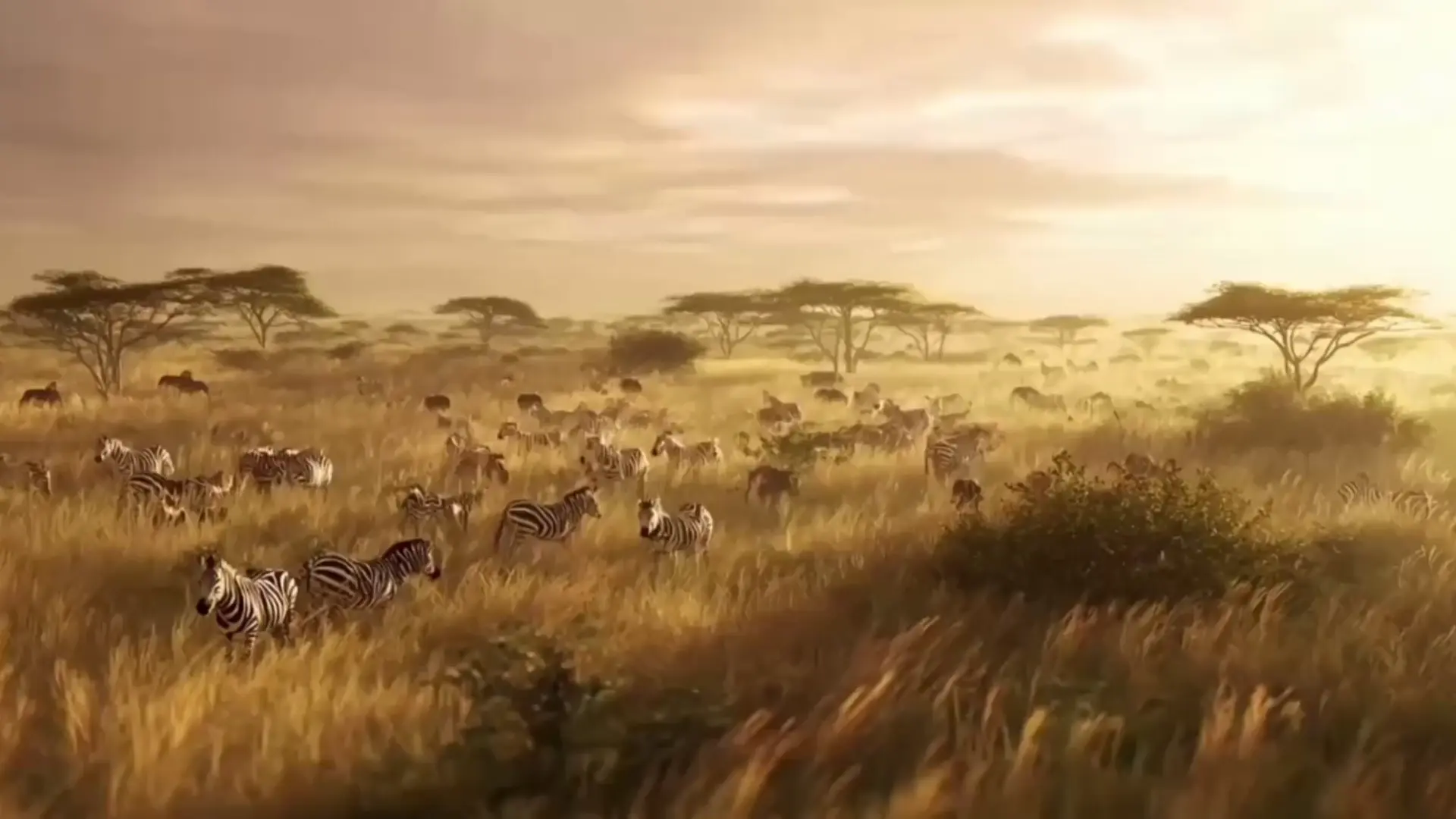
Create lifelike video motion fast with Seedance Pro for design pros
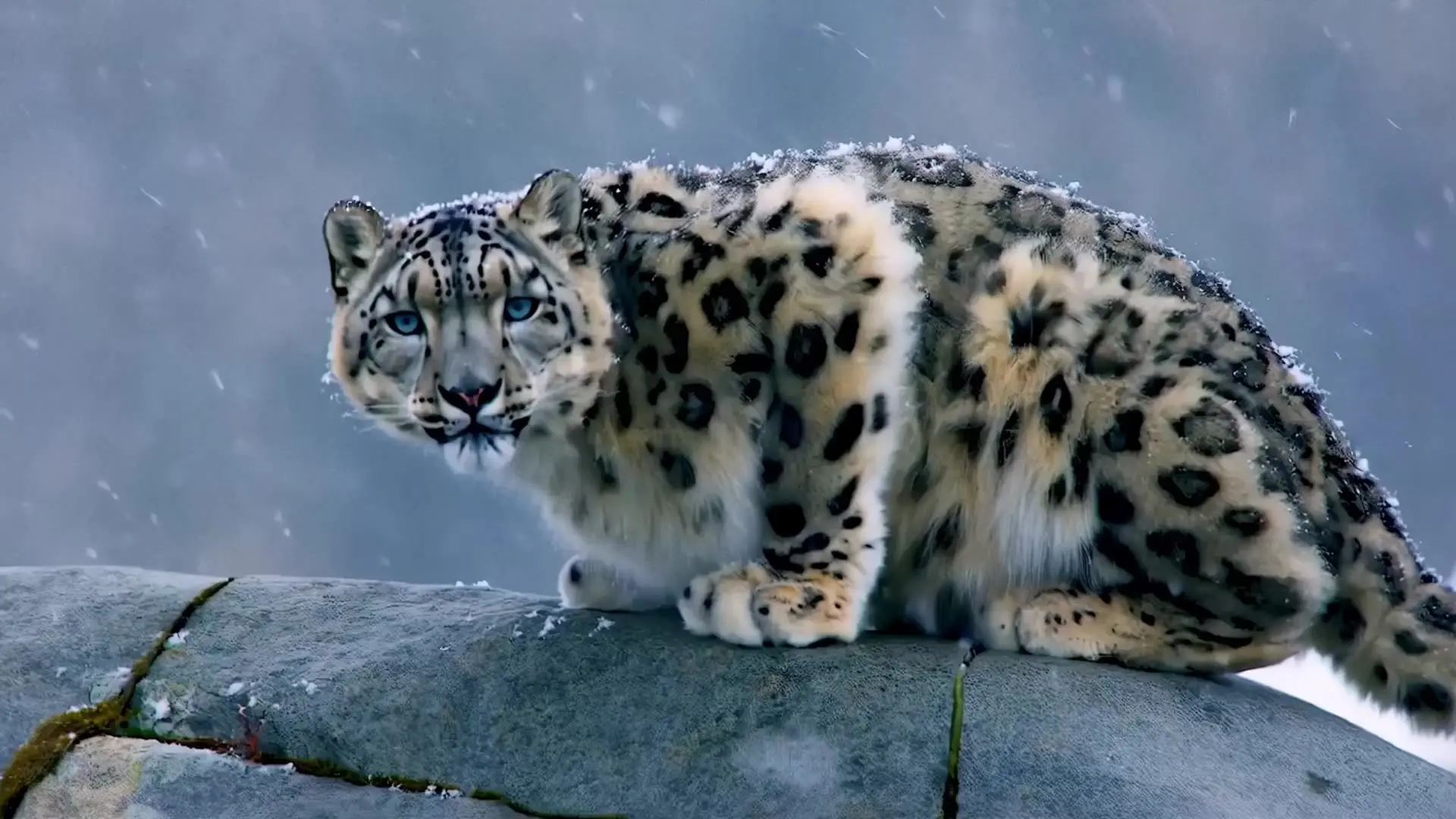
Lifelike characters, realistic physics, and stunning effects.

Craft lifelike video scenes from stills with motion, dialogue sync, and flexible creative control.

Animate a controlled transition between chosen first and last frames.

Swap regions in a video using a mask, text, or reference image.
Wan 3.0 Text To Video generates a short cinematic clip directly from a written prompt, with no reference image required. It is useful for concept previsualization, ad and promo shots, and social video, letting you visualize an idea in minutes from words alone.
The text-to-video endpoint starts from a prompt only, so the model composes the whole scene, while the image-to-video endpoint animates a specific first frame you supply. Choose Wan 3.0 Text To Video when you want the model to invent the framing, and image-to-video when you already have the opening shot.
Wan 3.0 Text To Video follows structured prompts that name the subject, action, camera move, and lighting, and it produces coherent, film-like motion. Clear, concrete prompts with a single camera direction per shot generally give the most predictable results.
It supports 480p, 720p, and 1080p output, duration from 2 to 30 seconds, and aspect ratios including 16:9, 9:16, 1:1, 4:3, and 3:4. Use 480p for quick drafts and 1080p for delivery; check the RunComfy panel for the exact current limits.
Yes. Wan 3.0 Text To Video can generate a synchronized audio track with the video, and you can disable audio for a silent export. Enabling or disabling audio does not affect the price.
When prompt expansion is on, Wan 3.0 Text To Video may rewrite your prompt for richer scene detail before generation. Turning it off can shorten wait time if your prompt is already precise; it is on by default.
Yes. You can prototype Wan 3.0 Text To Video in the RunComfy model UI and then call the same model through the RunComfy HTTP API with the same parameters. This makes it straightforward to move from browser testing to an automated production workflow.
Generations consume usd or credits based on resolution and duration: $0.049 per second at 480p, $0.099 per second at 720p, and $0.199 per second at 1080p. New users usually receive a free trial amount to test Wan 3.0 Text To Video first.
RunComfy is the premier ComfyUI platform, offering ComfyUI online environment and services, along with ComfyUI workflows featuring stunning visuals. RunComfy also provides AI Models, enabling artists to harness the latest AI tools to create incredible art.