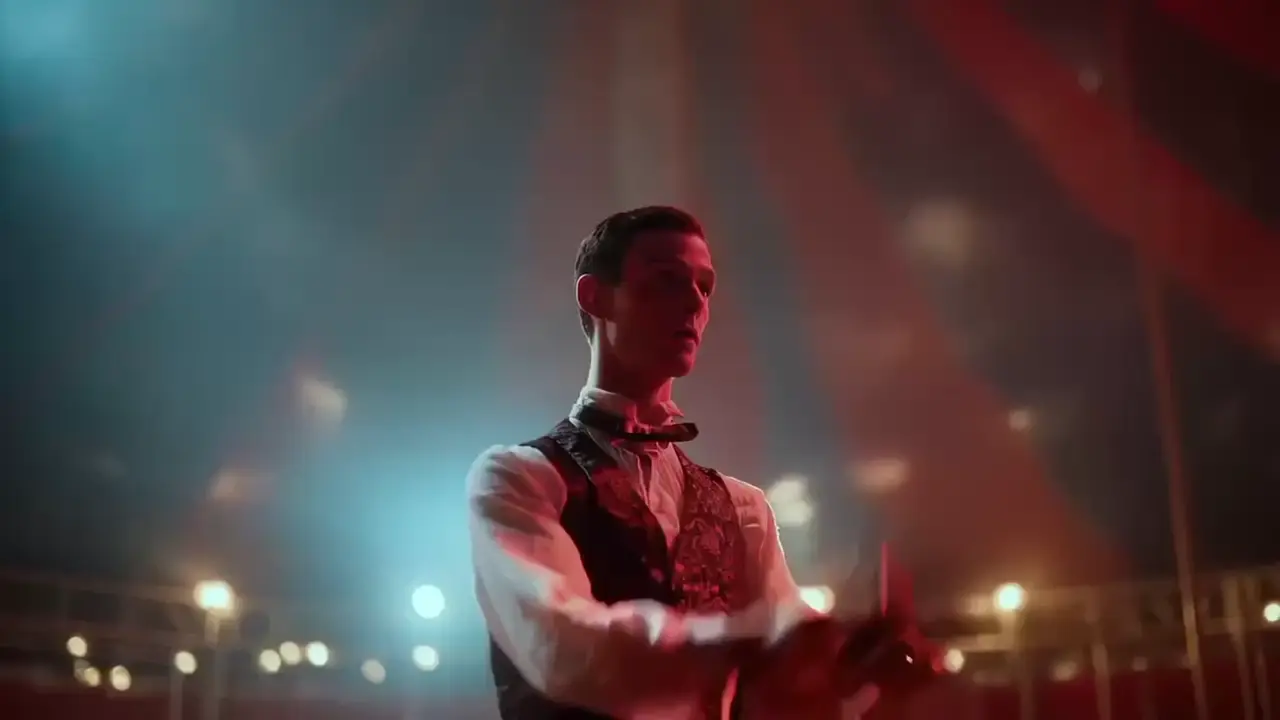
hailuo-02/image-to-video
Produces crisp 1080p AI videos with smart motion logic and speed
Begin with a crisp still image that defines subject and composition. Supply additional reference images via image_urls and describe motion, camera path, and timing in the prompt using explicit tokens like @Image1 or @Element1. Kling O1 Reference to Video interprets references in order, so map identities clearly and state what must remain unchanged. Choose duration 5 or 10 and set aspect_ratio to match target delivery. Kling O1 Reference to Video benefits from concrete verbs for motion and clear spatial anchors to avoid ambiguity.
Examples:
Pro tips:
Note: Try the model in the RunComfy playground for video-to-video: Kling O1 Video Edit.
Produces crisp 1080p AI videos with smart motion logic and speed
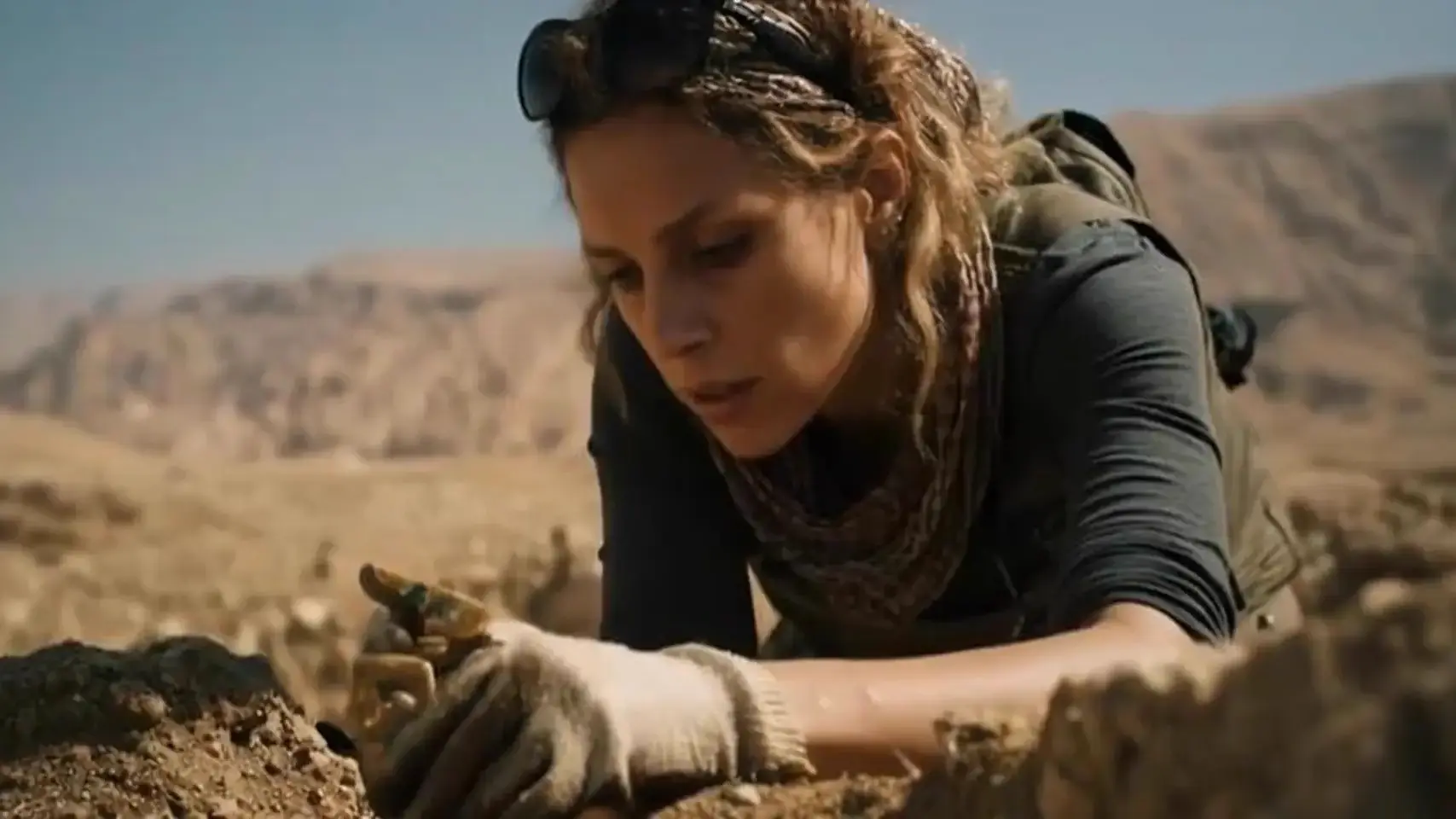
Create expressive AI videos from prompts with smooth motion and vivid detail.

Generate cinematic visuals with MoE precision and creative control.

Cinematic 4K text-to-video at $0.47 per second of output.
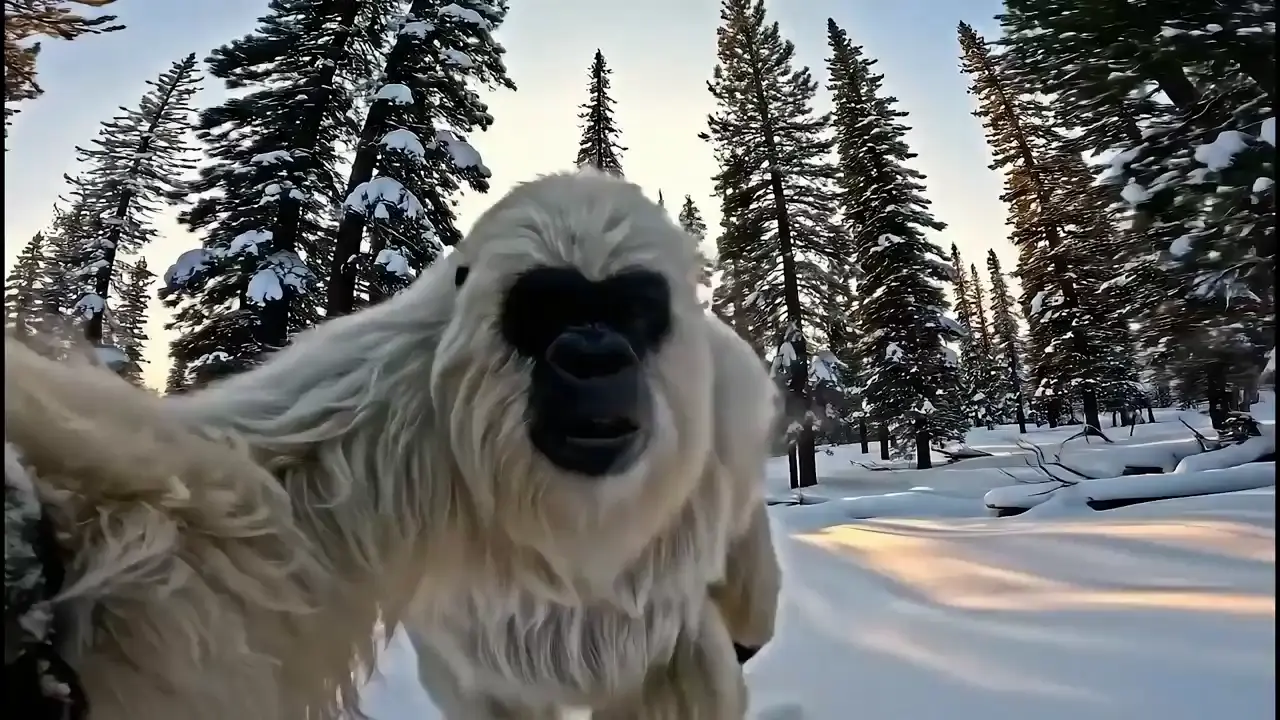
Create fast, audio-enhanced visuals from text prompts

MiniMax H3 Max: text or image to video with native audio at 480p/768p
Kling O1 Reference to Video is a specialized mode of the Kling O1 multimodal AI model that enables creators to generate new cinematic shots based on a short reference video. It uses advanced image-to-video processing to preserve motion, continuity, and camera style while extending or transforming scenes.
Kling O1 Reference to Video allows users to upload a 3–10 second reference clip along with optional images and text prompts. Through its unified image-to-video pipeline, it produces consistent new sequences that match the visual and motion patterns of the input material.
Kling O1 Reference to Video supports multimodal editing, enabling users to insert subjects, apply style changes, or generate next-shot continuity. Its image-to-video capabilities include preserving camera movement, keeping audio if desired, and maintaining character consistency within generated footage.
Access to Kling O1 Reference to Video requires using credits on Runcomfy’s AI playground. New users typically receive free credits to try the image-to-video model, after which usage depends on the platform’s credit policy listed under the Generation section.
Kling O1 Reference to Video is ideal for filmmakers, advertisers, social media creators, and design studios seeking to produce consistent or extended shots from reference material. The model’s image-to-video generation is particularly useful for maintaining quality continuity in sequences or campaigns.
Unlike prior versions that separated text-to-video and image-to-video tasks, Kling O1 Reference to Video uses a unified multimodal model that supports seamless editing and generation in one workflow. It offers better motion accuracy, subject fidelity, and camera-style preservation than most competing systems.
Kling O1 Reference to Video accepts .mp4 or .mov files as input, ranging from 720 to 2160 pixels, with a maximum size of 200MB. This flexibility ensures that image-to-video tasks maintain high resolution and efficient rendering for cinematic output.
Yes, Kling O1 Reference to Video offers an option to retain the original audio from the reference video. This feature enhances the realism of its image-to-video results and is popular for creative continuity in storytelling and advertising projects.
Kling O1 Reference to Video works best with short, high-quality clips of 3–10 seconds. While it excels in image-to-video sequence generation, complex scenes with many unsynced visual elements may require multiple reference inputs for optimal consistency.
Kling O1 Reference to Video is available on Runcomfy’s AI playground website, which supports both desktop and mobile browsers. Users can start image-to-video projects after logging in and allocating their platform credits accordingly.
RunComfy is the premier ComfyUI platform, offering ComfyUI online environment and services, along with ComfyUI workflows featuring stunning visuals. RunComfy also provides AI Models, enabling artists to harness the latest AI tools to create incredible art.