flux-3/first-last-frame-to-video/draft
FLUX 3 Draft FLF: Fast start-end frame video previews at 720p
This is Kuaishou's flagship O3-generation text-to-video model, tuned for final-render fidelity. Send a single written description of the scene and the model returns a 5 or 10 second clip with physics-aware motion, controlled framing, and an optional matching audio track.
It fits teams that need broadcast-grade footage from natural language — no shoot day, no compositing pass, no model hosting.
| Parameter | Required | Type | Default | Range / Options | Description |
|---|---|---|---|---|---|
| prompt* | Yes (*) | string | — | Free text | Scene description covering subject, action, camera, lighting, and mood. |
| aspect_ratio | No | string | 16:9 | 16:9, 9:16, 1:1 | Output frame ratio. |
| duration | No | integer | 5 | 5, 10 | Clip length in seconds; billing scales linearly. |
| sound | No | boolean | false | true / false | Generate matching synchronized audio with the video. |
| shot_type | No | string | customize | customize, intelligent | Editing mode; intelligent auto-decides scope, customize follows the prompt. |
| multi_prompt | No | array | [] | Up to 20 segments | Additional prompt segments with per-segment duration to drive scene transitions. |
| element_list | No | array | [] | Up to 7 IDs | Kling Elements reference IDs that should stay consistent across the clip. |
Kling Video O3 Pro Text To Video bills per second of generated output on RunComfy. Enabling sound adds roughly 25% to the per-second rate.
| Mode | Rate per second |
|---|---|
| Without sound | $0.112 |
| With sound | $0.140 |
Estimated cost per generation
| Duration | Without sound | With sound |
|---|---|---|
| 5 s | $0.56 | $0.70 |
| 10 s | $1.12 | $1.40 |
FLUX 3 Draft FLF: Fast start-end frame video previews at 720p

Add a person or object into an existing video with smart compositing.
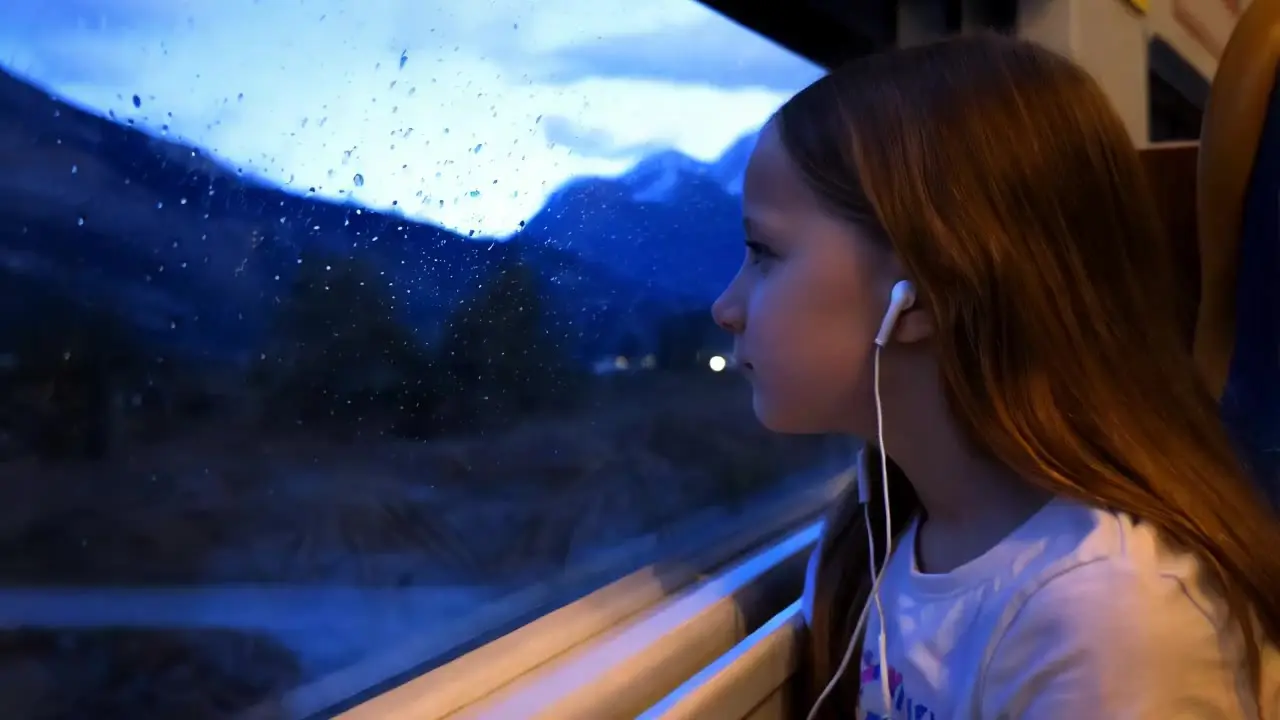
Generate high quality videos from text prompts using Kling 1.6 Pro.

HappyHorse 1.0 Video Edit on Alibaba edits an input video with text instructions and reference images for style transfer, local replacement, and outfit swaps.

Create expressive AI videos from prompts with smooth motion and vivid detail.

Cinematic 4K image-to-video at $0.419 per second of output.
Kling Video O3 Pro Text To Video is Kuaishou's flagship text-to-video model, tuned for cinematic 5 or 10 second renders from a single prompt. It is a strong fit for hero brand films, premium social spots, and concept reels where physics-aware motion, controlled lighting, and broadcast-grade composition matter.
Kling Video O3 Pro Text To Video targets the highest fidelity in the O3 family, with stronger detail, motion coherence, and lighting control suited to final renders. The Standard tier offers a lower per-second price for drafts and high-volume iteration, based on publicly available information.
Yes — Kling Video O3 Pro Text To Video has a sound toggle that synthesizes matching ambient audio and effects in the same generation pass. Sound is off by default and adds roughly 25% to the per-second rate when enabled.
Kling Video O3 Pro Text To Video reads structured prompts well — subject, action, camera move, lighting era, and mood all influence the result. Use multi-prompt segments for scene progression and an element list to keep specific characters, props, or styles consistent across the clip.
Kling Video O3 Pro Text To Video supports 16:9, 9:16, and 1:1 aspect ratios for cinema, vertical social, and square placements. Clip duration is 5 or 10 seconds; pricing scales linearly with the selected length. Check the current RunComfy parameter panel for the exact limits.
Only the prompt field is required; aspect_ratio, duration, sound, shot_type, multi-prompt, and element_list are optional. Please follow Kuaishou's content usage policies when crafting prompts, and check the RunComfy panel for any provider-side limits that may apply.
Yes — prototype Kling Video O3 Pro Text To Video in the RunComfy model UI, then call the same model from your backend over the RunComfy HTTP API with identical parameters. No GPU hosting or model scaling work is required on your side.
Kling Video O3 Pro Text To Video bills $0.112 per second of output without sound and $0.140 per second with sound, so a 5-second silent clip is $0.56 and a 10-second clip with sound is $1.40. Generations are deducted from your RunComfy usd / credit balance, and new users typically receive a free trial amount to test.
RunComfy is the premier ComfyUI platform, offering ComfyUI online environment and services, along with ComfyUI workflows featuring stunning visuals. RunComfy also provides AI Models, enabling artists to harness the latest AI tools to create incredible art.