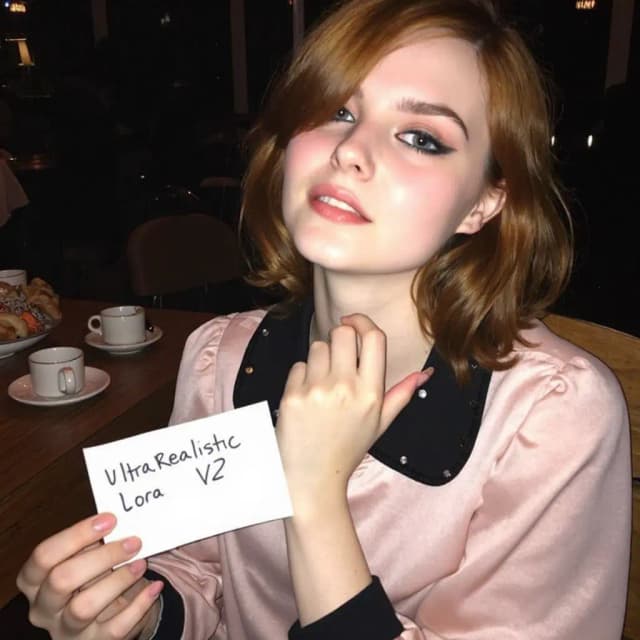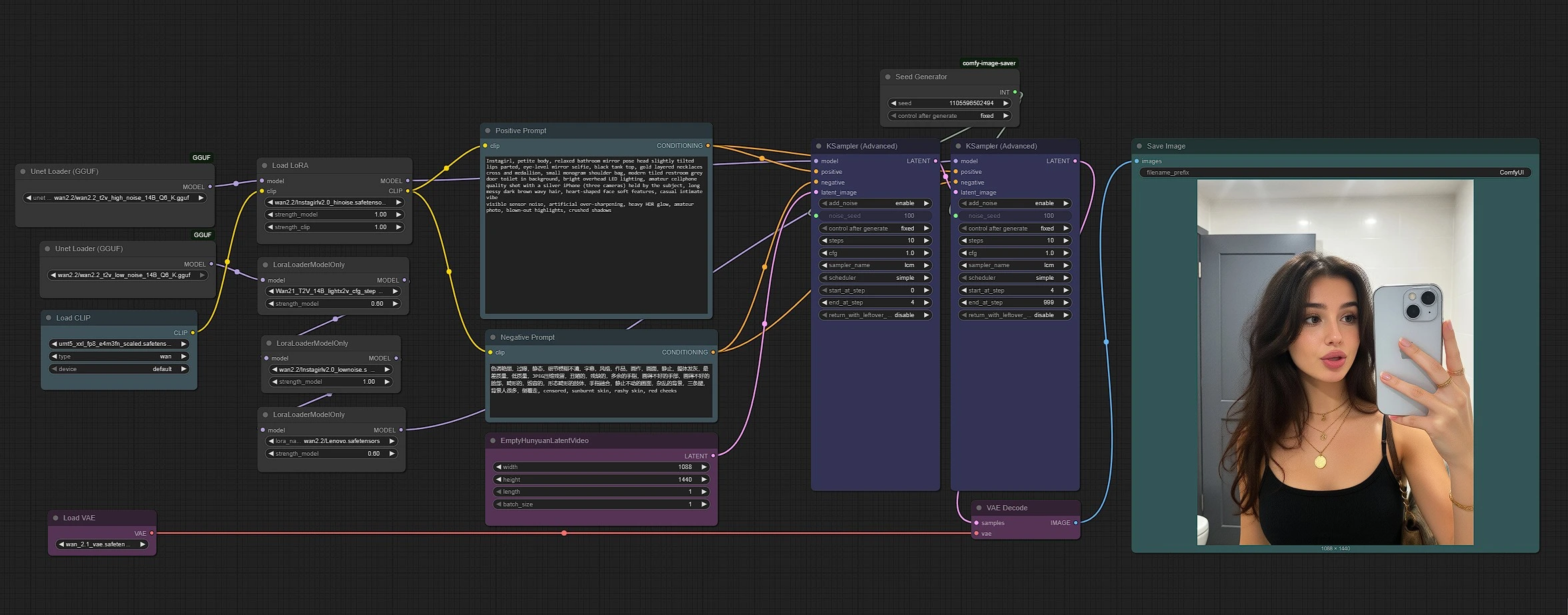
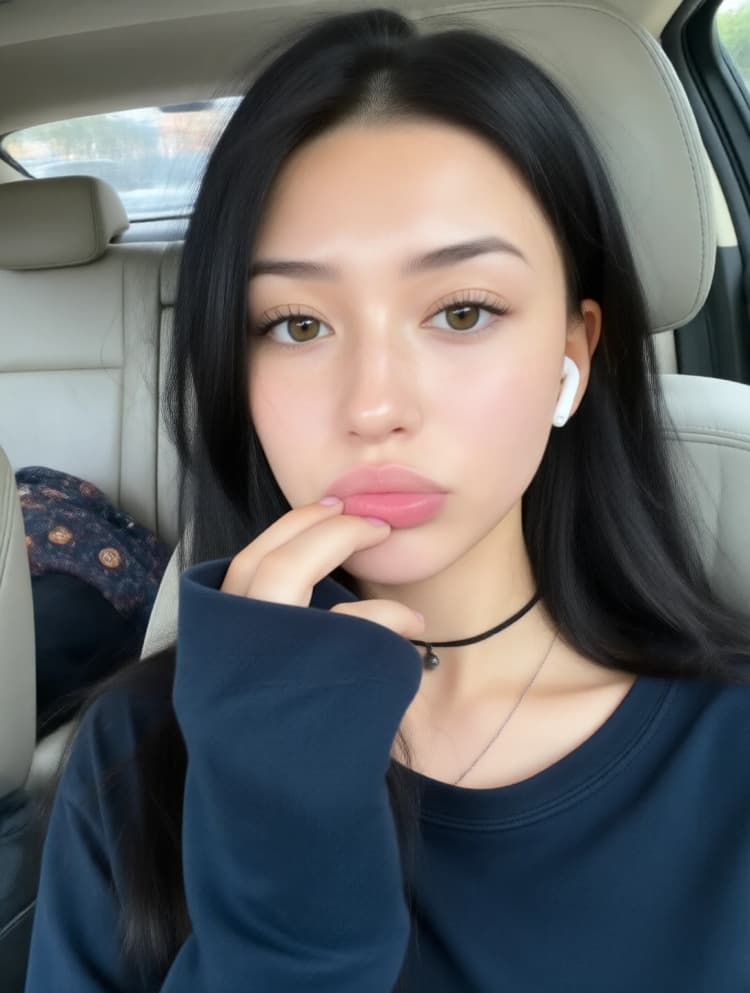
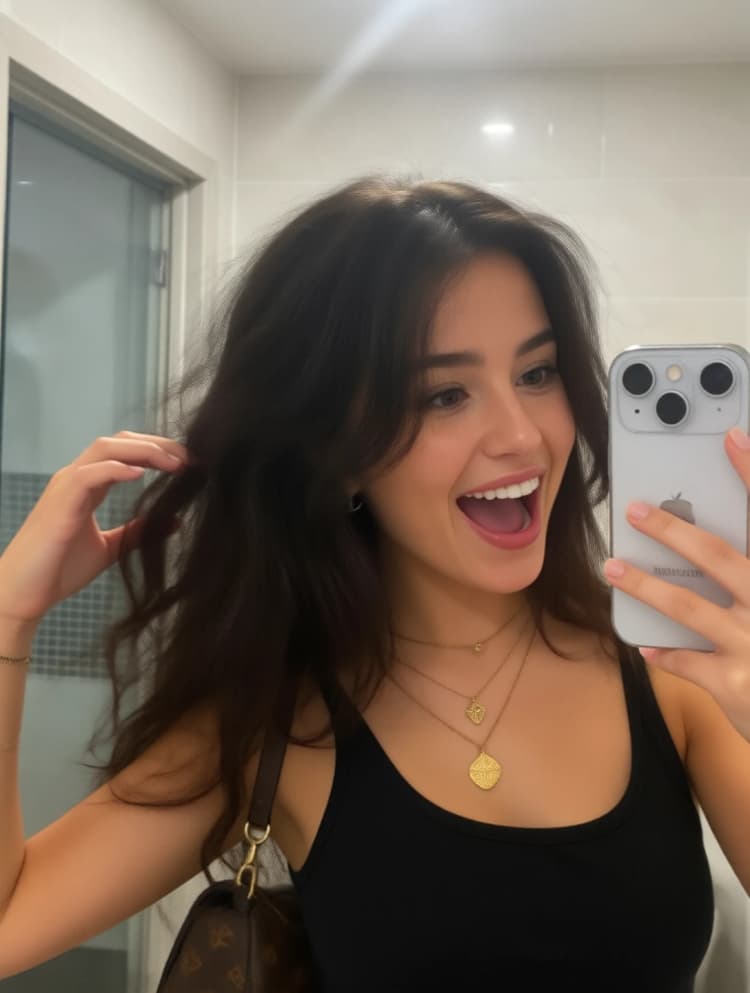
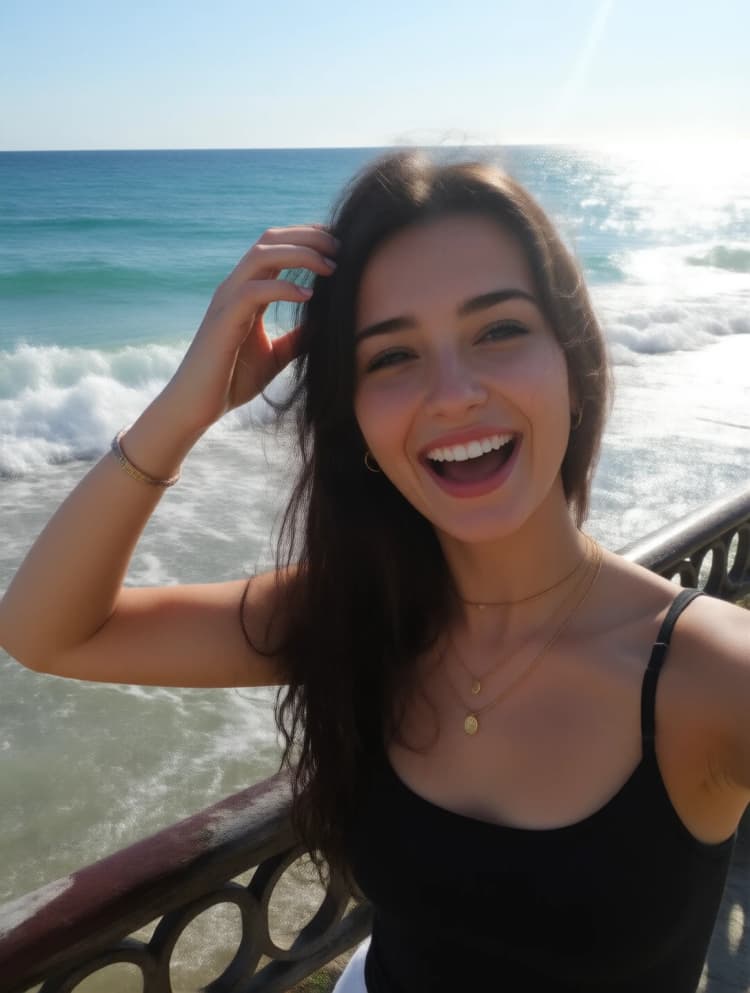
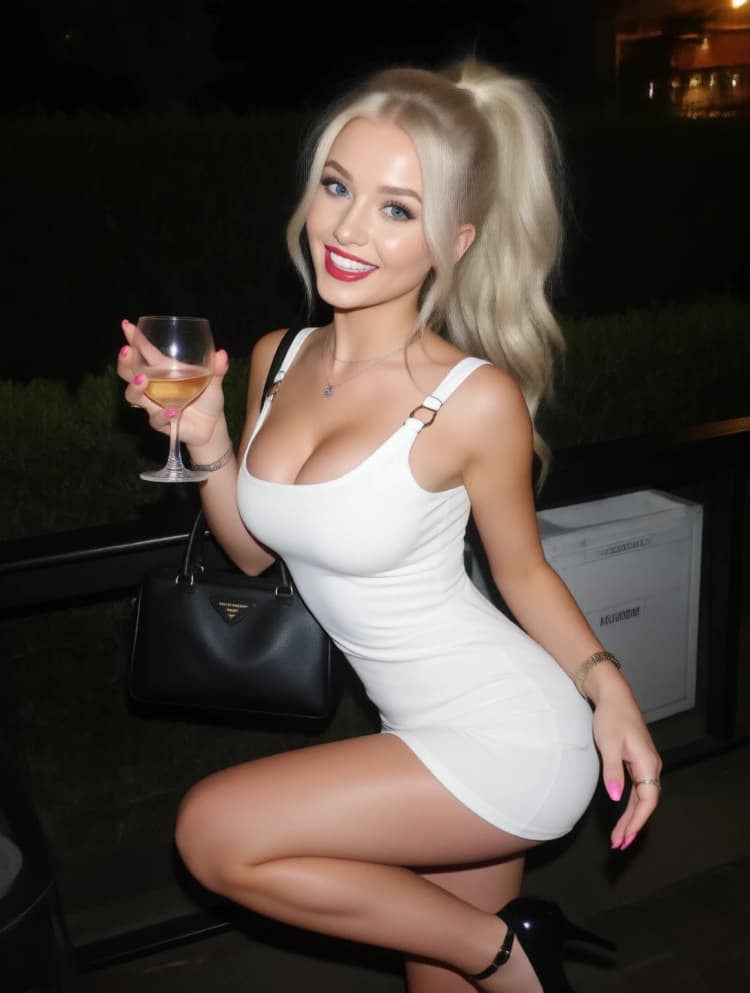
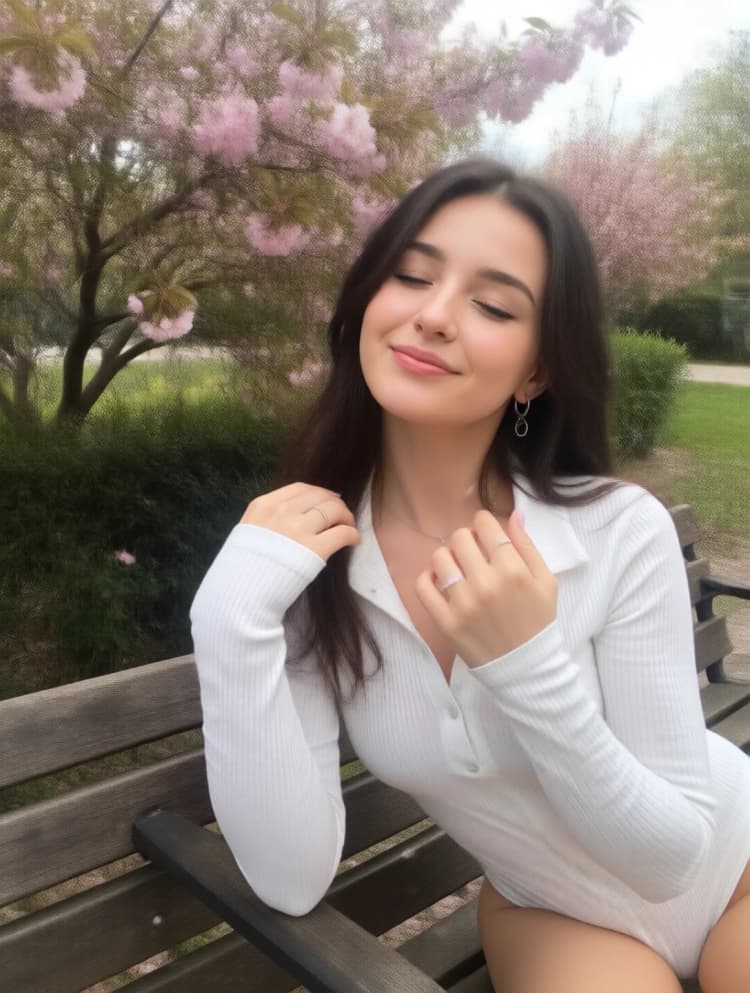
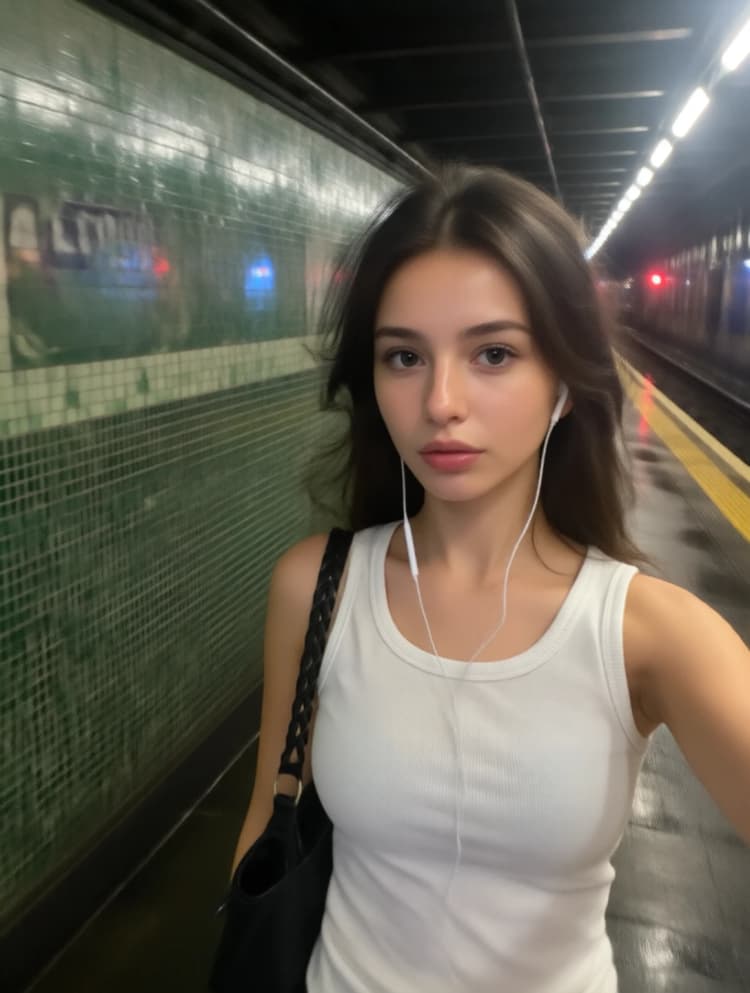
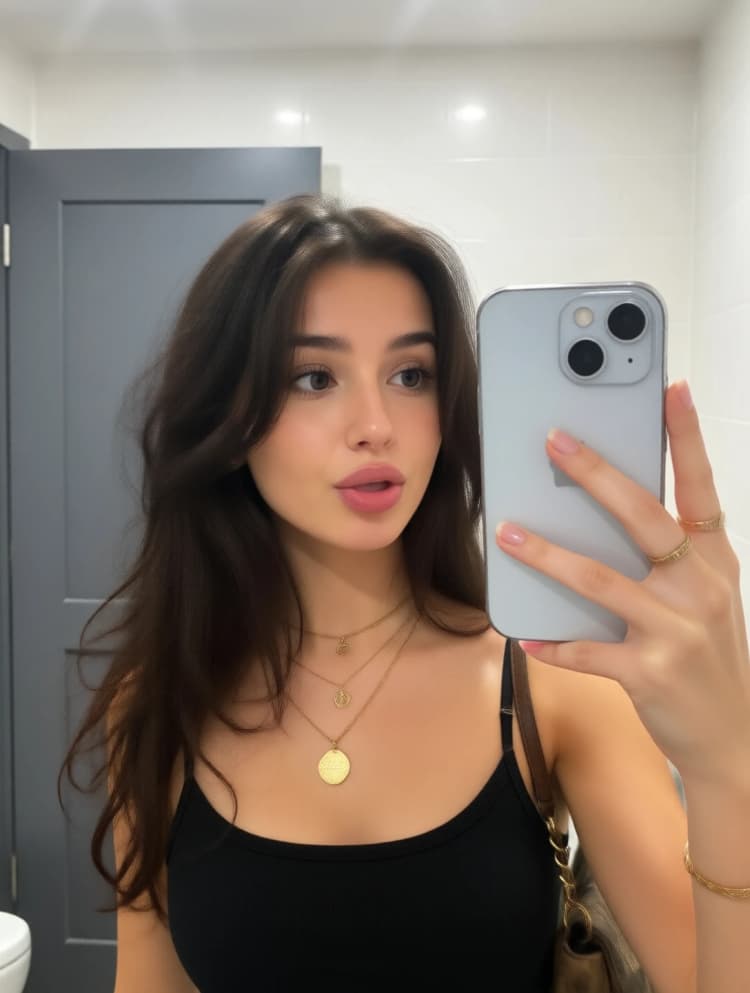
What is the Instagirl Workflow?#
The Instagirl ComfyUI workflow showcases the Instagirl Wan 2.2 LORA by Instara, seamlessly integrated with the Wan 2.2 image generation model. It's like having a professional portrait photographer's expertise built directly into your workflow. You get that cinematic, Instagram-worthy aesthetic without the complex setup.
This Instagirl Wan 2.2 workflow leverages Wan 2.2's advanced diffusion technology combined with the specialized Instagirl LORA to deliver consistent, high-fidelity portraits. What makes Instagirl Wan 2.2 special? It's pre-tuned for that polished, professional look that typically requires hours of fine-tuning, but now works right out of the box.
Key Features and Benefits of Instagirl Wan 2.2#
Pre-integrated LORA: The Instagirl Wan 2.2 LORA comes already applied and optimized, eliminating the guesswork of manual integration and strength adjustments.
Wan 2.2 Foundation: Built on Wan 2.2's advanced diffusion architecture for exceptional image fidelity and style preservation in every Instagirl Wan 2.2 generation.
Instant Setup: Plug-and-play Instagirl Wan 2.2 workflow with auto-downloaded models. Just load and start creating professional portraits immediately.
Creative Control: Full prompt flexibility while maintaining the signature Instagirl Wan 2.2 aesthetic, perfect for both photorealistic and stylized results.
How to Use Instagirl Wan 2.2 in ComfyUI#
Model Loading#
- The Instagirl Wan 2.2 workflow automatically downloads all required models on first run
- Allow 2-3 minutes for initial setup - no manual configuration needed
- Once downloaded, Instagirl Wan 2.2 generation starts immediately on subsequent uses
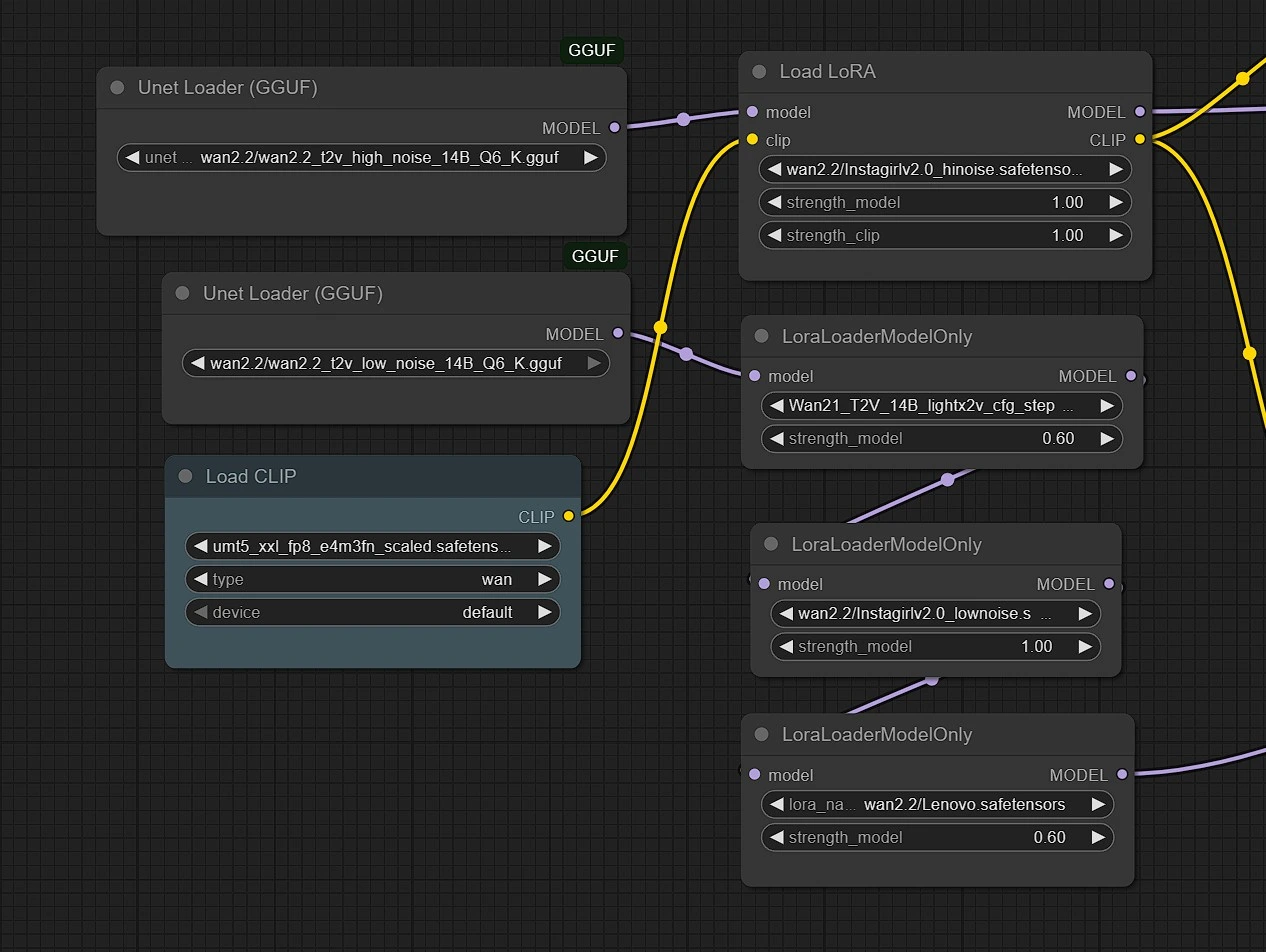
Craft Your Prompts#
- Enter your positive prompts in the CLIP Text Encode node for Instagirl Wan 2.2:
- Focus on portrait descriptions and lighting details
- The Instagirl Wan 2.2 LORA automatically enhances facial features and styling
- Example:
beautiful young woman, cinematic lighting, ultra detailed, 8k
- Add negative prompts to avoid unwanted elements in your Instagirl Wan 2.2 generation:
- Common negatives:
blurry, low quality, distorted face, extra limbs
- Common negatives:
Generate and Save#
- Configure your sampler settings for quality vs. speed balance in Instagirl Wan 2.2
- Hit
Runto generate your Instagirl Wan 2.2 portrait - Images automatically save to your
comfyui/outputsdirectory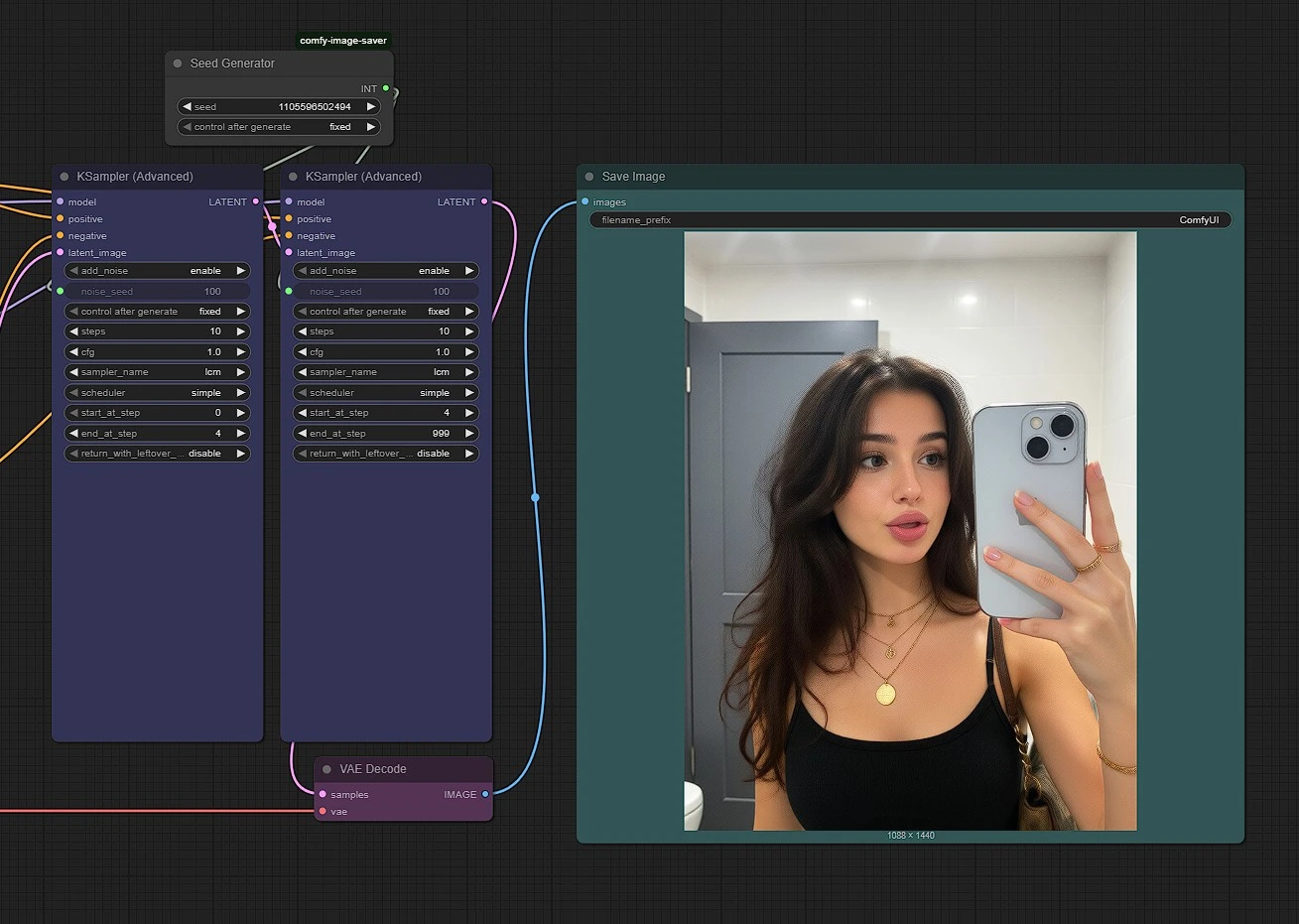
Essential Settings for Instagirl Wan 2.2
- Sampler Configuration: Pre-optimized settings work best for Instagirl Wan 2.2 - adjust steps for quality vs. speed preference
- Output Format: Auto-detects best format for your Instagirl Wan 2.2 system
- Batch Generation: Keep batch_size at 1 for optimal Instagirl Wan 2.2 quality
Acknowledgement#
This Instagirl Wan 2.2 ComfyUI workflow integrates the Instagirl LORA by Instara with the Wan 2.2 foundation model. Special recognition to Instara for developing this specialized Instagirl Wan 2.2 portrait LORA and to the Wan 2.2 development team for their advanced diffusion architecture. The Instagirl Wan 2.2 workflow implementation follows best practices for LORA integration, ensuring authentic performance for portrait generation.
More Resources About Instagirl Wan 2.2#
Explore additional resources and documentation related to Instagirl Wan 2.2